Crop PDF

Crop PDF pages online to remove extra margins, blank space, unwanted borders, and distracting areas. Upload your PDF, let the tool process it, and save a cleaner file.

or drag and drop a PDF file

Free and Unlimited
No Signup Required
Save Time
No Ads

How to Crop PDF

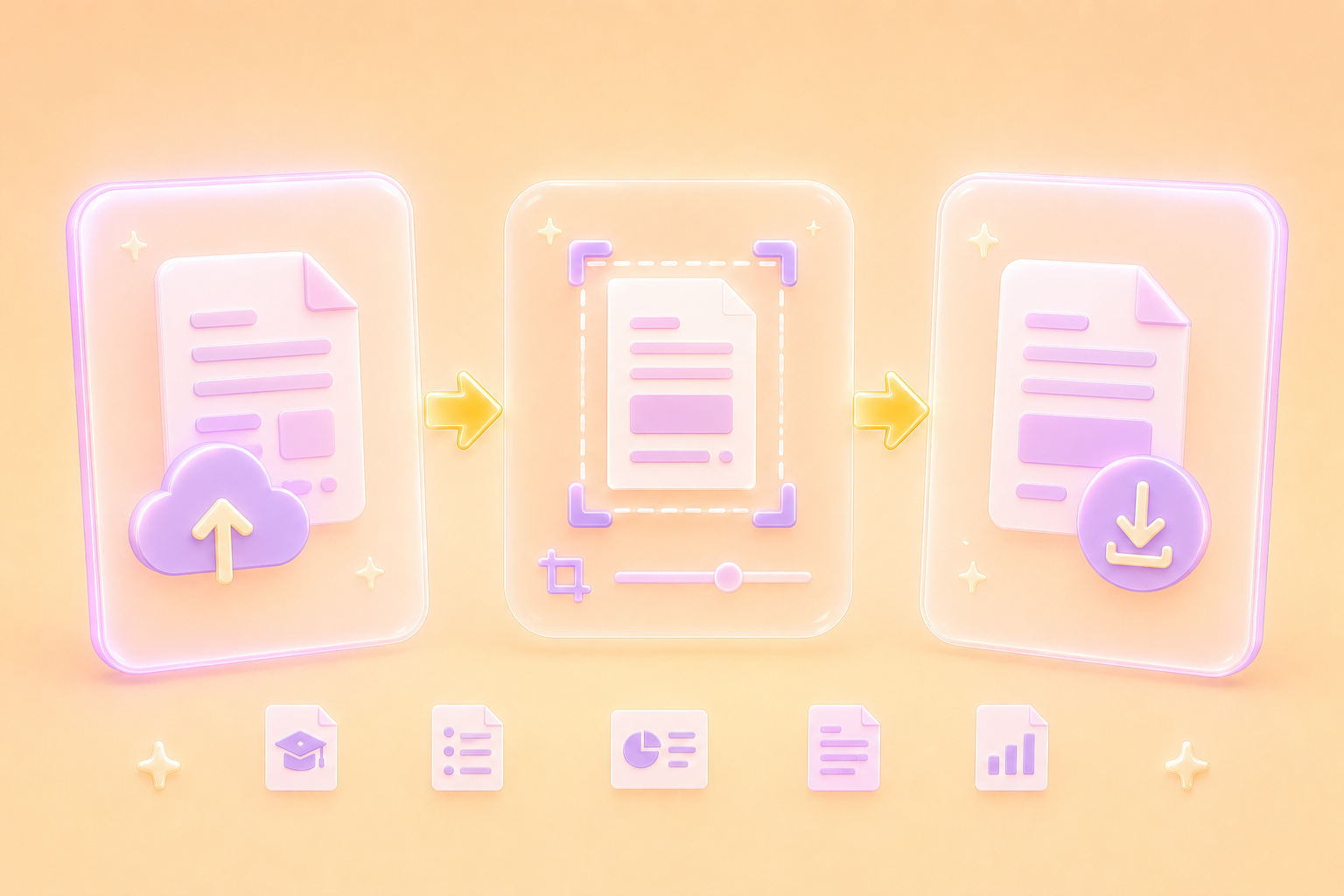
  1. Step 1: Upload Your File to Crop PDF

    Choose the PDF file you want to crop, such as a scanned document, worksheet, report, form, slide export, or page with extra white space.

  2. Step 2: Let the Tool Crop PDF Pages

    The tool processes your PDF and helps remove unnecessary page areas, including wide margins, blank borders, and unwanted outer space.

  3. Step 3: Save Your Crop PDF Result

    Download the cropped PDF and use it for printing, sharing, uploading, reading, archiving, school assignments, or office documents.

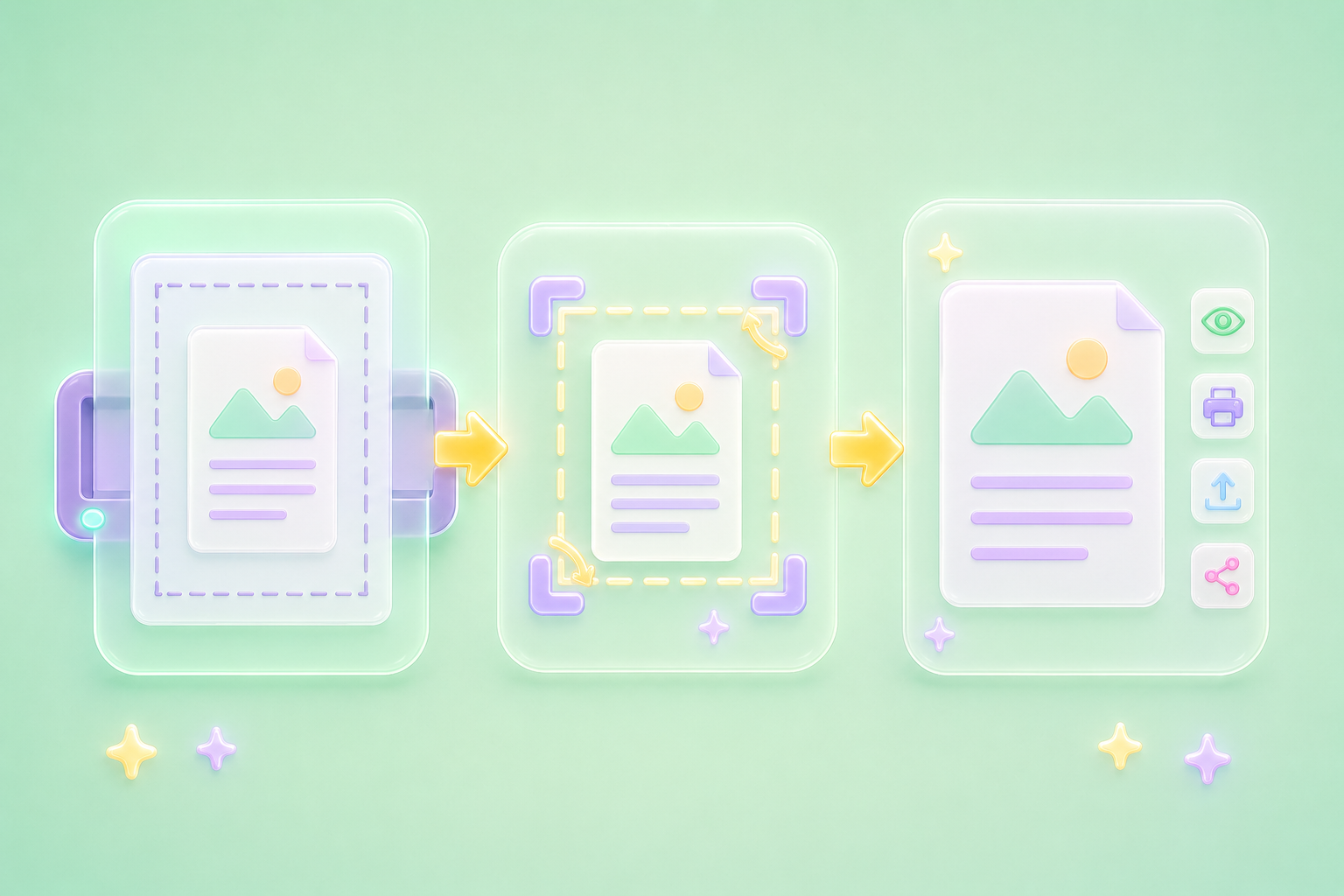
Crop PDF Removes Extra Margins that Waste Space

Crop PDF Removes Extra Margins that Waste Space

PDF files often include wide margins, blank borders, scanner edges, or extra page space that makes documents harder to read and less professional. Crop PDF helps clean up those unnecessary areas so the important content is easier to view, print, upload, and share. It is useful for students, office workers, and general users working with scanned pages, forms, reports, worksheets, and presentation exports.
Crop PDF Now
Crop PDF Makes Scanned Documents Easier to Read

Crop PDF Makes Scanned Documents Easier to Read

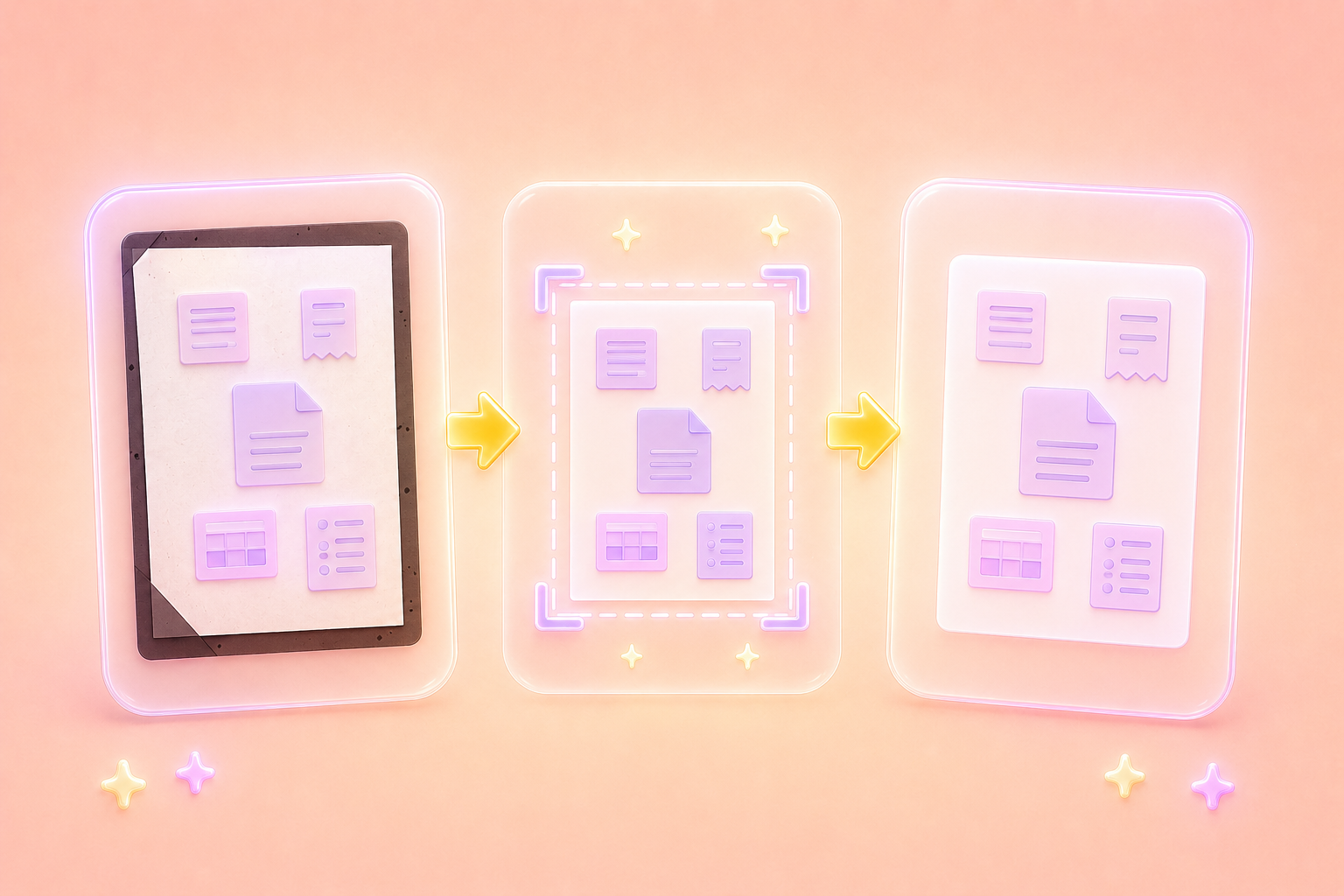
Scanned PDFs can include dark edges, uneven borders, desk background, or empty areas around the actual document. Crop PDF helps focus the page on the content that matters, making scanned notes, receipts, contracts, worksheets, and forms look cleaner. This reduces distractions when reviewing, submitting, printing, or sending files to classmates, teachers, clients, or coworkers.

Clean Scanned PDF
Crop PDF Prepares Files for Printing and Sharing

Crop PDF Prepares Files for Printing and Sharing

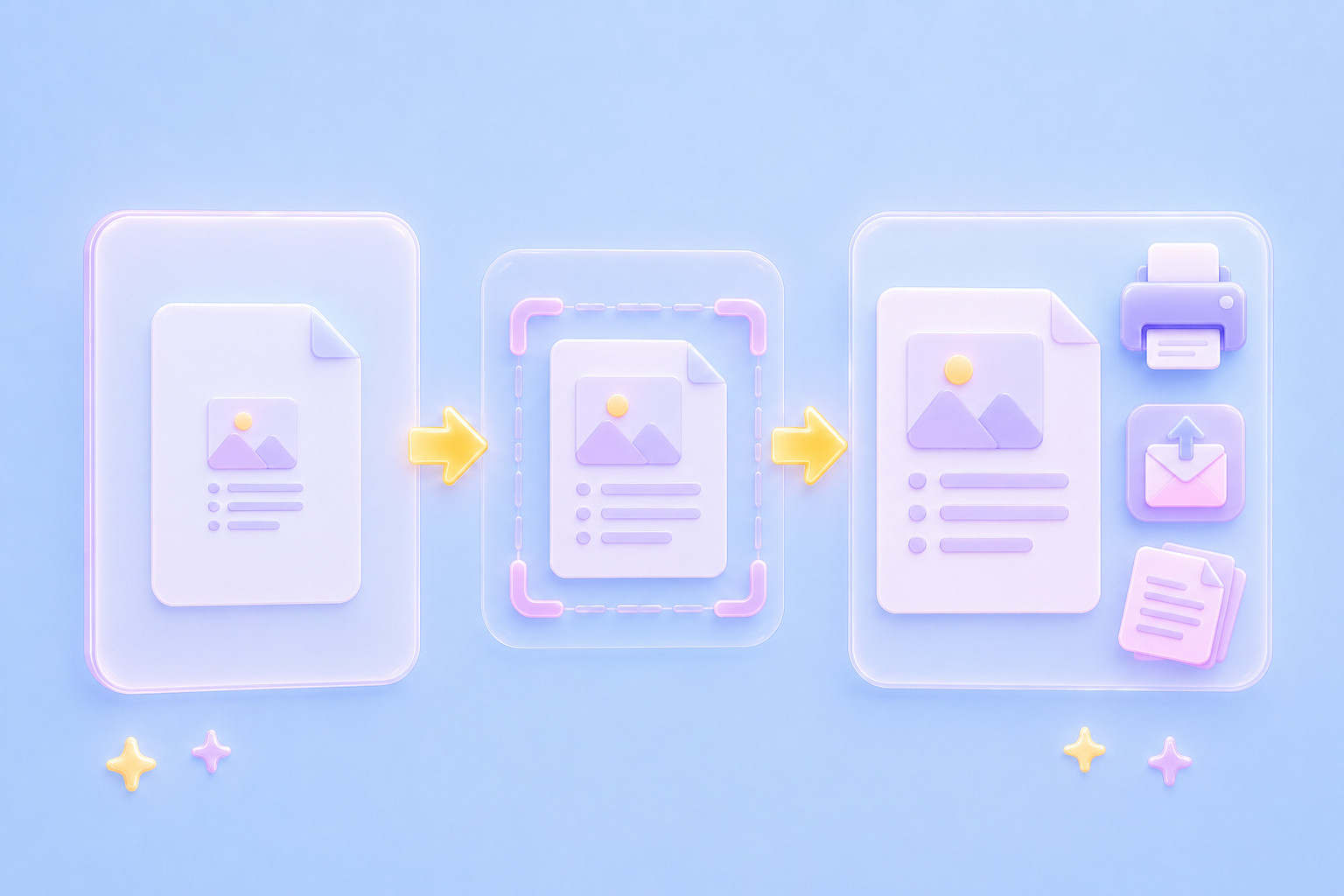
Extra margins and blank page areas can make printed PDFs look smaller than expected or waste paper space. Crop PDF helps prepare cleaner pages for printing, emailing, uploading, and sharing. Whether you are submitting homework, sending a business form, preparing a report, or organizing study materials, a cropped PDF can look more focused and easier to handle.

Prepare PDF File
Crop PDF Keeps the Editing Workflow Simple

Crop PDF Keeps the Editing Workflow Simple

You should not need a complex PDF editor just to trim page borders. The workflow is simple: upload the PDF, let the tool process it, then save the cropped result. Crop PDF helps general users, office workers, and students clean up files quickly for assignments, forms, presentations, scanned notes, reports, and everyday document tasks.

Start Cropping

Crop PDF Customer Stories

Real results from people using Crop PDF for cleaner documents

Michael Turner

I had scanned contract pages with dark borders and extra blank space. Crop PDF helped me clean the file before sending it to the team.

Michael Turner

Operations Coordinator

Emily Carter

My lecture notes had huge margins after scanning. Crop PDF made the pages easier to read and better for uploading to my study folder.

Emily Carter

College Student

Sarah Bennett

I needed to submit a form, but the PDF had extra borders from the scanner. Crop PDF helped me create a cleaner version for upload.

Sarah Bennett

Administrative Assistant

Crop PDF Questions, Answered

01

What does crop PDF mean?

Crop PDF means trimming the visible page area of a PDF to remove margins, blank borders, scanner edges, or unwanted outer space around the content.

02

Can I crop PDF online?

Yes. You can crop PDF online by uploading your file, letting the tool process the pages, and saving the cropped PDF for printing, sharing, or uploading.

03

Is there a crop PDF online free option?

Yes. A crop PDF online free option can help you clean up scanned pages, remove extra margins, and prepare PDFs for school, office, or personal use.

04

How to crop a PDF for printing?

Upload the PDF, crop the extra margins or blank areas, then save the result. This helps the page content appear cleaner and more focused when printed.

05

Will Crop PDF change my text content?

Crop PDF is designed to trim the visible page area, not rewrite your document text. Review the output before sharing to make sure no important content was cropped out.