WebP to PNG Converter

Convert WebP images to PNG for documents, presentations, uploads, editing tools, and apps that do not support WebP files.

or drag and drop an image file

Free and Unlimited
No Signup Required
Save Time
No Ads

How to Use WebP to PNG Converter

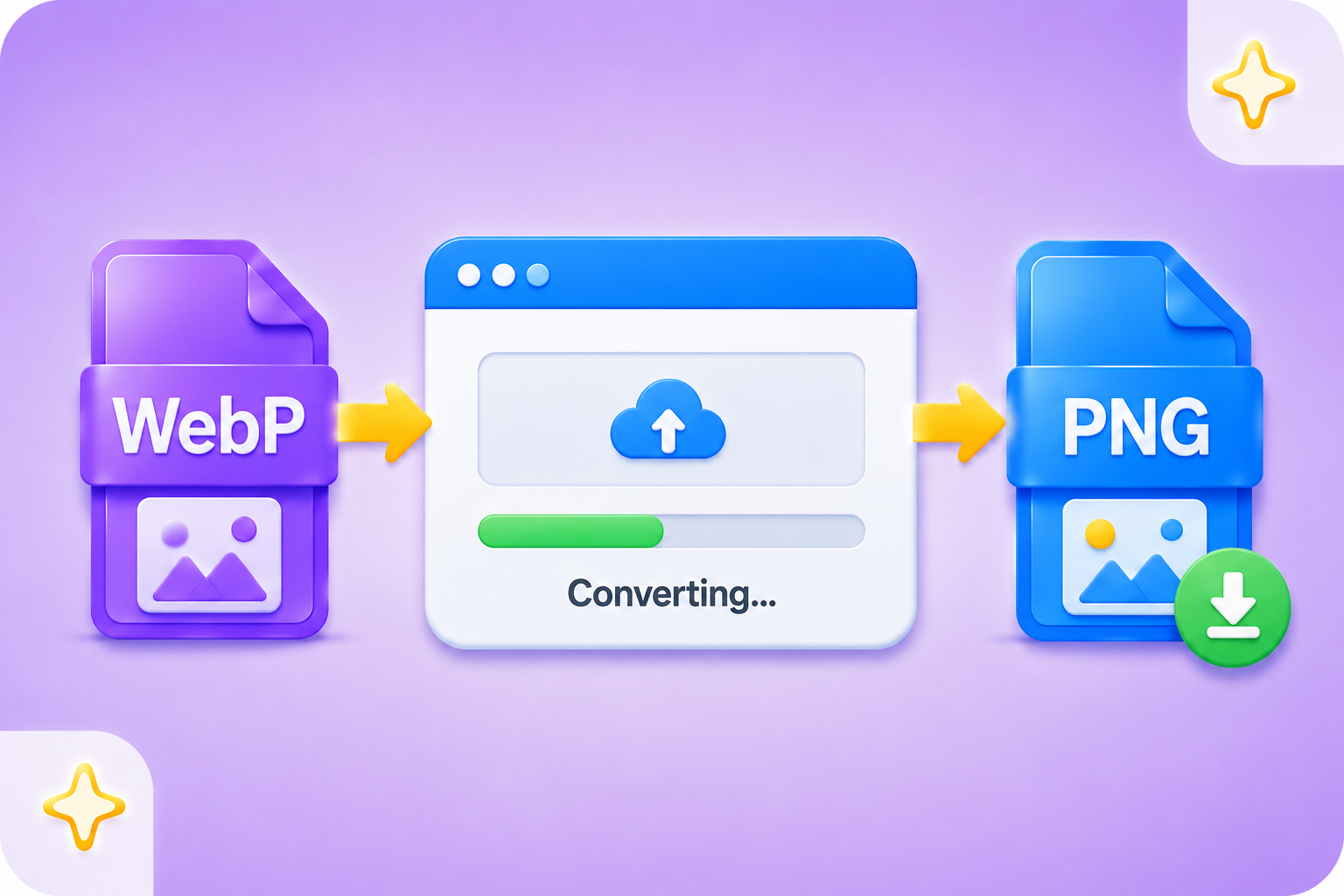
  1. Step 1: Upload Your WebP Image

    Upload your WebP image from your device. The tool reads the source file and prepares it for PNG conversion.

  2. Step 2: Convert WebP to PNG

    Start the WebP to PNG conversion. The tool changes your WebP file into a PNG image that is easier to use in more apps and document workflows.

  3. Step 3: Download Your PNG Image

    Download the converted PNG file and use it in documents, slides, image editors, school projects, office materials, or upload platforms.

Fix WebP Compatibility via WebP to PNG

Fix WebP Compatibility via WebP to PNG

WebP files are common on websites, but they may not open correctly in older apps, document tools, school systems, or office workflows. WebP to PNG helps you change a WebP image into a PNG file that is easier to open, edit, insert, and share. It is useful when a downloaded image cannot be used in the software or platform you need.
Convert to PNG
Add Web Images to Documents Using WebP to PNG

Add Web Images to Documents Using WebP to PNG

Images saved from websites often come in WebP format, which can interrupt reports, slides, worksheets, and forms. WebP to PNG gives office workers, students, and general users a simple way to prepare web images for documents and presentations. After conversion, the PNG file is easier to place into common editing, writing, and presentation tools.

Prepare Web Image
Solve Upload Problems Through WebP to PNG

Solve Upload Problems Through WebP to PNG

Some upload forms, learning systems, workplace tools, and profile pages reject WebP files or display them incorrectly. WebP to PNG converts the image into a PNG file that is more widely accepted in daily upload workflows. This helps reduce failed submissions when you need an image for an assignment, form, profile, or work request.

Convert to PNG
Finish Image Conversion Online with WebP to PNG Converter

Finish Image Conversion Online with WebP to PNG Converter

When you only need to change the file format, a simple workflow is faster than opening a full image editor. WebP to PNG lets you upload a WebP file, process it as webp to png online, and download the PNG result for editing, sharing, or storing. It is a practical option when you want to know how to convert webp to png without dealing with extra design settings.

Start Conversion

Why Users Convert Images with WebP to PNG

Quick WebP to PNG conversion for documents, uploads, presentations, school files, and daily image tasks.

Michael Carter

I downloaded a WebP image that would not work in our office document template. WebP to PNG helped me convert it and place the PNG into the file.

Michael Carter

Operations Coordinator

Emily Parker

My school project needed PNG images, but the files I saved from a website were WebP. WebP to PNG made the images easier to add to my slides.

Emily Parker

University Student

Sarah Miller

I use WebP to PNG when an upload page does not accept WebP files. The PNG output is easier to reuse in posts, forms, and shared documents.

Sarah Miller

Marketing Assistant

Your Questions, Answered

01

What does WebP to PNG do?

WebP to PNG converts images from WebP format into PNG format. This helps you use the image in apps, documents, upload forms, and editors that work better with PNG files.

02

Why should I change WebP to PNG?

PNG is widely supported by many document editors, presentation tools, image apps, and upload platforms. Changing WebP to PNG can help when a WebP file will not open, upload, or display correctly.

03

Can I use WebP to PNG for school or work files?

Yes. WebP to PNG is useful for assignments, slides, reports, forms, profile images, office documents, and other files where PNG is easier to insert or upload.

04

Will WebP to PNG change the image content?

WebP to PNG changes the image format. The visible image content is kept for use in the converted PNG file.

05

Can I download the PNG after conversion?

Yes. After WebP to PNG finishes converting the file, you can download the PNG image and use it in your document, platform, or editing workflow.