
Free Payment Voucher Templates
Simplify your accounting with our collection of free payment voucher templates. Perfect for businesses and individuals, these templates are easy to download, customize, and print. Track payments accurately and maintain professional financial records with just a few clicks.
Explore Our Payment Voucher Templates
Find the perfect payment voucher for your needs. Our templates are available in various formats, including Excel and Word, designed for clarity and ease of use.
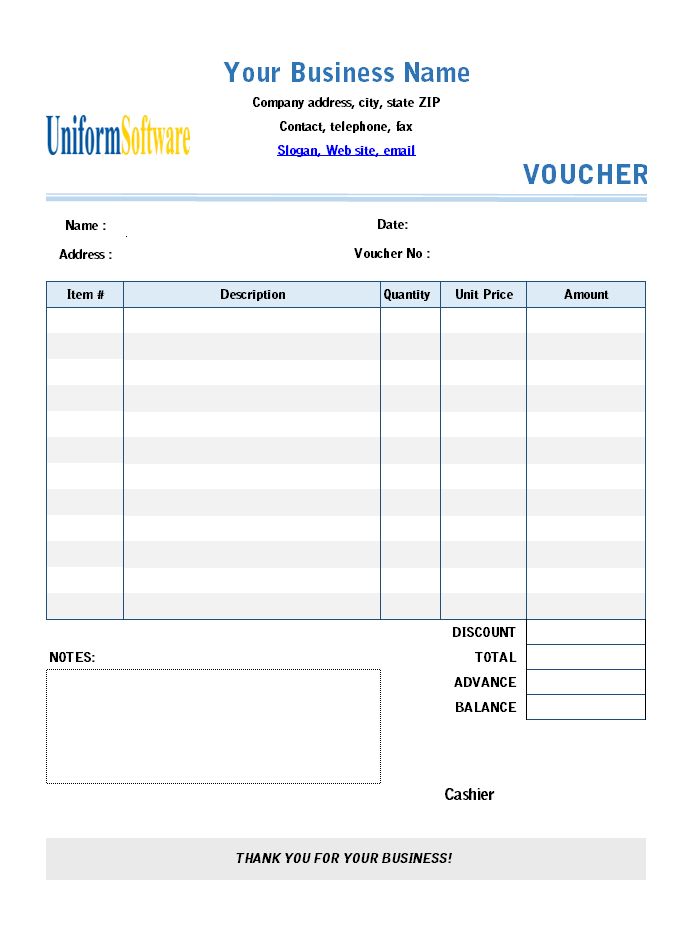
Payment Voucher Template
Voucher Template
Payment Voucher Golden Shop
Voucher Template
Payment Voucher for B5
Voucher Template
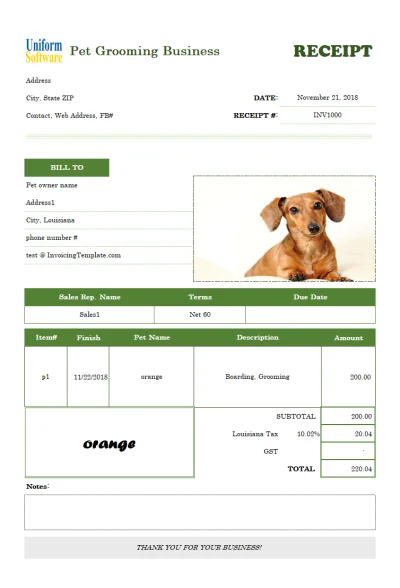
Free Printable Receipt Template
Receipt Template
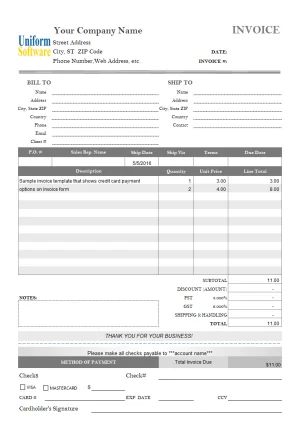
Credit Card Authorization Form
Form Template
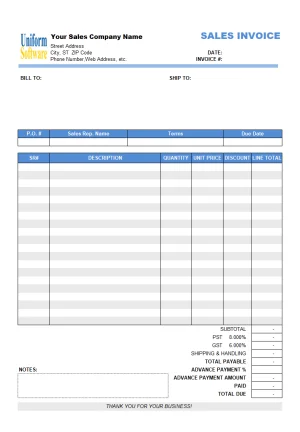
Advance Payment Receipt
Receipt Template
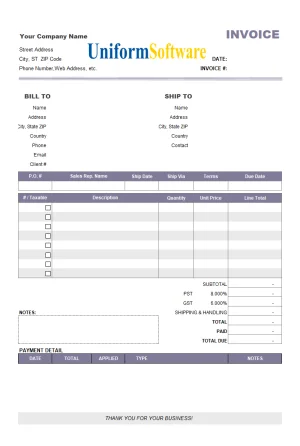
Partial Payment Agreement
Agreement Template
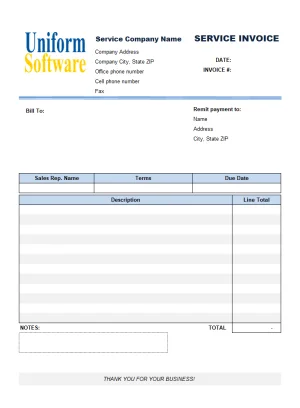
Service Invoice Payment Advice
Invoice Template
How to Use Our Payment Voucher Templates
Get your professional payment voucher ready in three simple steps. Download, customize, and you're done!
Choose a Template
Browse our collection and find a payment voucher template that suits your needs. Click to see details or download directly.
Download & Customize
Download the template for free. Open it in WPS Office, Word, or Excel and fill in your transaction details.
Save & Print
Save your completed voucher for your records or print it for physical documentation. It's that easy.
Payment Voucher FAQs
Find answers to common questions about our payment voucher templates.
A payment voucher is a document that serves as proof of a payment made to a third party. It typically includes details like the payee's name, amount paid, date, and reason for payment.
Yes, all payment voucher templates available on this page are completely free to download and use for both personal and commercial purposes.
Our templates are primarily available in Microsoft Excel (.xlsx, .xls) and Word (.docx) formats, making them easy to edit and compatible with WPS Office and other office suites.
Absolutely. Once downloaded, you can fully customize the template. Add your company logo, change colors, and modify fields to fit your specific accounting procedures.