Get WPS Office for Linux
Choose the desktop package for your Linux distribution and start working offline.
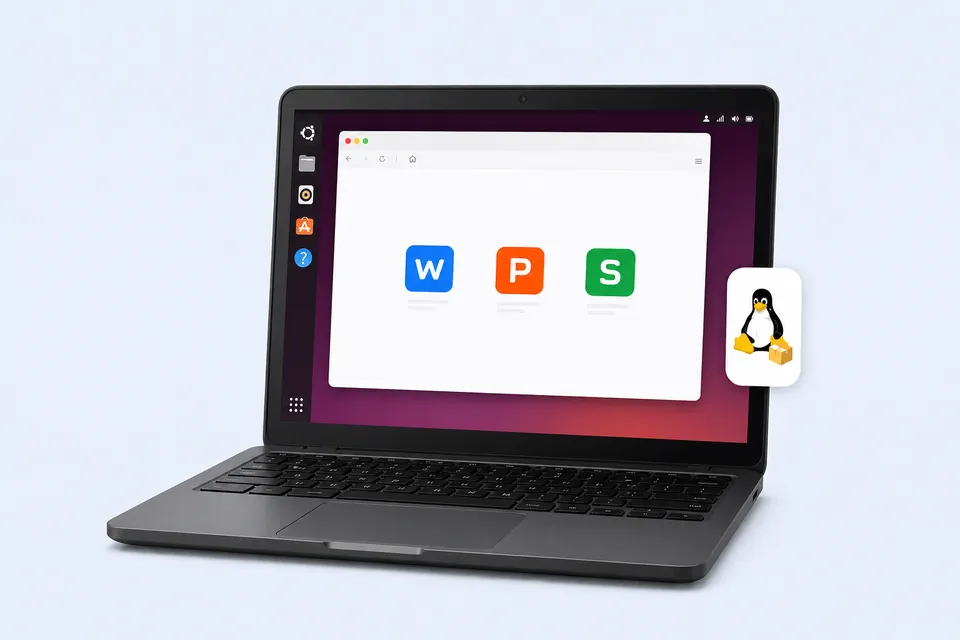
Download WPS Office for All Platforms
Find your device and get the right version
- Choose package
- Download WPS
- Install & launch
Search Results
13 results for download libreoffice linux command
- All Tutorials
- Video Tutorials
- Quick Tutorials
- All
- Spreadsheet
- Presentation
- Writer
13 results for download libreoffice linux command
How to customize the ribbon in WPS Spreadsheet
02:26How to customize the ribbon in WPS Spreadsheet
WPS Presentation's built-in tabs in ribbon enable users to explore different functions. We can also customize the ribbon to meet different work demands. · Hide and show the toolbarClick the Hide the toolbar or show the toolbar button in the upper right corner, and you can make the ribbon display or disappear. If Hide the toolbar is selected, you can click any tab to make it display temporarily.· Create customized ribbons and groupsClick Menu, and then click Option to select Customi....
How to customize the ribbon in WPS Presentation
02:57How to customize the ribbon in WPS Presentation
WPS Presentation's built-in tabs in ribbon enable users to explore different functions. We can also customize the ribbon to meet different work demands. · Hide and show the toolbarClick the Hide the toolbar or show the toolbar button in the upper right corner, and you can make the ribbon display or disappear. If Hide the toolbar is selected, you can click any tab to make it display temporarily. · Create customized ribbons and groupsClick Menu, and then click Option to select Custom....
How to customize the ribbon in WPS Writer
02:33How to customize the ribbon in WPS Writer
WPS Writer's built-in tabs in ribbon enable users to explore different functions. We can also customize the ribbon to meet different work demands. · Hide and show the toolbarClick the Hide the toolbar or show the toolbar button in the upper right corner, and you can make the ribbon display or disappear. If Hide the toolbar is selected, you can click any tab to make it display temporarily. · Create customized ribbons and groupsClick Menu, and then click Option to select Customize Ri....
How to download pictures in batches in WPS Writer
01:04How to download pictures in batches in WPS Writer
When editing a document, we sometimes insert a lot of pictures. We usually back up images in case they get lost.Then, do you know how to download an package of images at a time? For example, in this document, many pictures are inserted into the document, and it is a waste of time to save them one by one. Here I'm going to introduce you a very simple skill. Click the Menu button in the upper left corner, and click the Save as the button to pop up the dialog box.In File Type, select ....
Superscript and subscript in WPS Presentation
01:32Superscript and subscript in WPS Presentation
In WPS free PowerPoint tutorial, learn how to use themes and background styles of preseatations, and do more to create standout presentations. All WPS Presentation tutorials are free for students, teachers, business users and more and can be downloaded free in Windows, PC, Mac, Linux, Android, and iOS devices. Chemical elements and mathematical formulas are sometimes needed in slides during the learning process. These coursewares cannot be separated from the superscript and subscript f....
Get to know the WPS Spreadsheet
02:04Get to know the WPS Spreadsheet
WPS is an Office Software developed by Kingsoft. This video is going to introduce WPS to you. Before you start watching, remember to download the latest WPS Office Suite from our official website. After we download, open WPS. Then we will come to the workbench interface. Click the + icon in the upper left corner. We can choose to create a new document, table, slides, or PDF in the menu bar. Here, we want to create a spreadsheet, so we select Spreadsheet. Then we can see a Blank button ....
How can we add or remove text shading
01:20How can we add or remove text shading
When using WPS Writer to edit documents, we can add shading to highlight some parts of the text content. So how can we add and remove text shading? Take this document as an example. If we want to highlight the students mentioned in the notice, we can select this part of the content and click the Character Shading command button in the Home tab. By this, we can quickly add a gray shading to the selected content. Gray is the default color. If we want to delete the shading, just click the....
Remove the picture background with one click
00:47Remove the picture background with one click
When creating slideshows, we often download a large number of materials from websites, but some of the materials cannot be used directly, such as pictures with backgrounds.Today, I will show you a simple way to quickly remove the picture background. First, we can insert a picture with a pure white background into the slide. And select this picture to get into the Picture Tools tab.Click the Set Transparent Color button, finally click the background color of the picture.Following these....
