Free XLSX viewer
Free XLSX Viewer
Open, View and Edit Excel Files Instantly
Free to use
Core view and edit, no Excel fee
Ad-free desktop
Focus on the spreadsheet
.xlsx · .xls · .csv
Common Excel formats
Offline + online
Desktop, mobile, browser
Direct answer
What is an XLSX viewer?
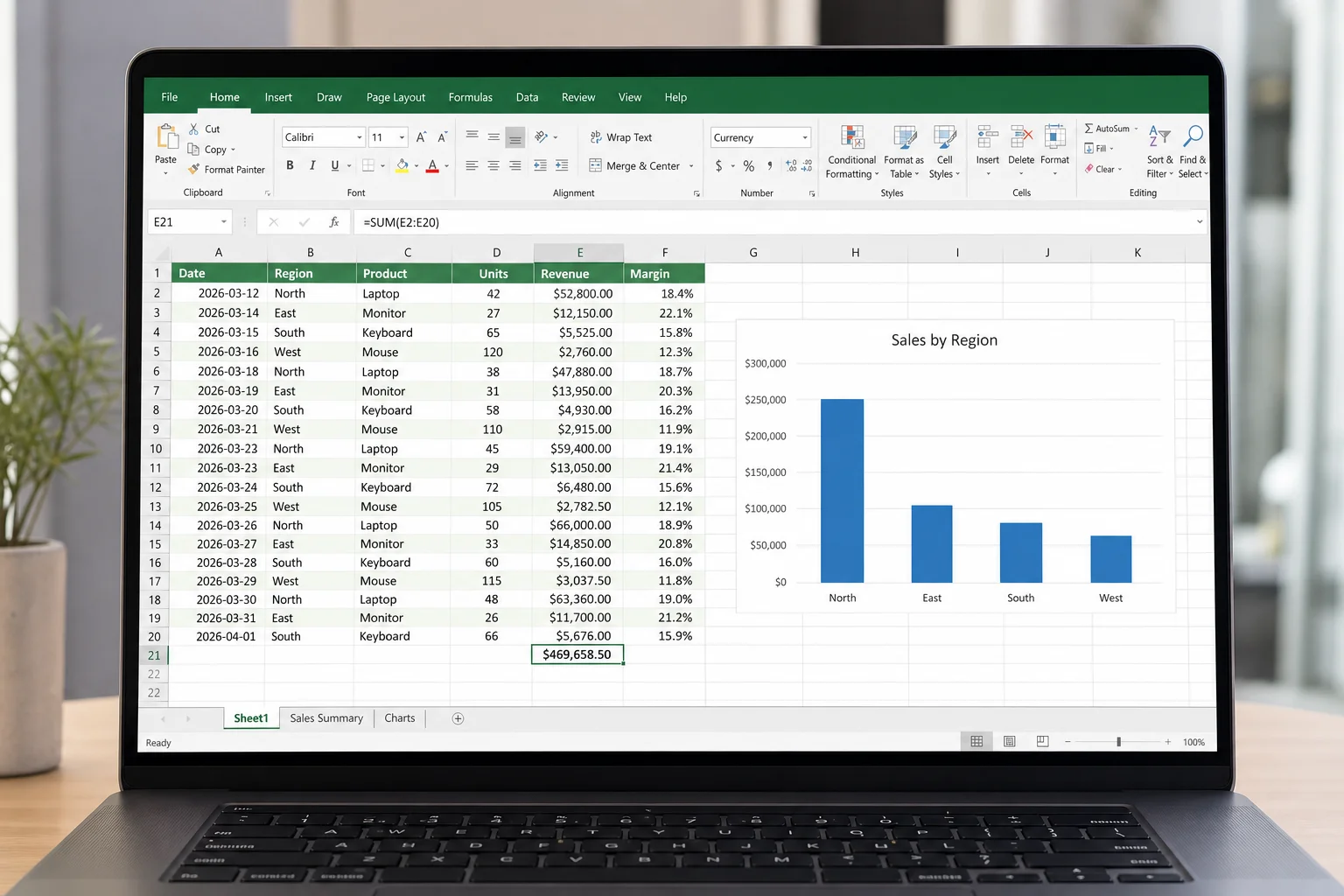
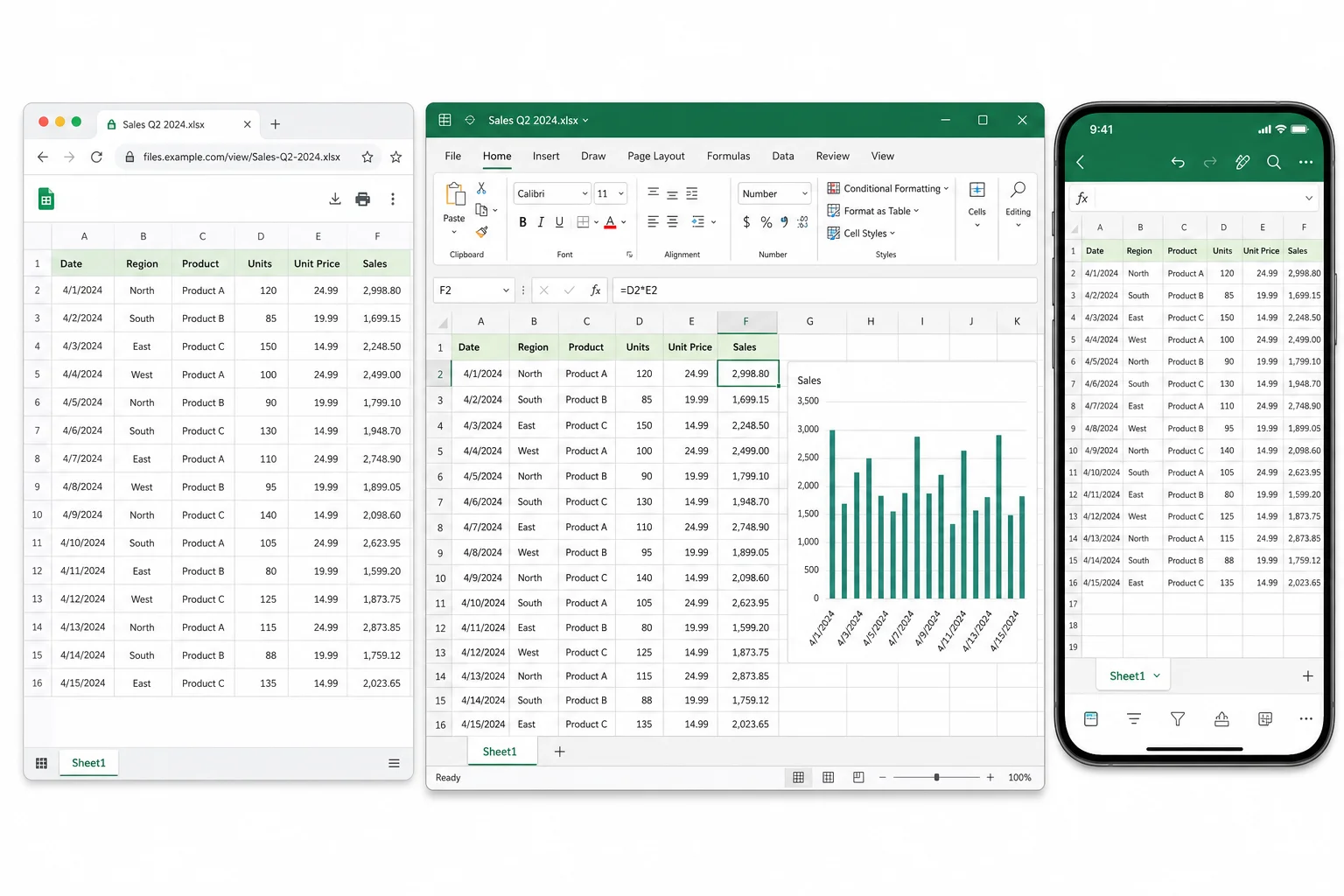
An XLSX viewer opens Microsoft Excel spreadsheet files (.xlsx) so you can read rows, sheets, formulas, and charts without buying Excel. With WPS Office, you can view and edit the file on desktop, phone, or online. Double-click a file on desktop, use Sheets in the WPS app on mobile, or open it in your browser with WPS Excel Online.
Why use WPS as your XLSX viewer
Most browser tools only preview a file. WPS opens the spreadsheet, keeps formatting intact, and lets you edit, save, and export when you need more than a quick look.
Open files the Excel way
- Double-click
.xlsxor open from Sheets inside WPS. - Row and column grid, sheet tabs, and menus match what Excel users expect.
- Find data fast with search, filters, and freeze panes.
View more than plain cells
- Formulas show calculated results. Charts and tables stay in place.
- Multiple sheets open in one workbook. Switch tabs without reopening the file.
- Conditional formatting, merged cells, and number formats carry over on most files.
Edit when reading is not enough
- Change values, add rows, adjust formatting, then save back to
.xlsx. - Print or export to PDF for sharing read-only copies.
- Batch workflows live in the full suite, not in a one-file browser preview.
One app for every document type
- Open Word, Excel, PowerPoint, and PDF in the same install.
- Stop installing separate viewers for each format.
- Sync through WPS Cloud when you work across laptop and phone.
How to open an XLSX file (3 ways)
Pick the path that matches your device. Desktop is best for edit and offline work. Browser is best when you cannot install software.
Path A: Desktop (best for edit and offline)
- Download WPS Office free for Windows, Mac, or Linux.
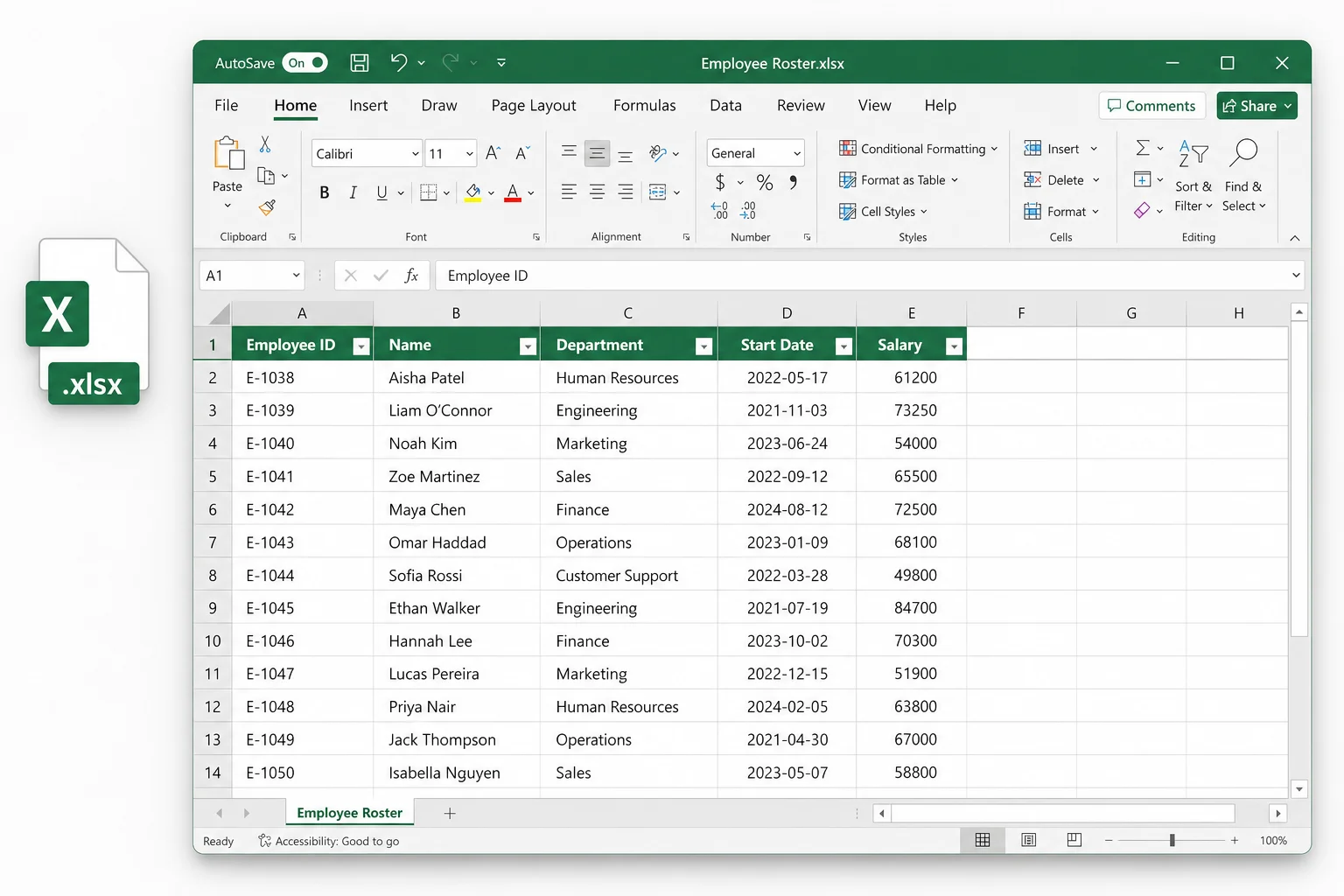
- Open Spreadsheets (Sheets) from the home screen, or double-click the
.xlsxfile. - Optional: set WPS as the default app for Excel files in system settings.
- View, edit, save, or export to PDF.
Path B: Mobile
- Install WPS Office on Android or iOS.
- Tap the file from email, cloud storage, or Files.
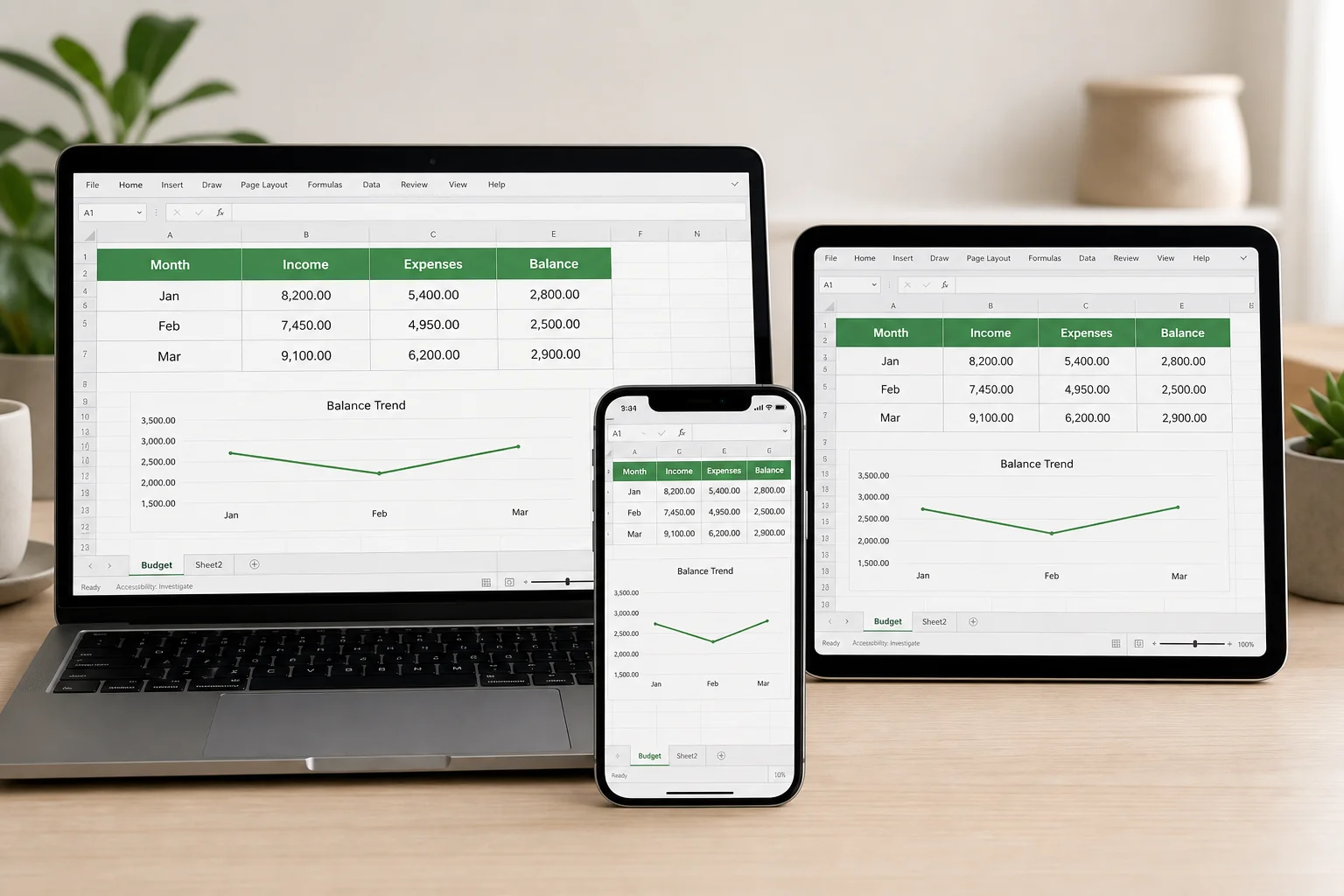
- Pinch to zoom, switch sheets, edit cells if needed.
Path C: Browser (no install)
- Open WPS Excel Online in your browser.
- Upload or open the file from cloud storage.
- View and edit in the tab. Save or download when done.
WPS XLSX viewer vs other options
Choose based on cost, offline needs, and whether you only need a preview or a full edit-and-save workflow.
| WPS Office | Browser-only viewer | Microsoft Excel | Google Sheets | |
|---|---|---|---|---|
| Cost | Free core features | Free | Paid / subscription | Free with Google account |
| Install | Optional desktop app | None | Required | None (import file) |
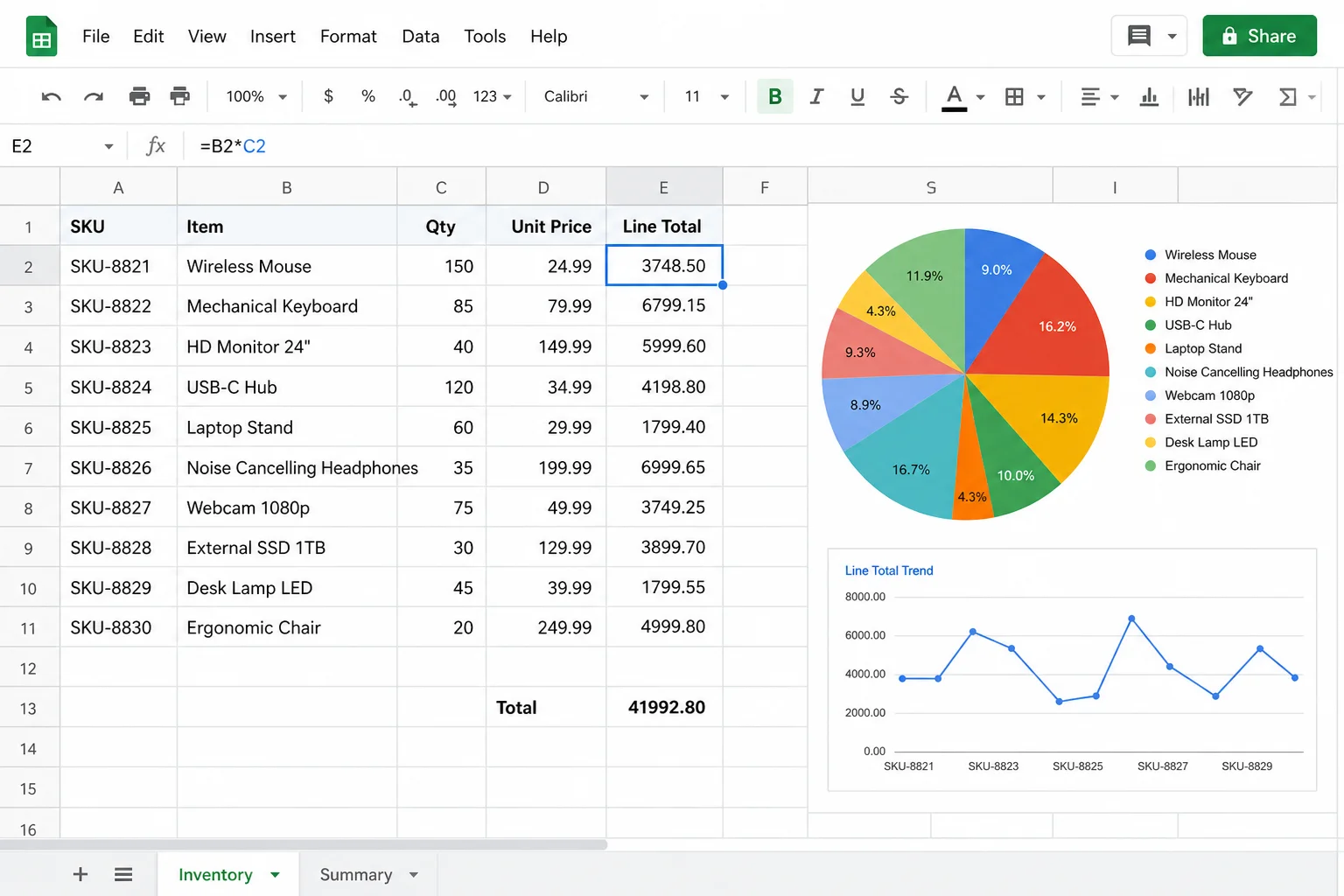
| Edit and save .xlsx | Yes | Usually view-only | Yes | Yes (after import) |
| Offline | Yes (desktop/mobile) | Limited | Yes | Limited |
| PDF export | Built-in | Rare | Yes | Via download |
| Word, PDF, PPT | Same app | No | Separate apps | Separate products |
Common ways people use the XLSX viewer
Real jobs, not fake reviews. Match the scenario to the WPS path that fits.
Student
Open a class dataset on a Mac without Excel. Use desktop or mobile WPS to read tables and charts before your lab report.
Analyst
Quick-check a client report on a tablet. Open the attachment in the WPS mobile app, confirm numbers, then edit later on desktop.
Manager
Read a budget attachment without launching full Excel. Double-click on desktop or open online when you are on a shared PC.
XLSX viewer FAQ
Short answers for the questions people ask before they download.
.xlsx files so you can read the data without Microsoft Excel. WPS Office includes a free viewer and a full spreadsheet editor in the same app..xlsx, .xls, and .csv in the same Spreadsheet module.Open your XLSX file free
Download WPS Office to open Excel files on desktop or mobile without a Microsoft 365 subscription. Prefer no install? Use Excel Online in your browser.