All Document Reader — All-in-One Office Suite for Word, Excel, PPT & PDF
Open, edit and share Word, Excel, PPT and PDF in one free app — on desktop and mobile.
DOC · DOCX
XLS · XLSX
PPT · PPTX
PDF
TXT · RTF · CSV
Common pain points
4 document pains — one all document reader fixes them all
Too many apps, view-only files, scattered documents, missing PDF tools — if any of these hit home, you need one all-in-one office suite, not four separate downloads.
Pain 01 · App overload
"Which app opens this file?"
DOCX, XLSX, PPTX, PDF — every attachment means guessing a different icon. Users want one all document reader, not four apps cluttering the home screen.
Pain 02 · View-only
"It opens, but I can't edit."
Free store readers preview files but block real editing. A proper all document reader lets you write, calculate and present — without switching apps when it's time to make changes.
Pain 03 · Scattered files
"My files are everywhere."
Downloads, cloud drives, chat attachments — documents scatter across folders and devices. One all document reader with search, sync and favorites beats four disconnected libraries.
Pain 04 · PDF gaps
"I need PDF tools, not just a reader."
Sign, merge, convert to Word — top requests in document app reviews. Those tools belong inside your all document reader, not in a separate PDF app for every task.
One all-in-one answer
WPS Office — the all document reader that solves all four
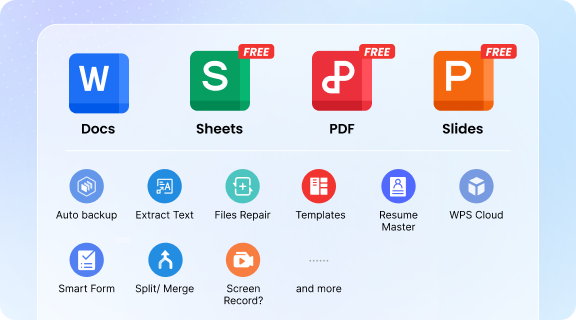
One download replaces the patchwork of viewers and single-format editors. Writer, Spreadsheet, Presentation and PDF live together — full create & edit on desktop and mobile, cloud sync across devices, and PDF sign, merge & convert built in.
Word
Excel
PowerPoint
PDF
Download WPS — Word, Excel, PPT & PDF
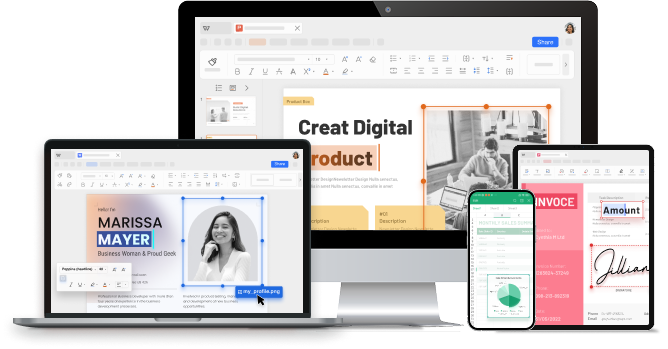
Every Format, Already Open
Four modules. One all document reader. Zero extra taps.
Four modules in one scroll — alternating layout, everything expanded. Click any image to zoom.
Module 01
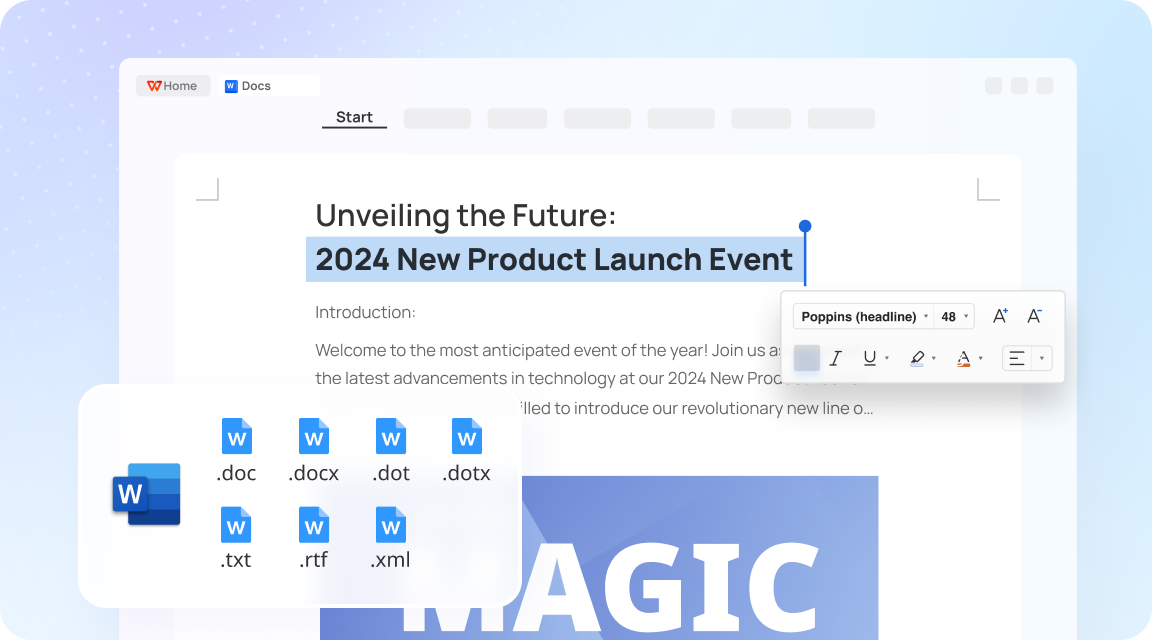
Word Document Reader
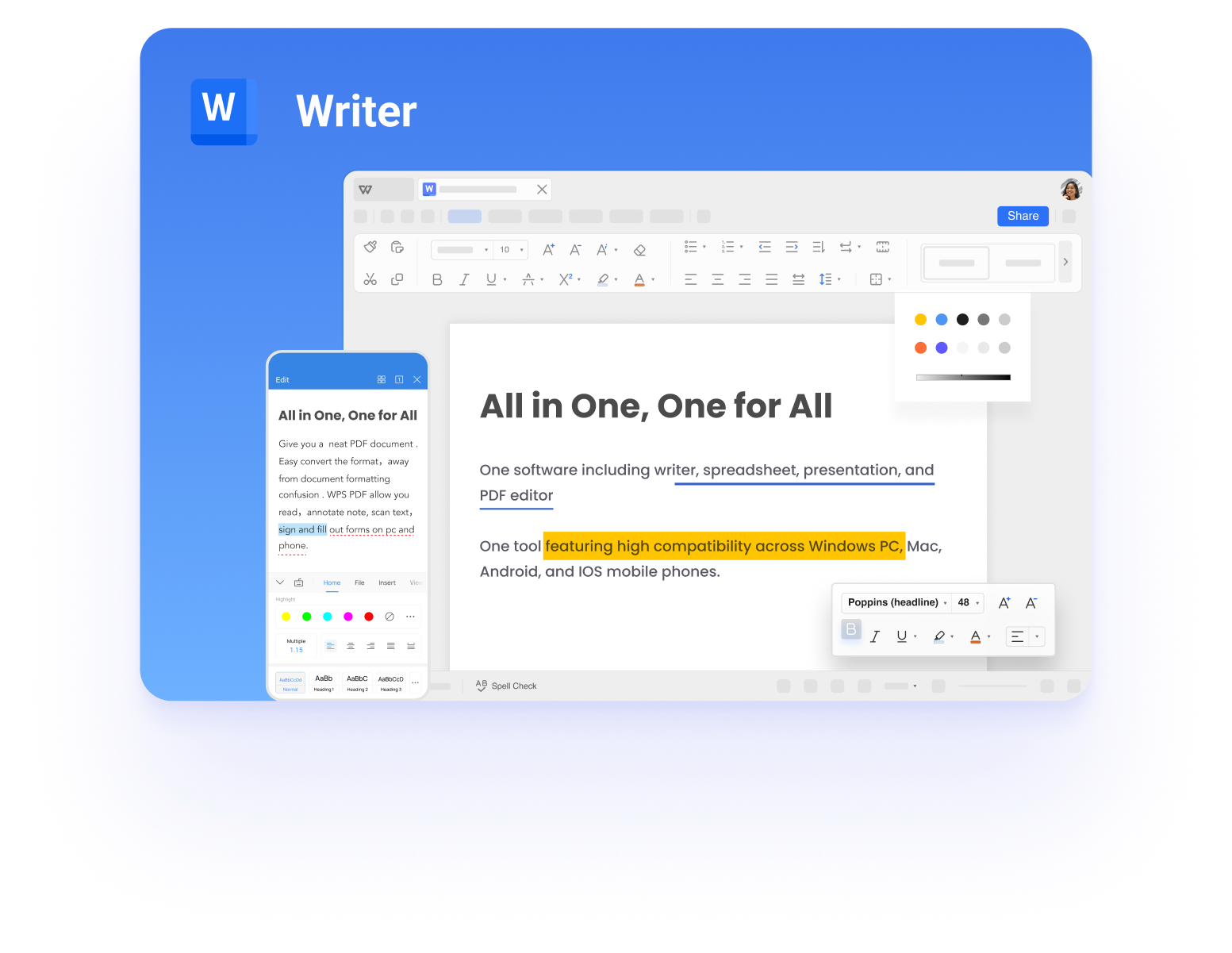
Read & edit DOC, DOCX, RTF & TXT with full formatting fidelity. Track changes, mail merge, templates & WPS AI writing — the all document reader layer that goes far beyond view-only.
- Native DOCX compatibility — no conversion needed
- WPS AI drafting, proofreading & summarization
- Export to PDF or share from one workspace
.doc
.docx
.rtf
.txt
Download WPS — Word, Excel, PPT & PDF
Module 02
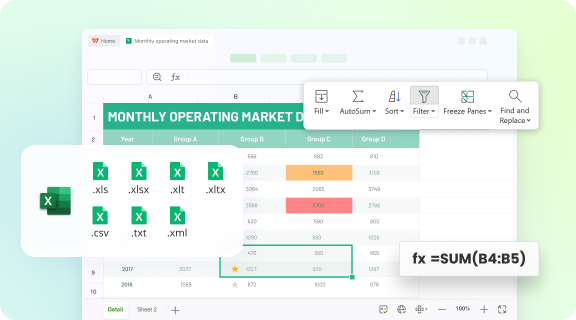
Excel Spreadsheet Reader
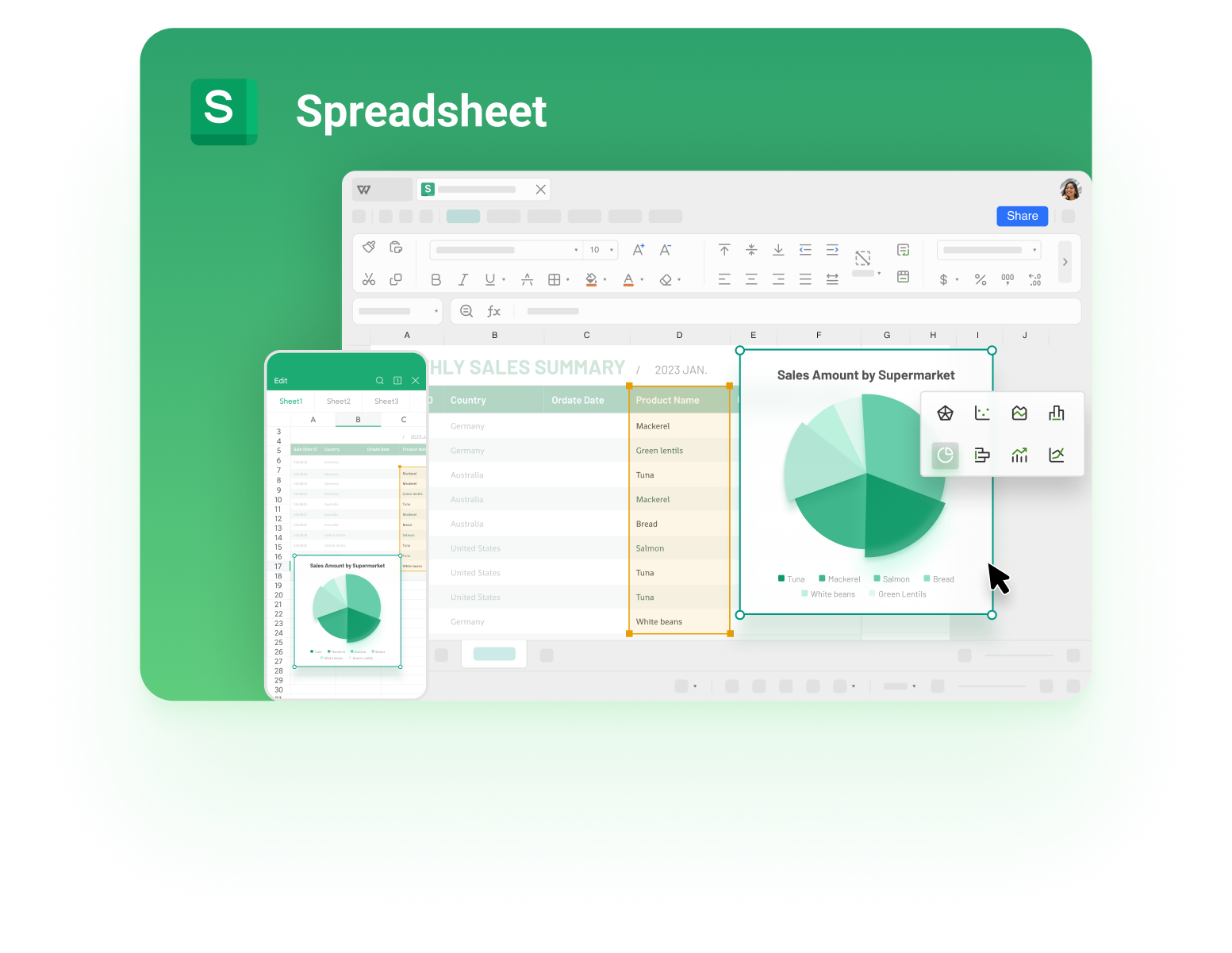
Open XLS & XLSX instantly with formulas, pivot tables, charts & conditional formatting. The spreadsheet engine your all-in-one document reader needs for budgets, reports & data dashboards.
- 400+ functions, pivot tables & sparklines
- Paste live charts into presentations
- CSV import & cloud co-editing
.xls
.xlsx
.csv
.ods
Download WPS — Word, Excel, PPT & PDF
Module 03
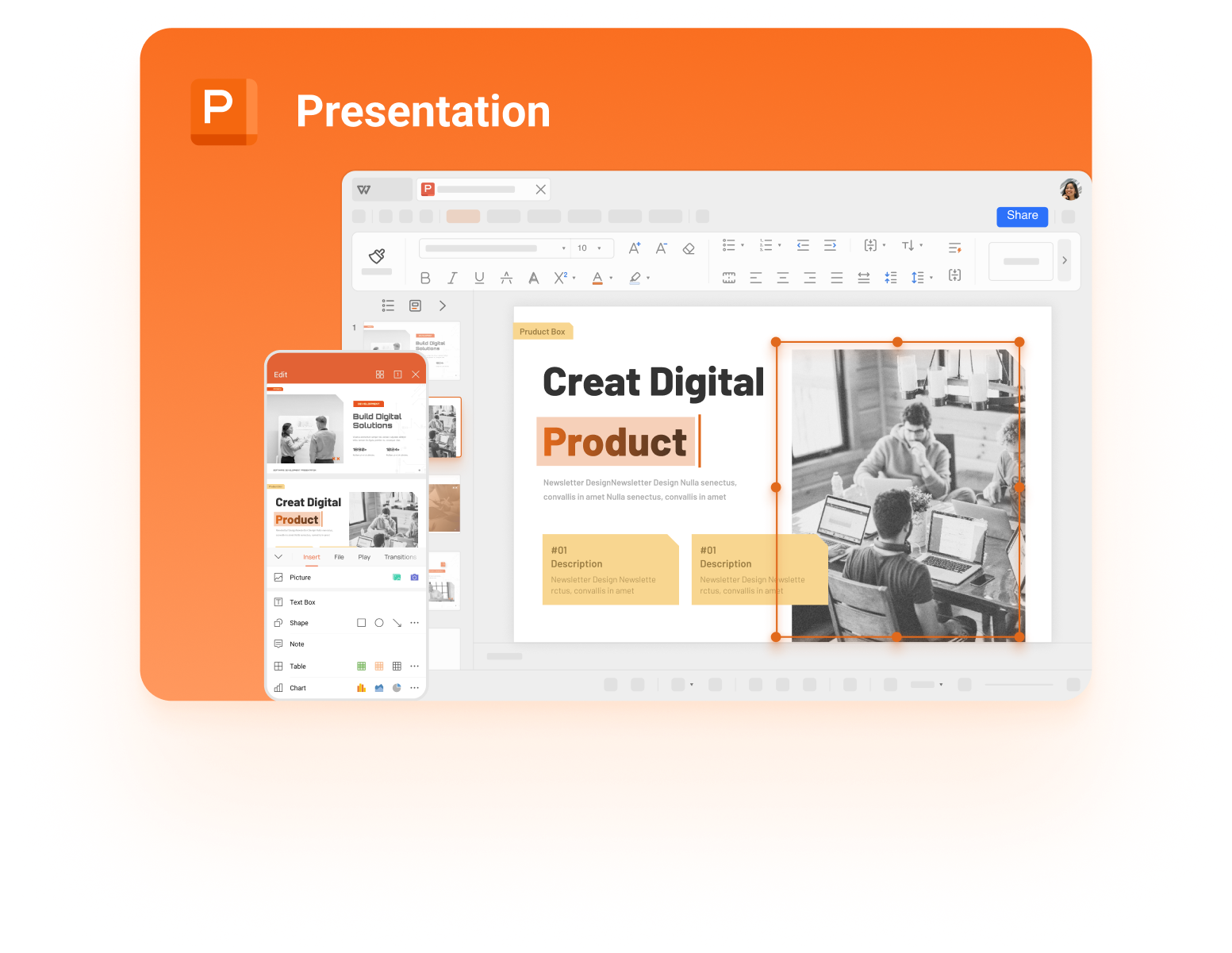
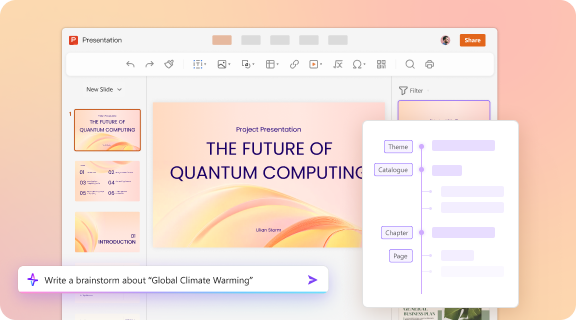
PowerPoint Presentation Reader
View & edit PPT/PPTX with animations, speaker notes & AI slide design. Present in fullscreen without a separate slide app — complete the visual layer of your all document reader.
- Thousands of templates & transitions
- AI-generated slides from a brief outline
- Export to PDF or video in one click
.ppt
.pptx
.odp
Download WPS — Word, Excel, PPT & PDF
Module 04
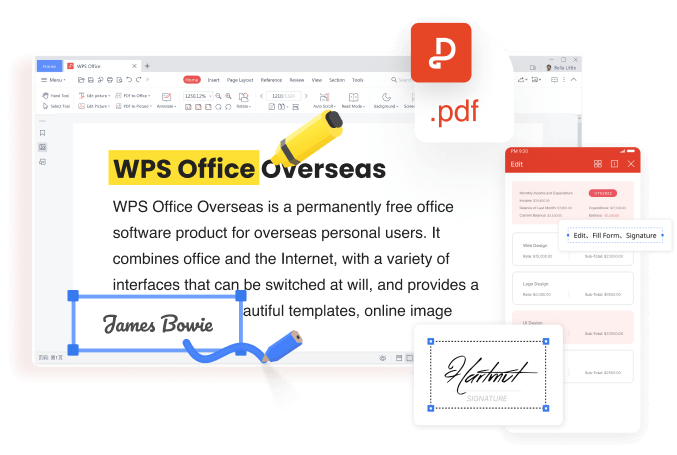
PDF Reader & Editor
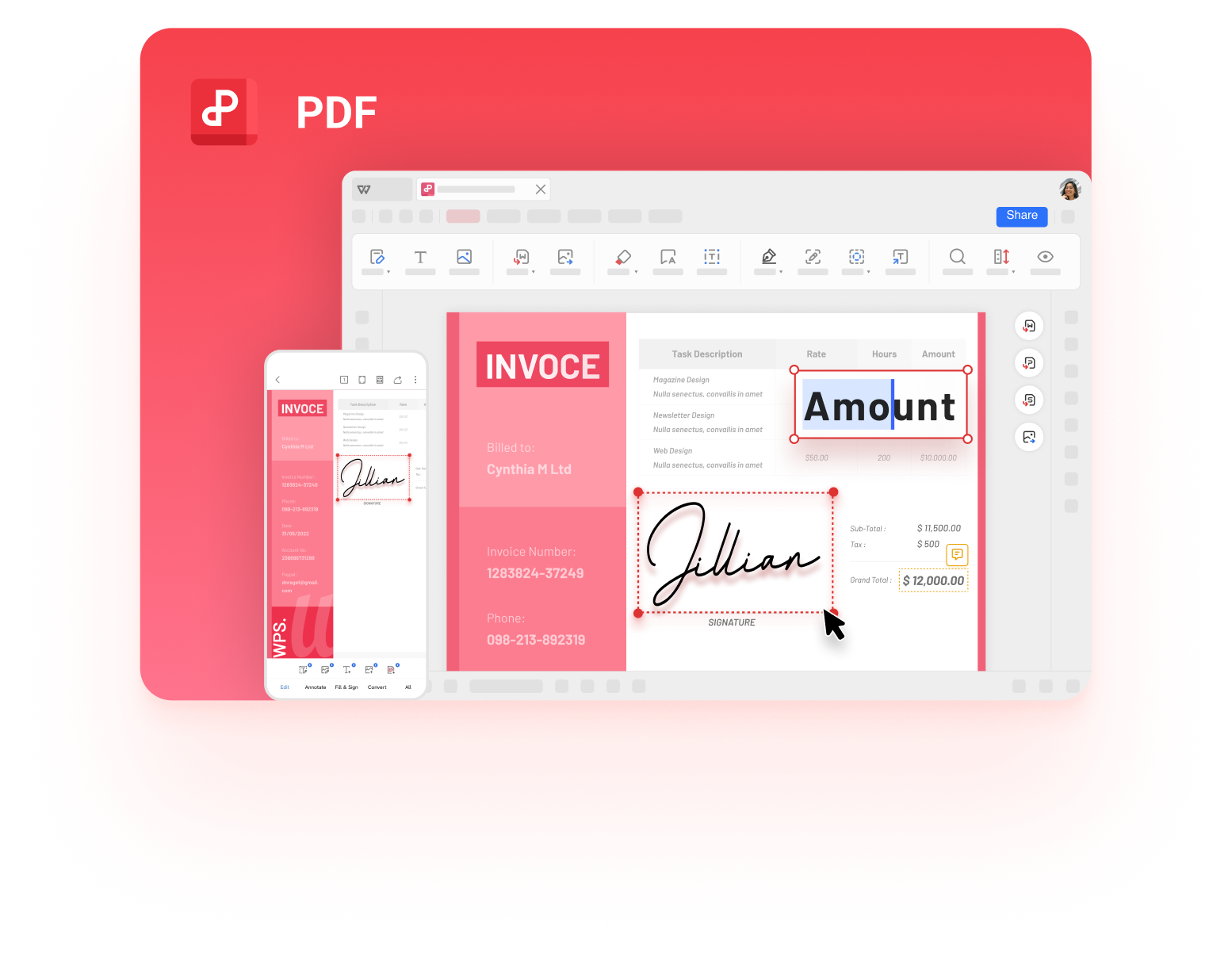
The format every all document reader must nail: annotate, sign, merge, split, OCR & convert to Word/Excel/PPT — all inside WPS, no third-party tools required.
- E-signature, form fill & redaction
- PDF ↔ Word / Excel / PPT conversion
- OCR for scanned documents
.pdf
scan
sign
convert
Download WPS — Word, Excel, PPT & PDF
All-in-One Advantages
Why WPS is the smarter all document reader
Auto-scan & organize
Like top document manager apps, WPS lists every DOC, XLS, PPT & PDF in one place — with cloud sync & smart search.
Cloud sync
Pick up any document on any device. Your all-in-one reader follows you everywhere.
WPS AI built in
Summarize PDFs, draft documents, generate slides — AI across every format in one suite.
MS Office compatible
Open, edit, and save in native Office formats with high fidelity — no conversion headaches.
0
M+ Users
0
Core Formats
0
Platforms
0
% Free Tier
Real users · All document reader
Already replacing multiple reader apps across the world
Hear directly from people who open Word, Excel, PPT & PDF in one place — and why they chose WPS over view-only store readers.
4.8 avg rating · 200M+ users
Download WPS — Word, Excel, PPT & PDF
Reviews reflect common themes from Google Play, App Store & WPS community feedback.
Finally, one app for every document
I had three separate “all document reader” apps on my phone — one for PDF, one for Word, one for Excel. WPS replaced all of them. I open DOCX, XLSX, PPTX and PDF from the same home screen, edit on my laptop, and pick up on mobile. That alone is worth the download.
It keeps getting better!
I switched from a popular Play Store document viewer that was full of ads. WPS actually lets me create and edit files — not just view them. PDF sign, merge, convert to Word — all built in. The all document reader promise is real here, not marketing fluff.
Desktop + phone — same files, zero hassle
Most “all document reader” apps are mobile-only. WPS runs on my Windows PC and Android phone with cloud sync. I draft reports in Writer, update spreadsheets on the train, and present slides in meetings — one account, every format.
Opens Office files without breaking layout
I receive DOCX and XLSX from clients daily. WPS opens them with proper formatting — tables, charts, slide animations — better than other free readers I tried. For anyone searching “all document reader,” this is the one that actually edits like Office.
PDF tools included — no extra app
I used to download a PDF reader, then a converter, then a scanner app. WPS PDF does annotate, sign, OCR and split/merge inside the same suite. As an all-in-one document reader it saves storage and removes the “which app opens this?” guesswork.
Free tier that actually works
I’m a student on a budget. WPS free version handles my essays, lab spreadsheets and class presentations without forcing me through paywalls on every file. Compared to other document reader apps with heavy ads, WPS feels professional and usable every day.
FAQs
All document reader — common questions
What is an all document reader?
An all document reader is software that opens, edits, and creates multiple file types — typically Word, Excel, PowerPoint, and PDF — in a single application. WPS Office is built exactly for this purpose.
Is WPS better than other "all document reader" apps on Google Play?
Store-top readers like Document Reader - PDF Editor excel at mobile viewing — WPS adds full desktop editing, creation tools, and cross-device sync without aggressive ad interruptions.
Can I convert between Word, Excel, PPT, and PDF in WPS?
Yes. Export any document to PDF, or use WPS PDF to convert PDFs back to editable Word, Excel, or PowerPoint formats — all within the same app.
Is WPS Office really free?
WPS offers a robust free tier with Writer, Spreadsheet, Presentation, and PDF. Premium features like advanced AI and ad-free experience are available via WPS Pro.
Which platforms support WPS as an all document reader?
Windows, macOS, Linux, Android, and iOS — one account, one cloud, every format on every device.
Free download · All platforms
Get WPS Office — your all-in-one document reader
Open, edit and save DOCX, XLSX, PPTX and PDF in a single app. Free to start on Windows, Mac, Android and iOS — with cloud sync so your files follow you everywhere.
- No separate apps for each format
- Full editing — not view-only
- Trusted by 200M+ users worldwide
Download WPS Office Free
One installer · Writer, Spreadsheet, Presentation & PDF included