
The Importance of a Professional Fax Cover Sheet
Despite the rise of digital communication, faxing remains a critical tool for industries like healthcare, legal, and government. A fax cover sheet serves as more than just a polite introduction; it is a vital document for privacy, security, and organizational efficiency.
What to Include in Your Fax Cover Sheet?
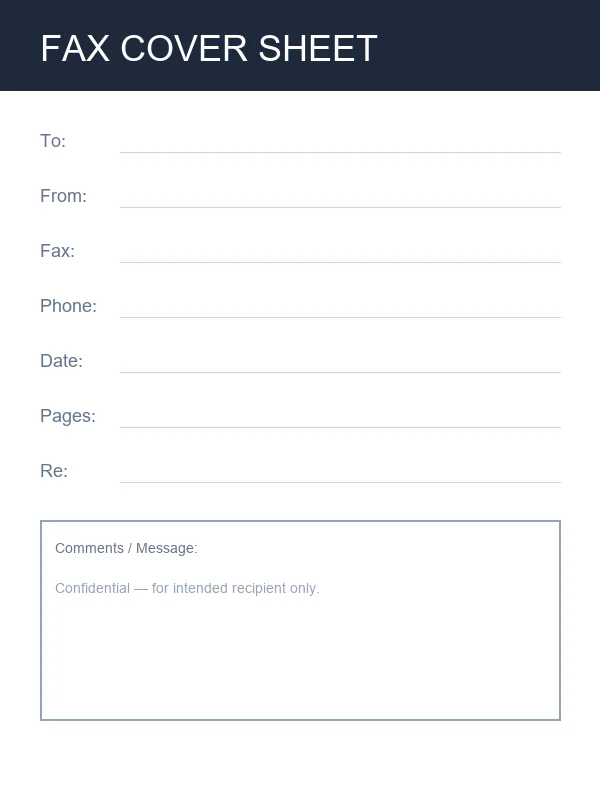
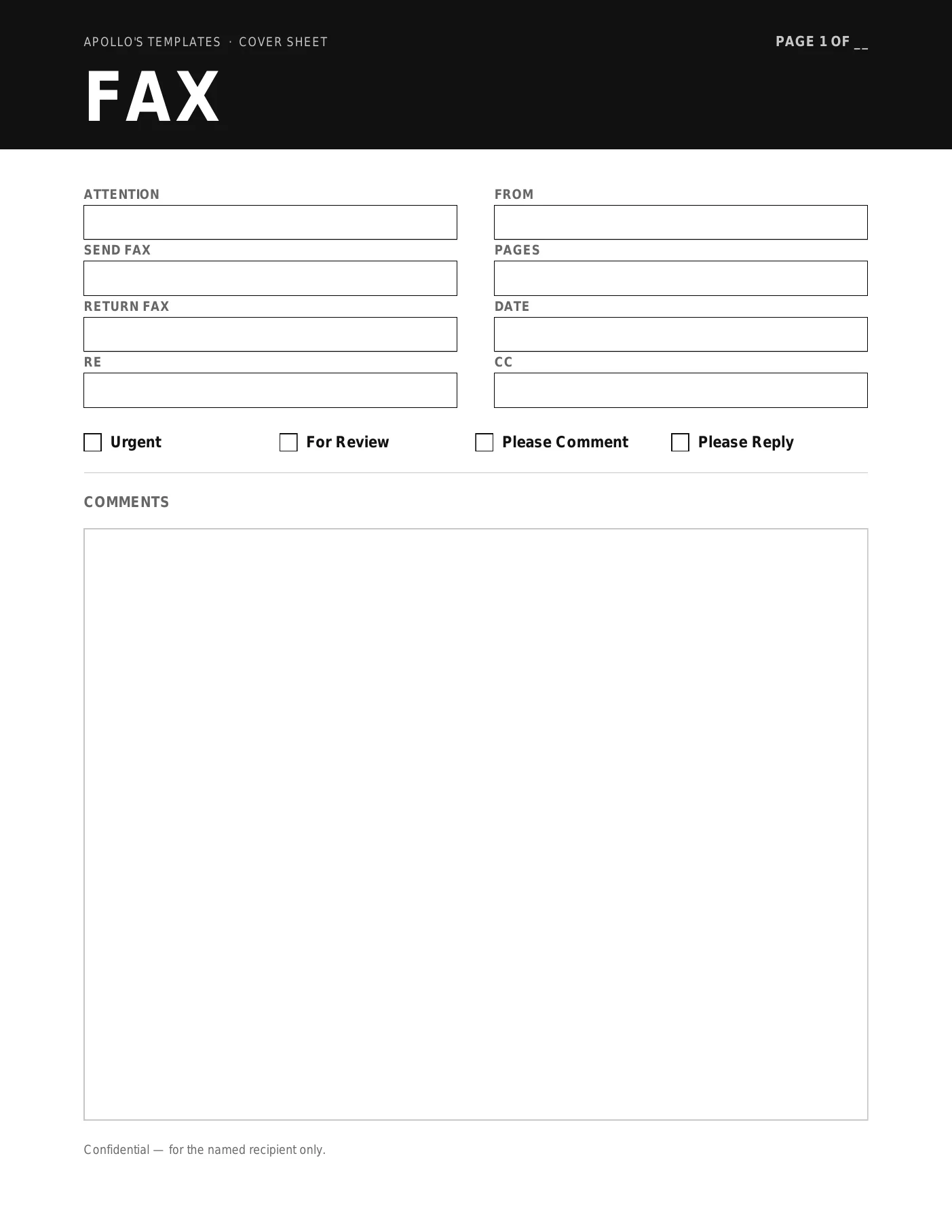
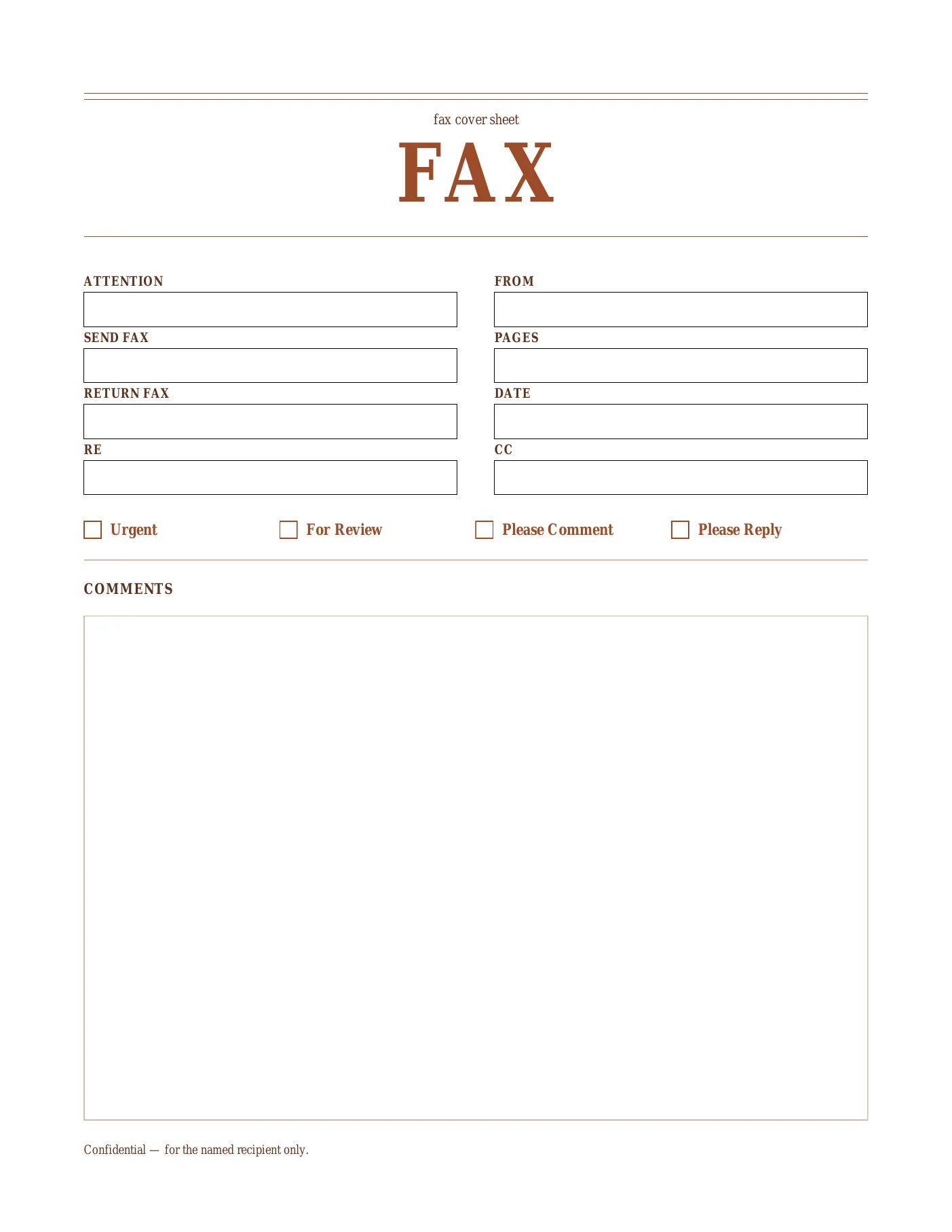
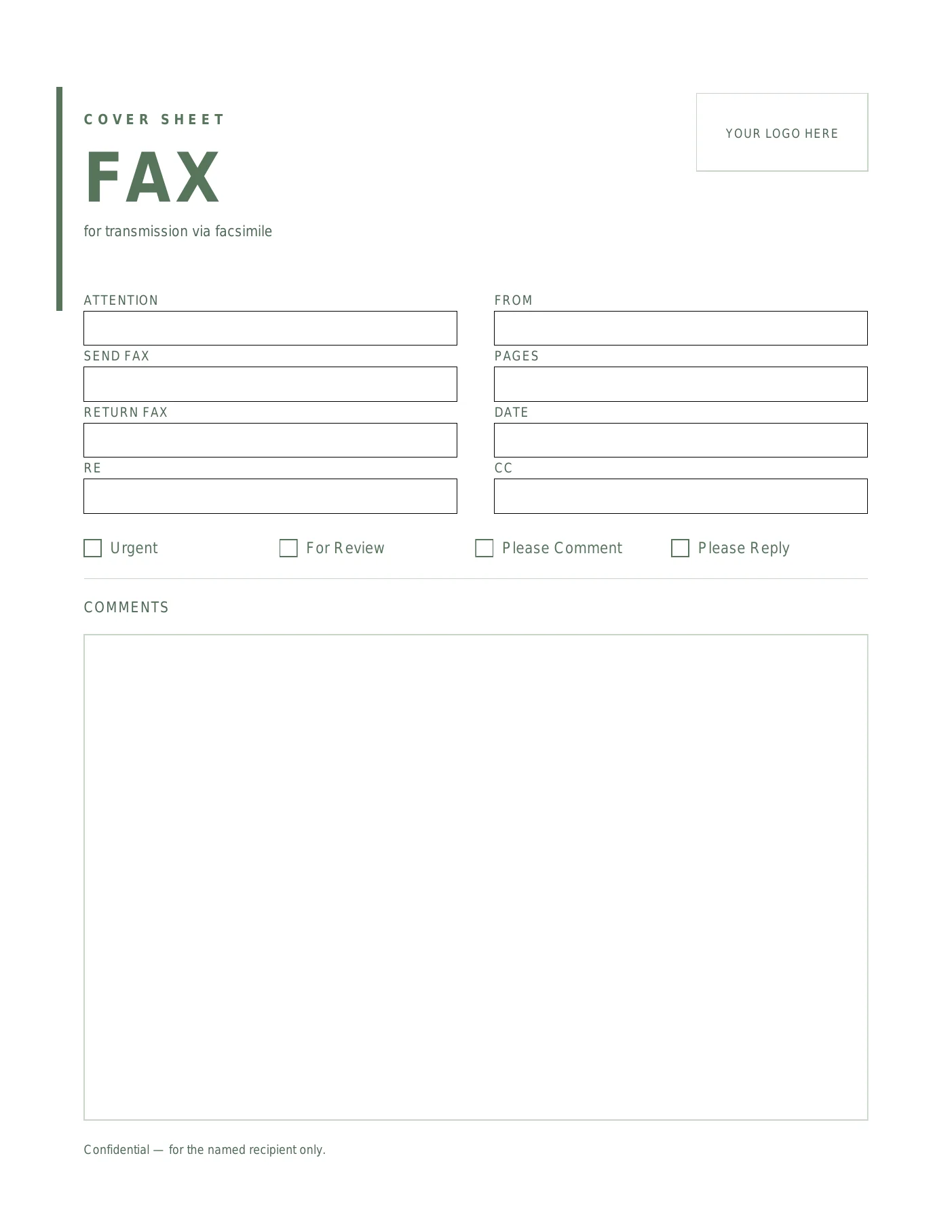
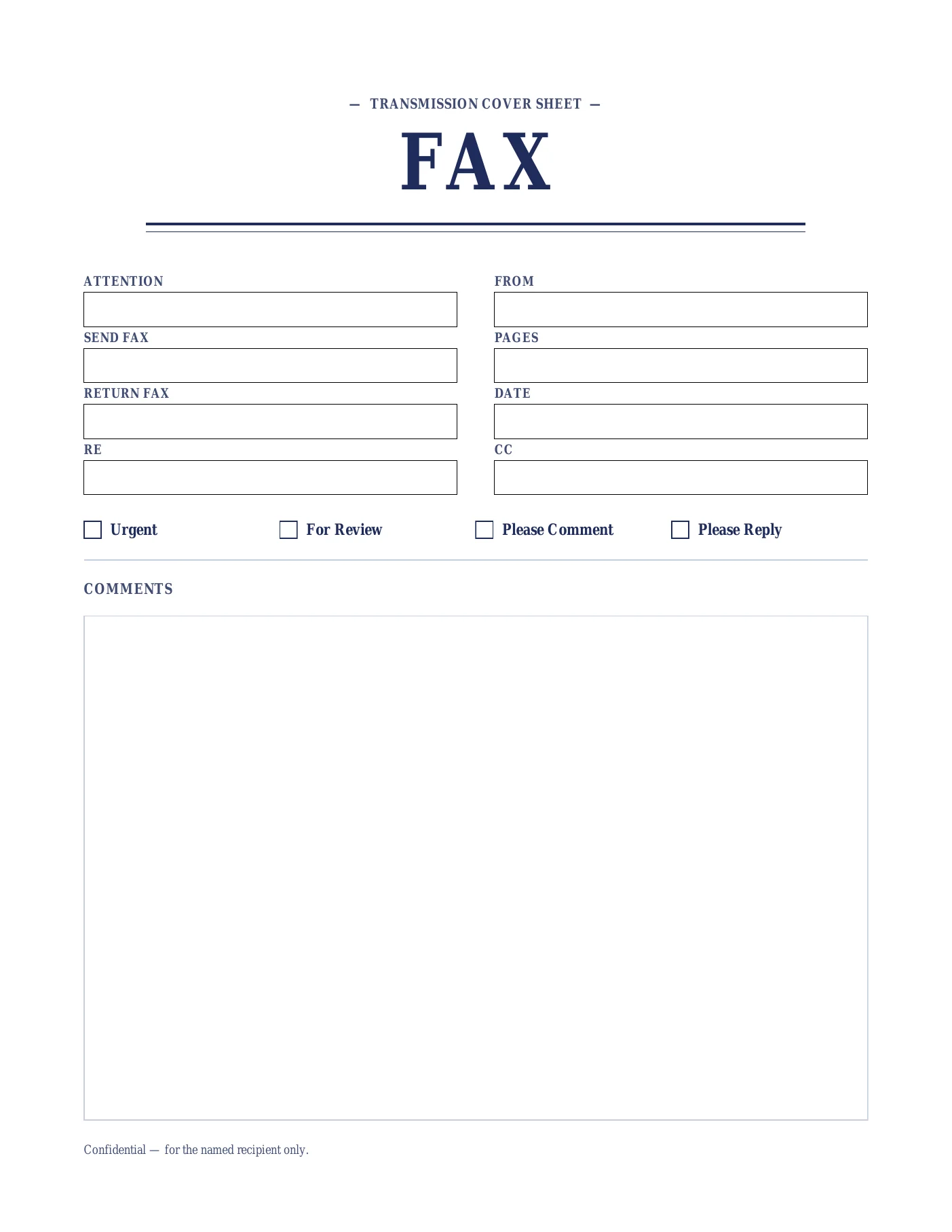
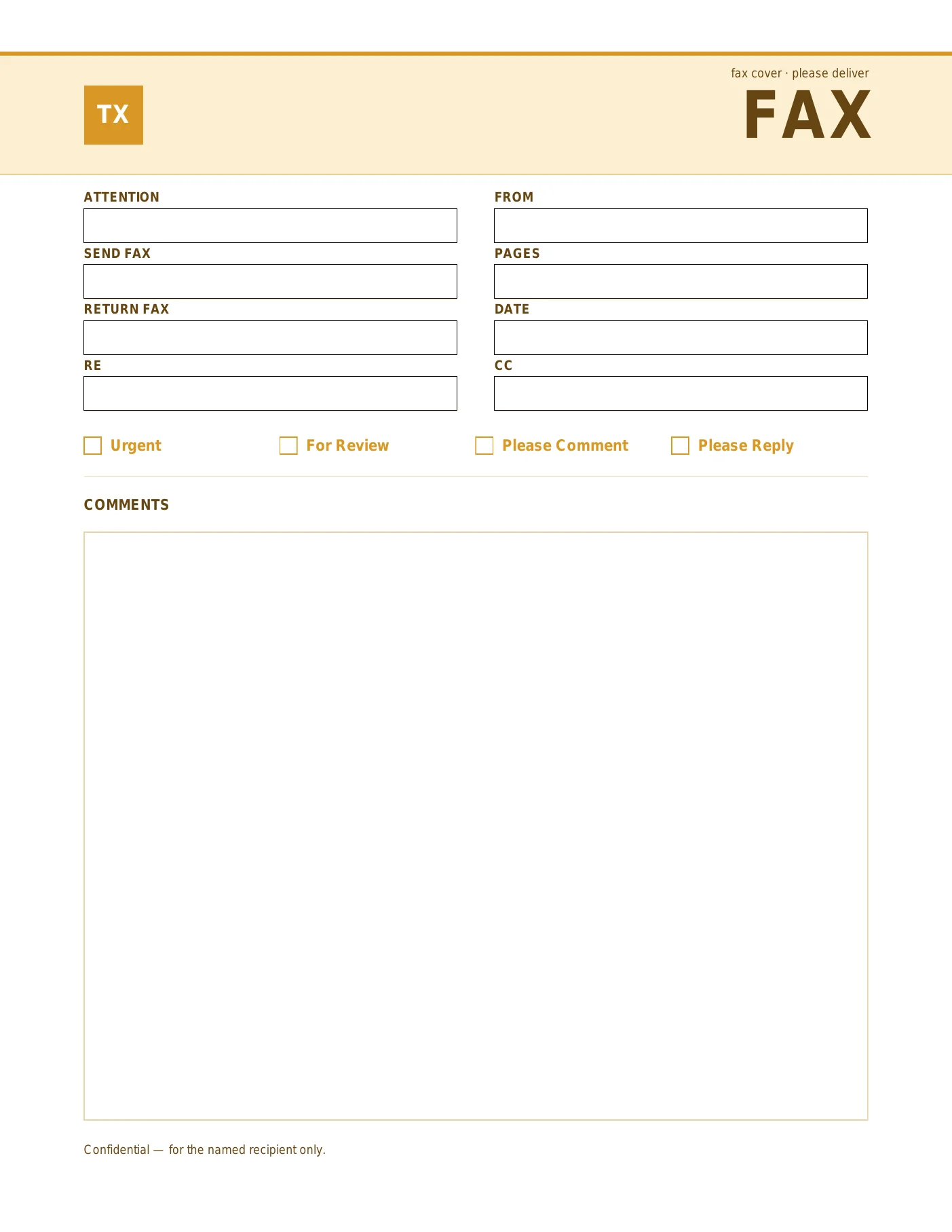
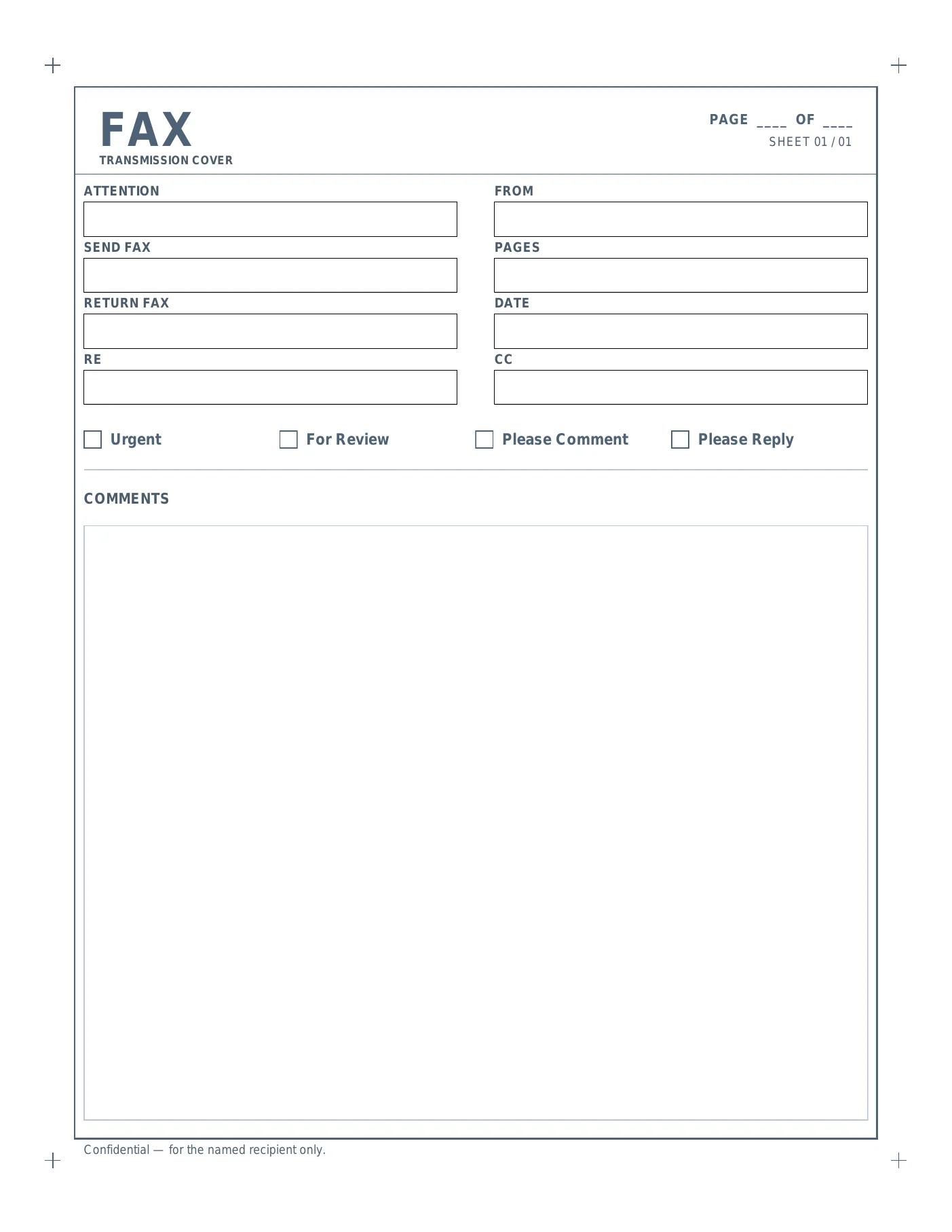
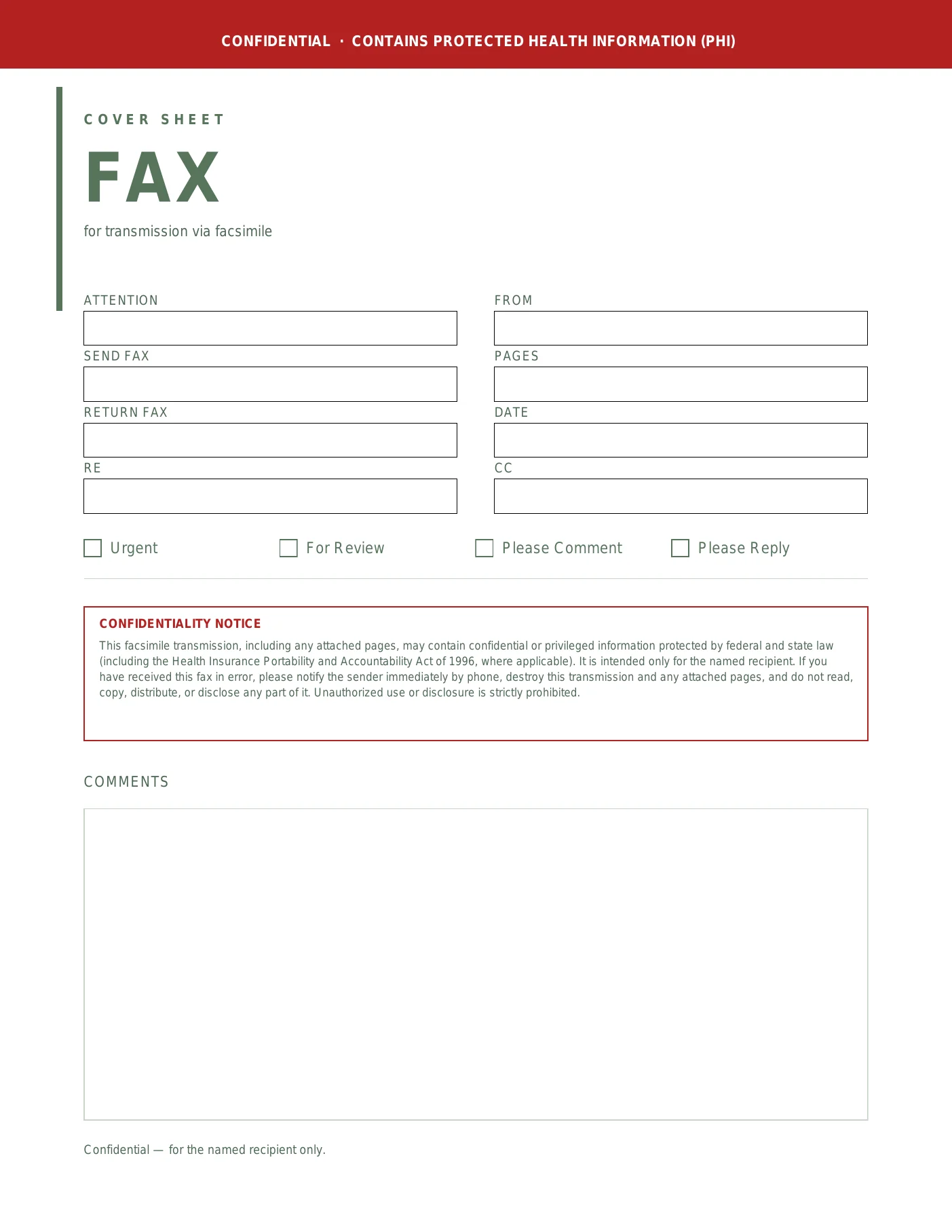
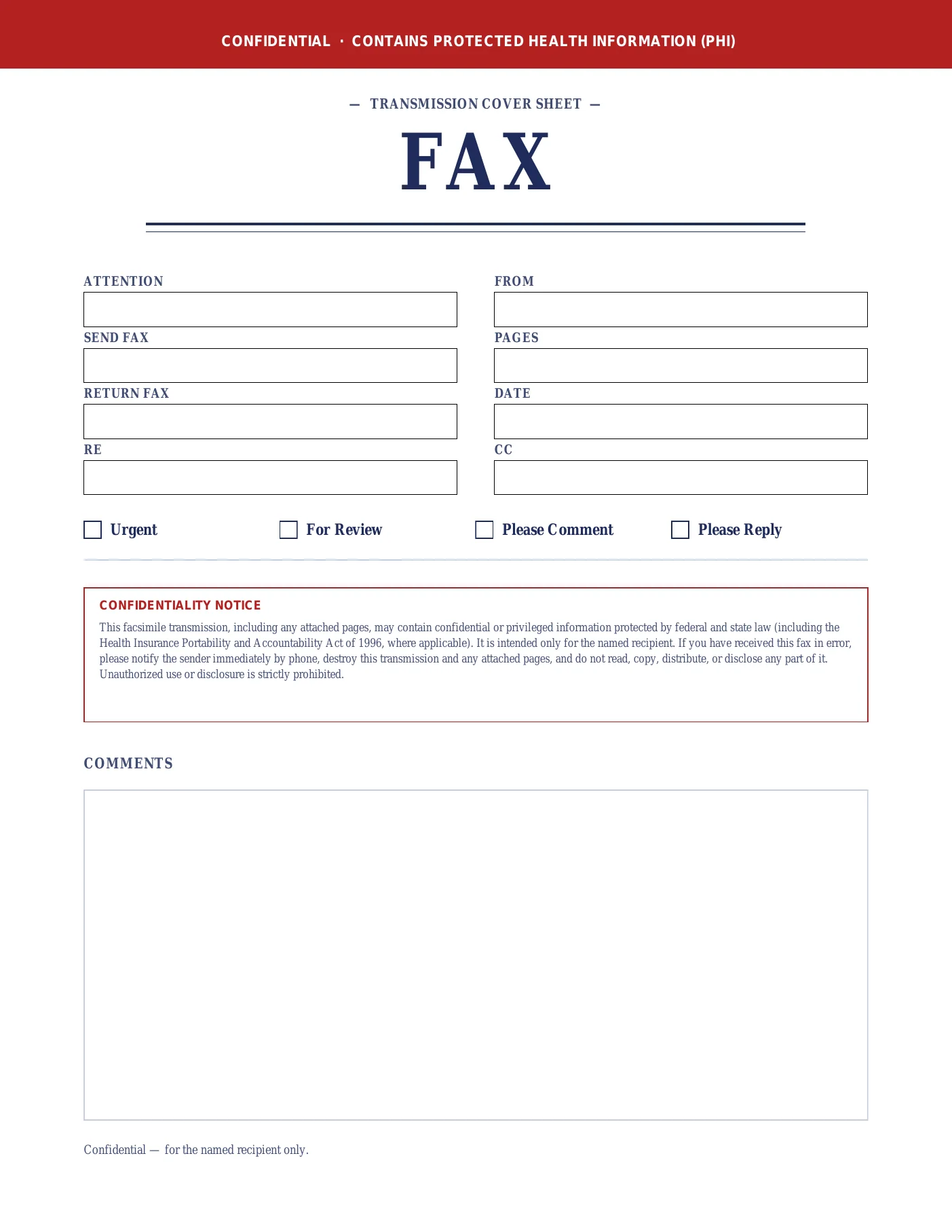
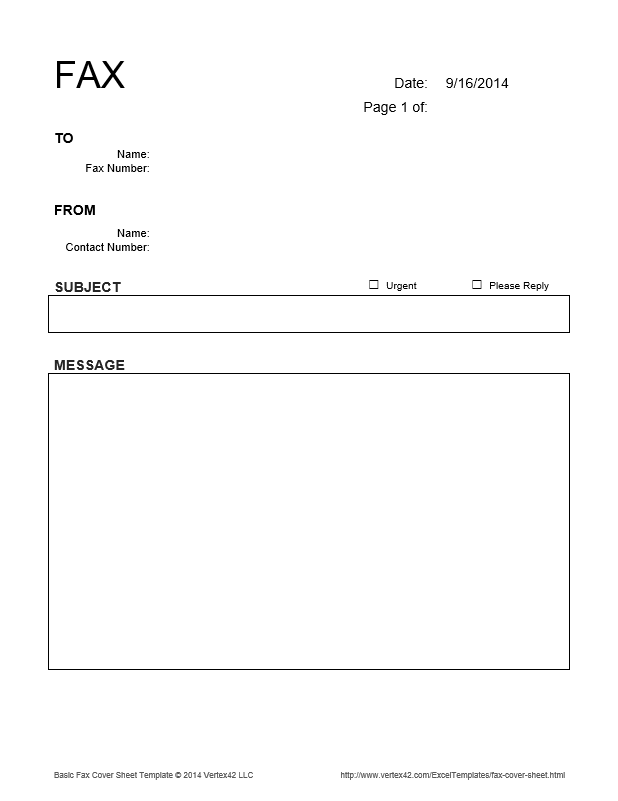
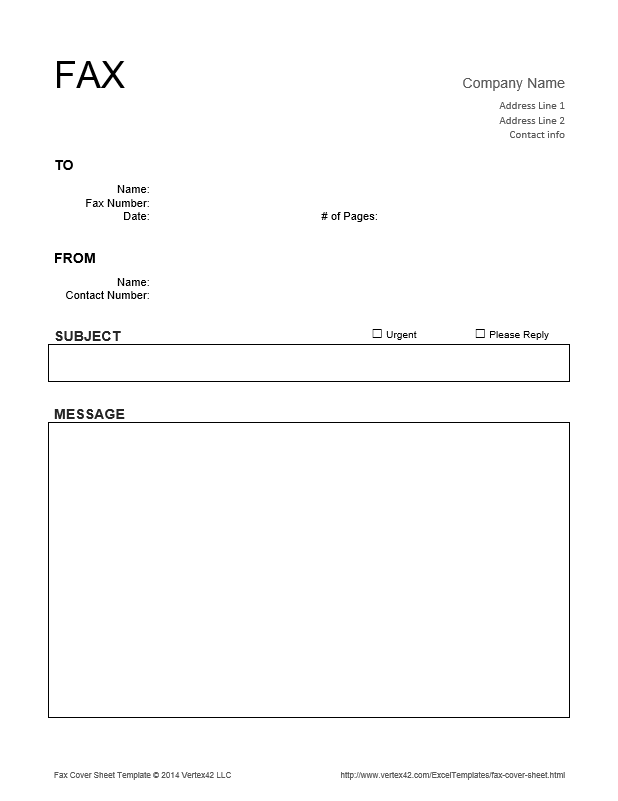
- Sender Information: Name, company, and phone number.
- Recipient Details: Name, department, and fax number.
- Date and Subject: Clear context for the transmission.
- Page Count: Essential to verify if the full document was received.
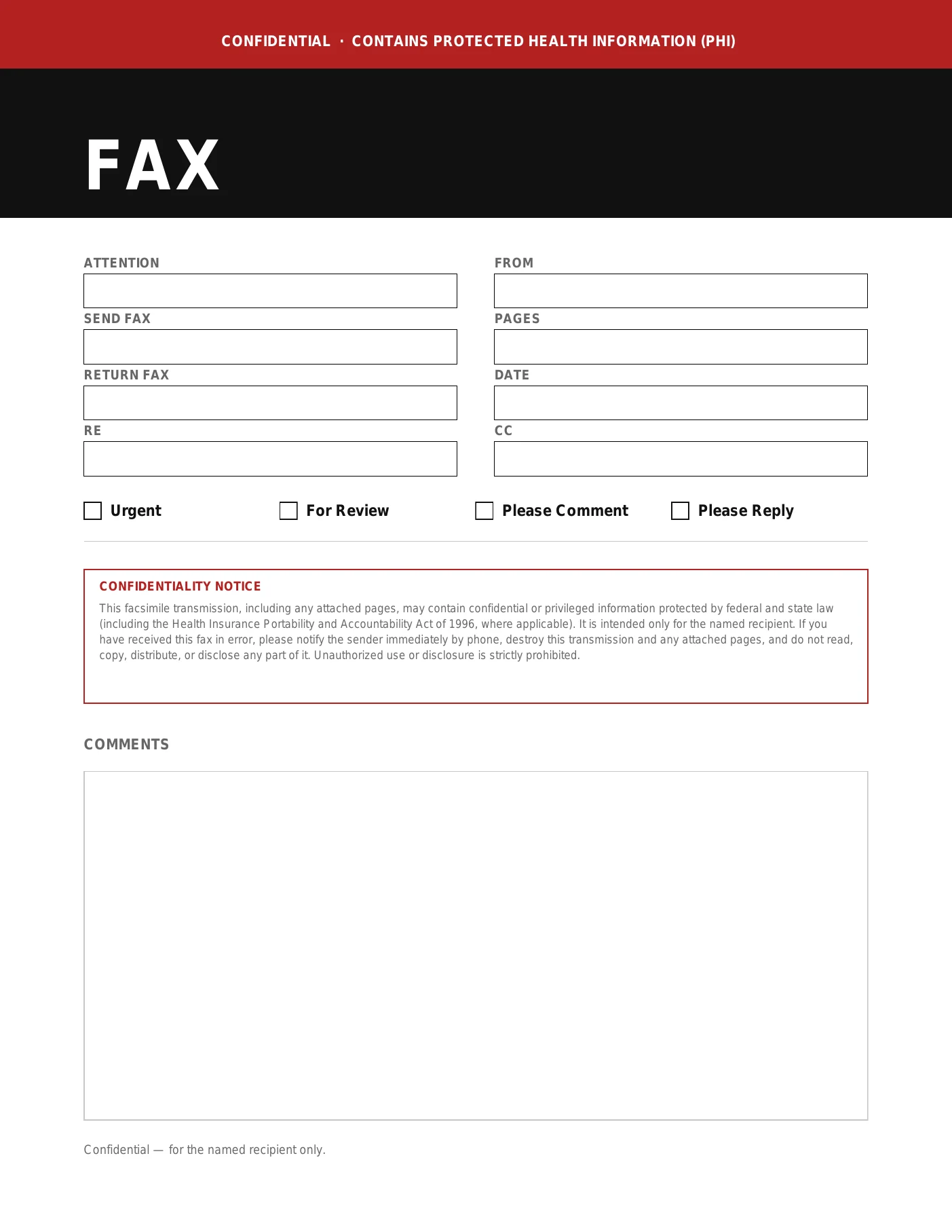
- Confidentiality Notice: Protects sensitive data from unauthorized eyes.
Why Use These Word Fax Templates?
Creating a layout from scratch is time-consuming. These fax cover sheet template Word files are pre-formatted and ready to edit in WPS Writer or Microsoft Word. Customize branding, print, or attach to an e-fax in minutes.