WPS Academy
Free Download
Top Searches
    Login/Sign up
    Login/Sign up
    Top Searches
        Related: wps ioswps app storewps for iphonewps for ipad
        Best iOS version for your search

        Get WPS Office for iPhone and iPad

        Install WPS Office from the App Store for mobile document and PDF workflows.
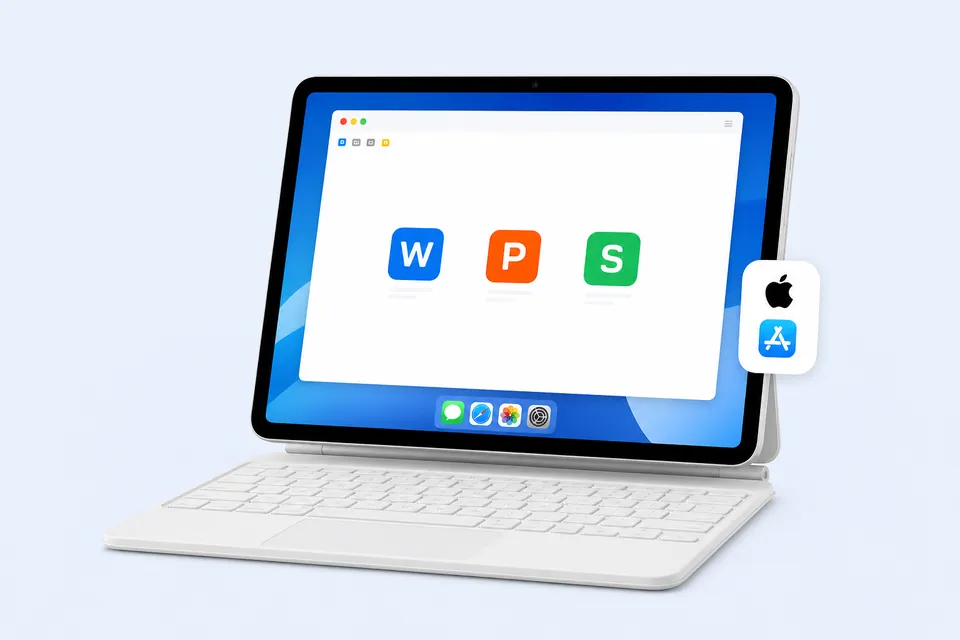
        Optimized for iPhone and iPad Cloud file access Free for personal use
        Download on the App Store iPhone and iPad app
        New to WPS mobile? View iOS guide
        iOS device running WPS Office

        Download WPS Office for All Platforms

        Find your device and get the right version

        Compare All Versions

        Windows

        Windows 10/11
        64-bit

        Download .exe

        Mac

        macOS 10.12+

        Download .dmg

        Linux

        Debian / Ubuntu
        64-bit

        Download .deb

        Chromebook

        ChromeOS

        Use Linux Version

        Android

        Android 5.0+

        Google Play
        Recommended

        iOS

        iOS 12.0+

        App Store
        New to WPS on iOS? Mobile Setup Guide
        1. Open App Store
        2. Install WPS
        3. Open or create a file

        Search Results

        4 results for ipad ppt

        • All Tutorials
        • Video Tutorials
        • Quick Tutorials
        • All
        • Spreadsheet
        • Presentation
        • Writer
        • PDF

        4 results for ipad ppt

        Must-have shortcut tricks in making slides

        Must-have shortcut tricks in making slides

        02:24

        Must-have shortcut tricks in making slides

        During study and work, WPS Presentation is often needed to make a PPT. What makes a high-quality PPT during a short time? In today's tutorials, we will learn a few quick tips commonly used in creating slideshows and thus improving efficiency. · Create a new slideSelect any slide, use the shortcut key Enter, or press Ctrl+Enter together to quickly insert a blank slide. · Delete the current slideSelect the current slide and use the shortcut key Delete or press Ctrl+Delete to remove i....

        Presentation 11.4K views
        How to insert a chart and edit the chart data in WPS Presentation

        How to insert a chart and edit the chart data in WPS Presentation

        03:29

        How to insert a chart and edit the chart data in WPS Presentation

        When we use PPT for data reporting, we often insert charts to help us further illustrate.Take this PPT file as an example. So, how can we insert a chart in the slide? Click the Insert tab above, and then click Chart.In the pop-up dialog, we can select many different types of charts.The double-layered doughnut chart provides an intuitive comparison of the changes in the sales data proportion over the past two years. This video takes Doughnut as an example. Click Pie and click Doughnut. ....

        Presentation 20.1K views
        Use the Mail Merge function to input tabular data quickly

        Use the Mail Merge function to input tabular data quickly

        01:49

        Use the Mail Merge function to input tabular data quickly

        WPS Office contains four major functional modules: Writer, Spreadsheet, Presentation, and PDF Converter. Easily compatible with 51 types, including doc, xls, ppt and other text types. Best free office suite alternative to Microsoft Office Word, Excel, and PowerPoint,applicable to Windows, mac OS, Android and iOS.Do you know how to make badges in batches? Are you still inputting employee information one by one? It's a waste of time. Today, we will learn how to use the Mail Merge fun....

        Writer 19.1K views
        How to repair files in WPS Presentation

        How to repair files in WPS Presentation

        02:05

        How to repair files in WPS Presentation

        During our daily study or work, we sometimes find that the file is full of error codes or we cannot even access it. For those who use File Repair for fixing the file, restoring it to its original state won't be a problem at all. Click the Tool tab, then click File Repair.In the pop-up dialog box, click Repair damaged file to add the error file.You can also drag the file directly to the WPS Files Repair interface, which supports multi-format files such as doc, ppt, and xls. Next, WP....

        Presentation 25.7K views
        Prev 1 Next
        WPS Office
        Join 600M+ Users Worldwide Free · Powerful · Cross-Platform Office Suite
        Download WPS Office

        Quick Links

        • All Download Pages Choose your platform
        • Version Comparison Compare features
        • System Requirements Check compatibility
        • Installation Help Step-by-step guides

        iOS FAQ

        How do I install WPS Office on iPhone or iPad?

        Open the App Store, search for WPS Office, and download the application.

        Can WPS Office edit documents on iOS?

        Yes. The iOS app supports common document, spreadsheet, presentation, and PDF workflows.

        Does WPS Office work offline on iOS?

        Many editing features are available offline after the app is installed.

        Can I use the same app on iPhone and iPad?

        Yes. The iOS application is designed for both iPhone and iPad.

        How do I open a file from the Files app?

        Use the iOS share or open menu and select WPS Office.

        Popular Searches

        wps ioswps app storewps for iphonewps for ipad

        Why choose WPS Office?

        • Lightweight & Fast
        • Compatible with Microsoft Office
        • Works Offline
        • Cross-Platform
        • Trusted by 600M+ Users
        WPS Academy
        Products
        WPS Office for Windows
        WPS Office for Mac
        WPS Office for Android
        WPS Office for iOS
        WPS Office for Linux
        Partners
        Links
        OEM Partners
        Strategic partners

        Follow us

        WPS Office Official Twitter

        WPS Office Official Facebook

        WPS Office Official YouTube