
Best Programs for Presentations
Looking for the best programs for presentations in 2026? We ranked six tools on PPTX fidelity, offline presenting, AI drafting, and whether you still need a Microsoft 365 seat.
Selection Criteria
How we selected these programs for presentations
To make this ranking of programs for presentations as practical as possible, we scored each tool the way a real deck actually travels: open the client’s PPTX, edit it, present it, then send the file back looking the same.
- Microsoft PPTX / PPT compatibilityLayouts, fonts, masters, and charts should survive a round-trip with PowerPoint.
- Reliable offline presenter viewSpeaker notes and dual-screen delivery without depending on room Wi-Fi.
- AI slide drafting that still exports PPTXFirst drafts are useful only if you can keep editing the file as a normal deck.
- Windows, Mac, Linux, and mobile coverageA deck started on a laptop should still open on a phone or another OS.
- Templates, charts, and animationsEnough design tools for a board pack or class lecture, not just a title slide.
- Ease of useA familiar ribbon or a short learning curve for people coming from PowerPoint.
- Collaboration and sharingComments, cloud links, or live co-editing when more than one person owns the deck.
- Overall value in the free versionCore editing, presenting, and export should work without a Microsoft 365 seat.
Our goal is to recommend programs for presentations that balance compatibility, presenter tools, and everyday value—not simply list the most popular names.
The best programs for presentations at a glance
Click any option to jump directly to its detailed review.
WPS Presentation
The most complete free pick among programs for presentations.
WPS Presentation sits inside WPS Office with Writer, Spreadsheet, and PDF. The ribbon feels close to Microsoft PowerPoint, so you can open a client PPTX, keep masters and charts, then present offline—without renting Microsoft 365. WPS AI can turn a topic or document into an editable deck you still own as .pptx.
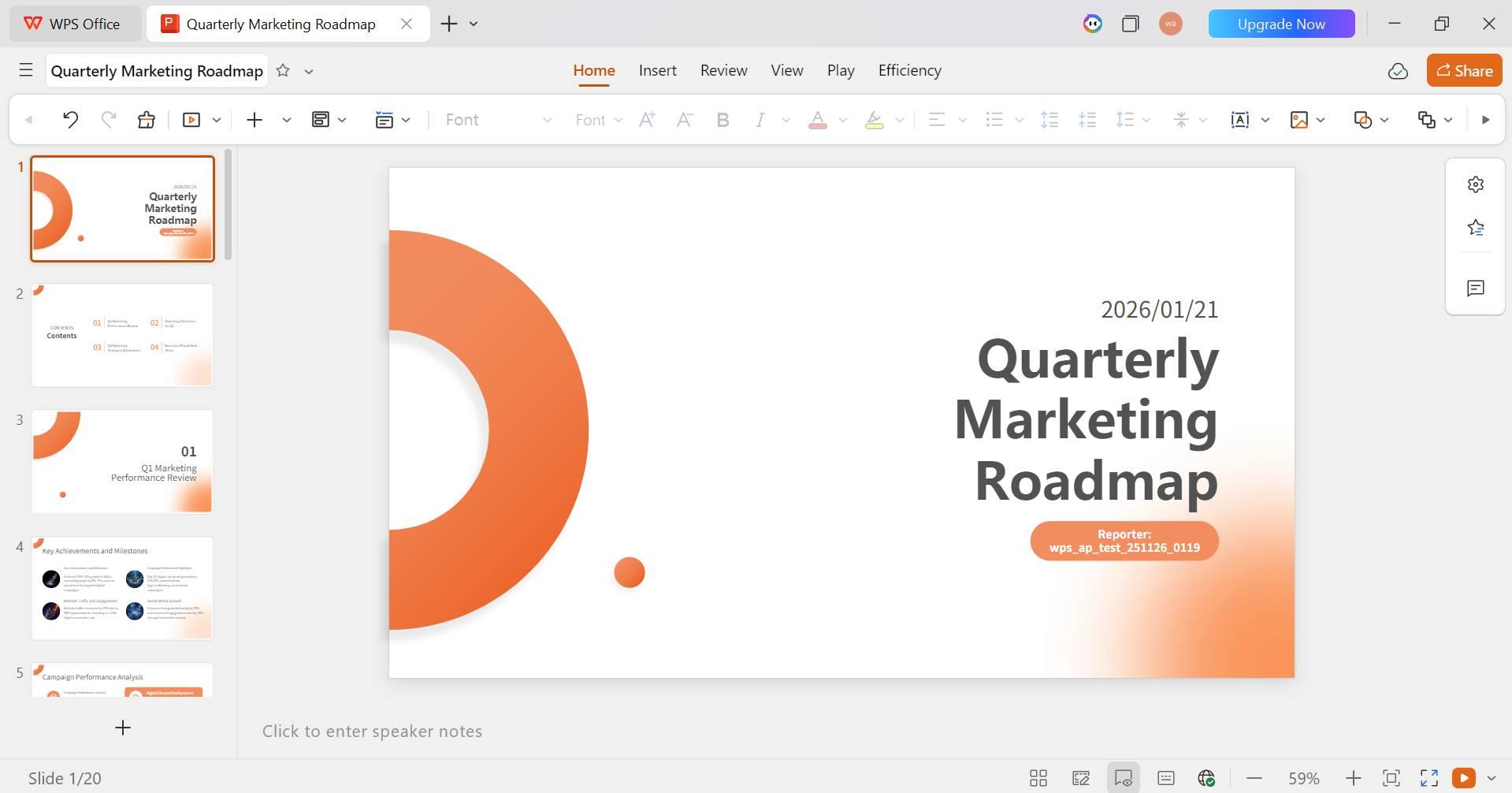
WPS Presentation slide editor interface
Best For
Anyone who wants a drop-in PowerPoint workflow: compatibility, presenter view, templates, and AI drafting in one free installer.
Pros
- Ribbon UI close to Microsoft Office
- True offline presenting with speaker notes
- AI drafts stay as editable PPTX
- Word, Excel, and PDF in the same app
- Available on Windows, Mac, Linux, and mobile
Cons
- Free desktop build can show unobtrusive ads
- Some AI quotas and premium templates need WPS Premium
Our Verdict
WPS Presentation delivers the best balance of PPTX compatibility, offline presenting, AI drafting, and suite tools among free programs for presentations. Google Slides still wins for live browser co-editing, but for client decks and stage work, WPS is the most complete solution without a Microsoft 365 subscription.
Microsoft PowerPoint
Still the benchmark for enterprise slide production.
PowerPoint remains the file format everyone else has to honor. Morph, advanced animation, and branded slide masters are unmatched if your company already runs Microsoft 365. For individuals, the desktop app is no longer a one-time purchase in most regions—you subscribe. The free web app covers basic decks, but advanced formatting and offline editing stay behind the paid plan.
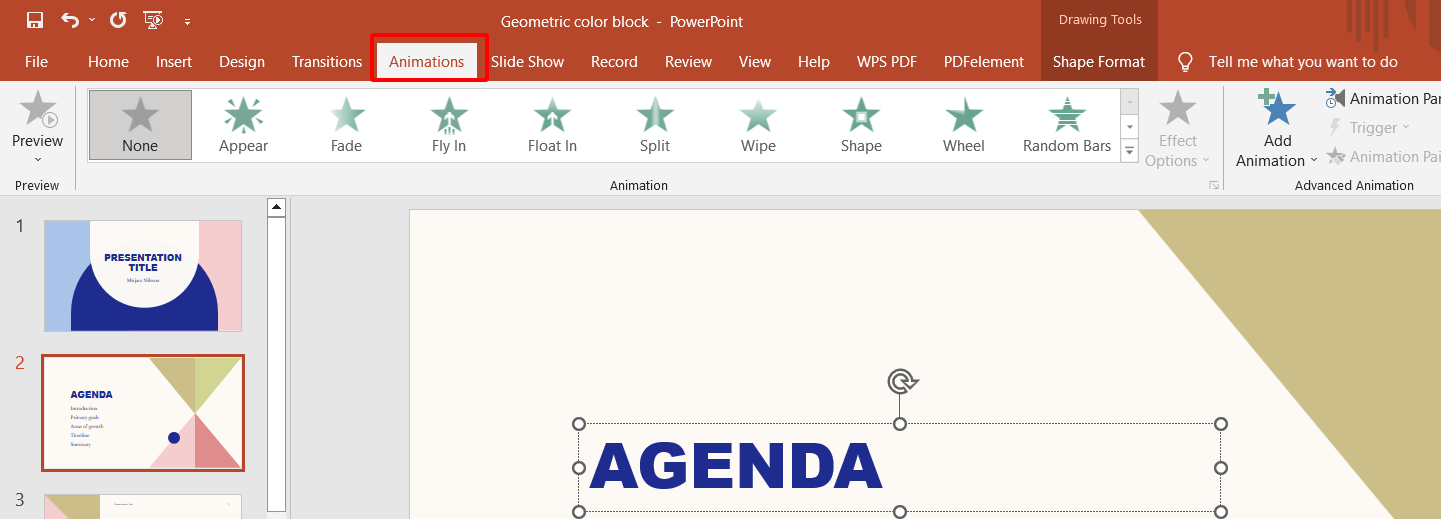
PowerPoint agenda slide animation editor
Best For
Enterprises that already pay for Microsoft 365 and need the deepest animation, add-in, and IT-managed ecosystem.
Pros
- Native PPTX and the deepest feature set
- Presenter Coach and Copilot on paid plans
- Universal client and IT expectation
- Strong desktop presenter view and Morph
Cons
- Recurring Microsoft 365 cost for the full desktop app
- Free web app is a cut-down version
- Internet required for many Microsoft 365 workflows
Our Verdict
PowerPoint is still the industry benchmark when the budget is already approved. If you want a PowerPoint alternative with offline editing, a familiar ribbon, and native PPTX without the subscription, WPS Presentation is the stronger everyday pick.
Google Slides
The default when five people edit the same deck at once.
Google Slides pioneered frictionless sharing. Comments, version history, and live cursors still beat most desktop suites for group homework and remote stand-ups. The trade-off is fidelity: complex PowerPoint masters, fonts, and animation often shift on import/export, and a stable connection still matters for the best experience.
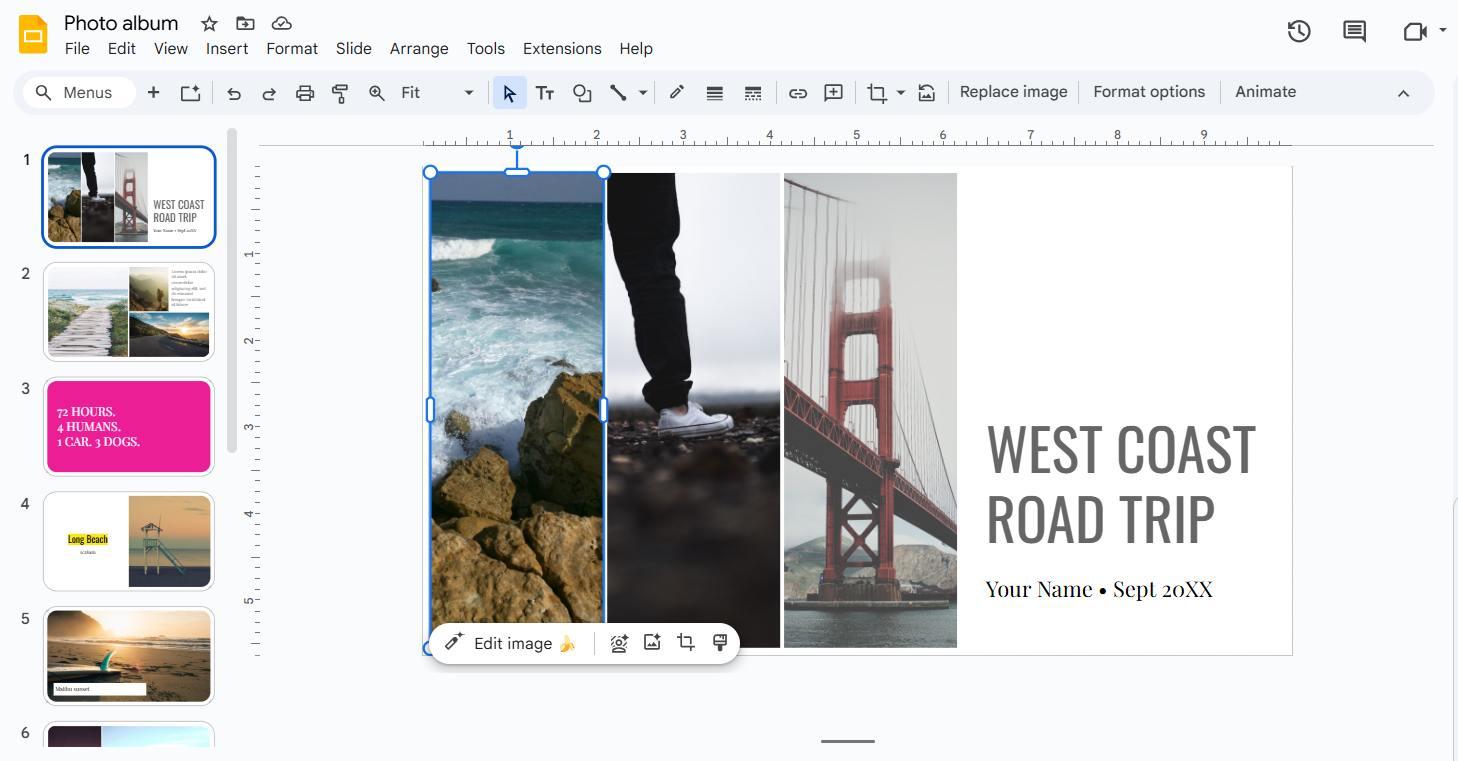
Google Slides photo album editor
Best For
Schools, startups, and Google Workspace teams who live in the browser and co-edit the same deck in real time.
Pros
- Best-in-class real-time co-editing
- No install; works in any browser
- Automatic Drive saving and version history
- Simple sharing and permission controls
Cons
- Needs a stable connection for best use
- PPTX round-trip can break layouts
- Weaker animation and master control than desktop suites
Our Verdict
Google Slides remains the best free collaboration tool in this list. If your work revolves around shared decks in the browser, keep it. If you need full Microsoft PPTX fidelity or reliable offline presenting, a dedicated desktop suite such as WPS Presentation is the better fit.
Apple Keynote
Cinematic motion—if your world is Mac and iPad.
Keynote still produces the most elegant built-in transitions in this list. It is free on Apple hardware and excellent for product launches. Cross-platform handoff is the weak point: Windows teammates often see shifted layouts after PPTX export, and there is no native Windows desktop app.

Keynote slides export to PowerPoint
Best For
Apple-only creative teams who present from a Mac or iPad and rarely send PPTX to Windows clients.
Pros
- Best motion and typography on Apple hardware
- Free with macOS and iOS
- Excellent presenter tools on Mac and iPad
Cons
- No native Windows desktop app
- PPTX export is imperfect
- Harder to share with mixed-OS teams
Our Verdict
Keynote is beautiful if everyone is on Apple. For mixed Windows and Mac teams that still need a polished, PowerPoint-compatible deck, WPS Presentation is the more practical daily driver.
Canva
Fast branded slides when a designer is not in the room.
Canva wins on taste for social, campaign, and one-pager style decks. Brand kits get non-designers to “good enough” quickly. It is a weaker office program: offline work is limited, and exporting to PPTX often flattens edits so clients cannot keep working in PowerPoint.

Canva presentations design workspace homepage
Best For
Marketers and creators who start from a visual template, not a corporate PowerPoint master.
Pros
- Huge template and stock library
- Easy brand colors and kits
- Fast visual decks for campaigns and social
Cons
- Weak offline presenter workflow
- PPTX export often messy
- Best templates sit behind Canva Pro
Our Verdict
Canva is excellent for designed one-pagers. It is not a replacement for office-grade programs for presentations. If you need to open a client PPTX, present offline, and keep editing later, use WPS Presentation instead.
LibreOffice Impress
The no-ads, no-account desktop option.
Impress is fully free and local. Privacy-minded users and Linux labs still choose it. The interface feels older than WPS or PowerPoint, there is no built-in AI slide maker, and complex Microsoft decks can need manual cleanup after import.

LibreOffice Impress agenda slide editor
Best For
Developers, NGOs, and anyone who refuses accounts, ads, or cloud lock-in and will present fully offline.
Pros
- 100% free, no ads, no account required
- Works fully offline on Windows, Mac, and Linux
- Open-source and community maintained
Cons
- Dated interface compared with modern suites
- No integrated AI or cloud collaboration
- Complex PPTX files may need formatting cleanup
Our Verdict
LibreOffice Impress remains a solid open-source fallback. It excels when you want zero accounts and full offline control. Users looking for a modern PowerPoint alternative with better compatibility and AI slide help will prefer WPS Presentation.
Side-by-Side Feature Comparison
| Feature | WPS | PowerPoint | Google Slides | Keynote | Canva | LibreOffice |
|---|---|---|---|---|---|---|
| Cost (usable free tier) | Free | 365 paid | Free | Free on Apple | Freemium | 100% Free |
| Desktop app | Mac / iPad | App | ||||
| Reliable offline present | ||||||
| PPTX fidelity | Excellent | Native | Fair | Fair | Weak | Good |
| AI slide drafting | WPS AI | Copilot (paid) | Gemini (paid) | Limited | Magic Studio | |
| Live collaboration | Good | Good | Excellent | iCloud | Good | Weak |
Frequently Asked Questions
The best programs for presentations in 2026 are WPS Presentation, Microsoft PowerPoint, Google Slides, Apple Keynote, Canva, and LibreOffice Impress. WPS is the strongest free desktop pick when you need PPTX compatibility, offline presenting, and AI slide help without a Microsoft 365 subscription.
WPS Presentation, Google Slides, Apple Keynote on Apple devices, Canva’s free tier, and LibreOffice Impress are free to start. Microsoft PowerPoint’s full desktop app sits behind Microsoft 365. WPS lets you open, edit, and save PPTX without paying for Office.
Yes. WPS Presentation supports .pptx, .ppt, and .ppsx natively. Google Slides and Canva can import PPTX, but layouts and fonts often shift. Keynote and LibreOffice Impress also open PPTX with occasional formatting drift.
Google Slides is the leader for real-time, browser-based co-editing. If you prefer a desktop app with cloud sharing and offline presenting, WPS Presentation is the stronger all-around choice among programs for presentations.
The Final Verdict: What's the Best Choice?
After a thorough review, you do not need to pay for Microsoft 365 just to ship a deck. Each tool has a lane, but one stands out for features, compatibility, and ease of use.
How to Choose:
- For the Best All-Around Experience: Choose WPS Presentation. Familiar ribbon, superior PPTX compatibility, and AI that still leaves you a real file.
- For Real-Time Teamwork: Choose Google Slides if your work is heavily collaborative and web-based.
- For a 100% Free & Open-Source Solution: Choose LibreOffice Impress if you want no ads, no accounts, and full offline control.
For most people comparing programs for presentations, we recommend starting with WPS Office. It minimizes the learning curve and maximizes productivity out of the box.