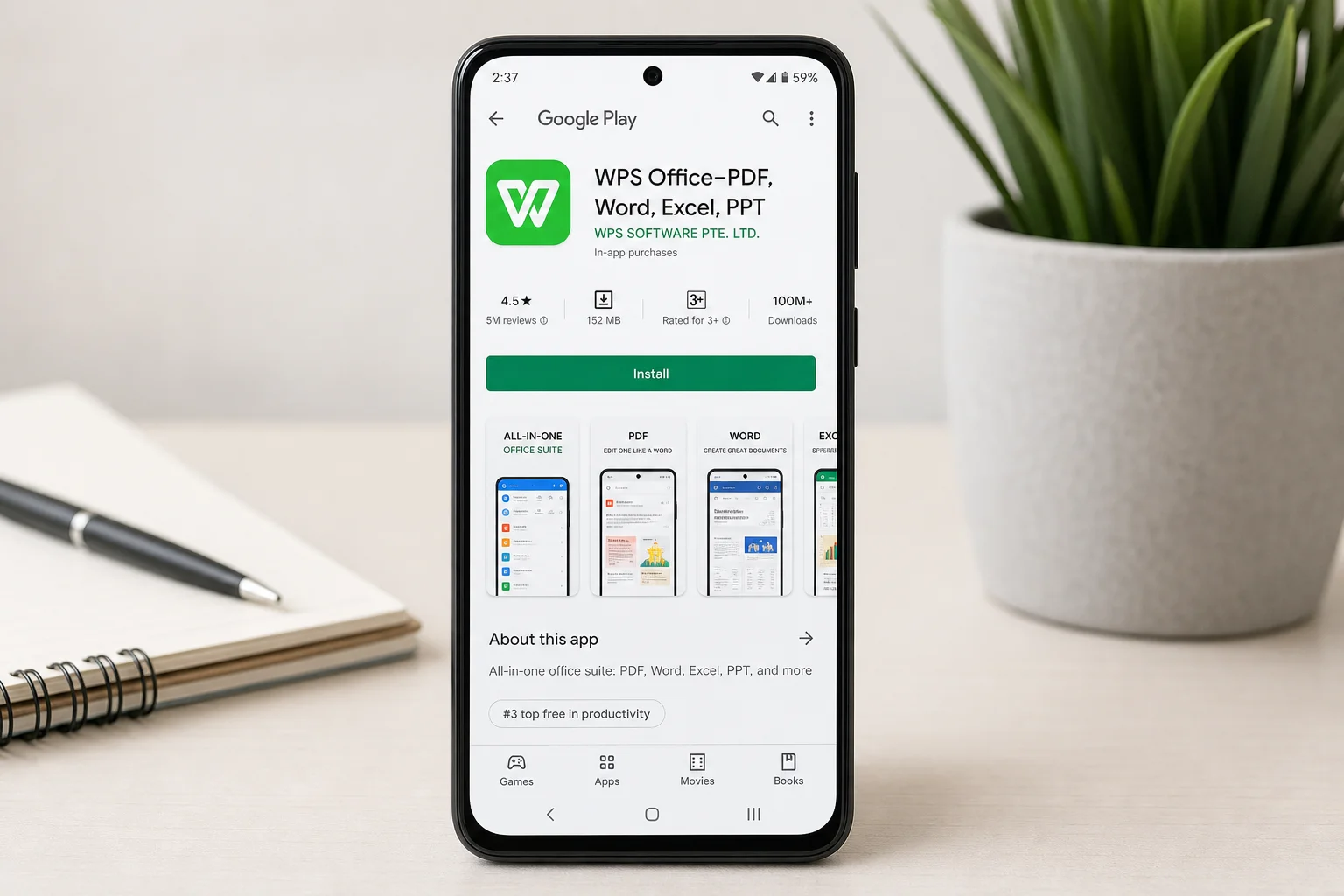
Google Play is the default path
If Play works on your device, install from there. You do not need to download a manual APK file.
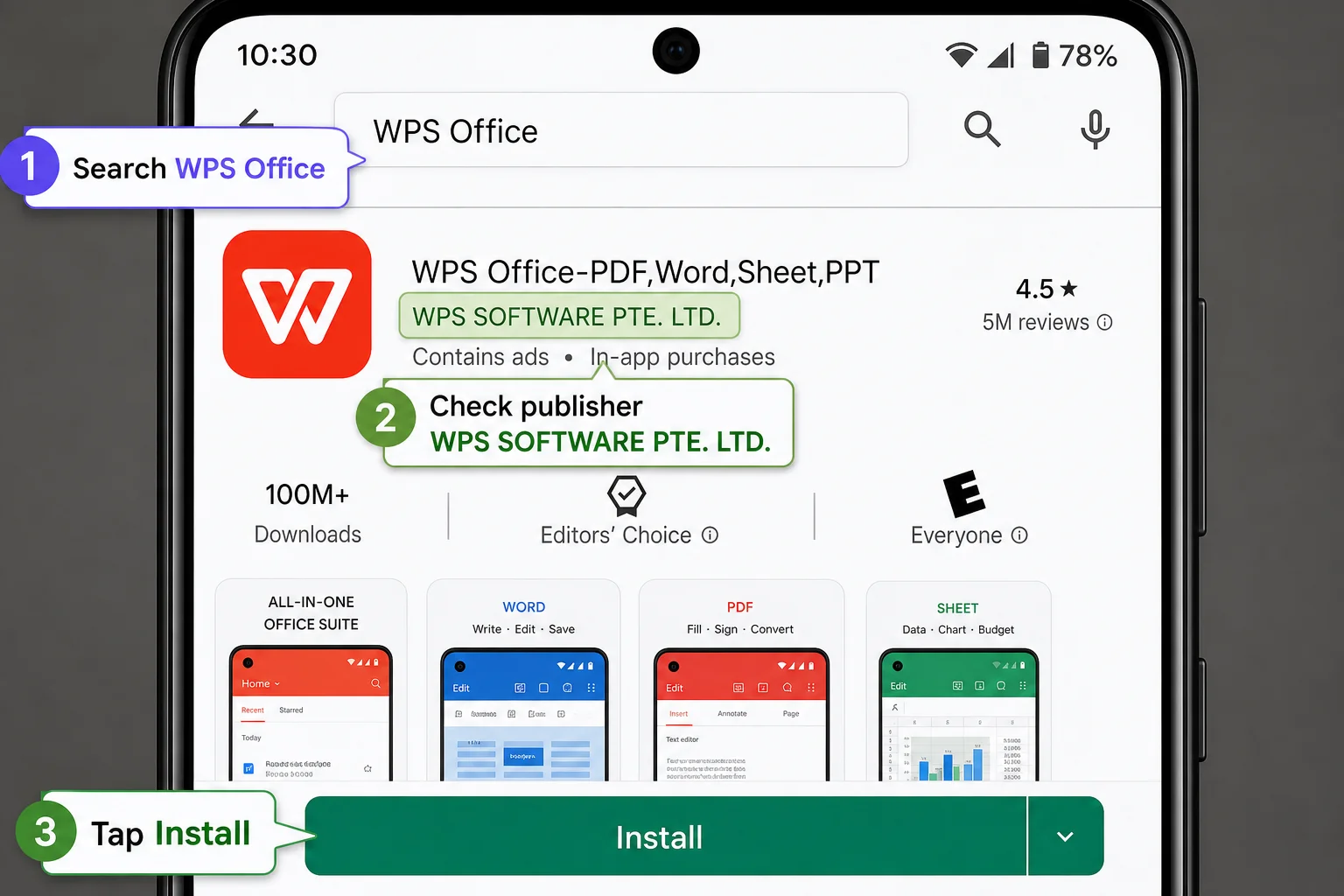
Looking for WPS Office APK? Start with Google Play where it is available, verify the publisher, then install. If Play is unavailable, use the official WPS Android download page instead of third-party APK sites.
APK is the Android app package format. When people search for WPS Office APK, they usually mean the Android version of WPS Office, not a separate product.
If Play works on your device, install from there. You do not need to download a manual APK file.
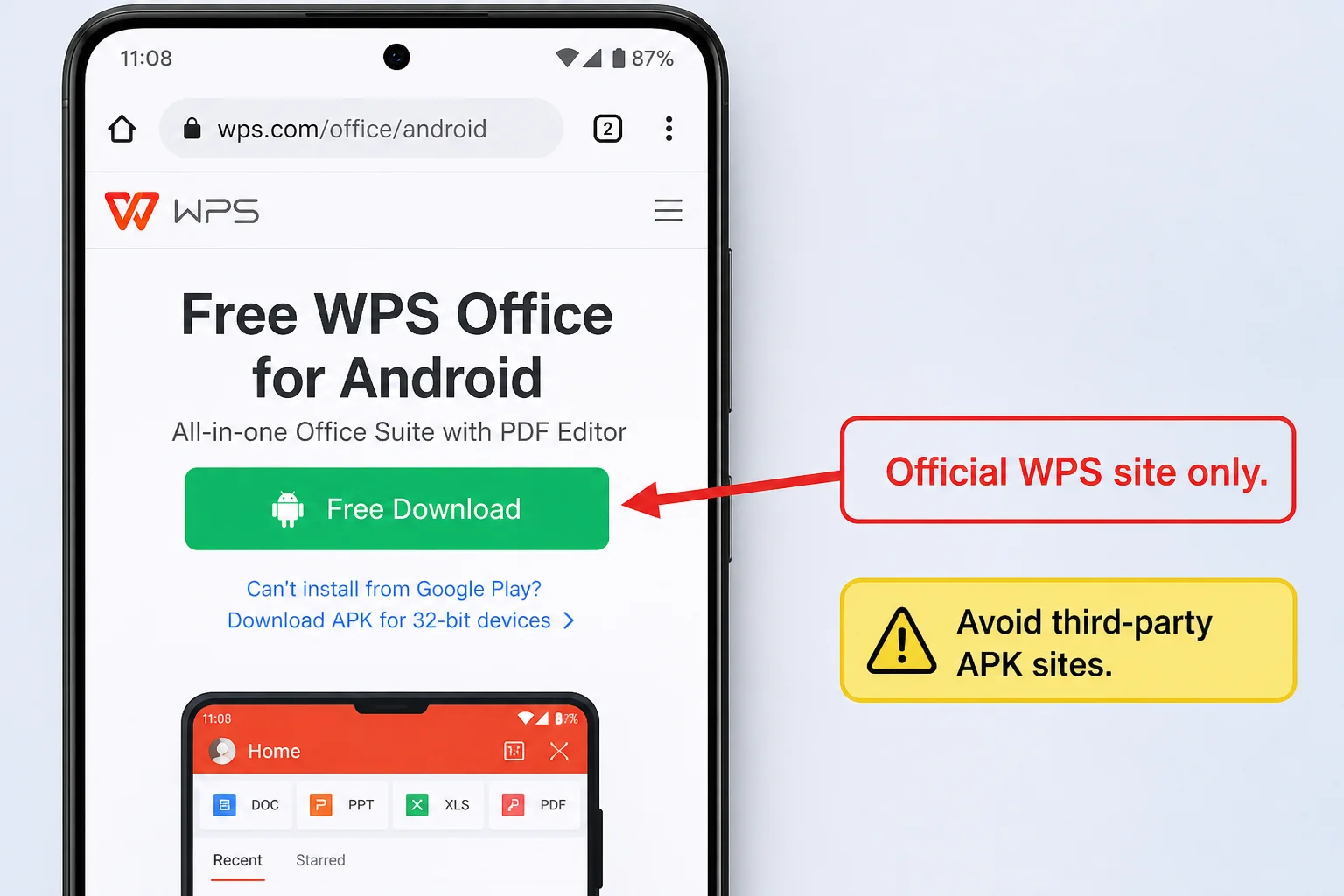
Third-party APK sites may host modified or outdated packages. Always verify the source before installing.
When Google Play is unavailable, check the official WPS Office for Android page for verified download options.
Google Play is the safest default route for most Android users. You can review the app name, publisher, device compatibility, and update history before you install.
Some devices or regions cannot access Google Play. In those cases, use the official WPS Office for Android page instead of random APK mirrors.
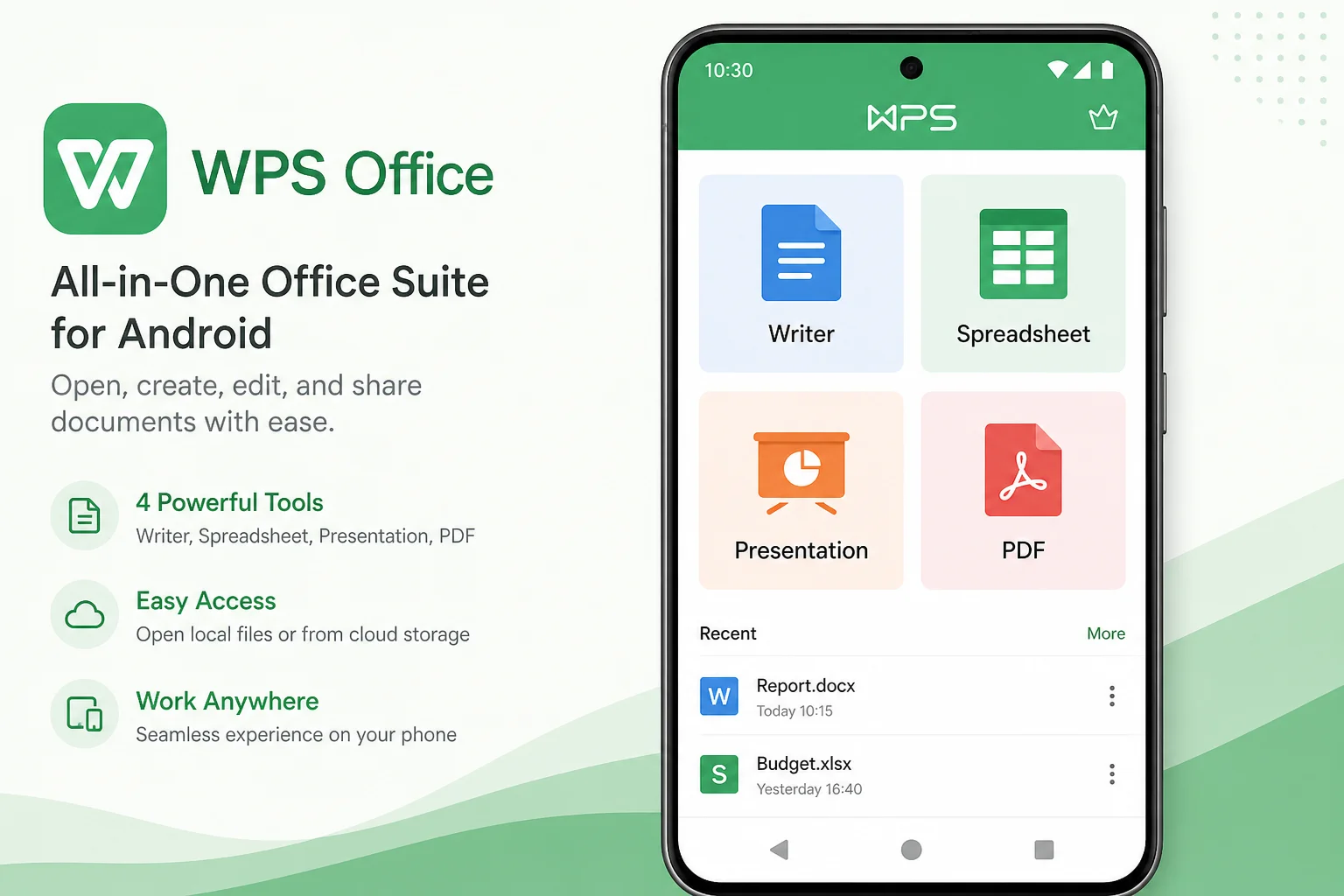
WPS Office is a mobile office suite, not just a single file viewer. After install, you can work with common document formats on the go.
Feature availability can vary by app version, device, region, account, and plan.
Three steps. Usually under three minutes once you know which official source to use.
Use Google Play where available. If not, open the official WPS Office for Android page.
On Play, confirm the publisher is WPS SOFTWARE PTE. LTD. Avoid unknown APK mirrors and unsupported mod packages.
Launch WPS Office, open a file from your device or cloud storage, and use Writer, Spreadsheet, Presentation, or PDF as needed.
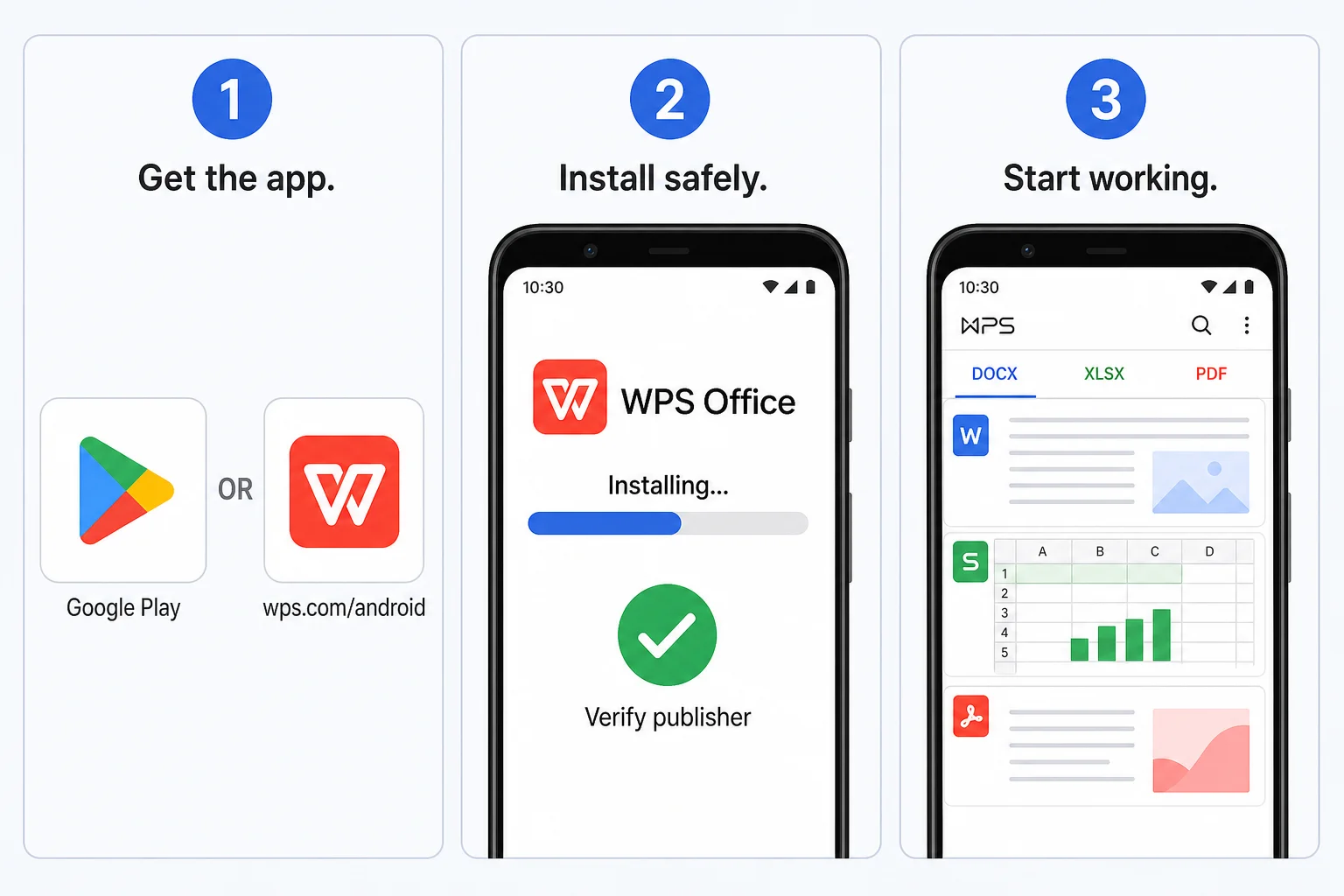
Pick the route that keeps your device safe and your app up to date.
| Need | Google Play or official WPS page | Unofficial APK sites |
|---|---|---|
| Verify publisher | Publisher shown clearly on Play or WPS site | Often unclear or reuploaded by unknown parties |
| Security | Standard install flow with reviewable source | Higher risk of modified or outdated packages |
| Updates | Play or official WPS download path | May lag behind or never update |
| Support questions | Matches official WPS Android app | Hard to confirm version or authenticity |
| When Play is blocked | Use official WPS Android page if offered | Not a safe default choice |
Common questions before you install WPS Office on Android.
APK is the Android app package format. WPS Office APK usually means the Android version of WPS Office. If you install from Google Play, you do not need a separate APK hunt.
Use Google Play where available and verify the publisher is WPS SOFTWARE PTE. LTD. If Play is unavailable, use the official WPS Office for Android page.
WPS Office is free to download with core office tools. Some advanced PDF or premium features may depend on version, region, account, or plan.
No. Avoid modified, reuploaded, or unverified APK files. Do not bypass Android security warnings.
Common document, spreadsheet, presentation, and PDF formats are supported. Exact features can vary by device and app version.
Check device storage, Android version support, and regional availability on the listing. If Play is unavailable, review official WPS Android download options instead of third-party mirrors.
Keep install, product, and platform pages separate so users land on the right next step.
Use Google Play where available, verify the publisher, or download from the official WPS Android page when Play is not an option.