WPS Office Free Download (Official) for Windows, Mac and Mobile
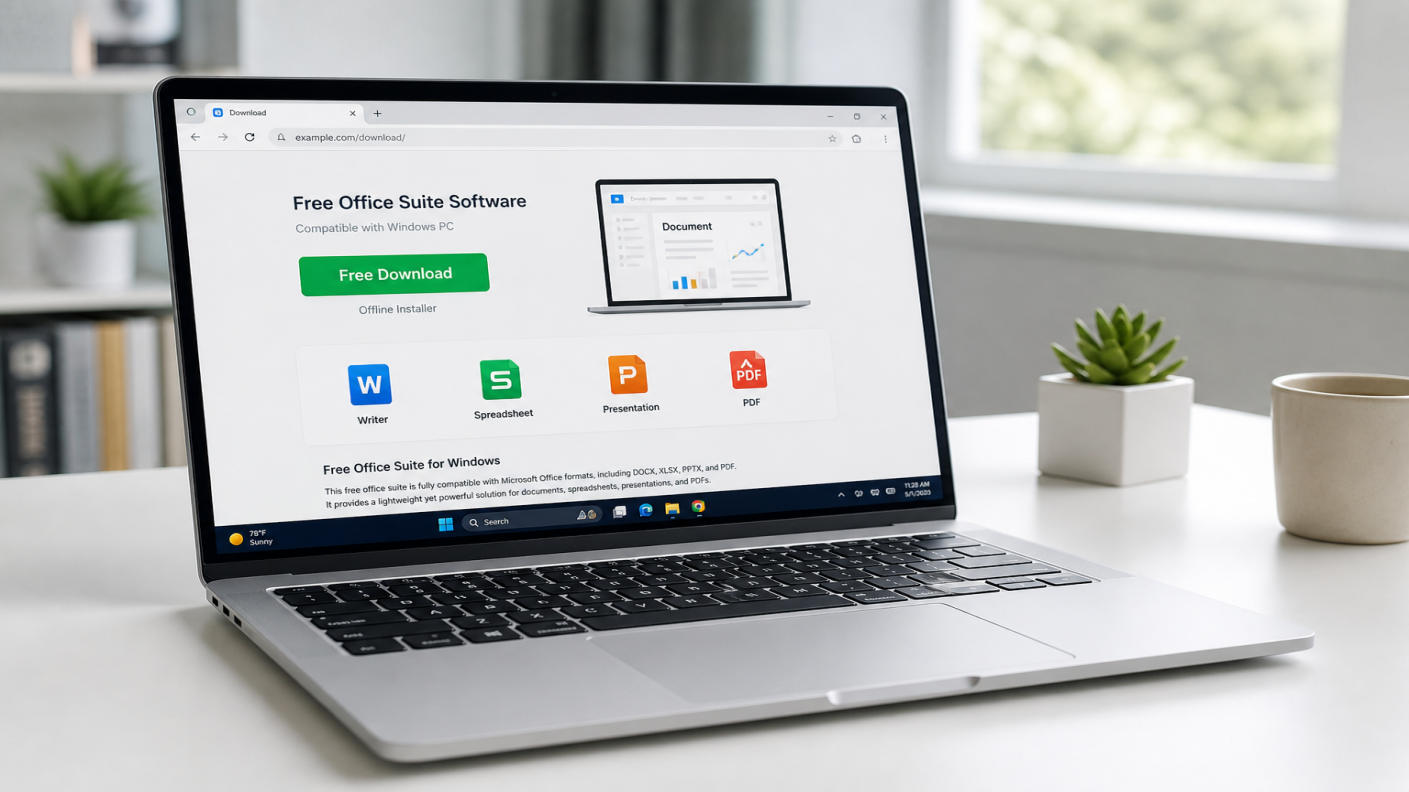
Download WPS Office free from the official WPS website. One install gives you Writer, Spreadsheet, Presentation, and PDF so you can open common Word, Excel, PowerPoint, and PDF files on PC or phone.
Use only official sources: https://www.wps.com/download/. Avoid third-party APK or mirror sites.
New to the product? Start with What is WPS Office
Need full install screenshots by OS? Use the install guide:
How to download WPS Office free (official)
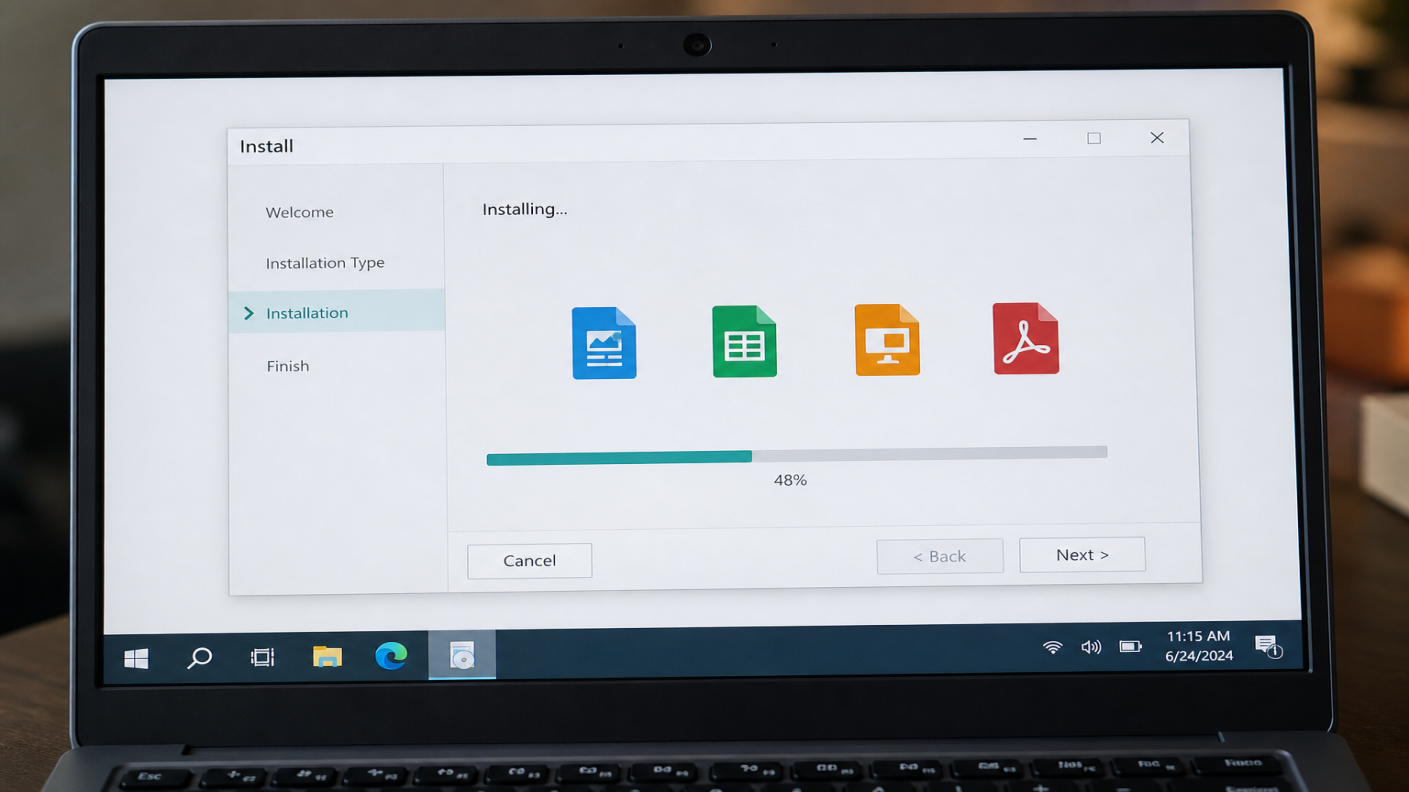
Open the official download page: https://www.wps.com/download/
Choose your platform (Windows, Mac, Linux, Android, or iOS).
Click Free Download or open the official store listing.
Run the installer or install from the store, then open Writer, Spreadsheet, Presentation, or PDF.
Optional: sign in if you want cloud sync or plan-based features.
You can also use any Free Download button on this page. They should point to the official download hub.
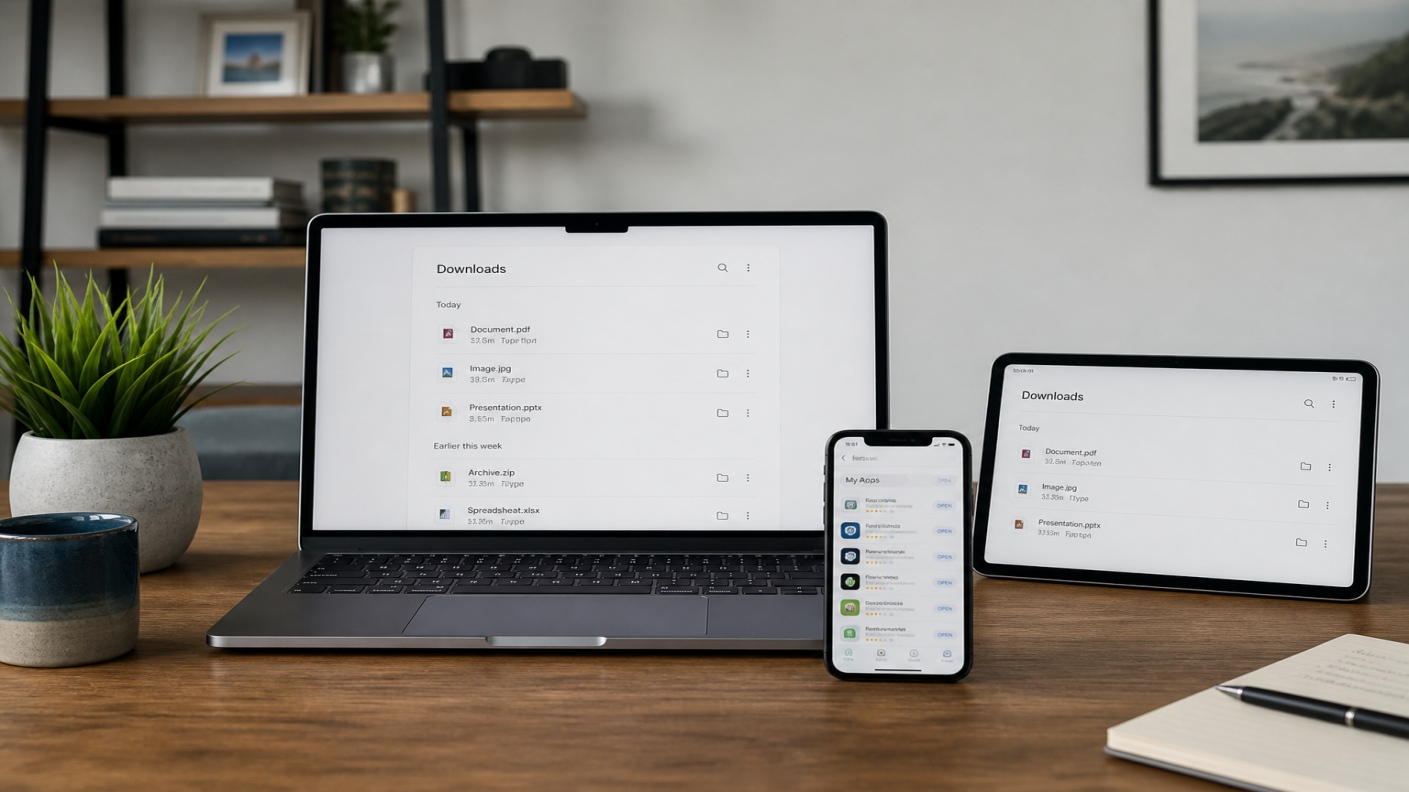
Download WPS Office by device
| Platform | Optimized guidance | Link target |
| Windows | Free download for Windows 11/10 and supported older versions from the official site or Microsoft Store where available. | /download/ + /office/windows/ |
| Mac | Free download for Apple silicon and Intel Macs from the official Mac download path. | Mac download / office/mac |
| Linux | Use official Linux packages listed on the download page for supported distributions. | /download/ |
| Android | Install from Google Play or the official Android channel. Do not use random APK mirrors. | Store / download |
| iOS | Install from the App Store. | Store / download |
What you get with a free WPS Office download
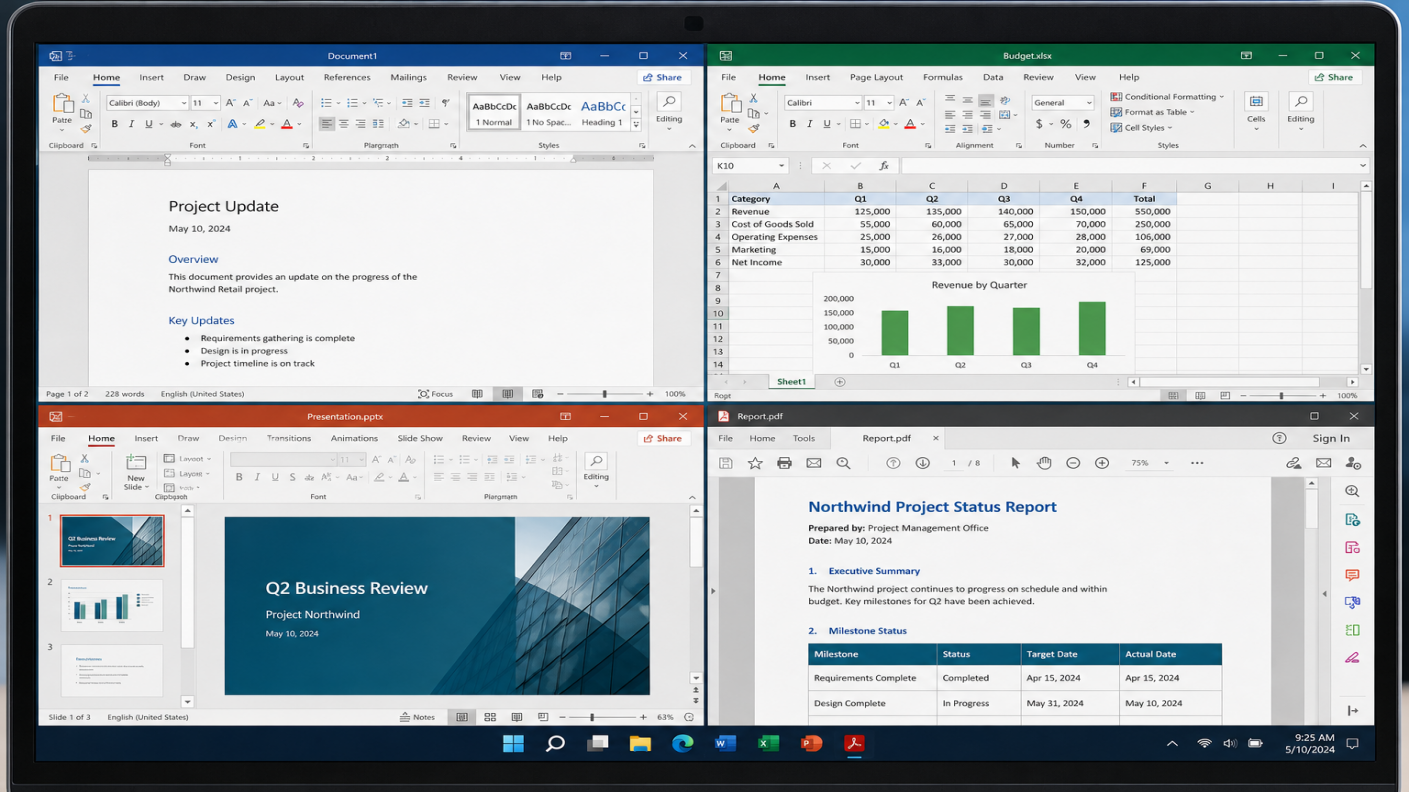
Writer: Create and edit DOC and DOCX documents.
Spreadsheet: Open and edit XLS and XLSX sheets.
Presentation: Build and share PPT and PPTX decks.
PDF: Read, convert, and handle common PDF tasks. Advanced PDF tools may need a paid plan.
WPS covers everyday Word, Excel, and PowerPoint tasks and works with common Microsoft Office formats. Always check complex files after opening.
Is the WPS Office free download really free?
Yes. You can download and use core Writer, Spreadsheet, and Presentation features free.
Some advanced PDF tools, AI features, cloud limits, templates, or an ad-free experience may need a paid plan, depending on platform and region.
Download free first, then upgrade only if you hit a paid feature.
Is it safe to download WPS Office?
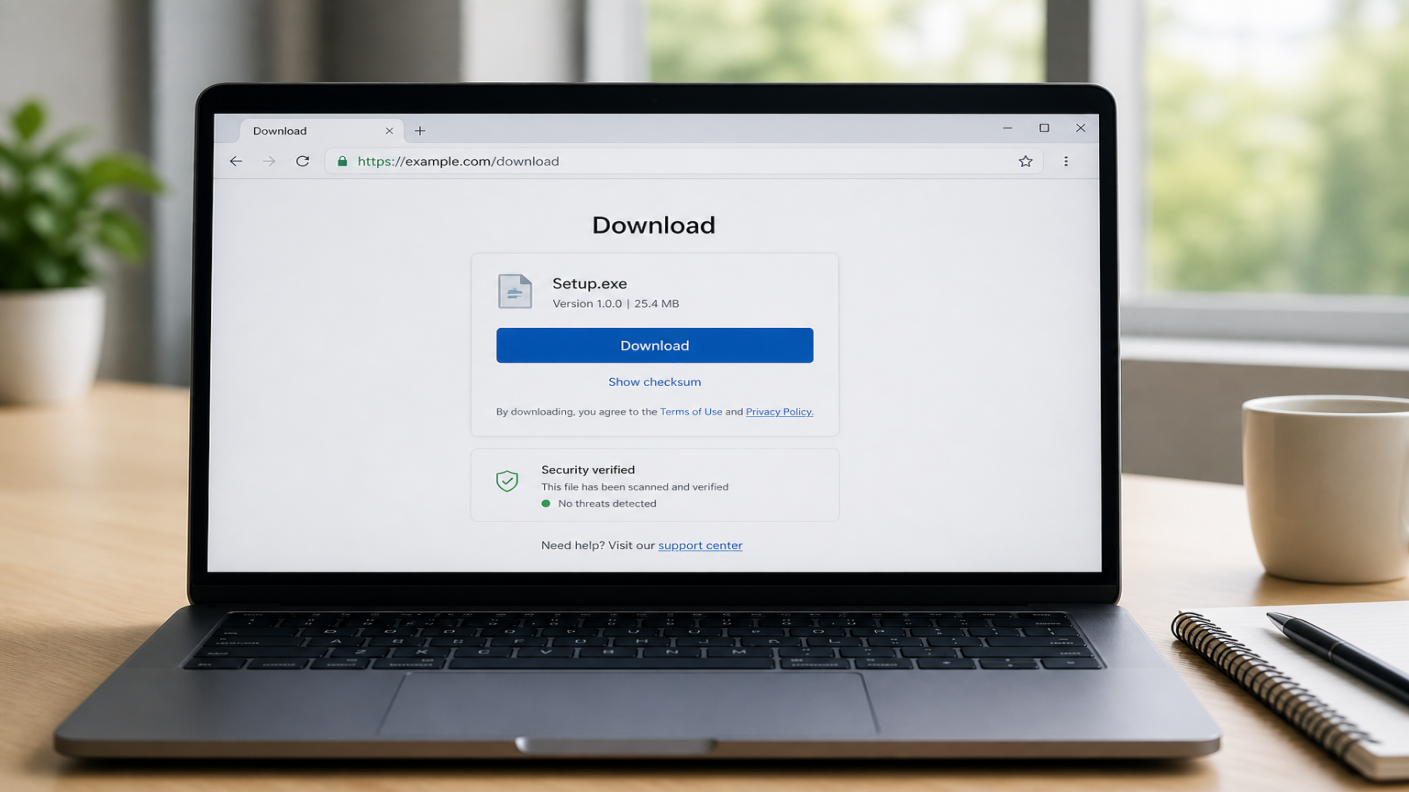
Download only from:
https://www.wps.com/download/
Official WPS product pages
Google Play, App Store, or Microsoft Store listings where available
Avoid unofficial full-version cracks, random APK sites, or mirrored installers. Those are the main risk, not the official free download.
After download: cloud and extras
After install, you can use WPS Cloud for sync and sharing on supported plans. Data recovery tools may help with lost files where available. Explore these after you finish the free download.
FAQ
Is WPS Office free to download?
Yes. Download from the official site. Core apps are free. Some advanced features may need a paid plan.
Is it safe to download WPS Office?
Yes, when you use official WPS pages or official app stores. Avoid third-party APK and mirror sites.
Where should I download WPS Office for Windows, Mac, or mobile?
Start at wps.com/download and choose your platform.
Can WPS open Word, Excel, and PowerPoint files after download?
Yes, for common DOC/DOCX, XLS/XLSX, and PPT/PPTX files. Review complex files after opening.
How do I install WPS Office after downloading?
Follow the install guide for all devices
Can I password-protect documents in WPS Office?
Yes. WPS lets you encrypt documents with a password to limit unauthorized access.
How do I recover unsaved documents in WPS Office?
Use Document Recovery or AutoRecover Management in the File menu of Writer to open recovered drafts when available.
Also read


Ready for the official free download? Free Download WPS Office for Windows, Mac, Linux, Android, or iOS. Then open a real DOCX, XLSX, PPTX, or PDF and confirm it works on your device.
Also Read:



15 years of office industry experience, tech lover and copywriter. Follow me for product reviews, comparisons, and recommendations for new apps and software.


