

Introduction to WPS Office: Free Writer, Sheets, Slides & PDF
This introduction covers what you get in WPS Office and how to start. WPS Office is a free office suite with Writer, Spreadsheet, Presentation, and PDF in one install. You can open common Word, Excel, and PowerPoint files, work on PC or phone, and sync with WPS Cloud when you sign in.
For a deeper definition of the product name and free vs paid limits, see What is WPS Office:
Watch our video introduction of WPS Office:


What you get in WPS Office?
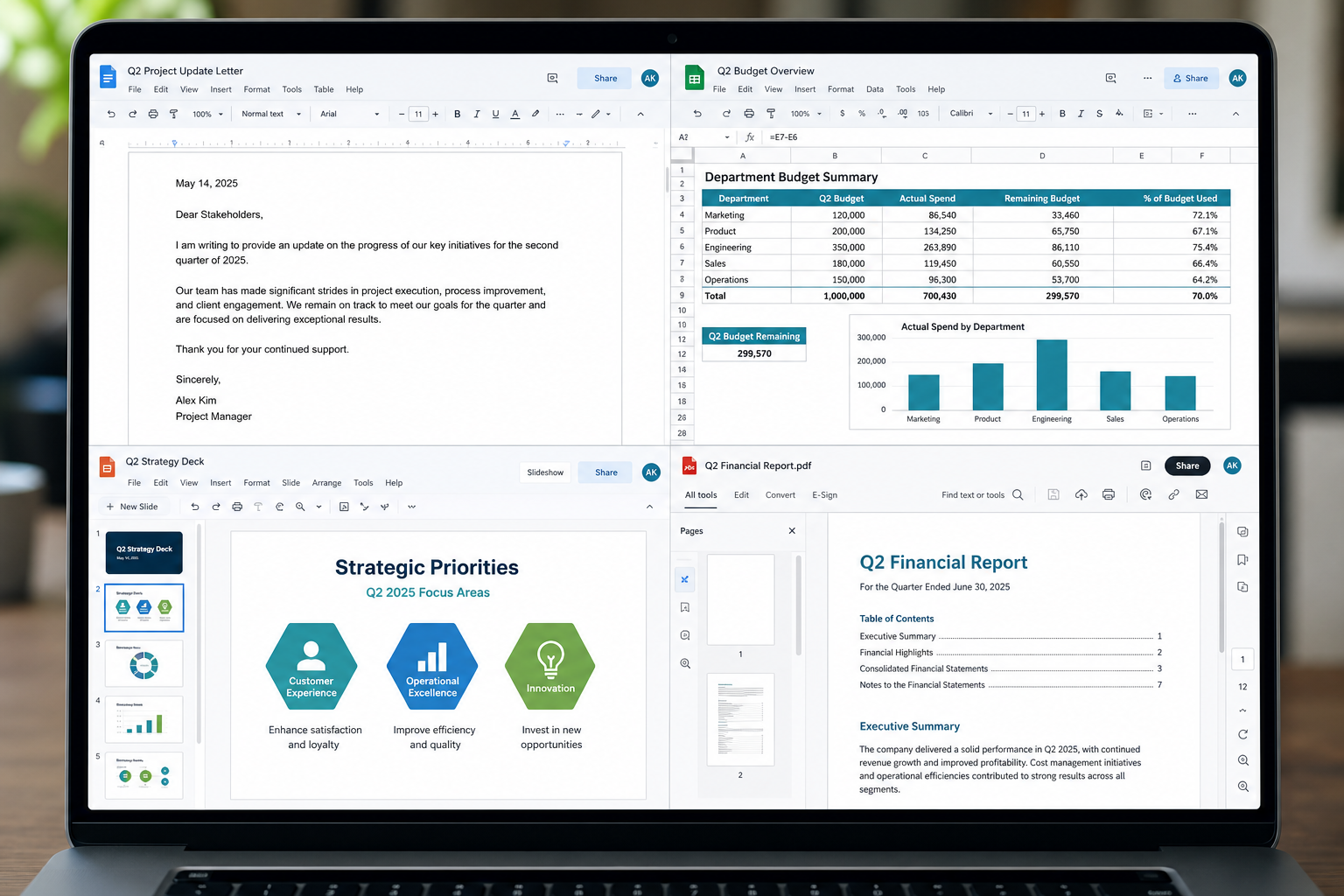
Module |
Purpose |
Learning Guide |
Writer |
Create and edit documents like reports, resumes, and proposals. Works with DOC/DOCX. |
Windows / Writer hub or Writer-related Academy |
Spreadsheet |
Build budgets, trackers, and charts. Open XLS/XLSX without Excel. |
|
Presentation |
Build slide decks and share PPT/PPTX with PowerPoint users. |
Product Presentation page |
Read, edit, convert, merge, and sign PDFs in the same suite. |
Why people start with WPS Office?
l One install for documents, sheets, slides, and PDFs
l Familiar layout if you already know Word, Excel, or PowerPoint
l Free core apps to download and try before you pay for extras
l Built for everyday files you already receive at school or work
Where you can use WPS Office?
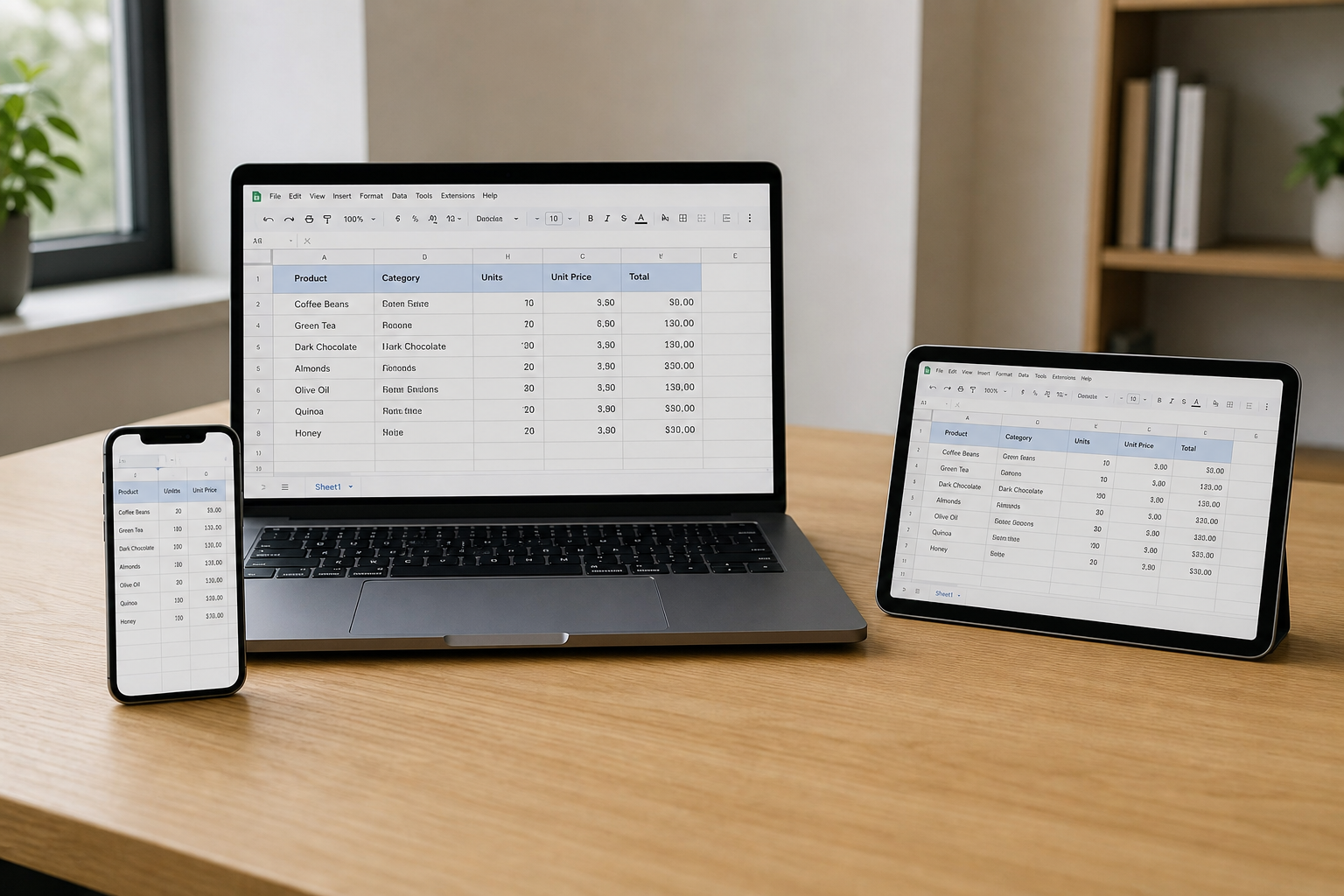
WPS Office runs on Windows, macOS, Linux, Android, and iOS. Feature sets are not identical on every device, so check the download page for your OS.
Start here: WPS Office free download or WPS for Windows
How to get started in 4 steps?
1. Download WPS Office from the official download page.
2. Open Writer, Spreadsheet, Presentation, or PDF from the home screen.
3. Edit and save as DOCX, XLSX, PPTX, or PDF.
4. Sign in if you want WPS Cloud sync across PC and phone.
Share files and keep working across devices
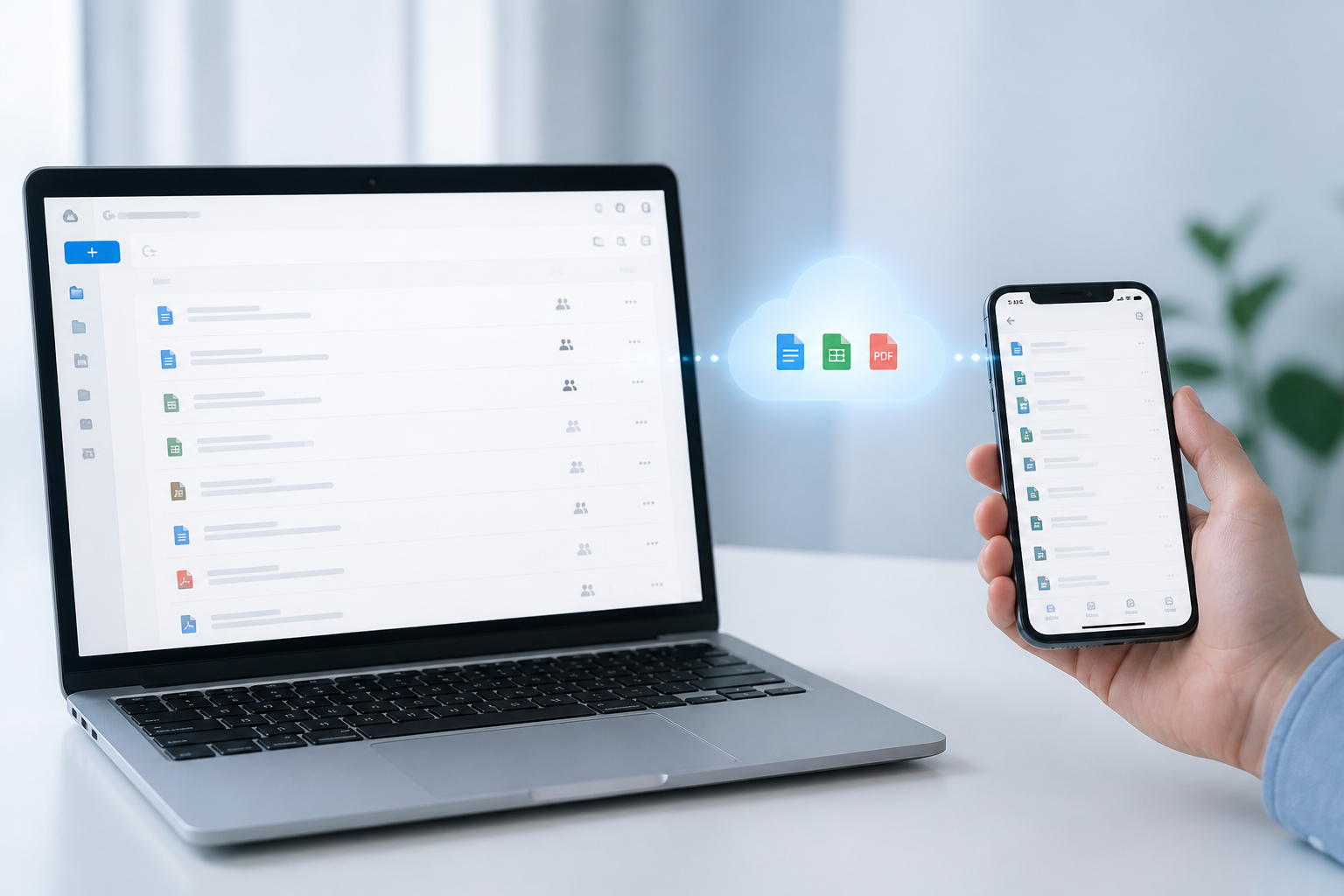
On supported plans, you can share files, preview together, and co-edit online so your team is not emailing the same attachment back and forth.
WPS Cloud syncs your files when you sign in with the same account on another PC, phone, or tablet. You can also connect services such as Google Drive, Dropbox, Box, and OneDrive where available.
Templates for common work
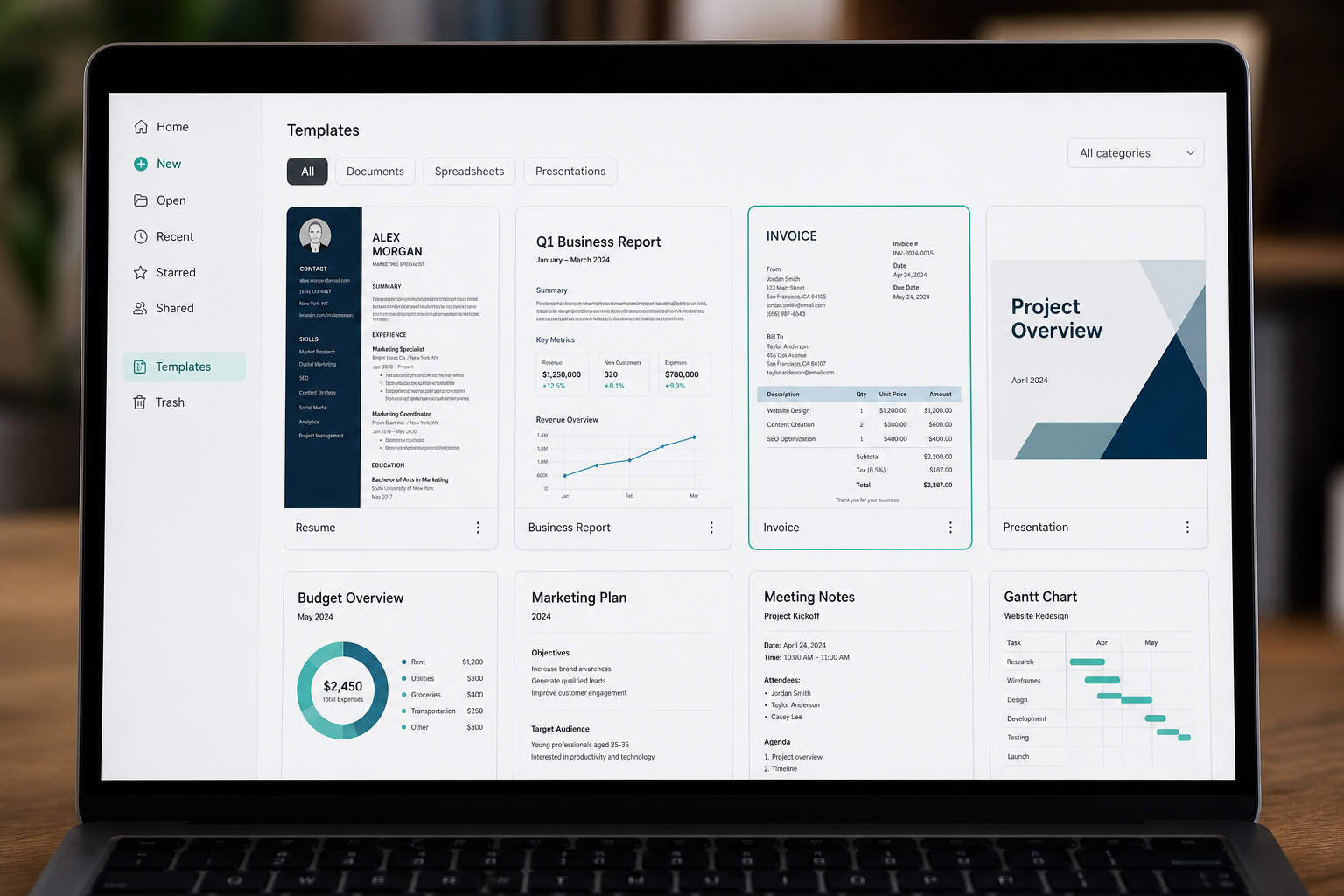
If formatting takes too long, start from a template instead of a blank page. WPS includes templates for resumes, reports, budgets, invoices, and presentations. Pick a layout, replace the sample text, and export when you are done.
WPS Office vs Microsoft Office (quick view)
WPS Office |
Microsoft Office / 365 |
|
Core apps |
Writer, Spreadsheet, Presentation, PDF |
Word, Excel, PowerPoint (+ ecosystem apps) |
Pricing |
Free core tools + optional premium |
Mostly subscription |
File formats |
Common DOC/DOCX, XLS/XLSX, PPT/PPTX |
Industry standard |
Best fit |
Everyday docs + PDF in one suite |
Teams deep in Microsoft ecosystem |
For full product definition and free vs paid details, read What is WPS Office
FAQ
Q: What is this introduction about?
A: A short tour of WPS Office: the four apps, platforms, how to start, cloud sync, and templates.
Q: Is WPS Office free?
A: Yes, you can download and use core Writer, Spreadsheet, and Presentation features free. Some PDF, AI, cloud, or template features may need a paid plan.
Q: Can WPS open Word, Excel, and PowerPoint files?
A: Yes, for common formats. Always check important files after opening if they use macros or complex layouts.
Q: What does WPS stand for?
A: Writer, Presentation, and Spreadsheets. The suite also includes PDF tools. Full detail: What is WPS Office.
Q: Where should I download WPS Office?
A: Only from wps.com/download or official app stores. Or click the free download button below.
Also Read:
- 1. What Is WPS Office? Free Writer, Sheets, Slides & PDF
- 2. Download WPS PDF Tool for free PDF to Excel Conversion in 2026
- 3. How to Delete Multiple Sheets in Excel
- 4. Comparison: WPS Writer vs. Microsoft Word
- 5. WPS Sheets Beginner's Guide: Master 5 Sheet Tips You Should Know!
- 6. How To Fill and Sign PDF Free using WPS Office



15 years of office industry experience, tech lover and copywriter. Follow me for product reviews, comparisons, and recommendations for new apps and software.


