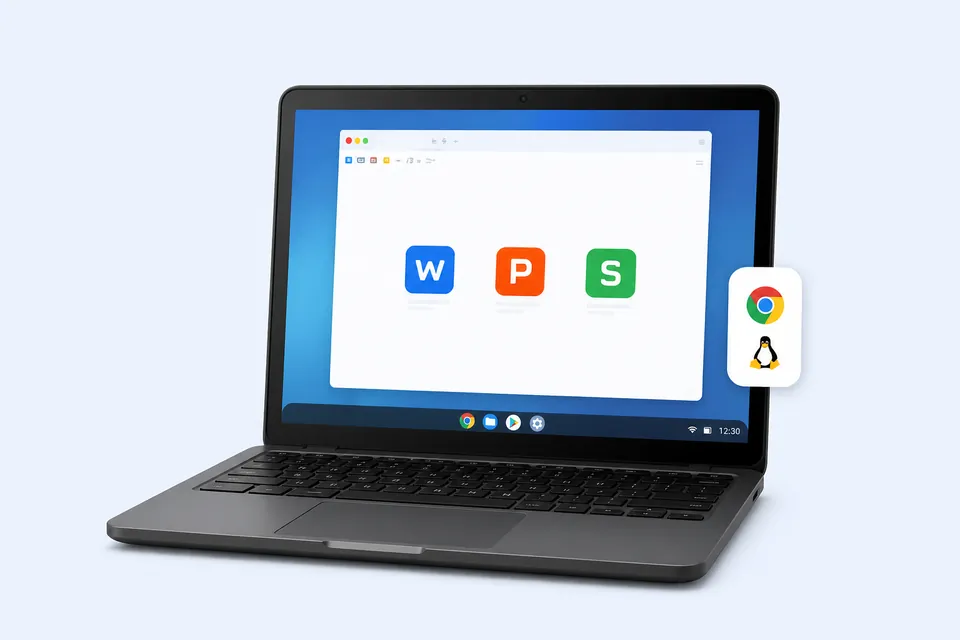
Get WPS Office on Chromebook
Download the Linux version and run it on your Chromebook with Linux support.
Download WPS Office for All Platforms
Find your device and get the right version
- Enable Linux
- Download WPS
- Install & launch
Search Results
452 results for wps for chromebook
- All Tutorials
- Video Tutorials
- Quick Tutorials
- All
- Spreadsheet
- Presentation
- Writer
452 results for wps for chromebook
How to create a resume for work in WPS Writer
05:08How to create a resume for work in WPS Writer
Graduation season is coming. Do you know how to create a professional resume for a job like this? Now we'll introduce you to how to create a resume in WPS Writer step by step. l Step 1. Set the page size.In this blank document, we need to set the page size and margin in advance. Click the Page Layout tab, select the common size of a resume, A4, and set Margins as the built-in Narrow.l Step 2. Arrange the overall layout with ShapesThe resume should be clean and concise with fewer f....
Quickly locate the name of the row and column where the cell is located
01:22Quickly locate the name of the row and column where the cell is located
We often deal with tables with vast amounts of data at work. When we move the page, we can locate the content we are focusing on, but we cannot quickly know the row and column names of the cells. But now, with the Reading Layout of WPS Spreadsheet, users can quickly locate the row and column names of the cells that they are concerned about. Take this table as an example. Click the View tab, and then the Reading Layout drop-down button. In this mode, once a cell is selected, we can fin....
How to find the specified text content in WPS Presentation
01:06How to find the specified text content in WPS Presentation
When using WPS Presentation, how can we quickly find the text in the slide? Take this presentation as an example. If we want to find the WPS in this file quickly, we simply click the Home tab and then click Find. Its shortcut key is Ctrl+F. In the pop-up dialog box, enter WPS in the edit box. We can also check the replacement conditions as needed, such as Match case and Find whole words only.Once we set it up, click Find next to quickly find the specified text content in the presentati....
Explanation on WPS Presentation printing interface
03:30Explanation on WPS Presentation printing interface
When using WPS Office to print various files, we often encounter different small problems. This video will briefly explain the function of each small feature of the printing interface, and it could be compatible with Microsoft Office powerpoint. If you want to learn more printing skills, you can search printing in our WPS Academy to enjoy more related videos. Take this slide as an example. First, we need to determine that the printer hardware can work properly and is now running. We al....
WPS Spreadsheet basic editing
02:12WPS Spreadsheet basic editing
This video introduces the basic editing operations of the table, mainly including data input in alternate rows and columns, the insertion, deletion, hiding and unhiding of rows and columns. Many beginners use the mouse to click on a cell and then enter the content when entering data. Here is a quick way to teach you how to do this. After entering the first data, press the Enter key to input data in alternate rows. Press the Tab key to input data in alternate columns. We can also click ....
How to insert a chart and edit the chart data in WPS Presentation
03:29How to insert a chart and edit the chart data in WPS Presentation
When we use PPT for data reporting, we often insert charts to help us further illustrate.Take this PPT file as an example. So, how can we insert a chart in the slide? Click the Insert tab above, and then click Chart.In the pop-up dialog, we can select many different types of charts.The double-layered doughnut chart provides an intuitive comparison of the changes in the sales data proportion over the past two years. This video takes Doughnut as an example. Click Pie and click Doughnut. ....
How to use the VLOOKUP function
04:29How to use the VLOOKUP function
The clever use of VLOOKUP function can help us quickly find the relevant results. It is usually used to check and match the data between multiple tables. Take this table as an example. In the table on the right, we know the "Number" and "Name" of the "Group1" members, so we are looking for the "Chemistry" scores of the members.1. Click cell J3, and click "Insert Function".2.Click "Lookup and Reference" in "Category", and choose "VLOOKUP" function.3.In the popup dialog box, we can see t....
Format painter: tips for unifying format
01:11Format painter: tips for unifying format
In the process of making a WPS Presentation slide, we will unify the format of the text content for aesthetic purposes. Today, let's learn some tips for unifying the format quickly. Take this slide as an example. We can see that the font, font size, and color are different between each text. We can simply select the text box in the first line, and click the Home tab, then click the Format Painter button. Move the cursor to the second text box that needs a unified format, and click ....
