Get WPS Office for iPhone and iPad
Install WPS Office from the App Store for mobile document and PDF workflows.
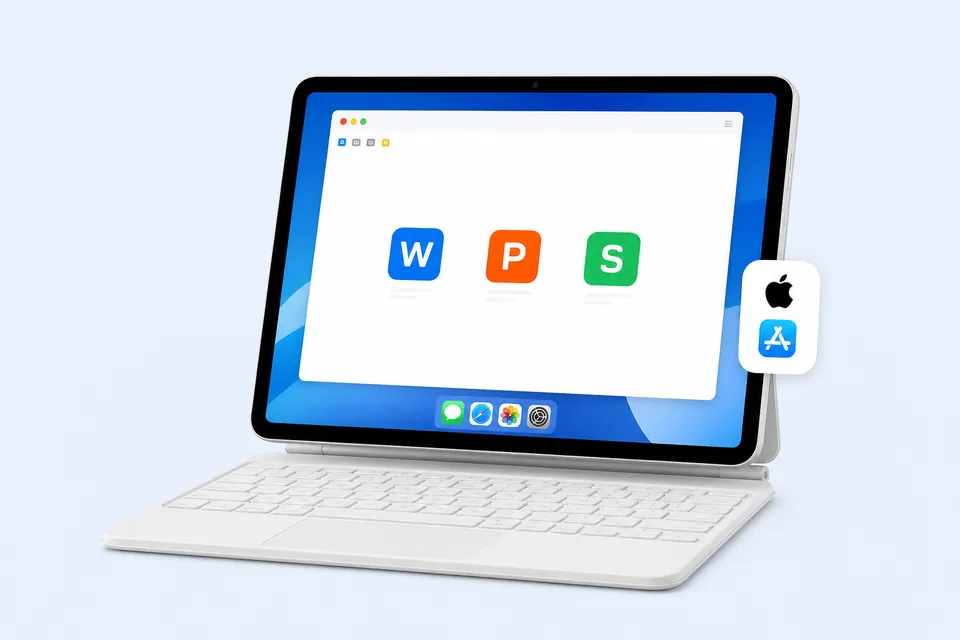
Download WPS Office for All Platforms
Find your device and get the right version
- Open App Store
- Install WPS
- Open or create a file
Search Results
455 results for wps office not compatible with ipad
- All Tutorials
- Video Tutorials
- Quick Tutorials
- All
- Spreadsheet
- Presentation
- Writer
455 results for wps office not compatible with ipad
Hyperlink in WPS Office Spreadsheet
02:22Hyperlink in WPS Office Spreadsheet
When we work, we often need to add hyperlinks in spreadsheets to jump to other tables or add hyperlinks to jump to web pages. So, how can we add hyperlinks to WPS Office Spreadsheet? Take this spreadsheet as an example.1. ClickStatistics and click the right mouse button. 2. In the pop-up shortcut menu, select the Hyperlink option. You can also use the Ctrl + K shortcut key to open the Hyperlink dialog box. 3. In the pop-up dialog box, click Place in this Document. 4. Under the Cell Ref....
Avoid image compression when saving files
00:37Avoid image compression when saving files
No matter you are a student, teacher, or business professionals, you can create and edit documents efficiently by WPS Writer as text editors. When we save a document that contains pictures, it happens that the images are compressed.How can we to prevent this? Click Menu and then Options, select General and Save on the left, and then check Do not compress images in the file" at Save on the right. In addition, we can also set the pixel resolution of the image at Set default target output....
How to use Navigation Pane
02:01How to use Navigation Pane
Navigation Pane works like GPS in WPS Office, allowing users to find and locate text and adjust article structures more efficiently. 1. We need to open the Navigation Pane. Click the View tab, select Navigation Pane, and then it will appear on the left. 2. We can also click the Navigation Pane drop-down button and choose Move to Right according to our habits.There are four icons on the left, namely, Content, Section Navigation, Bookmark, and Find and Replace.· ContentHere is the table ....
How to insert icons in WPS Writer
02:01How to insert icons in WPS Writer
When entering text in WPS Writer, we often need to add some unique icons in the text to visualize the content. You can join a WPS membership to download free icons from the vast icon library. Head to the Insert tab and click the Icon Library button. Here we have several options as Recommended, Business, Education, and other types of icons.You can choose an icon style you like, and click the desired icon to insert into the document quickly after entering the details page. If we need to....
How to select words quickly
01:47How to select words quickly
Do you select words by simply holding down the left click and dragging the mouse to the desired position?Actually, many quick ways are available. Now let's learn about them one by one.· Click to select a line of words1. Move your cursor to the left of a line of words. 2. Left click to select the line of words.· Double click to select a paragraph1. Similarly, move your cursor to the left of a paragraph.2. Double left click to select the paragraph.Note that paragraphs are separated b....
Use the Today function to quickly calculate days between dates
Use the Today function to quickly calculate days between dates
In the application of WPS Office Spreadsheet, we usually calculate days between dates. So, how can we do a quick calculation? First, I will teach you how to use Today function to calculate days between the current date and the future date. If you are the HR of a company, you can use the Today function to calculate the remaining time of each employee's contract period when you manage the contract period of your employees. It can clearly show you the employees whose contracts are abo....
Remove image background in WPS Writer
00:55Remove image background in WPS Writer
If we find that the background color of a picture is different from the page color when editing a document, we can remove the picture's background color with one click. First, we can click the picture to enter the Picture Tools tab.Click the Set Transparent Color button, and click the background color of the picture to remove it. Tips: In addition to removing background color, we can also change the picture's color in this way.In general, we can not freely change the color of a....
How to make elegant charts in WPS Writer
02:11How to make elegant charts in WPS Writer
Plain charts in a word file may fail to attract viewers. Subscribe to WPS Template membership, and you will be free to download beautiful charts from the vast library of charts to enhance the design and appeal of your charts. Click the Insert tab, click the Chart library button, and you are provided with diverse chart types like Column, Line, Pie, etc. You can choose a preferred type, and on the detail page, choose the desired chart to insert into the document quickly. If we need to ....
