



'%3e%3cpath%20fill-rule='evenodd'%20clip-rule='evenodd'%20d='M21.4999%2010.9993C21.4999%205.20009%2016.7986%200.498901%2010.9993%200.498901C5.19994%200.498901%200.498657%205.20009%200.498657%2010.9993C0.498657%2016.2404%204.33858%2020.5844%209.35855%2021.3722V14.0346H6.69238V10.9993H9.35855V8.68594C9.35855%206.05427%2010.9262%204.60062%2013.3248%204.60062C14.4736%204.60062%2015.6753%204.80571%2015.6753%204.80571V7.38979H14.3512C13.0468%207.38979%2012.64%208.19921%2012.64%209.0296V10.9993H15.5523L15.0867%2014.0346H12.64V21.3722C17.66%2020.5844%2021.4999%2016.2404%2021.4999%2010.9993Z'%20fill='%231568EA'/%3e%3c/g%3e%3c/svg%3e)


'%3e%3cpath%20d='M2.42045%2022.1876H6.31818V12.7217L0.75%208.54553V20.5171C0.75%2021.4414%201.49892%2022.1876%202.42045%2022.1876Z'%20fill='%234285F4'/%3e%3cpath%20d='M19.682%2022.1876H23.5797C24.5041%2022.1876%2025.2502%2021.4387%2025.2502%2020.5171V8.54553L19.682%2012.7217'%20fill='%2334A853'/%3e%3cpath%20d='M19.682%205.48293V12.7216L25.2502%208.54543V6.31816C25.2502%204.25236%2022.8921%203.07469%2021.2411%204.31361'%20fill='%23FBBC04'/%3e%3cpath%20d='M6.31824%2012.7217V5.48303L13.0001%2010.4944L19.6819%205.48303V12.7217L13.0001%2017.733'%20fill='%23EA4335'/%3e%3cpath%20d='M0.75%206.31816V8.54543L6.31818%2012.7216V5.48293L4.75909%204.31361C3.10534%203.07469%200.75%204.25236%200.75%206.31816Z'%20fill='%23C5221F'/%3e%3c/g%3e%3cdefs%3e%3cclipPath%20id='clip0_2954_7305'%3e%3crect%20width='24.5'%20height='18.375'%20fill='white'%20transform='translate(0.75%203.8125)'/%3e%3c/clipPath%3e%3c/defs%3e%3c/svg%3e)


If you are hunting for an open source pdf merger, you probably want a clear answer: which tool actually fits the job in front of you—not another bloated roundup of every PDF app on the internet.
Some people only need to drag a few files together. Others need rule-based split-and-merge for long reports. A smaller group wants a full local toolkit with OCR and conversion, without uploading contracts to a random website. This guide starts with those jobs, then walks through five practical options—including open-source favorites and two free/commercial desktop suites that often show up in the same search.
When your goal is simply to merge pdf files inside an everyday office workflow, you will also see where WPS Office fits—especially if you already live in Word and Excel all day.
1. pdfarranger — Open Source merging
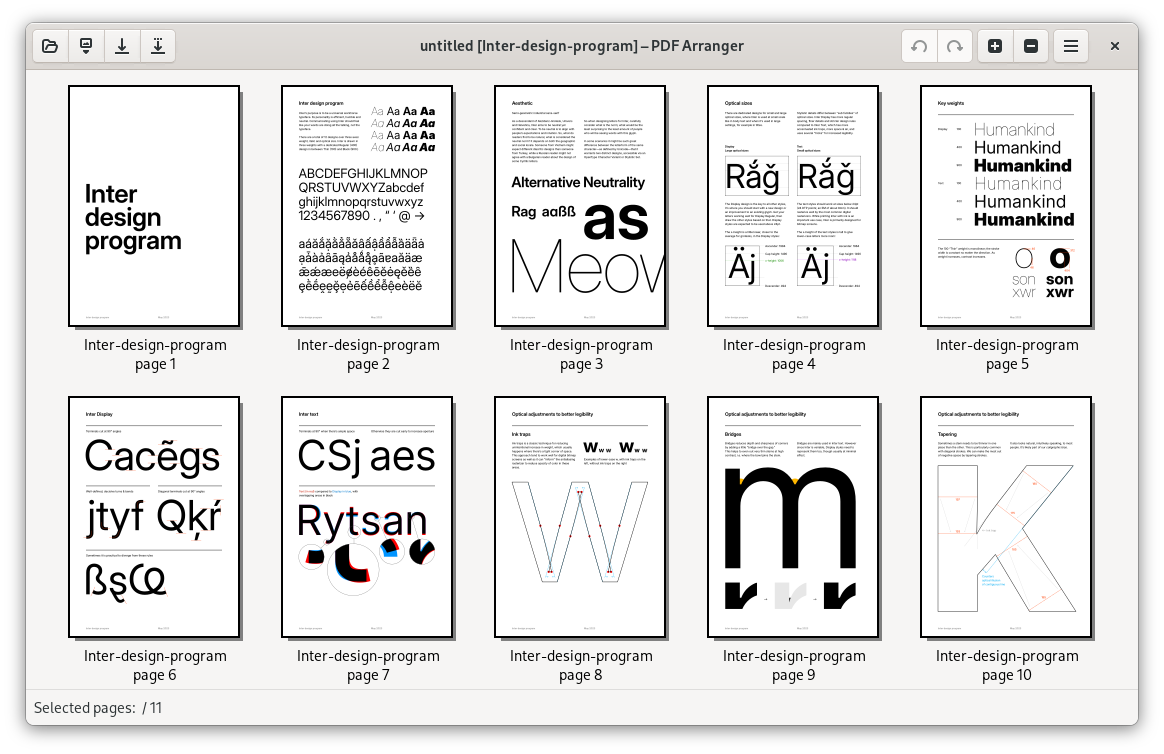
pdfarranger is a lightweight open-source app for rearranging, rotating, cropping, and combining PDF pages. The interface feels closer to organizing photos than wrestling a print dialog: import files, drag thumbnails into order, export one PDF.
It is a strong first stop if your search for an open source pdf merger is really about speed and clarity. You see every page before you commit. That alone prevents the classic “page 17 ended up after the appendix” mistake.
Best for: beginners, students, and anyone who wants a fast visual merge without learning a rules engine.
Trade-off: it is focused on page arrangement—not a full OCR/edit suite.
2. PDFsam Basic — precise split and merge
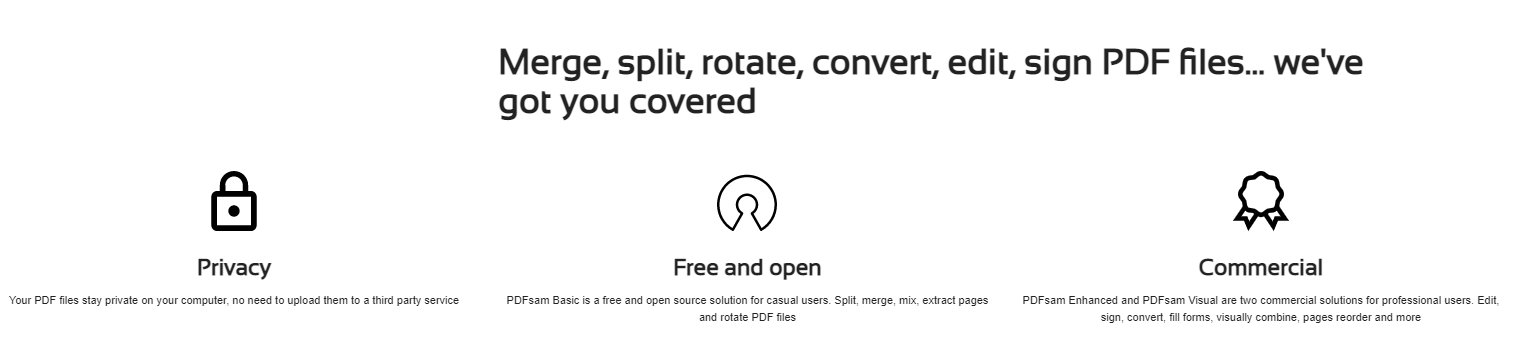
PDFsam Basic (PDF Split and Merge) is one of the better-known open-source desktop options for combining and splitting PDFs. Beyond a simple “stack these files” merge, it helps when you need page ranges, alternate/mix patterns, or structured handling of longer documents.
If you regularly assemble chaptered reports, scanned packets, or multi-part filings, PDFsam’s rule-oriented tools usually beat a purely visual shuffle. Cross-platform builds cover Windows, macOS, and Linux—so it remains a reliable open source pdf merger choice for teams that standardize on desktop apps.
Best for: office users who live in long PDFs and need repeatable split/merge steps.
Trade-off: the denser options take a short learning curve the first time you use Mix or advanced split settings.
3. Stirling-PDF — open-source all-in-one toolkit
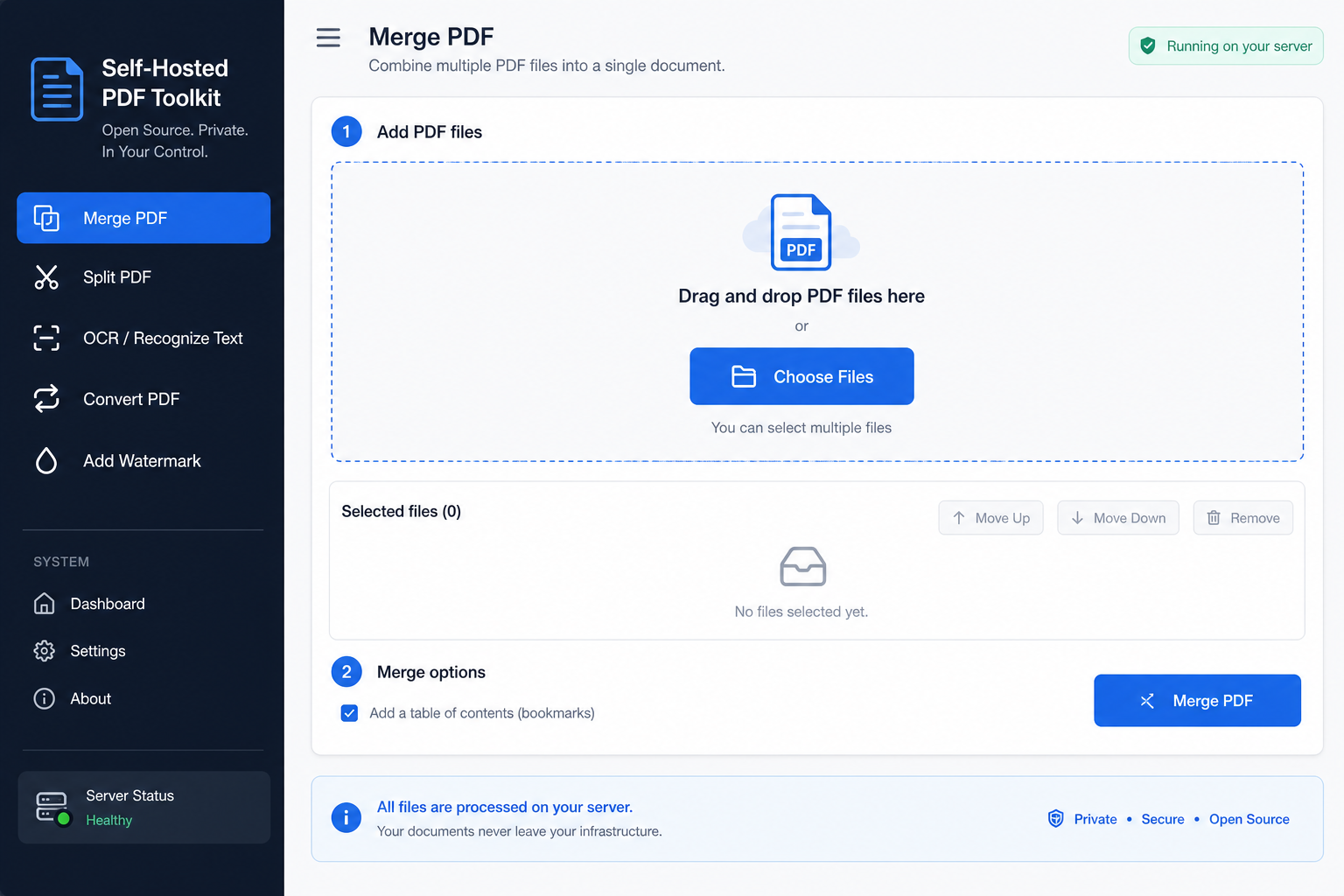
Stirling-PDF (see also stirling.com) is the project people mention when “merge” is only the starting point. Self-host it or run it locally, then use a broad toolset: merge, split, OCR, convert, watermark, and more—without sending every file to a third-party SaaS by default.
That design matches privacy-conscious teams and power users who keep searching GitHub for PDF utilities. If related queries like “pdf merge github” or “pdf edit github” sound familiar, Stirling-PDF is usually nearby. As an open source pdf merger that also covers OCR and conversion, it sits closer to a full toolkit than a single-purpose combiner.
Best for: advanced users who want merge plus OCR/conversion under their own control.
Trade-off: setup is heavier than a one-click installer if you choose the self-hosted route.
4. WPS Office — merge PDFs inside a full office suite
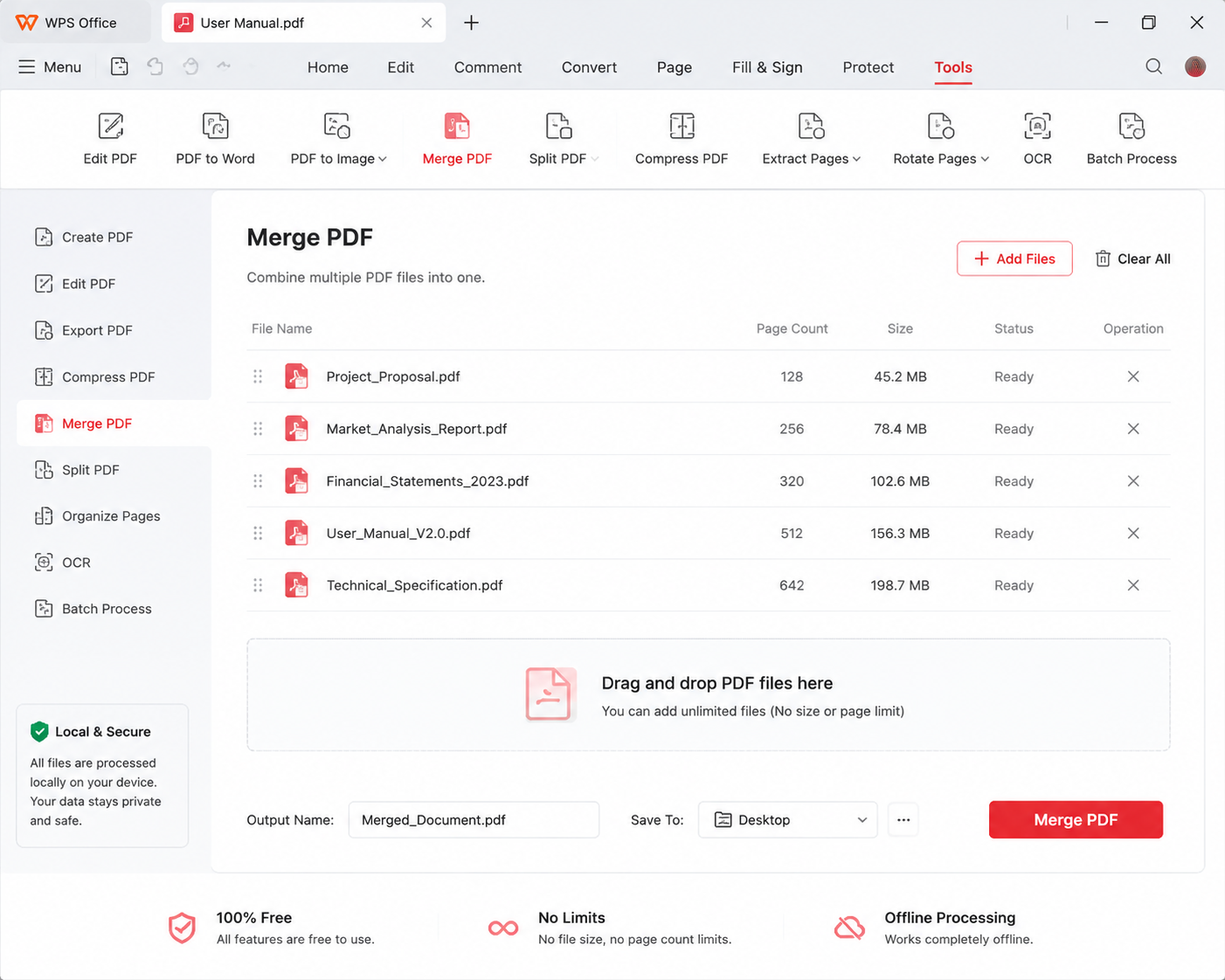
WPS Office is a commercial suite you can start for free, with Writer, Spreadsheets, Presentation, and PDF tools in one place. The PDF module can merge pdf files locally, reorder pages, and keep you inside the same app when the next step is editing text, converting formats, or syncing through cloud docs.
It is not an open-source project—and this guide is honest about that. Still, many people comparing every open source pdf merger option eventually ask a different question: “Do I need a specialist merge app, or do I need PDF tools next to Word and Excel?” If that is you, WPS is the practical middle path.
If you specifically need to stay offline and avoid Acrobat, this walkthrough on how to combine pdf files without acrobat covers the desktop route in more detail. For a broader combine-and-organize overview, see how to merge multiple pdf into one.
Best for: people who already handle Word/Excel work and want PDF merge without switching ecosystems.
Trade-off: closed source; some advanced PDF features may sit behind premium plans depending on your region and product tier.
5. PDF24 Creator — free Windows desktop toolbox
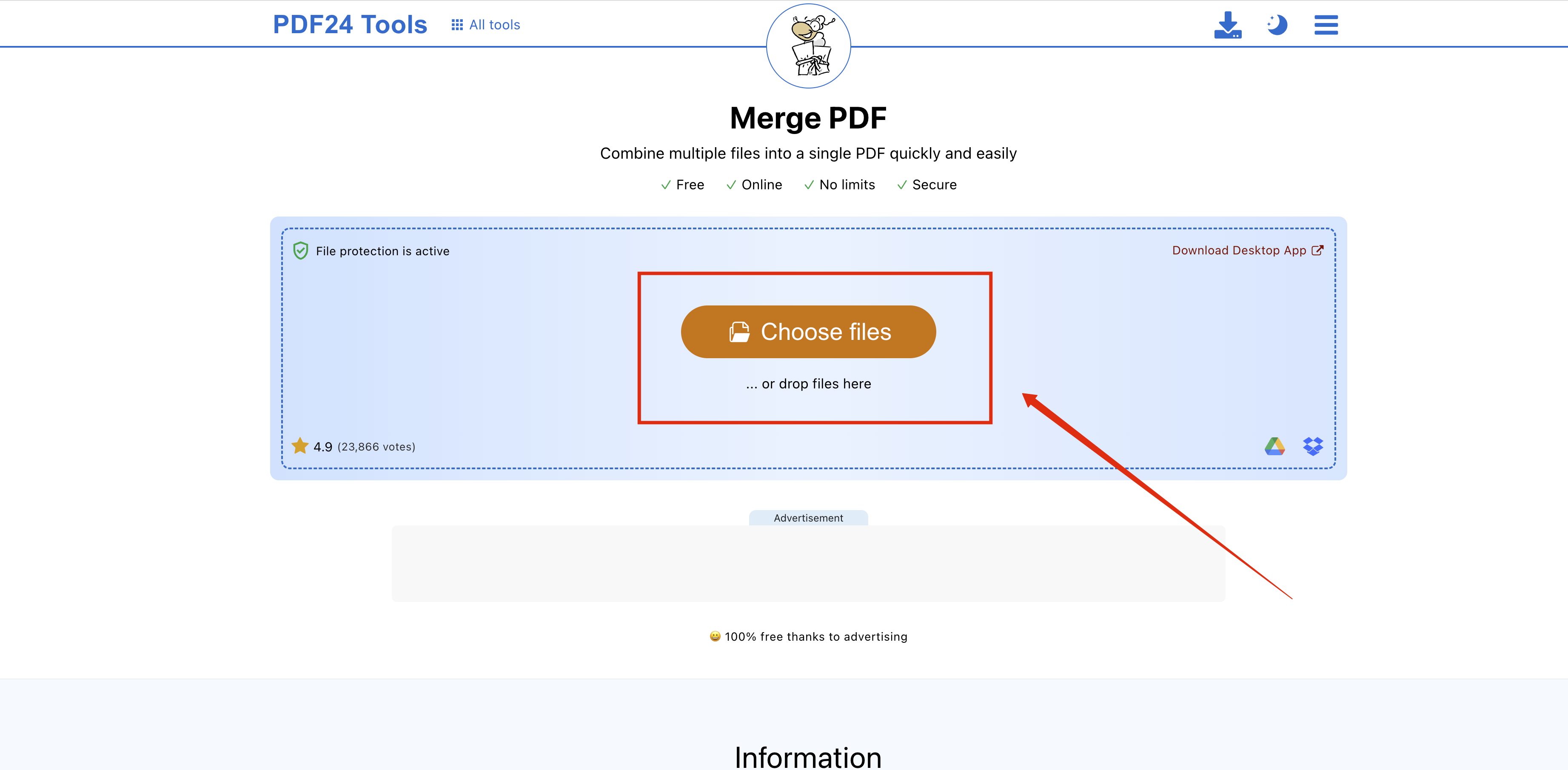
PDF24 Creator is free for private and commercial use, but it is closed source. On Windows it behaves like a full local PDF toolbox: merge, split, compress, convert, and print to PDF through a virtual printer.
It is a practical answer when you want desktop convenience without paying for Acrobat, and you do not want to manage Docker or GitHub builds. People who start with an open source pdf merger shortlist sometimes land here when Windows simplicity matters more than an open license. For a deeper look at merge workflows in that lane, see our note on 24 pdf merge.
Best for: Windows users who want an install-and-go toolkit with no daily online quota.
Trade-off: not open source; macOS users typically look elsewhere for the same desktop experience.
Comparison table
Use the table below to compare each open source pdf merger candidate against the free and commercial desktop options that often appear in the same results:
| Software | License | Core focus | Best for |
|---|---|---|---|
| pdfarranger | Open source | Minimal visual drag-and-drop merge | Beginners / anyone who wants the fastest visual merge |
| PDFsam Basic | Open source | Rule-based split and merge | Office users handling long reports and complex packets |
| Stirling-PDF | Open source | All-in-one PDF toolkit (OCR / convert / more) | Privacy-minded power users who want full control |
| WPS Office | Commercial (closed source) | Full office suite + PDF + cloud sync | People who also live in Word / Excel every day |
| PDF24 Creator | Free (closed source) | Desktop PDF toolbox + virtual printer | Windows users who want local tools without setup drama |
Quick picks: match the tool to the job
After you scan the details above, use this one-minute filter. It is the same decision map most people need when an open source pdf merger search turns into five competing installers:
Need to stitch a few PDFs fast? → pdfarranger
Open source. Thumbnail-style layout, drag pages like cards, merge in minutes. Best when you want the least friction.
Need rule-based split/merge for long documents? → PDFsam Basic
Open source. A veteran split-and-merge workhorse for bookmarks, page ranges, and report-heavy office work.
Need an all-in-one editor (OCR, convert, watermark)? → Stirling-PDF
Open source. Self-hosted or desktop-friendly toolkit with a wide feature set—strong pick when privacy and control matter.
Already working in Word/Excel and want PDF merge on the side? → WPS Office
Commercial (closed source), free to start. Familiar office suite with PDF merge, split, convert, and cloud sync for light-to-daily use.
Windows user who wants a free desktop toolbox? → PDF24 Creator
Free (closed source). Local tools plus a virtual printer. Install once, keep files on your PC.
When free WPS tools make sense beyond merge
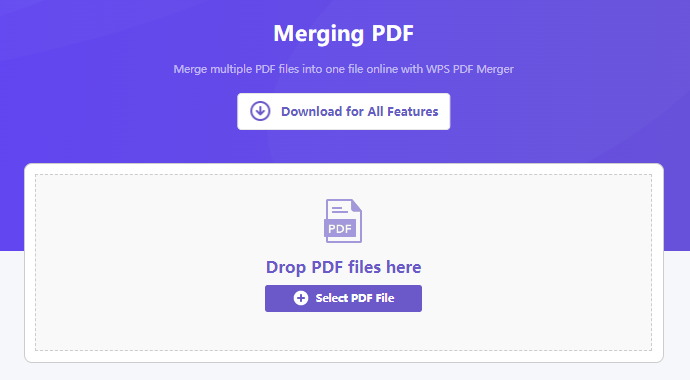
Merging is often step one. The next request is usually “now split chapter 3,” “compress this for email,” or “turn the PDF back into an editable Word draft.” That is where a specialist open source pdf merger can feel incomplete—and where free-to-start WPS PDF tools tend to win on workflow continuity.
Besides merge, WPS can split PDF files by page range or into smaller packets, convert between Office formats, and keep light edits in the same suite without forcing a separate open-source stack for every task. If your day jumps from spreadsheets to contracts to slide decks, fewer app switches usually matters more than finding the purest open-source merge binary.
In short: pick pdfarranger, PDFsam, or Stirling-PDF when an open source pdf merger license itself is the requirement. Pick free WPS pathways when merge is part of a broader document habit—and you want split, convert, and office files under one roof.
FAQ
What is the simplest open source pdf merger for beginners?
pdfarranger is usually the easiest start. The page thumbnails make order obvious, so most people can merge a small stack without reading a manual. If you only need visual drag-and-drop, it is the friendliest open source pdf merger on this list.
Is PDFsam a good open-source option for split and merge?
Yes. PDFsam Basic is built for split-and-merge work, including more structured jobs than a basic concatenate. People searching “pdfsam” or open-source PDF split tools are typically looking for that exact mix of free licensing and desktop control.
Which open-source PDF tools show up most on GitHub?
For merge-focused page shuffling, pdfarranger is a common GitHub find. For a broader self-hosted toolkit (merge, OCR, convert, watermark), Stirling-PDF is one of the most active projects. Searches like “pdf merge github” and “pdf edit github” usually land in that neighborhood when someone wants more than a single-purpose open source pdf merger.
Is Sumatra PDF an open source pdf merger?
No. Sumatra PDF is a popular open-source reader—fast and lightweight for viewing—but it is not a merge utility. If your autocomplete shows “Sumatra pdf” next to merger queries, treat it as a reader recommendation, not a combiner, and keep looking for a true open source pdf merger.
Can I merge PDFs with free software that is not open source?
Yes. PDF24 Creator is free (closed source) on Windows, and WPS Office offers free-to-start PDF merge inside a full suite. An open source pdf merger is ideal when you need auditability and community licensing; free closed-source tools can still be the better fit for pure convenience.
Do I need Acrobat to combine PDF files?
No. Acrobat is optional. Open-source apps above can combine files locally, and WPS covers offline combine workflows if you prefer an office-suite UI—see how to combine pdf files without acrobat.


'%3e%3cpath%20d='M19.9911%204.11386V6.471H18.5894C18.0775%206.471%2017.7322%206.57814%2017.5536%206.79243C17.3751%207.00671%2017.2858%207.32814%2017.2858%207.75671V9.44421H19.9019L19.5536%2012.0871H17.2858V18.8639H14.5536V12.0871H12.2769V9.44421H14.5536V7.49779C14.5536%206.39064%2014.8632%205.53201%2015.4822%204.92189C16.1013%204.31177%2016.9257%204.00671%2017.9554%204.00671C18.8304%204.00671%2019.509%204.04243%2019.9911%204.11386Z'%20fill='%23333333'/%3e%3c/g%3e%3cdefs%3e%3cclipPath%20id='clip0_2938_8199'%3e%3crect%20width='16'%20height='16'%20fill='white'%20transform='translate(8%204.00671)'/%3e%3c/clipPath%3e%3c/defs%3e%3c/svg%3e)
'%3e%3cpath%20d='M17.5237%2010.7813L23.4811%204H22.0699L16.8949%209.88693L12.7648%204H8L14.2469%2012.9029L8%2020.0133H9.4112L14.8725%2013.7952L19.2352%2020.0133H24M9.92053%205.04213H12.0885L22.0688%2019.0224H19.9003'%20fill='%23333333'/%3e%3c/g%3e%3cdefs%3e%3cclipPath%20id='clip0_2938_8200'%3e%3crect%20width='16'%20height='16.0134'%20fill='white'%20transform='translate(8%204)'/%3e%3c/clipPath%3e%3c/defs%3e%3c/svg%3e)


