Get WPS Office for Linux
Choose the desktop package for your Linux distribution and start working offline.
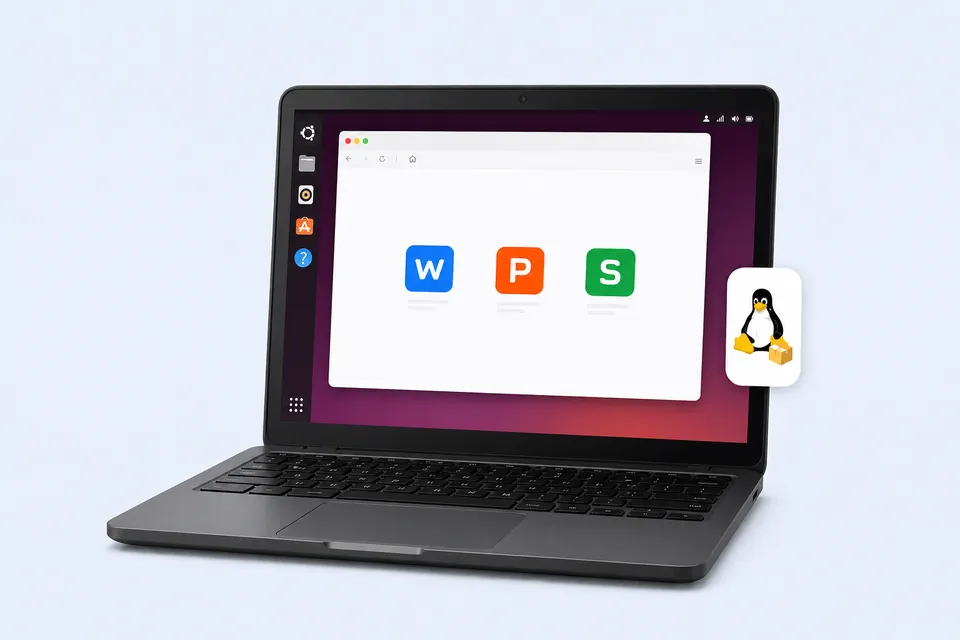
Download WPS Office for All Platforms
Find your device and get the right version
- Choose package
- Download WPS
- Install & launch
Search Results
199 results for install word on linux
- All Tutorials
- Video Tutorials
- Quick Tutorials
- All
- Spreadsheet
- Presentation
- Writer
199 results for install word on linux
Explanations on print interface
03:53Explanations on print interface
When using WPS Office to print Spreadsheets, Documents, Presentations, and PDF files, we will often encounter various printing problems. So in this video, we are going to briefly explain the functions of each small feature in the print panel. Take this table as an example. 1. First of all, we need to make sure that the printer is in good condition and also ready to print. 2. In addition, we need to make sure the computer we are using can find the printing device in the local area netwo....
Explanation on WPS Presentation printing interface
03:30Explanation on WPS Presentation printing interface
When using WPS Office to print various files, we often encounter different small problems. This video will briefly explain the function of each small feature of the printing interface, and it could be compatible with Microsoft Office powerpoint. If you want to learn more printing skills, you can search printing in our WPS Academy to enjoy more related videos. Take this slide as an example. First, we need to determine that the printer hardware can work properly and is now running. We al....
Basic settings on footer and header
01:44Basic settings on footer and header
When we are editing documents, we sometimes need to add additional information such as company name, logo, date, etc. in the header and footer. The additional information ensures the integrity of the document. This video of Basic settings on footer and header could be also used in Microsoft Office Word and Openoffice. Steps:Take this document as an example. 1. Click the Insert tab, and then the Header and Footer button in turn. 2. Click the header text box, and enter “Kingsoft Office”....
More features in Convert to Word
02:30More features in Convert to Word
Both WPS Presentation and Microsoft PowerPoint have the function of Convert to Word. What are the differences between them? In Microsoft PowerPoint1. We need to click File, click Export, and click Create Handouts. 2. Then select a desired page layout and other settings, such as Notes next to slides or Paste, and click OK. In WPS Presentation1. We only need to click the Tools tab and click Convert to Word Document.2. Multiple page layouts and slide ranges are selected in the Translate t....
How to create a flowchart in Word
03:14How to create a flowchart in Word
We often need to paint various Flowcharts in the office routine. In WPS Writer, we can make flowcharts easily with the Insert Shapes function.There are many kinds of flowcharts. Today, we will give an example to illustrate better. Step one, insert a drawing canvas.Click Insert, then click Shapes and select New Drawing Canvas to add one.A great benefit is that we can drag the canvas directly to move the flowchart.You can drag the position of the canvas only if the canvas is set to a te....
The Word Typesetting function in WPS Writer
03:05The Word Typesetting function in WPS Writer
Do you want to layout your articles more efficiently? WPS Office provides us with a useful and practical function: the Word Typesetting function. Navigate to the Home tab, and click the Word Typesetting drop-down button. Then we can see a lot of text typesetting functions.Tips: you can turn on the Show/Hide Paragraph Marks button for subsequent operations.l Insert blank paragraphs In this document, for example, there is no space between paragraphs, which looks dense and does not fit th....
How to insert a table of contents in word
02:00How to insert a table of contents in word
A table of contents, also called TOC, is a significant part of an article. It can help readers to get the outline quickly and locate the target part. In WPS, we can insert a table of contents in a convenient way. Click the blank page inserted at the beginning of the article. Get into the Reference tab, and click Table of Contents. In the dropdown menu, we can choose from three styles of the table of contents, which presents in different layouts. Since we have "Heading 1", "Heading 2", ....
How can we check word count in WPS Writer
01:22How can we check word count in WPS Writer
When we are editing a document, we want to check how many characters we have entered in total. Or if we want to check the number of words in the selected paragraph, we can use the word count function. It can quickly help us count the pages, words, etc. in the document. For all, easy your work with WPS office suite. Taking this document as an example, in the status information area on the status bar at the bottom of the interface, we can get general information about the word count, the....
