ChatGPT Images 2.5 - Image to Prompt Generator

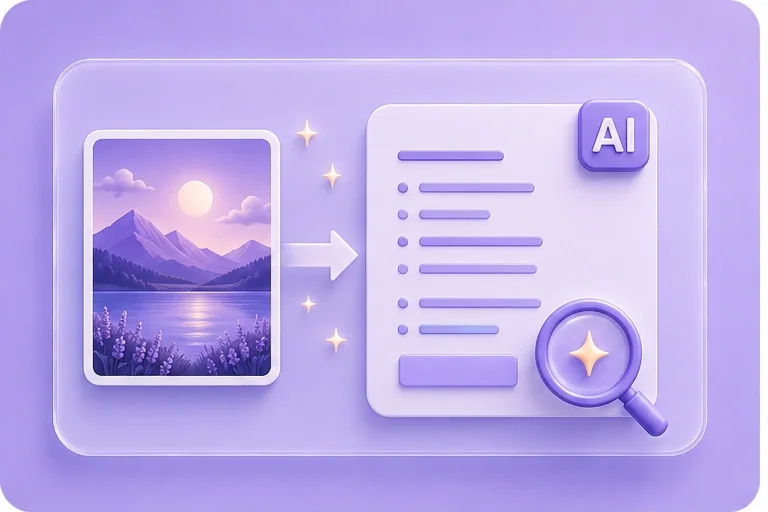
Upload any image and turn it into a detailed AI prompt for ChatGPT Image 2.5. Analyze the subject, style, lighting, composition, colors, and visual details in seconds.

Upload an image

Click to choose or drag and drop a JPG, PNG, or WebP image to generate an English prompt.

Supported: JPG / PNG / WebP · Max 10 MB

Uploaded preview
————
Generating prompt from your image…

Prompt

Negative Prompt

Free and Unlimited
No Signup Required
Save Time
No Ads
Free to Use
No Sign-Up
No Ads
Any Browser

How to Use the ChatGPT Images 2.5 Prompt Generator

  1. Step 1: Upload an Image

    Upload a JPG, PNG, or WebP image. For better results, use a clear image with visible subjects, lighting, textures, and composition.

  2. Step 2: Choose a Prompt Style

    Select a prompt style such as General, Photorealistic, Artistic, Detailed, Concise, or Creative based on how you want the image described.

  3. Step 3: Generate and Copy the Prompt

    Generate a detailed prompt from your image, review the result, make any edits you need, then copy it into ChatGPT Image 2.5 or another AI image generator.

Generate a ChatGPT Image Prompt from Any Image

Generate a ChatGPT Image Prompt from Any Image

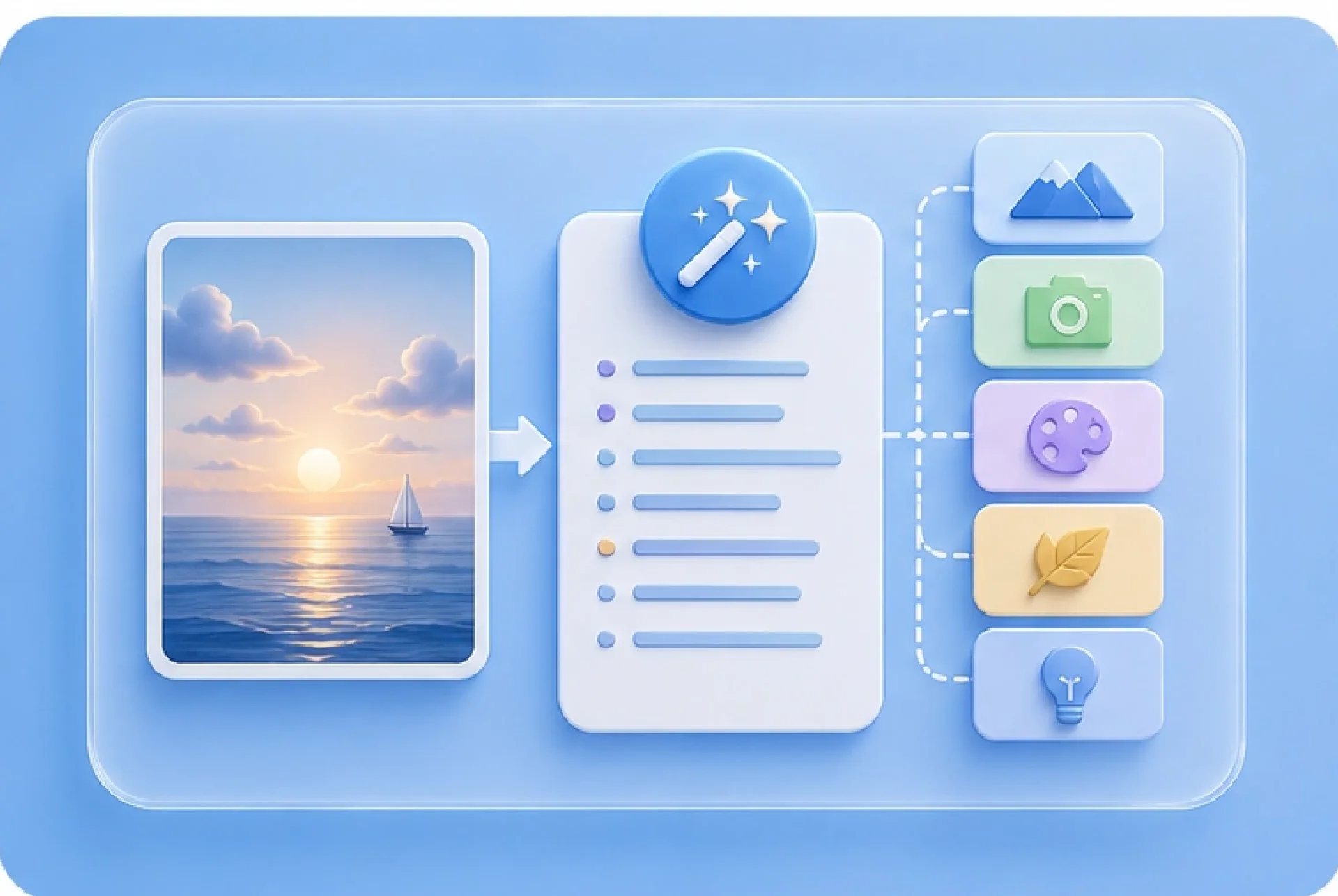
Turn any reference image into a detailed AI image prompt. The tool analyzes visible elements such as the subject, environment, art style, lighting, color palette, composition, materials, textures, and camera perspective, then converts them into structured prompt language you can reuse in ChatGPT Image 2.5.
Get Started
Turn Visual References into Prompt Language

Turn Visual References into Prompt Language

Have a reference image but do not know how to describe it? Upload the image and let the generator translate its visual characteristics into prompt-ready language. Use the result as a starting point, then adjust the subject, mood, style, or composition for your next image.

Get Started
Create Prompts for ChatGPT Images 2.5 and Other AI Models

Create Prompts for ChatGPT Images 2.5 and Other AI Models

Generate a flexible base prompt from any image and adapt it to the AI image model you use. Start with the extracted visual description, then rewrite or expand it for ChatGPT Image 2.5, Midjourney, Flux, Stable Diffusion, or other image generation workflows.

Get Started
Recreate and Refine Image Concepts with AI Prompts

Recreate and Refine Image Concepts with AI Prompts

Use an existing image as inspiration for a new concept. Extract its subject, lighting, composition, colors, materials, and visual style, then modify individual details to create a fresh prompt instead of copying the original image exactly.

Get Started

How People Use Image to Prompt

Real ways creators use reference images to build better prompts for ChatGPT Image 2.5 and other AI image tools.

Style Reference

I found an image I like, but I don’t know how to describe the style. Upload the image and get a prompt that captures its lighting, colors, composition, mood, and visual style.

Style Reference

Turn a look into words

Creative Remix

I want to make something similar, but not copy the original. Use the image as a reference, extract the important visual details, then change the subject, setting, or composition to create a new concept.

Creative Remix

Start from a reference

Prompt Recovery

I generated an image before, but I lost the prompt. Upload the image and generate a new prompt based on what is visible. It won’t recover the exact original prompt, but it gives you a useful starting point.

Prompt Recovery

Rebuild from the image

ChatGPT Images 2.5 – Image to Prompt Generator FAQ

01

What is an Image to Prompt Generator?

An Image to Prompt Generator analyzes an uploaded image and converts its visible characteristics into written AI prompt language. It can identify elements such as the subject, setting, style, lighting, color palette, composition, materials, textures, and camera perspective.

02

How do I generate a prompt from an image?

Upload a JPG, PNG, or WebP image, choose your preferred prompt style, and click Generate Prompt. The tool will analyze the image and create a detailed text prompt that you can copy, edit, and reuse in an AI image generator.

03

Can I use the generated prompt with ChatGPT Image 2.5?

Yes. The generated prompt can be used as a starting point for ChatGPT Image 2.5. You can paste the prompt into ChatGPT, then refine details such as the subject, scene, lighting, style, aspect ratio, or composition to create a new image.

04

Can this tool recreate an image prompt?

It can generate a descriptive prompt based on the visible content of an image, but it cannot recover the exact original prompt used to create that image. The result is an AI-generated interpretation of the image's visual characteristics.

05

Which image formats are supported?

You can upload common image formats such as JPG, PNG, and WebP. For best results, use a clear image with visible subjects and enough detail for the tool to analyze.

06

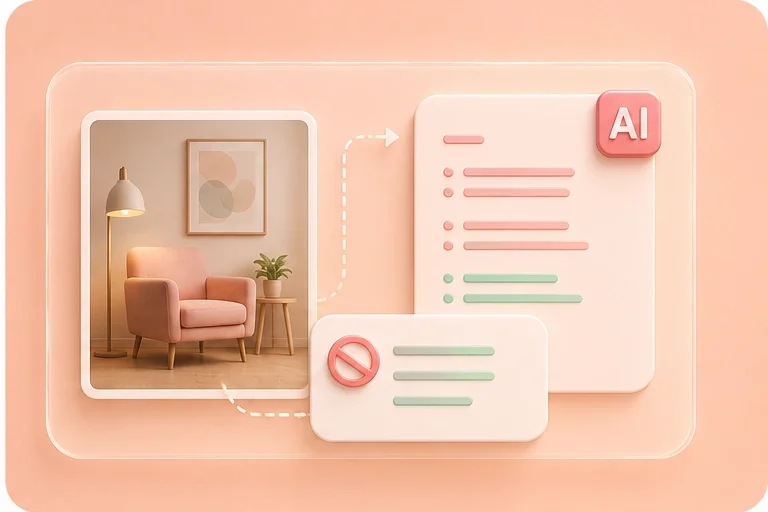
Does the image prompt generator create negative prompts?

Yes. You can provide negative prompt preferences, and the generator can include them when creating your image prompt.