Example: A user crops a portrait so the face is centered for a profile picture or account avatar.
Profile Photo
Use case
Crop images online with flexible selection tools and preset aspect ratios for profiles, covers, and everyday edits.
or drag and drop a file here
Processing...

Add the JPG, PNG, WEBP, or other supported image you want to crop. Start with the original image when possible so you have enough room to adjust the final framing.

Move and resize the crop box, or choose an available aspect ratio when you need a profile photo, cover image, thumbnail, or document-ready size.

Preview the cropped result, then download the edited image. Check the final dimensions and framing before uploading it to a form, profile, or presentation.

Crop Image helps remove unwanted edges, center the subject, and create a cleaner composition. It is useful for portraits, screenshots, product photos, and everyday visual edits.
Crop ImagePreset ratios make it easier to frame images for social profiles, covers, thumbnails, and presentation slides. Choose the ratio that matches the destination before finalizing the crop.
Choose Ratio

Some forms, listings, and design layouts need specific image dimensions. Use the crop area to focus on the important content, then check whether the output size matches the requirement.
Set Crop AreaA crop can change context by cutting away details. Before downloading, inspect the subject, edges, and spacing so the result still communicates what you need.
Download Image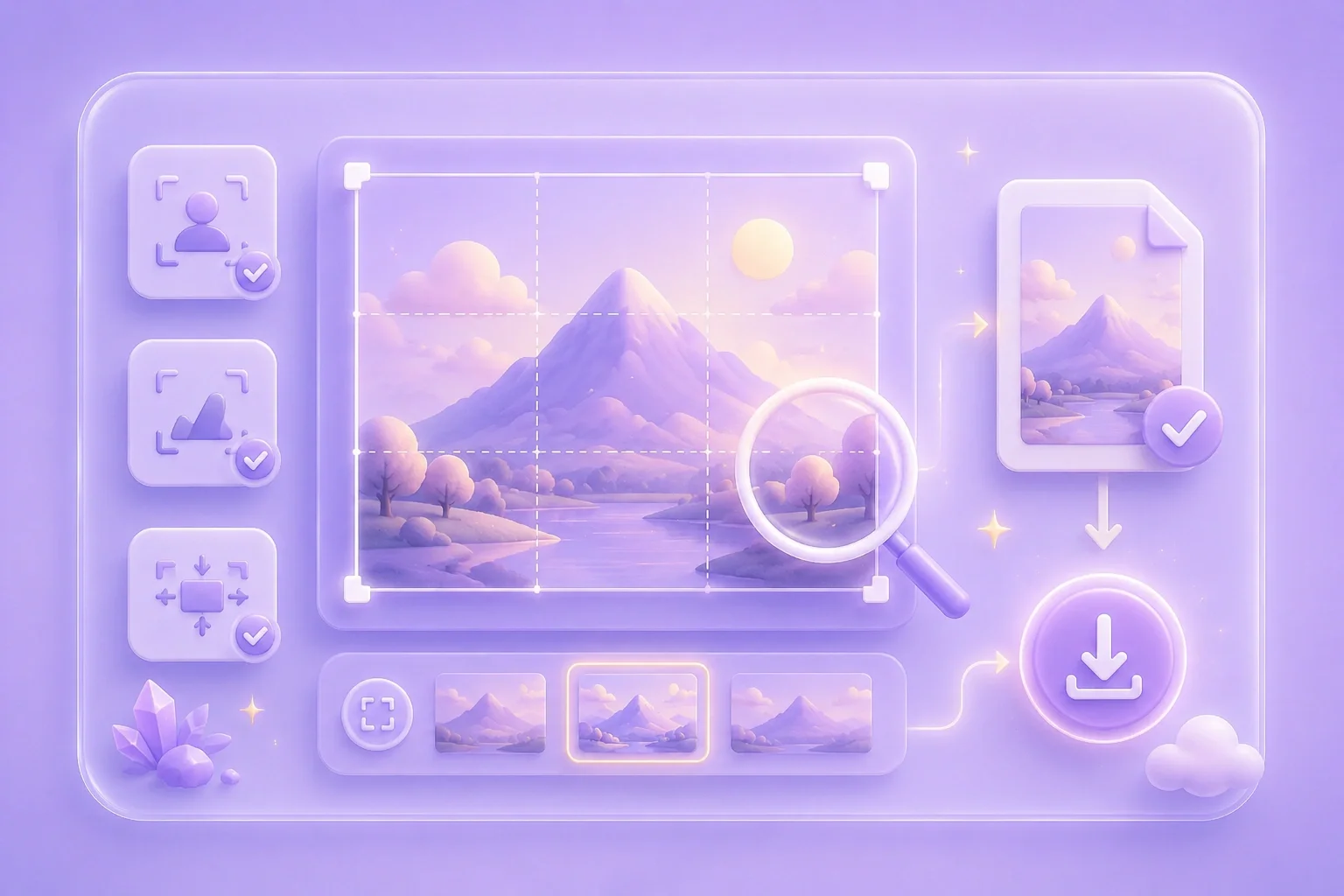

Example: A user crops a portrait so the face is centered for a profile picture or account avatar.
Profile Photo
Use case

Example: A seller crops a product photo to remove empty edges and focus on the item in a listing.
Product Listing
Use case

Example: A student crops a screenshot before placing it into a report or presentation slide.
Report Image
Use case

