Example: A student converts an EPUB reading into PDF pages so chapter notes and page references are easier to review before class.
Study Notes
Use case
Convert EPUB e-books to PDF in seconds for easier reading, printing, and viewing on any device.
or drag and drop a file here
Processing...

Start by adding the EPUB e-book you want to convert. EPUB to PDF works best when the source file opens normally and includes the chapters, images, and reading order you expect to keep.

Check the available PDF settings before conversion, such as page layout, reading size, or margin options when they appear in the tool. These controls help prepare the file for printing, sharing, or desktop reading.

Convert the EPUB file, then download the PDF and review several pages. Check chapter breaks, images, and page flow before sending the document to classmates, coworkers, or a printer.
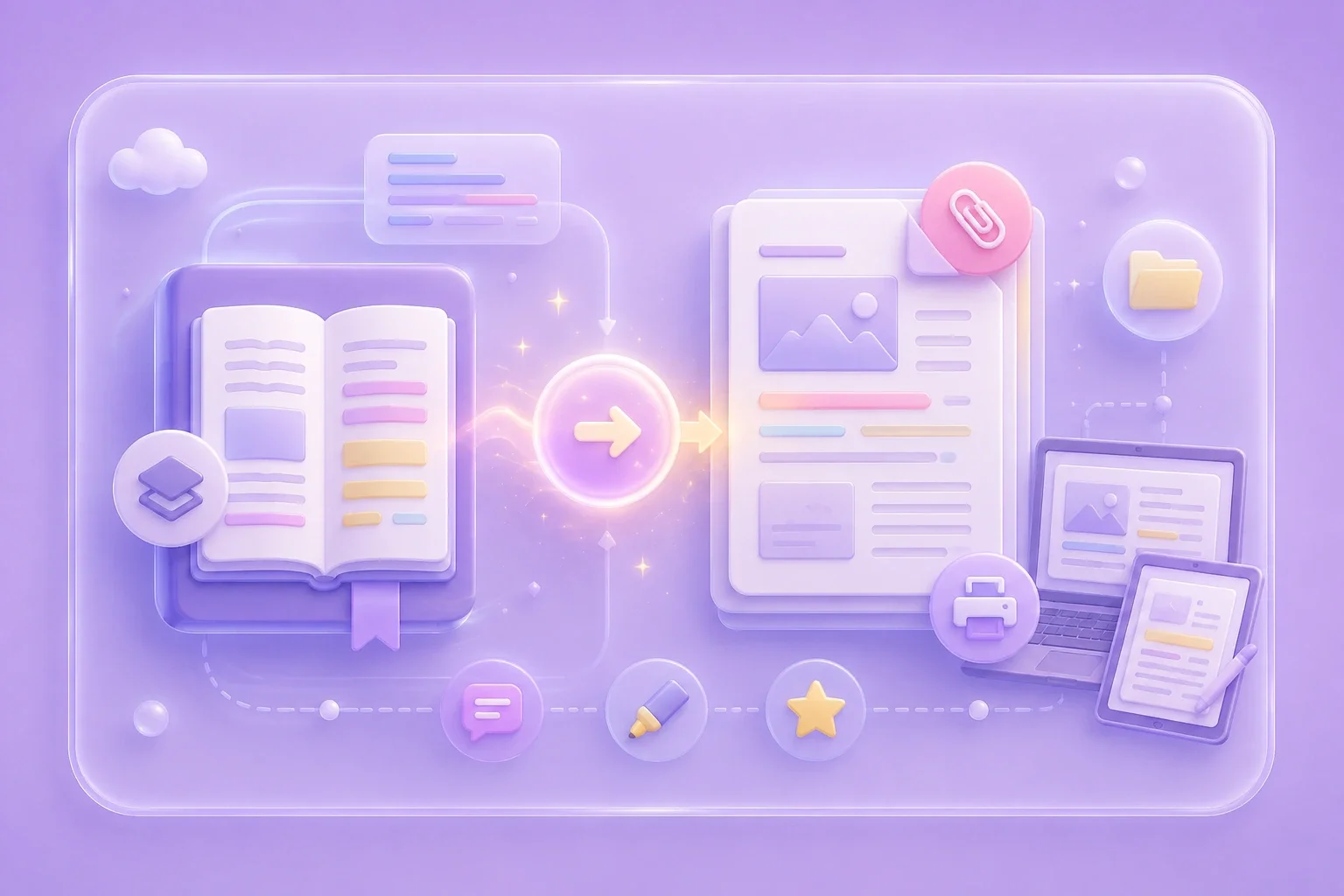
EPUB files are flexible for e-readers, but PDFs are easier to print, annotate, and attach to many workflows. EPUB to PDF gives readers a fixed-page version that is simpler to review on laptops, tablets, and shared folders.
Convert EPUBWhen an ebook needs to look like a document, PDF pages provide stable pagination for notes, citations, and handouts. Use the converted file for classroom reading packs, reference material, or personal archives where a page-based format is more convenient.
Prepare PDF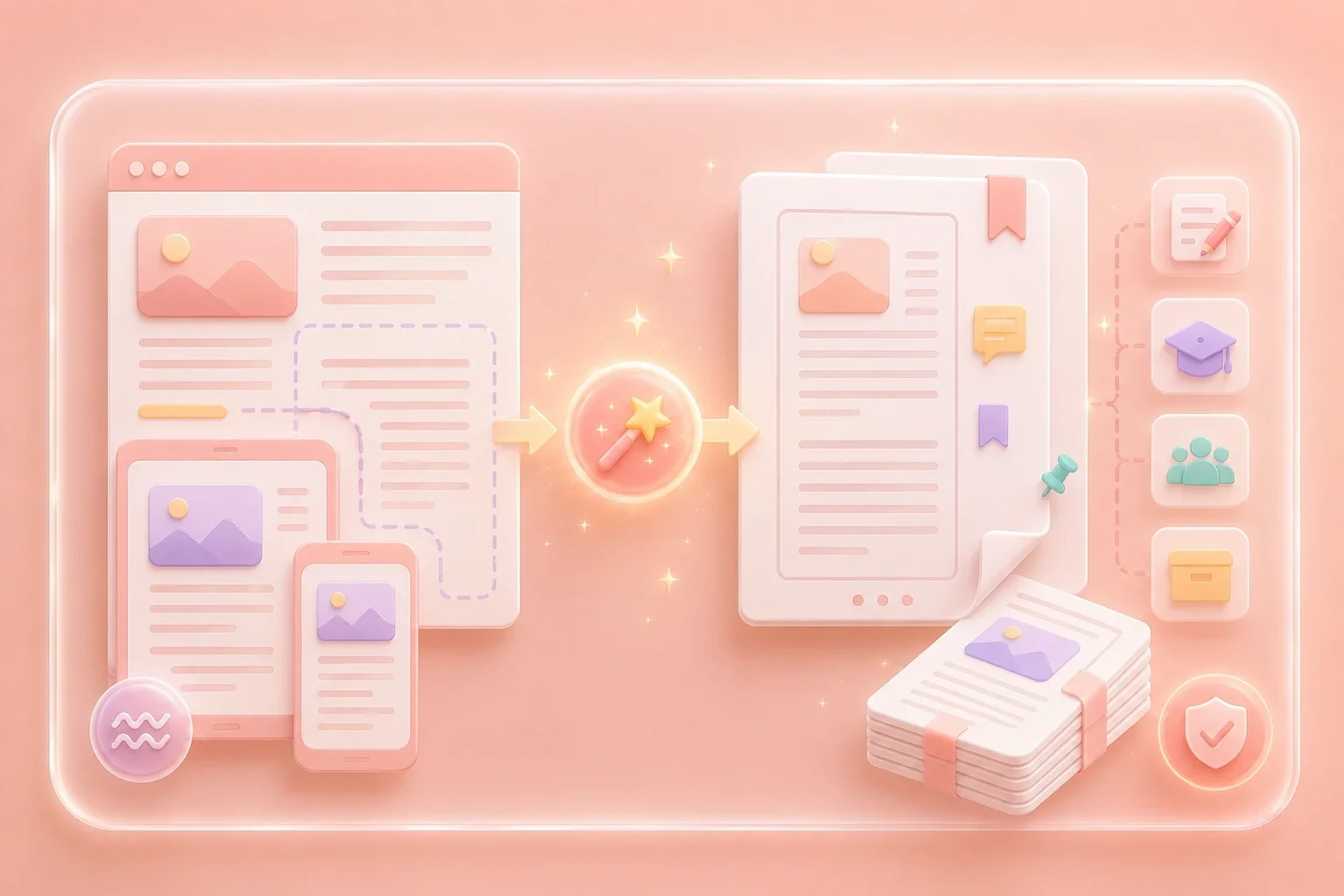

EPUB layouts can change when content moves from a reflowable ebook to a fixed PDF. After conversion, review headings, images, and page breaks so you understand what changed before relying on the output.
Review OutputStudents, researchers, and office users often need one PDF version of an ebook section for review or sharing. EPUB to PDF supports that workflow by turning the source file into a downloadable document you can inspect and organize.
Download PDF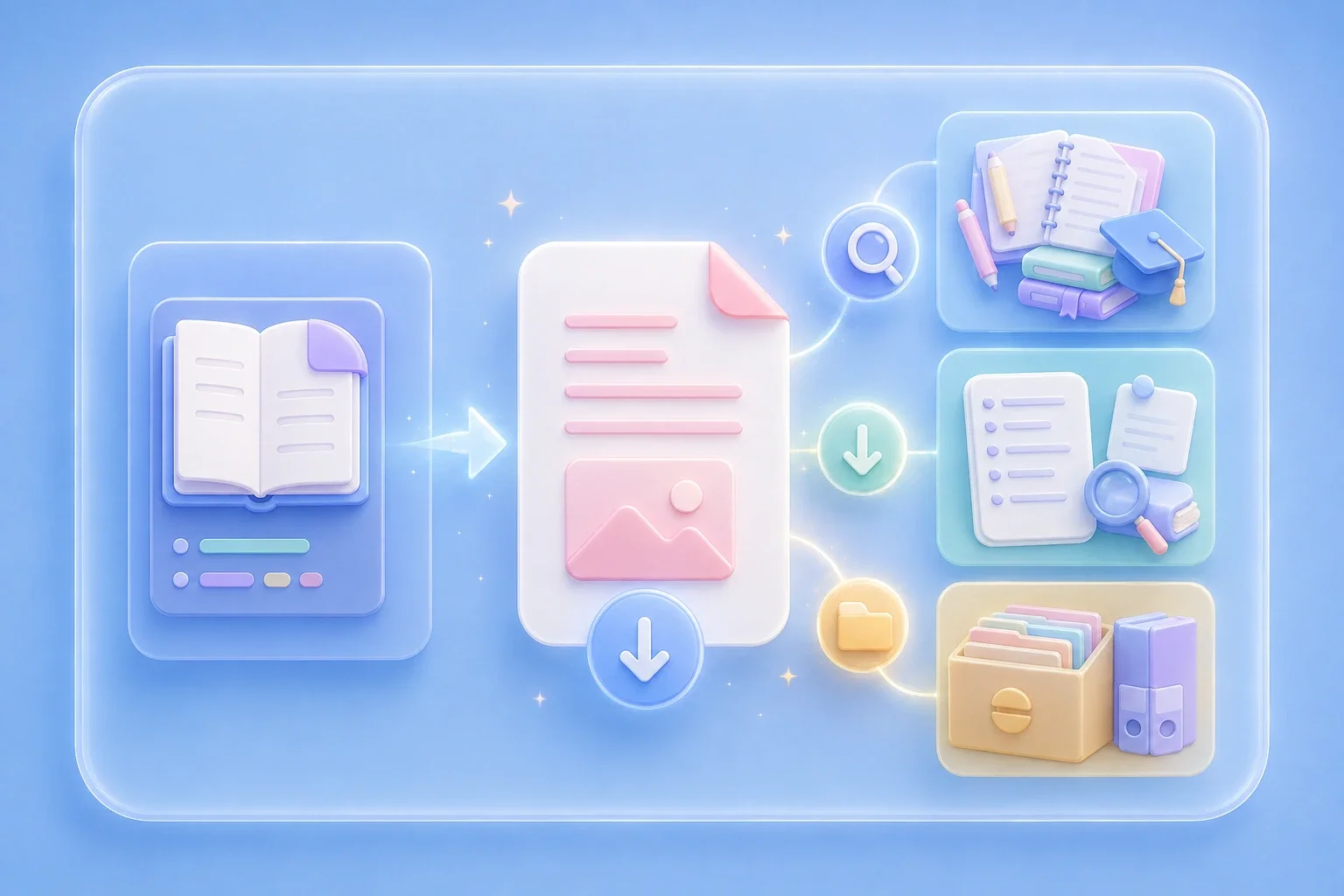

Example: A student converts an EPUB reading into PDF pages so chapter notes and page references are easier to review before class.
Study Notes
Use case

Example: A teacher prepares an ebook excerpt as a PDF handout for printing and offline reading.
Printing Prep
Use case

Example: A researcher keeps a PDF copy of an EPUB reference file alongside other documents in the same project folder.
Document Archive
Use case

