Example: A freelancer creates a PDF invoice with client details, service descriptions, tax, and payment terms after finishing a project.
Freelance Billing
Use case
Create a polished invoice PDF in minutes with automatic totals, tax, and balance calculations.
This tool generates billing templates only. It does not produce official tax invoices and must not be used to forge government-issued documents.
Processing...

Fill in business details, client information, invoice number, dates, payment terms, and line items. Clear inputs help the invoice PDF look complete and easy to understand.

Review quantities, rates, tax, balance, and the invoice preview before exporting. This is the best time to catch missing addresses, wrong totals, or incomplete item descriptions.

Download the invoice as a PDF and keep a copy for your records. Send the file only after checking that the billing details match your agreement with the client.

Invoice Generator gives you a structured form for client billing details, line items, dates, and payment information. The result is a PDF invoice that is easier to send, save, and attach to payment records.
Create InvoiceLine item fields make it easier to organize services, quantities, rates, taxes, and balances. Review the calculated totals carefully so the invoice reflects the actual work and payment terms.
Check Totals

A preview helps you check spacing, labels, contact details, and totals before downloading. This reduces simple billing mistakes that are easier to fix before the PDF is created.
Preview InvoiceFreelancers, consultants, small teams, and service providers can use an invoice generator when they need a presentable billing document without building a spreadsheet or design file from scratch.
Download PDF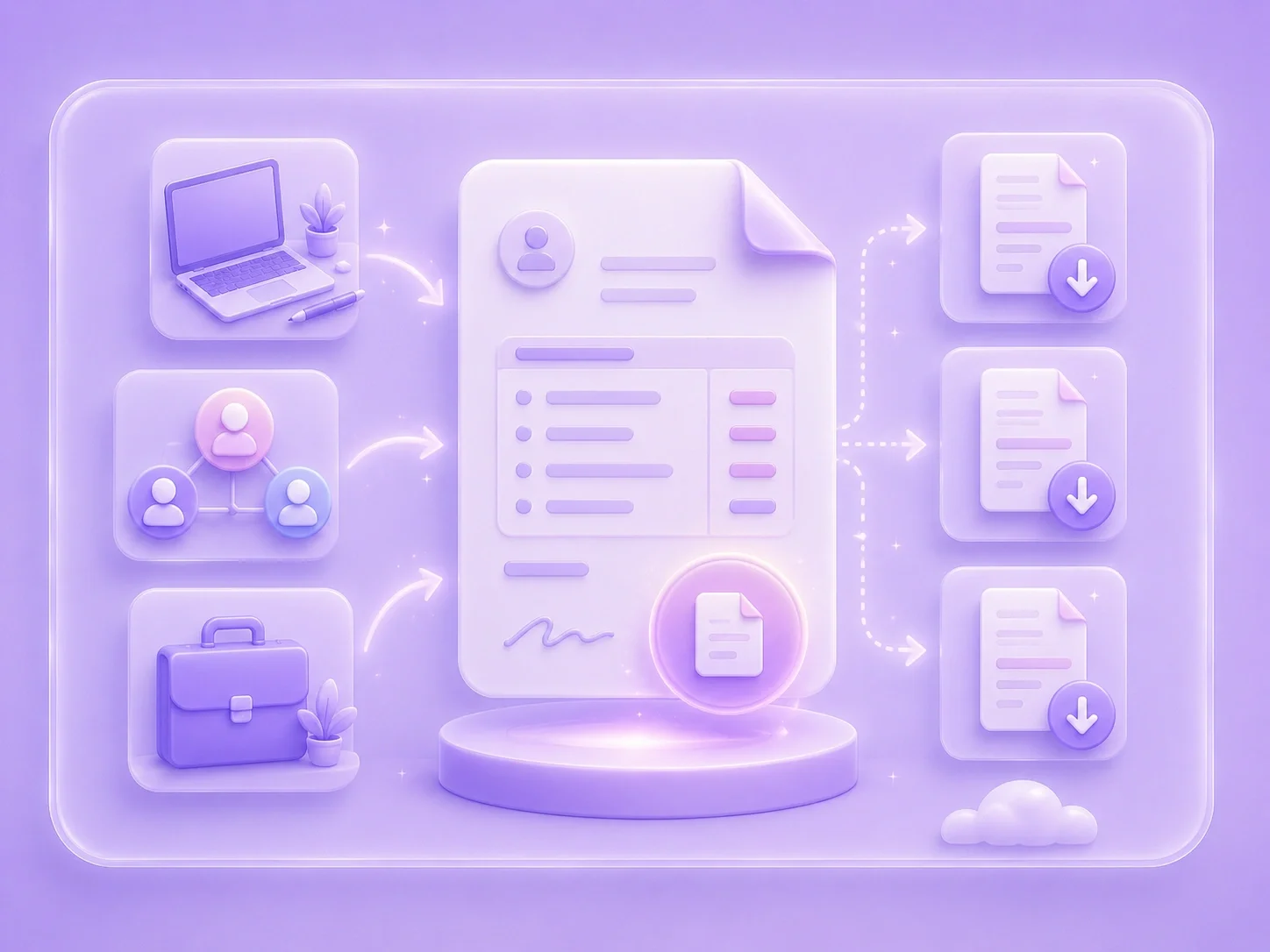

Example: A freelancer creates a PDF invoice with client details, service descriptions, tax, and payment terms after finishing a project.
Freelance Billing
Use case

Example: A small business prepares a simple invoice for product sales and keeps the PDF with order records.
Small Business Sales
Use case

Example: A consultant reviews subtotal and balance fields before sending an invoice for monthly services.
Service Invoice
Use case

