JSON to CSV Converter

Convert JSON files to CSV format instantly. Paste or upload JSON data and get a clean, structured CSV table. Supports nested objects, automatic header extraction, and special character handling. Free, no signup required.

drag & drop · paste · or start typing

Paste or type JSON to begin
0%

Processing...

Free and Unlimited
No Signup Required
Save Time
No Ads

How to Use JSON to CSV Converter in 3 Steps

Step 1

Step 1: Paste or Upload JSON

Open JSON to CSV Converter and paste your JSON data directly or upload a .json file from your device.

Step 2

Step 2: Convert to CSV

Click the convert button. JSON to CSV Converter parses your data, flattens nested objects, and extracts headers automatically.

Step 3

Step 3: Preview and Download

Review the structured CSV table in the preview. Then download your CSV file, ready to open in any spreadsheet application.

Turn Messy JSON into Clean Tables with JSON to CSV Converter

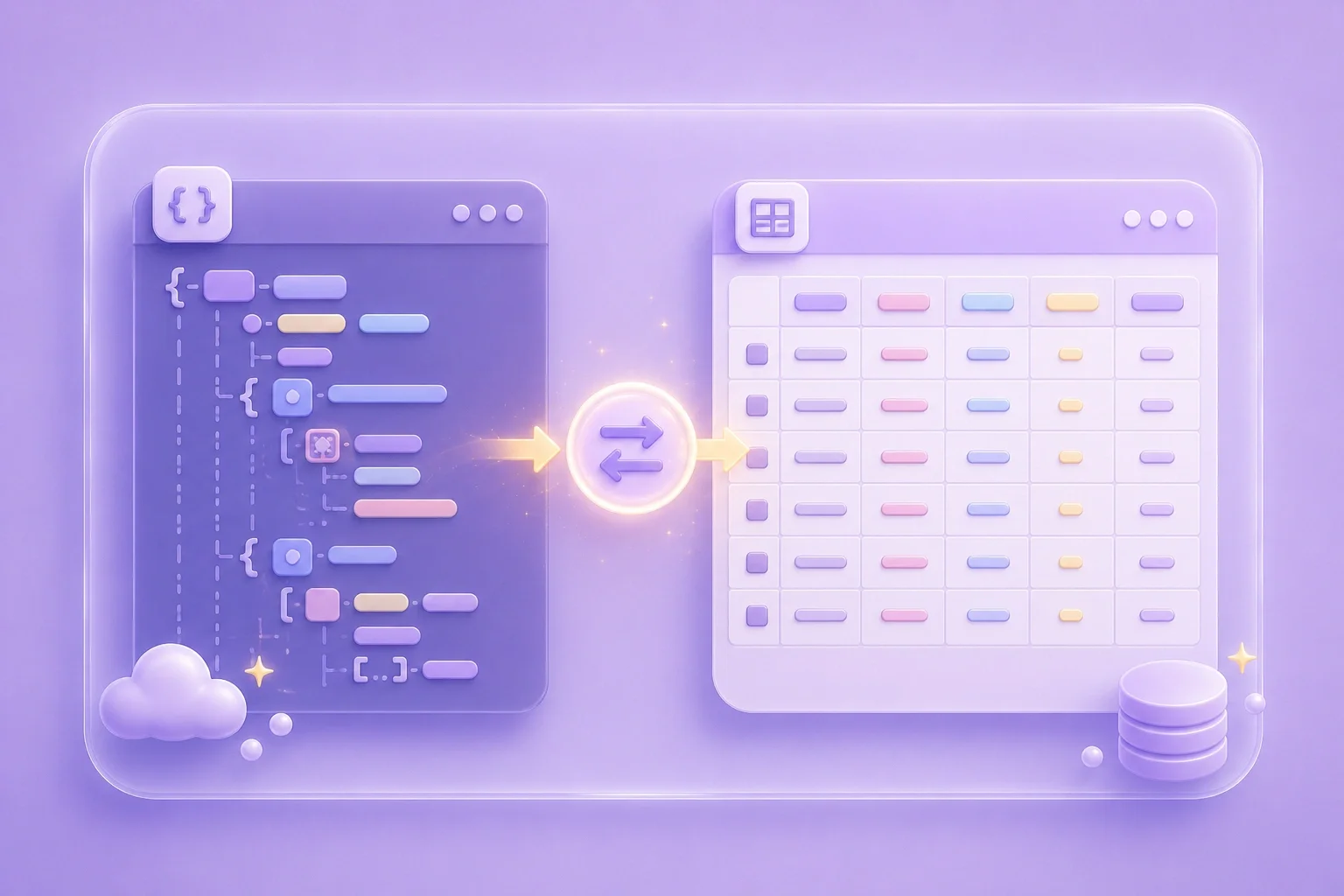
You received an API response or exported data in JSON format, but your spreadsheet app cannot read it. JSON to CSV Converter parses the structure and outputs a clean CSV table with proper headers. Students working on data projects, office workers handling reports, and anyone dealing with raw JSON all benefit from instant conversion.

Convert JSON Now
JSON to CSV Converter turning JSON data into a structured CSV table

Handle Nested JSON Objects through JSON to CSV Converter

Nested JSON with multiple layers is hard to flatten by hand. One wrong edit breaks the whole file. JSON to CSV Converter automatically flattens nested fields into dot-notation columns, so every value lands in the right cell. This saves office workers hours of manual restructuring.

Flatten Nested JSON
Nested JSON being flattened into CSV columns

Extract Headers Automatically via JSON to CSV Converter

Manually typing column headers from JSON keys is tedious and error-prone. JSON to CSV Converter scans all objects in your array and builds a complete header row, even when some objects have missing fields. Students importing survey data and general users organizing contacts both get accurate columns without extra work.

Extract CSV Headers
Automatic header extraction from JSON keys

Preserve Special Characters Safely Using JSON to CSV Converter

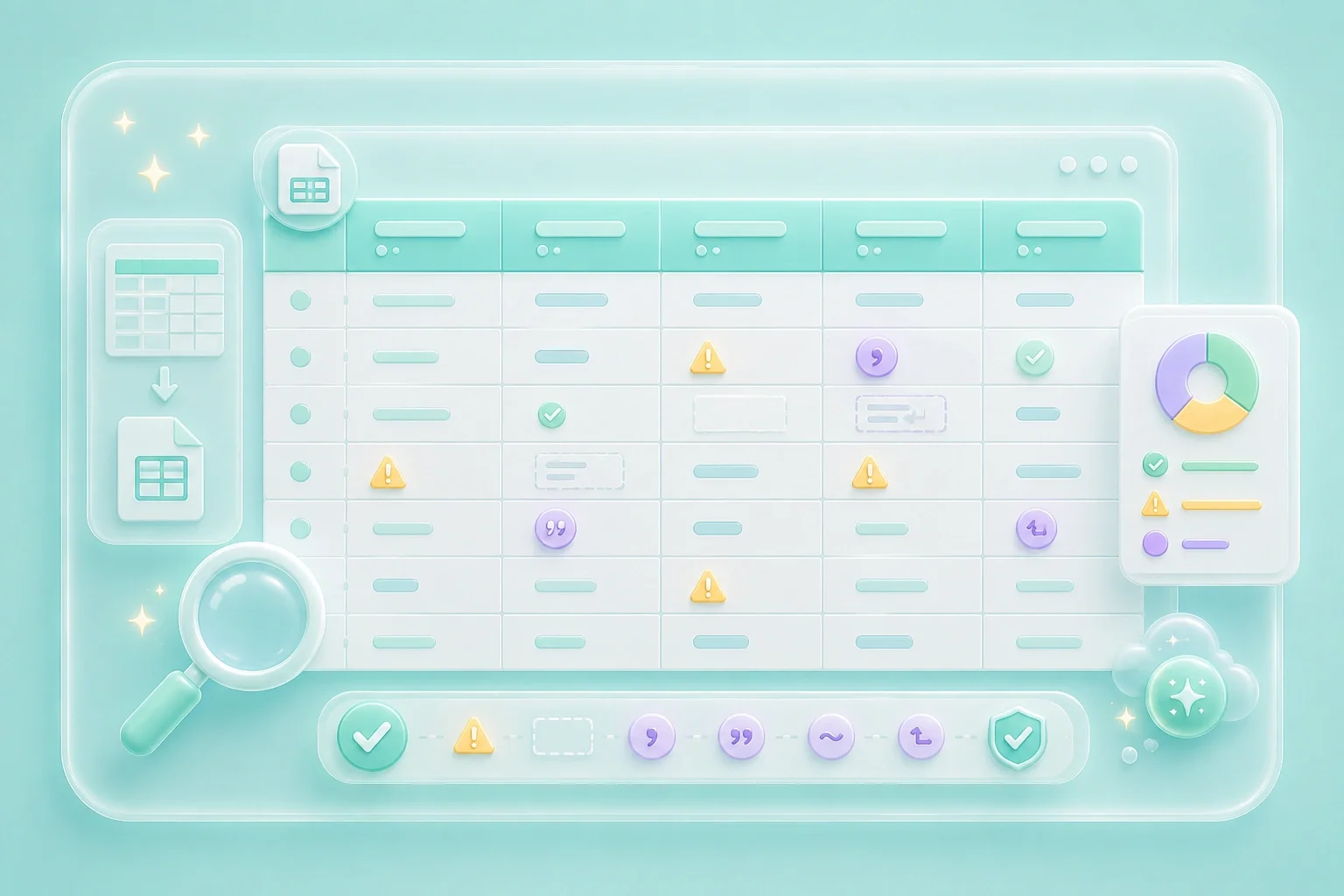
Commas, quotes, and line breaks inside your data can corrupt a CSV file if not escaped properly. JSON to CSV Converter handles special character escaping according to RFC 4180 standards. Your downloaded CSV opens correctly in Excel, Google Sheets, or any other tool without broken rows or shifted columns.

Convert with Safe Escaping
Special characters properly escaped in CSV output

Explore More Tools with WPS

View All Tools

JSON to CSV Converter Customer Stories

Real results from people using JSON to CSV Converter for practical file conversion needs

Customer story 1
"I had a 500-line JSON export from our school's survey platform and no idea how to get it into a spreadsheet. JSON to CSV Converter gave me a clean CSV file in seconds that opened perfectly in Google Sheets."
Customer story 2
"I needed to import customer records from an API into our office Excel template. JSON to CSV Converter flattened all the nested address fields into separate columns, saving me an hour of manual work."
Customer story 3
"I downloaded product data in JSON from an online store but the commas in descriptions kept breaking my CSV. JSON to CSV Converter escaped everything correctly and the file imported without a single error."

JSON to CSV Converter Questions, Answered

What is JSON to CSV Converter?
JSON to CSV Converter is an online tool that transforms JSON data into CSV format. It parses JSON arrays and objects, extracts column headers, and generates a downloadable CSV file. Use it for data migration, report preparation, or importing records into spreadsheet software.
Yes. JSON to CSV Converter is completely free to use with no signup required. You can paste or upload JSON data and download the resulting CSV as many times as you need without creating an account.
JSON to CSV Converter flattens nested objects using dot-notation for column names. For example, a field like "address.city" becomes its own column. This ensures all nested values appear in the correct cells without manual restructuring.
Absolutely. The CSV output uses UTF-8 encoding and comma delimiters, which are compatible with Microsoft Excel, Google Sheets, LibreOffice Calc, and WPS Spreadsheets. Just download the file and open it directly in your preferred application.
JSON to CSV Converter supports JSON arrays of objects, single objects, and nested structures. It validates your input before conversion and alerts you if the format is invalid. Common use cases include API responses, database exports, and configuration files.
Empty or null values are represented as blank cells in the CSV output. Special characters like commas, double quotes, and newlines are escaped following RFC 4180 standards. This prevents broken rows when you open the file in any spreadsheet tool.