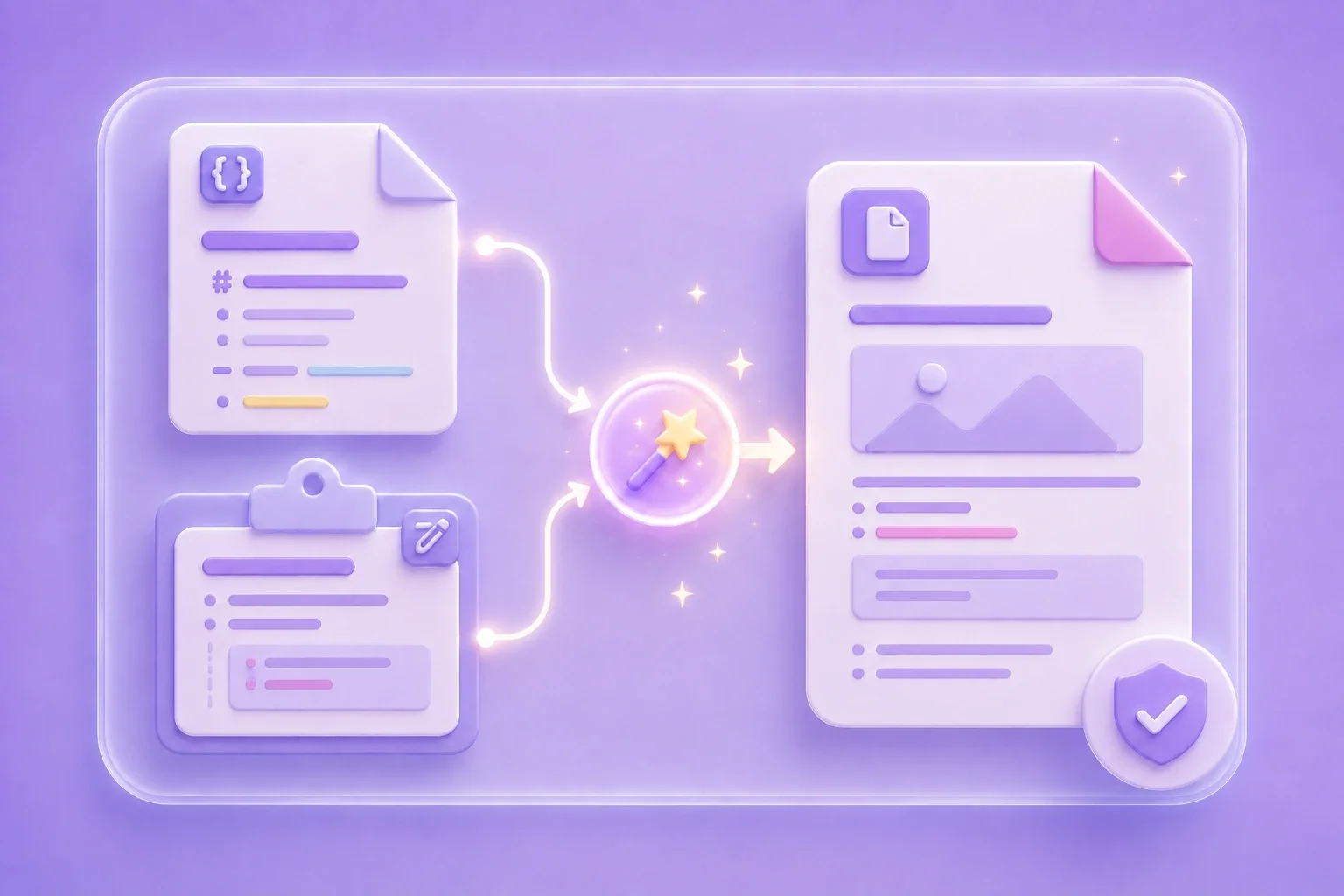



Export a README, release note, or technical guide as a PDF for stakeholders who prefer a page-based document.
Project Documentation
Developer workflow
Convert Markdown files or pasted Markdown content into clean, print-ready PDF documents with reliable formatting for sharing, exporting, and offline use.
drag & drop · paste · or start typing
Processing...

Upload a .md file, paste Markdown, or type directly into the input area. Check that linked images and other external assets are available before you continue.

Select Convert to start the Markdown to PDF workflow. Follow the on-page progress indicator while the file is being processed.

Download the PDF when the result is ready. Open it in a PDF viewer and check page breaks, tables, code blocks, and image placement before sharing.
A README, report, or set of notes may begin as editable Markdown but need a fixed-layout copy for distribution. This online Markdown to PDF converter accepts a .md file or pasted text, so you can start with the source you already have.
Get StartedPDF is useful when a document needs a consistent page-based format for email, printing, review, or archiving. Convert Markdown to PDF for project documentation, study notes, technical reports, meeting summaries, and handouts.
Get StartedMarkdown syntax, linked assets, and long content can affect the final layout. After conversion, review headings, lists, tables, code blocks, links, images, and page breaks, then revise the Markdown source and convert again if needed.
Get StartedKeep Markdown as the editable source and use the PDF as a distribution copy. This workflow separates future content updates from the version you send to classmates, coworkers, clients, or readers.
Get Started
Export a README, release note, or technical guide as a PDF for stakeholders who prefer a page-based document.
Project Documentation
Developer workflow

Turn structured Markdown notes into a PDF for offline review, class handouts, or submission.
Study Notes
Student workflow

Create a shareable PDF copy of a Markdown report, meeting summary, or project brief, then review the layout before sending it.
Reports and Briefs
Office workflow
