MP4 to GIF Converter

Turn MP4 videos into animated GIFs in seconds with adjustable frame rate and output width.

or drag and drop a file here

MP4
0%

Processing...

Free and Unlimited
No Signup Required
Save Time
No Ads

How to Use MP4 to GIF Converter in 3 Steps

Upload MP4 video icon

Step 1: Upload Your MP4

If your video is stuck on your device and you need a quick animation, start by adding it to MP4 to GIF Converter. The tool checks the file format and prepares your MP4 for clipping.

Adjust GIF settings icon

Step 2: Trim and Adjust Settings

If the full video is too long or too large, use MP4 to GIF Converter to clip the needed part. You can set the frame rate and output width to match class work, office slides, or personal posts.

Download GIF icon

Step 3: Convert and Download

If you need a shareable animation fast, let MP4 to GIF Converter generate the GIF and show a preview first. Then download the final file with its size, duration, and dimensions ready to use.

Upload MP4 video and turn it into a GIF

Turn Short Video Moments into GIFs with MP4 to GIF Converter

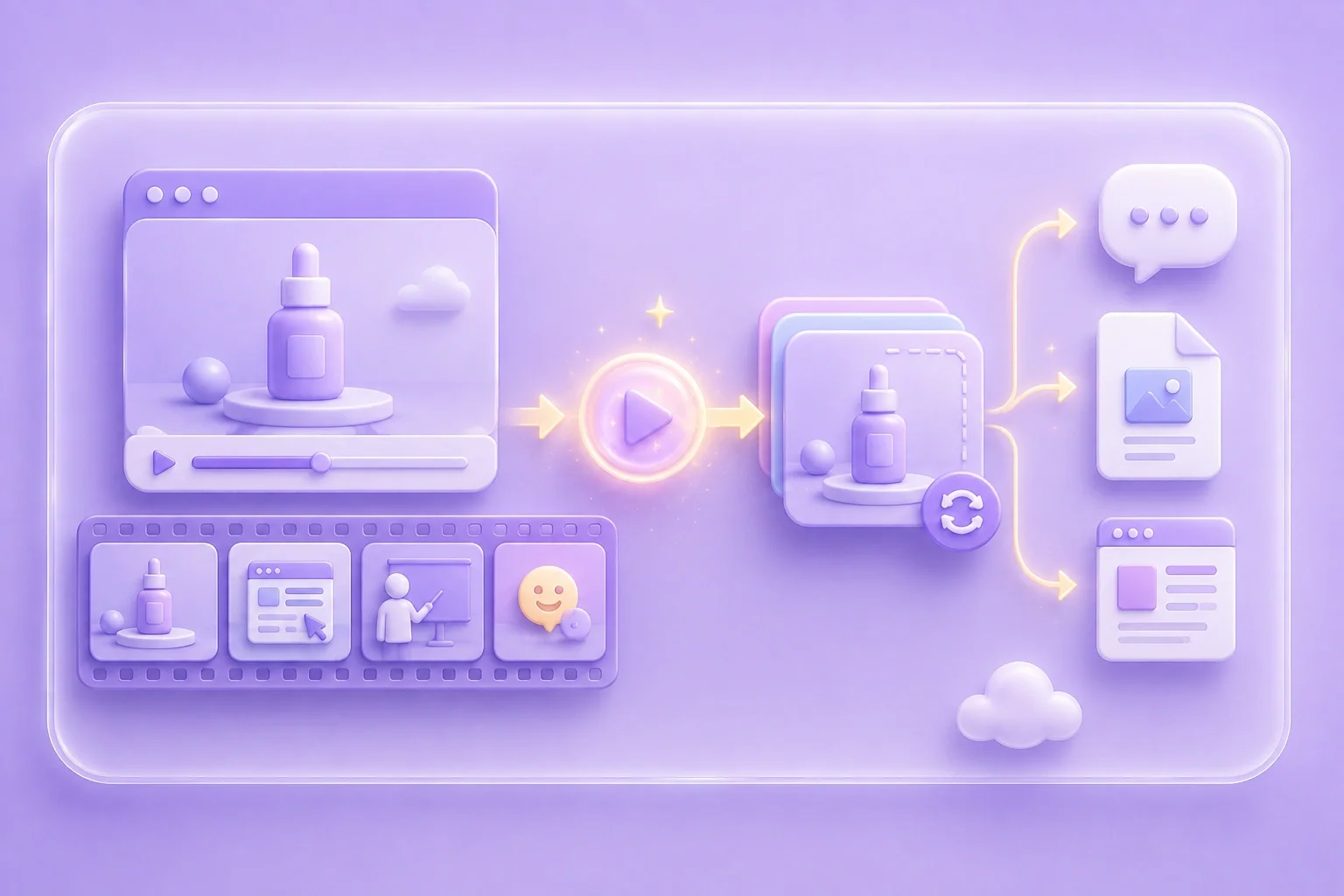
If a full MP4 feels too heavy for a chat, slide, or post, a GIF is often easier to share. MP4 to GIF Converter helps students, office workers, and general users upload a video, clip the best moment, and save it as an animated GIF.

Convert to GIF

Clip Exact Scenes via MP4 to GIF Converter

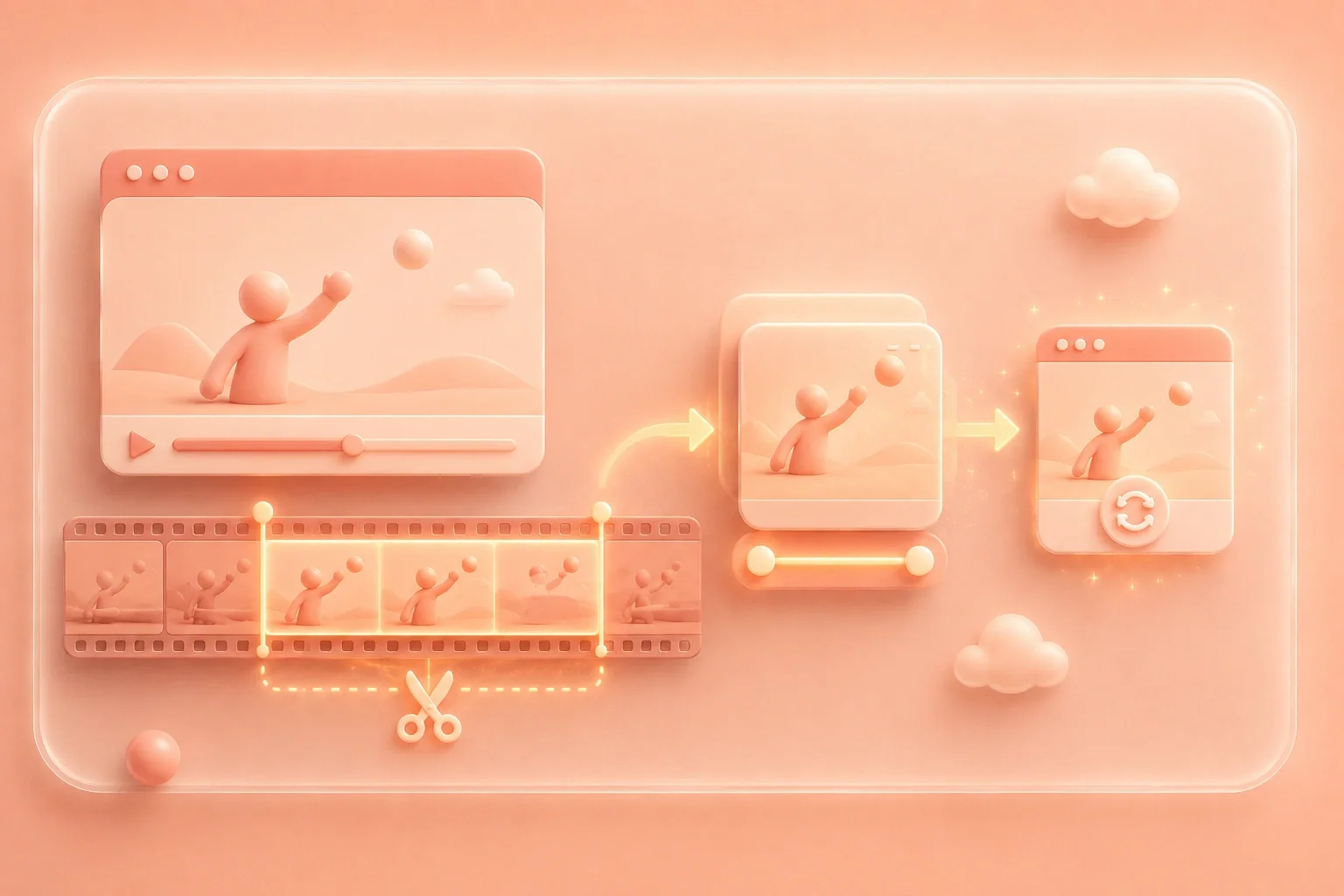
If your video includes extra seconds before or after the part you need, trimming by hand can waste time. MP4 to GIF Converter lets students cut lecture demos, office workers isolate product steps, and general users save only the funniest or most useful scene.

Clip the Scene
Trim a video segment before converting to GIF
Adjust frame rate and width for GIF output

Adjust GIF Size and Motion Using MP4 to GIF Converter

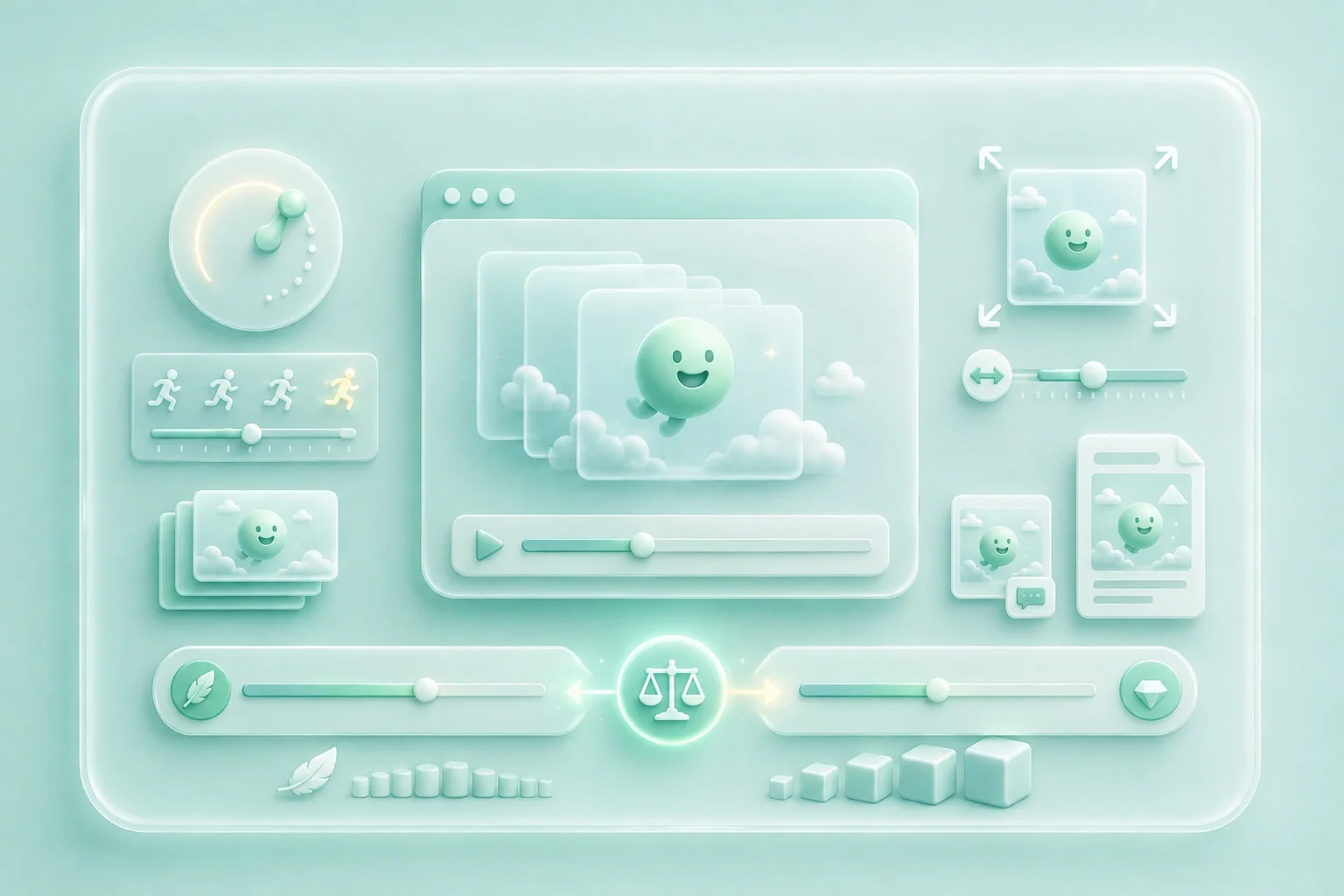
If your GIF looks too large, too slow, or hard to upload, the export settings need a quick change. MP4 to GIF Converter lets students, office workers, and general users set frame rate and output width for class projects, work documents, and social posts.

Set GIF Size

Preview Results through MP4 to GIF Converter

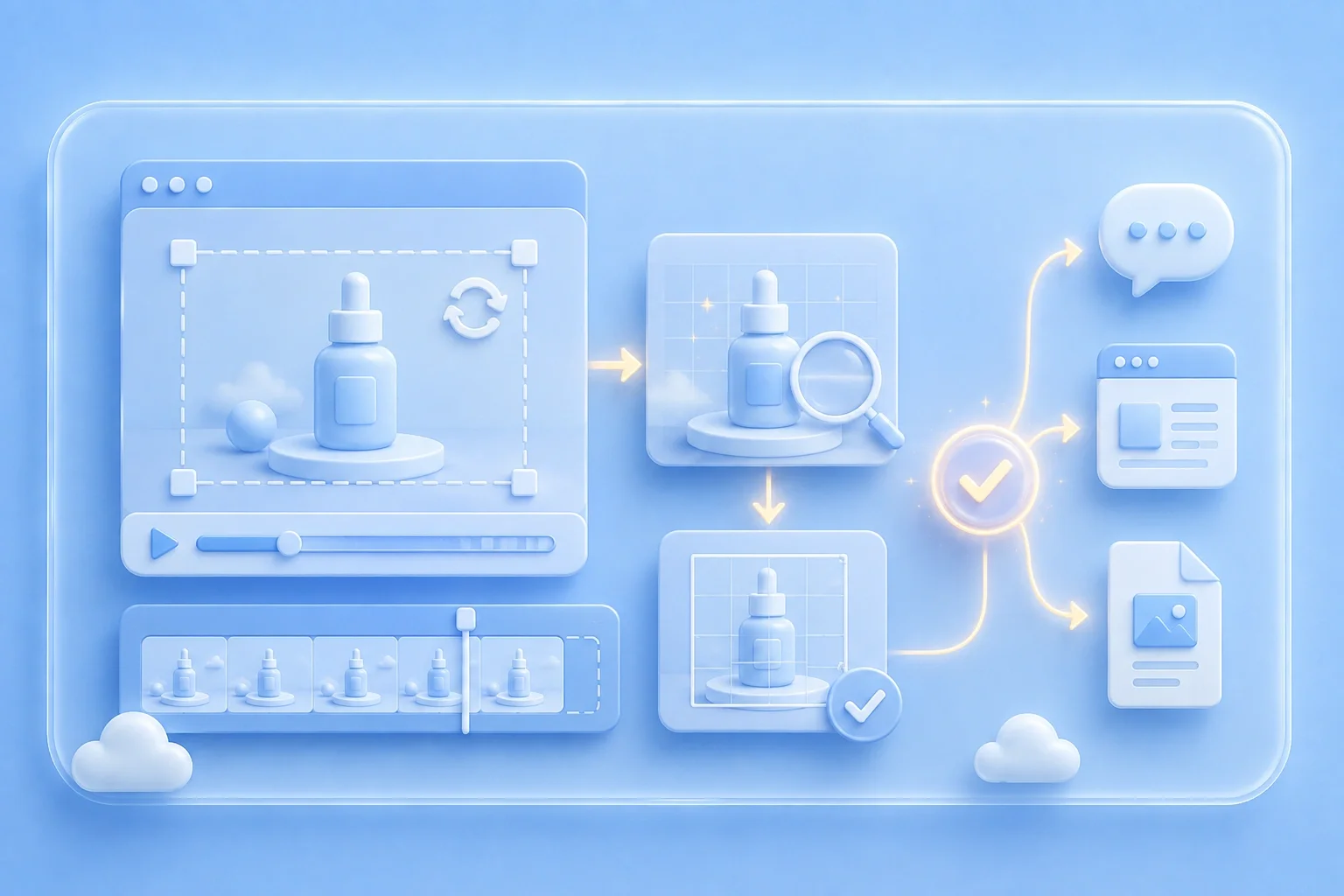
If you worry about downloading the wrong file, a preview helps you catch issues early. MP4 to GIF Converter shows the GIF, duration, dimensions, and file size so students, office workers, and general users can check the result before saving it.

Preview the GIF
Preview GIF before downloading

Explore More Tools with WPS

View All Tools

MP4 to GIF Converter Customer Stories

Real results from people using MP4 to GIF Converter for practical file conversion needs

Customer story 1
"I needed a short animation from a class demo for my assignment slide. MP4 to GIF Converter helped me trim the clip and download a GIF that fit my presentation."
Customer story 2
"I recorded a product walkthrough and only needed one step for a team document. MP4 to GIF Converter turned that MP4 section into a small GIF I could place in our office guide."
Customer story 3
"I saved a funny moment from a phone video and wanted to post it without uploading the full file. MP4 to GIF Converter helped me clip the best part and share the GIF faster."

MP4 to GIF Converter Questions, Answered

What does MP4 to GIF Converter do?
If you have an MP4 video but need a looping image instead, MP4 to GIF Converter changes the video into an animated GIF. It can also trim a segment and adjust settings like frame rate and width for presentations, social posts, stickers, and quick demos.
If a full video makes your slide deck too large, upload the MP4 to MP4 to GIF Converter and trim only the needed part. Then lower the width or frame rate if needed and download the GIF for lecture slides, training decks, and meeting presentations.
If you only need a quick conversion, MP4 to GIF Converter includes a free option with no signup required. This is useful for students making project visuals, office workers preparing internal materials, and general users creating social GIFs.
If your source video is longer than needed, MP4 to GIF Converter lets you select a specific segment before conversion. This helps reduce file size and keeps only the useful moment for tutorials, reactions, product steps, and meme clips.
If your GIF is too large to upload, lowering the frame rate or output width usually reduces the file size. MP4 to GIF Converter gives you these controls so you can balance motion and clarity for email, documents, chat apps, and web pages.
If you want to confirm the result first, MP4 to GIF Converter can display a preview along with duration, dimensions, and file size. That makes it easier to check whether the GIF fits your slide, report, post, or message before downloading.