"Example: A student uploads scanned lecture notes to PDF OCR, then reviews the recognized text before copying key terms into a study outline."
Scanned Study Notes
Use case
Turn scanned PDF files into searchable text and download the recognized content as a document.
or drag and drop a file here
Processing...

Start by uploading a scanned PDF to OCR its image-based pages when search or copy does not work. Use the upload area above to add the file before recognition begins.

Run PDF OCR to recognize text from the scanned pages. Clear scans usually produce more usable recognized text than blurred, skewed, or low-contrast pages.

When processing finishes, download the generated document and review the recognized text before editing, quoting, or sharing it.
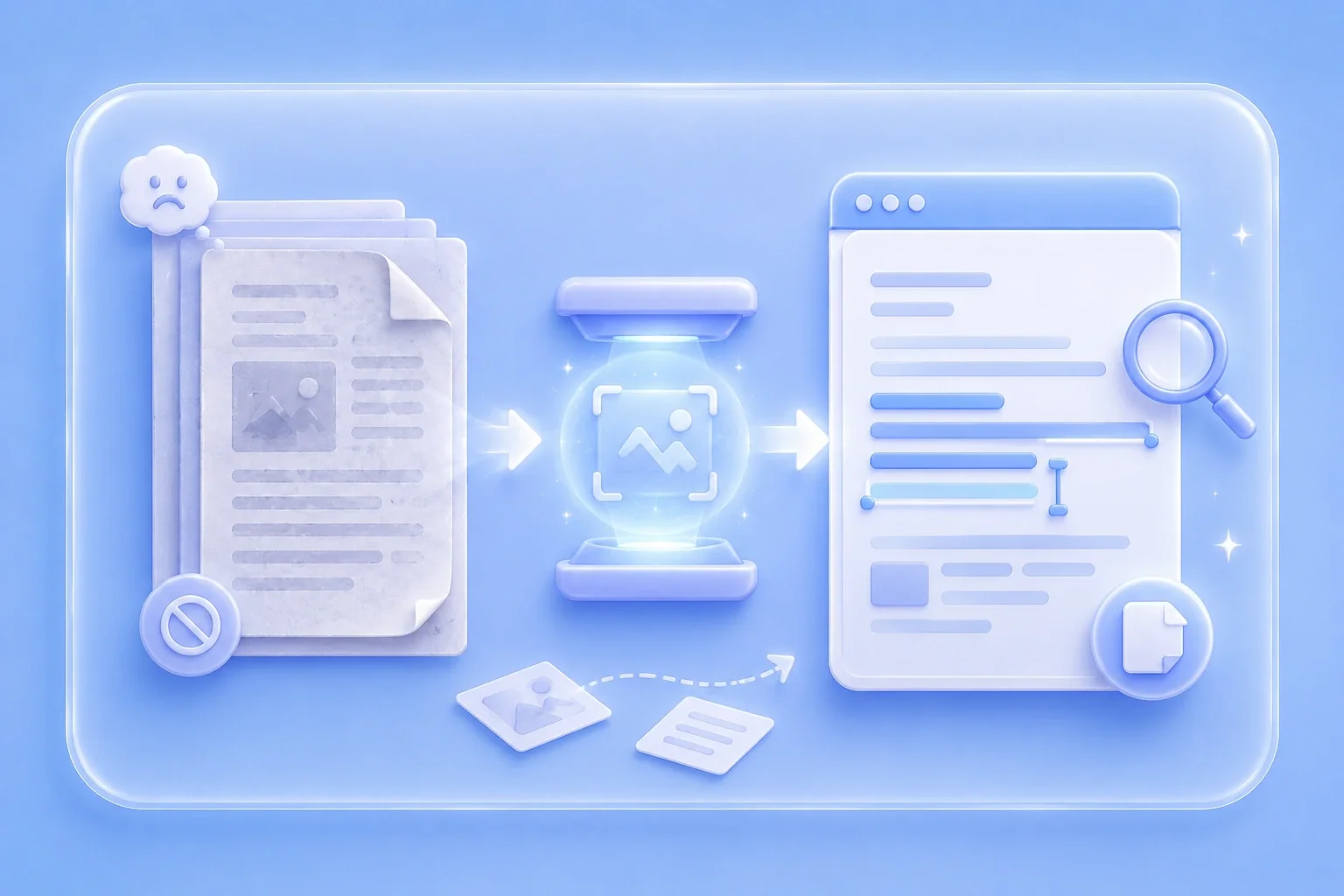
When a PDF is built from scanned page images, normal search and copy actions may not work. OCR recognizes text in scanned PDFs so you can review the content as searchable, selectable text after processing.
Run PDF OCRAfter OCR processing, the page provides a downloadable document with recognized content. Use it for follow-up editing, note reuse, form review, or record cleanup after checking the text for recognition errors.
Download Document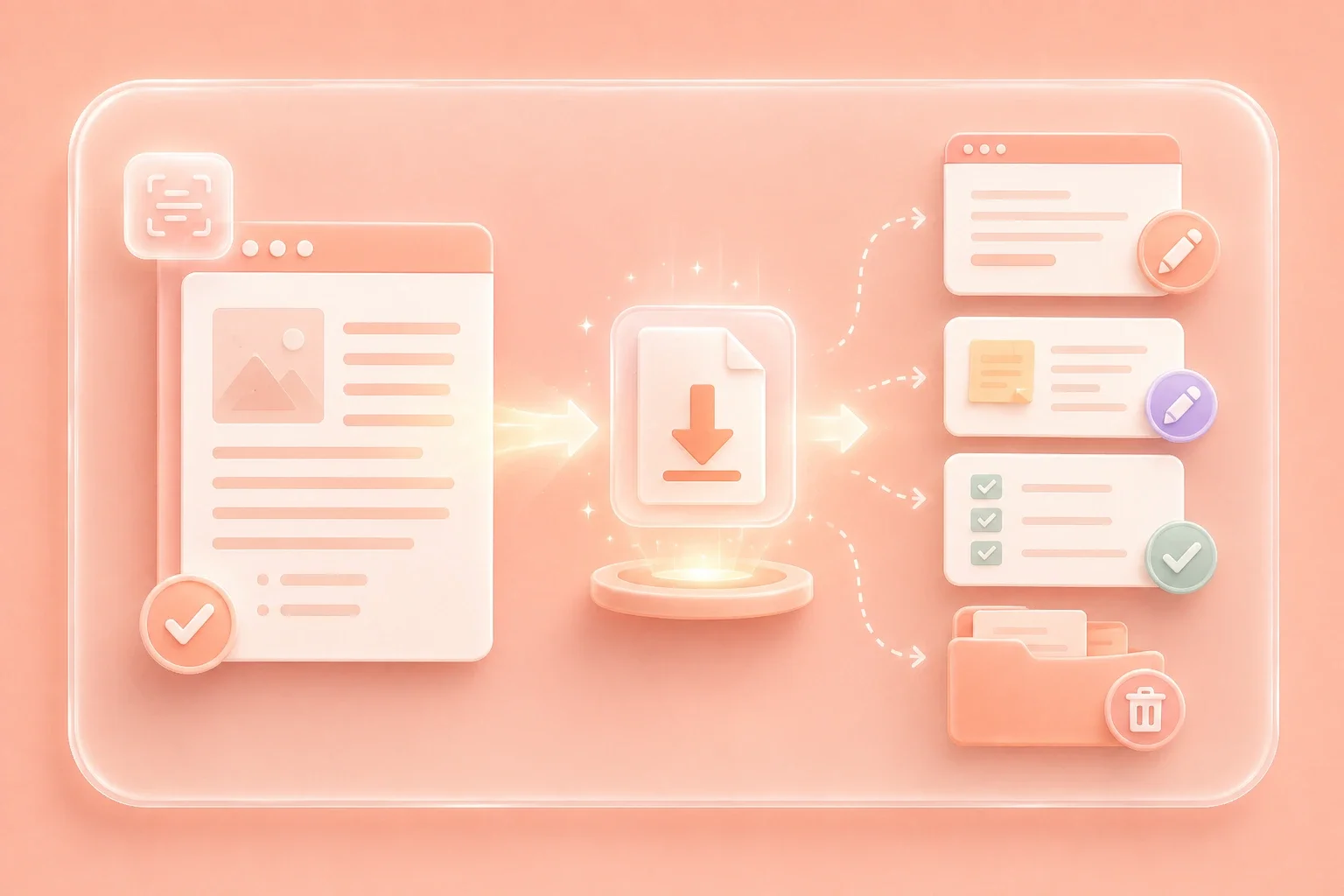
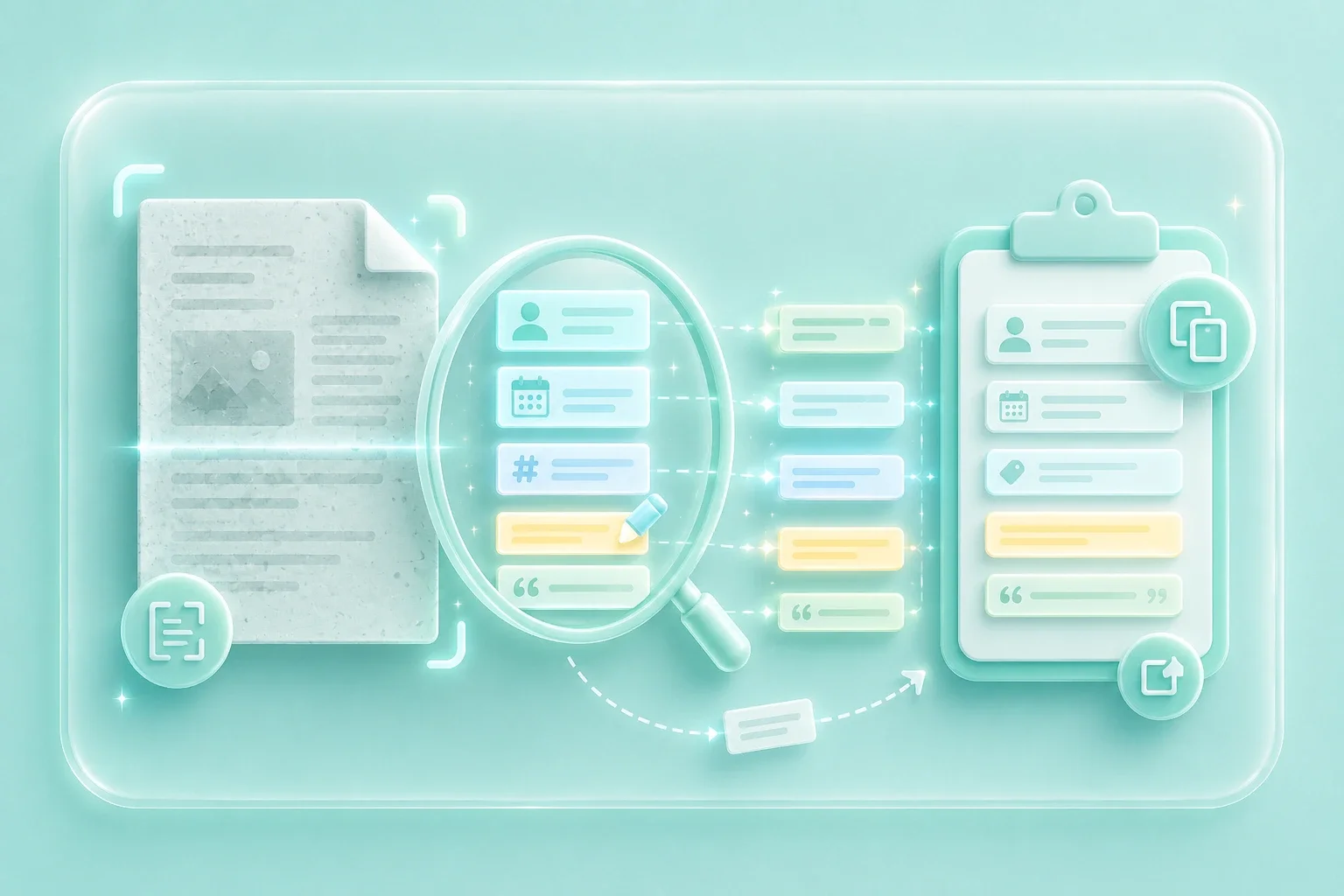
PDF OCR is useful when you need to find names, dates, invoice numbers, study terms, or quoted passages inside a scanned document. After recognition, review the output and copy the text you need for your next task.
Find TextOCR results depend on scan quality, page rotation, contrast, fonts, and layout complexity. Check names, numbers, tables, and line breaks in the recognized document before using it in school, work, or archived records.
Review Result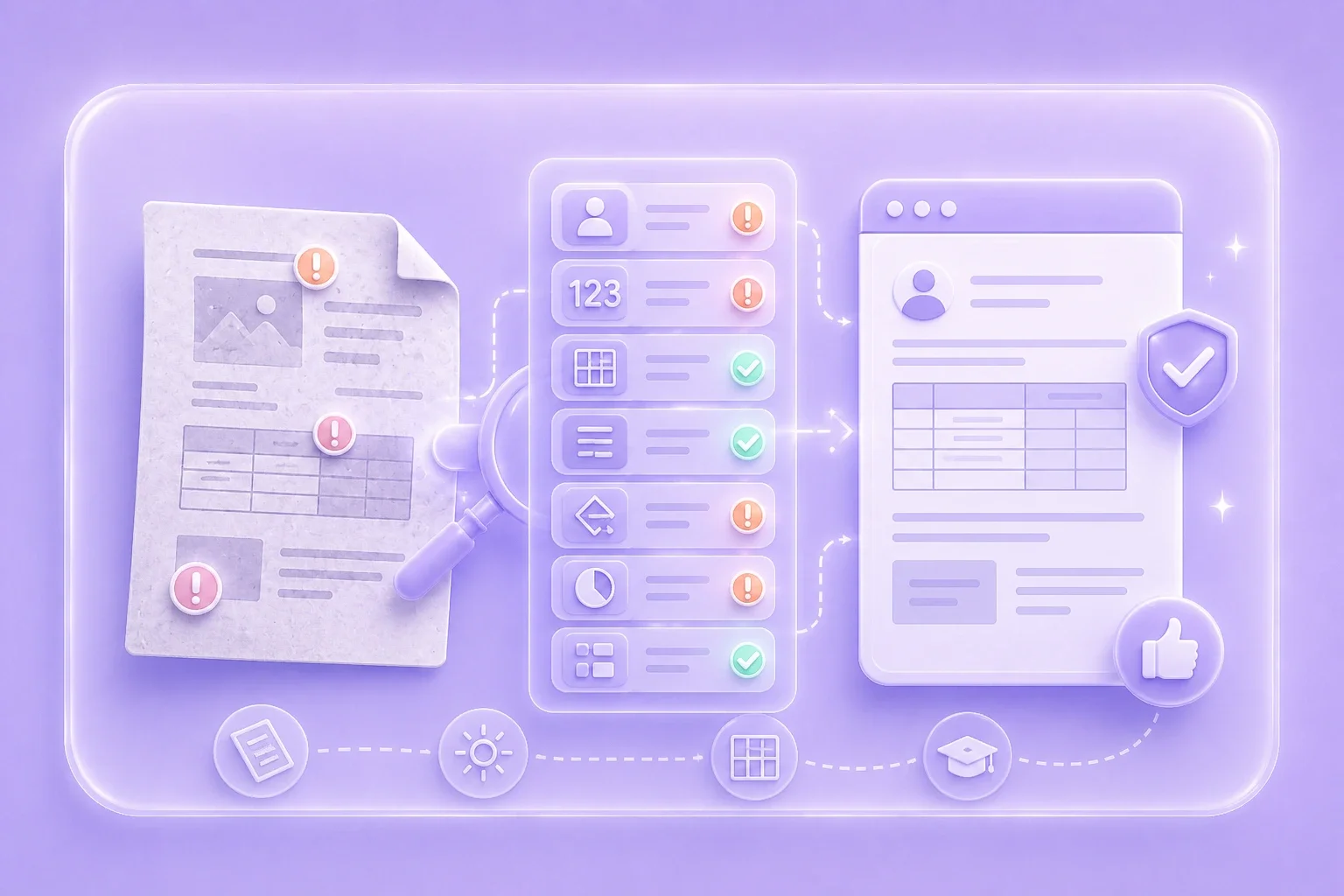

"Example: A student uploads scanned lecture notes to PDF OCR, then reviews the recognized text before copying key terms into a study outline."
Scanned Study Notes
Use case

"Example: An office worker runs OCR on a scanned form, downloads the recognized document, and checks names, dates, and numbers before editing."
Office Paperwork
Use case

"Example: A user processes old scanned records with PDF OCR so names and dates are easier to find and copy into a personal archive."
Personal Archives
Use case

