Example: A freelancer creates a transparent signature PNG to place on a proposal draft.
Form Signing
Use case
Create a personalized digital signature online with this signature generator by drawing or typing your name, then export it as a transparent-background signature image in PNG or JPG format with adjustable color, stroke thickness, and size.

Choose draw mode for a handwritten look or type mode for a clean name-based signature. Start with a simple signature that stays readable at small sizes.

Adjust available style controls such as color, stroke thickness, size, and output format. These settings help prepare the signature image for documents, forms, or email use.

Export the signature image as PNG or JPG, then place it where your workflow allows. Check the document rules before using any digital signature for formal or legal purposes.

Signature Maker gives you a focused canvas for creating a personal signature image. You can draw by hand or type your name, then prepare an image that can be placed into compatible document workflows.
Make SignatureDraw mode is useful when you want a handwritten appearance, while type mode is useful when you need a cleaner name mark. Choose the mode that fits the document, brand, or personal style you want.
Choose Mode
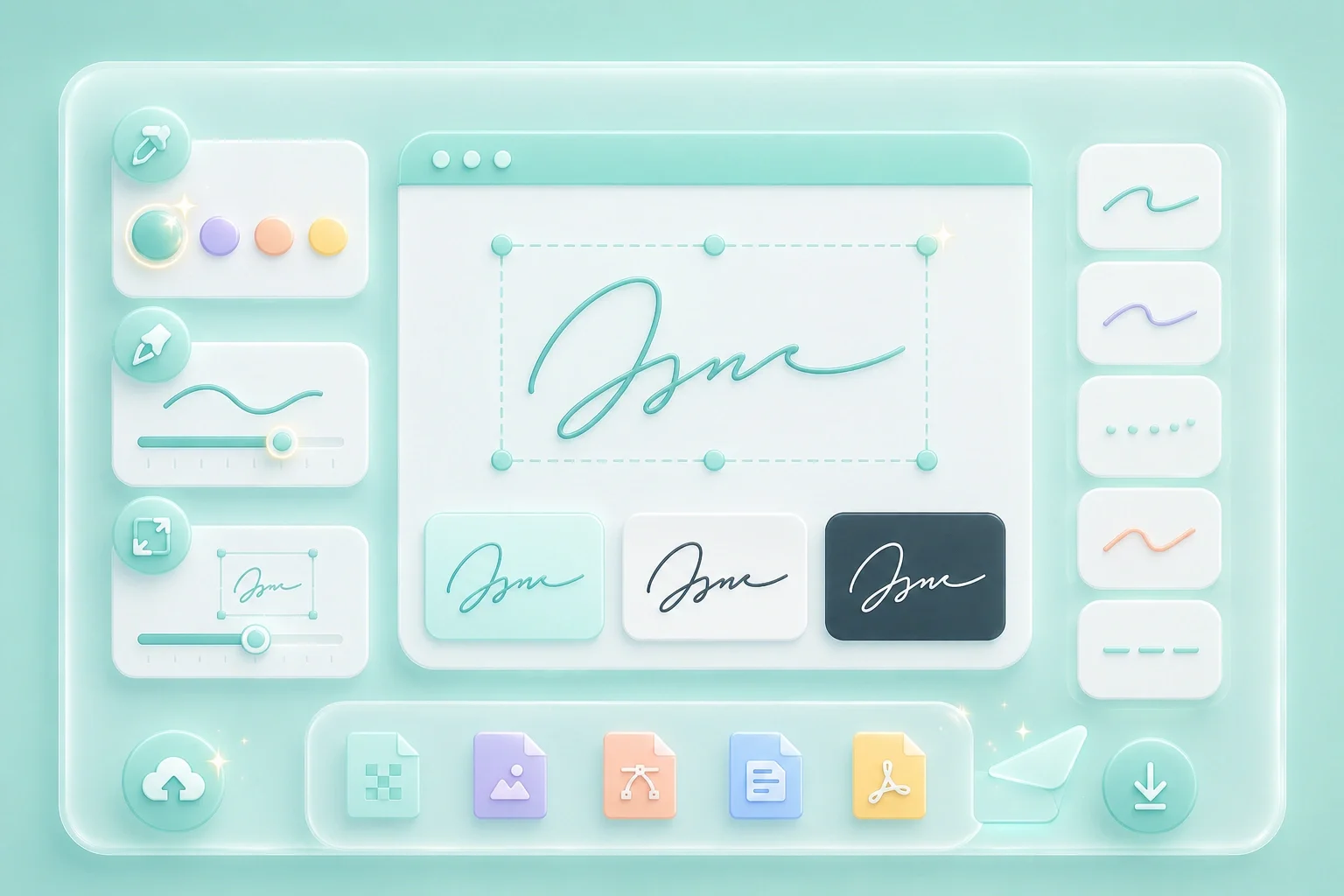
Style controls help make the signature easier to read against different backgrounds. Review the color, line thickness, and size before exporting the final image.
Adjust StylePNG is often useful when a transparent background is needed, while JPG can work for simpler image workflows. After export, place the signature image only where electronic signature rules and document requirements allow it.
Export Image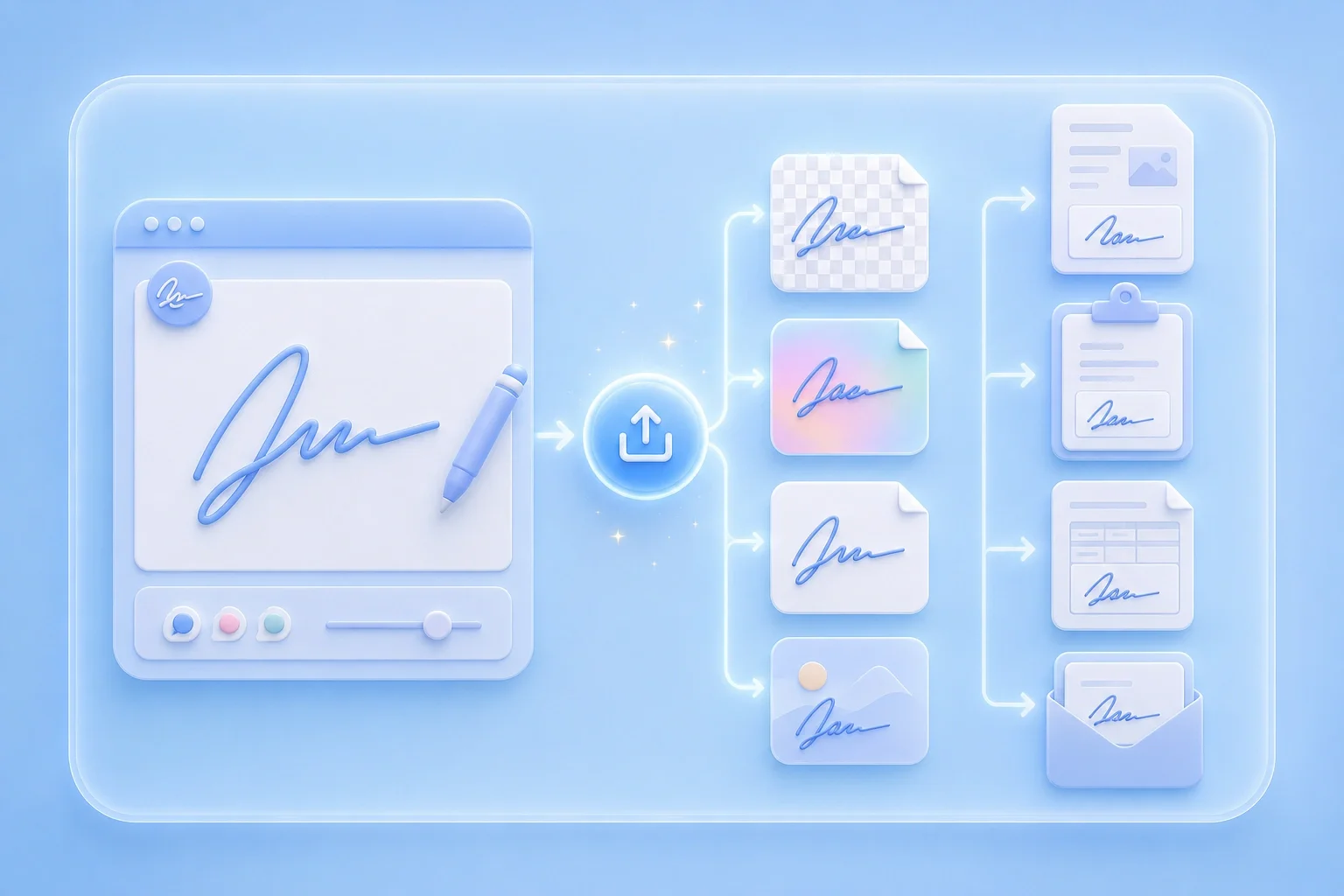

Example: A freelancer creates a transparent signature PNG to place on a proposal draft.
Form Signing
Use case

Example: A team member exports a simple typed signature image for a shared document workflow.
Email Documents
Use case

Example: A user adjusts stroke thickness so the signature remains readable when inserted into a PDF or Word file.
Document Review
Use case

