

'%3e%3cpath%20d='M8%200C12.4183%200%2016%203.58172%2016%208C16%2012.4183%2012.4183%2016%208%2016C3.58172%2016%200%2012.4183%200%208C0%203.58172%203.58172%200%208%200ZM11.6162%204.38379C11.2257%203.99337%2010.5927%203.99338%2010.2021%204.38379L8%206.58594L5.79785%204.38379C5.40732%203.99334%204.77429%203.99329%204.38379%204.38379C3.99331%204.77429%203.99335%205.40733%204.38379%205.79785L6.58594%208L4.38379%2010.2021C3.99348%2010.5927%203.99341%2011.2257%204.38379%2011.6162C4.77426%2012.0066%205.40734%2012.0065%205.79785%2011.6162L8%209.41406L10.2021%2011.6162C10.5927%2012.0066%2011.2257%2012.0067%2011.6162%2011.6162C12.0067%2011.2257%2012.0066%2010.5927%2011.6162%2010.2021L9.41406%208L11.6162%205.79785C12.0066%205.40735%2012.0066%204.77429%2011.6162%204.38379Z'%20fill='%23080E17'%20fill-opacity='0.46'/%3e%3c/g%3e%3cdefs%3e%3cclipPath%20id='clip0_3761_713'%3e%3crect%20width='16'%20height='16'%20fill='white'/%3e%3c/clipPath%3e%3c/defs%3e%3c/svg%3e)




'%3e%3cpath%20fill-rule='evenodd'%20clip-rule='evenodd'%20d='M21.4999%2010.9993C21.4999%205.20009%2016.7986%200.498901%2010.9993%200.498901C5.19994%200.498901%200.498657%205.20009%200.498657%2010.9993C0.498657%2016.2404%204.33858%2020.5844%209.35855%2021.3722V14.0346H6.69238V10.9993H9.35855V8.68594C9.35855%206.05427%2010.9262%204.60062%2013.3248%204.60062C14.4736%204.60062%2015.6753%204.80571%2015.6753%204.80571V7.38979H14.3512C13.0468%207.38979%2012.64%208.19921%2012.64%209.0296V10.9993H15.5523L15.0867%2014.0346H12.64V21.3722C17.66%2020.5844%2021.4999%2016.2404%2021.4999%2010.9993Z'%20fill='%231568EA'/%3e%3c/g%3e%3c/svg%3e)


'%3e%3cpath%20d='M2.42045%2022.1876H6.31818V12.7217L0.75%208.54553V20.5171C0.75%2021.4414%201.49892%2022.1876%202.42045%2022.1876Z'%20fill='%234285F4'/%3e%3cpath%20d='M19.682%2022.1876H23.5797C24.5041%2022.1876%2025.2502%2021.4387%2025.2502%2020.5171V8.54553L19.682%2012.7217'%20fill='%2334A853'/%3e%3cpath%20d='M19.682%205.48293V12.7216L25.2502%208.54543V6.31816C25.2502%204.25236%2022.8921%203.07469%2021.2411%204.31361'%20fill='%23FBBC04'/%3e%3cpath%20d='M6.31824%2012.7217V5.48303L13.0001%2010.4944L19.6819%205.48303V12.7217L13.0001%2017.733'%20fill='%23EA4335'/%3e%3cpath%20d='M0.75%206.31816V8.54543L6.31818%2012.7216V5.48293L4.75909%204.31361C3.10534%203.07469%200.75%204.25236%200.75%206.31816Z'%20fill='%23C5221F'/%3e%3c/g%3e%3cdefs%3e%3cclipPath%20id='clip0_2954_7305'%3e%3crect%20width='24.5'%20height='18.375'%20fill='white'%20transform='translate(0.75%203.8125)'/%3e%3c/clipPath%3e%3c/defs%3e%3c/svg%3e)


Running iOS 13 on an older iPhone or iPad does not mean you have to browse unprotected. A virtual private network encrypts your traffic, hides your IP address, and keeps passwords, messages, and banking details safe on public Wi-Fi. The challenge is that many modern VPN apps have dropped support for older iOS versions, so choosing carefully matters.
This guide reviews six of the best VPN for iOS 13 options that still run well on Apple's 2019 operating system. Each app section lists clear pros and cons, and a comparison table at the end puts speed, price, device limits, and security features side by side.
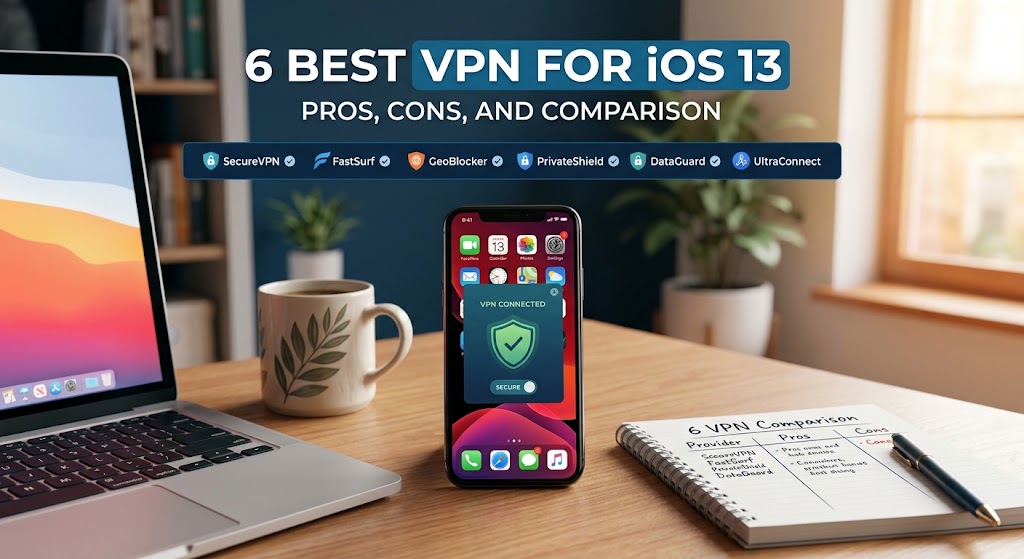
6 Best VPN for iOS 13: Pros, Cons, and Comparison
ExpressVPN: Fast and Reliable VPN for iOS 13
ExpressVPN remains one of the most polished choices for older iPhones. The iOS 13 build is light, connects in seconds, and its overall performance is excellent for streaming and browsing. The app is easy to download from the App Store, and a network lock (kill switch) blocks traffic if the tunnel drops.
Pros:
Excellent overall speed and stability on mobile
Clean, beginner-friendly interface
Built-in kill switch protects against sudden disconnects
Servers in many countries for streaming and unblocking
Cons:
Limited simultaneous connections compared with rivals
More expensive than most premium VPNs for casual users
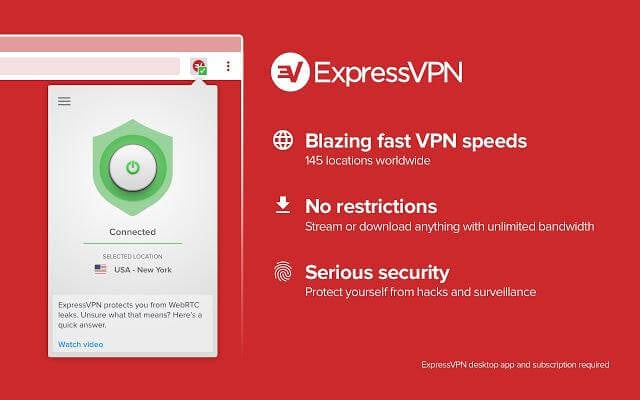
ExpressVPN app for iOS 13
Surfshark VPN: Unlimited Devices VPN for iOS 13
Surfshark is the value pick because one subscription covers unlimited devices. That matters on iOS 13, where you may want to protect an old iPhone and an iPad at the same time. The MultiHop feature routes traffic through two VPN servers for double encryption, and a kill switch is included.
Pros:
Unlimited simultaneous devices per account
MultiHop double-VPN encryption
Kill switch and strict no-logs policy
Among the cheapest long-term plans available
Cons:
Mobile app feels less refined than the desktop version
Some servers can be slower at peak hours
Surfshark VPN free trial screen


IPVanish VPN: Strong-Performance VPN for iOS 13
IPVanish delivers strong, consistent performance on iOS 13, with fast connections and a wide choice of IP addresses. The app can reconnect automatically whenever the device joins a network, and it owns its server infrastructure rather than renting it.
Pros:
Fast, stable connections with excellent throughput
Auto-connect when joining untrusted networks
Wide IP address selection
Owns and manages its own server hardware
Cons:
Premium pricing for casual users
No free trial to test the app first
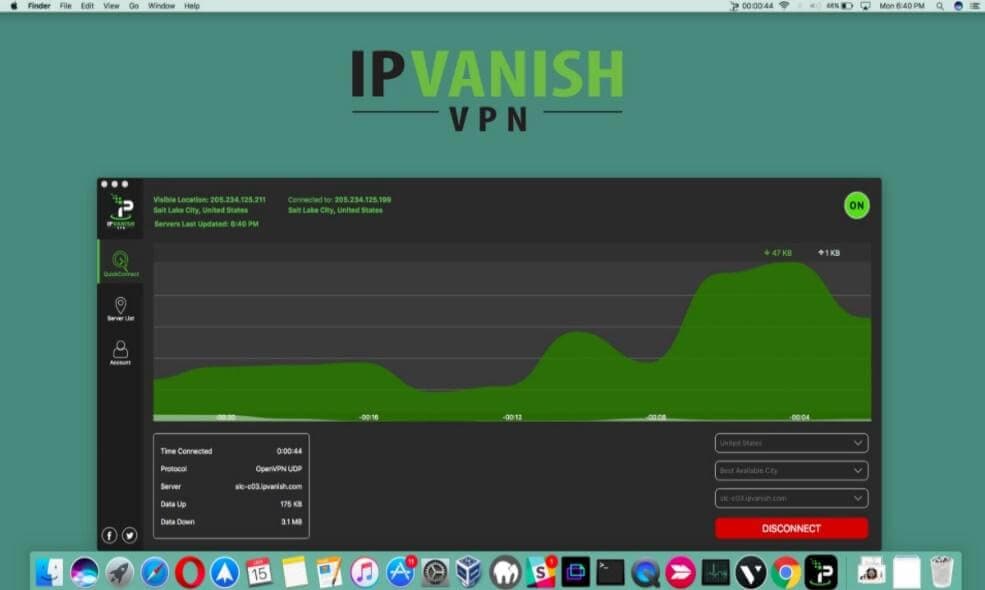
IPVanish VPN app dashboard
CyberGhost VPN: Streaming-Friendly VPN for iOS 13
CyberGhost combines an intuitive interface with reliable connections and generous device support on iOS 13. It unblocks Netflix and other streaming platforms, allows unlimited P2P traffic on dedicated servers, and lets you connect up to 7 devices at once.
Pros:
Intuitive, stable app for older iPhones
Up to 7 simultaneous devices
Unblocks Netflix and other streaming services
Unlimited P2P traffic on optimized servers
Cons:
Frequent feedback pop-ups inside the app
Kill switch cannot be disabled separately
Occasional technical glitches reported by users
CyberGhost VPN protection overview
Private Internet Access: Affordable VPN for iOS 13
Private Internet Access (PIA) is the budget-friendly workhorse of this list. It is one of the cheapest ways to protect an iOS 13 device, runs one of the best kill switches in the industry, and supports up to 10 devices per subscription across more than 3,000 servers.
Pros:
Very affordable long-term pricing
Excellent, dependable kill switch
Supports 10 simultaneous devices
Large server network that bypasses censorship filters
Cons:
Feature set is basic compared with flashier apps
No free trial
Setup and download can be confusing for beginners
Private Internet Access secure VPN
TunnelBear VPN: Free VPN for iOS 13
TunnelBear is the only free option here and the easiest app to install and use. The free plan includes a small monthly data allowance, and you can unlock extra data with a tweet. It is ideal for occasional protection rather than heavy streaming, and it works fine on iOS 13 hardware.
Pros:
Completely free to start, with simple installation
Free monthly data, plus bonus data for a public tweet
Playful, friendly interface that beginners love
Cons:
Small monthly data cap on the free plan
Fewer country choices than paid rivals
Feature set is relatively limited

TunnelBear free VPN app
Comparison Table of the Best VPN for iOS 13
The table below puts all six apps side by side so you can match a VPN to your budget and needs. If you stream a lot, ExpressVPN and CyberGhost are the strongest picks; for families with many devices, Surfshark or PIA win on device limits; and for zero-cost protection, TunnelBear is the simplest start.
| VPN | Best For | Devices | Kill Switch | Starting Price | Free Version |
|---|---|---|---|---|---|
| ExpressVPN | Fast streaming and browsing | Limited (few devices) | Yes | From $6.67/month | No |
| Surfshark | Unlimited devices, budget plans | Unlimited | Yes | From $1.99/month | Trial only |
| IPVanish | Speed and performance | Generous | Limited | From $4.87/month | No |
| CyberGhost | Netflix and P2P servers | 7 | Yes | From $2.75/month | Trial only |
| Private Internet Access | Lowest price with 10 devices | 10 | Yes (best in class) | From $2.91/month | No |
| TunnelBear | Free, casual protection | Unlimited | VigilantBear (desktop) | Free | Yes |
The Best Free Alternative: WPS Office
A VPN protects your connection, but most people upgrade an old iOS 13 device for productivity reasons too. That is where WPS Office comes in: it is a complete, free office suite that still runs comfortably on older hardware, making it the perfect companion app for an iPhone or iPad that cannot update past iOS 13.
WPS Office packs five tools into one lightweight app:
Writer — create and edit Word documents with full formatting, track changes, and page-layout tools that match the desktop experience.
Spreadsheet — handle Excel workbooks with formulas, pivot tables, and charts, and open .xlsb binary files directly on your phone.
Presentation — build and rehearse PowerPoint-style slides with templates, transitions, and presenter view.
PDF toolkit — read, annotate, convert, merge, and sign PDF files without a separate paid app.
Cloud sync — store documents in WPS Cloud or connect Dropbox and Google Drive, so files move between an old iPhone and any desktop.
WPS Office is genuinely free for core features, with no data cap and no subscription required. The interface is Microsoft-like, so switching takes minutes, and 100% file compatibility means documents you edit on iOS 13 open perfectly on Windows or Mac later.
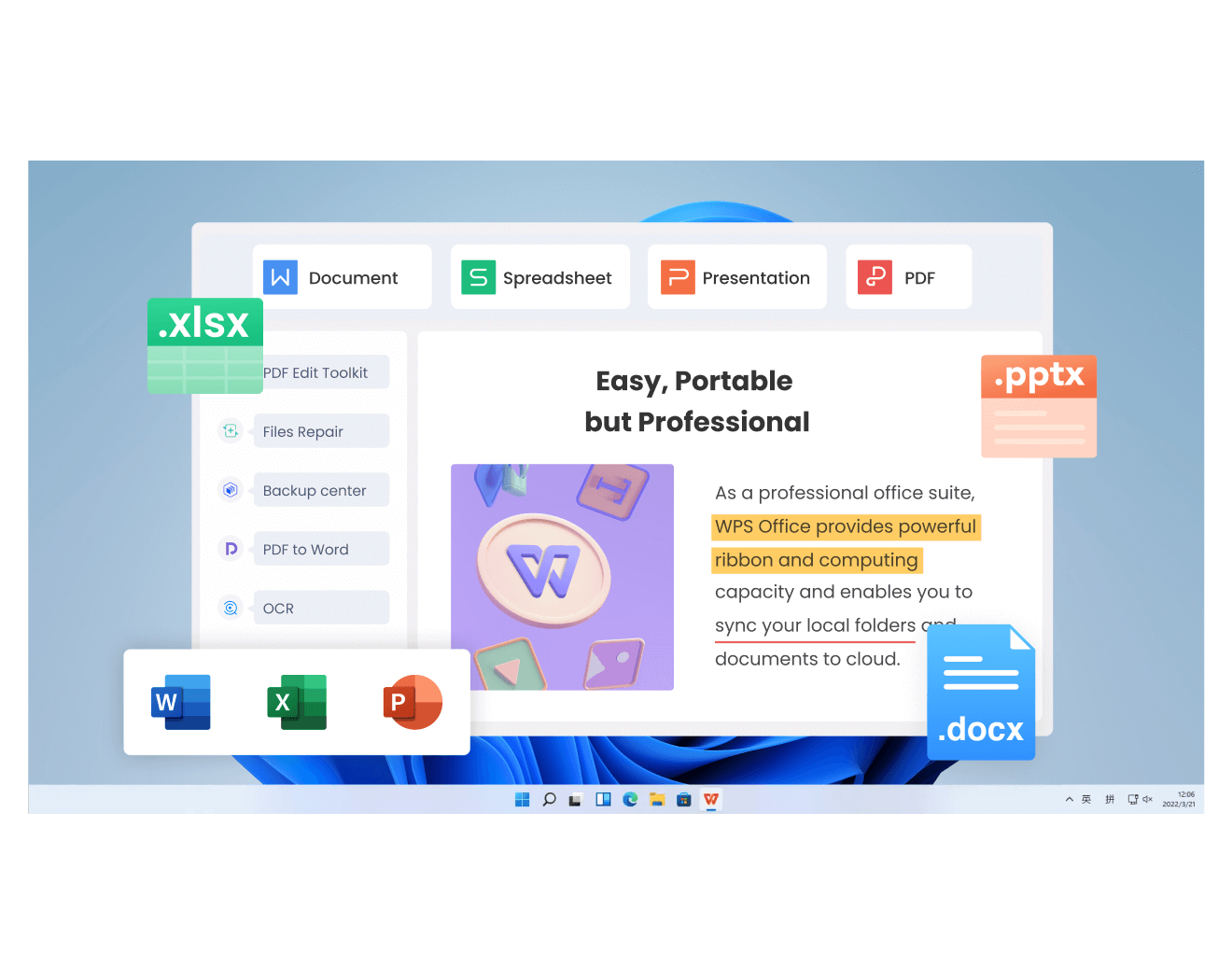
WPS Office free alternative for iOS 13
FAQs
Which is the best VPN for iOS 13 overall?
ExpressVPN is the best overall choice thanks to its speed, stability, and polished iOS app. If budget matters more than speed, Private Internet Access offers the lowest price with a strong kill switch, and TunnelBear is the only genuinely free option.
Are free VPNs safe on iOS 13?
Reputable free tiers such as TunnelBear are safe because the provider funds itself with paid plans instead of selling data. Avoid unknown free VPNs from unverified developers: they may log traffic, inject ads, or leak your IP address.
Does iOS 13 still get security updates from Apple?
No. iOS 13 no longer receives regular security patches from Apple, which is exactly why adding a VPN is worthwhile. The encrypted tunnel protects the traffic that an unpatched system leaves exposed.
Can I use one VPN subscription on iPhone and iPad together?
Yes, as long as you stay within the simultaneous-device limit. Surfshark allows unlimited devices, PIA allows 10, and CyberGhost allows 7, while ExpressVPN limits connections to a smaller number of devices at once.
Will a VPN slow down my old iPhone?
Any VPN adds a small overhead because traffic is encrypted and routed through a server. On modern providers the drop is usually modest; choosing nearby servers and fast protocols such as WireGuard-based options helps an iOS 13 device stay responsive.


'%3e%3cpath%20d='M19.9911%204.11386V6.471H18.5894C18.0775%206.471%2017.7322%206.57814%2017.5536%206.79243C17.3751%207.00671%2017.2858%207.32814%2017.2858%207.75671V9.44421H19.9019L19.5536%2012.0871H17.2858V18.8639H14.5536V12.0871H12.2769V9.44421H14.5536V7.49779C14.5536%206.39064%2014.8632%205.53201%2015.4822%204.92189C16.1013%204.31177%2016.9257%204.00671%2017.9554%204.00671C18.8304%204.00671%2019.509%204.04243%2019.9911%204.11386Z'%20fill='%23333333'/%3e%3c/g%3e%3cdefs%3e%3cclipPath%20id='clip0_2938_8199'%3e%3crect%20width='16'%20height='16'%20fill='white'%20transform='translate(8%204.00671)'/%3e%3c/clipPath%3e%3c/defs%3e%3c/svg%3e)
'%3e%3cpath%20d='M17.5237%2010.7813L23.4811%204H22.0699L16.8949%209.88693L12.7648%204H8L14.2469%2012.9029L8%2020.0133H9.4112L14.8725%2013.7952L19.2352%2020.0133H24M9.92053%205.04213H12.0885L22.0688%2019.0224H19.9003'%20fill='%23333333'/%3e%3c/g%3e%3cdefs%3e%3cclipPath%20id='clip0_2938_8200'%3e%3crect%20width='16'%20height='16.0134'%20fill='white'%20transform='translate(8%204)'/%3e%3c/clipPath%3e%3c/defs%3e%3c/svg%3e)


