
Stand Out with Professional Google Docs Resume Templates
Craft a job-winning resume effortlessly with our collection of free, stylish, and easy-to-edit Google Docs resume templates. Download your favorite design and land your dream job.
Trusted by over 1 Million Job Seekers
Find the Perfect Resume Template for Google Docs
Browse our curated selection of resume templates, fully compatible with Google Docs. Whether you're a student, a creative professional, or an executive, we have a design for you.
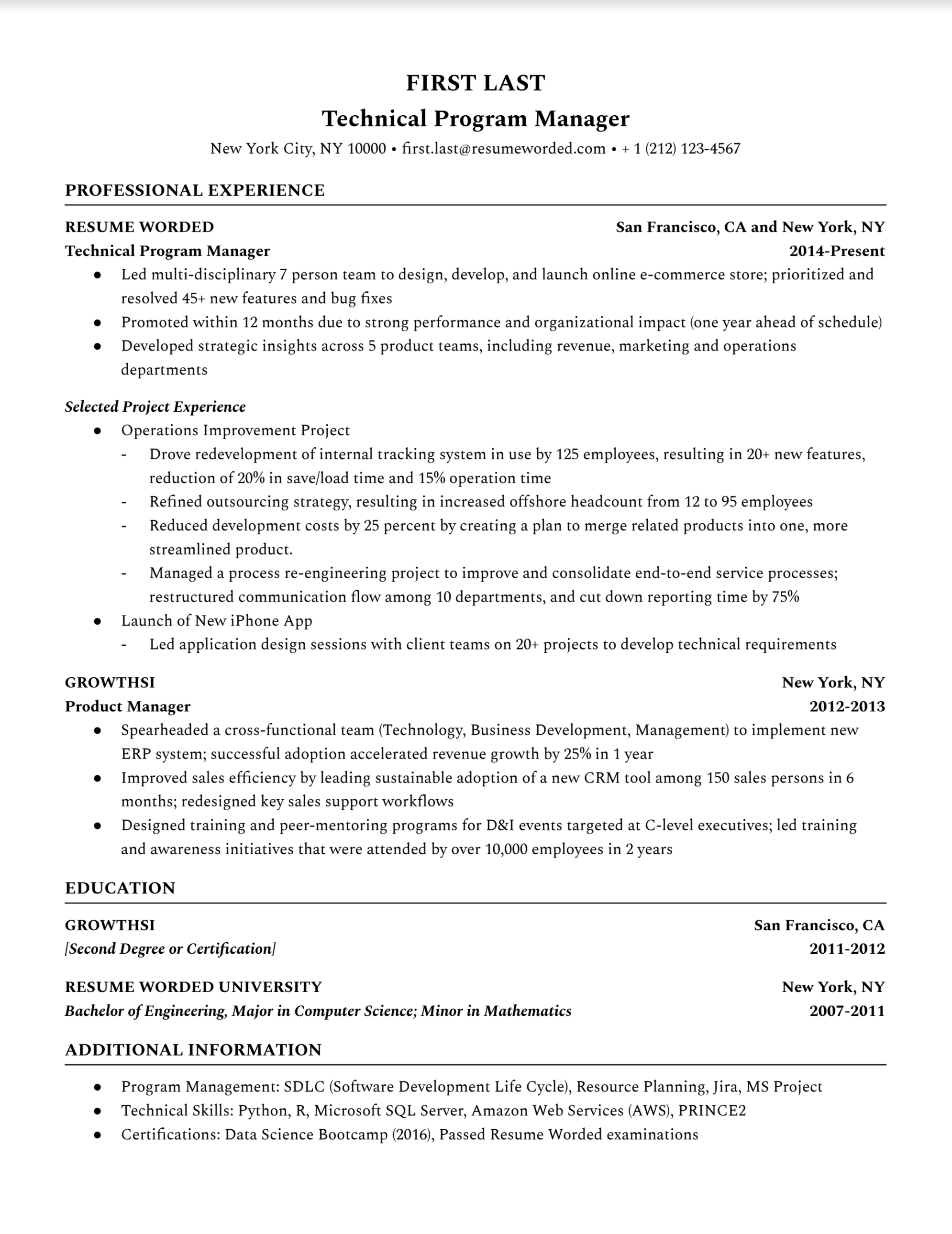
Technical Program Manager Resume
Google Docs Resume Template
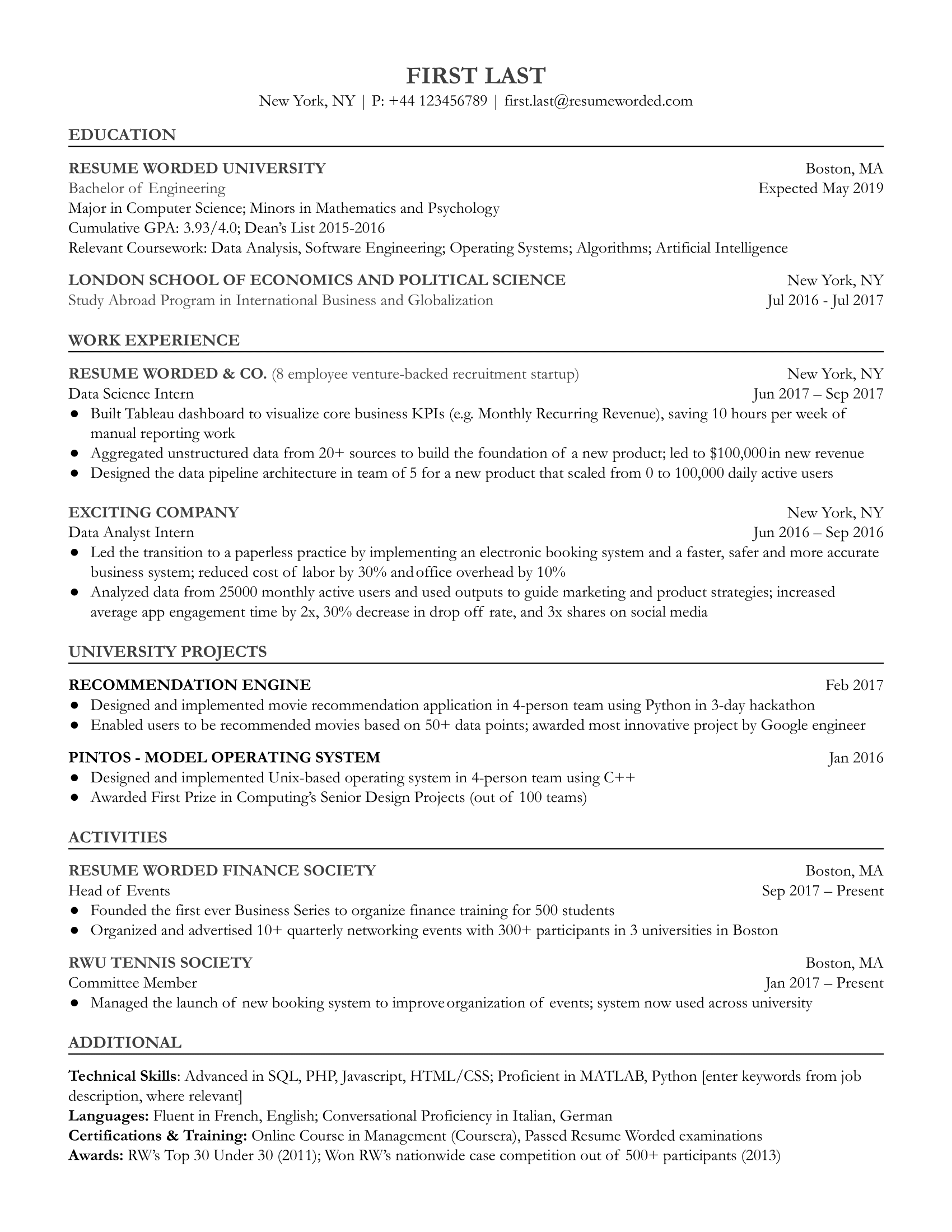
Entry-Level Data Scientist Resume
Google Docs Resume Template
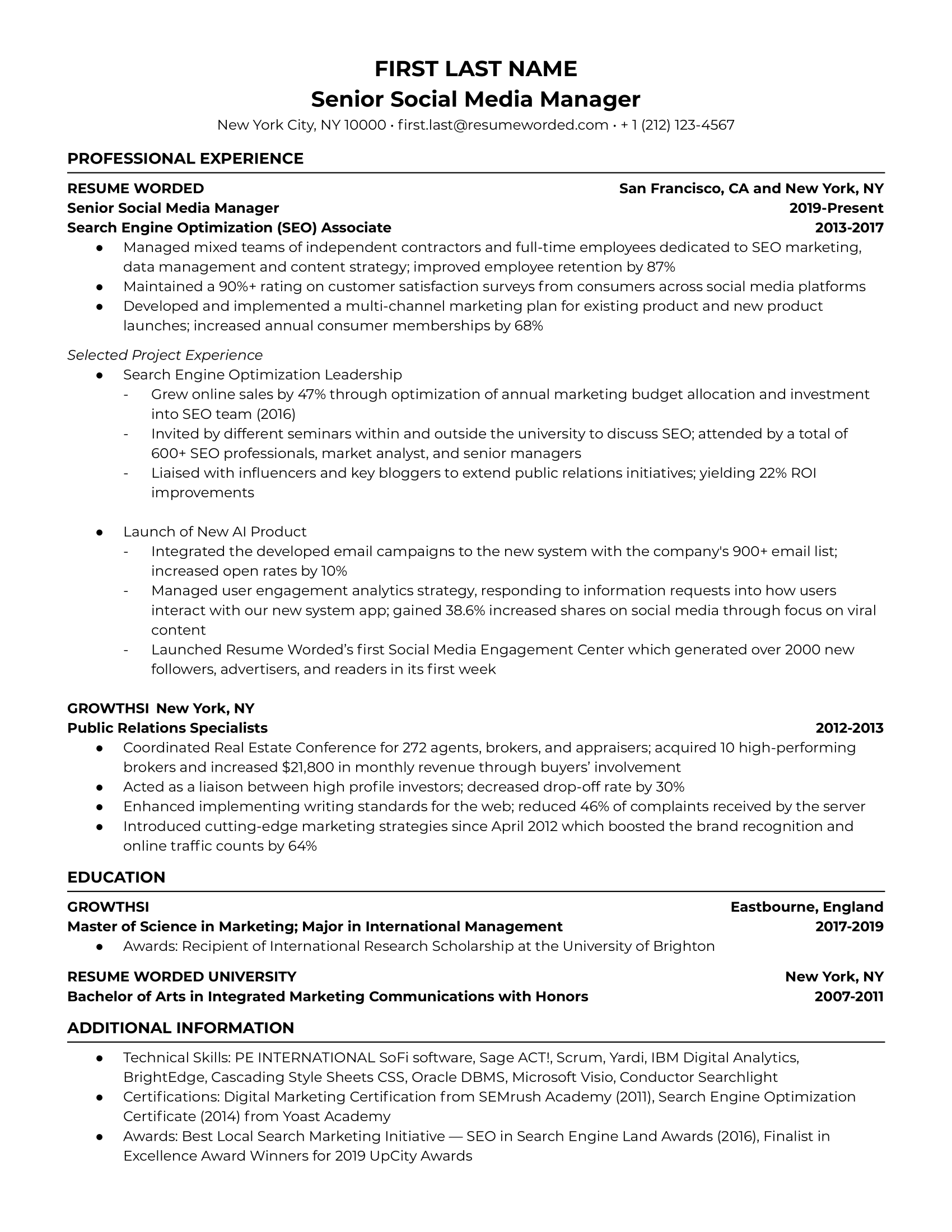
Senior Social Media Manager Resume
Google Docs Resume Template
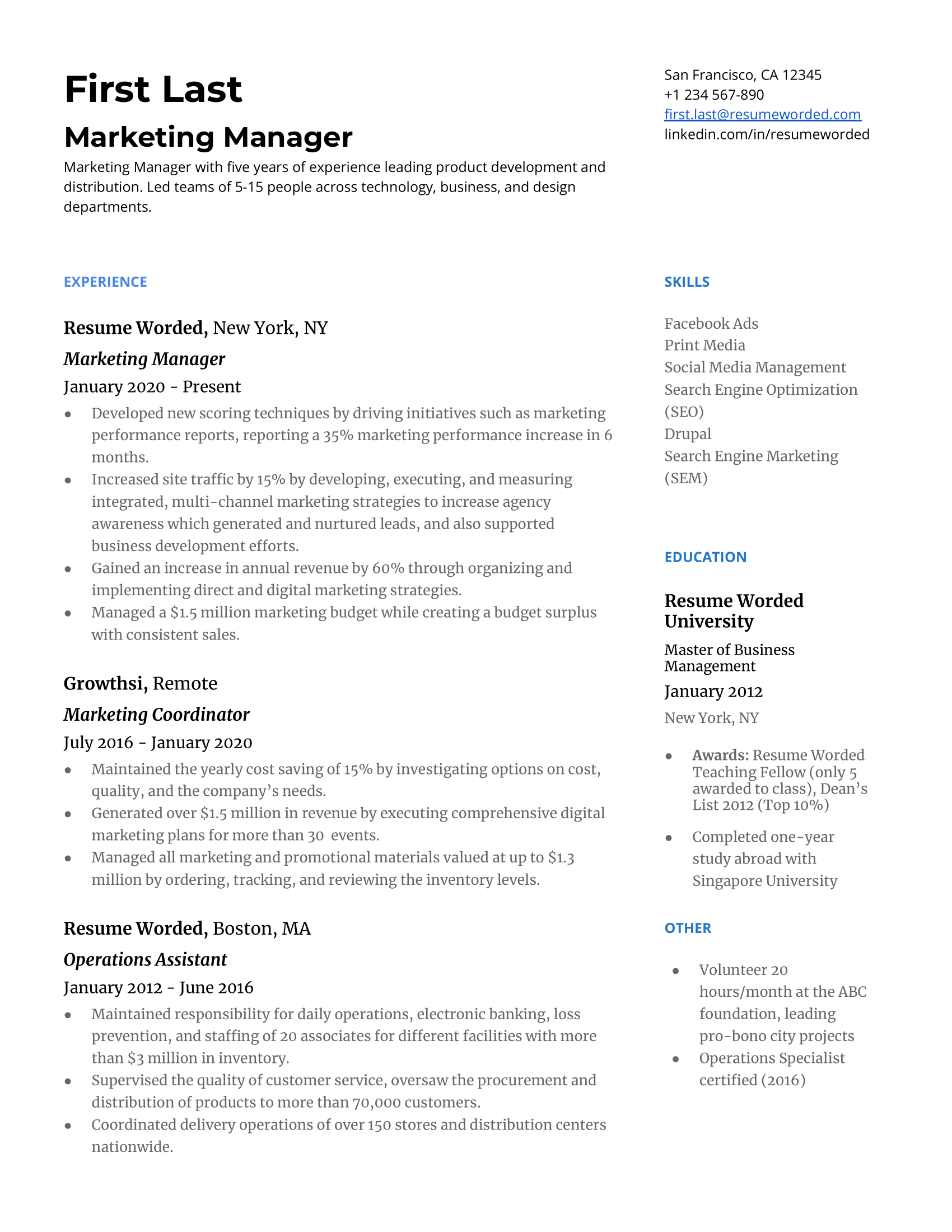
Marketing Manager Resume
Google Docs Resume Template
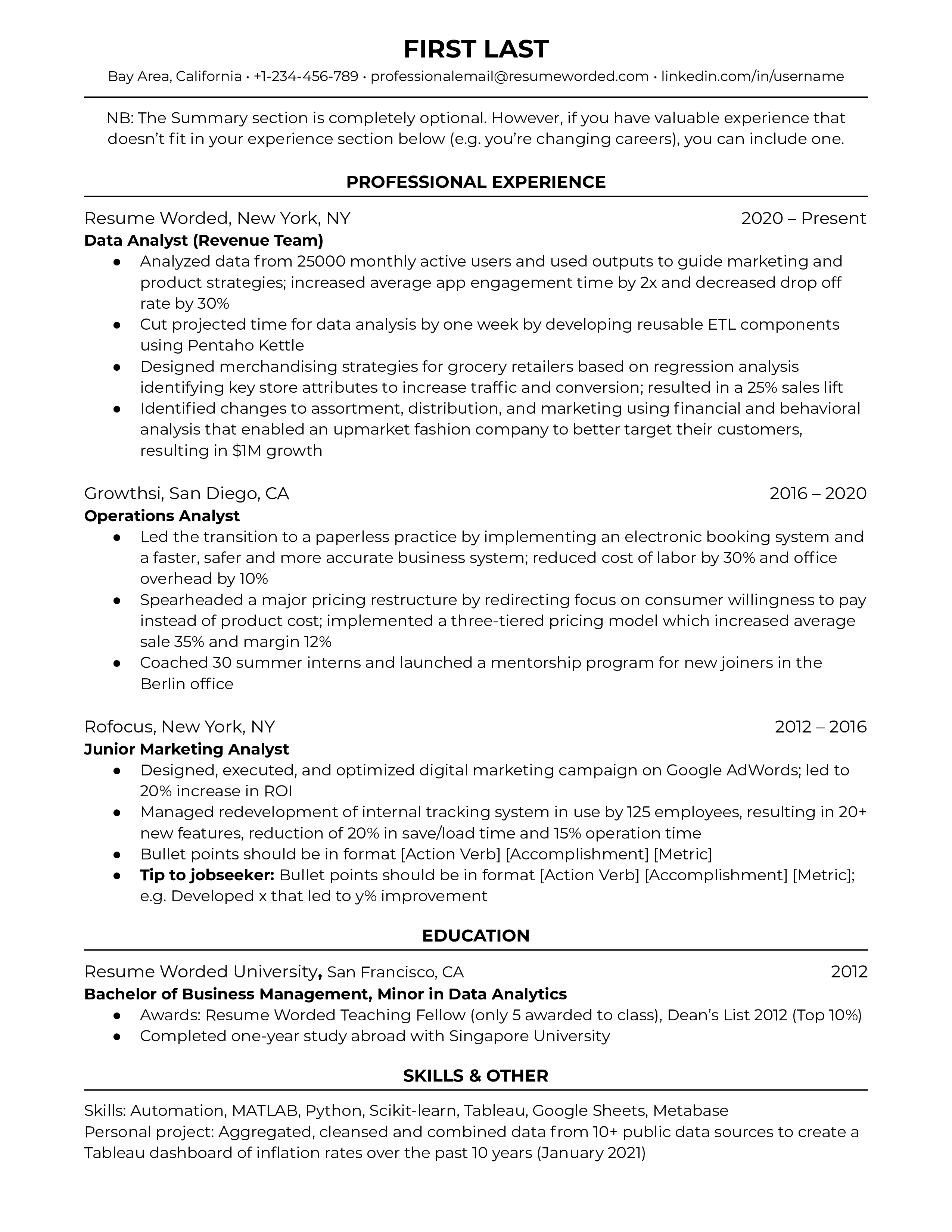
Data Analyst Resume
Google Docs Resume Template
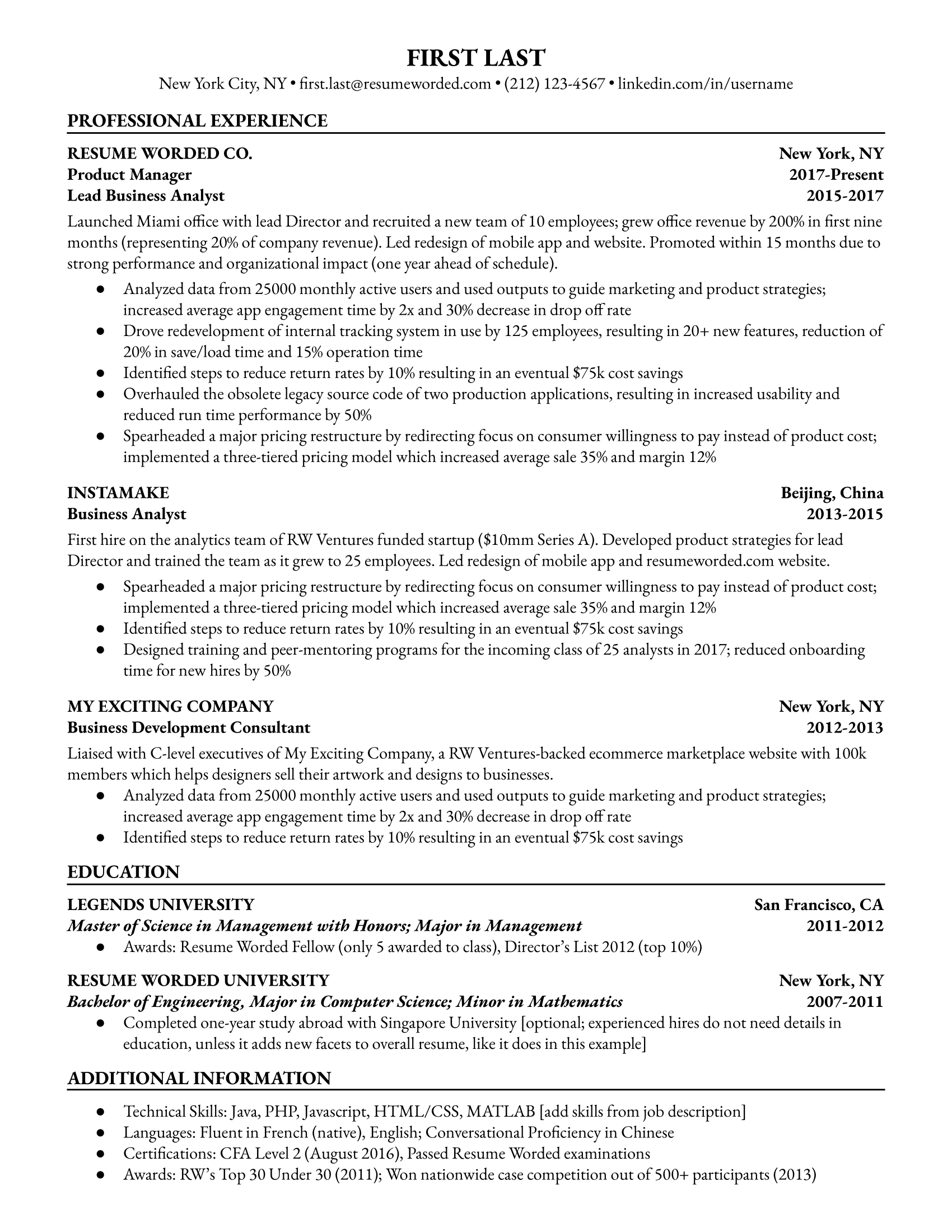
Business Analyst Resume
Google Docs Resume Template
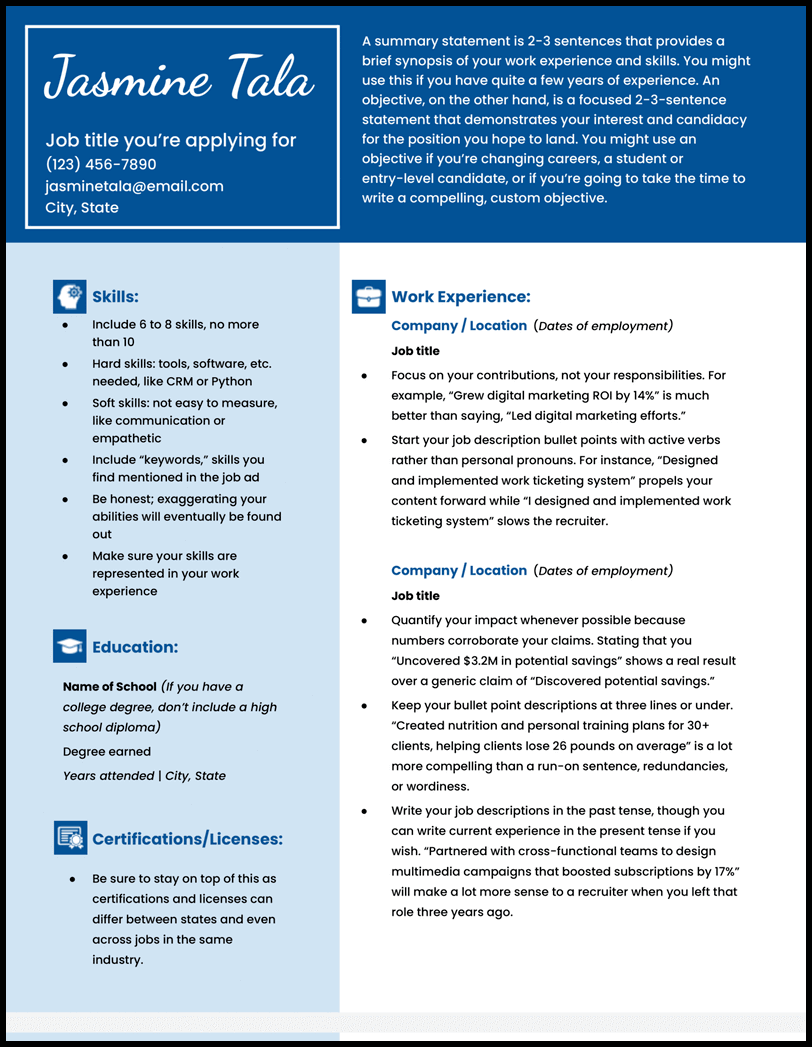
Creative Google Docs Resume
Google Docs Resume Template
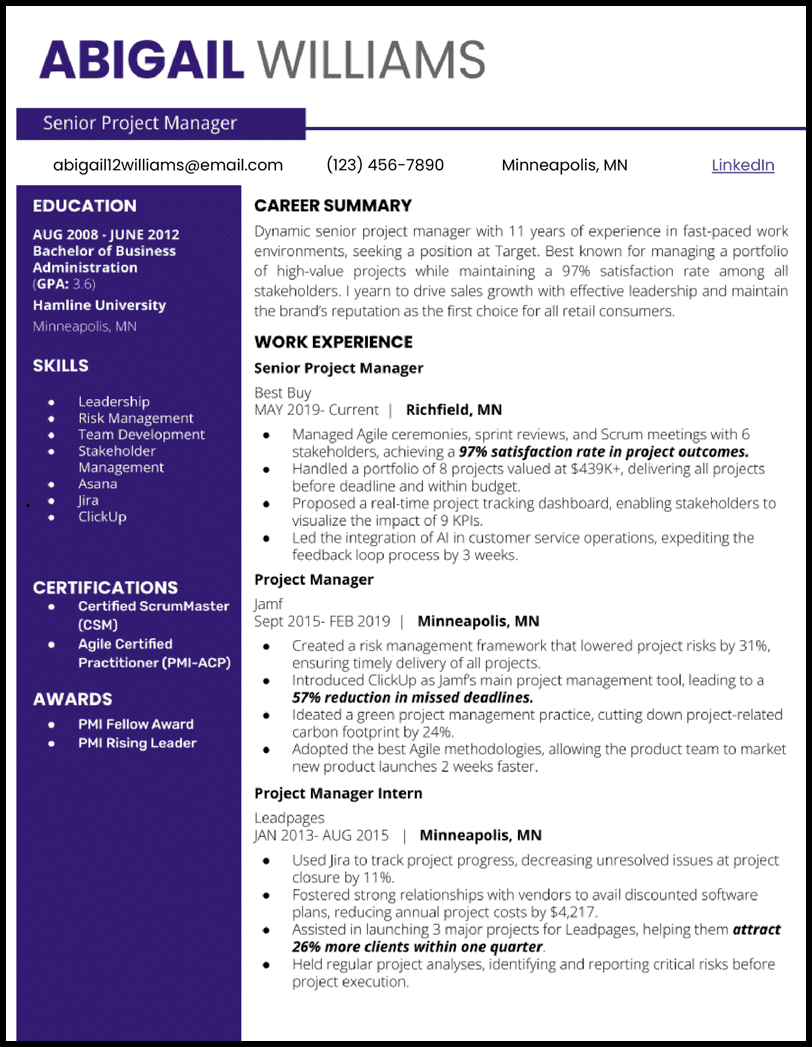
Two Column Google Docs Resume
Google Docs Resume Template
What is a Google Docs Resume Template?
A google docs resume template is a professionally pre-formatted document specifically designed for use within Google’s cloud-based word processor. Unlike traditional offline files that require local software installation, these templates allow you to craft a polished, high-quality CV directly in your web browser.
By using a google docs resume template, job seekers can leverage real-time autosaving, seamless collaboration features, and universal accessibility across any device. It is the perfect tool for modern professionals who want to ensure their resume is easily editable, perfectly aligned, and ready to share with recruiters in seconds.
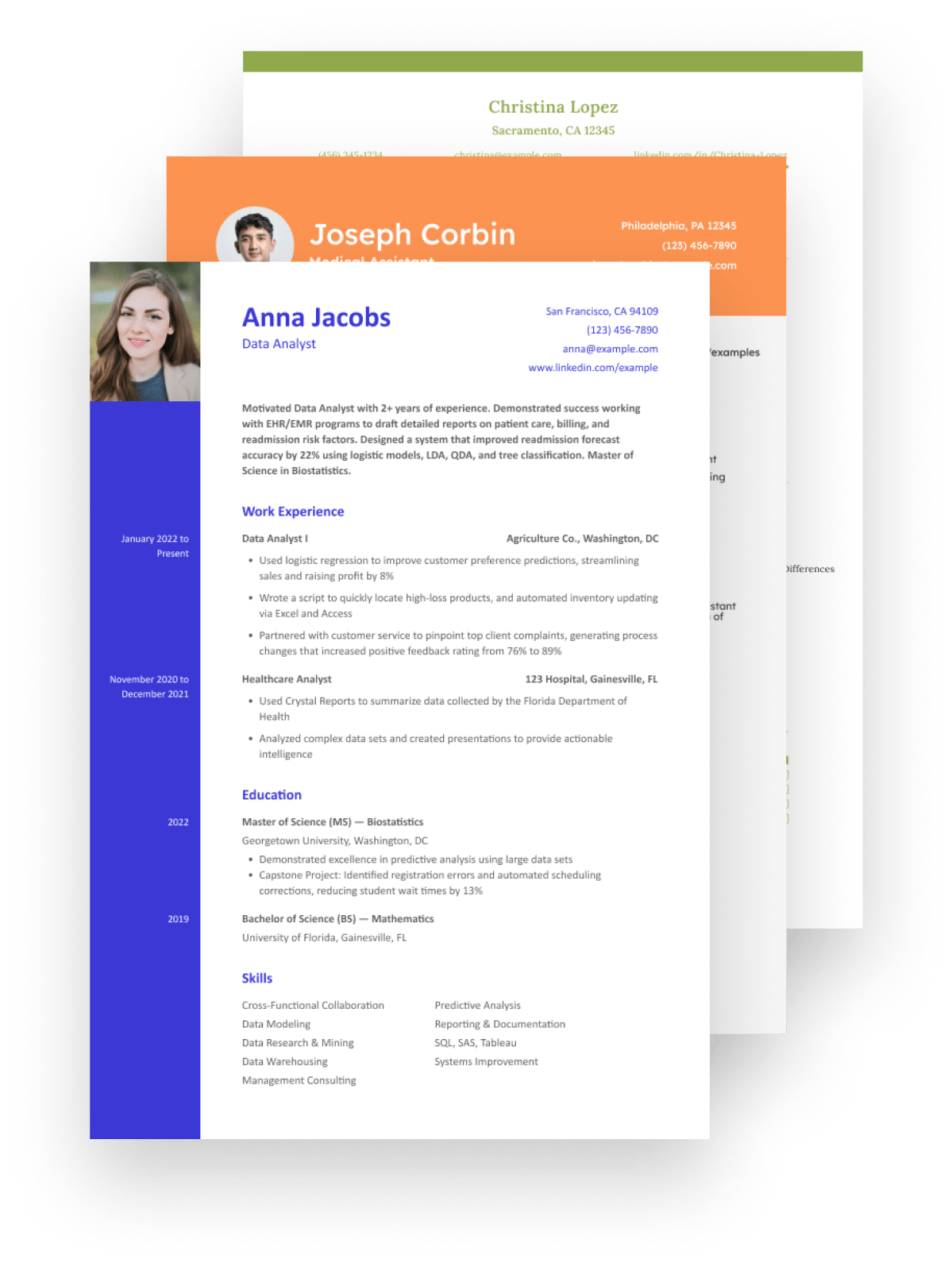
Why Use Our Google Docs Resume Templates?
ATS-Friendly Design
Formatted to be easily parsed by applicant tracking systems, ensuring your resume gets seen by a human recruiter.
Easy to Edit in Google Docs
Effortlessly change text, fonts, and colors in Google Docs or WPS Writer to perfectly match your personal brand.
Professional Layouts
Clean, structured layouts that guide the recruiter's eye to your key qualifications and achievements.
Create Your Resume in 3 Simple Steps
Our editable resume templates are designed for a seamless experience from download to application.
Choose & Download
Explore our library and download the template that best represents you and your professional field.
Open in Google Docs
Upload the .docx file to Google Drive and open it with Google Docs to begin customizing your information.
Save as PDF & Apply
Once edited, save your new resume as a PDF and start applying for jobs with confidence.
Frequently Asked Questions
Find answers to common questions about our Google Docs resume templates.
Yes, absolutely. These templates are provided in .docx format, which can be easily uploaded to your Google Drive and opened with Google Docs for editing. All formatting and styles will be preserved.
Yes, all the resume templates featured on this page are completely free to download and use for your personal job applications. There are no hidden charges or subscriptions required.
Our templates are designed with clean, professional layouts that are optimized for Applicant Tracking Systems (ATS). This helps ensure that your resume gets past the initial screening and is seen by a recruiter.
It's simple. First, download the template file to your computer. Then, open your Google Drive, click 'New' > 'File upload' and select the downloaded .docx file. Once uploaded, right-click the file and select 'Open with' > 'Google Docs' to start editing.
Ready to Build Your Professional Resume?
Download WPS Office for free to access hundreds of resume templates and powerful editing tools to help you succeed.