
Free Salary Sheet in Excel Templates — Edit, Calculate & Print Payroll
Need a reliable salary sheet in Excel for monthly payroll? Download free, editable templates with built-in formulas for pay, deductions, and taxes—then customize every field in WPS Spreadsheet for faster processing and fewer manual errors.
Top Salary Sheet in Excel Templates for Payroll Teams
Browse free Excel salary sheet layouts for monthly payroll, commission tracking, overtime, and annual statements. Every template is editable in WPS Spreadsheet or Microsoft Excel and ready to download in one click.
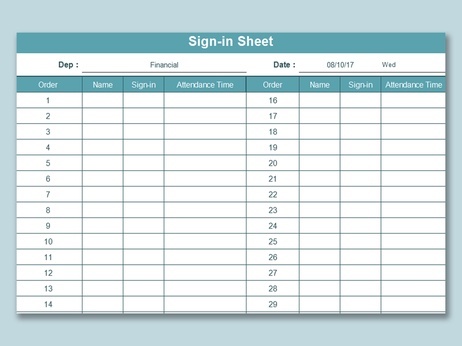
Simple Monthly Salary Sheet
Excel Template
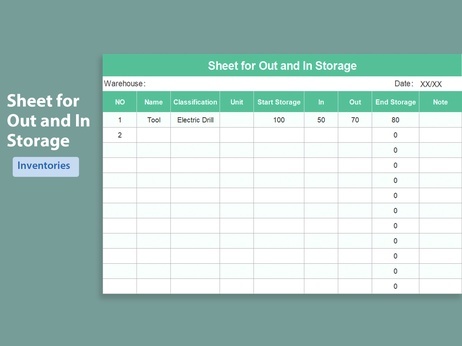
Employee Payroll Calculator
Excel Template

Salary Sheet Macro Template
Excel Template
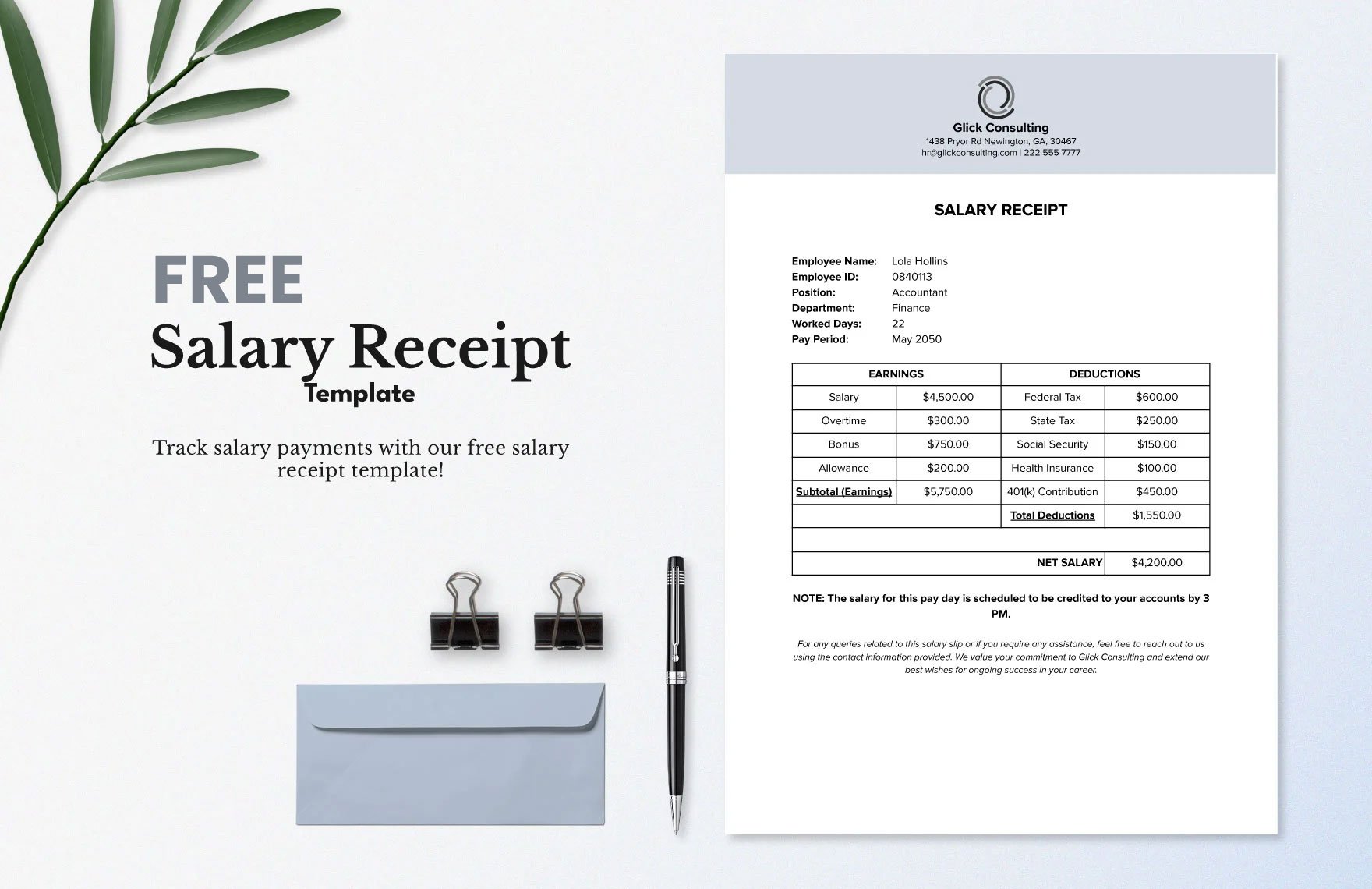
Salary Receipt Template
Excel Template
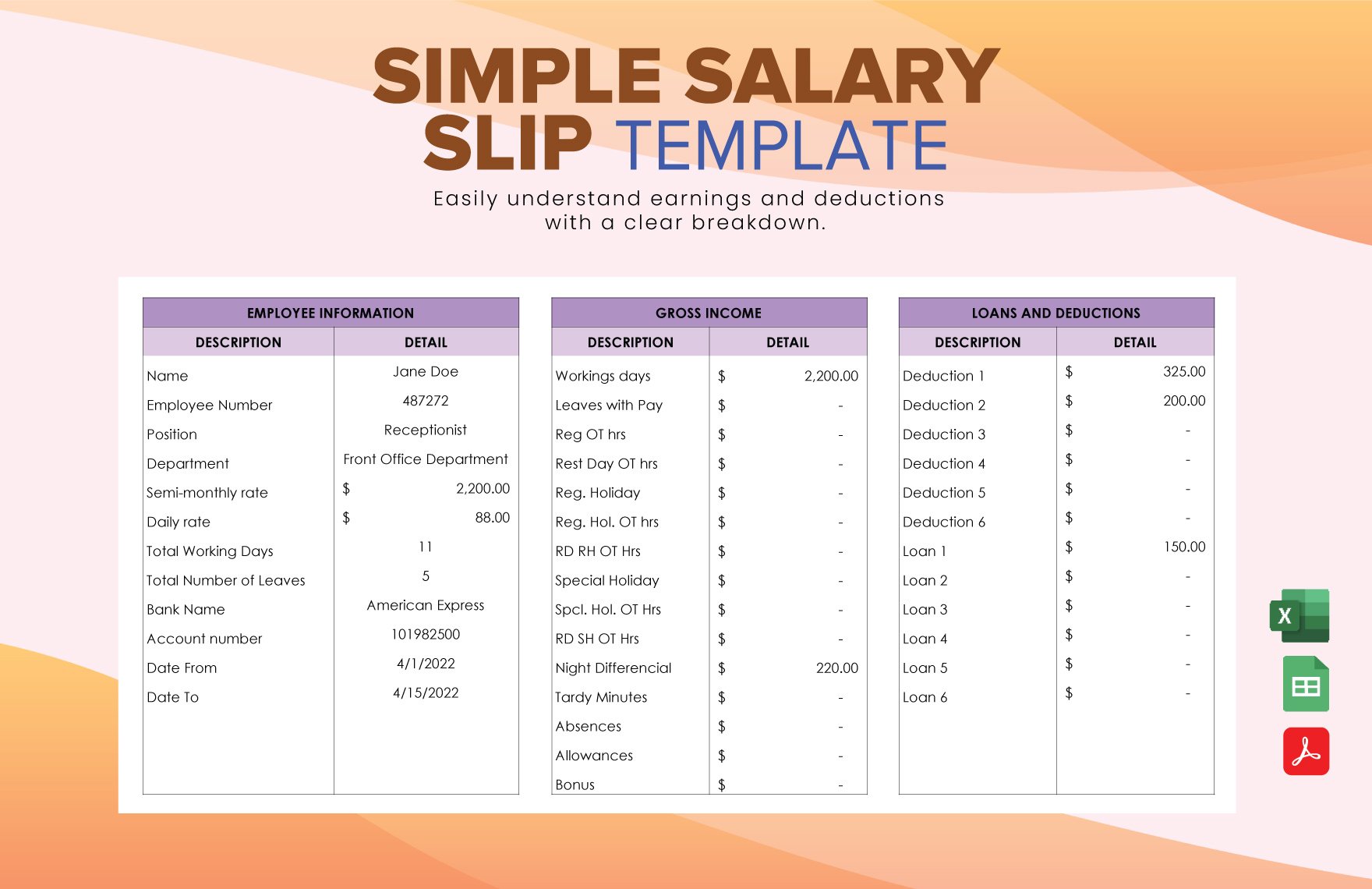
Simple Salary Slip Template
Excel Template
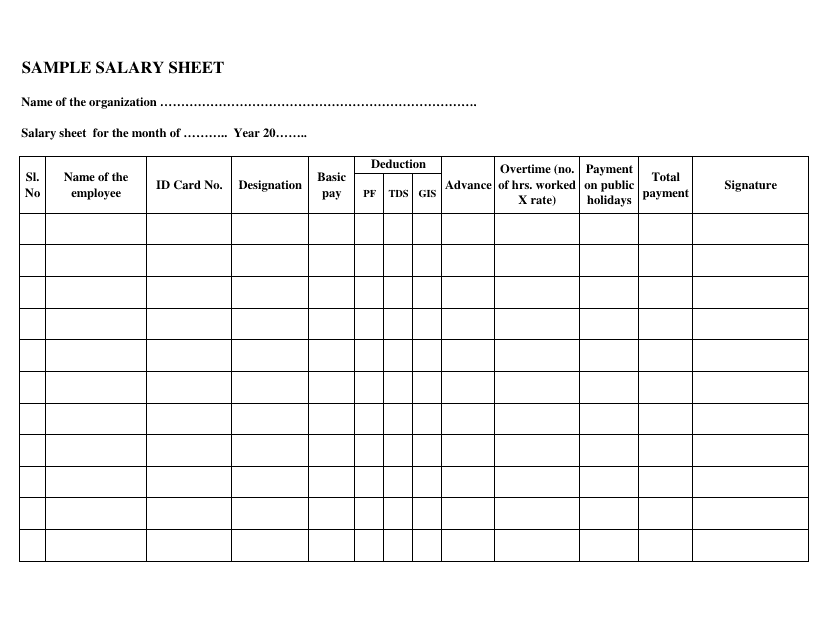
Salary Sheet Document Template
Word Template

Google Sheets Salary Template
Google Sheets Template

Dynamic Hourly Wage Calculator
Excel Template

Advanced Sales Commission Tracker
Excel Template

Salary Pay Slip Document
Word Template

Employee Salary Statement
Word Template

Salary Report Document
Word Template
Why Choose Our Salary Sheet in Excel Templates?
Every free salary sheet in Excel on this page is built for real payroll workflows—accurate formulas, clean layouts, and fast editing in WPS Spreadsheet or Microsoft Excel.
Automated Payroll Calculations
Built-in formulas in each Excel salary sheet handle taxes, allowances, and deductions automatically—so your team spends less time fixing totals.
Fully Customizable Fields
Edit employee names, pay rates, and deduction rules in your Excel salary sheet, then add your logo and company details in minutes.
Professional Payroll Layouts
Deliver clear Excel payroll layouts that employees and auditors can read quickly—ideal for monthly payroll and year-end records.
Free Instant Download
Download any Excel salary sheet format with one click—no sign-up, no paywall, and ready to use the same day.
Fewer Payroll Errors
Start from a tested Excel salary sheet instead of blank cells, so totals, deductions, and tax fields stay consistent every pay cycle.
Excel & WPS Compatible
Our .xlsx files open smoothly in Microsoft Excel, WPS Spreadsheet, and most tools that support Excel salary sheet formats.
Quick salary sheet in Excel comparison
Not sure which layout fits your team? Use this table to pick the right template faster.
| Template type | Best for | Key strength |
|---|---|---|
| Monthly Excel payroll sheet | Small teams and regular payroll cycles | Fast to edit, print, and archive each month |
| Payroll register with deductions | Finance teams tracking tax and benefits | Keeps deductions and net pay organized |
| Commission & overtime sheet | Sales and hourly staff | Handles variable pay without extra formulas |
| Annual salary statement | Year-end reporting and employee records | Summarizes yearly pay in one Excel view |
How to Edit and Print a Salary Sheet in Excel
WPS Spreadsheet makes payroll editing simple. Download a salary sheet in Excel, update employee data, export to PDF, and print professional payroll documents in just a few steps.
Choose a template from the library above—such as Simple Monthly Salary Sheet—and save the .xlsx file to your device.

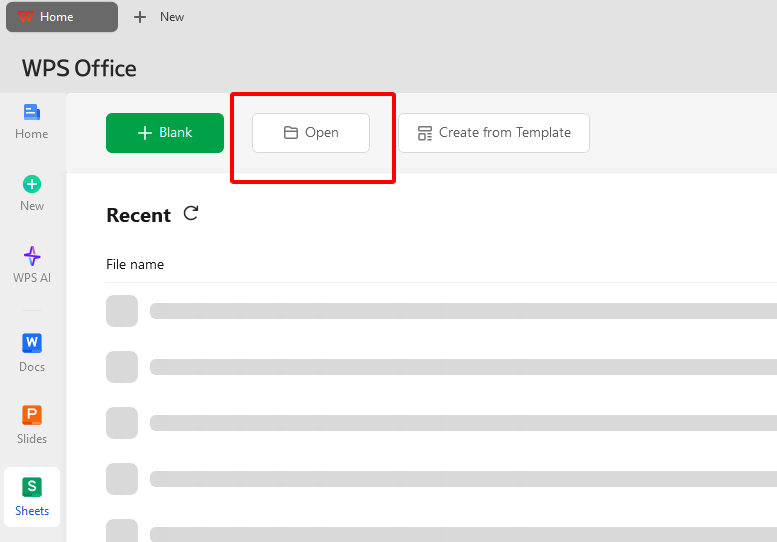
Install WPS Office free at wps.com, open WPS Spreadsheet, click Open, and load your Excel salary sheet file.
Update employee names, base pay, allowances, deductions, and tax fields. Adjust fonts and column widths so your Excel payroll sheet matches your company format.
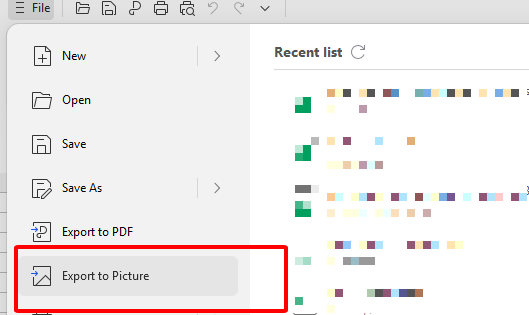
Go to File > Export to PDF to create a clean payroll file for HR records or employee sharing. Save with a clear name such as Payroll-March-2026.pdf.
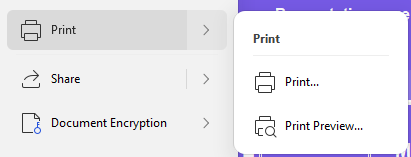
Click File > Print, choose your printer, preview the layout, and set margins for standard letter paper. Quality paper helps payslips look more professional.
A Free Office Suite to Simplify Salary Sheet in Excel Workflows
WPS Office gives HR and finance teams a lightweight way to edit, export, share, and manage payroll spreadsheets—without paying for a separate office subscription.

Free forever for payroll edits
Use Writer, Spreadsheet, and Presentation tools to manage payroll spreadsheets with no extra subscription fees.
Payroll template library
Access editable Excel payroll templates for monthly pay runs, commissions, overtime, and annual statements.
Full Excel compatibility
Open, edit, and save .xls and .xlsx salary sheets without broken formulas or messy formatting.
Built-in PDF export
Export your Excel payroll file to PDF for cleaner email sharing and more polished printing.
Cloud collaboration
Share payroll files through cloud links when finance, HR, and managers need to review the same sheet.
Light and stable
A secure, lightweight setup that runs smoothly on Windows, Mac, Linux, Android, and iOS.
Pricing at a glance
Everything you need to edit payroll in Excel—without buying extra PDF or spreadsheet software.
| Plan | Cost | What you get |
|---|---|---|
| WPS Office Free | Free forever | Writer, Spreadsheet, and Presentation tools, salary sheet templates, Excel editing, and PDF export |
| Extra software required | No extra software needed | PDF export is included, so you do not need a separate app to print or share payroll files |
Salary Sheet in Excel: Frequently Asked Questions
Common questions about free Excel payroll templates, WPS Spreadsheet editing, and payroll exports—answered below.
Yes. Every salary sheet in Excel on this page is free to download for personal or business payroll. There are no hidden fees when you edit files in WPS Spreadsheet.
Yes. Open any salary sheet in Excel with WPS Spreadsheet, change currency symbols, and adjust tax or deduction formulas to match local rules and company policy.
These .xlsx files are optimized for Microsoft Excel and WPS Spreadsheet. You can also upload them to Google Sheets, though advanced formulas may need minor tweaks.
A salary sheet (or payroll register) is a master document that lists the salary details for all employees for a specific period. A payslip is an individual document for one employee, usually derived from the main salary sheet.
Edit Your Salary Sheet in Excel with WPS Office—Free Download
WPS Spreadsheet is built for payroll teams: open any Excel salary sheet, auto-calculate pay and deductions, export PDF payslips, and print—all in one free office suite trusted by millions worldwide.