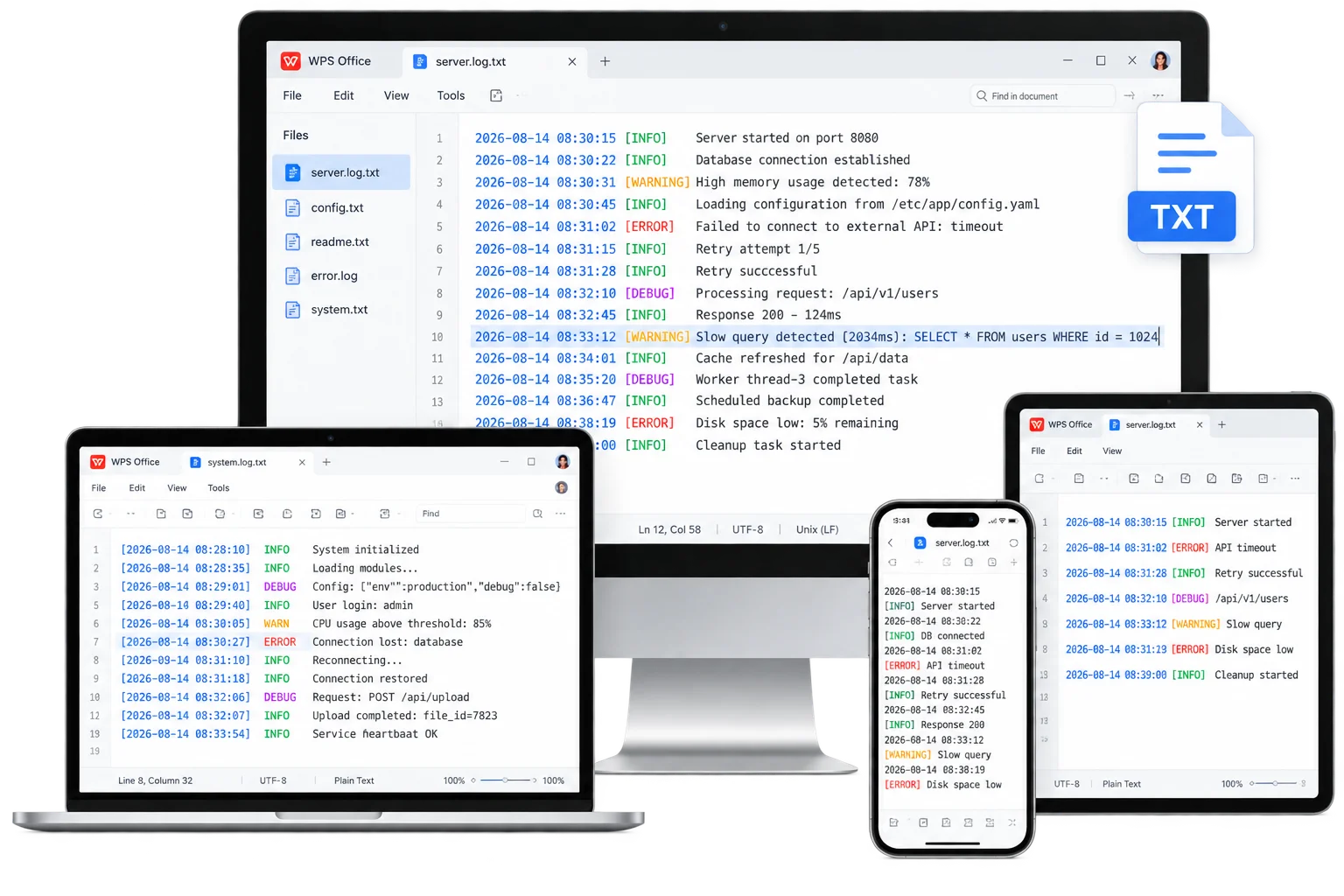
access-logs.txt
Free TXT Samples · WPS Writer
Sample TXT File Download — Free Real .txt Samples
Skip blank pages. Download real sample TXT files by size or content type—access logs, configs, docs, multilingual text, and more—then open them in WPS Writer to edit, search, or Save As TXT again.
0 Monthly Active Users
Download .txt · Open in WPS
Windows · Mac · iOS · Android
Live preview
Browsing TXT samples
.env sample
lorem.txt
error-logs.txt

sample.txt
readme.txt
100KB.txt
csv-like.txt
utf8-multi.txt
Free · No watermark required
Real TXT Files
Sample TXT File Download — Free Plain Text Files
Download real .txt samples by file size or content type. Click any card to save the file instantly—then open it in WPS Writer.
Download by Size
Need a practical payload for load testing? Grab generated UTF-8 dummy files near the selected size.
1 KB
TXT
Tiny TXT sample
Quick smoke test for open / download / encoding checks.
Download .txt
10 KB
TXT
Small TXT sample
Lightweight file for basic parser and UI layout testing.
Download .txt
50 KB
TXT
Medium TXT sample
Handy mid-size sample for scroll and throughput checks.
Download .txt
100 KB
TXT
Large TXT sample
Stress text editors and search with a bigger plain-text payload.
Download .txt
500 KB
TXT
Extra-large TXT sample
Useful for load testing and streaming-style readers.
Download .txt
1 MB
TXT
1MB TXT sample
Benchmark-size plain text for performance validation.
Download .txtDownload by Content Type
Logs, configs, docs, multilingual UTF-8, and more—ready-made plain text for developer and QA workflows.
Why WPS
Key Features of WPS Office Sample TXT File Download
Everything you need to download real .txt samples, open them in Writer, and keep editing plain text.
Ready-to-edit document layouts
Size-based and content-type TXT masters so you never start from a blank page when you need a sample TXT file download.
- Logs, configs, docs, and size packs included
- Swap photos, headlines, and brand colors fast
- Works on desktop and mobile
Real .txt · Instant download
Open samples in WPS Writer or Microsoft Word, then save as TXT whenever you need a shareable sample TXT file download.
- True UTF-8 .txt files ready to download
- Works with scripts, editors, and QA tools
- Save as TXT for print, email, and portals
AI polish inside WPS
After you open a document, polish wording and layout with built-in WPS AI—no extra design suite required for your sample TXT file download.
- Rewrite headlines and cover letters
- Clean sections and visual blocks
- One suite for Writer, Sheets & PPT
Free forever · Cross-platform
Open Every TXT Sample with WPS Office
Install WPS once, then open document samples, edit offline, and export a sample TXT file download on Windows, Mac, or mobile—without juggling multiple apps.
- Free download for Windows, Mac, iOS & Android
- 100,000+ templates beyond this TXT sample set
- AI writing & design assist built in
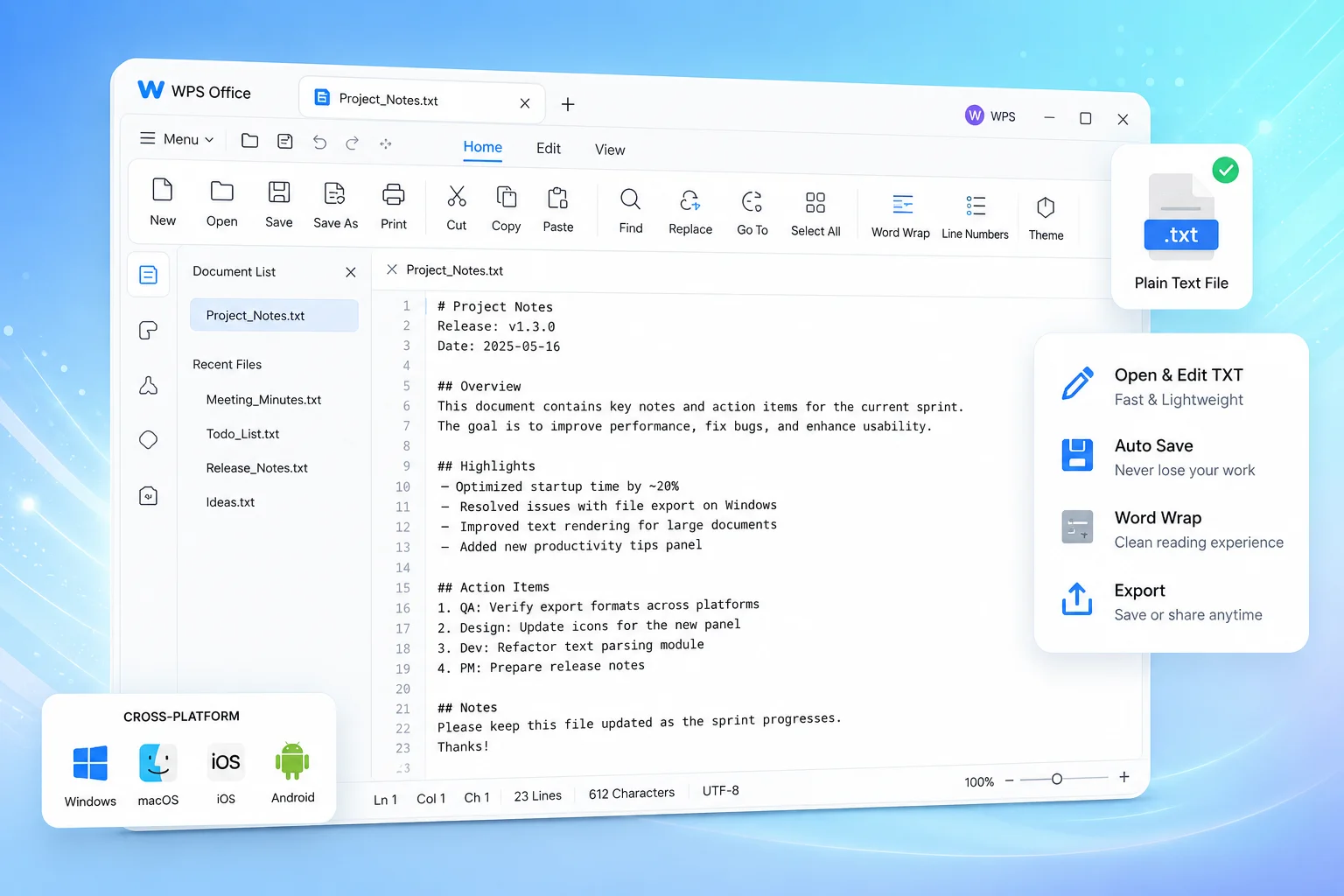
3 Steps
How to Use WPS Office Sample TXT File Download in 3 Steps
From install to an export-ready TXT in a few minutes.
1
Download WPS Office free
Install WPS Office on your device so you can open downloaded .txt samples in Writer and keep editing offline.
2
Pick a TXT sample file
Choose a size-based or content-type sample above and click Download .txt to save it to your device.
3
Open, edit, and re-export
Open the file in WPS Writer, edit freely, then Save As TXT again for scripts, notes, or QA tools.
FAQ
Frequently Asked Questions
Answers about how to get a sample TXT file download with WPS Office.
Yes. Every sample on this page is a real .txt file. Download free, open in WPS Office or any editor, and reuse for personal or commercial testing.
Any text editor works. WPS Writer opens .txt samples cleanly and can Save As TXT again. VS Code, Notepad, and TextEdit also work.
Yes. After download, edit freely in WPS Writer—change lines and structure—then export plain text again.
Once WPS Office is installed and the document is saved locally, you can edit offline and export TXT on desktop or mobile.
Free Download · All Platforms
Unlock Clean Plain Text with the WPS Office Sample TXT File Download
Get WPS Office free, then grab document samples anytime from the Template Center—edit, save as TXT, and share in one suite.
- Free installer for Windows, Mac, iOS & Android
- Save as TXT samples without conversion friction
- AI assist for headlines, letters, and polish
One installer · Presentation · Writer · Spreadsheet · PDF