AI Character Chat

Use ai character chat online to describe a persona, set a scene, and keep a multi-turn conversation going. Start with a role, tone, or story idea, then refine the reply without creating an account.

New Chat

Start a character conversation

Describe the character, the scene, and the kind of reply you want before sending your first message.

Free Chat Access
No Signup Required
Multi-turn Context
Clean Chat View

How to Use ai character chat in 3 Steps

  1. Step 1: Describe the Character

    When a blank chat box makes the scene hard to start, type the character role, personality, and situation first. The prompt area gives you one place to set the voice before the first reply.

  2. Step 2: Review the Character Reply

    The online ai character chatbot uses your request and recent conversation context to answer in the direction you set. Review the reply, then adjust the tone, motive, or scene detail if it feels off.

  3. Step 3: Continue the Scene

    When the character drifts or the story needs a turn, ask a follow-up instead of starting over. The chat keeps recent context so you can refine dialogue, ask for alternatives, and copy the parts that work.

Character Setup That Starts with Your Prompt

Character Setup That Starts with Your Prompt

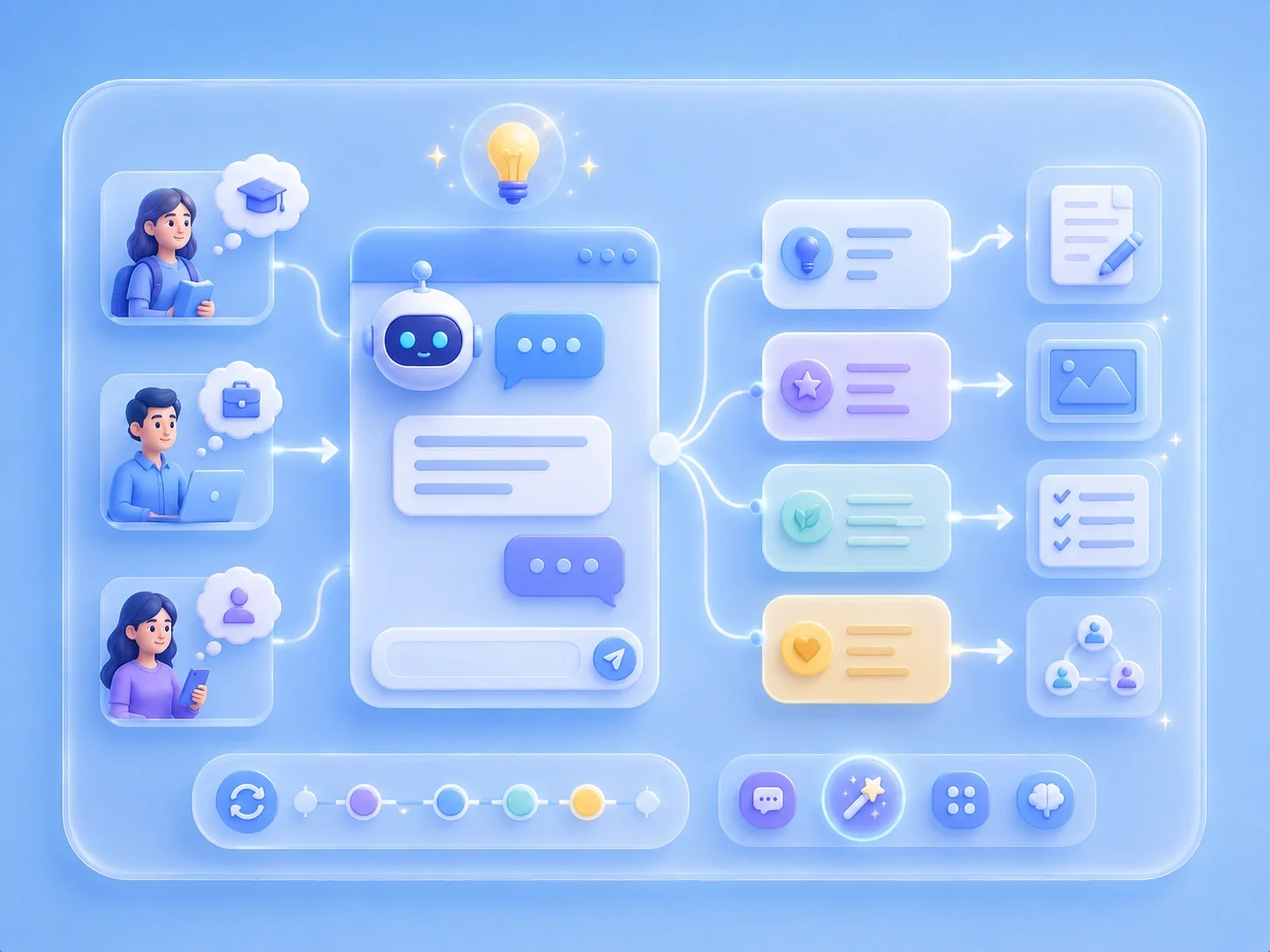
A free ai character chat page is most useful when you can move from idea to scene without setup friction. This tool accepts your character description directly in the chat box, so you can define voice, setting, conflict, and limits in your own words. That helps when you have a role in mind but do not want to build a long profile before testing the first exchange.

Start Character Chat
Roleplay Dialogue for Scenes and Practice

Roleplay Dialogue for Scenes and Practice

Roleplay can feel awkward when the reply ignores the scene or answers too generally. In ai character roleplay chat, you can include the character goal, relationship, and speaking style in the prompt, then use follow-ups to steer the next message. This works for story scenes, interview practice, language practice, and low-pressure dialogue testing.

Try Roleplay Chat
Conversation Context for Character Continuity

Conversation Context for Character Continuity

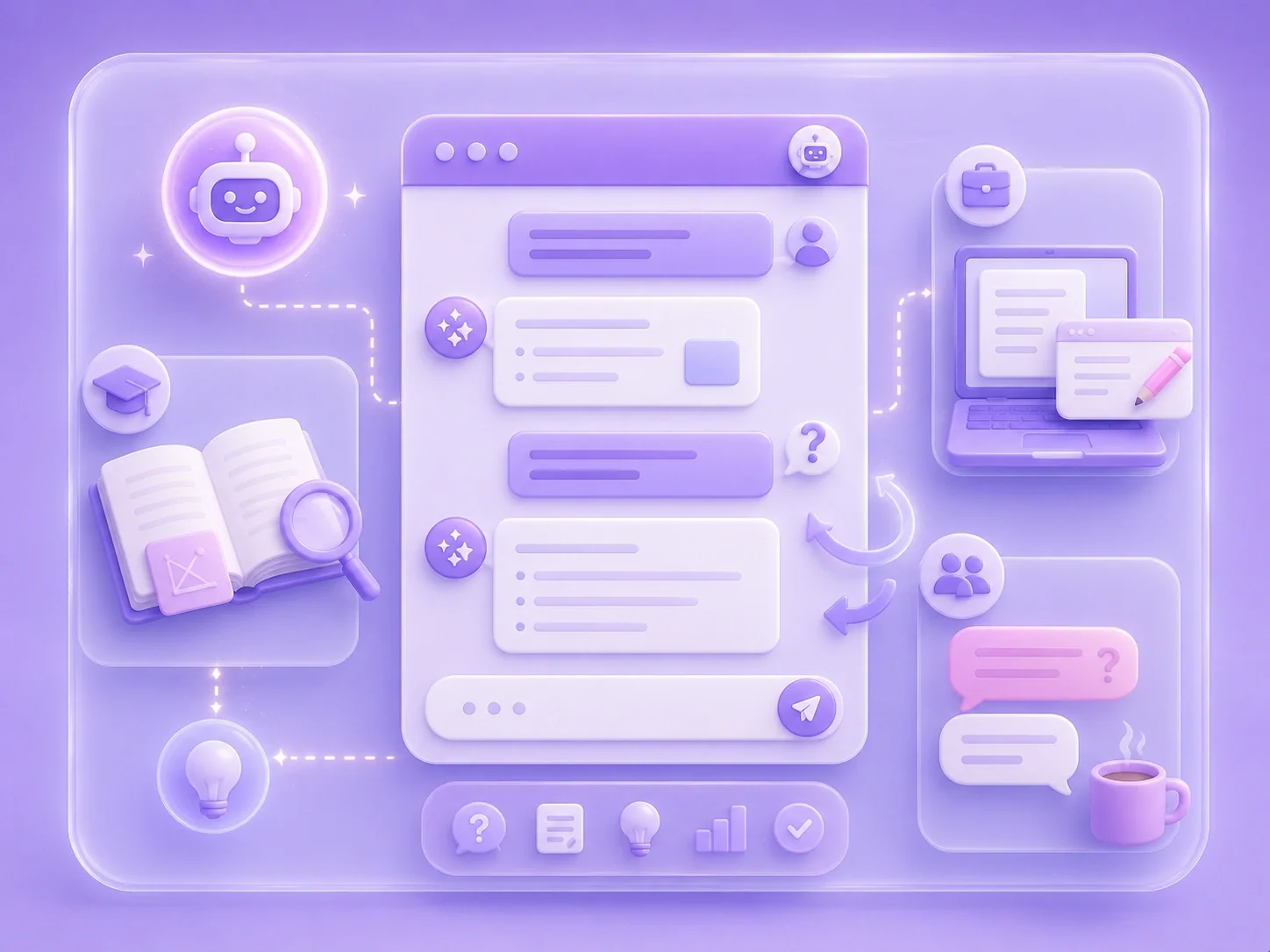
Character chats often become frustrating when you must repeat the same background in every message. The tool assembles recent turns into the next request, which supports smoother multi-turn exchanges within the same session. You still need to review important details, but you can keep building on the scene instead of rewriting the entire setup.

Continue the Chat
Character Ideas for Writing, Games, and Study

Character Ideas for Writing, Games, and Study

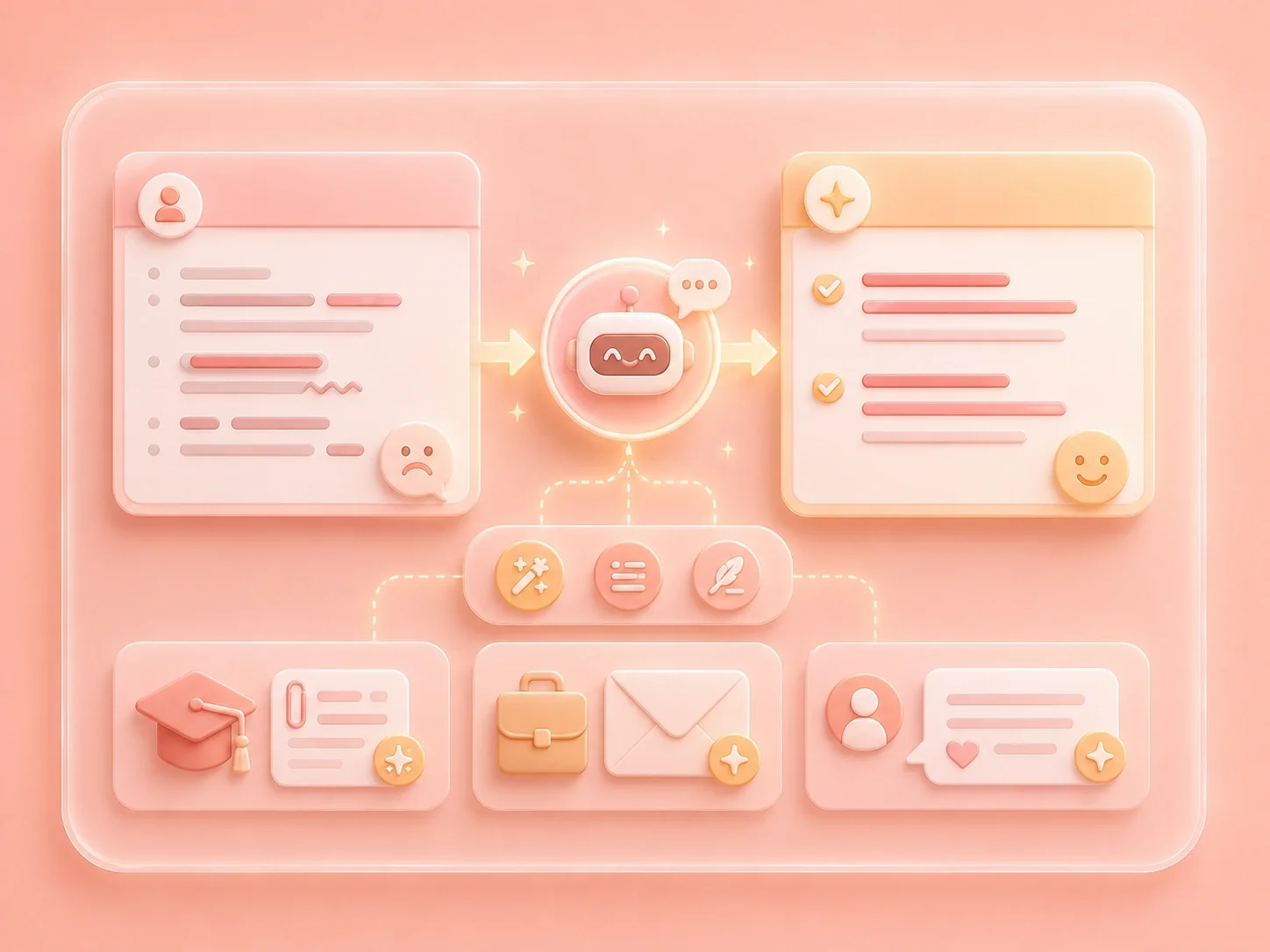
If you only have a rough idea, the chat can help you test names, motives, backstory options, and dialogue directions. Ask for several versions, pick the strongest one, and continue with the tone that fits your project. Writers, students, game planners, and casual users can use the same chat flow to shape a character before turning it into finished work.

Build a Character

Character Chat Scenarios

First-person examples for roleplay, story planning, practice dialogue, and character exploration

Story scene starter

I know the scene I want, but I freeze on the first line. I describe the character, the conflict, and the mood, then use the reply as a starting point I can rewrite or continue.

Story scene starter

First-person scenario

Dialogue practice

I need dialogue practice that does not feel like a blank page. I set the character relationship and ask for a response in a specific tone, then adjust the next prompt when the voice is too formal or too flat.

Dialogue practice

First-person scenario

Character planning

I have a character idea but no clear direction. I ask for motive options, backstory angles, and possible next scenes, then keep the pieces that fit my story.

Character planning

First-person scenario

Character Chat FAQ

01

What is ai character chat?

This page is a conversational tool for prompting an AI assistant to respond as, or help shape, a character. You describe the persona, scene, tone, and goal, then continue with follow-up messages.

02

Can I use ai character chat no sign up?

The page lets you start from the chat box without a visible account form in the tool flow. If a browser, network, or site policy changes later, review the current page behavior before publishing stronger access claims.

03

Can I chat with ai characters free?

You can use the chat interface to test character prompts and roleplay ideas from the page. Avoid treating any free-access wording as a permanent pricing promise unless the product team confirms the policy.

04

How is ai character roleplay chat different from a normal chatbot?

The difference comes from how you prompt it. A character prompt gives the assistant a role, voice, situation, and direction, while a normal question usually asks for a direct answer.

05

What should I include in a character prompt?

Include who the character is, what they want, where the scene happens, the relationship between speakers, and the tone you prefer. Add boundaries if there are topics, styles, or details you do not want.

06

Does the chat remember earlier roleplay details?

The page includes multi-turn context handling for recent messages in the same conversation. Still review the answer and restate critical details when accuracy or consistency matters.