
AI Typography Generator

Use this ai typography generator page to turn short sample text into copy-ready style options for typography ideas, styled headings, captions, and display text. Compare decorative results before using them in a name, title, caption, or design note.

Best for short English text, numbers, symbols, and style previews.10 / 200
BoldBold
𝐁𝐫𝐚𝐧𝐝 𝐍𝐚𝐦𝐞
Bold ItalicBold
𝑩𝒓𝒂𝒏𝒅 𝑵𝒂𝒎𝒆
Sans BoldBold
𝗕𝗿𝗮𝗻𝗱 𝗡𝗮𝗺𝗲
Sans Bold ItalicBold
𝘽𝙧𝙖𝙣𝙙 𝙉𝙖𝙢𝙚
ItalicCursive
𝐵𝑟𝑎𝑛𝑑 𝑁𝑎𝑚𝑒
Sans ItalicCursive
𝘉𝘳𝘢𝘯𝘥 𝘕𝘢𝘮𝘦
ScriptCursive
ℬ𝓇𝒶𝓃𝒹 𝒩𝒶𝓂ℯ
Script BoldCursive
𝓑𝓻𝓪𝓷𝓭 𝓝𝓪𝓶𝓮
FrakturFancy
𝔅𝔯𝔞𝔫𝔡 𝔑𝔞𝔪𝔢
Fraktur BoldFancy
𝕭𝖗𝖆𝖓𝖉 𝕹𝖆𝖒𝖊
Double StruckFancy
𝔹𝕣𝕒𝕟𝕕 ℕ𝕒𝕞𝕖
MonospaceMono
𝙱𝚛𝚊𝚗𝚍 𝙽𝚊𝚖𝚎
Sans SerifCool
𝖡𝗋𝖺𝗇𝖽 𝖭𝖺𝗆𝖾
SuperscriptSmall
ᴮʳᵃⁿᵈ ᴺᵃᵐᵉ
SubscriptSmall
Bᵣₐₙd Nₐₘₑ
Small CapsSmall
Bʀᴀɴᴅ Nᴀᴍᴇ
CircledBubble
Ⓑⓡⓐⓝⓓ Ⓝⓐⓜⓔ
Dark CircledBubble
🅑ⓡⓐⓝⓓ 🅝ⓐⓜⓔ
SquaredCool
🄱rand 🄽ame
Dark SquaredCool
🅱rand 🅽ame
ParenthesizedBubble
B⒭⒜⒩⒟ N⒜⒨⒠
Full WidthCool
Brand Name
Regional FlagsFancy
🇧🇷🇦🇳🇩 🇳🇦🇲🇪
Upside DownSpecial
ǝɯɐN puɐɹᗺ
StrikethroughDecorations
B̶r̶a̶n̶d̶ N̶a̶m̶e̶
Curly StrikeDecorations
B̴r̴a̴n̴d̴ N̴a̴m̴e̴
UnderlineDecorations
B̲r̲a̲n̲d̲ N̲a̲m̲e̲
Curly UnderlineDecorations
B̰r̰a̰n̰d̰ N̰a̰m̰ḛ
Double UnderlineDecorations
B̳r̳a̳n̳d̳ N̳a̳m̳e̳
OverlineDecorations
B̅r̅a̅n̅d̅ N̅a̅m̅e̅
Tilde OverlineDecorations
B̃r̃ãñd̃ Ñãm̃ẽ
Double OverlineDecorations
B̿r̿a̿n̿d̿ N̿a̿m̿e̿
Slash ThroughDecorations
B̸r̸a̸n̸d̸ N̸a̸m̸e̸
Cross AboveDecorations
B̽r̽a̽n̽d̽ N̽a̽m̽e̽
Dots AboveDecorations
Ḃṙȧṅḋ Ṅȧṁė
Dots BelowDecorations
Ḅṛạṇḍ Ṇạṃẹ
Rings AboveDecorations
B̊r̊ån̊d̊ N̊åm̊e̊
Bridge AboveDecorations
B͆r͆a͆n͆d͆ N͆a͆m͆e͆
Circle EncloseDecorations
B⃝r⃝a⃝n⃝d⃝ N⃝a⃝m⃝e⃝
Square EncloseDecorations
B⃞r⃞a⃞n⃞d⃞ N⃞a⃞m⃞e⃞
Diamond EncloseDecorations
B⃟r⃟a⃟n⃟d⃟ N⃟a⃟m⃟e⃟
Keycap EncloseDecorations
B⃣r⃣a⃣n⃣d⃣ N⃣a⃣m⃣e⃣
HeartsSpecial
♥B♥r♥a♥n♥d ♥N♥a♥m♥e
StarsSpecial
✩B✩r✩a✩n✩d ✩N✩a✩m✩e
SparklesSpecial
✧B✧r✧a✧n✧d ✧N✧a✧m✧e
SnowflakesSpecial
❄B❄r❄a❄n❄d ❄N❄a❄m❄e
DiamondsSpecial
♦B♦r♦a♦n♦d ♦N♦a♦m♦e
ArrowsSpecial
➜B➜r➜a➜n➜d ➜N➜a➜m➜e
LightningSpecial
⚡B⚡r⚡a⚡n⚡d ⚡N⚡a⚡m⚡e
Music NotesSpecial
♫B♫r♫a♫n♫d ♫N♫a♫m♫e
Bold StrikethroughBold
𝐁̶𝐫̶𝐚̶𝐧̶𝐝̶ 𝐍̶𝐚̶𝐦̶𝐞̶
Bold UnderlineBold
𝐁̲𝐫̲𝐚̲𝐧̲𝐝̲ 𝐍̲𝐚̲𝐦̲𝐞̲
Italic UnderlineCursive
𝐵̲𝑟̲𝑎̲𝑛̲𝑑̲ 𝑁̲𝑎̲𝑚̲𝑒̲
Script StrikethroughCursive
ℬ̶𝓇̶𝒶̶𝓃̶𝒹̶ 𝒩̶𝒶̶𝓂̶ℯ̶
Fraktur StrikethroughFancy
𝔅̶𝔯̶𝔞̶𝔫̶𝔡̶ 𝔑̶𝔞̶𝔪̶𝔢̶
Sans StrikethroughCool
𝖡̶𝗋̶𝖺̶𝗇̶𝖽̶ 𝖭̶𝖺̶𝗆̶𝖾̶
Mono UnderlineMono
𝙱̲𝚛̲𝚊̲𝚗̲𝚍̲ 𝙽̲𝚊̲𝚖̲𝚎̲
Double Struck StrikeFancy
𝔹̶𝕣̶𝕒̶𝕟̶𝕕̶ ℕ̶𝕒̶𝕞̶𝕖̶
CyrillicCool
Бяапд Намё
JapaneseCool
乃尺卂几刀 几卂爪乇
CherokeeFancy
ᏸᎢᎠᎱᎠ ᎱᎠᎧᎫ
Modern GreekCool
Βяαиԁ Иαмε
WizardFancy
Բրանդ Նամե
StrokedFancy
Ƀɍⱥńđ Ńⱥmɇ
CurrencyCool
฿₹ā₦đ ₦ā₥€
Acute AccentsDecorations
B́ŕáńd́ Ńáḿé
Metal ÜmlautsDecorations
B̈r̈än̈d̈ N̈äm̈ë
X MarksDecorations
Bͯrͯaͯnͯdͯ Nͯaͯmͯeͯ
Mixed StylesSpecial
𝔹𝕣𝑎𝒏𝓭 𝕅𝑎𝑚𝔢
MirroredSpecial
ɘɯɐИ bɲɐɾᗺ
Fading FrameSpecial
█▓▒░ Brand Name ░▒▓█
BarcodeSpecial
▀▄▀▄▀▄Brand Name▄▀▄▀▄▀
Star FrameSpecial
✩✧✦ Brand Name ✦✧✩
AestheticCool
B r a n d N a m e
Morse-likeSpecial
-... .-. .- -. -.. / -. .- -- .
L33T SpeakCool
8|24^/|) ^/4/\\/\\3
Free to Try
No Signup Needed
Copy-Ready Text
Short Text Friendly
Free to Use
No Sign-Up
No Ads
Any Browser

How to Use the ai typography generator

  1. Step 1: Enter Sample Text

    Type the word, name, title, or short phrase you want to test.

  2. Step 2: Compare Style Results

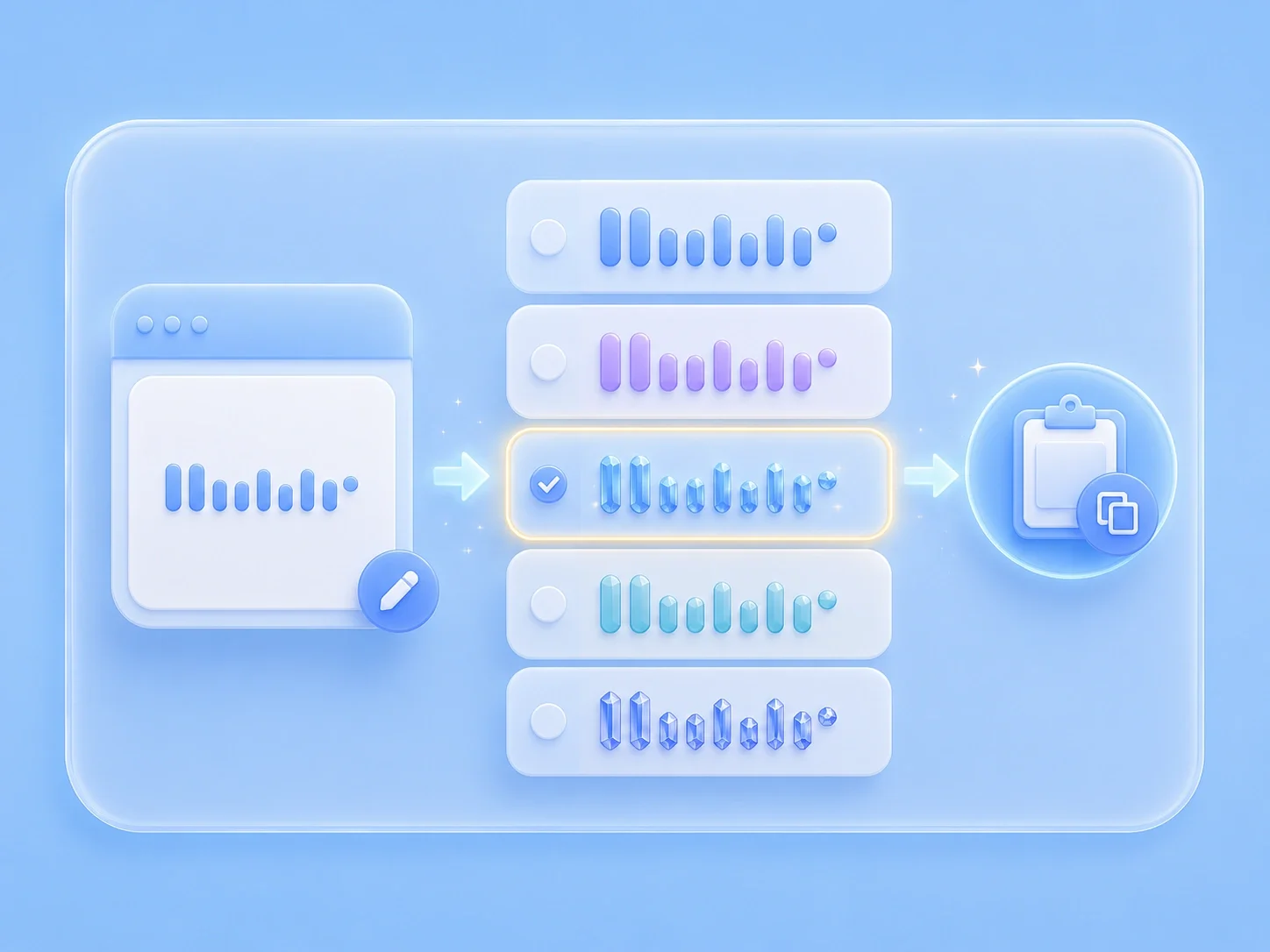
    Browse the generated Unicode styles and compare the same phrase across decorative options.

  3. Step 3: Copy and Review

    Copy the option that fits your layout, then check readability wherever you plan to paste it.

Online Font Style Preview

Online Font Style Preview

Creative font work often starts with a rough idea, but testing that idea by hand takes time. This ai typography generator gives you a focused text box, instant style previews, and a copy button for the result you want to keep. You can compare directions quickly before moving the chosen look into a profile, mockup, logo note, or content draft.

Generate Styles
Copy-Ready Options for social posts, covers, headers, and short labels

Copy-Ready Options for social posts, covers, headers, and short labels

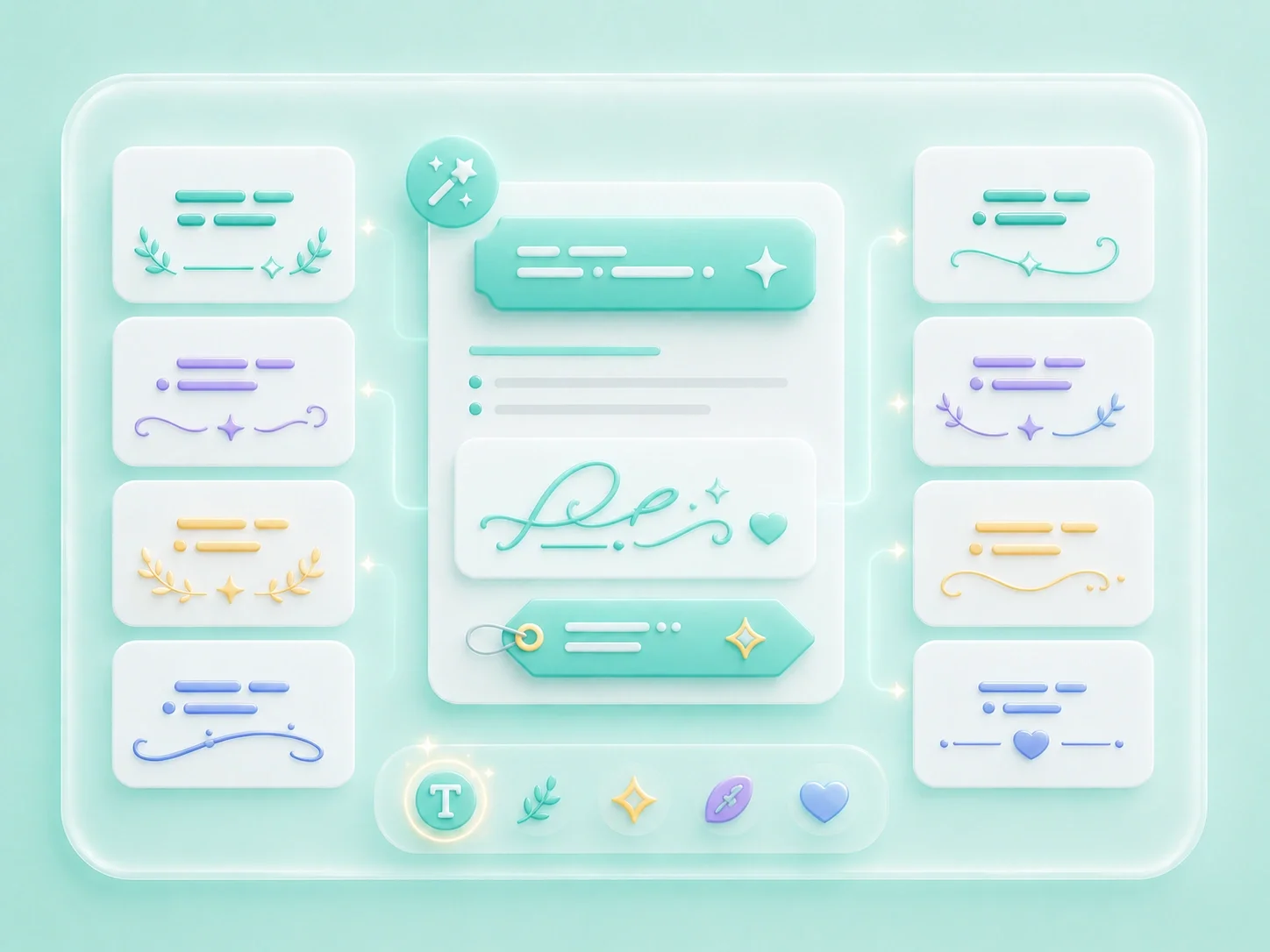
When a project begins from a typography direction or layout idea, the hard part is turning the reference into wording you can actually evaluate. This free ai typography generator keeps the workflow centered on the exact word or phrase you need to show. You get multiple decorative directions in one place, so the next design choice starts from a visible comparison instead of a blank page.

Style Text
Readable Text Styles for Real Layouts

Readable Text Styles for Real Layouts

Decorative typography can look attractive in isolation and still fail when it is pasted into a small space. This ai typography generator online helps you check the same phrase across bold, script, small, framed, and symbol-based styles. Review spacing, character support, and legibility before you use the result in a caption, header, label, or brand draft.

Review Styles
From Font Idea to Pasteable Text

From Font Idea to Pasteable Text

Manually rebuilding a text look with symbol tables is slow and easy to overdo. This ai typography generator online free keeps the process simple: enter text, compare styles, and copy the version that matches your intent. It is useful for quick exploration, while final font files, image extraction, or exact font matching still need a dedicated design or identification workflow.

Copy Text

Practical Font Use Cases

First-person workflow notes for typography ideas, styled headings, captions, and display text, written around common font selection pain points.

Social Typography

I need a fast way to test the words from my a typography direction or layout idea before I commit to a style. Seeing several options side by side helps me avoid a look that feels interesting but reads poorly.

Social Typography

Use case

Cover Titles

I want a style direction that fits my social posts, covers, headers, and short labels without rebuilding every character manually. Copy-ready previews let me move from an idea to a usable sample faster.

Cover Titles

Use case

Display Text Drafts

I care about the final paste location, not only the preview. I use the copied result in a draft first so I can catch unsupported characters or spacing problems early.

Display Text Drafts

Use case

Font Style Questions, Answered

01

What is ai typography generator?

ai typography generator is a text style preview page for creating decorative, font-like Unicode versions of short text. It helps you compare visual directions for typography ideas, styled headings, captions, and display text.

02

Is there a create typography with ai option?

The page is free to access in the browser and works best as a preview-and-copy workflow. Availability, platform display, and any later download flow should still be reviewed before publishing.

03

Can I a typography direction or layout idea here?

You can create typography with ai-inspired prompts outside this page, then use this tool to preview the exact text in copyable styles. The page focuses on short text styling rather than full layout design.

04

Are the results installable font files?

Most results are styled Unicode characters, not TTF, OTF, or other installable font files. Use them as copyable text styles or as references for a separate font design process.

05

How should I use this page for short text?

Start with the exact word or phrase that will appear in the final context. Short samples make it easier to judge shape, rhythm, spacing, and readability.

06

Will the style display the same everywhere?

Display depends on the destination app, browser, operating system, and Unicode character support. Paste the copied result into the real destination and review it before release.