Android Screen Recorder

Use a compatible Android browser to explore screen capture options and prepare a recording with available audio controls.

00:00:00
Recording…
Recording: Entire Screen
Duration: 0:00Size: 0.0 MB
Free and Unlimited
No Signup Required
Save Time
No Ads
Free to Use
No Sign-Up
No Ads
Any Browser

How to Use Android Screen Recorder

  1. Step 1: Choose Available Content

    Open the recorder and select from the sharing choices your browser provides.

  2. Step 2: Set Audio Preferences

    Turn on microphone or system audio only when your device supports the source.

  3. Step 3: Record and Check

    Record the walkthrough, preview the result, and download when it is ready.

Android Screen Recorder for Everyday Walkthroughs

Android Screen Recorder for Everyday Walkthroughs

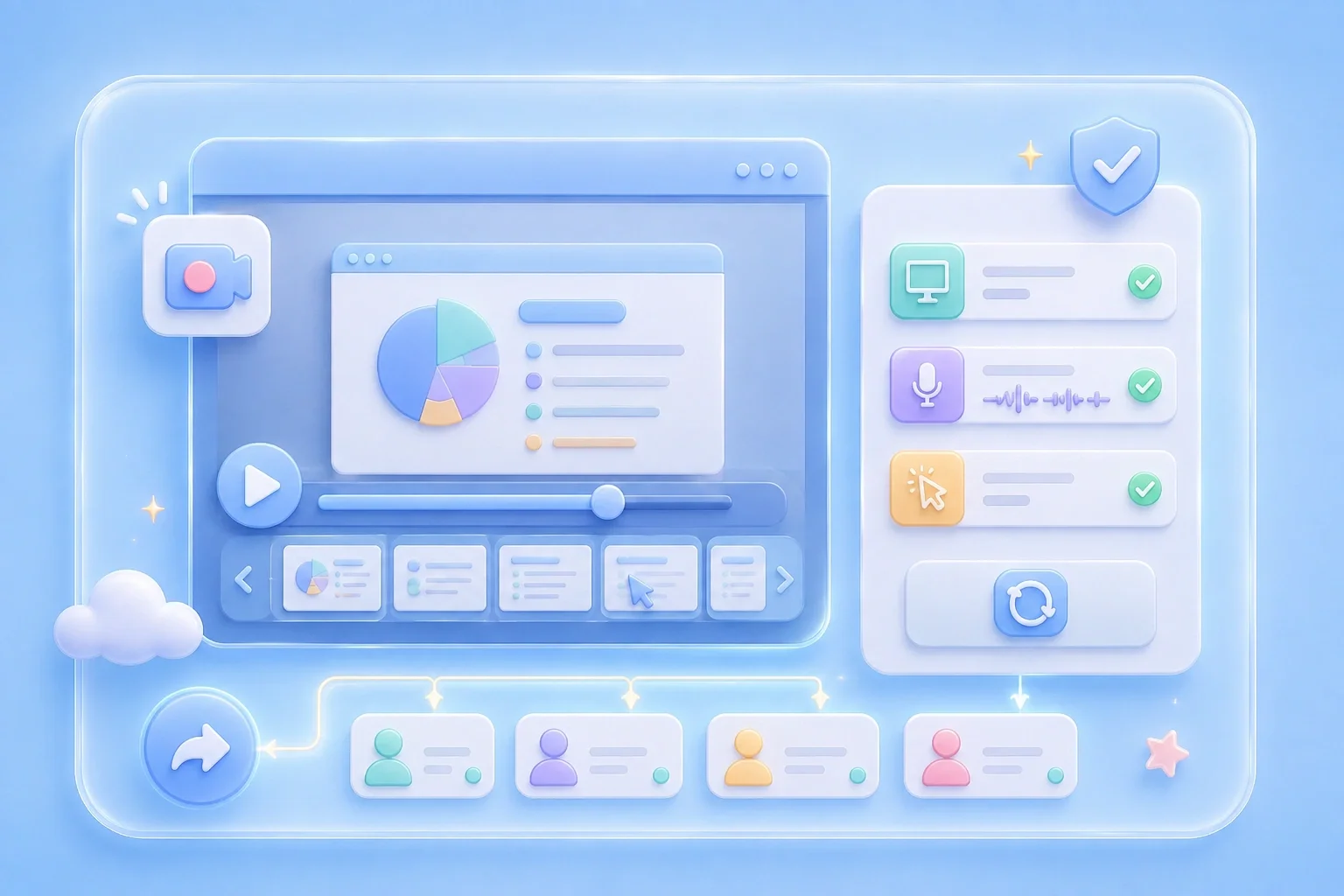
When a mobile issue is hard to explain, a short video can show the actions in order. This android screen recorder opens in a compatible browser and displays the recording setup. Available sharing options vary by Android device, browser, and permissions.

Start Recording
Select Only the Content You Need

Select Only the Content You Need

A focused recording helps viewers see the action that matters without extra distractions. Use the capture options that your browser makes available and confirm the selected content carefully. This is especially useful for app feedback and mobile how-to clips.

Choose Capture Area
Use Audio Controls Deliberately

Use Audio Controls Deliberately

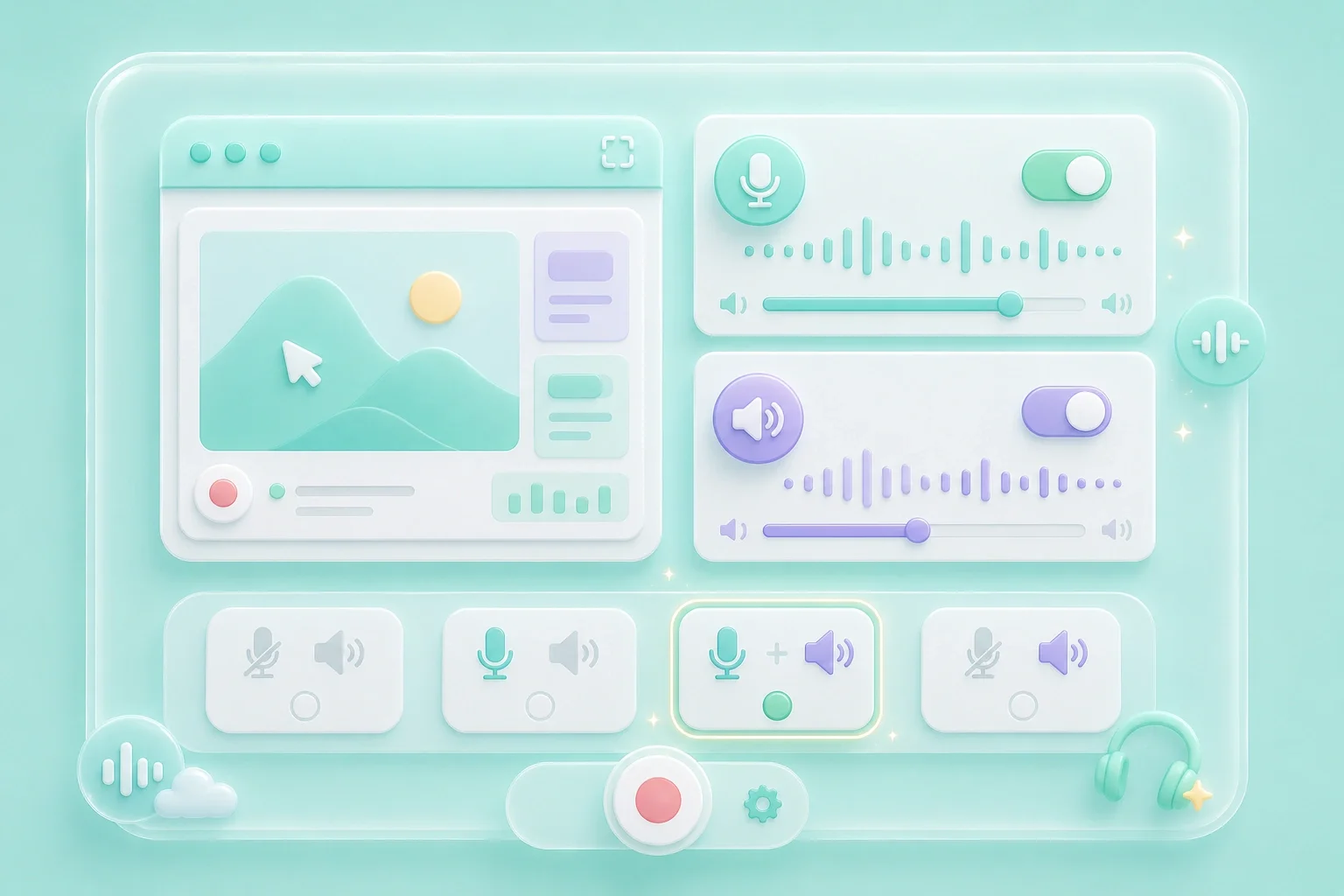
An android screen recorder with audio can add spoken context when a visual walkthrough needs explanation. The tool shows separate microphone and system-audio controls before recording. Those sources are available only when supported by your device and browser.

Set Audio
Review the Mobile Recording First

Review the Mobile Recording First

A mobile screen recording can reveal notifications or information outside the task you wanted to show. Preview the clip before you download or send it. Re-record if the visible content or audio does not match your purpose.

Review Video

Android Screen Recorder Use Cases

First-person examples of common recording needs.

App Feedback

I capture the taps that lead to the issue so the support team can see the sequence.

App Feedback

Use case

Mobile Tutorials

I record a short walkthrough when I need to explain an Android task to a friend.

Mobile Tutorials

Use case

Bug Reports

I review my video before sending it because notifications can appear unexpectedly.

Bug Reports

Use case

Android Screen Recorder Questions, Answered

01

How do I use this android screen recorder?

Open it in a compatible browser and follow the available screen-sharing prompts on your device.

02

Is this a free android screen recorder?

The page displays the recording controls without a sign-up step. Preview your recording before saving it.

03

Can I use an android screen recorder with audio?

Use the microphone and system-audio controls when those sources are supported and available.

04

Does this android screen recorder free no watermark?

Check the completed video before download when your sharing requirements include a specific visual presentation.

05

Is there a screen recorder for android online?

This workflow starts in the browser. Your Android browser determines which screen-capture choices are available.

06

Why does the browser ask for access?

Screen and audio capture require device permission. Choose only the sources you intend to include.