"I had several iPhone photos that would not upload to a client form. HEIC to JPG gave me JPG files I could submit right away."
Matthew Anderson
Operations Coordinator
Convert HEIC images to JPG online in a simple browser-based workflow. Turn iPhone HEIC photos into JPG files that are easier to open, share, upload, and use in documents.
or drag and drop a HEIC file
 Free and UnlimitedNo Signup RequiredSave TimeNo Ads
Choose the HEIC photo from your phone, computer, or cloud folder. This is usually the image format created by recent iPhones and iPads.

The tool converts your HEIC image into JPG format, making it easier to open, upload, print, and share across everyday platforms.

Download the converted JPG file and use it in forms, emails, documents, presentations, websites, or school submissions.
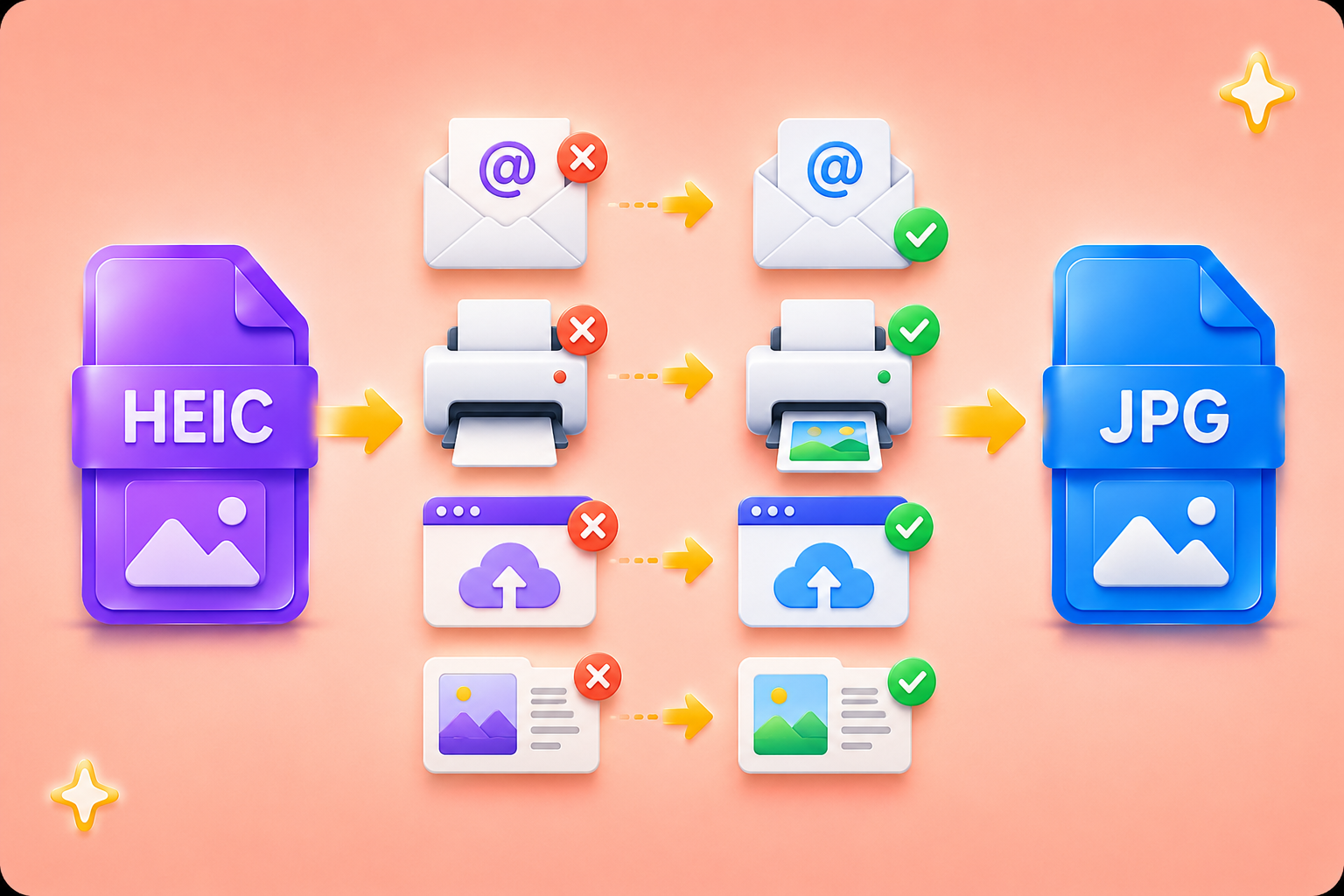
HEIC is efficient for storing photos on Apple devices, but it can create problems when you need to upload, email, print, or insert images into common tools. Some websites, office systems, school portals, and older devices expect JPG instead. HEIC to JPG helps you turn iPhone photos into a format that more people and platforms can open without extra explanation.
Convert NowOffice workers often need JPG images for reports, invoices, HR forms, support tickets, and presentations. Students may need JPG files for assignments, applications, class portals, or shared projects. HEIC to JPG removes the format barrier, so your image is ready for the place where you need to submit or share it.
Start HEIC to JPG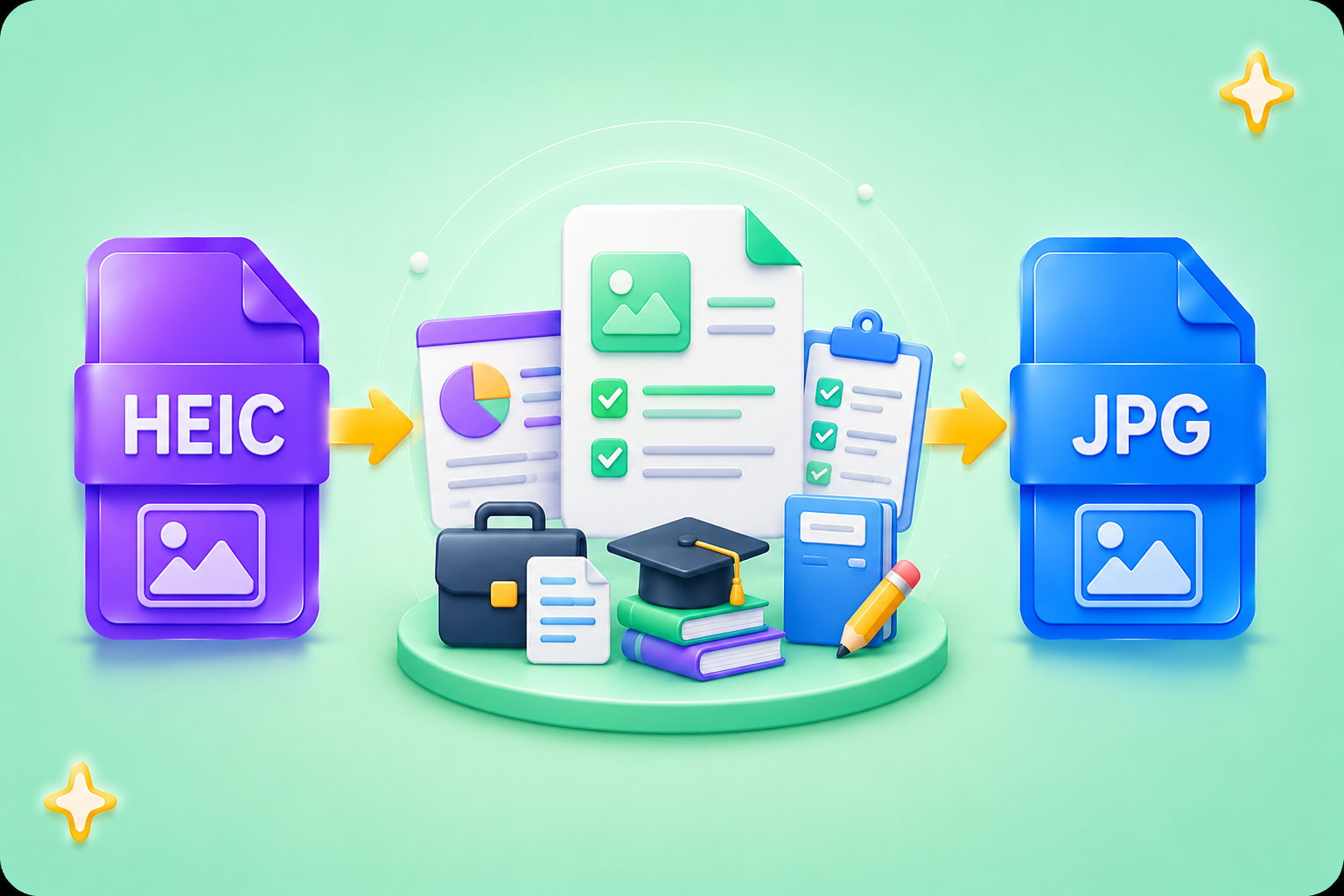
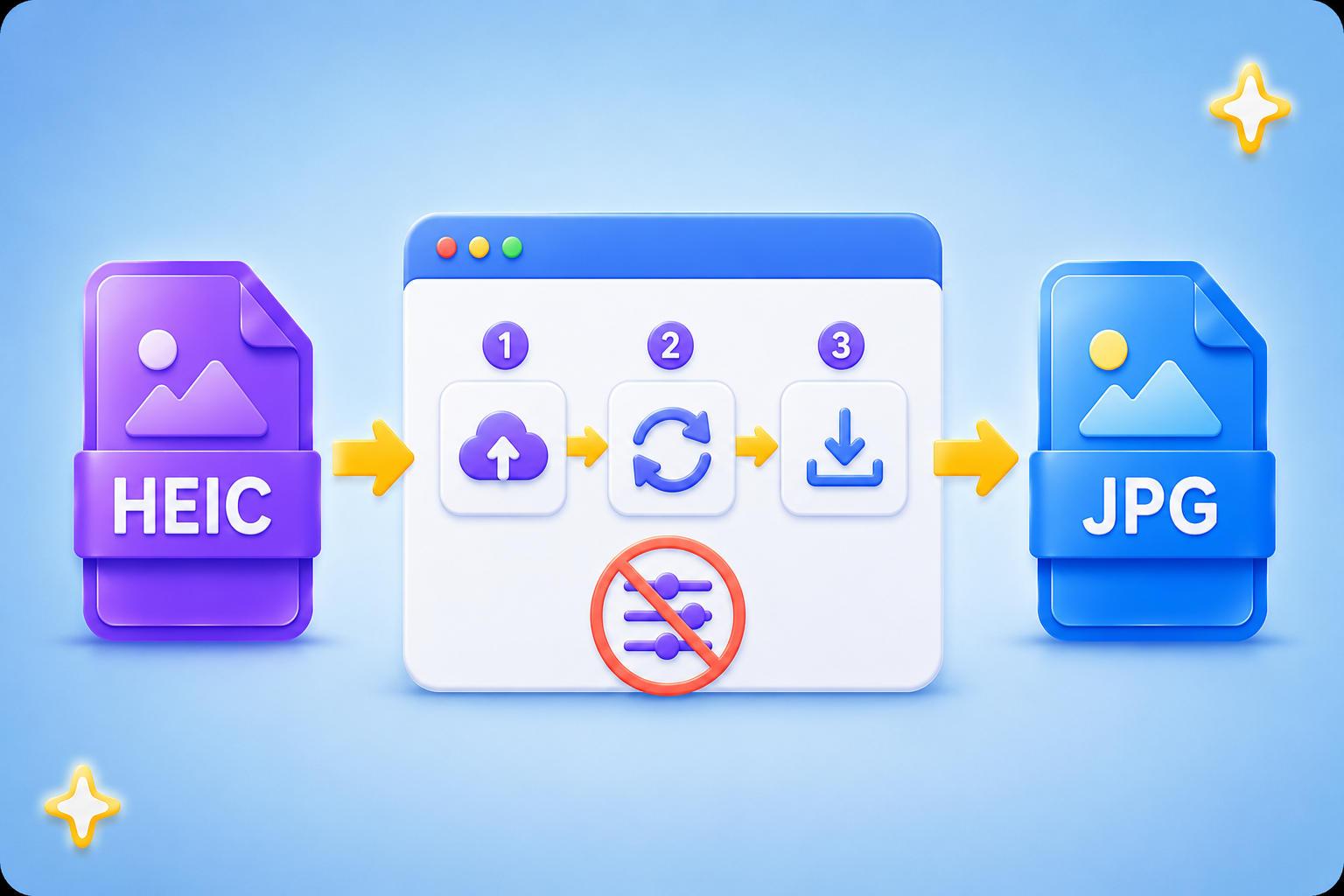
You do not need to adjust image settings or understand technical file formats. The workflow is simple: input HEIC and output JPG. This makes HEIC to JPG useful when you need a compatible image quickly for email attachments, online forms, team chats, document editors, or printing.
Upload HEIC FileJPG is one of the most widely supported image formats for websites, email clients, office software, printers, learning platforms, and business systems. HEIC to JPG helps prevent failed uploads, broken previews, and file access issues when sending images to people who may not use Apple devices.
Make JPG File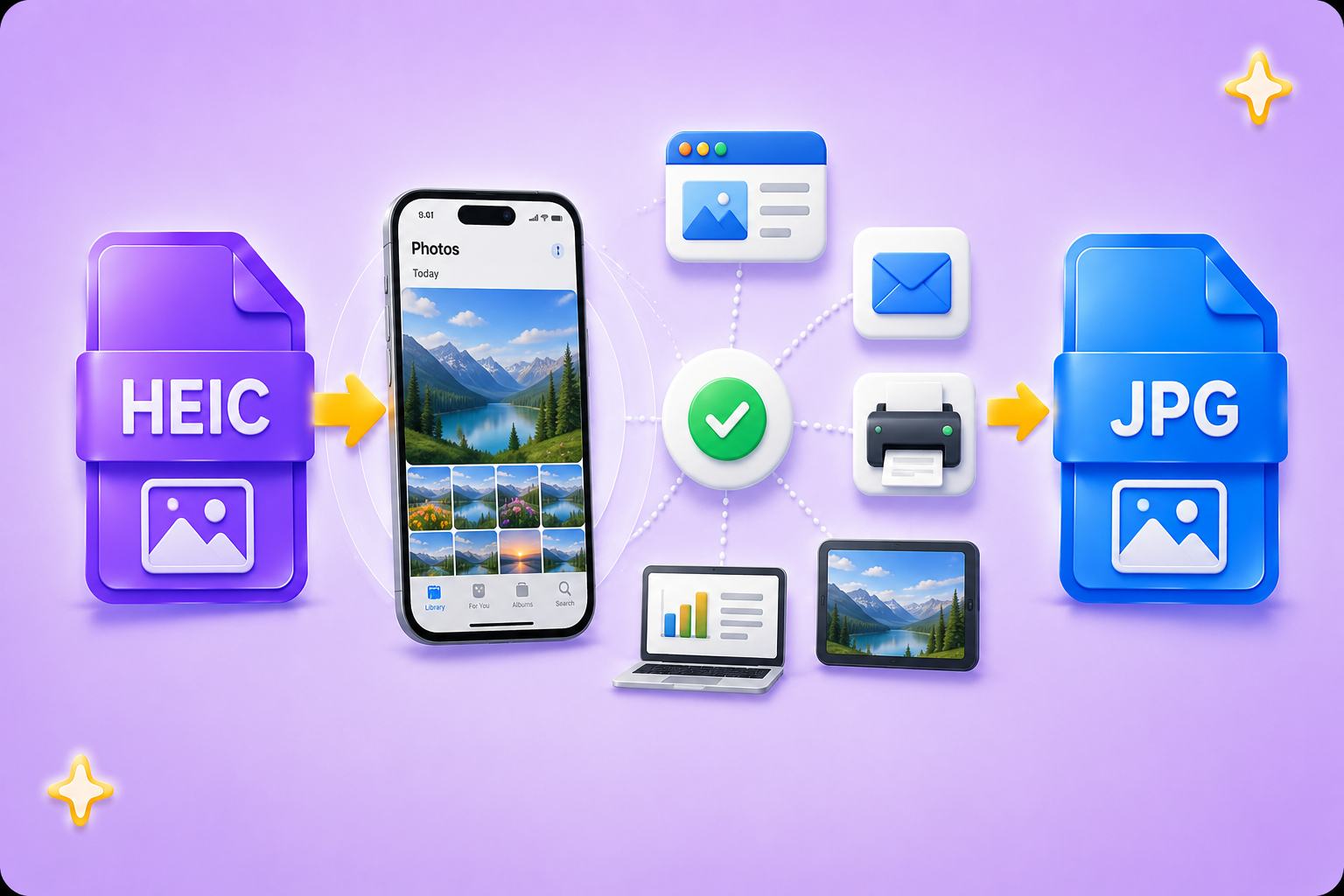

Convert WEBP images to high-quality PNG format quickly and securely.

Easily change Apple HEIC photos to standard JPG format for universal viewing.

Transform WEBP graphics into universally supported JPG images in seconds.

Convert next-gen AVIF image files into widely compatible JPG format.

Convert iPhone HEIC images to transparent and high-resolution PNGs.

Change AVIF files to PNG format while preserving image quality and transparency.

Compile your HEIC photos into a secure and shareable PDF document.

Extract tabular data from JPG images and convert them into editable Excel spreadsheets.

Save your MP3 tracks as compact M4A files for clear online playback.

"I had several iPhone photos that would not upload to a client form. HEIC to JPG gave me JPG files I could submit right away."
Matthew Anderson
Operations Coordinator

"I needed photos for a class project, but the platform only accepted JPG. The HEIC to JPG process was clear and saved me time before the deadline."
Olivia Harris
University Student

"My team could not preview the HEIC photos I sent from my phone. After using HEIC to JPG, everyone could open the images in our shared documents."
Emma Walker
Marketing Assistant

