"I need to submit documents as PDFs for client approvals. This HEIC to PDF tool gives me a clean, professional file every time — no formatting issues."
Marcus Chen
Project Manager
Turn HEIC photos into high-quality PDF files directly in your browser. Convert iPhone images online in seconds without installing software or reducing image clarity.
or drag and drop a HEIC file
 Free and UnlimitedNo Signup RequiredSave TimeNo Ads
Select HEIC files from your iPhone or computer. This heic to pdf converter accepts single photos or batches for fast, clean uploads.

Click Convert and let the tool handle the rest. We'll convert HEIC files to PDF with each photo on its own page, making it clear how to convert heic to pdf in one simple workflow.

Your document is ready in seconds. Download it, share it by email, upload it to forms, or save it for later — all in one tidy file.
This online HEIC to PDF tool is designed for quick file conversion without confusing options or setup screens. Upload your HEIC photos, convert them automatically, and download a ready-to-use PDF within seconds. It also helps you convert heic to pdf free while keeping iPhone photos, scanned documents, receipts, and shared images easy to manage.
Convert HEIC to PDF NowThe online HEIC to PDF tool runs directly in your browser, so there is no software to install on Mac, Windows, iPhone, Android, or iPad devices. Convert HEIC images anytime, whether you are working at home, in the office, or on mobile devices while traveling.
Get Started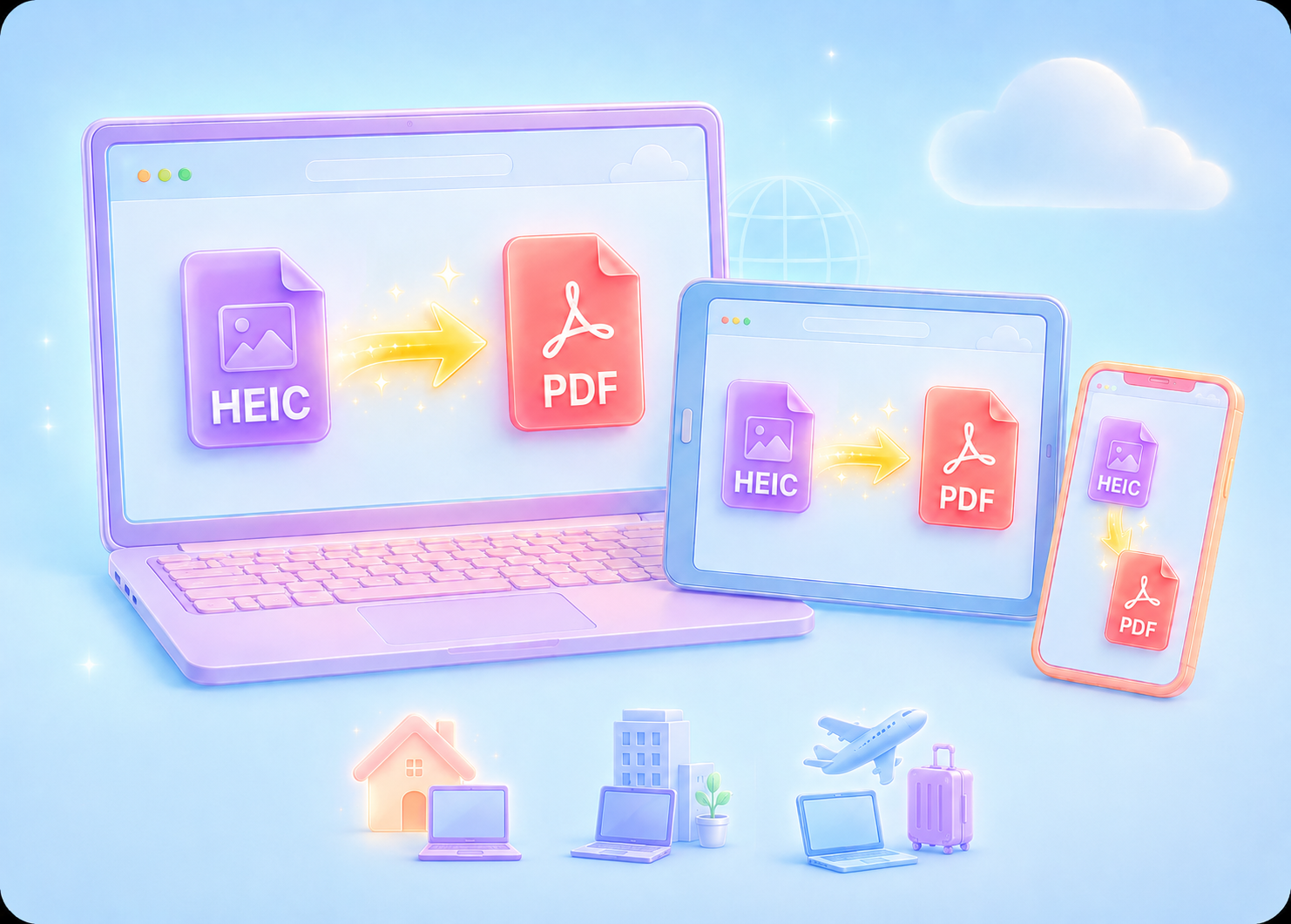
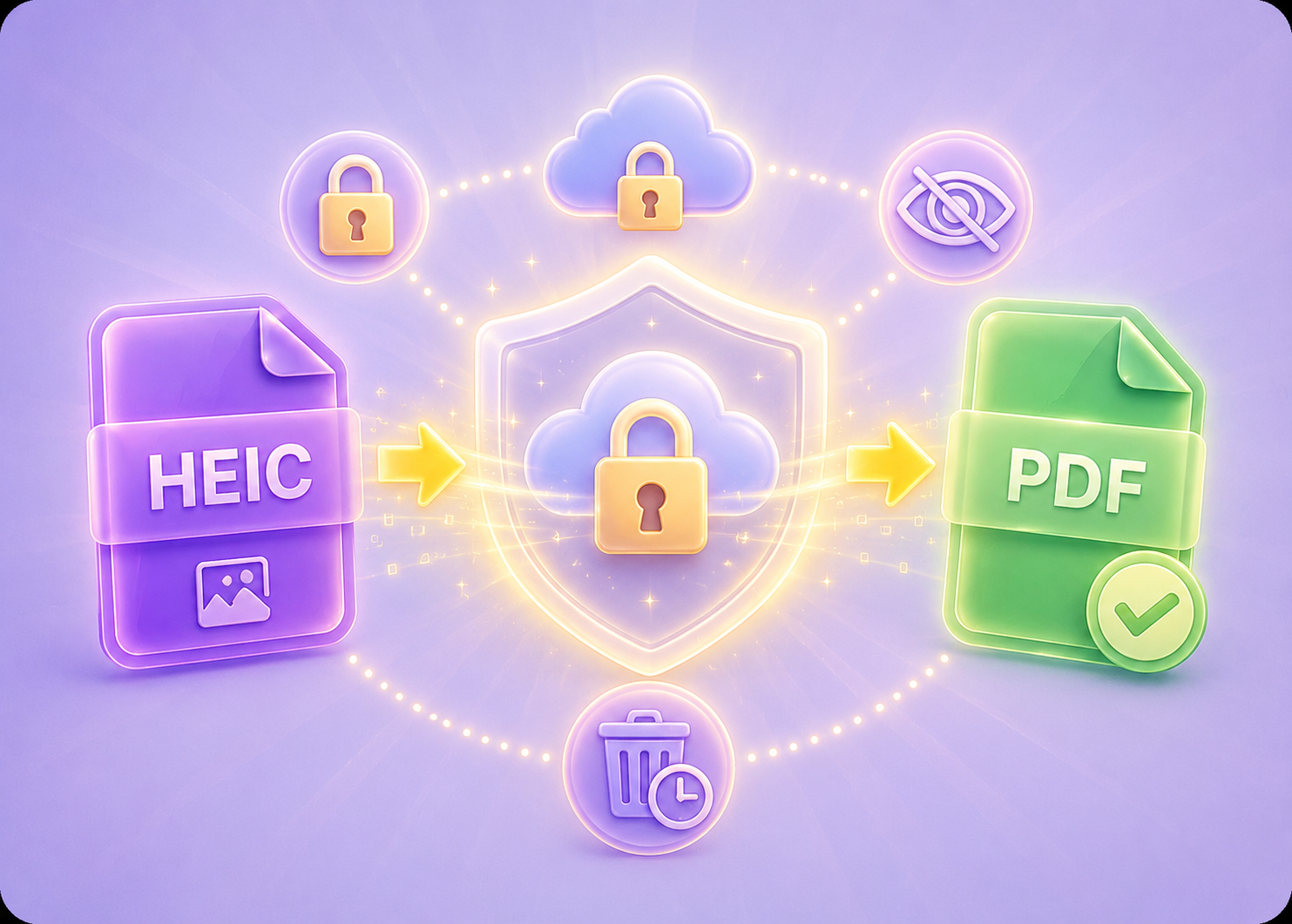
Your HEIC files are securely uploaded using encrypted connections and automatically removed from our servers after the PDF is generated. This helps protect personal photos, business documents, IDs, invoices, and other sensitive image files during online conversion.
Start Secure ConversionWhen converting HEIC files to PDF, the original image sharpness, colors, and readability stay clear without noticeable quality loss. This is useful for photo albums, scanned paperwork, presentations, contracts, and image archiving where visual detail matters.
Get High-Quality PDF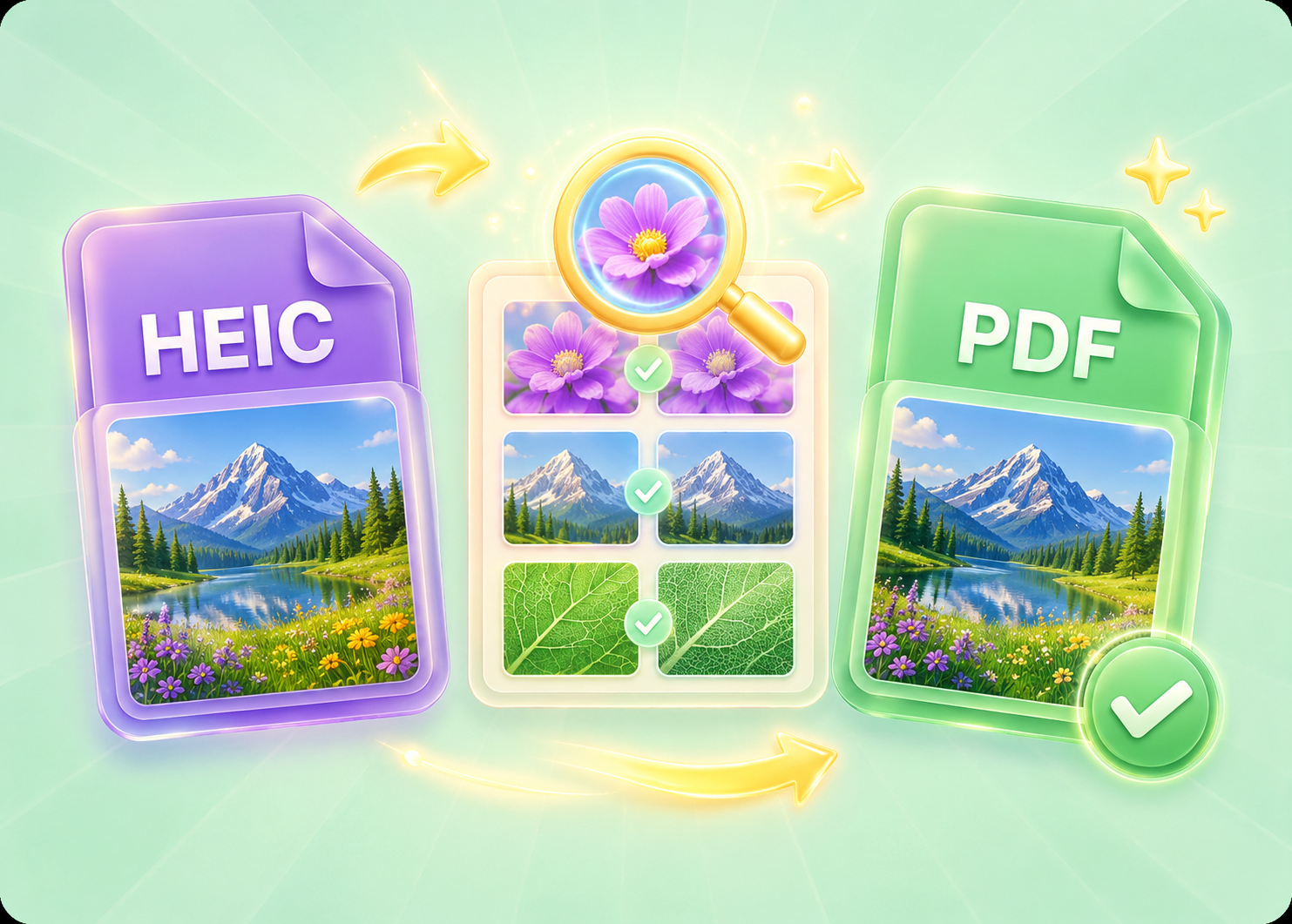

Convert WEBP images to high-quality PNG format quickly and securely.

Easily change Apple HEIC photos to standard JPG format for universal viewing.

Transform WEBP graphics into universally supported JPG images in seconds.

Convert next-gen AVIF image files into widely compatible JPG format.

Convert iPhone HEIC images to transparent and high-resolution PNGs.

Change AVIF files to PNG format while preserving image quality and transparency.

Compile your HEIC photos into a secure and shareable PDF document.

Extract tabular data from JPG images and convert them into editable Excel spreadsheets.

Save your MP3 tracks as compact M4A files for clear online playback.

"I need to submit documents as PDFs for client approvals. This HEIC to PDF tool gives me a clean, professional file every time — no formatting issues."
Marcus Chen
Project Manager

"I sell digital art prints online. Converting HEIC to PDF makes sure my customers get exactly what they paid for — sharp, consistent, and ready to print."
Elena Vasquez
Digital Artist

"I scan documents with my iPhone, and they save as HEIC. Converting them to PDF makes it easy to email clients without format confusion."
Samuel Okafor
Real Estate Agent

