Screen Recorder No Watermark

Set up a browser-based screen recording, choose available audio, and preview the finished video before you download it.

00:00:00
Recording…
Recording: Entire Screen
Duration: 0:00Size: 0.0 MB
Free and Unlimited
No Signup Required
Save Time
No Ads
Free to Use
No Sign-Up
No Ads
Any Browser

How to Use Screen Recorder No Watermark

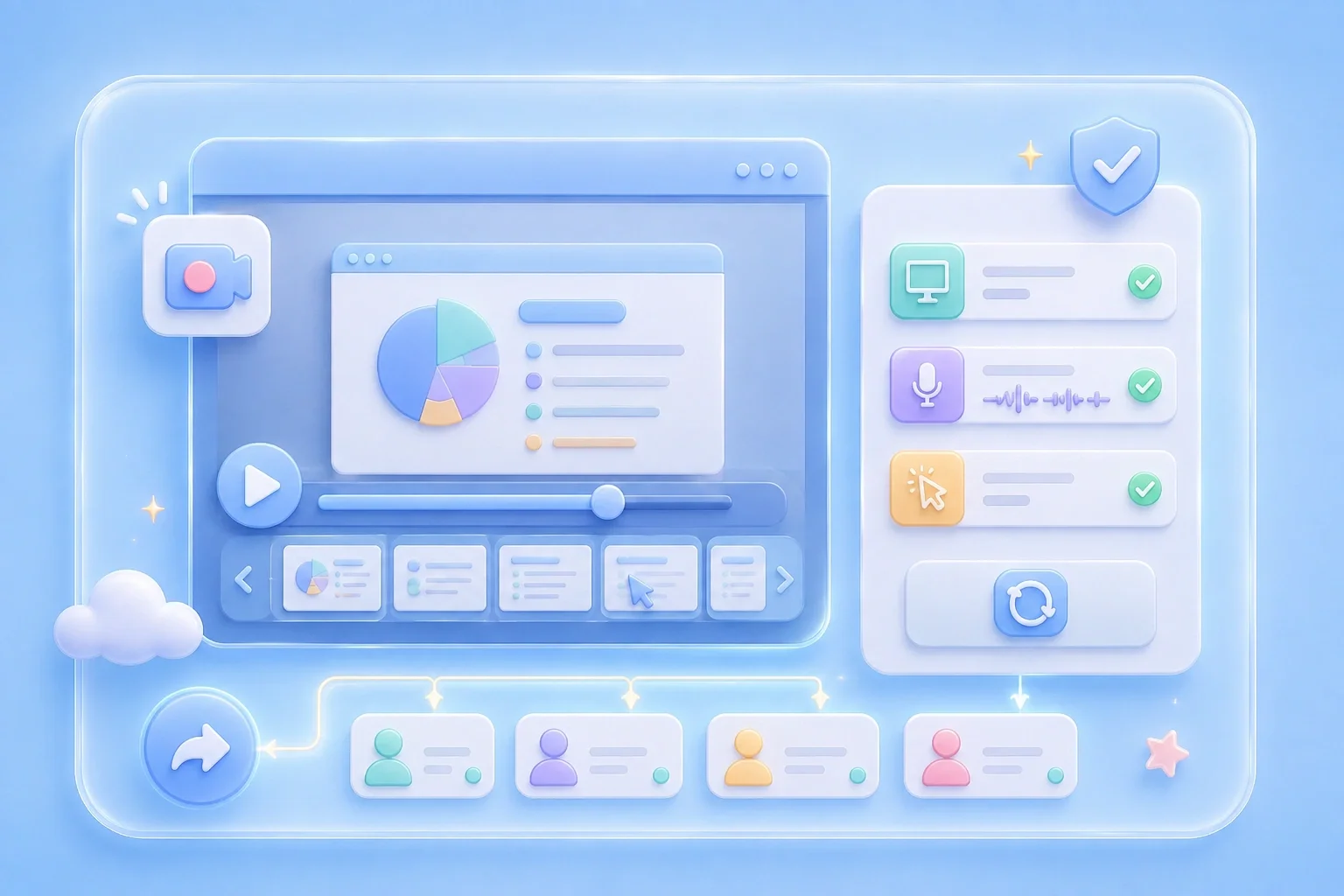
  1. Step 1: Choose a Capture Area

    Select the entire screen, an application window, or a browser tab for the video.

  2. Step 2: Set Audio Choices

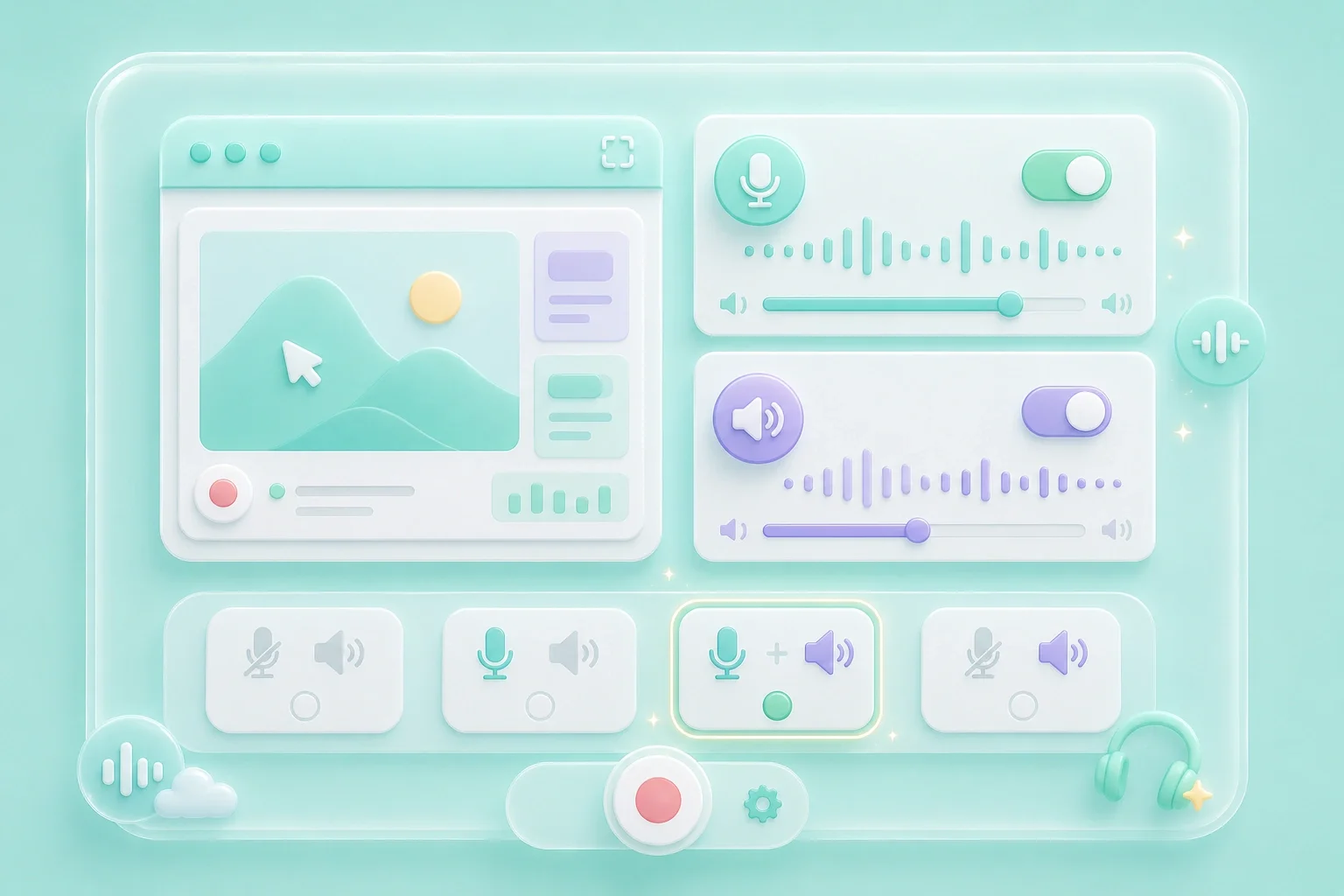
    Choose microphone or system audio when your browser and device make the source available.

  3. Step 3: Review Before Download

    Record the content, stop when finished, and preview the result before downloading.

Screen Recorder No Watermark Search Intent

Screen Recorder No Watermark Search Intent

When you need a video for a presentation, tutorial, or feedback thread, its final appearance matters. This screen recorder no watermark page gives you a browser-based recording workflow with a preview before download. Inspect the completed video yourself before you use it in a project with specific branding requirements.

Start Recording
Capture Only the Content You Need

Capture Only the Content You Need

A tight capture area reduces distractions and makes a demonstration easier to follow. Select the full screen, one application window, or a browser tab from the visible controls. The browser then asks you to confirm the exact content you want to share.

Choose Capture Area
Choose Audio for the Recording

Choose Audio for the Recording

A screen recorder with audio no watermark is a common search when a visual explanation also needs narration or playback sound. The setup view includes microphone and system-audio controls. Audio availability depends on browser support, your device, and the permissions you choose.

Set Audio
Preview Before You Download

Preview Before You Download

A free screen recorder no watermark search often reflects a need for a clean, ready-to-share result. Preview the completed recording and check the visible content, sound, and presentation details. Record again if the video does not meet the requirements of the place where you plan to use it.

Review Video

Screen Recorder No Watermark Use Cases

First-person examples of common recording needs.

Presentation Clips

I preview my recording before I add it to a deck because the final appearance matters.

Presentation Clips

Use case

Tutorial Videos

I capture the exact steps and check the video before sending it to learners.

Tutorial Videos

Use case

Product Feedback

I record the behavior on screen so I can explain the issue without a long message.

Product Feedback

Use case

Screen Recorder No Watermark Questions, Answered

01

What is a screen recorder no watermark?

It is a common search for people who need a screen-recording workflow and want to review the video's final presentation before sharing.

02

Is this a free screen recorder no watermark?

The page shows the recorder without a sign-up step. Preview the finished file before using it in a project with specific requirements.

03

Can I use a screen recorder no watermark online?

The recording workflow starts in the browser and uses its screen-sharing choices.

04

Is this a screen recorder no watermark online free?

You can access the setup without a sign-up step, then review the completed recording before download.

05

Can I use a screen recorder with audio no watermark?

Set microphone or system audio when your browser makes the option available, then inspect the final video before sharing.

06

What should I check before sharing?

Review the selected screen area, sound, private information, and the final appearance of the recording.