TikTok Video to GIF

Turn a TikTok video clip you have permission to use into a GIF by uploading its MP4 file and reviewing the result before download.

or drag and drop a file here

MP4
0%

Processing...

Free and Unlimited
No Signup Required
Save Time
No Ads
Free to Use
No Sign-Up
No Ads
Any Browser

How to Make a GIF from a TikTok Video in 3 Steps

  1. Step 1: Upload a Permitted MP4 Clip

    Choose the MP4 clip you want to turn into a GIF. Use a short, focused moment so the animation is easier to review and share.

  2. Step 2: Review Motion and Size Settings

    Review the available frame rate and output width settings before conversion. These settings affect visible motion, image dimensions, and the amount of data in the GIF.

  3. Step 3: Preview and Download the GIF

    Create the GIF and watch it loop before downloading. Check the crop, timing, and any on-screen text so the selected moment remains clear.

Turn a TikTok Moment into a Focused GIF

Turn a TikTok Moment into a Focused GIF

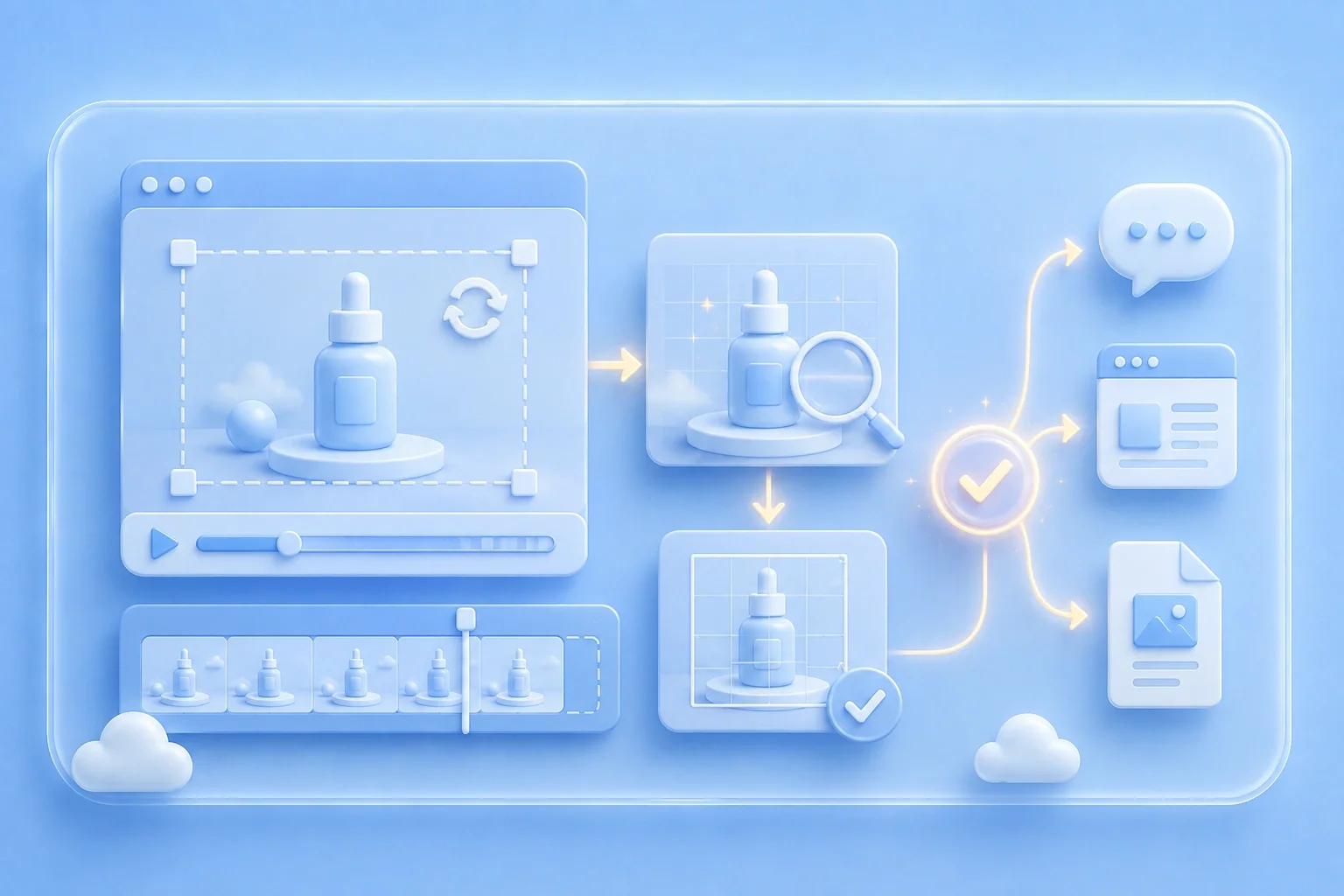
A long video can hide the one moment I need to show. I start with a short MP4 clip you have permission to use when I want an action, reaction, or screen detail to loop. For a tiktok video to gif workflow, this keeps the visual message focused.

Create GIF
Keep Attention on the Essential Moment

Keep Attention on the Essential Moment

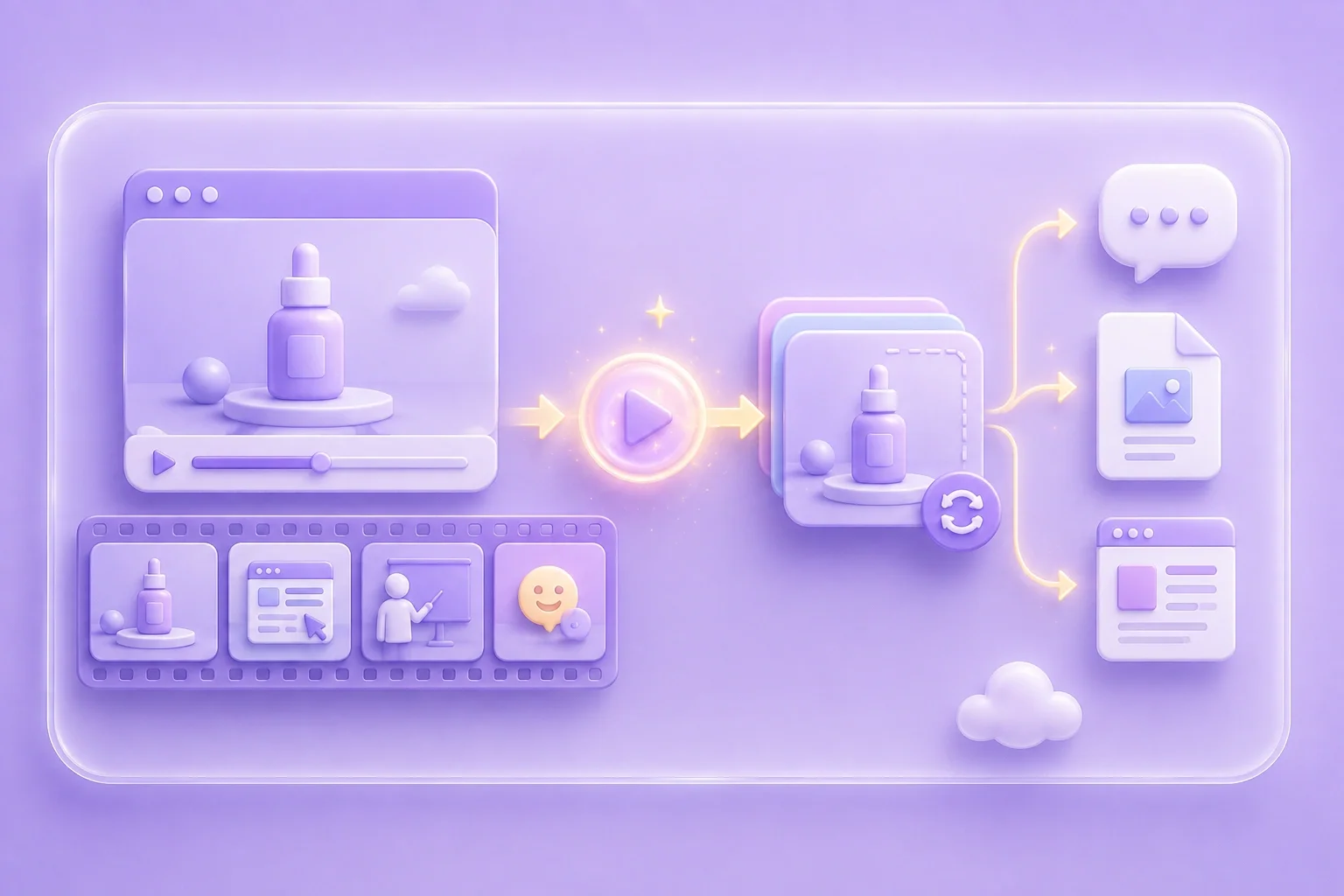
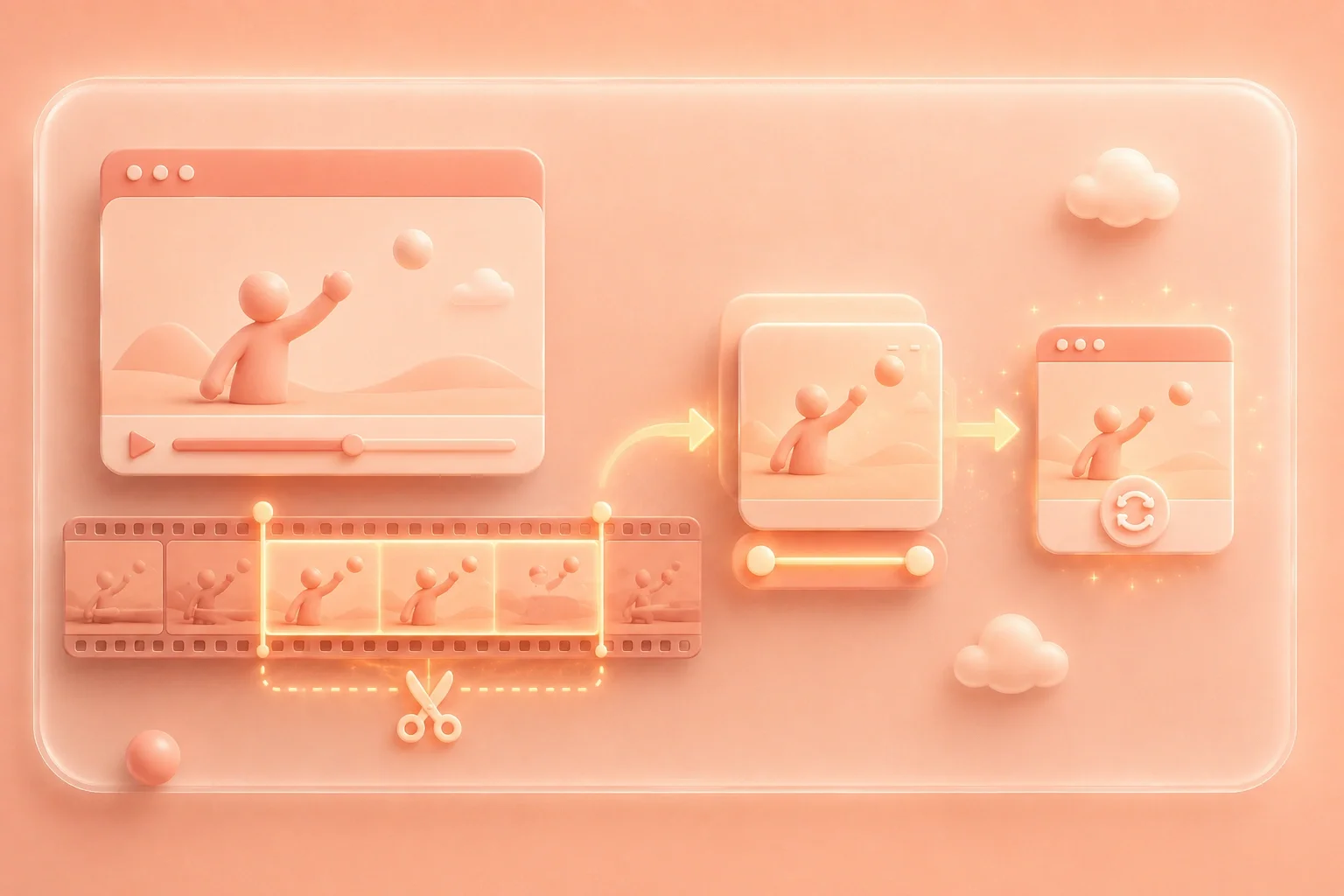
Extra seconds can make a loop feel slow and distract from the main action. I select the section that shows the gesture, transition, or response I want people to notice. This makes the animation easier to understand in a message, presentation, or draft page.

Choose Clip
Review Motion and Dimensions Before Conversion

Review Motion and Dimensions Before Conversion

I consider where the GIF will appear after conversion. The available frame rate and output width settings let me review motion and dimensions before I create the file. I use the preview to decide whether the result is suitable for the planned context.

Adjust Settings
Inspect the Loop Before Sharing

Inspect the Loop Before Sharing

A loop can expose a jump between the final and first frame. I check that jump, along with the crop and readable captions, before I download. This final review helps me share a GIF that reflects the moment I selected.

Preview GIF

TikTok GIF Scenarios

Illustrative first-person scenarios for permissioned video clips

Presentation Clip

“I had approval to use a TikTok clip, but I only needed one moment for my presentation. I made a GIF so the important action could repeat while I explained it.”

Presentation Clip

Use case

Reaction Moment

“I wanted to show my team a reaction without asking them to find a timestamp in a long video. I created a short loop so the visual point was immediately clear.”

Reaction Moment

Use case

Visual Guide

“I was documenting a visual step, and screenshots missed the movement on screen. I used a GIF from my approved MP4 clip so the action stayed visible in the guide.”

Visual Guide

Use case

TikTok Video to GIF Questions, Answered

01

Can I make a tiktok video to gif online?

This page converts a locally uploaded MP4 file. To make a GIF from TikTok content, first confirm that you have permission to use the clip, then upload the MP4 file.

02

Is there a tiktok video to gif free workflow?

The converter is identified on the page as free to use. You remain responsible for using source content that you are authorized to reuse.

03

How do I convert TikTok video to GIF?

Prepare a permitted MP4 clip, upload it, review the available frame rate and output width, then convert and preview the GIF. Download it after checking the loop and framing.

04

Does this converter accept a video link?

No link input is shown. The tool displays an MP4 upload field and does not show a feature for retrieving video content from another platform.

05

Why should I use a short clip?

Short clips keep the animation focused and make the loop easier to review. They can also reduce the number of frames in the final GIF.

06

What should I check before sharing?

Review source-use rights, loop timing, framing, and text readability. Share the result only where you are authorized to use the underlying video content.