

'%3e%3cpath%20d='M8%200C12.4183%200%2016%203.58172%2016%208C16%2012.4183%2012.4183%2016%208%2016C3.58172%2016%200%2012.4183%200%208C0%203.58172%203.58172%200%208%200ZM11.6162%204.38379C11.2257%203.99337%2010.5927%203.99338%2010.2021%204.38379L8%206.58594L5.79785%204.38379C5.40732%203.99334%204.77429%203.99329%204.38379%204.38379C3.99331%204.77429%203.99335%205.40733%204.38379%205.79785L6.58594%208L4.38379%2010.2021C3.99348%2010.5927%203.99341%2011.2257%204.38379%2011.6162C4.77426%2012.0066%205.40734%2012.0065%205.79785%2011.6162L8%209.41406L10.2021%2011.6162C10.5927%2012.0066%2011.2257%2012.0067%2011.6162%2011.6162C12.0067%2011.2257%2012.0066%2010.5927%2011.6162%2010.2021L9.41406%208L11.6162%205.79785C12.0066%205.40735%2012.0066%204.77429%2011.6162%204.38379Z'%20fill='%23080E17'%20fill-opacity='0.46'/%3e%3c/g%3e%3cdefs%3e%3cclipPath%20id='clip0_3761_713'%3e%3crect%20width='16'%20height='16'%20fill='white'/%3e%3c/clipPath%3e%3c/defs%3e%3c/svg%3e)




'%3e%3cpath%20fill-rule='evenodd'%20clip-rule='evenodd'%20d='M21.4999%2010.9993C21.4999%205.20009%2016.7986%200.498901%2010.9993%200.498901C5.19994%200.498901%200.498657%205.20009%200.498657%2010.9993C0.498657%2016.2404%204.33858%2020.5844%209.35855%2021.3722V14.0346H6.69238V10.9993H9.35855V8.68594C9.35855%206.05427%2010.9262%204.60062%2013.3248%204.60062C14.4736%204.60062%2015.6753%204.80571%2015.6753%204.80571V7.38979H14.3512C13.0468%207.38979%2012.64%208.19921%2012.64%209.0296V10.9993H15.5523L15.0867%2014.0346H12.64V21.3722C17.66%2020.5844%2021.4999%2016.2404%2021.4999%2010.9993Z'%20fill='%231568EA'/%3e%3c/g%3e%3c/svg%3e)


'%3e%3cpath%20d='M2.42045%2022.1876H6.31818V12.7217L0.75%208.54553V20.5171C0.75%2021.4414%201.49892%2022.1876%202.42045%2022.1876Z'%20fill='%234285F4'/%3e%3cpath%20d='M19.682%2022.1876H23.5797C24.5041%2022.1876%2025.2502%2021.4387%2025.2502%2020.5171V8.54553L19.682%2012.7217'%20fill='%2334A853'/%3e%3cpath%20d='M19.682%205.48293V12.7216L25.2502%208.54543V6.31816C25.2502%204.25236%2022.8921%203.07469%2021.2411%204.31361'%20fill='%23FBBC04'/%3e%3cpath%20d='M6.31824%2012.7217V5.48303L13.0001%2010.4944L19.6819%205.48303V12.7217L13.0001%2017.733'%20fill='%23EA4335'/%3e%3cpath%20d='M0.75%206.31816V8.54543L6.31818%2012.7216V5.48293L4.75909%204.31361C3.10534%203.07469%200.75%204.25236%200.75%206.31816Z'%20fill='%23C5221F'/%3e%3c/g%3e%3cdefs%3e%3cclipPath%20id='clip0_2954_7305'%3e%3crect%20width='24.5'%20height='18.375'%20fill='white'%20transform='translate(0.75%203.8125)'/%3e%3c/clipPath%3e%3c/defs%3e%3c/svg%3e)


In our daily lives, personal and professional, there are countless moments when clear, formal communication is essential. Whether announcing a policy change, notifying a tenant, or inviting attendees to a meeting, conveying information accurately and professionally is crucial. However, drafting a precise and legally sound notice from scratch can be daunting. Without proper structure, key information might be omitted, the tone misinterpreted, or the document may lack necessary formality. So, how can you efficiently create professional, legally compliant, and transparent notices for any situation? In this article, we will provide 10 notice templates for you, offering tips on how to edit them effectively and efficiently.
Part 1: How to Write a Notice?
What is a Notice Writing?
Notice writing refers to creating a formal document to inform individuals or groups about important information, typically involving changes, decisions, or announcements. It ensures that recipients are aware of essential events and actions, making the notice an effective communication tool.
Format of Notice Writing:
A well-structured notice includes several key elements:
Name of the Organisation – The organization or entity issuing the notice.
Title – The specific type of notice (e.g., Resignation Notice, Payment Notice).
Date – The date the notice is being issued.
Heading – A concise title describing the subject matter of the notice.
Body – The detailed message, including all necessary information such as dates, actions, or requests.
Signature and Designation – The name and designation of the person responsible for issuing the notice.
Understanding the Different Types of Notices:
Resignation Notice: A formal letter informing an employer about an employee's intention to leave the organization, usually with details of the notice period and reasons for resignation.
Key Elements:Formal announcement of resignation
Notice period
Gratitude towards the organization
Offer of assistance during the transition
A polite closing
Meeting Notice: A notice issued to inform people about an upcoming meeting, outlining the agenda, date, and venue.
Other types of notices include Payment Notices andEvent Notices. Each type follows a similar structure, ensuring clarity and formality in communication.
For more on notice writing, visit these resources:
Part 2: 10 Excellent Notice Templates [Free Download]
Now that we understand how to write a notice, let’s dive into some practical templates you can download and use for various situations. Here are 10 free, downloadable notice templates to help you get started:
-
Job Notice [PDF]
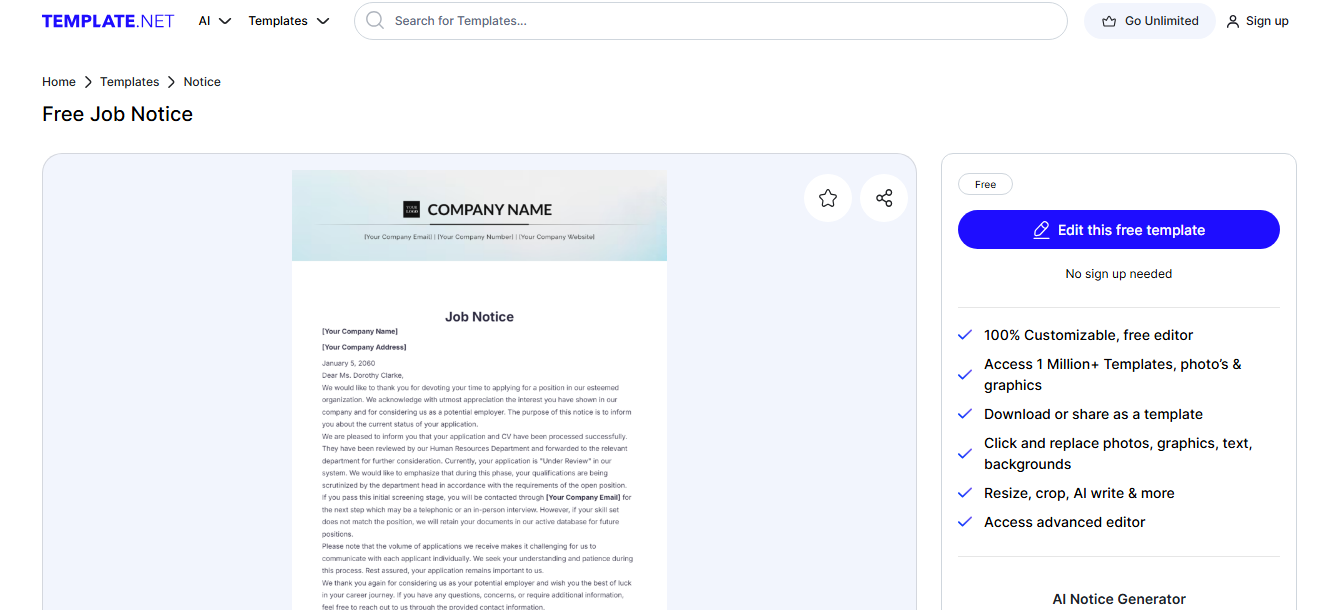
This template is ideal for notifying employees about job openings or any position changes. Find the download link by clicking here.
-
Hotel Notice [PDF]
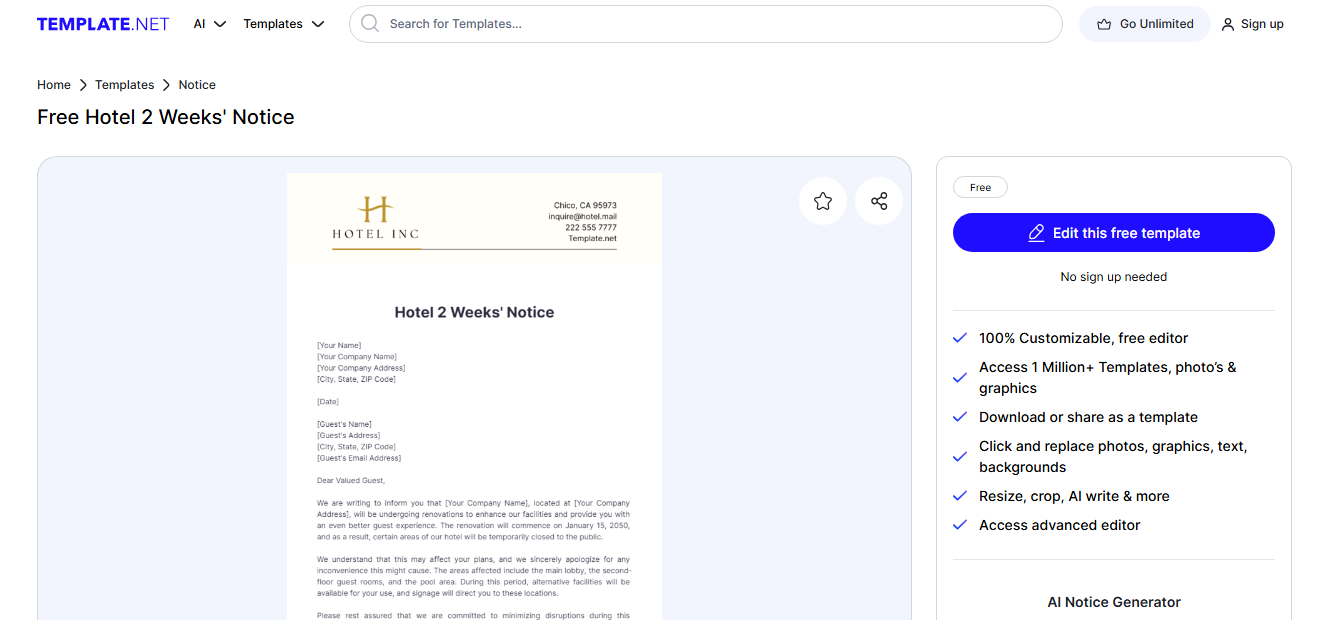
Perfect for hotels or businesses needing to communicate notices about reservations, bookings, or changes in policy. Download the template herewith ease.
-
Resignation Notice [PDF]
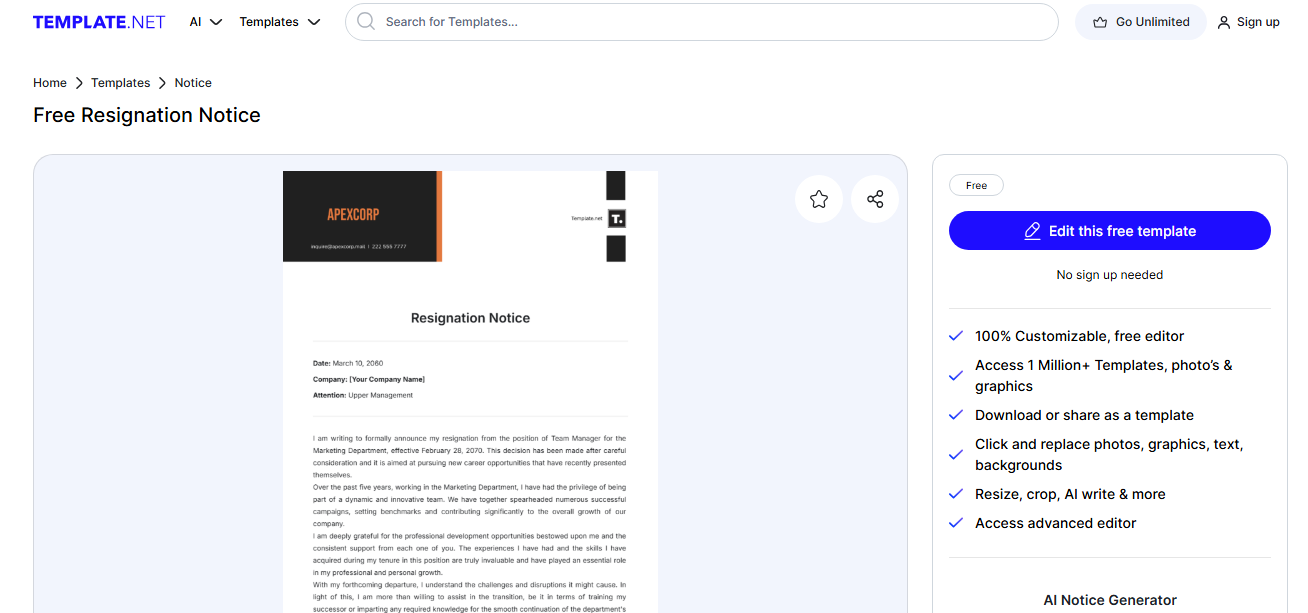
Short introduction: A professional resignation notice template, ideal for employees planning to leave an organization. Find the page for Download Here
-
Payment Notice [PDF]
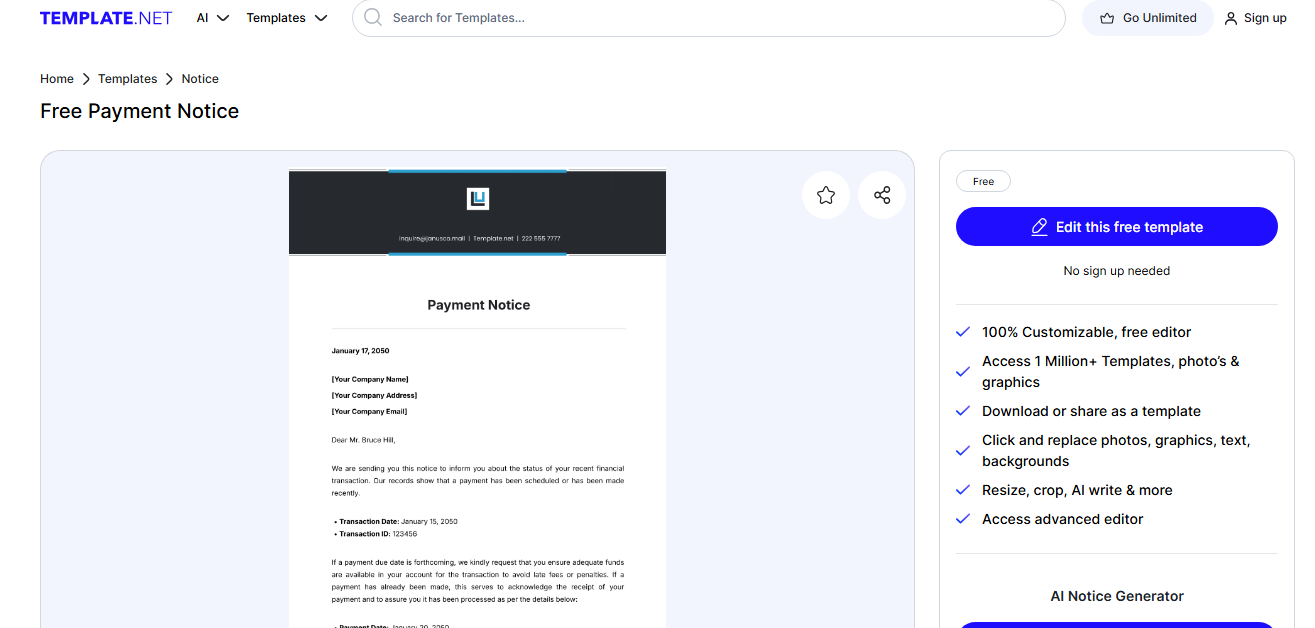
This template will remind clients or tenants about overdue payments or bills. To download, clickhere
-
Commencement Notice [PDF]
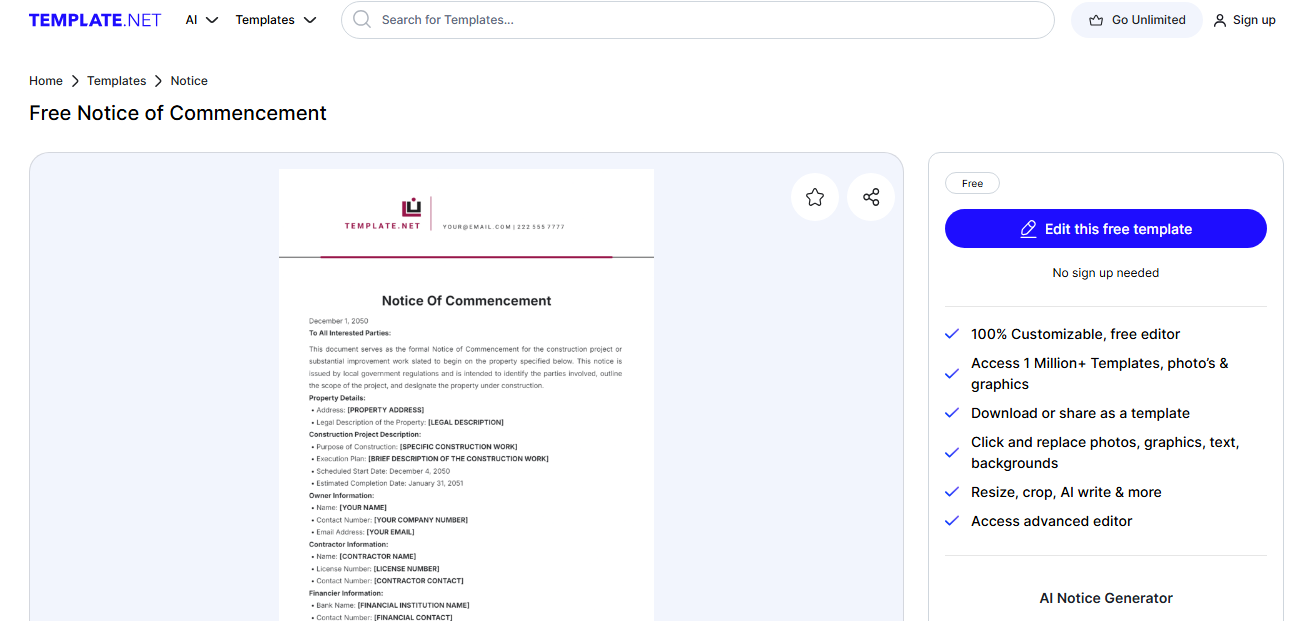
This template is suitable for announcing the start of a project, business, or event. You can easily navigate through the official page to download the template.
-
Immediate Effect Notice [PDF]
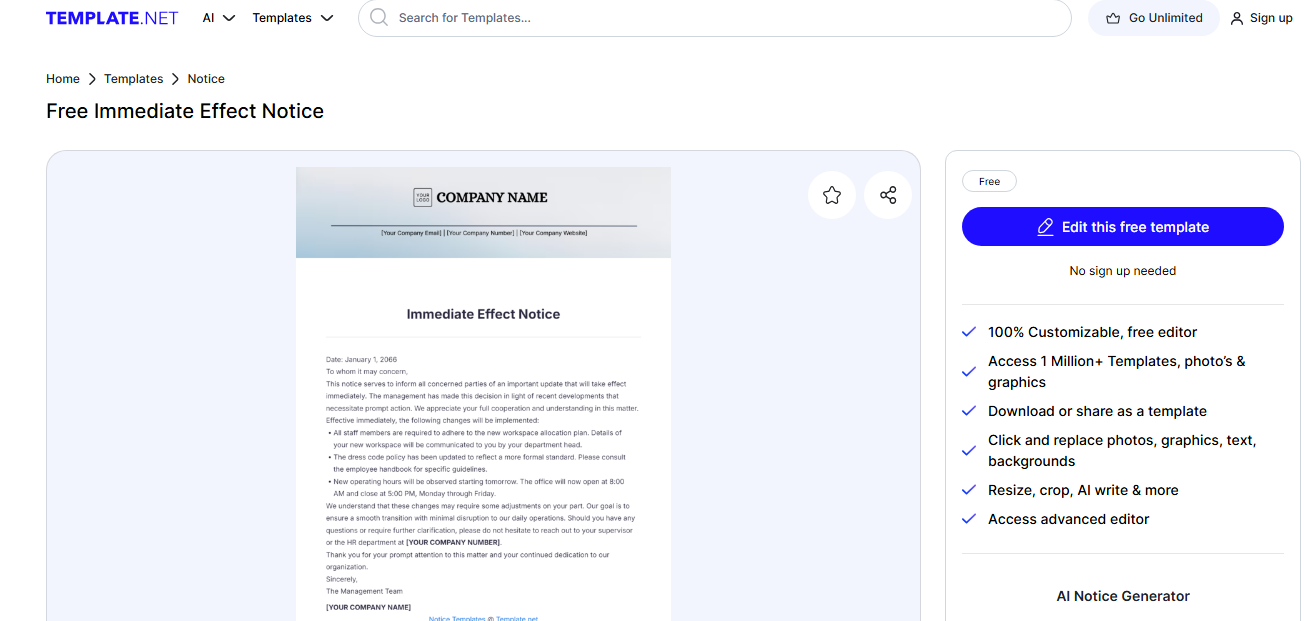
Use this notice to inform individuals about actions that must be taken immediately.
Get the download link by clicking here. -
Past Due Notice [PDF]
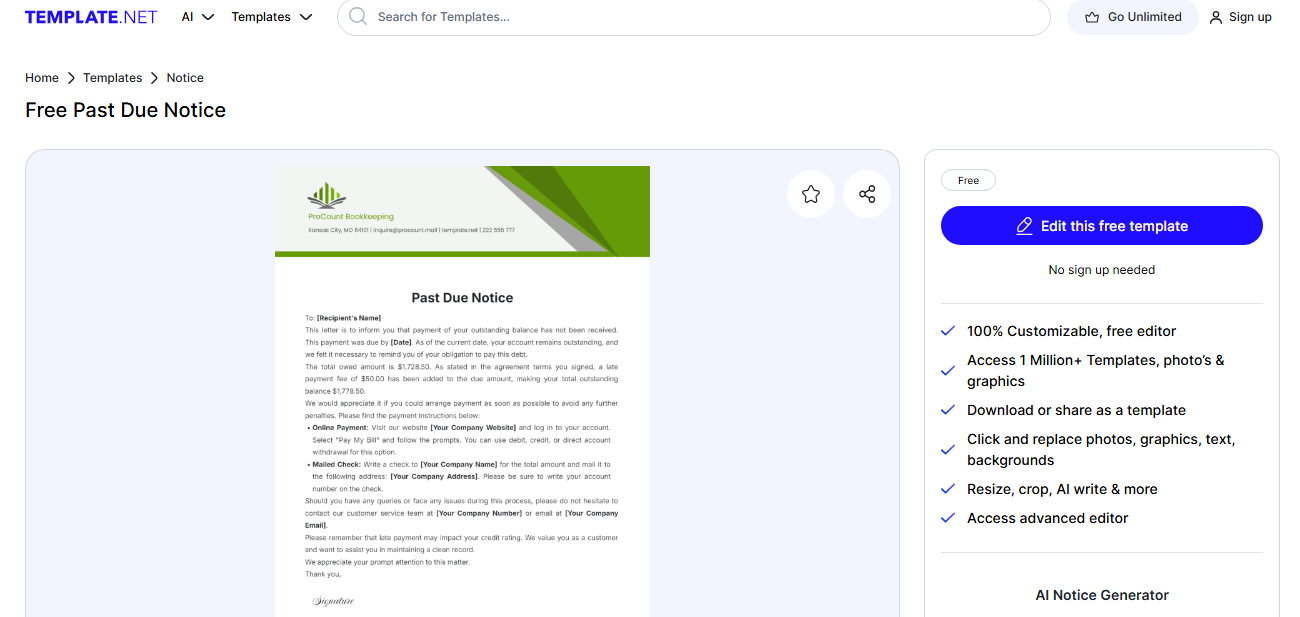
Short introduction: Ideal for businesses and landlords to notify clients about overdue payments. Click on this linkto download the Past Due Notice.
-
Law Firm Formal Notice [PDF]
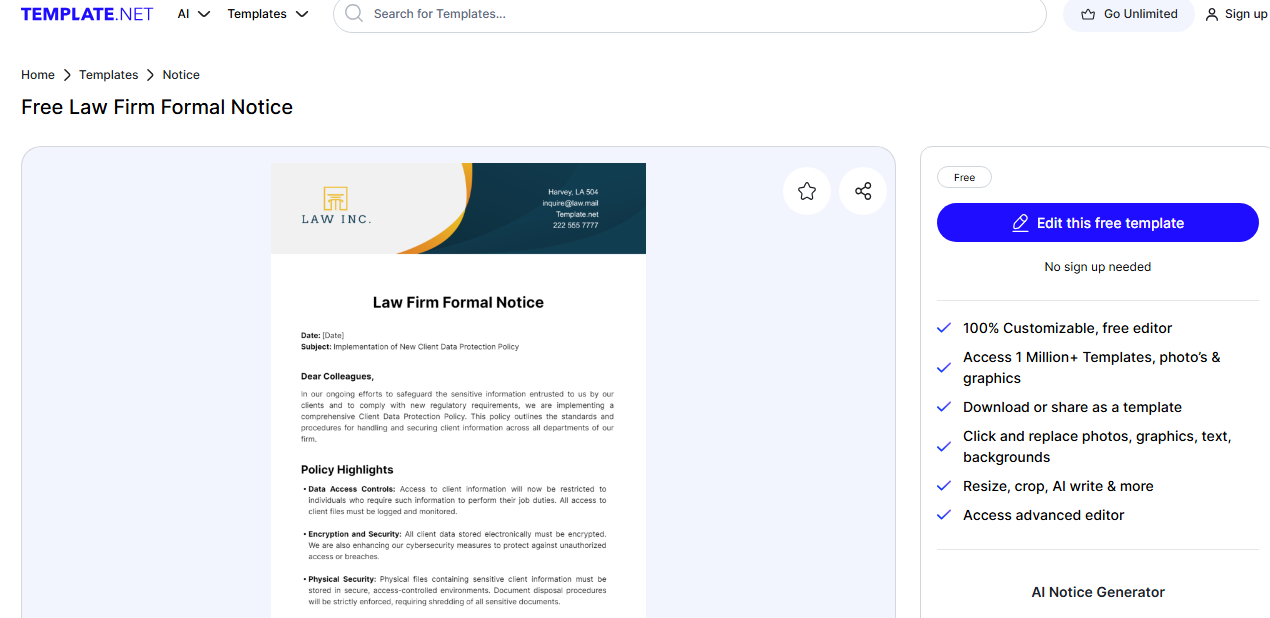
A formal template for law firms to send notices related to legal matters. Download the template here.
-
Advance Notice [PDF]
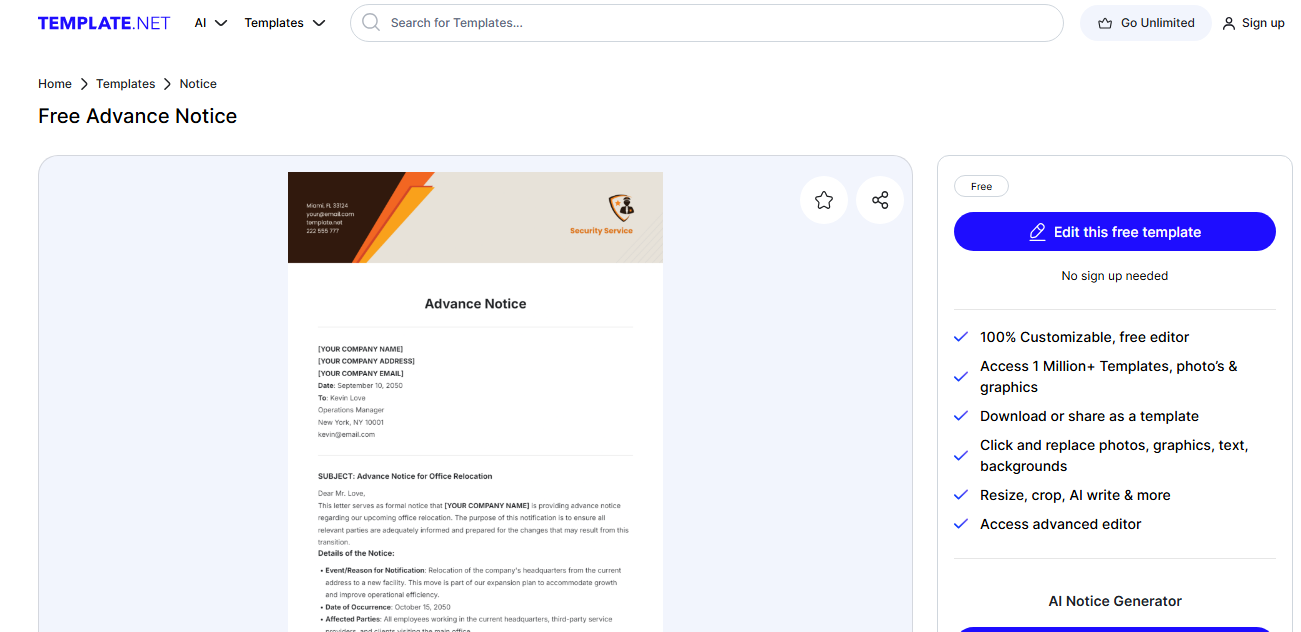
Useful for notifying employees or clients about upcoming changes or events. The advance Notice template can be downloaded by clicking on this link.
-
Meeting Notice [PDF]
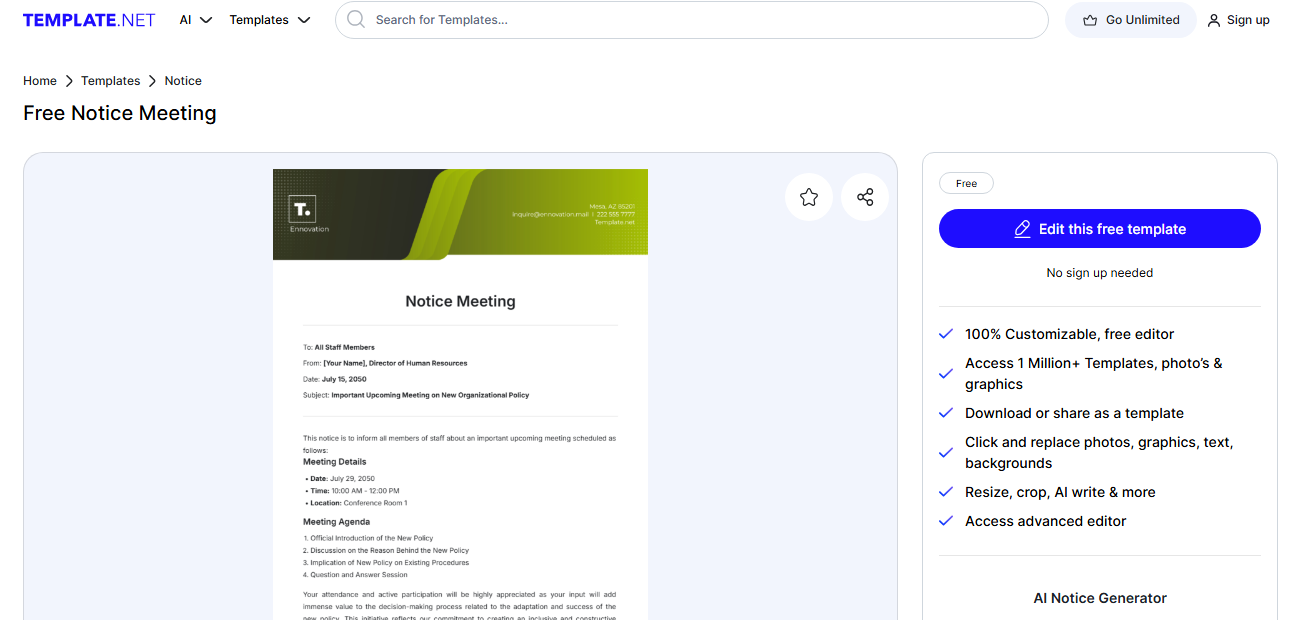
A simple yet effective template for informing people about meetings and their agendas. Find the download link for the Meeting notice template here.
Part 3: How to Edit and Print the Notice Template in PDF
After selecting the right template, you can personalize it according to your needs. Here's how to edit and print a notice template in PDF format:
Recommended Tool: WPS PDF Editor
WPS Office is a versatile tool that allows you to edit PDF documents easily. Follow these steps to edit your downloaded notice template:
-
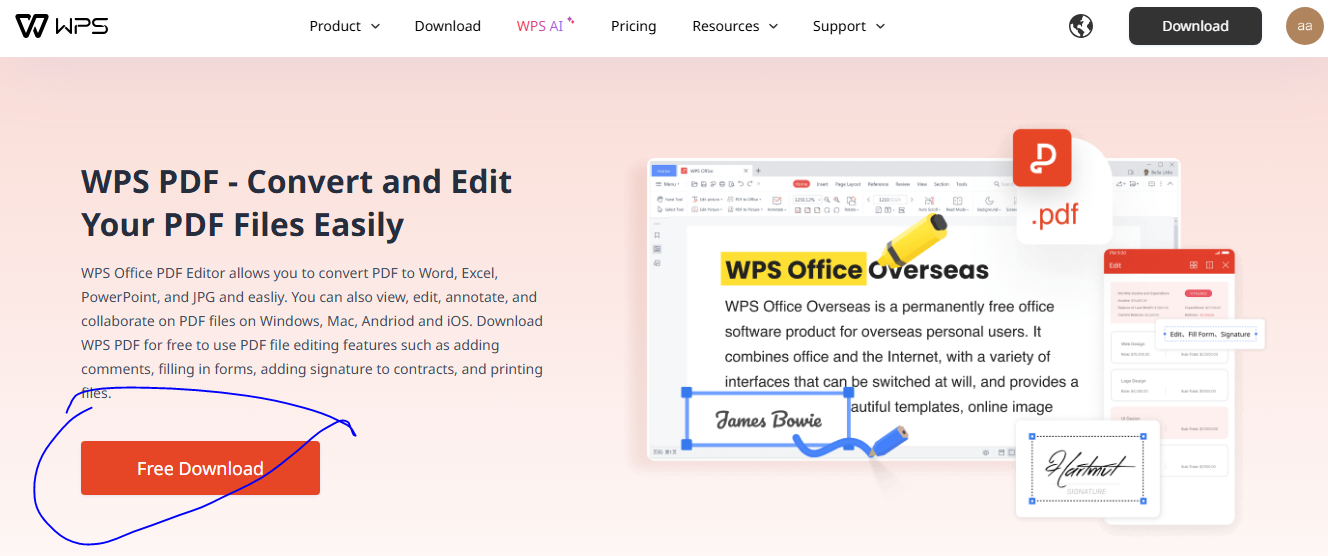
Download WPS PDF Editor: Visit WPS PDF to download the editor for free.
-
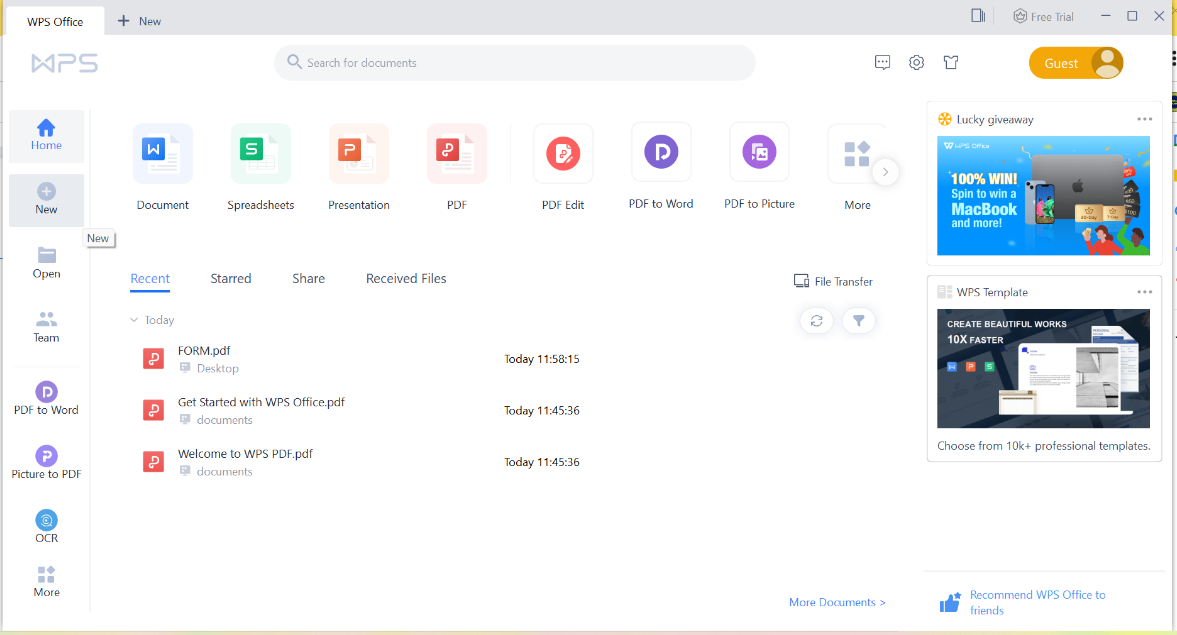
Open the Template: Open it in WPS PDF after downloading your template.
-
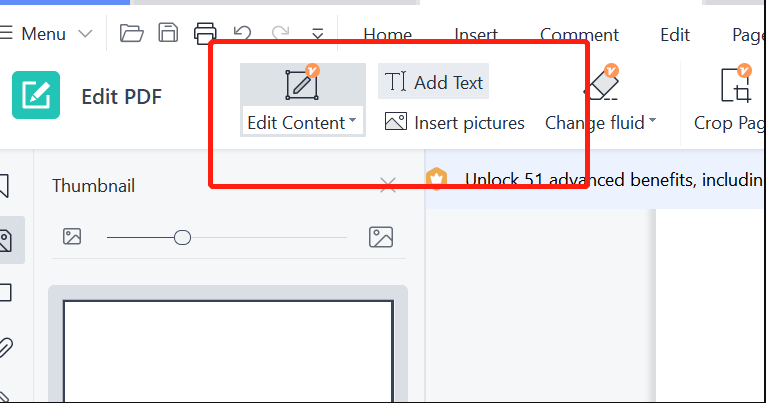
Edit the Template: Use WPS PDF’s text and image editing tools to make necessary changes.
-
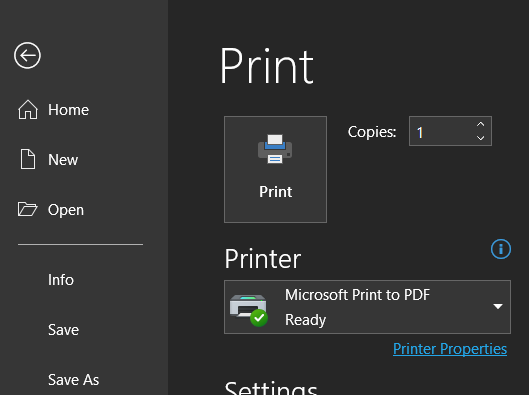
Print or Save the Document: Once you’ve customized the template, you can print it or save it as a PDF for future use.
For more detailed instructions, visit the WPS Blog on PDF Editing.
Part 4: Free Office Suite: Design Personalized Notices with Ease
WPS Office is a comprehensive free office suite that allows you to edit PDF files and create professional-looking documents from scratch.
Features of WPS Office:
Free download and use: WPS Office offers a free toolkit for creating, editing, and managing documents.
Rich Template Store: Access a wide range of free templates, including notice templates, which you can customize to suit your needs.
Advanced Editing Functions: With WPS Office, you can easily format, edit, and beautify your notices.
AI-Powered Writing Assistance: WPS Office includes AI-powered writing features to help you create well-structured documents.
Secure and Shareable Editing: Ensure your document is safe, and collaborate by sharing it online.
Explore more features at WPS Office and learn why it's one of the top alternatives to Microsoft Office.
FAQs
1. What should be included in a notice?
A notice should include the date, purpose of the notice, the
necessary actions or instructions, and any relevant details like
location, time, and individuals involved.
2. How should a notice be distributed?
Depending on the audience and urgency, notices can be
distributed via email, posted on bulletin boards, or included in
official documentation.
3. Are notices legally binding?
Specific notices, such as eviction or termination, may have
legal implications. Ensure that your notice complies with legal
requirements when necessary.
4. Can I customize notice templates?
Yes! Most notice templates are customizable. You can edit
text, add or remove information, and adjust the format to meet your
needs.
Summary
This article provided 10 practical notice templates for various purposes, all available for free download and customization. Whether you need to issue a resignation notice, a meeting notice, or a payment notice, these templates will save you time and ensure professionalism in your communication. Additionally, we introduced WPS Office, a powerful tool for editing and printing your notice templates in PDF format. With its range of free features, it’s the perfect solution for easily creating and personalizing your notices.

'%3e%3cpath%20d='M19.9911%204.11386V6.471H18.5894C18.0775%206.471%2017.7322%206.57814%2017.5536%206.79243C17.3751%207.00671%2017.2858%207.32814%2017.2858%207.75671V9.44421H19.9019L19.5536%2012.0871H17.2858V18.8639H14.5536V12.0871H12.2769V9.44421H14.5536V7.49779C14.5536%206.39064%2014.8632%205.53201%2015.4822%204.92189C16.1013%204.31177%2016.9257%204.00671%2017.9554%204.00671C18.8304%204.00671%2019.509%204.04243%2019.9911%204.11386Z'%20fill='%23333333'/%3e%3c/g%3e%3cdefs%3e%3cclipPath%20id='clip0_2938_8199'%3e%3crect%20width='16'%20height='16'%20fill='white'%20transform='translate(8%204.00671)'/%3e%3c/clipPath%3e%3c/defs%3e%3c/svg%3e)
'%3e%3cpath%20d='M17.5237%2010.7813L23.4811%204H22.0699L16.8949%209.88693L12.7648%204H8L14.2469%2012.9029L8%2020.0133H9.4112L14.8725%2013.7952L19.2352%2020.0133H24M9.92053%205.04213H12.0885L22.0688%2019.0224H19.9003'%20fill='%23333333'/%3e%3c/g%3e%3cdefs%3e%3cclipPath%20id='clip0_2938_8200'%3e%3crect%20width='16'%20height='16.0134'%20fill='white'%20transform='translate(8%204)'/%3e%3c/clipPath%3e%3c/defs%3e%3c/svg%3e)


