

'%3e%3cpath%20d='M8%200C12.4183%200%2016%203.58172%2016%208C16%2012.4183%2012.4183%2016%208%2016C3.58172%2016%200%2012.4183%200%208C0%203.58172%203.58172%200%208%200ZM11.6162%204.38379C11.2257%203.99337%2010.5927%203.99338%2010.2021%204.38379L8%206.58594L5.79785%204.38379C5.40732%203.99334%204.77429%203.99329%204.38379%204.38379C3.99331%204.77429%203.99335%205.40733%204.38379%205.79785L6.58594%208L4.38379%2010.2021C3.99348%2010.5927%203.99341%2011.2257%204.38379%2011.6162C4.77426%2012.0066%205.40734%2012.0065%205.79785%2011.6162L8%209.41406L10.2021%2011.6162C10.5927%2012.0066%2011.2257%2012.0067%2011.6162%2011.6162C12.0067%2011.2257%2012.0066%2010.5927%2011.6162%2010.2021L9.41406%208L11.6162%205.79785C12.0066%205.40735%2012.0066%204.77429%2011.6162%204.38379Z'%20fill='%23080E17'%20fill-opacity='0.46'/%3e%3c/g%3e%3cdefs%3e%3cclipPath%20id='clip0_3761_713'%3e%3crect%20width='16'%20height='16'%20fill='white'/%3e%3c/clipPath%3e%3c/defs%3e%3c/svg%3e)




'%3e%3cpath%20fill-rule='evenodd'%20clip-rule='evenodd'%20d='M21.4999%2010.9993C21.4999%205.20009%2016.7986%200.498901%2010.9993%200.498901C5.19994%200.498901%200.498657%205.20009%200.498657%2010.9993C0.498657%2016.2404%204.33858%2020.5844%209.35855%2021.3722V14.0346H6.69238V10.9993H9.35855V8.68594C9.35855%206.05427%2010.9262%204.60062%2013.3248%204.60062C14.4736%204.60062%2015.6753%204.80571%2015.6753%204.80571V7.38979H14.3512C13.0468%207.38979%2012.64%208.19921%2012.64%209.0296V10.9993H15.5523L15.0867%2014.0346H12.64V21.3722C17.66%2020.5844%2021.4999%2016.2404%2021.4999%2010.9993Z'%20fill='%231568EA'/%3e%3c/g%3e%3c/svg%3e)


'%3e%3cpath%20d='M2.42045%2022.1876H6.31818V12.7217L0.75%208.54553V20.5171C0.75%2021.4414%201.49892%2022.1876%202.42045%2022.1876Z'%20fill='%234285F4'/%3e%3cpath%20d='M19.682%2022.1876H23.5797C24.5041%2022.1876%2025.2502%2021.4387%2025.2502%2020.5171V8.54553L19.682%2012.7217'%20fill='%2334A853'/%3e%3cpath%20d='M19.682%205.48293V12.7216L25.2502%208.54543V6.31816C25.2502%204.25236%2022.8921%203.07469%2021.2411%204.31361'%20fill='%23FBBC04'/%3e%3cpath%20d='M6.31824%2012.7217V5.48303L13.0001%2010.4944L19.6819%205.48303V12.7217L13.0001%2017.733'%20fill='%23EA4335'/%3e%3cpath%20d='M0.75%206.31816V8.54543L6.31818%2012.7216V5.48293L4.75909%204.31361C3.10534%203.07469%200.75%204.25236%200.75%206.31816Z'%20fill='%23C5221F'/%3e%3c/g%3e%3cdefs%3e%3cclipPath%20id='clip0_2954_7305'%3e%3crect%20width='24.5'%20height='18.375'%20fill='white'%20transform='translate(0.75%203.8125)'/%3e%3c/clipPath%3e%3c/defs%3e%3c/svg%3e)


Graph paper is a printed sheet of evenly spaced lines used for maths, technical drawing, and notes, and the four types that cover almost every job are square, dot, isometric, and polar grids. If you need a sheet in the next five minutes, print the square 5 mm grid at 100% scale, or build your own in WPS Spreadsheet and export it as a PDF you can reuse.
Graph Paper: Types, Sizes, and How to Make Your Own
The four graph paper types worth keeping
Paper shops sell dozens of pads, but the grids fall into four families. Each one solves a different problem, and choosing the wrong one is usually why a sketch looks wrong rather than why the pen is wrong.
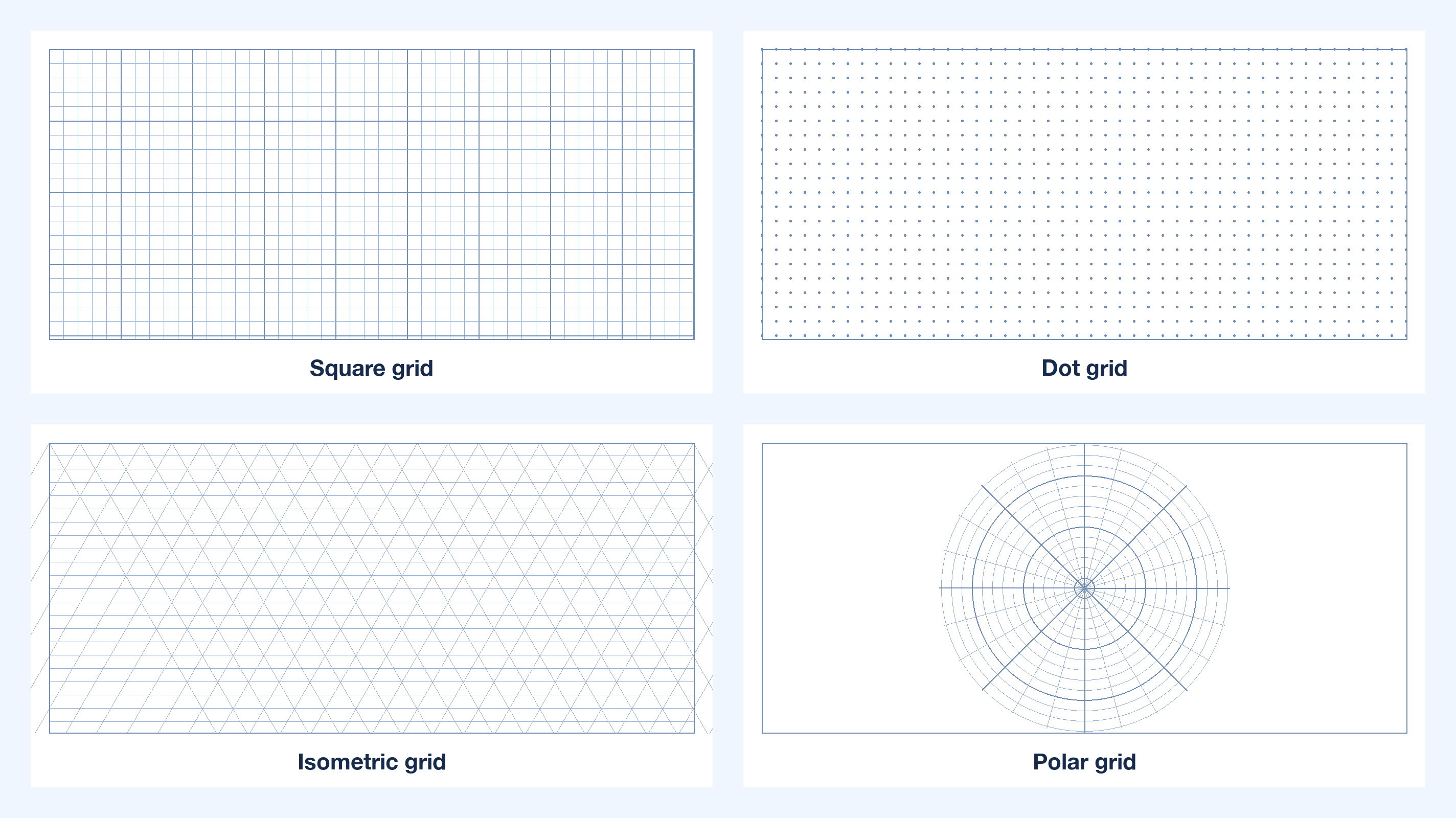
Square grid (quad ruled). Even squares for plotting functions, scale drawings, bar charts, and pixel art. Metric pads use 5 mm squares; US pads use four squares per inch.
Dot grid. Light dots at the same spacing without lines across the page. It keeps writing aligned while letting you draw boxes, bullets, and layouts freely, which is why bullet journals use it.
Isometric grid. A triangular lattice with 30-degree axes that turns flat paper into a 3D drawing surface, used for technical sketches, product concepts, and level design.
Polar grid. Concentric circles with radial spokes for anything that rotates: radar charts, antenna patterns, navigation plots, and circular motion in physics.
Keep one pad of square and one of dot grid on the desk; add an isometric pad only when you draw objects rather than charts.
Graph paper types square dot isometric polar


Which graph paper grid size to choose
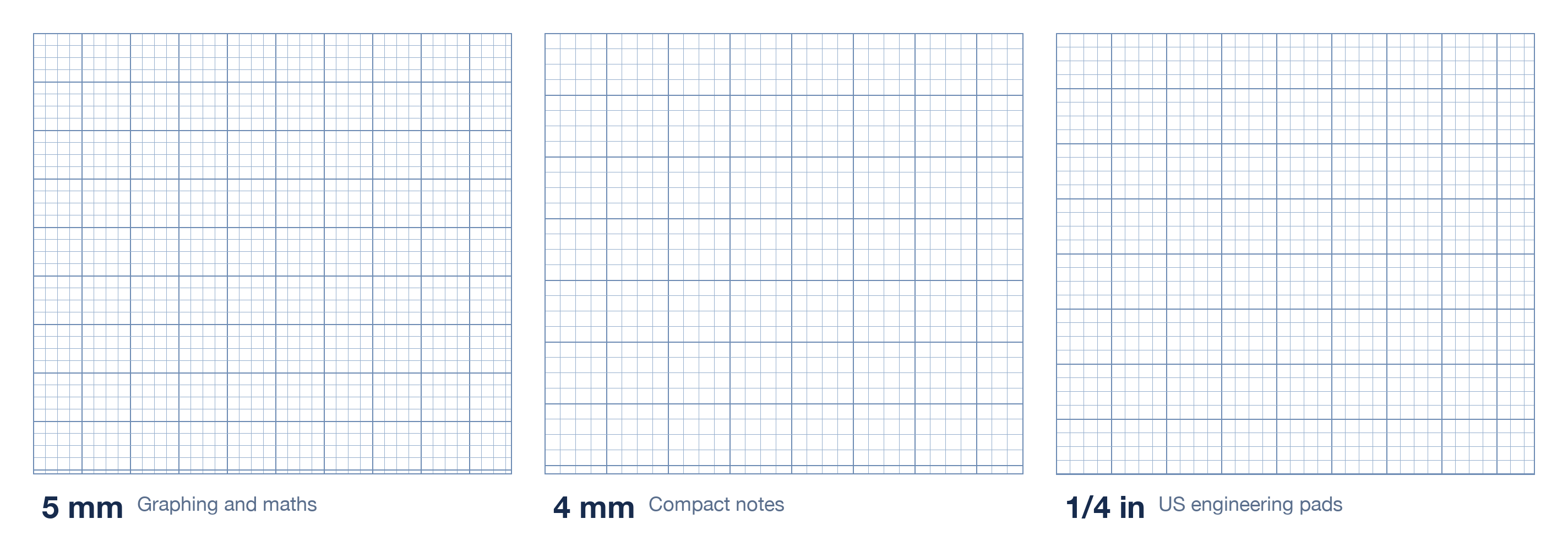
Grid size decides how much detail fits on a page and how easily you can measure. The three common spacings cover almost every use:
| Grid | Best for | Watch out for |
| 5 mm (metric) | Maths, science, scale drawings | Too coarse for fine lettering |
| 4 mm | Compact notes, engineering sketches | Harder to count at a glance |
| 1/4 inch (US) | Engineering pads, imperial drawings | Mixes badly with metric rulers |
| 1/5 inch (US) | Detailed drafting, five divisions per inch | Small squares tire the eye in long sessions |
A quick rule: if you plan to measure the drawing with a ruler, choose a grid that divides cleanly into your ruler's units. Mixing a 4 mm pad with an inch ruler guarantees conversion mistakes, and those mistakes survive into the final drawing.
Graph paper grid sizes compared
Print graph paper at the correct scale
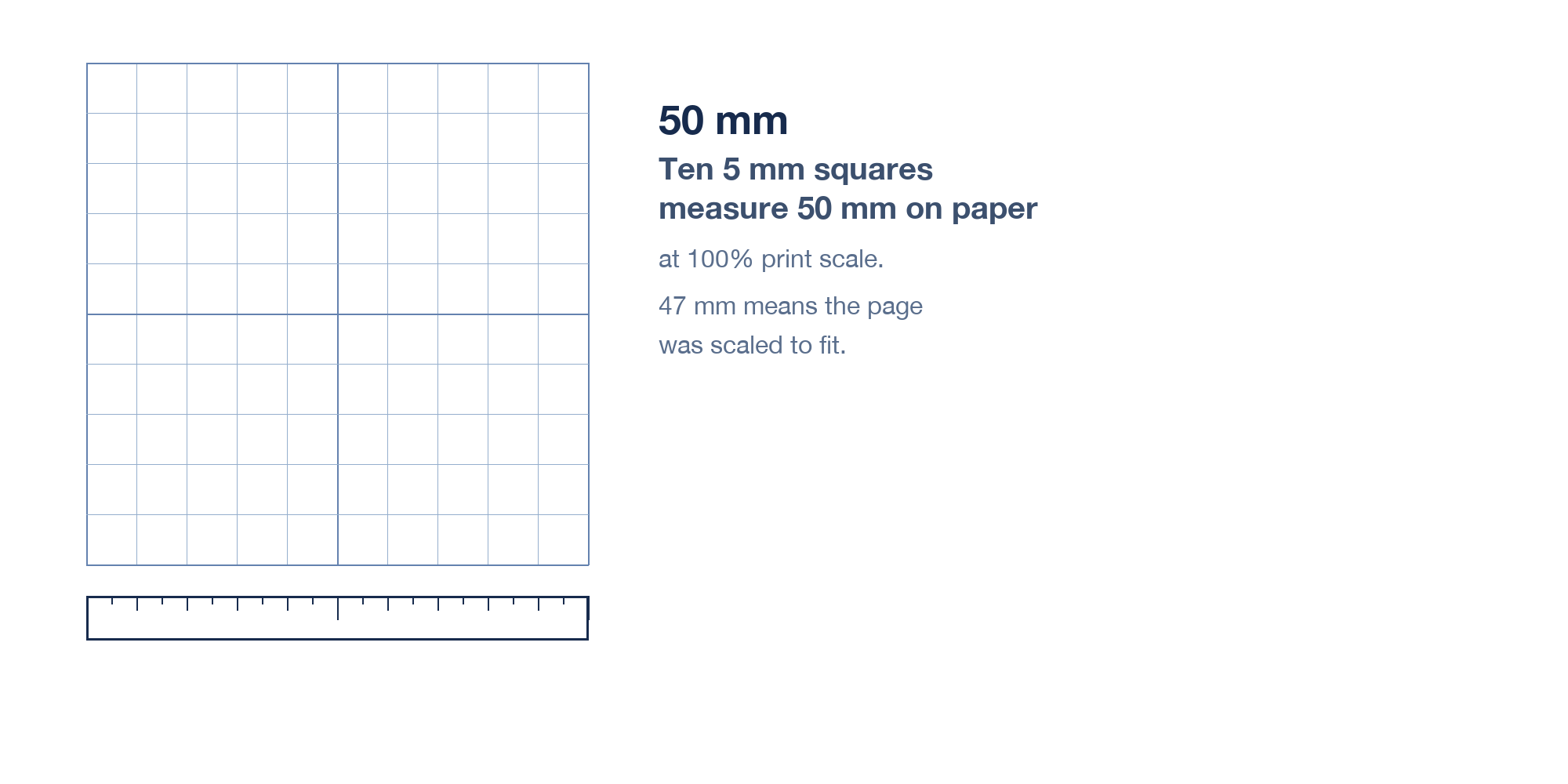
A graph paper PDF only works if the printer keeps its scale. Most print dialogs default to Fit to page, which quietly shrinks a 5 mm grid to 4.7 mm and ruins every measurement on the sheet:
Set the paper size to match the file: A4 for metric templates, Letter for US pads.
Change the scale to 100% or Actual size, never Fit to page or Shrink to fit.
Turn off headers and footers so the page margins stay symmetric.
Print one test sheet, then measure ten squares with a ruler: ten 5 mm squares must read 50 mm.
Print in black and white at normal quality; draft mode makes light grid lines disappear.
If the test sheet measures short, the printer is scaling to its own margins. Set the margins to the minimum the printer allows, or print to PDF first and send that file to a print shop, which preserves the geometry exactly.
Ten 5 mm graph paper squares measured
Make custom graph paper in WPS Spreadsheet
Custom paper is useful when you need a specific cell count for a page, a coloured grid, or a template with a title block. A spreadsheet is the fastest way to build one, because cells are already a grid:
Make the cells square. Select all cells, open Format > Column > Width and Row Height, and give both the same physical size, for example 0.5 cm for a 5 mm grid.
Add the lines. With the range selected, choose Borders > All Borders and set a thin light-grey line so the grid does not dominate your writing.
Set the page. In Page Layout, choose A4 or Letter, narrow margins, landscape if you need a wide sheet, and scale 100%.
Export as PDF. Use File > Export as PDF and keep the file as a reusable master; print copies from it instead of rebuilding each time.
Vary the style. Bolder every fifth line, a heavier outer border, or a coloured header row turns the same grid into a lab sheet or a planner page.
The same trick works in Writer when you need a title, instructions, and the grid on one page: insert a table, set a fixed row height, and apply light borders instead of hand-drawing lines.
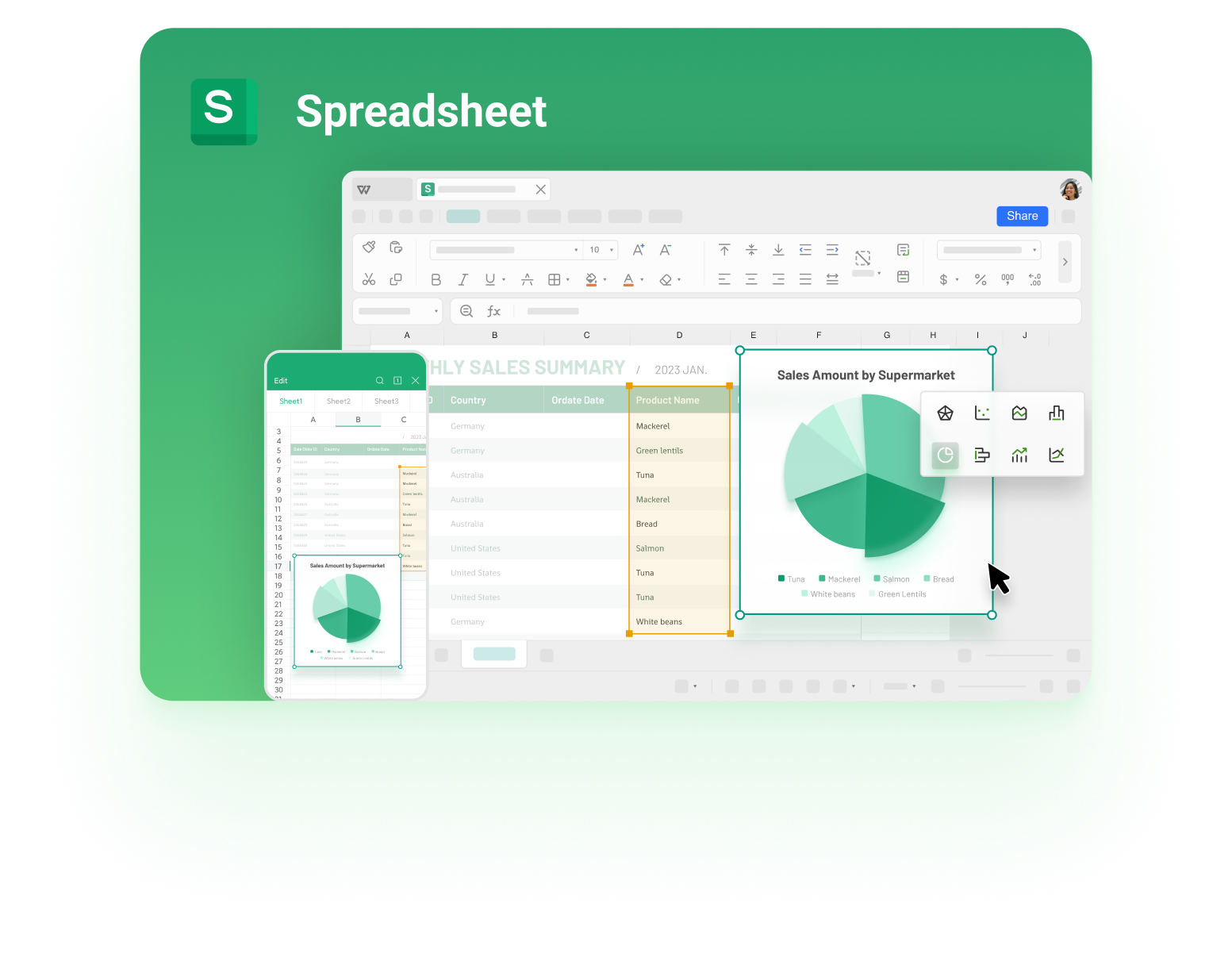
WPS Spreadsheet cells used for grid paper
Where graph paper is heading in 2026
Paper grids did not disappear when tablets arrived; they moved. Note apps with an infinite canvas let a dot grid scroll past the page edge, printers ship templates you can download instead of buying pads, and designers now sketch isometric wireframes before rebuilding them in a 3D tool. The sheet stayed the same, the delivery changed.
Printable template packs replace the pad you run out of at 11 pm before an exam.
Dot grids win for planning and wireframes because they guide alignment without boxing the layout.
Isometric grids appear in game design and product sketching, where a flat square grid cannot show depth.
AI diagram tools turn a photograph of a gridded sketch into editable shapes, so the paper version becomes the first draft rather than the final artefact.
That makes a reusable PDF template more valuable than a stack of pads: it prints identically every time, it can be scaled to A3 for a studio wall, and it opens on the machine you already carry.
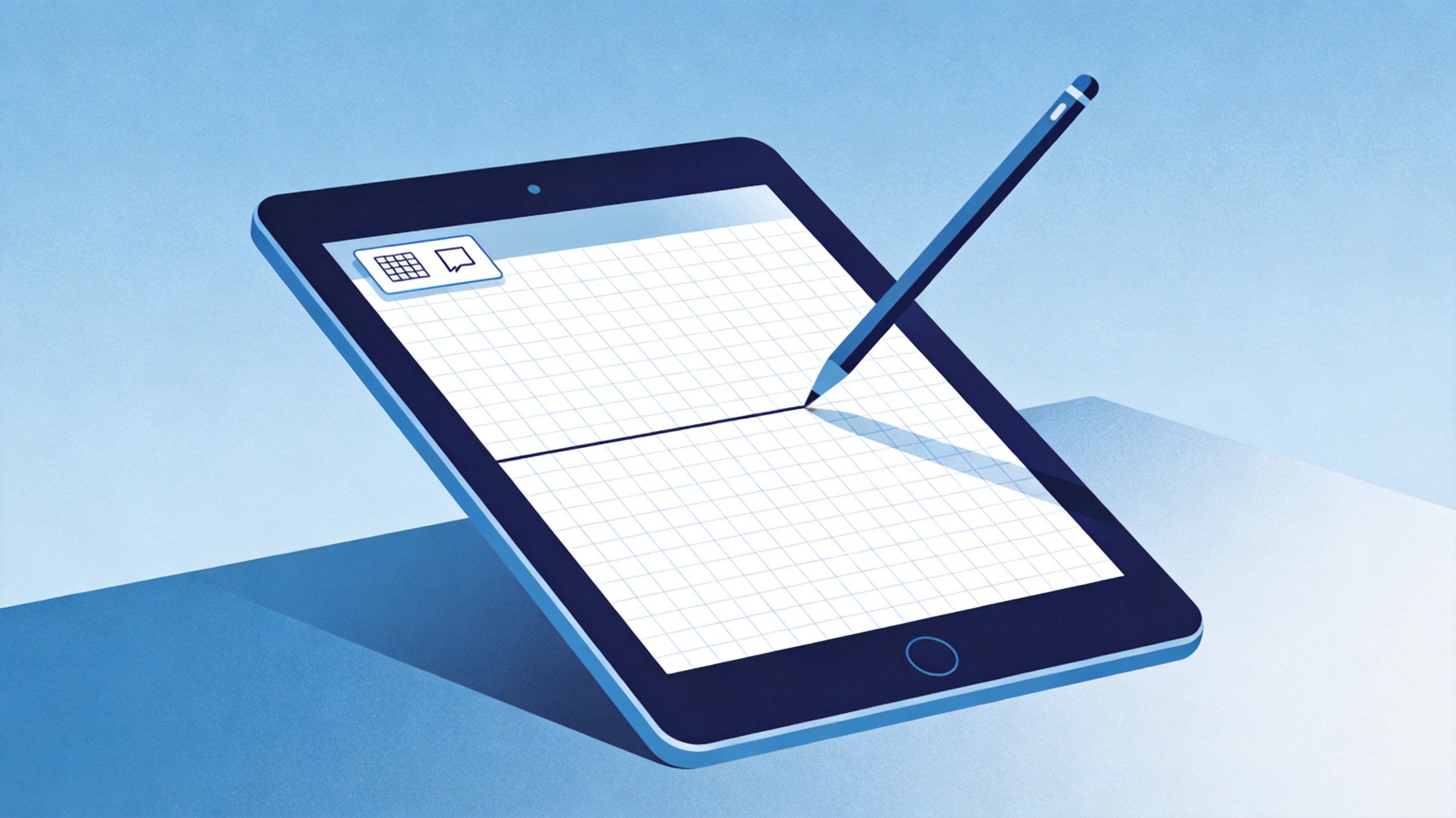
Digital graph paper templates on a tablet
The Best Free Place to Build Graph Paper Templates: WPS Office
WPS Spreadsheet gives you the grid, the page setup, and the PDF export in one free app, which is exactly the set of tools a graph paper template needs. Set the cell size, apply light borders, lock the page to A4 or Letter, and export a master file. Writer handles the versions that need a title block or instructions, and WPS PDF takes over when you need to merge several sheets into one pad, add page numbers, or compress the file before sharing it with a class.
Because it runs on Windows, macOS, Android, and iOS, a template built once prints the same from any of them, and the file opens in Microsoft formats without a conversion step.
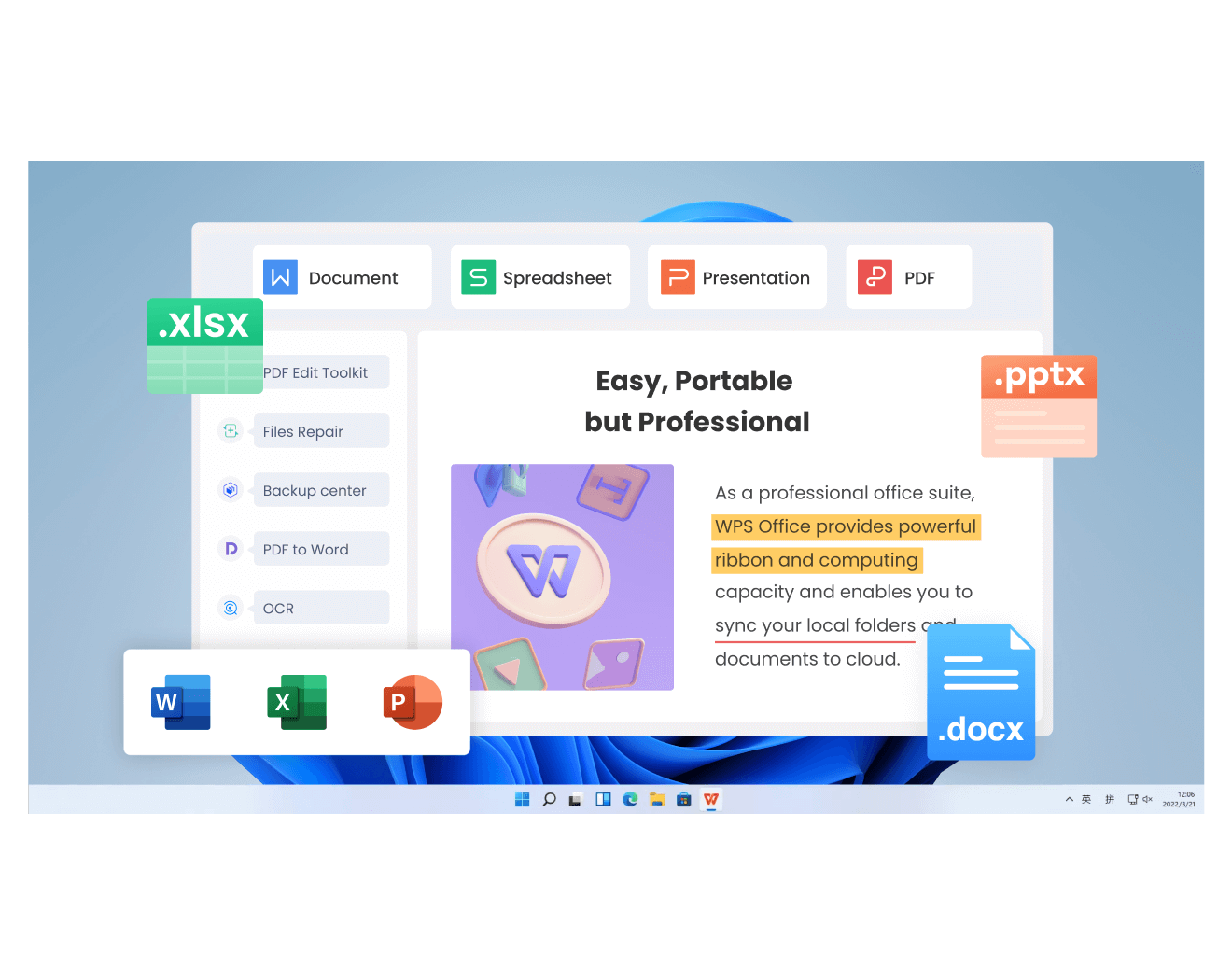
WPS Office suite for printable templates
FAQs
What is graph paper used for?
Plotting functions, scale drawings, engineering sketches, science labs, planning pages, and any task where alignment and measurement matter. The grid replaces the need for a ruler in most of them.
What is the difference between graph paper and dot grid paper?
Graph paper prints continuous lines in both directions, while dot grid paper prints only small dots at each intersection. Dots keep handwriting aligned but leave the page open for boxes and layouts.
How many squares are on a sheet of graph paper?
It depends on the grid and the paper size. A4 with 5 mm squares holds 40 squares across by 57 down; a Letter sheet with four squares per inch holds roughly 34 by 44.
Why does my printed graph paper look smaller than expected?
The print dialog scaled the page to fit, usually because Fit to page was selected. Set the scale to 100% or Actual size and print again.
Can I make graph paper in Word or Excel?
Yes. Set a table's fixed cell size in Word, or make cells square with matching column width and row height in a spreadsheet, then add light borders and export to PDF.


'%3e%3cpath%20d='M19.9911%204.11386V6.471H18.5894C18.0775%206.471%2017.7322%206.57814%2017.5536%206.79243C17.3751%207.00671%2017.2858%207.32814%2017.2858%207.75671V9.44421H19.9019L19.5536%2012.0871H17.2858V18.8639H14.5536V12.0871H12.2769V9.44421H14.5536V7.49779C14.5536%206.39064%2014.8632%205.53201%2015.4822%204.92189C16.1013%204.31177%2016.9257%204.00671%2017.9554%204.00671C18.8304%204.00671%2019.509%204.04243%2019.9911%204.11386Z'%20fill='%23333333'/%3e%3c/g%3e%3cdefs%3e%3cclipPath%20id='clip0_2938_8199'%3e%3crect%20width='16'%20height='16'%20fill='white'%20transform='translate(8%204.00671)'/%3e%3c/clipPath%3e%3c/defs%3e%3c/svg%3e)
'%3e%3cpath%20d='M17.5237%2010.7813L23.4811%204H22.0699L16.8949%209.88693L12.7648%204H8L14.2469%2012.9029L8%2020.0133H9.4112L14.8725%2013.7952L19.2352%2020.0133H24M9.92053%205.04213H12.0885L22.0688%2019.0224H19.9003'%20fill='%23333333'/%3e%3c/g%3e%3cdefs%3e%3cclipPath%20id='clip0_2938_8200'%3e%3crect%20width='16'%20height='16.0134'%20fill='white'%20transform='translate(8%204)'/%3e%3c/clipPath%3e%3c/defs%3e%3c/svg%3e)


