

'%3e%3cpath%20d='M8%200C12.4183%200%2016%203.58172%2016%208C16%2012.4183%2012.4183%2016%208%2016C3.58172%2016%200%2012.4183%200%208C0%203.58172%203.58172%200%208%200ZM11.6162%204.38379C11.2257%203.99337%2010.5927%203.99338%2010.2021%204.38379L8%206.58594L5.79785%204.38379C5.40732%203.99334%204.77429%203.99329%204.38379%204.38379C3.99331%204.77429%203.99335%205.40733%204.38379%205.79785L6.58594%208L4.38379%2010.2021C3.99348%2010.5927%203.99341%2011.2257%204.38379%2011.6162C4.77426%2012.0066%205.40734%2012.0065%205.79785%2011.6162L8%209.41406L10.2021%2011.6162C10.5927%2012.0066%2011.2257%2012.0067%2011.6162%2011.6162C12.0067%2011.2257%2012.0066%2010.5927%2011.6162%2010.2021L9.41406%208L11.6162%205.79785C12.0066%205.40735%2012.0066%204.77429%2011.6162%204.38379Z'%20fill='%23080E17'%20fill-opacity='0.46'/%3e%3c/g%3e%3cdefs%3e%3cclipPath%20id='clip0_3761_713'%3e%3crect%20width='16'%20height='16'%20fill='white'/%3e%3c/clipPath%3e%3c/defs%3e%3c/svg%3e)




'%3e%3cpath%20fill-rule='evenodd'%20clip-rule='evenodd'%20d='M21.4999%2010.9993C21.4999%205.20009%2016.7986%200.498901%2010.9993%200.498901C5.19994%200.498901%200.498657%205.20009%200.498657%2010.9993C0.498657%2016.2404%204.33858%2020.5844%209.35855%2021.3722V14.0346H6.69238V10.9993H9.35855V8.68594C9.35855%206.05427%2010.9262%204.60062%2013.3248%204.60062C14.4736%204.60062%2015.6753%204.80571%2015.6753%204.80571V7.38979H14.3512C13.0468%207.38979%2012.64%208.19921%2012.64%209.0296V10.9993H15.5523L15.0867%2014.0346H12.64V21.3722C17.66%2020.5844%2021.4999%2016.2404%2021.4999%2010.9993Z'%20fill='%231568EA'/%3e%3c/g%3e%3c/svg%3e)


'%3e%3cpath%20d='M2.42045%2022.1876H6.31818V12.7217L0.75%208.54553V20.5171C0.75%2021.4414%201.49892%2022.1876%202.42045%2022.1876Z'%20fill='%234285F4'/%3e%3cpath%20d='M19.682%2022.1876H23.5797C24.5041%2022.1876%2025.2502%2021.4387%2025.2502%2020.5171V8.54553L19.682%2012.7217'%20fill='%2334A853'/%3e%3cpath%20d='M19.682%205.48293V12.7216L25.2502%208.54543V6.31816C25.2502%204.25236%2022.8921%203.07469%2021.2411%204.31361'%20fill='%23FBBC04'/%3e%3cpath%20d='M6.31824%2012.7217V5.48303L13.0001%2010.4944L19.6819%205.48303V12.7217L13.0001%2017.733'%20fill='%23EA4335'/%3e%3cpath%20d='M0.75%206.31816V8.54543L6.31818%2012.7216V5.48293L4.75909%204.31361C3.10534%203.07469%200.75%204.25236%200.75%206.31816Z'%20fill='%23C5221F'/%3e%3c/g%3e%3cdefs%3e%3cclipPath%20id='clip0_2954_7305'%3e%3crect%20width='24.5'%20height='18.375'%20fill='white'%20transform='translate(0.75%203.8125)'/%3e%3c/clipPath%3e%3c/defs%3e%3c/svg%3e)


Teams start brainstorming sessions with real excitement. Ideas bounce around quick at first. But ten minutes later everything tangles up bad. Old points repeat over and over. Solid suggestions sink in the chatter. Readers search free brainstorming templates because they need tools that actually work. They want clear structure to catch every good thought and build plans that stick. Messy notes waste time and kill momentum. This guide hands over top templates plus simple ways to customize them right.


Part 1. How to Create a Brainstorming

What is a Brainstorming
Brainstorming pulls teams together around one clear challenge. Everyone throws out ideas fast with zero judgment up front. Quantity rules first round completely. Pick winners in the cleanup phase later. Nail down a sharp goal. Set strict time limits. Capture everything on boards or notes that stick.
Why is Brainstorming Important
Single thinkers miss angles groups spot every time. Teams build real ownership when voices mix in early. Sessions crack open stale patterns too. Free brainstorming templates make wild energy turn into solid steps forward.
Part 2. Top 10 Free Brainstorming Templates
Finding templates that match your team's style changes everything. These ten free options cover high energy to tight structure. Download any and jump straight into better sessions.
1. Maximalist Brainstorm Slides
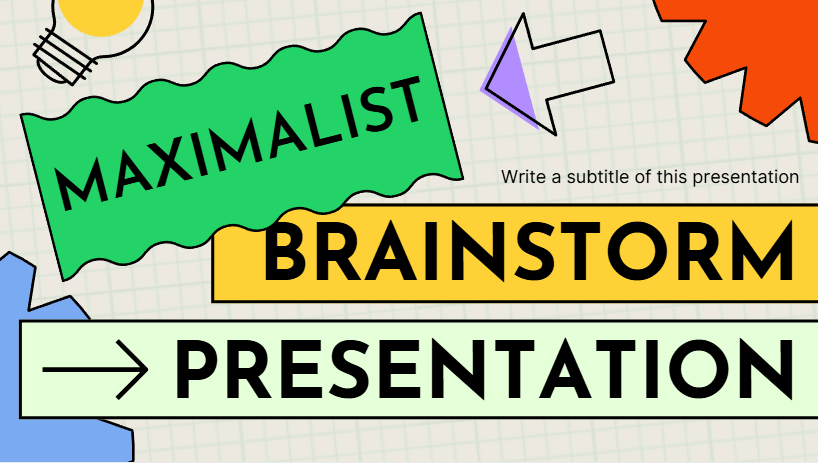
This template hits with bright colors and huge open spaces built for big wild ideas. Teams feel the energy right away and start dumping thoughts without holding back. Vote spots and action boxes keep flow moving from brainstorm to do list smooth. Creative groups grab this one when they need visual fire to spark real breakthroughs fast. Download stays pro quality no tweaks needed at start.
2. Simple Geometric Brainstorm Slides
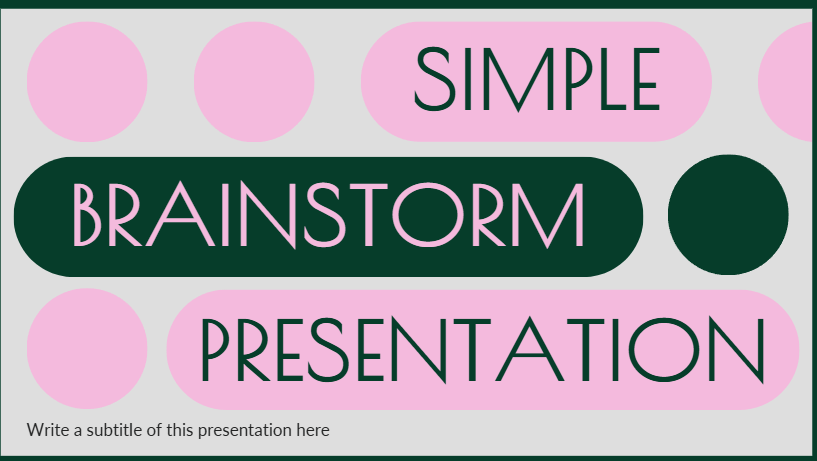
Clean sharp shapes pull focus straight to the raw ideas here. Zero distractions let corporate teams drill down without fluff pulling them off track. Every box claims equal turf so no thought gets buried under flash. Scan full results in seconds after wrap up. Pros pick this when clarity beats showy every time.
3. Geometric Brainstorm Slides

Smart shapes bucket chaos into clear categories on first pass. Multi angle problems sort natural without extra talk time wasted. Layered visuals rank heat levels obvious for quick cuts. Slides pitch clean to bosses later no rework grind. Strategy crews lean here when buckets matter most up front.
4. Brainstorming Mind Maps
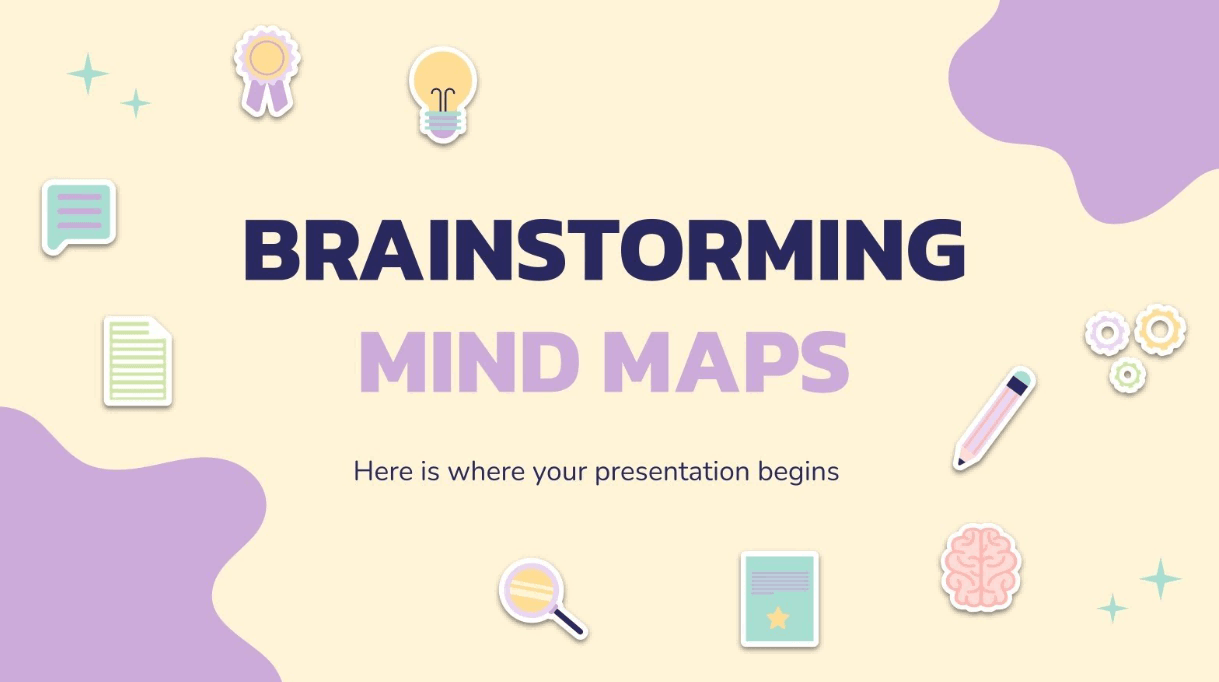
Center challenge blasts branches wide showing links nobody saw coming. Teams chase connections live as lines fill up natural. Deep strategy layers build without forced paths. Memory locks in when eyes trace the full web clear. Solo prep or group dives both thrive in this flow.
5. Minimal Organization Chart
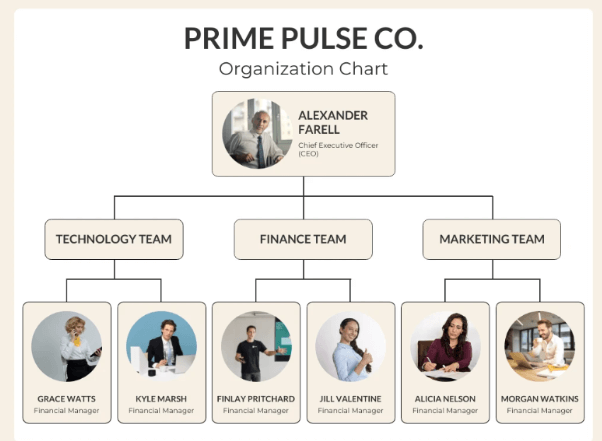
Ideas snap direct to names and roles before talks spin loose. Ownership locks down early no vague who does what fog. Thin clean lines dodge overload traps complete. Action plans stack while raw input still hot. Implementation shifts gear smooth from here every run.
6. Brainstorming Theme
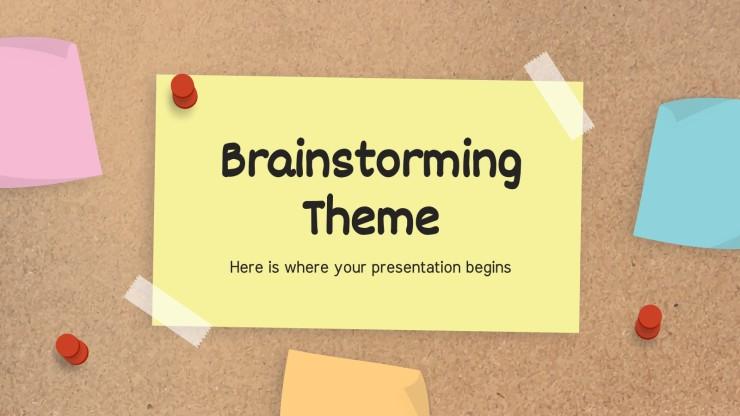
Flexible slides twist fit for tech or marketing needs equal smooth. Feedback zones blend choice spots in one full flow. Product leads swap decks on fly no tool jumps kill pace. Single file runs meeting start to signed off end tight. Versatility saves hours chasing formats later.
7. Brainstorming Techniques Infographics
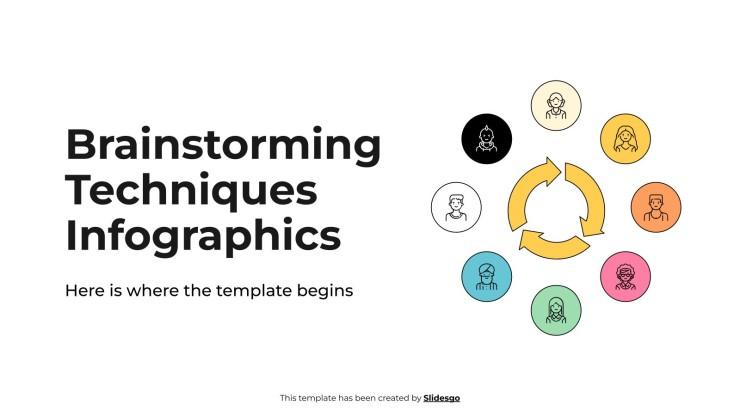
Visual guides drop SWOT next to rapid fire zones ready to fill. New teams learn methods hands on no dry reads first. Confidence ramps as pages stack with real input fast. Training fades quick when practice hits live. Built in smarts cut setup time hard.
8. Linear Style Brainstorming Infographics
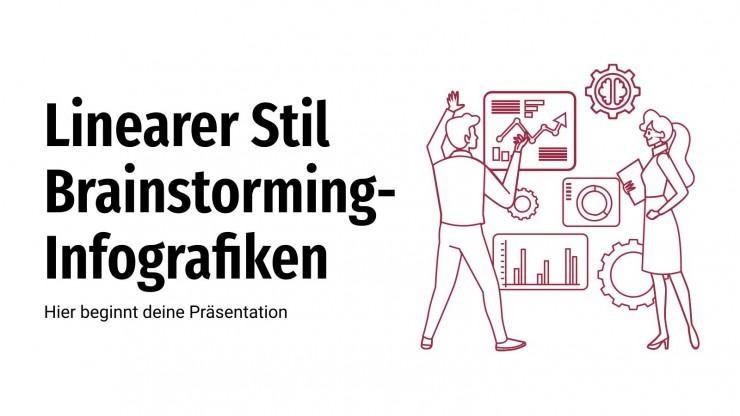
Problem lands top then clean steps march solution down page. Logic heads trace paths no side track confusion hits. Progress fills visual as talks push forward steady. Data teams track beats clear every phase locked. Straight line wins when curves waste breath.
9. Brainstorming Techniques Linear Infographics
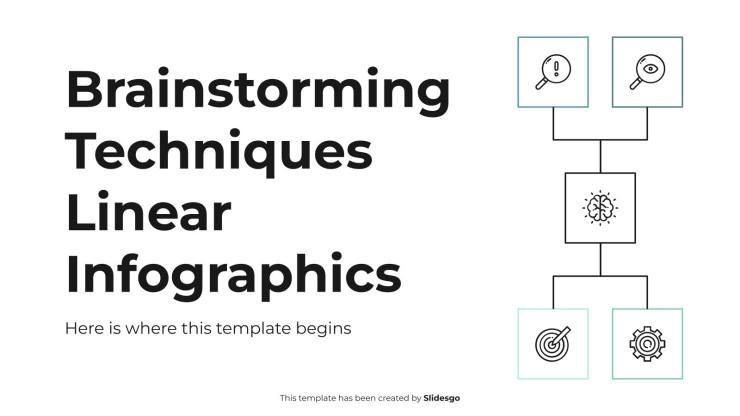
Methods line up side by side so pick best match clicks instant. Challenge shapes tool choice no guess work grind. Live head to head tests run smooth in session heat. Options stack wide kills narrow one trick traps dead. Range rules when flex calls shots.
10. Doodle Brainstorming Infographics

Sketches call pens and quick marks from visual first thinkers. Designers dump roughs while words land loose free. Play vibe drops fear from weak starts complete. Energy holds high when fun drives the bus. Creative blocks shatter here every pull.
Our Top Pick
Mind Maps pull ahead in most runs because links jump out talk misses flat. Geometric backs strong for tight crews that hate loose ends. Test couple rounds then lock your go to. WPS template pond runs deep with more free picks waiting.
Part 3: How to Edit and Print Brainstorming Templates in WPS Office
WPS Office grabs downloads and flips them custom fast no setup walls hit. Free full power skips paid suite traps clean. Remote or desk teams sync live changes beat old share pains dead.
Step 1: Download a Brainstorming Template in WPS Presentation
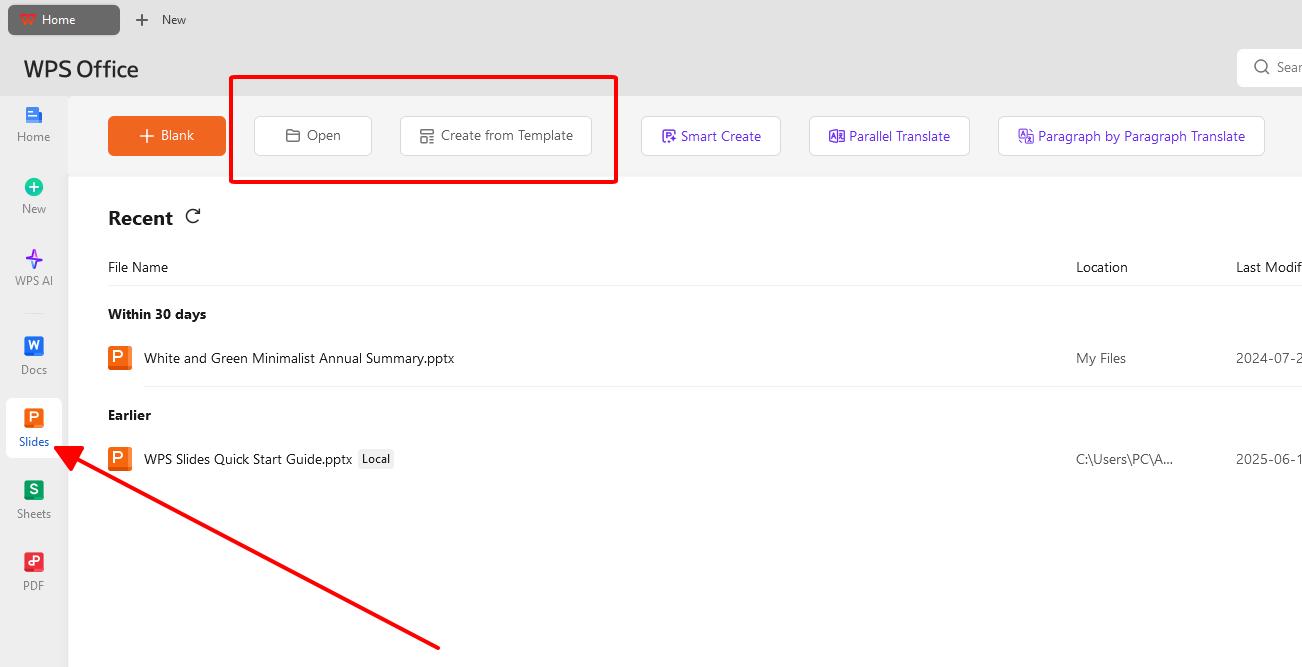
Open WPS Presentation clean. Templates tab sits home screen front. Search brainstorming pulls full list instant. Scroll pick style that clicks. Hit Download. Deck drops open edit ready no wait.
Step 2: Customize Your Template
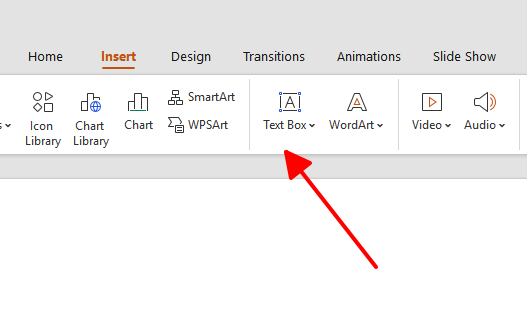
Click text box words swap live smooth. Title shifts match session fight sharp. Section heads tweak process flow tight. Grab shapes toolbar flips colors brand match quick. Drag drop builds no skill walls block.
Step 3: Save Your Template as PDF
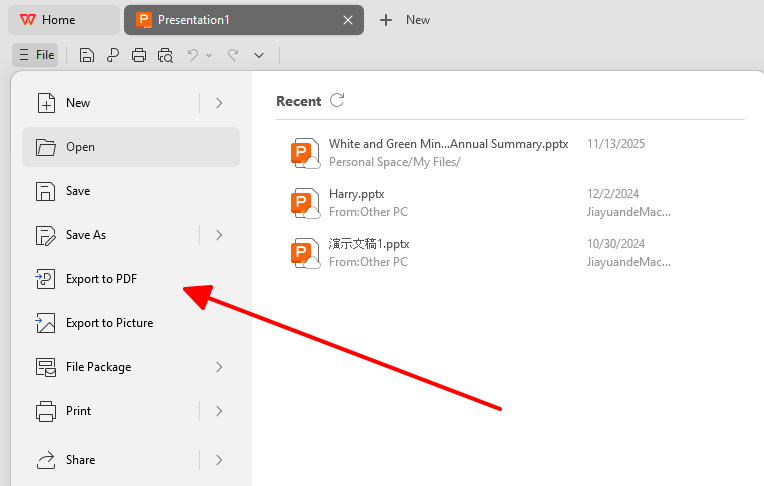
Edits done grab locked copy for print or offline share solid. File menu calls Export to PDF path clear. Quality slider cranks sharp output pro. Save names date goal combo smart. PDF lands ready roll anywhere.
Step 4: Generate an Online Link for Real-Time Collaboration
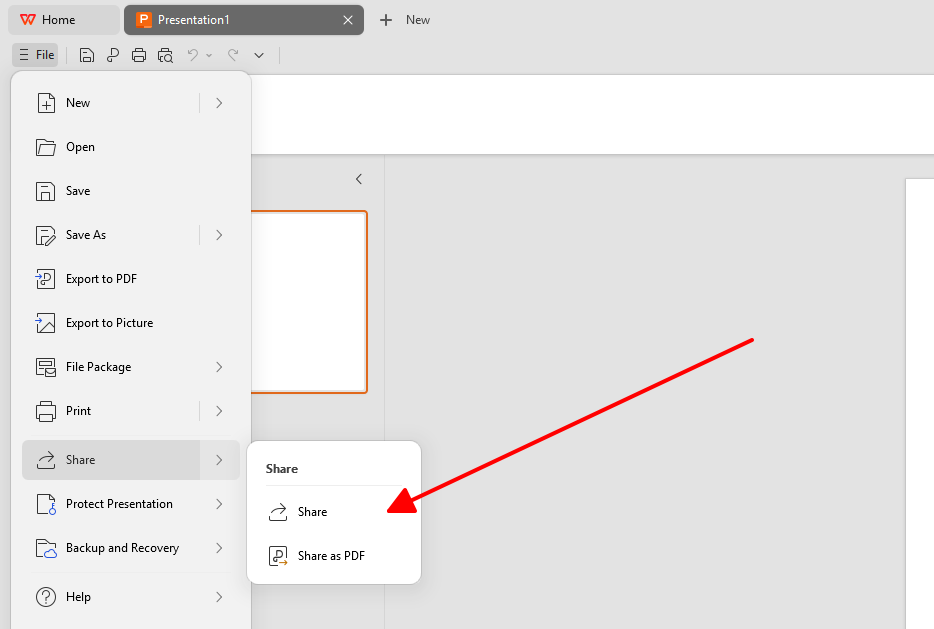
Remote crews shine here with live link magic core. Share toolbar top right screams launch. Generate Link sets view or edit rights fast. Create spits copy paste gold. Team hits from phones desks sync beat for beat real time.
Part 4: Free Office Suite with Editable Templates
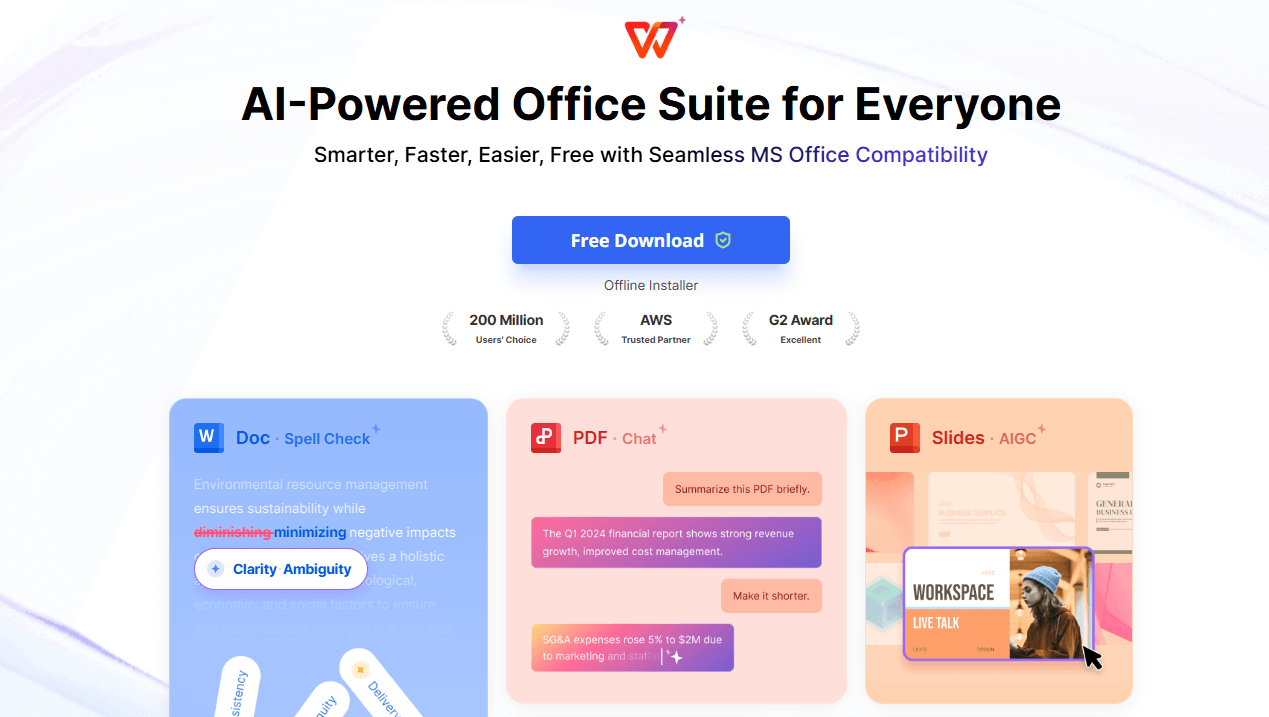
WPS Office packs full suite power free no catch hidden deep. Word Excel PPT PDF run smooth light on any rig old or new. Millions swap paid traps for this zero cost beast daily. Cross device sync pulls work phone to screen no hiccups hit. Secure lock down keeps team gold safe industry tight. Lightweight speed crushes heavy suite lag every boot.
In my experience using WPS Office for brainstorming sessions across different teams, the real-time collaboration feature stands out most. Remote teams stay connected without lag while editing the same template live. The AI writing tool saved hours summarizing chaotic sessions into clear action items. Template library covers every style need from corporate clean to creative wild. Compared to other free suites, WPS handles large files smoother without crashes during peak edit times. Offline access kept planning rolling during travel blackouts too.
FAQs
1. What's the difference between brainstorming and mind mapping?
Brainstorming blasts group ideas rapid no cuts allowed early round. Everyone dumps full no hold back phase one. Mind mapping solos out one center theme visual branches slow. Teams crave equal space templates deliver best. Maps slot inside sessions fine but lead roles flip.
2. What are common mistakes to avoid during a brainstorming session?
Judging hits kill flow dead so stack ideas pure first pass. Goal skips scatter shots wild no target lock. One voice hogs mic buries quiet gold deep. Templates force fair boxes upfront fixes all three hard. Save cuts for cleanup when stack sits full.
3. How many people should be in a brainstorming session?
Five to ten hits sweet spot views mix rich no chaos rules. Under five starves angles thin solo vibes creep. Over ten manage hell breaks voices fade lost. Big crews split small template runs then merge winners clean.
4. How long should a brainstorming session last?
Thirty to sixty caps peak fire before drop off kills spark. Past hour drags quality south energy tanks hard. Timers push output under real pressure sweet. Distractions die when clock ticks loud clear.
5. Can brainstorming work for remote teams?
Online often beats desk when quiet types shine text strong. WPS links pull live edits no lag hell hits. Everyone dumps from spot changes sync instant magic. Shy voices rise equal no room talk traps block.

'%3e%3cpath%20d='M19.9911%204.11386V6.471H18.5894C18.0775%206.471%2017.7322%206.57814%2017.5536%206.79243C17.3751%207.00671%2017.2858%207.32814%2017.2858%207.75671V9.44421H19.9019L19.5536%2012.0871H17.2858V18.8639H14.5536V12.0871H12.2769V9.44421H14.5536V7.49779C14.5536%206.39064%2014.8632%205.53201%2015.4822%204.92189C16.1013%204.31177%2016.9257%204.00671%2017.9554%204.00671C18.8304%204.00671%2019.509%204.04243%2019.9911%204.11386Z'%20fill='%23333333'/%3e%3c/g%3e%3cdefs%3e%3cclipPath%20id='clip0_2938_8199'%3e%3crect%20width='16'%20height='16'%20fill='white'%20transform='translate(8%204.00671)'/%3e%3c/clipPath%3e%3c/defs%3e%3c/svg%3e)
'%3e%3cpath%20d='M17.5237%2010.7813L23.4811%204H22.0699L16.8949%209.88693L12.7648%204H8L14.2469%2012.9029L8%2020.0133H9.4112L14.8725%2013.7952L19.2352%2020.0133H24M9.92053%205.04213H12.0885L22.0688%2019.0224H19.9003'%20fill='%23333333'/%3e%3c/g%3e%3cdefs%3e%3cclipPath%20id='clip0_2938_8200'%3e%3crect%20width='16'%20height='16.0134'%20fill='white'%20transform='translate(8%204)'/%3e%3c/clipPath%3e%3c/defs%3e%3c/svg%3e)


