

'%3e%3cpath%20d='M8%200C12.4183%200%2016%203.58172%2016%208C16%2012.4183%2012.4183%2016%208%2016C3.58172%2016%200%2012.4183%200%208C0%203.58172%203.58172%200%208%200ZM11.6162%204.38379C11.2257%203.99337%2010.5927%203.99338%2010.2021%204.38379L8%206.58594L5.79785%204.38379C5.40732%203.99334%204.77429%203.99329%204.38379%204.38379C3.99331%204.77429%203.99335%205.40733%204.38379%205.79785L6.58594%208L4.38379%2010.2021C3.99348%2010.5927%203.99341%2011.2257%204.38379%2011.6162C4.77426%2012.0066%205.40734%2012.0065%205.79785%2011.6162L8%209.41406L10.2021%2011.6162C10.5927%2012.0066%2011.2257%2012.0067%2011.6162%2011.6162C12.0067%2011.2257%2012.0066%2010.5927%2011.6162%2010.2021L9.41406%208L11.6162%205.79785C12.0066%205.40735%2012.0066%204.77429%2011.6162%204.38379Z'%20fill='%23080E17'%20fill-opacity='0.46'/%3e%3c/g%3e%3cdefs%3e%3cclipPath%20id='clip0_3761_713'%3e%3crect%20width='16'%20height='16'%20fill='white'/%3e%3c/clipPath%3e%3c/defs%3e%3c/svg%3e)




'%3e%3cpath%20fill-rule='evenodd'%20clip-rule='evenodd'%20d='M21.4999%2010.9993C21.4999%205.20009%2016.7986%200.498901%2010.9993%200.498901C5.19994%200.498901%200.498657%205.20009%200.498657%2010.9993C0.498657%2016.2404%204.33858%2020.5844%209.35855%2021.3722V14.0346H6.69238V10.9993H9.35855V8.68594C9.35855%206.05427%2010.9262%204.60062%2013.3248%204.60062C14.4736%204.60062%2015.6753%204.80571%2015.6753%204.80571V7.38979H14.3512C13.0468%207.38979%2012.64%208.19921%2012.64%209.0296V10.9993H15.5523L15.0867%2014.0346H12.64V21.3722C17.66%2020.5844%2021.4999%2016.2404%2021.4999%2010.9993Z'%20fill='%231568EA'/%3e%3c/g%3e%3c/svg%3e)


'%3e%3cpath%20d='M2.42045%2022.1876H6.31818V12.7217L0.75%208.54553V20.5171C0.75%2021.4414%201.49892%2022.1876%202.42045%2022.1876Z'%20fill='%234285F4'/%3e%3cpath%20d='M19.682%2022.1876H23.5797C24.5041%2022.1876%2025.2502%2021.4387%2025.2502%2020.5171V8.54553L19.682%2012.7217'%20fill='%2334A853'/%3e%3cpath%20d='M19.682%205.48293V12.7216L25.2502%208.54543V6.31816C25.2502%204.25236%2022.8921%203.07469%2021.2411%204.31361'%20fill='%23FBBC04'/%3e%3cpath%20d='M6.31824%2012.7217V5.48303L13.0001%2010.4944L19.6819%205.48303V12.7217L13.0001%2017.733'%20fill='%23EA4335'/%3e%3cpath%20d='M0.75%206.31816V8.54543L6.31818%2012.7216V5.48293L4.75909%204.31361C3.10534%203.07469%200.75%204.25236%200.75%206.31816Z'%20fill='%23C5221F'/%3e%3c/g%3e%3cdefs%3e%3cclipPath%20id='clip0_2954_7305'%3e%3crect%20width='24.5'%20height='18.375'%20fill='white'%20transform='translate(0.75%203.8125)'/%3e%3c/clipPath%3e%3c/defs%3e%3c/svg%3e)


LibreOffice 26.8, released on August 26, 2026 by The Document Foundation, brings professional typography, deeper writing system support, and a firm stance against generative AI. While this free and open-source office suite continues to improve, many users wonder how it compares to modern alternatives like WPS Office in daily workflow, compatibility, and convenience. This review covers what is new in LibreOffice 26.8, where it shines, where it falls short, and why WPS Office remains the best free alternative for most users.
LibreOffice 26.8 Review
What Is New in LibreOffice 26.8
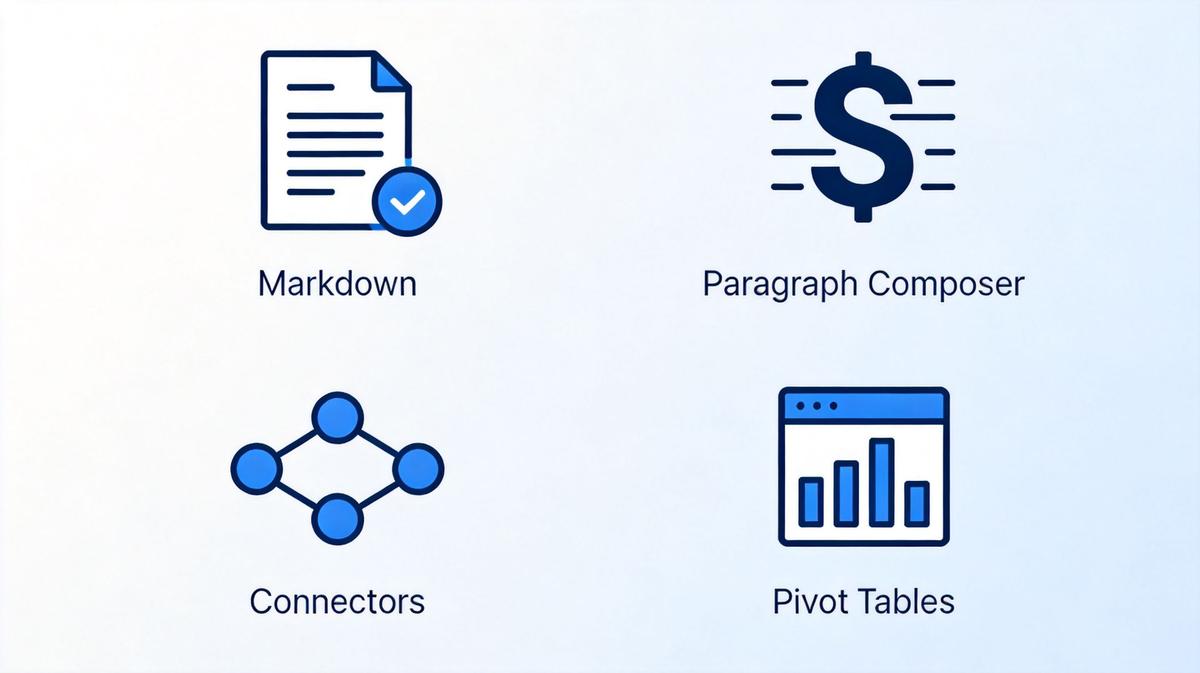
LibreOffice 26.8 introduces several meaningful upgrades across its suite. The most notable addition is the Paragraph Composer, a new text layout algorithm that balances word spacing across an entire paragraph rather than line by line. This produces more even typography, especially in justified text, bringing LibreOffice Writer closer to professional publishing quality.
Other key new features include:
Markdown support — Import and export documents in Markdown format, a popular lightweight markup language for writers and developers.
Connectors in Writer and Calc — Connect objects with lines and arrows directly in Writer and Calc, a feature previously limited to Impress and Draw.
OpenType font variations — Native support for variable fonts, giving users more typographic control.
Calculated Fields in Calc pivot tables — Create custom calculations within pivot tables for more powerful data analysis.
Multiple page sizes — Use different page sizes within a single Impress or Draw document.
Presentation sections — Organize slides into collapsible sections in Impress for better navigation.
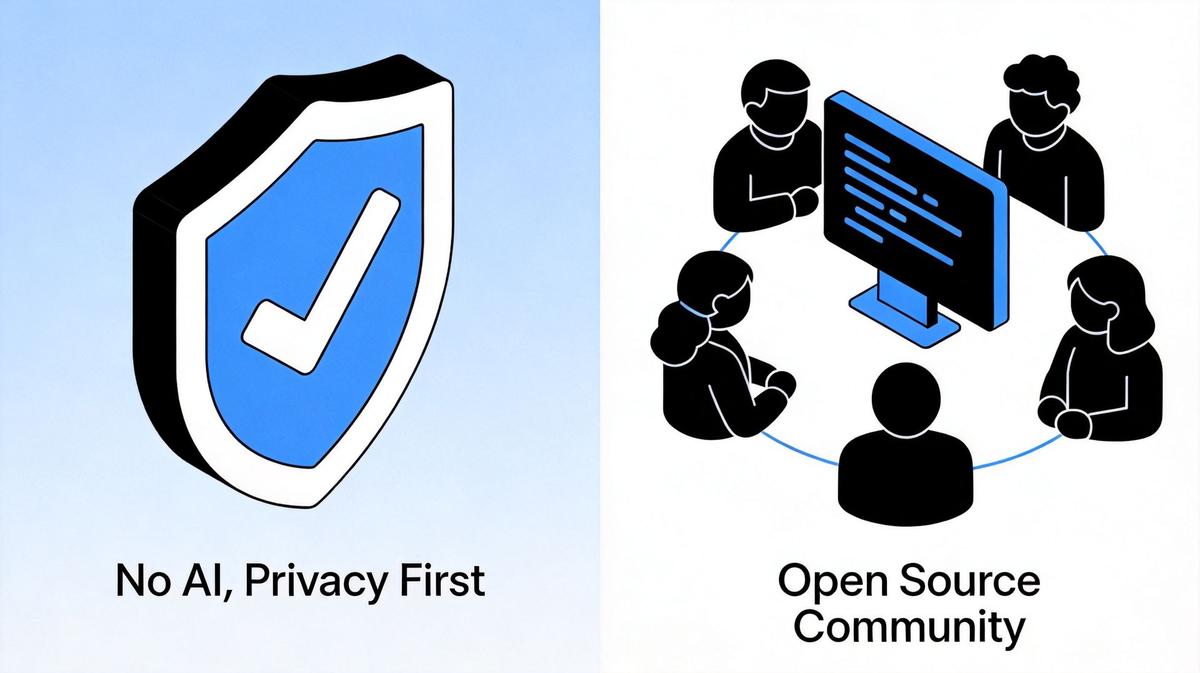
No generative AI — LibreOffice 26.8 contains no AI features. Documents are never transmitted to remote servers, a deliberate privacy-first design choice.
LibreOffice 26.8 new features Markdown Paragraph Composer and Connectors
Where LibreOffice 26.8 Excels
LibreOffice has always been a strong choice for users who prioritize privacy, freedom, and platform independence. LibreOffice 26.8 continues this tradition with several clear advantages:
Free and open source — No subscriptions, no paywalls. Every feature, including PDF export, is completely free forever.
Privacy-first design — No telemetry, no cloud sync, and absolutely no AI processing your documents remotely. Your files stay on your machine.
Cross-platform availability — Runs natively on Windows, macOS, and Linux. It is one of the few full-featured office suites available on Linux.
120 languages — Localized in over 100 languages, making it accessible worldwide.
Lightweight — The installer is under 300 MB and runs well on older hardware.
LibreOffice privacy open source and no AI advantages
Where LibreOffice 26.8 Falls Short
Despite its strengths, LibreOffice 26.8 has several limitations that affect everyday productivity:
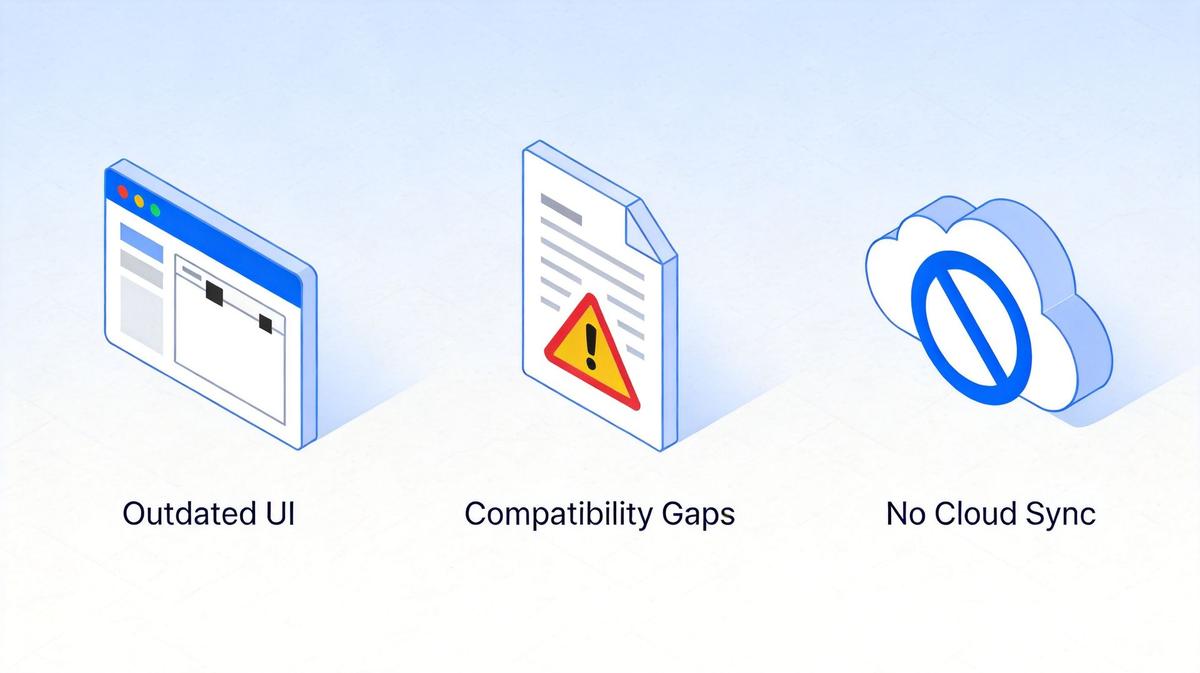
Outdated user interface — The traditional toolbar-and-menu layout feels dated compared to modern ribbon-style interfaces. There is no dynamic toolbar that adapts to your selection.
Microsoft Office compatibility gaps — While improved, OOXML rendering still shows differences from Microsoft Word, especially for complex layouts, charts, and Chinese or right-to-left text.
No cloud collaboration — LibreOffice has no built-in cloud storage, real-time co-authoring, or mobile sync. You must rely on third-party services for file sharing.
No PDF editing — Unlike WPS Office, LibreOffice cannot directly edit PDF files. You would need to use Draw to manipulate PDF objects, which is cumbersome.
No AI features — While privacy is a plus, the complete absence of AI means no smart writing suggestions, AI-powered formatting, or document analysis.
Separate windows — Each document opens in its own window, with no tabbed interface for managing multiple files.
LibreOffice limitations outdated UI compatibility and no cloud
The Best Free Alternative: WPS Office
For users who need seamless Microsoft Office compatibility, modern features, and cloud integration without paying for a subscription, WPS Office is the clear choice. It combines a familiar ribbon interface with powerful tools that go beyond what LibreOffice offers.

WPS Office suite with Writer Spreadsheet Presentation and PDF tools
While LibreOffice 26.8 focuses on typographic quality and privacy, WPS Office delivers a complete productivity experience that matches what most users actually need in their daily work. Here is how they compare across key dimensions:
| Feature | LibreOffice 26.8 | WPS Office |
|---|---|---|
| Microsoft Office Compatibility | Good, but gaps remain | Excellent, near-perfect DOCX/XLSX/PPTX rendering |
| User Interface | Traditional menus, separate windows | Modern ribbon, tabbed document interface |
| PDF Tools | Basic export only, no direct editing | Built-in PDF editor, converter, and compressor |
| AI Features | None by design | WPS AI for writing, formatting, and data analysis |
| Cloud & Sync | None integrated | WPS Cloud with cross-device sync and sharing |
| Templates | Basic built-in set | Rich library of professional templates |
| Platform Support | Windows, macOS, Linux | Windows, macOS, Linux, Android, iOS, Web |
If you are currently using LibreOffice and find yourself needing better file compatibility or missing modern features, switching to WPS Office is straightforward. You can also check our detailed WPS Office vs LibreOffice comparison for a deeper dive into each suite's strengths.
FAQs
1. Is LibreOffice 26.8 free?
Yes, LibreOffice 26.8 is completely free and open-source software. There are no subscriptions, no paywalls, and no premium tiers. All features, including PDF export, are available at no cost.
2. Does LibreOffice 26.8 work on Windows 11?
Yes, LibreOffice 26.8 fully supports Windows 10 and Windows 11, as well as macOS and Linux. The Windows version requires a 64-bit system.
3. Can LibreOffice 26.8 open Microsoft Office files?
Yes, LibreOffice 26.8 can open and edit DOCX, XLSX, and PPTX files. However, complex formatting, charts, and certain advanced features may not render identically to Microsoft Office.
4. Does LibreOffice 26.8 have AI features?
No. LibreOffice 26.8 contains no generative AI features. The Document Foundation has deliberately chosen not to include AI, prioritizing user privacy and offline functionality.
5. What is the best free alternative to LibreOffice?
WPS Office is the best free alternative, offering superior Microsoft Office compatibility, a modern ribbon interface, built-in PDF editing, AI tools, and cloud synchronization across devices.

'%3e%3cpath%20d='M19.9911%204.11386V6.471H18.5894C18.0775%206.471%2017.7322%206.57814%2017.5536%206.79243C17.3751%207.00671%2017.2858%207.32814%2017.2858%207.75671V9.44421H19.9019L19.5536%2012.0871H17.2858V18.8639H14.5536V12.0871H12.2769V9.44421H14.5536V7.49779C14.5536%206.39064%2014.8632%205.53201%2015.4822%204.92189C16.1013%204.31177%2016.9257%204.00671%2017.9554%204.00671C18.8304%204.00671%2019.509%204.04243%2019.9911%204.11386Z'%20fill='%23333333'/%3e%3c/g%3e%3cdefs%3e%3cclipPath%20id='clip0_2938_8199'%3e%3crect%20width='16'%20height='16'%20fill='white'%20transform='translate(8%204.00671)'/%3e%3c/clipPath%3e%3c/defs%3e%3c/svg%3e)
'%3e%3cpath%20d='M17.5237%2010.7813L23.4811%204H22.0699L16.8949%209.88693L12.7648%204H8L14.2469%2012.9029L8%2020.0133H9.4112L14.8725%2013.7952L19.2352%2020.0133H24M9.92053%205.04213H12.0885L22.0688%2019.0224H19.9003'%20fill='%23333333'/%3e%3c/g%3e%3cdefs%3e%3cclipPath%20id='clip0_2938_8200'%3e%3crect%20width='16'%20height='16.0134'%20fill='white'%20transform='translate(8%204)'/%3e%3c/clipPath%3e%3c/defs%3e%3c/svg%3e)


