

'%3e%3cpath%20d='M8%200C12.4183%200%2016%203.58172%2016%208C16%2012.4183%2012.4183%2016%208%2016C3.58172%2016%200%2012.4183%200%208C0%203.58172%203.58172%200%208%200ZM11.6162%204.38379C11.2257%203.99337%2010.5927%203.99338%2010.2021%204.38379L8%206.58594L5.79785%204.38379C5.40732%203.99334%204.77429%203.99329%204.38379%204.38379C3.99331%204.77429%203.99335%205.40733%204.38379%205.79785L6.58594%208L4.38379%2010.2021C3.99348%2010.5927%203.99341%2011.2257%204.38379%2011.6162C4.77426%2012.0066%205.40734%2012.0065%205.79785%2011.6162L8%209.41406L10.2021%2011.6162C10.5927%2012.0066%2011.2257%2012.0067%2011.6162%2011.6162C12.0067%2011.2257%2012.0066%2010.5927%2011.6162%2010.2021L9.41406%208L11.6162%205.79785C12.0066%205.40735%2012.0066%204.77429%2011.6162%204.38379Z'%20fill='%23080E17'%20fill-opacity='0.46'/%3e%3c/g%3e%3cdefs%3e%3cclipPath%20id='clip0_3761_713'%3e%3crect%20width='16'%20height='16'%20fill='white'/%3e%3c/clipPath%3e%3c/defs%3e%3c/svg%3e)




'%3e%3cpath%20fill-rule='evenodd'%20clip-rule='evenodd'%20d='M21.4999%2010.9993C21.4999%205.20009%2016.7986%200.498901%2010.9993%200.498901C5.19994%200.498901%200.498657%205.20009%200.498657%2010.9993C0.498657%2016.2404%204.33858%2020.5844%209.35855%2021.3722V14.0346H6.69238V10.9993H9.35855V8.68594C9.35855%206.05427%2010.9262%204.60062%2013.3248%204.60062C14.4736%204.60062%2015.6753%204.80571%2015.6753%204.80571V7.38979H14.3512C13.0468%207.38979%2012.64%208.19921%2012.64%209.0296V10.9993H15.5523L15.0867%2014.0346H12.64V21.3722C17.66%2020.5844%2021.4999%2016.2404%2021.4999%2010.9993Z'%20fill='%231568EA'/%3e%3c/g%3e%3c/svg%3e)


'%3e%3cpath%20d='M2.42045%2022.1876H6.31818V12.7217L0.75%208.54553V20.5171C0.75%2021.4414%201.49892%2022.1876%202.42045%2022.1876Z'%20fill='%234285F4'/%3e%3cpath%20d='M19.682%2022.1876H23.5797C24.5041%2022.1876%2025.2502%2021.4387%2025.2502%2020.5171V8.54553L19.682%2012.7217'%20fill='%2334A853'/%3e%3cpath%20d='M19.682%205.48293V12.7216L25.2502%208.54543V6.31816C25.2502%204.25236%2022.8921%203.07469%2021.2411%204.31361'%20fill='%23FBBC04'/%3e%3cpath%20d='M6.31824%2012.7217V5.48303L13.0001%2010.4944L19.6819%205.48303V12.7217L13.0001%2017.733'%20fill='%23EA4335'/%3e%3cpath%20d='M0.75%206.31816V8.54543L6.31818%2012.7216V5.48293L4.75909%204.31361C3.10534%203.07469%200.75%204.25236%200.75%206.31816Z'%20fill='%23C5221F'/%3e%3c/g%3e%3cdefs%3e%3cclipPath%20id='clip0_2954_7305'%3e%3crect%20width='24.5'%20height='18.375'%20fill='white'%20transform='translate(0.75%203.8125)'/%3e%3c/clipPath%3e%3c/defs%3e%3c/svg%3e)


Learning about file formats makes everyday work easier. A file format describes how content is stored, while the extension, such as .docx or .pdf, helps your operating system and apps identify it. Choosing the right format can protect layout, preserve editable content, and prevent avoidable compatibility problems.
This guide explains the most common office file formats, when to use each one, and how to open or convert them in WPS Office. The practical rule is simple: keep an editable source for ongoing work, and create a fixed or data-focused copy when your next step requires it.
Learn About File Formats: A Practical Guide to Choosing and Opening Files
What File Formats Mean and Why Extensions Matter
A file format is the structure an application uses to store text, numbers, images, formulas, layout, or other data. The extension is the part after the final period in a filename. For example, report.docx is an Open XML word-processing document, while report.pdf is intended to preserve a document's appearance across devices.
An extension is not a conversion tool. Renaming report.docx to report.pdf changes the label, not the internal data. To convert a file, use an application's File > Save As, Export, or conversion feature.
Native formats: Usually preserve the editing features of the application that created them.
Exchange formats: Help move content between different applications, but some formatting or advanced features may change.
Fixed-layout formats: Such as PDF, are useful when the reader should see a stable final version rather than edit the source.
Compatibility is not always all-or-nothing. An app may open a file while changing unsupported fonts, formulas, macros, or layout. Keep the original file and review the converted copy before sharing it.
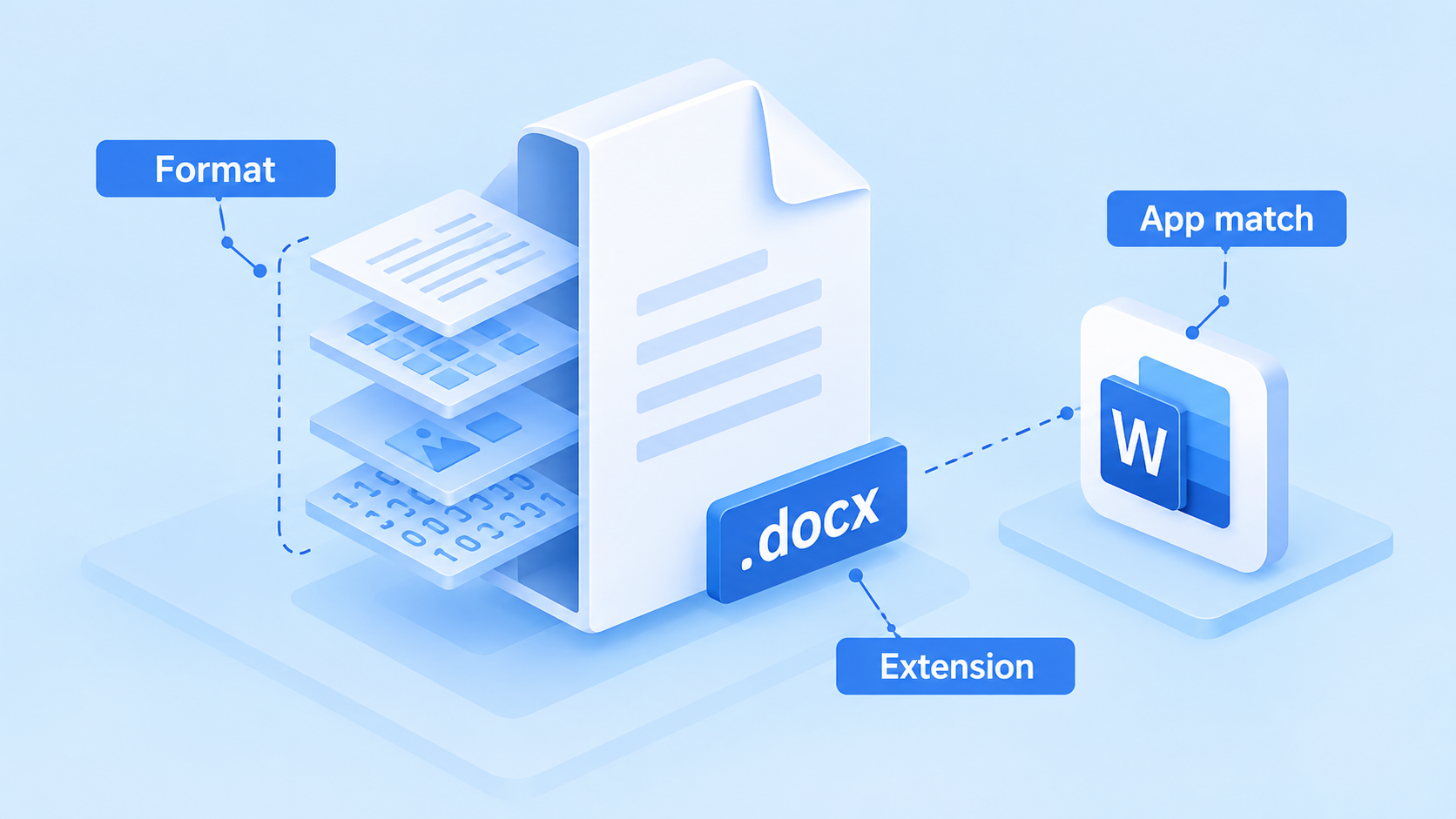
File format extension app match


Common Office File Formats: DOCX, XLSX, PPTX, PDF, and CSV
These extensions appear frequently in school, business, and personal workflows:
| Format | Best for | Important limitation |
|---|---|---|
| DOCX | Editable text documents, reports, and letters | Complex fonts, fields, or layout may vary between apps. |
| XLSX | Workbooks with formulas, multiple sheets, and charts | It does not store VBA macro code. |
| PPTX | Editable presentations and slide layouts | Fonts, animations, and media can render differently. |
| Sharing a stable document for viewing or printing | Editing is less direct than editing the source document. | |
| CSV | Moving plain tabular values between systems | It stores values, not workbook layout, formulas, or multiple sheets. |
Open XML formats, including DOCX, XLSX, and PPTX, are widely used as editable office files. Microsoft lists supported formats for Word, Excel, and PowerPoint, while WPS also lists common Writer, Spreadsheet, Presentation, and PDF file types on its supported file formats page.
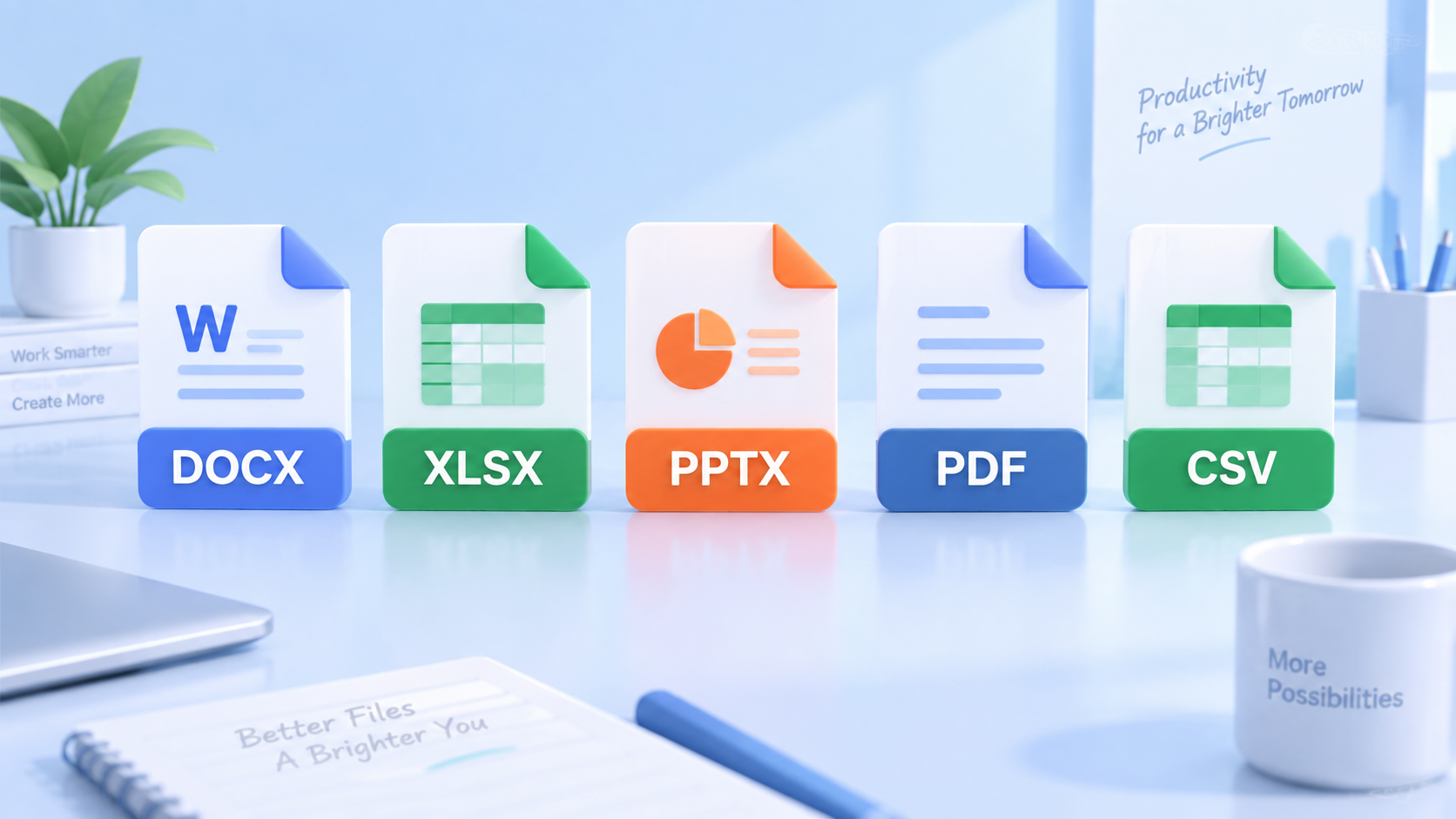
Common office file format types
How to Choose the Right File Format for Your Task
Start with the next person or application in the workflow, not just the app you are using now.
Need continued editing? Keep DOCX, XLSX, or PPTX so text, formulas, charts, and slide objects remain changeable.
Need a stable handoff? Export to PDF after checking page breaks, fonts, links, and images. Keep the editable source separately.
Need raw table values? Use CSV for a single, simple table. Confirm the delimiter, character encoding, date format, and decimal conventions with the receiving system.
Need macros? Do not assume XLSX preserves VBA. Keep a macro-enabled source such as XLSM when the workflow depends on VBA, and test the file in a trusted desktop application.
Need cross-app collaboration? Ask which formats the recipient can edit, then send the most compatible copy and mention any features that may not transfer.
When privacy matters, prefer a trusted desktop app or an approved service for conversion. Do not upload confidential payroll, identity, customer, or contract data to an unknown online converter.
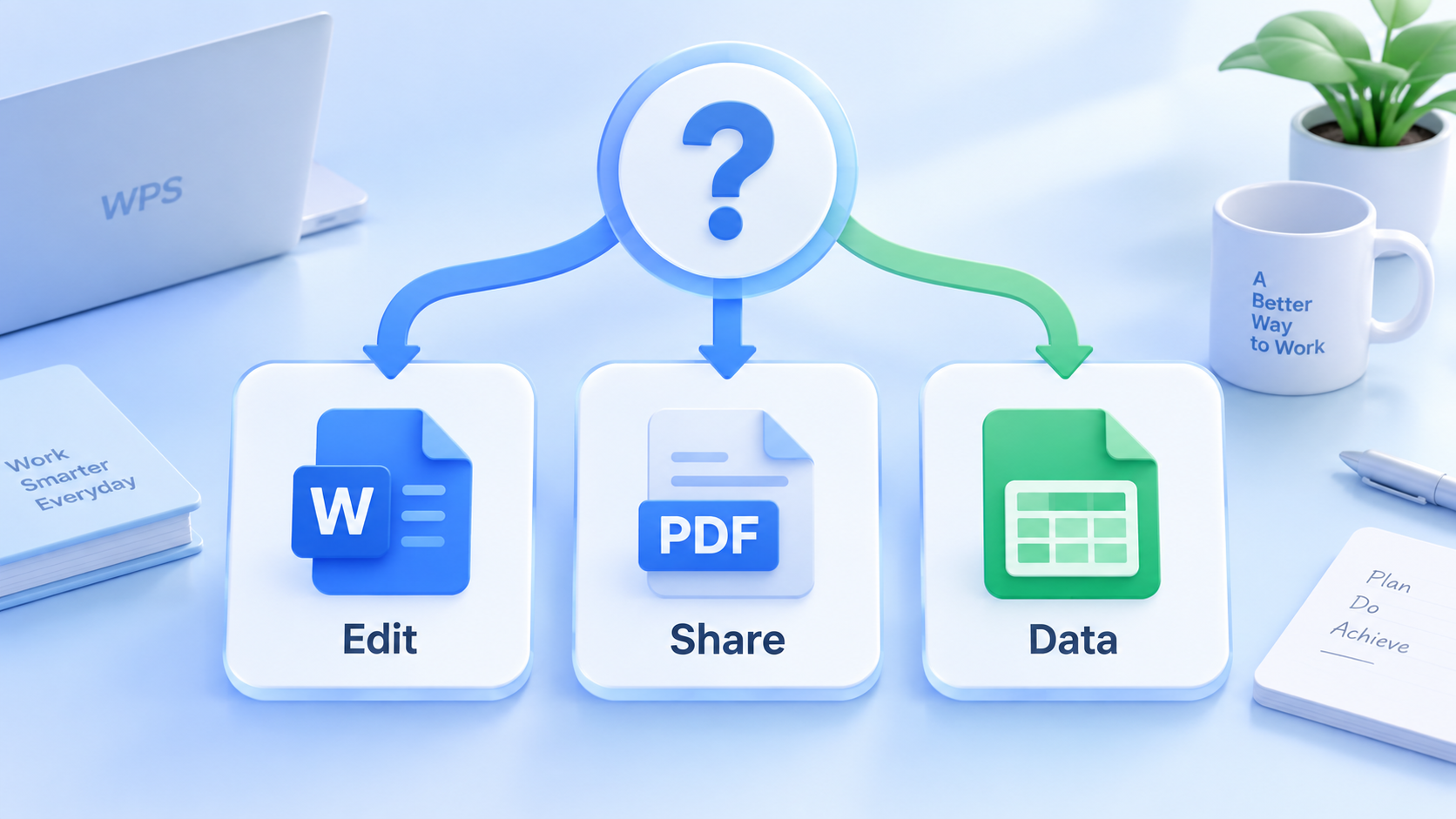
Choose file format by task
Open and Convert File Formats in WPS Office
WPS Office brings Writer, Spreadsheet, Presentation, and PDF tools into one suite. Its official format list includes common Writer, Spreadsheet, Presentation, and PDF extensions, but support can vary by feature and file complexity.
Open WPS Office and choose the matching component: Writer for documents, Spreadsheet for workbooks, or Presentation for slides.
Select File > Open, choose the file, and check the application's compatibility notice if one appears.
Review the content before editing. Check fonts, tables, formulas, charts, slide transitions, images, and page breaks.
Choose File > Save As or Export, then select the format needed by the next step, for example, DOCX for editing or PDF for fixed-layout sharing.
Save the converted copy with a new filename. Reopen it and compare key content with the original before sending it.
For example, WPS lists DOCX, XLSX, PPTX, CSV, and PDF among supported formats. Treat conversion as a review step, especially for macros, complex spreadsheets, embedded objects, and custom fonts.
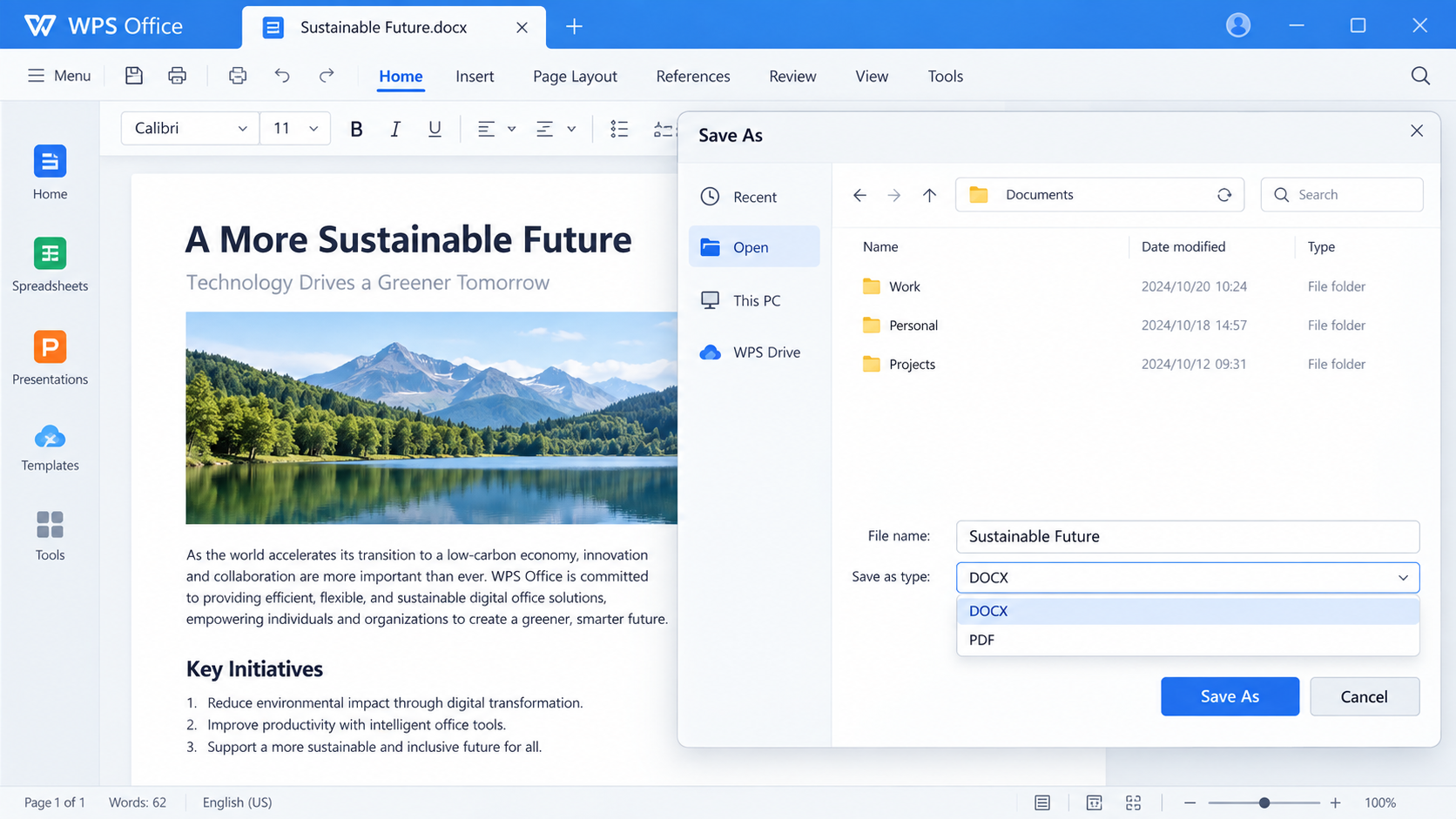
Convert file formats in WPS
The Best Free Office Alternative: WPS Office
WPS Office is a practical option when you want one place to work with documents, spreadsheets, presentations, and PDFs. Use the version and feature available for your device, and confirm advanced-file behavior with a test copy before moving an important workflow.
Fewer app switches: Work with common office and PDF tasks in one suite.
Flexible handoffs: Keep an editable office file and export a PDF or CSV when the recipient needs a different result.
Practical verification: Reopen converted copies and inspect the features that matter to your work.
Try WPS Office for everyday document, spreadsheet, presentation, and PDF workflows, while keeping the original file as your source of truth.
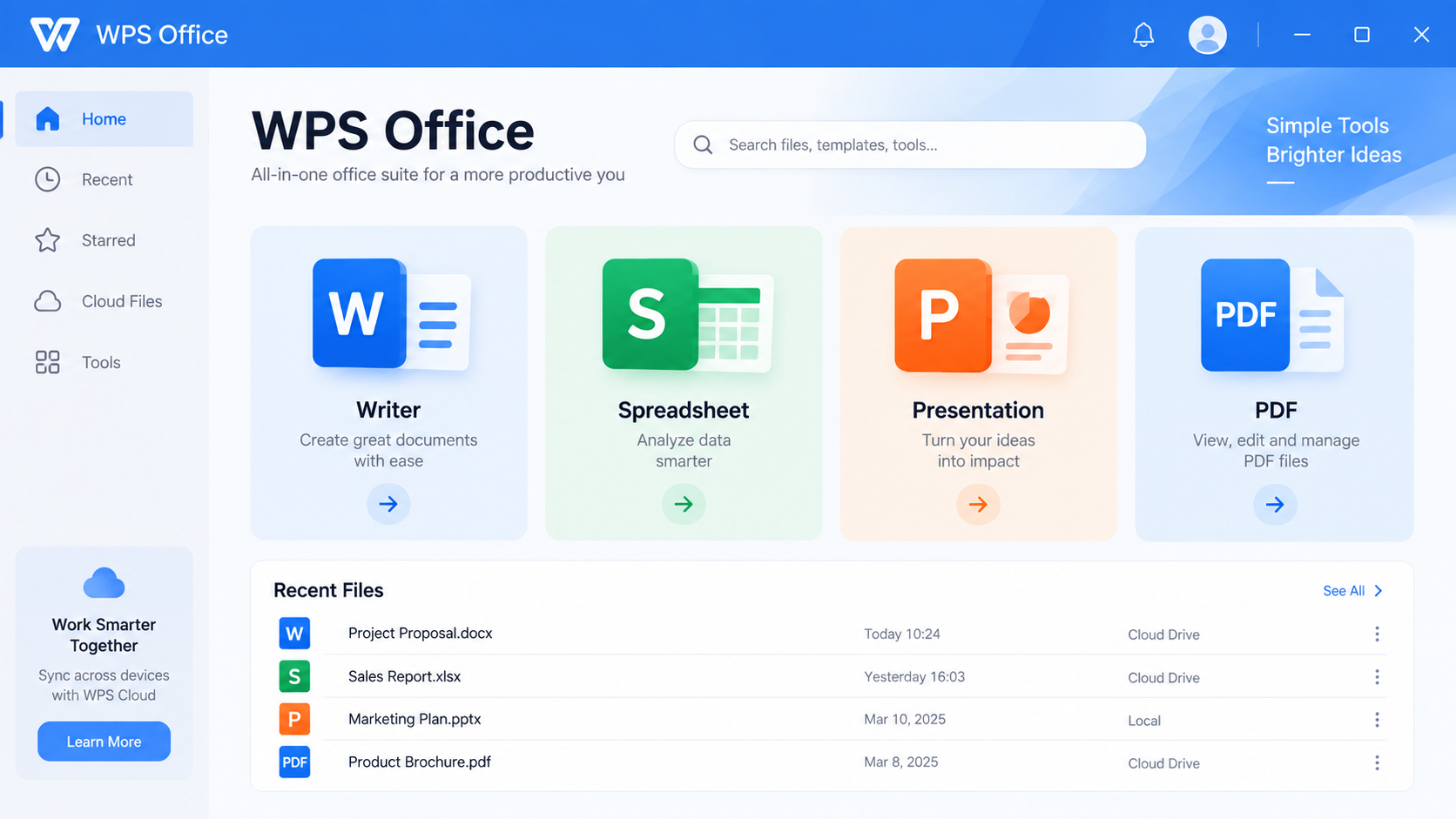
WPS Office file format tools
FAQs
What is a file format?
A file format is the structure used to store a file's data. The extension helps applications identify which format the file uses.
Does changing a file extension convert the file?
No. Renaming an extension changes the filename label only. Use Save As, Export, or a dedicated converter.
Which format is best for editing?
Use DOCX for text, XLSX for spreadsheets, and PPTX for presentations when you need to keep editing the content.
Is PDF better than DOCX?
Neither is always better. PDF is usually better for a stable final copy, while DOCX is better when the recipient needs to edit the document.
Can WPS Office open every file format?
No application opens every format or preserves every feature. WPS supports many common office and PDF formats; check the official supported-format list and test complex files.



'%3e%3cpath%20d='M19.9911%204.11386V6.471H18.5894C18.0775%206.471%2017.7322%206.57814%2017.5536%206.79243C17.3751%207.00671%2017.2858%207.32814%2017.2858%207.75671V9.44421H19.9019L19.5536%2012.0871H17.2858V18.8639H14.5536V12.0871H12.2769V9.44421H14.5536V7.49779C14.5536%206.39064%2014.8632%205.53201%2015.4822%204.92189C16.1013%204.31177%2016.9257%204.00671%2017.9554%204.00671C18.8304%204.00671%2019.509%204.04243%2019.9911%204.11386Z'%20fill='%23333333'/%3e%3c/g%3e%3cdefs%3e%3cclipPath%20id='clip0_2938_8199'%3e%3crect%20width='16'%20height='16'%20fill='white'%20transform='translate(8%204.00671)'/%3e%3c/clipPath%3e%3c/defs%3e%3c/svg%3e)
'%3e%3cpath%20d='M17.5237%2010.7813L23.4811%204H22.0699L16.8949%209.88693L12.7648%204H8L14.2469%2012.9029L8%2020.0133H9.4112L14.8725%2013.7952L19.2352%2020.0133H24M9.92053%205.04213H12.0885L22.0688%2019.0224H19.9003'%20fill='%23333333'/%3e%3c/g%3e%3cdefs%3e%3cclipPath%20id='clip0_2938_8200'%3e%3crect%20width='16'%20height='16.0134'%20fill='white'%20transform='translate(8%204)'/%3e%3c/clipPath%3e%3c/defs%3e%3c/svg%3e)


