
Mac-Level Interface
The layout you already know.
The complete desktop ribbon UI is now fully optimized for iPad. Tools, advanced options, and familiar tabs stay exactly where power users expect them to be.
Try NowWPS Office for iPad delivers a full desktop-class ribbon UI, advanced multitasking, and built-in AI—perfectly tailored for Apple Pencil and touch.
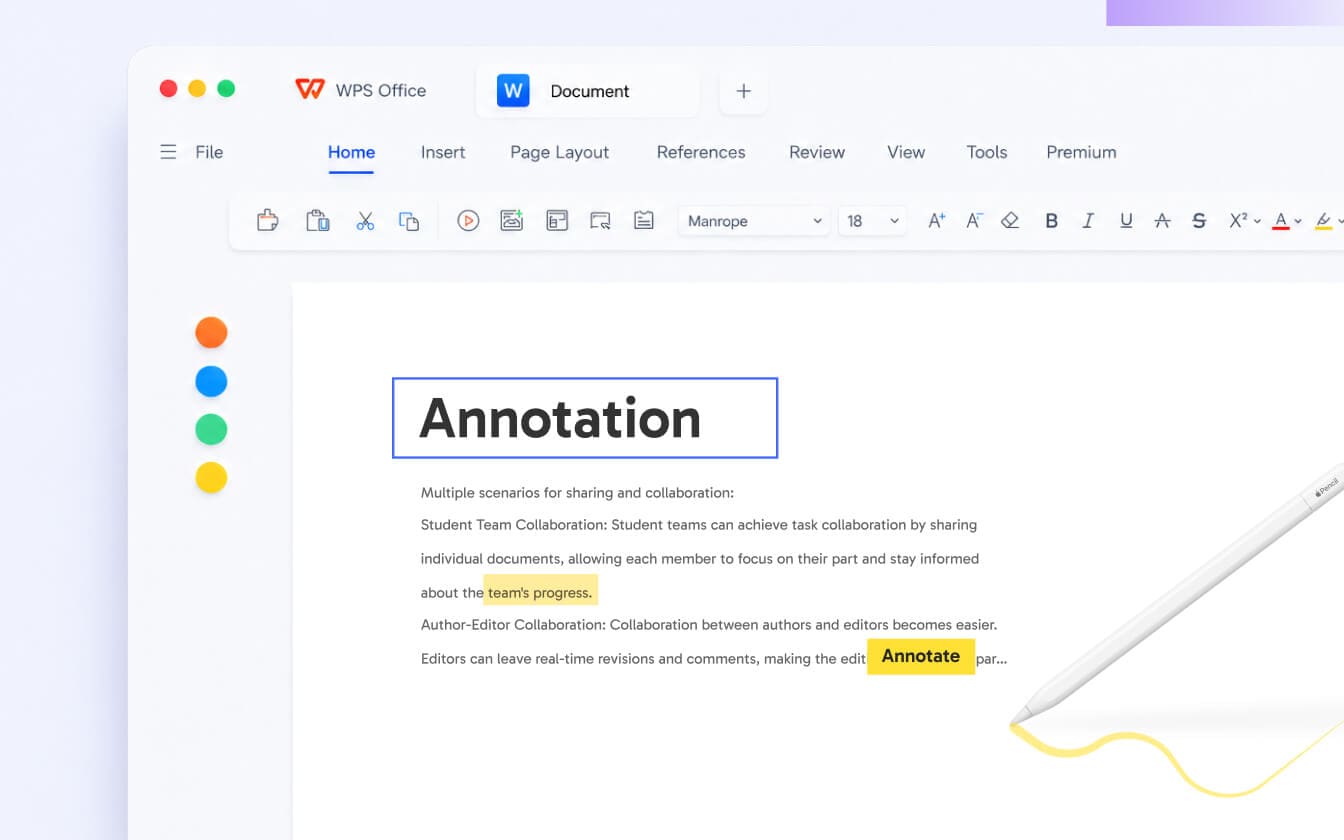
Draft, format, and review with advanced desktop-class tools. Use your Apple Pencil for pixel-precise markups, quick selections, and effortless edits on the big screen.
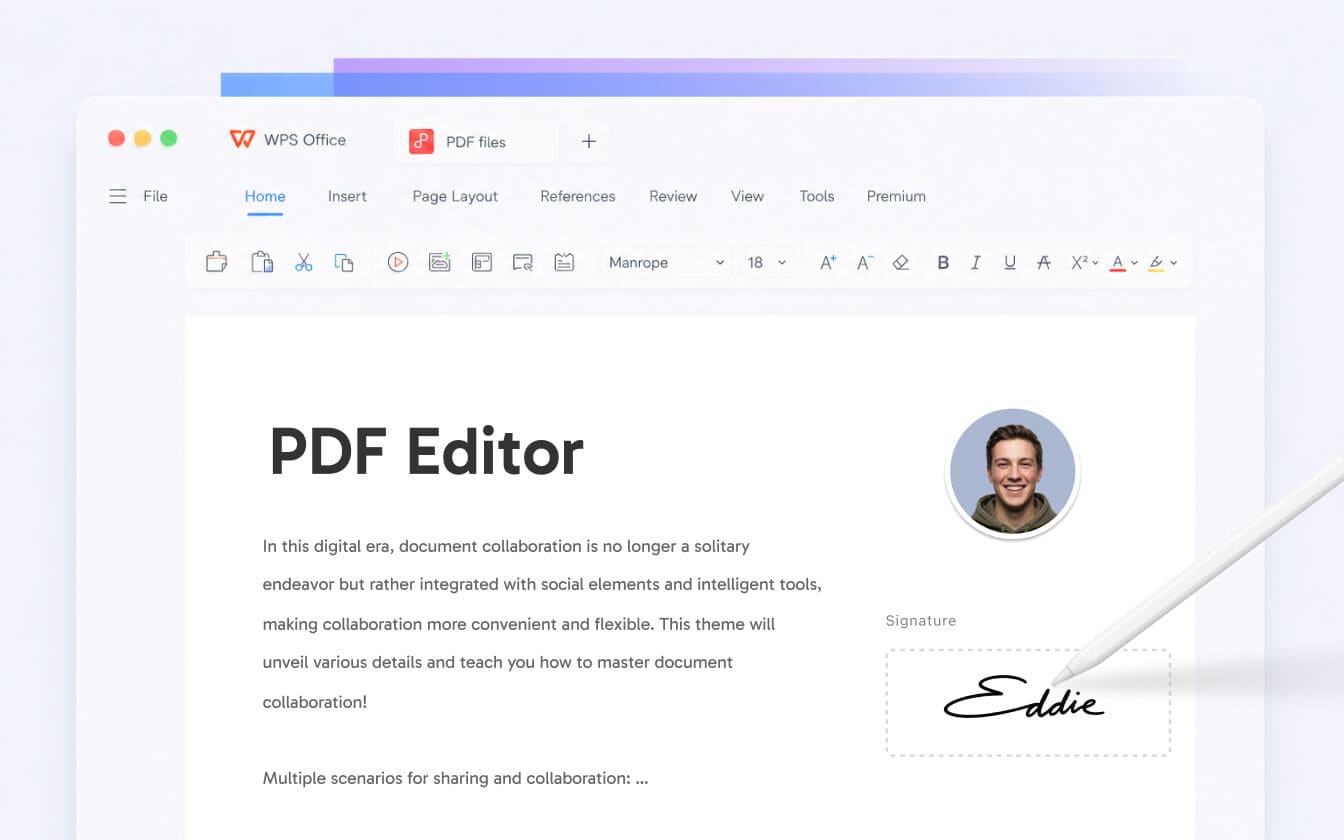
Modify text, merge pages, and sign contracts with a single tap. Complete your entire document workflow without ever leaving your iPad.
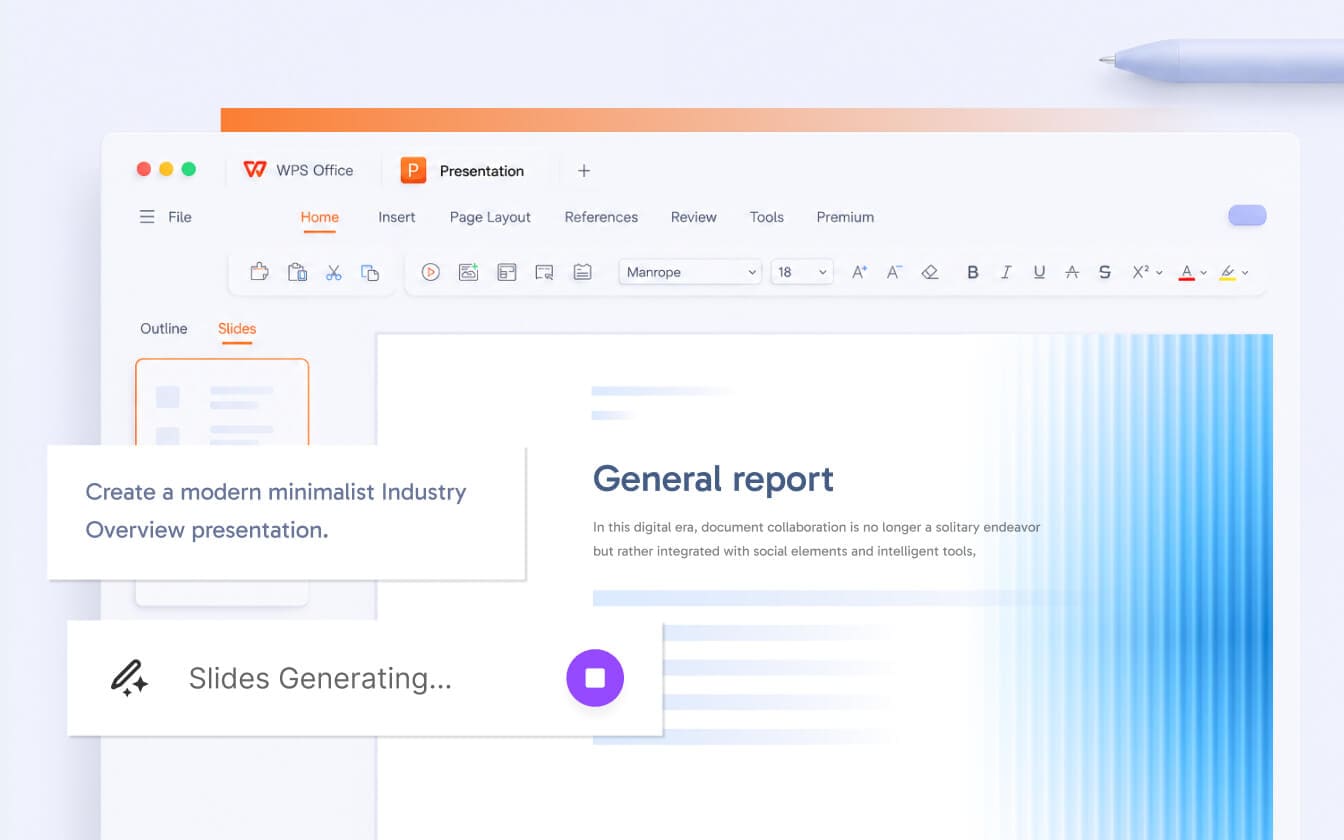
Type a topic, and AI instantly designs a complete presentation with structured outlines and polished layouts. Unlock full Master Slide editing—bringing true desktop productivity to iPad.
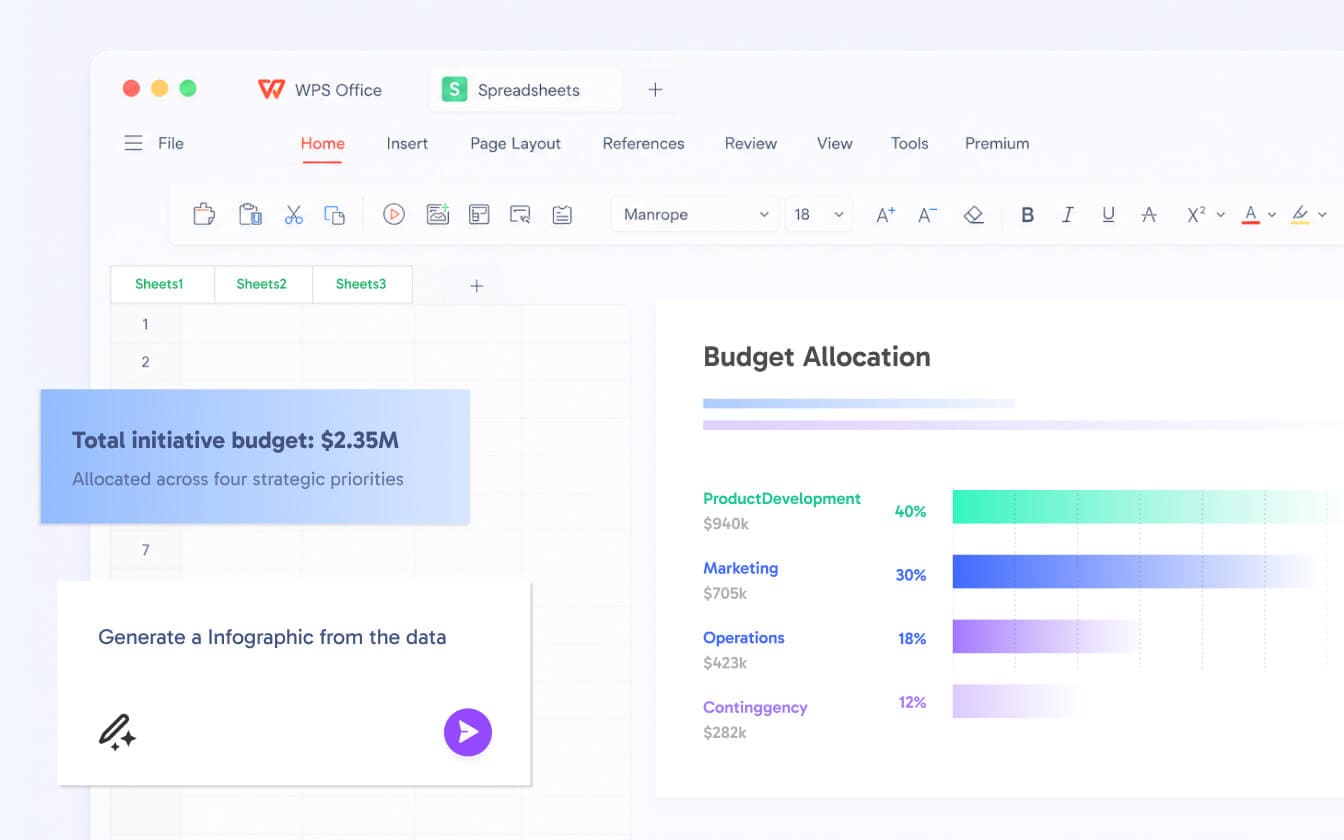
Crunch data effortlessly. Use AI-assisted formulas, advanced pivot tables, and real-time charting to handle complex spreadsheets with mobile speed.
Create docs, sheets, and slides, or edit PDFs in a single workplace. No more app-switching—just complete end-to-end productivity.
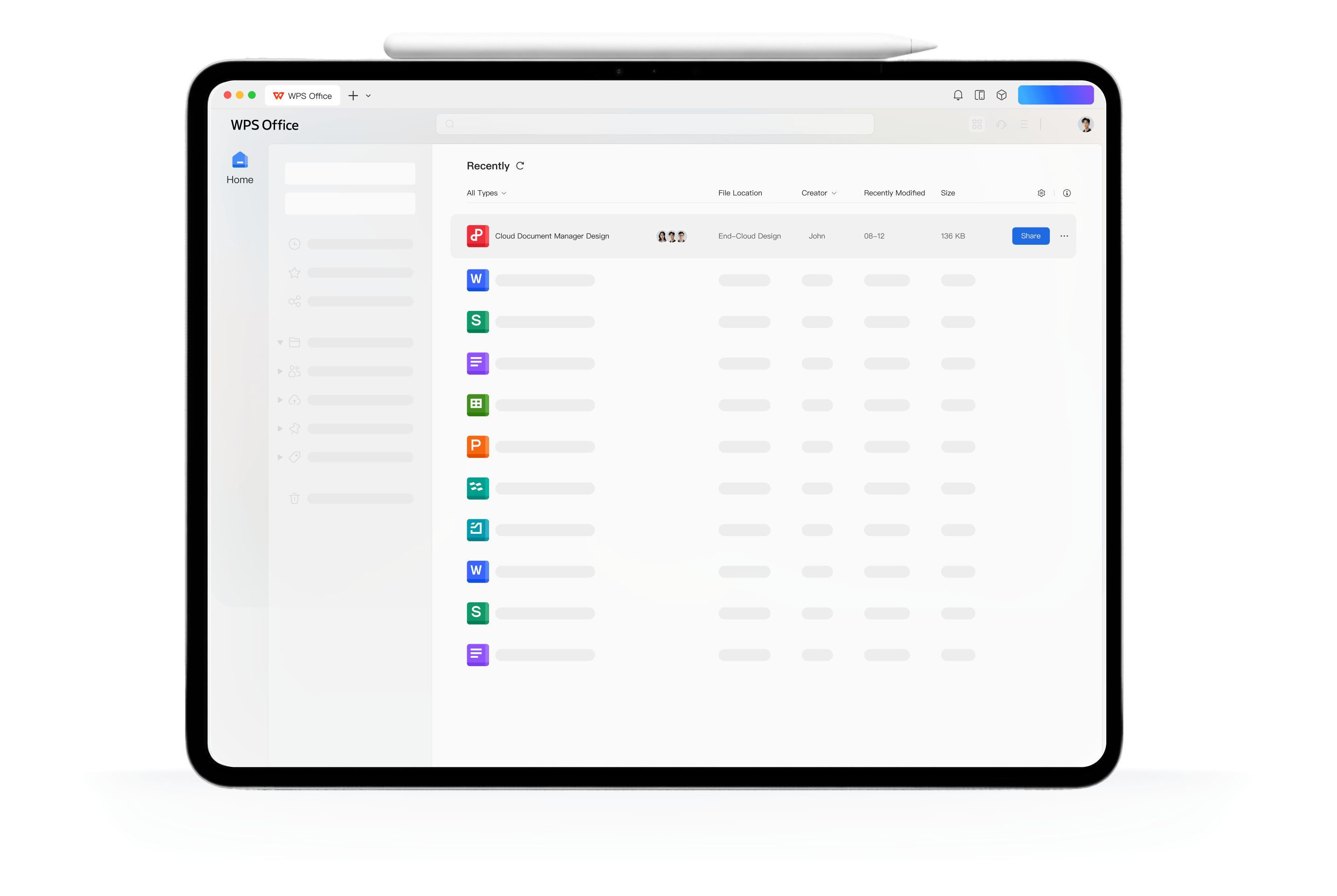
WPS Cloud automatically syncs your files in real time. Your active projects are always up to date and ready whenever inspiration strikes.
Master heavy workflows. Run multiple windows side-by-side, drag and drop across apps, and switch tabs effortlessly.
The complete desktop ribbon UI is now fully optimized for iPad. Tools, advanced options, and familiar tabs stay exactly where power users expect them to be.
Try Now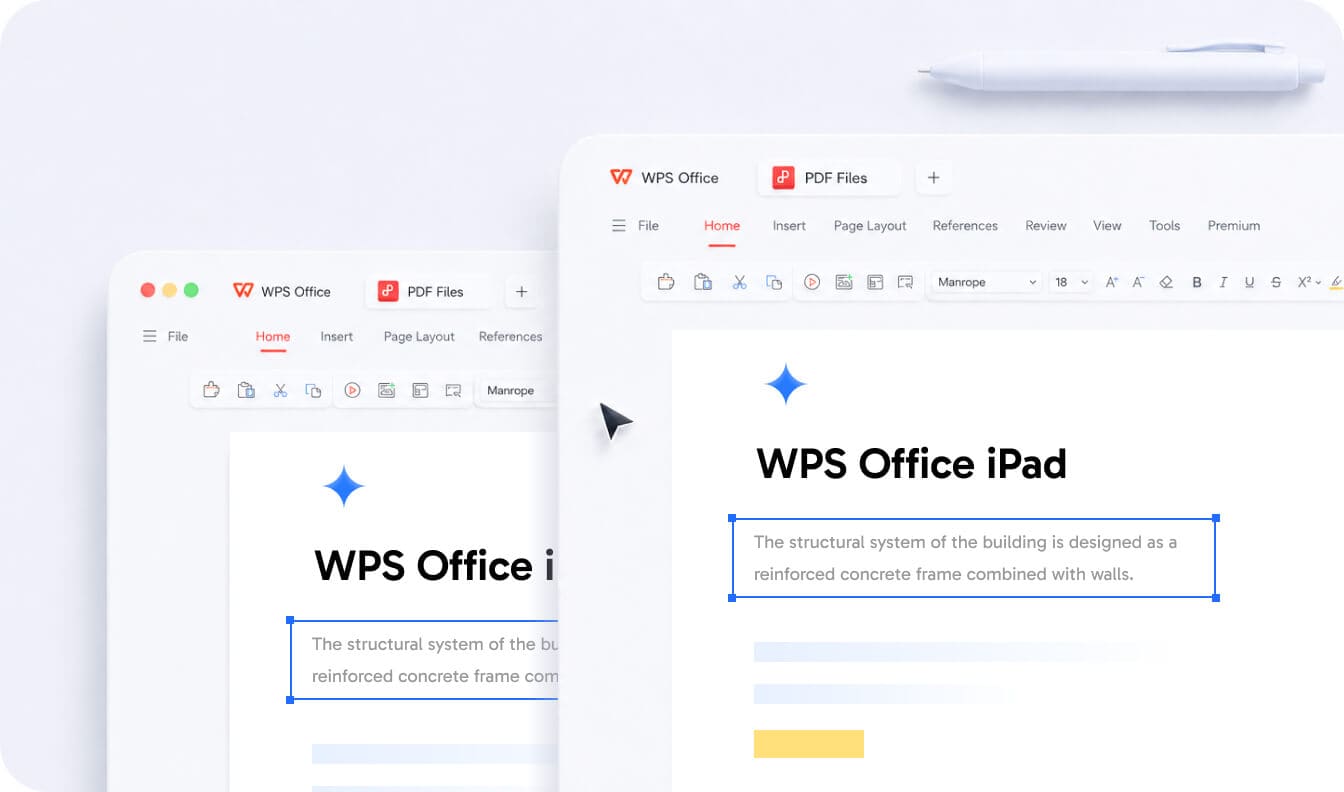
Magic Keyboard shortcuts, trackpad hover gestures, mouse controls, and Apple Pencil input—all supported natively on iPad.
Try Now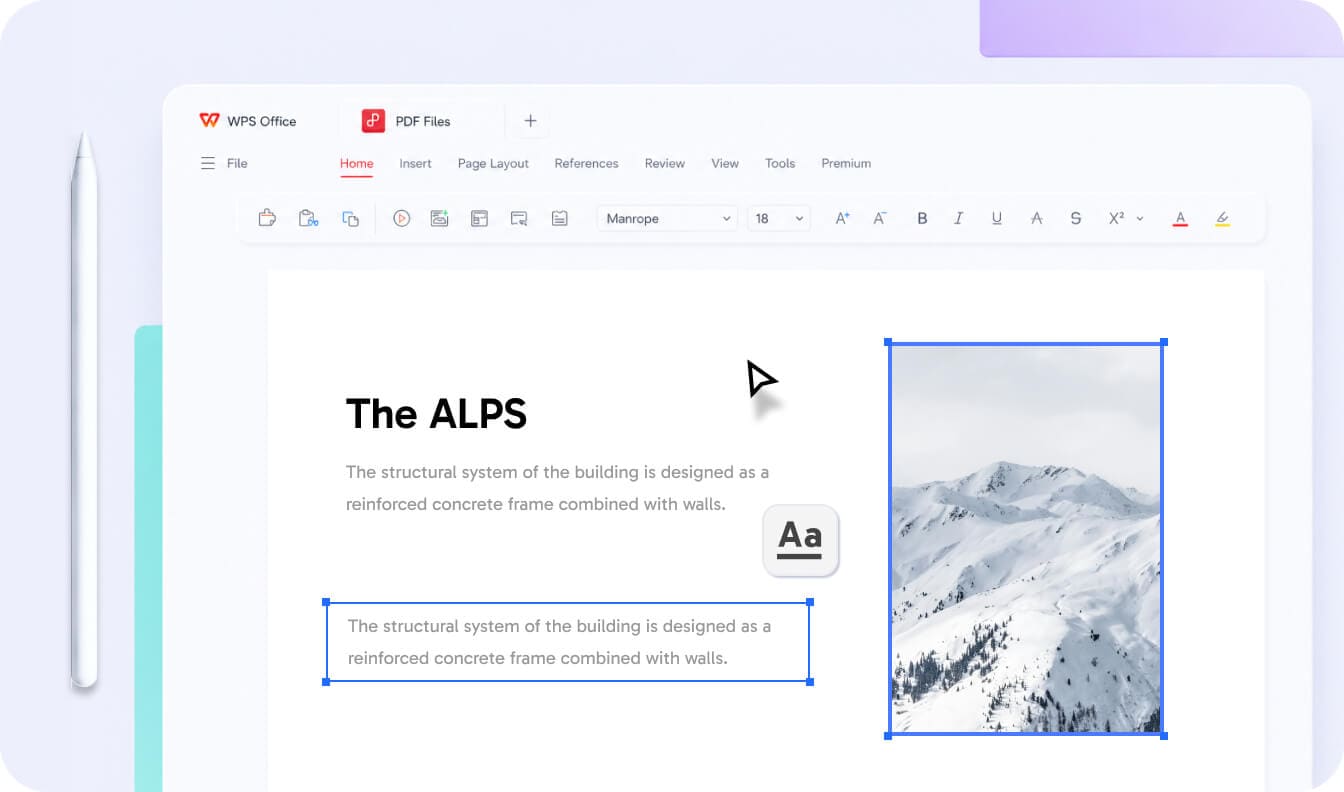
Open multiple documents with Stage Manager, drag and drop across apps, and switch between files with tabs. A desktop-style workflow, optimized for iPad.
Try Now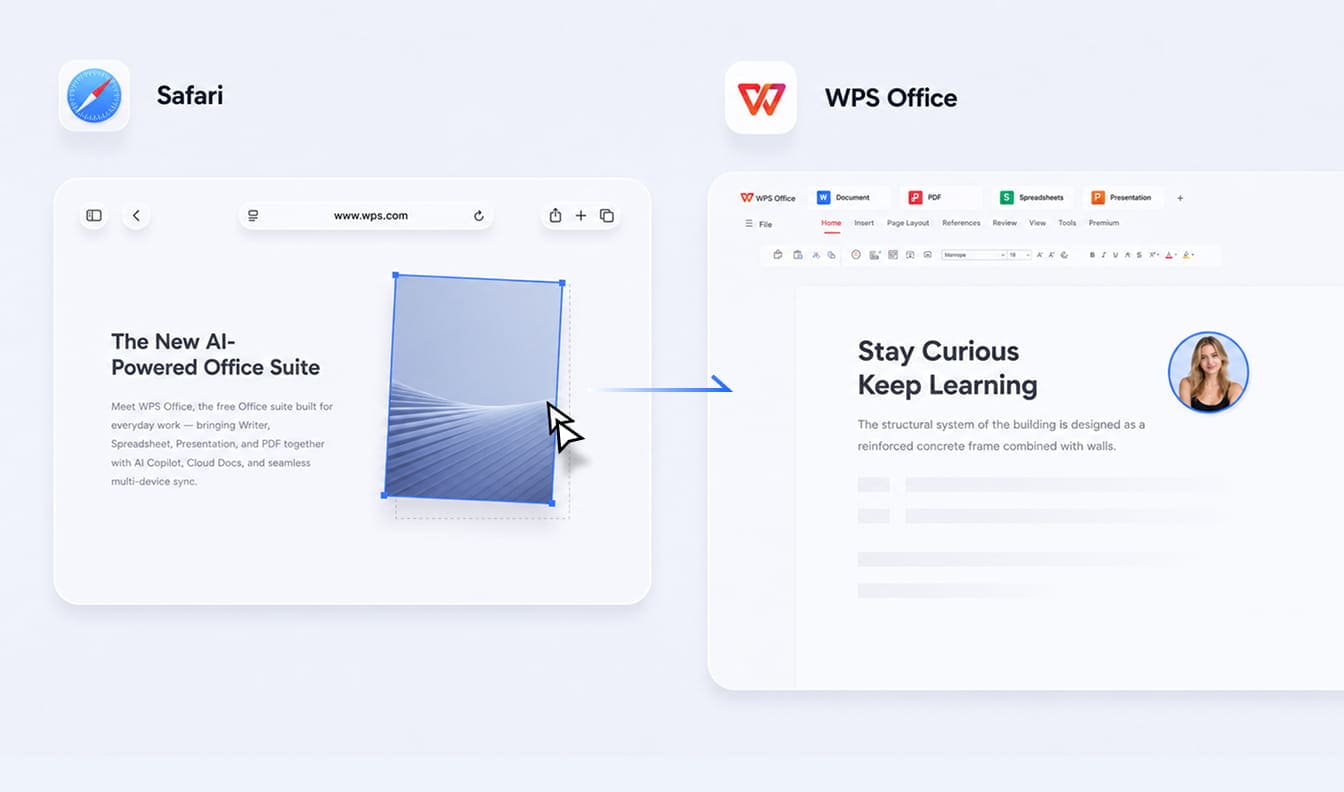
Join millions worldwide. Experience the ultimate office suite optimized for iPad.

Scan the QR code with your phone to Get the app