
AI in Excel
Transform Your Data with Intelligent Spreadsheets
- Automate data analysis and discover hidden patterns.
- Generate accurate forecasts with a single click.
- Instantly clean, format, and prepare your data for analysis.
- Ask questions in plain English and get immediate answers from your data.
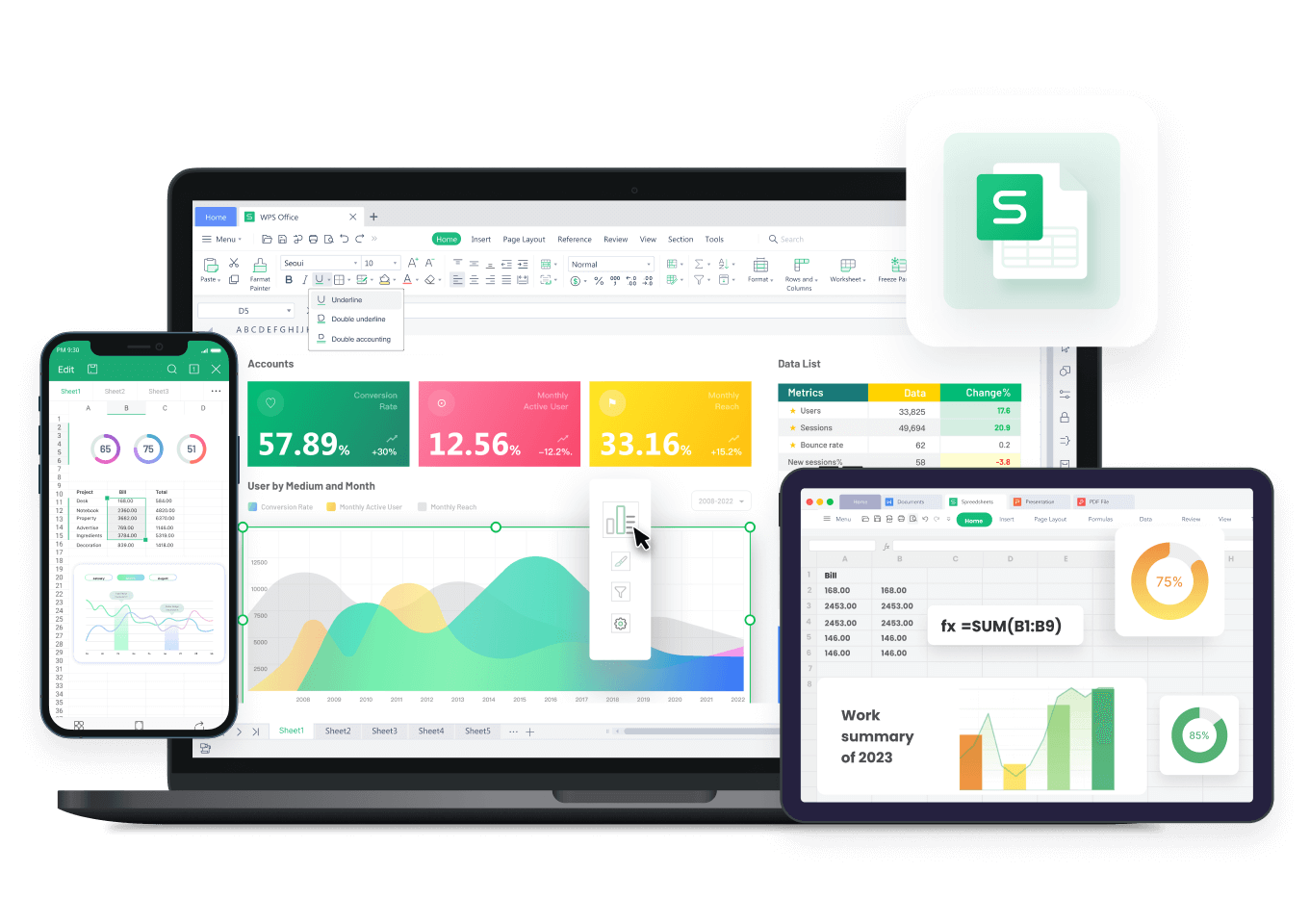
Revolutionize Your Workflow with AI in Excel
Transform your data experience with our advanced AI-powered spreadsheet capabilities.
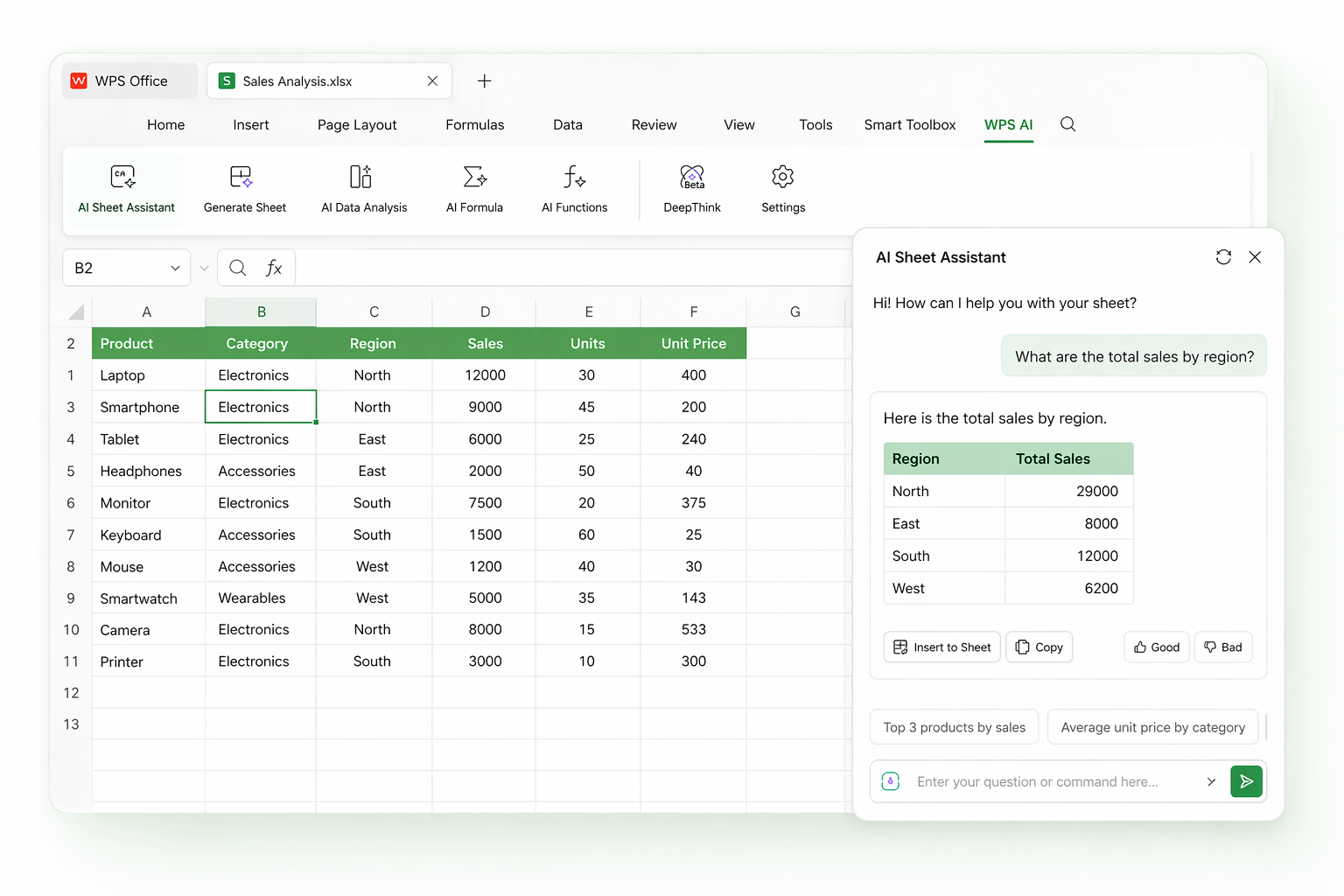
AI Sheet Assistant
- Get instant guidance as you work in your spreadsheet.
- Ask questions in plain language and receive smart suggestions.
- Simplify complex tasks without advanced Excel skills.
- Speed up your workflow with real-time assistance.
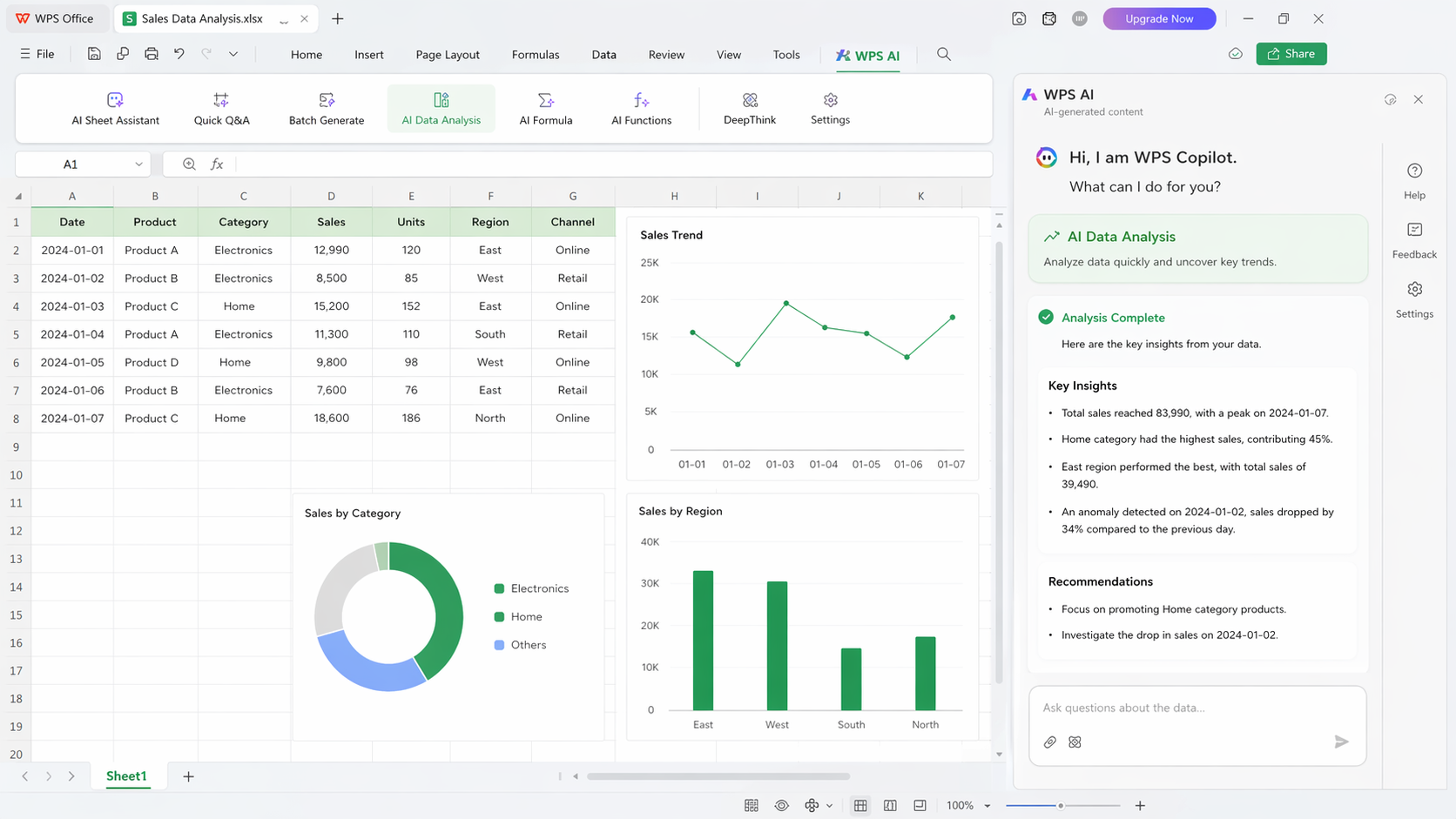
AI Data Analysis
- Analyze data quickly and uncover key trends.
- Detect anomalies and patterns automatically.
- Turn complex data into clear, actionable insights.
- Make faster decisions with minimal manual effort.
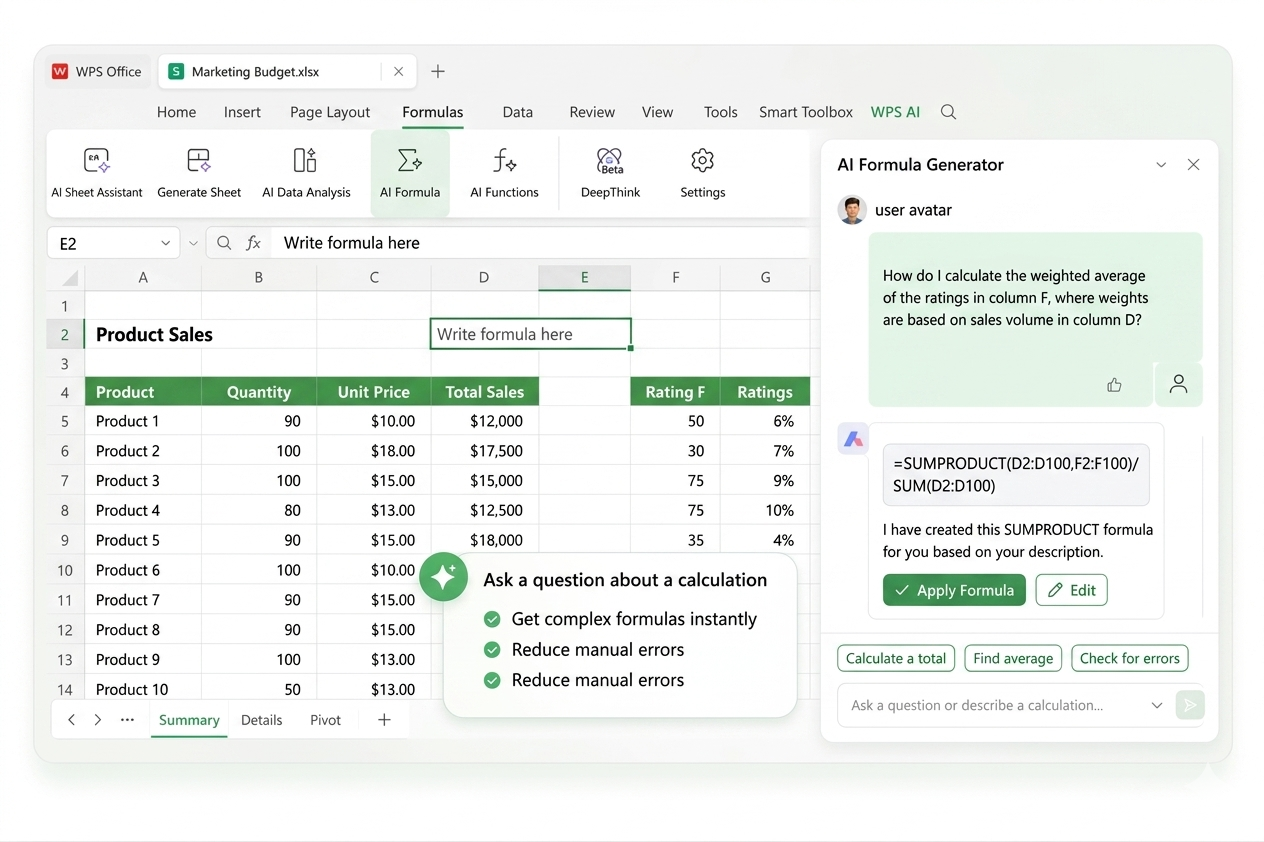
AI Formula Generator
- Generate formulas instantly using plain English.
- Skip memorizing complex Excel functions.
- Reduce errors with accurate, AI-built formulas.
- Save time on repetitive calculations.
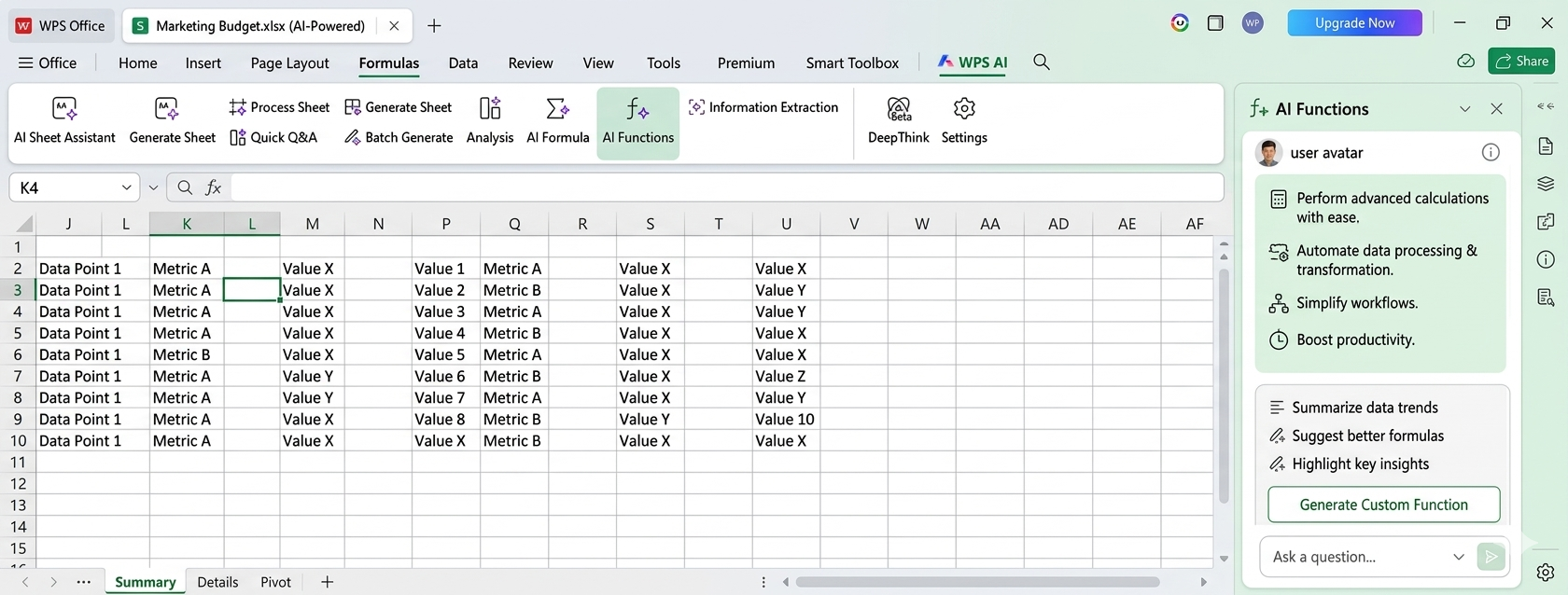
AI Functions
- Perform advanced calculations with ease.
- Automate data processing and transformations.
- Simplify workflows with intelligent functions.
- Boost productivity across everyday tasks.
Increased Accuracy
Reduce human error in calculations and analysis with AI-driven precision.
Time-Saving Automation
Automate repetitive tasks like data cleaning, formatting, and reporting to focus on what matters.
Deeper Insights
Uncover hidden correlations and trends that are not visible through manual inspection.
How Professionals Leverage AI in Spreadsheets
See how experts in different fields are using AI in Excel to boost productivity and make smarter decisions.

Sarah J.
Financial Analyst
"WPS AI in Spreadsheets has transformed my forecasting process. What used to take hours of modeling now takes minutes, and the accuracy is incredible."

Mike Chen
Marketing Manager
"I use the AI analysis tool to quickly understand campaign performance data. It helps me find which channels are working best without needing to be a data scientist."

David K.
Operations Lead
"Data cleaning was the most tedious part of my job. Now, the AI tool handles it automatically, freeing me up to focus on strategic planning."
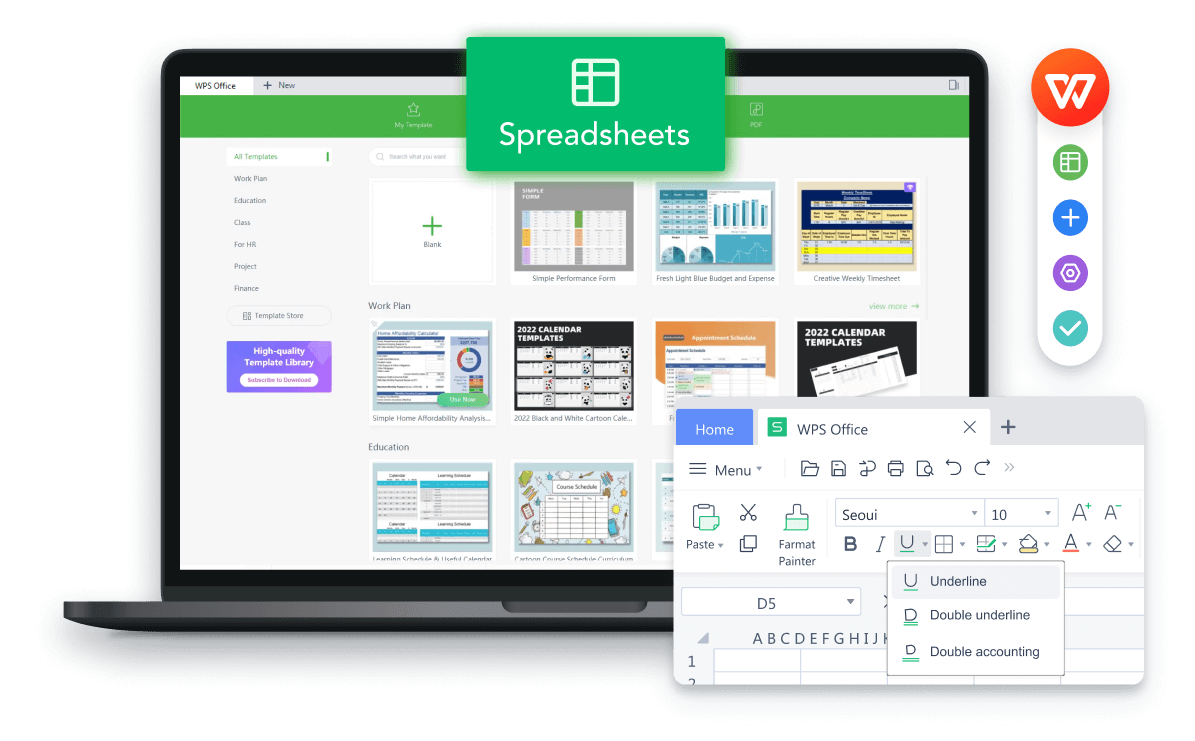
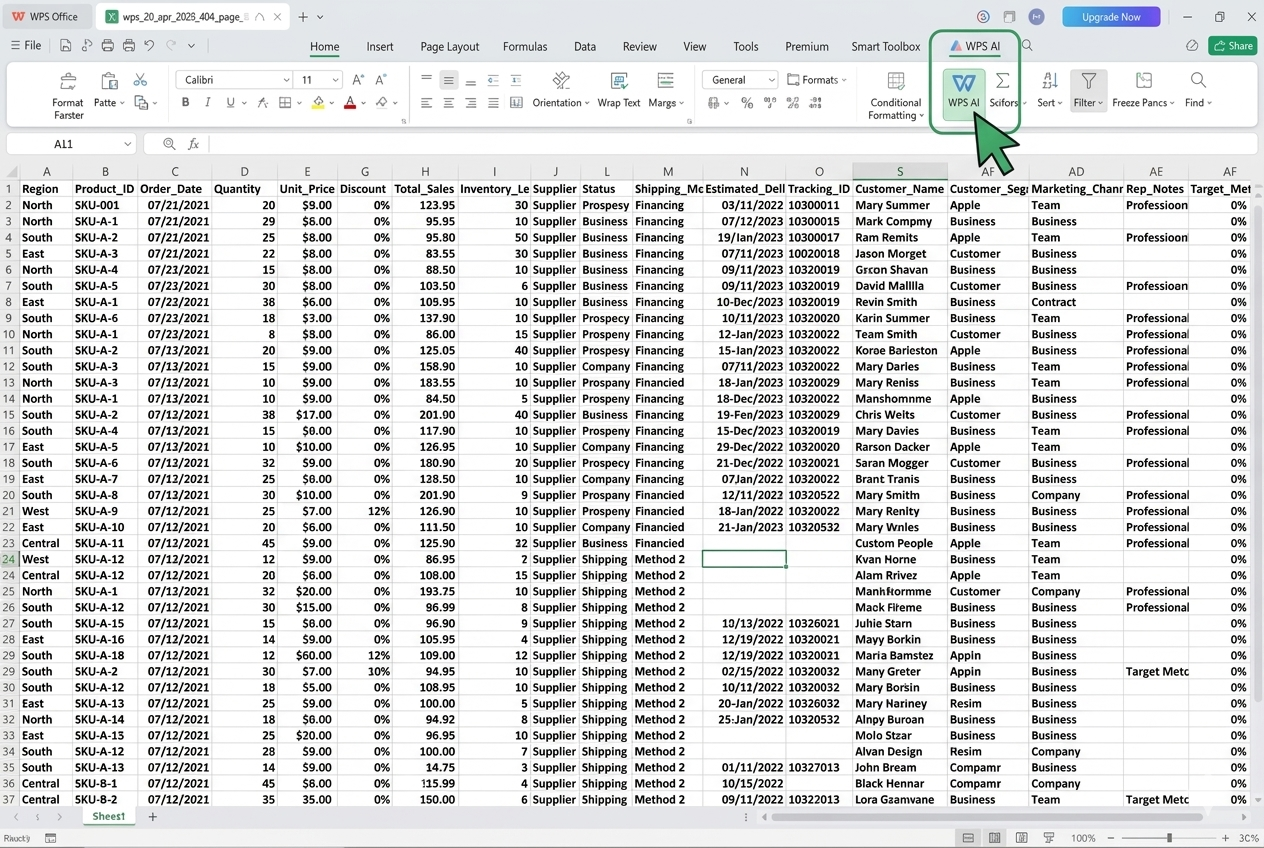
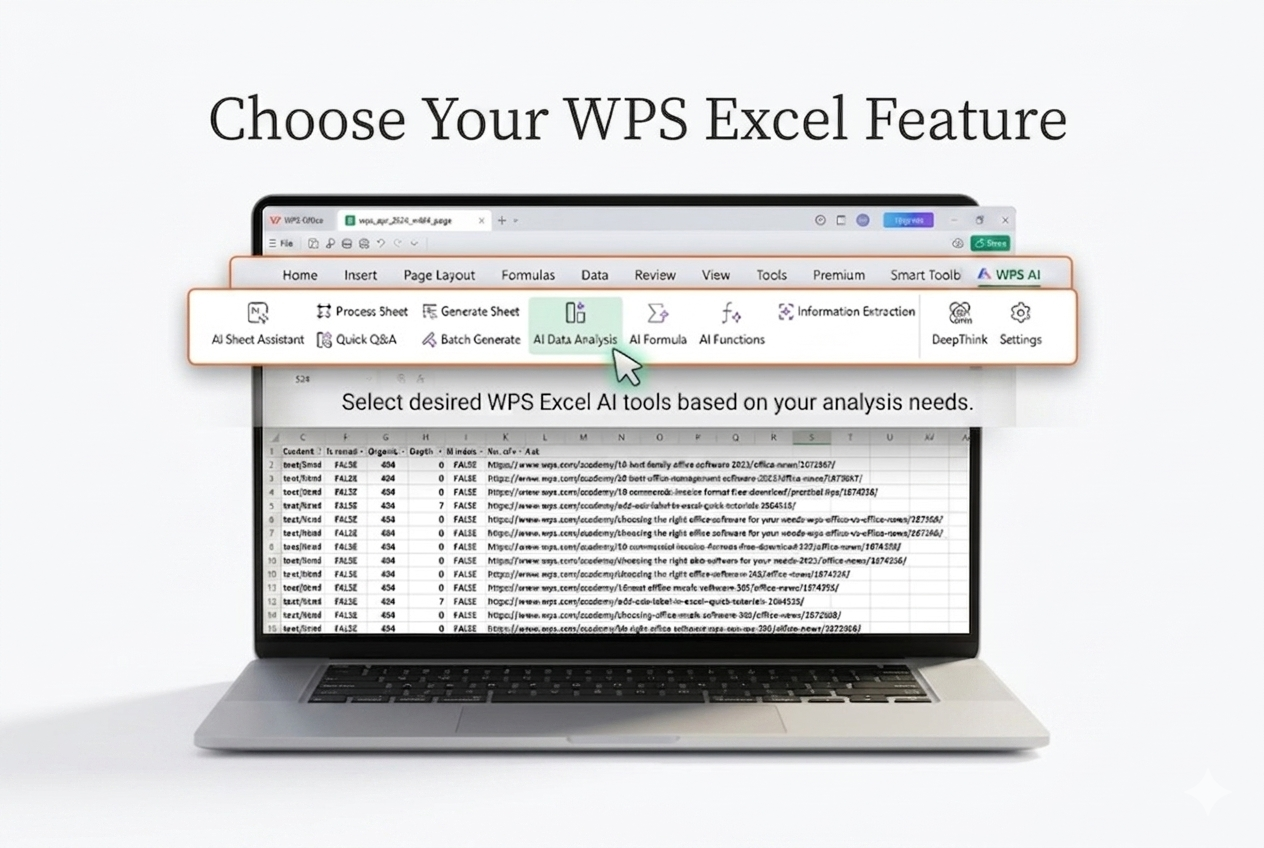
How to Use AI in WPS Spreadsheets: A 3-Step Guide
Get started with our powerful AI features in just a few simple steps.
Explore More AI-Powered Spreadsheet Tools
Discover all the powerful AI tools available in WPS Office to master your data.
AI Chart Generation
Automatically create the most suitable charts and graphs to visualize your data effectively.
Learn moreNatural Language Query
Ask questions about your data in plain English ("show me total sales by region") and get instant answers.
Learn moreAutomated Reporting
Generate professional-looking summary reports from your data automatically, ready for presentation.
Learn moreFormula Generator
Describe the calculation you need, and let AI write the complex formula for you, error-free.
Learn moreData Extraction
Pull specific information from large, unstructured text blocks within your cells into clean columns.
Learn moreScripting Automation
Generate automation scripts to handle repetitive spreadsheet tasks based on simple descriptions.
Learn moreFrequently Asked Questions about AI in Excel
Find answers to common questions about using AI in WPS Spreadsheets.
Ready to Supercharge Your Spreadsheets?
Download WPS Office today and unlock the power of AI in Excel. Automate tasks, gain deeper insights, and make smarter decisions, all for free.
All-in-One AI Suite
Analysis, forecasting, and data cleaning in one place.
100% Secure
Your data is processed securely, respecting your privacy.
Boost Productivity
Work faster and smarter with intelligent automation.