

'%3e%3cpath%20d='M8%200C12.4183%200%2016%203.58172%2016%208C16%2012.4183%2012.4183%2016%208%2016C3.58172%2016%200%2012.4183%200%208C0%203.58172%203.58172%200%208%200ZM11.6162%204.38379C11.2257%203.99337%2010.5927%203.99338%2010.2021%204.38379L8%206.58594L5.79785%204.38379C5.40732%203.99334%204.77429%203.99329%204.38379%204.38379C3.99331%204.77429%203.99335%205.40733%204.38379%205.79785L6.58594%208L4.38379%2010.2021C3.99348%2010.5927%203.99341%2011.2257%204.38379%2011.6162C4.77426%2012.0066%205.40734%2012.0065%205.79785%2011.6162L8%209.41406L10.2021%2011.6162C10.5927%2012.0066%2011.2257%2012.0067%2011.6162%2011.6162C12.0067%2011.2257%2012.0066%2010.5927%2011.6162%2010.2021L9.41406%208L11.6162%205.79785C12.0066%205.40735%2012.0066%204.77429%2011.6162%204.38379Z'%20fill='%23080E17'%20fill-opacity='0.46'/%3e%3c/g%3e%3cdefs%3e%3cclipPath%20id='clip0_3761_713'%3e%3crect%20width='16'%20height='16'%20fill='white'/%3e%3c/clipPath%3e%3c/defs%3e%3c/svg%3e)




'%3e%3cpath%20fill-rule='evenodd'%20clip-rule='evenodd'%20d='M21.4999%2010.9993C21.4999%205.20009%2016.7986%200.498901%2010.9993%200.498901C5.19994%200.498901%200.498657%205.20009%200.498657%2010.9993C0.498657%2016.2404%204.33858%2020.5844%209.35855%2021.3722V14.0346H6.69238V10.9993H9.35855V8.68594C9.35855%206.05427%2010.9262%204.60062%2013.3248%204.60062C14.4736%204.60062%2015.6753%204.80571%2015.6753%204.80571V7.38979H14.3512C13.0468%207.38979%2012.64%208.19921%2012.64%209.0296V10.9993H15.5523L15.0867%2014.0346H12.64V21.3722C17.66%2020.5844%2021.4999%2016.2404%2021.4999%2010.9993Z'%20fill='%231568EA'/%3e%3c/g%3e%3c/svg%3e)


'%3e%3cpath%20d='M2.42045%2022.1876H6.31818V12.7217L0.75%208.54553V20.5171C0.75%2021.4414%201.49892%2022.1876%202.42045%2022.1876Z'%20fill='%234285F4'/%3e%3cpath%20d='M19.682%2022.1876H23.5797C24.5041%2022.1876%2025.2502%2021.4387%2025.2502%2020.5171V8.54553L19.682%2012.7217'%20fill='%2334A853'/%3e%3cpath%20d='M19.682%205.48293V12.7216L25.2502%208.54543V6.31816C25.2502%204.25236%2022.8921%203.07469%2021.2411%204.31361'%20fill='%23FBBC04'/%3e%3cpath%20d='M6.31824%2012.7217V5.48303L13.0001%2010.4944L19.6819%205.48303V12.7217L13.0001%2017.733'%20fill='%23EA4335'/%3e%3cpath%20d='M0.75%206.31816V8.54543L6.31818%2012.7216V5.48293L4.75909%204.31361C3.10534%203.07469%200.75%204.25236%200.75%206.31816Z'%20fill='%23C5221F'/%3e%3c/g%3e%3cdefs%3e%3cclipPath%20id='clip0_2954_7305'%3e%3crect%20width='24.5'%20height='18.375'%20fill='white'%20transform='translate(0.75%203.8125)'/%3e%3c/clipPath%3e%3c/defs%3e%3c/svg%3e)


Plumbing’s tough enough, leaky pipes, late-night calls, the works. But invoicing? That can be a total pain. Sloppy handwritten bills or generic templates make you look unprofessional, confuse clients, and slow down payments. I’ve got 10 awesome plumbing invoice templates you can tweak to fit your style, plus a sweet tool, WPS Free Invoice Generator, that makes billing so quick you’ll be done before your truck’s packed.


What a Plumbing Invoice Template Is and What It Should Include
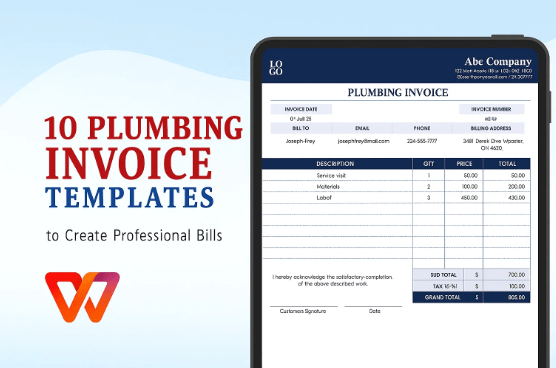
A plumbing invoice template is like your go-to work boots, ready to roll, saves you hassle, and gets the job done. It’s a pre-made form for billing clients for fixes like leaks or clogged drains. It keeps your invoices sharp and ensures nothing’s missing to delay your cash. I’ve learned the hard way: a bad invoice can make even great work look sloppy, and that’s a mess you don’t need.
Every plumbing invoice needs these to shine:
Your Business Info: Add your company name, logo, address, phone, and email. Shows clients you’re pro and easy to reach.
Client Info: Include the customer’s name, address, and contact details so the bill goes to the right person.
Invoice Details: Use a unique invoice number, send date, and due date. Keeps things tidy and expectations clear.
Service Breakdown: List what you did, like “fixed kitchen faucet” or “replaced water heater”, with hours or quantities. Be specific to avoid back-and-forth.
Pricing and Totals: Break down costs per service, add a subtotal, include taxes if needed, and show the total owed. Clear numbers mean fewer headaches.
Payment Terms: Say how you want paid (cash, Venmo, bank transfer) and when, like “due in 30 days.” No confusion.
Extra Notes: Toss in stuff like “6-month part warranty” or “pay via check.” It’s your spot for special notes.
These pieces make your invoice look sharp, keep things clear, and help you get paid faster without clients bugging you.
I once sent an invoice that was basically a number scribbled on a Post-it. The client called me three times to figure it out, and I didn’t see payment for a week. Total rookie move! Now I make sure every invoice has these details, and it’s like flipping a switch, clients pay quickly, and I’m not stuck playing phone tag.
10 Recommended Plumbing Invoice Templates
With the must-haves for a solid plumbing invoice down, let’s check out some templates that’ll make your life easier. You can tweak these to add your logo, match your brand’s colors, or list every detail of your latest job. I’ve tried these 10 WPS Office templates myself, and they’re perfect for plumbers, whether you’re flying solo or running a crew. Each has its own vibe, so you can pick what feels like you.
1. Simple Pink Invoice
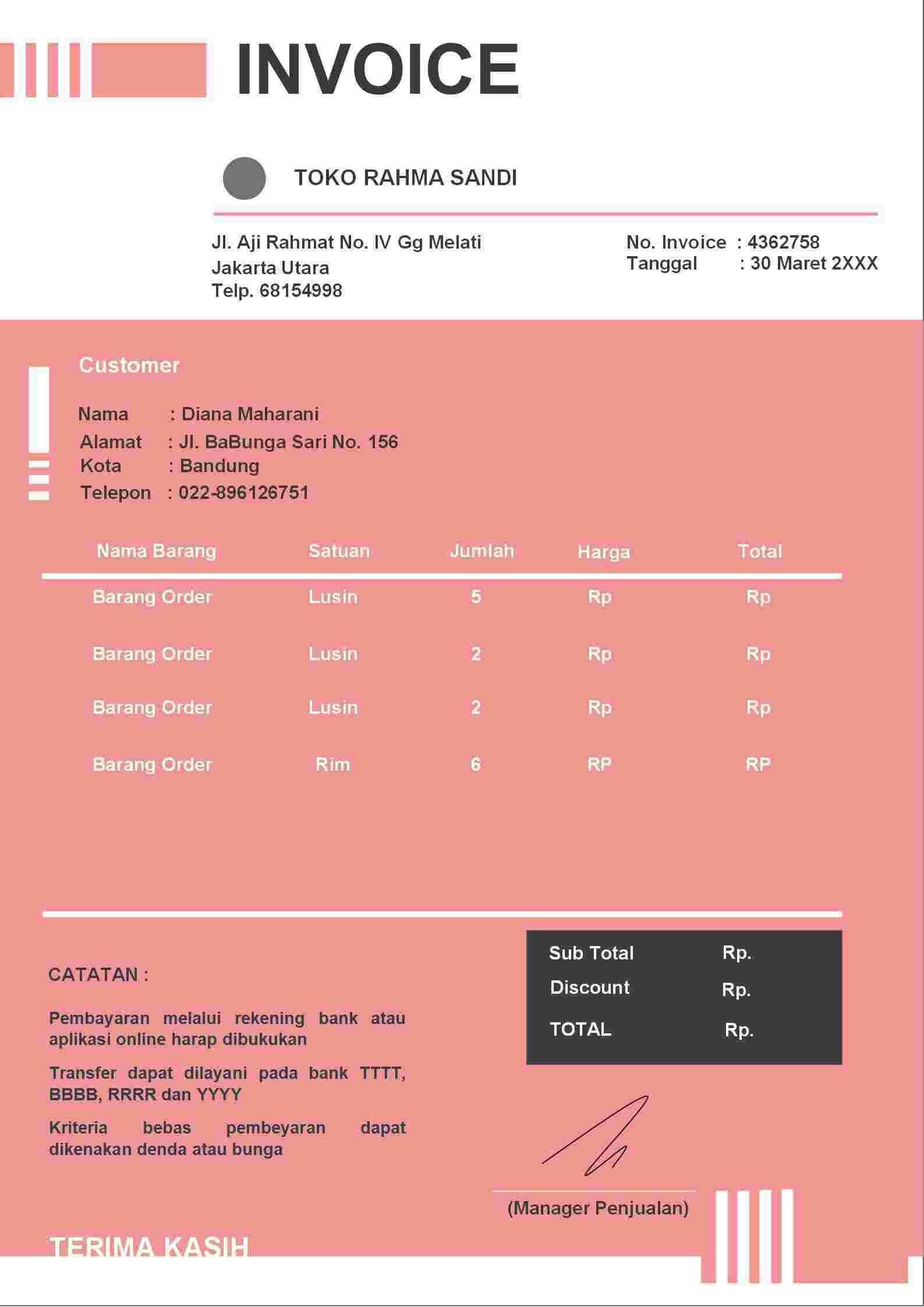
This one’s clean and simple with a soft pink touch that’s modern without being too much. It’s perfect for small plumbing gigs like fixing a sink or unclogging a drain. The layout’s so easy that clients can glance at it and know what’s up, which is huge when you’re swamped.
2. Orange Modern Invoice
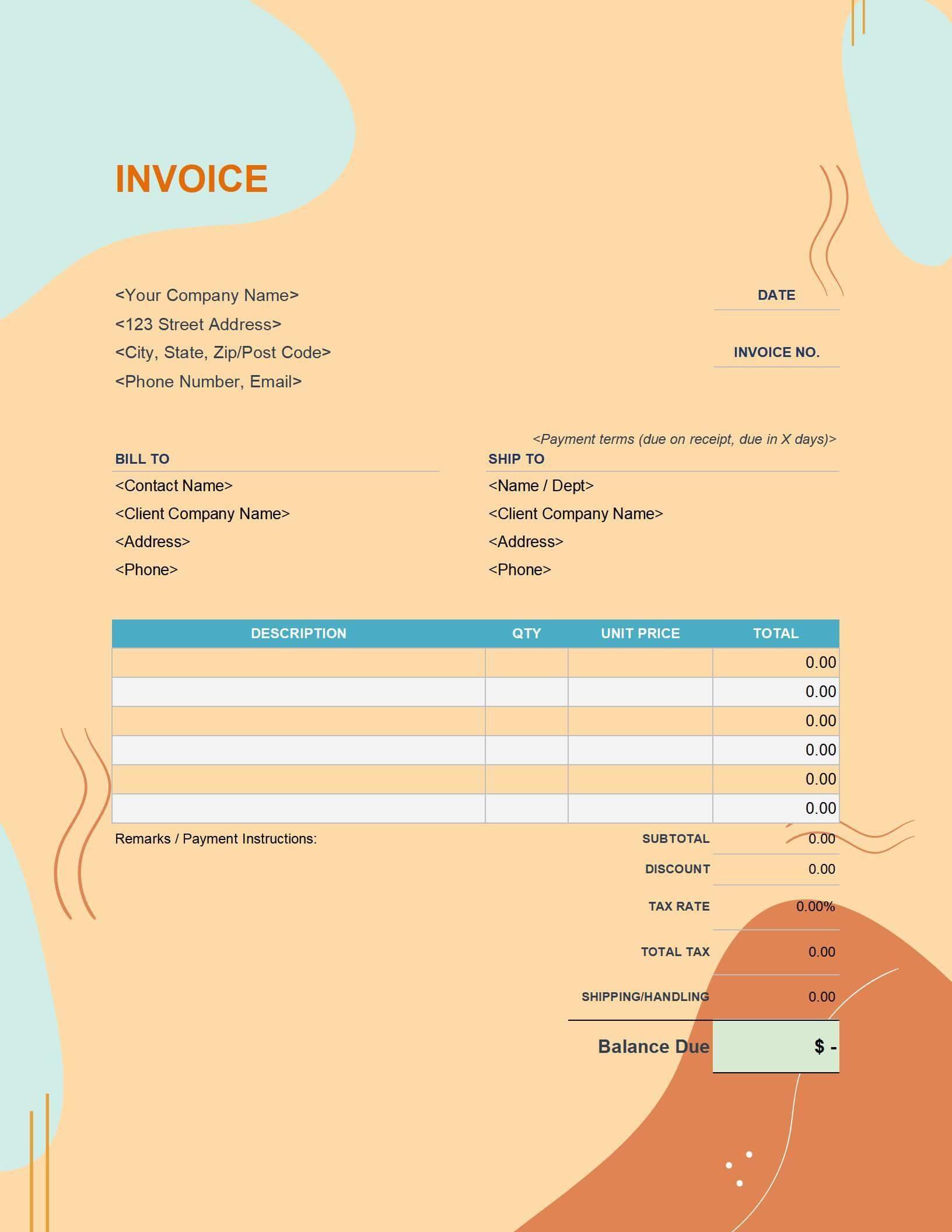
This template’s got some serious pop with bright orange accents, but it still feels pro. It’s great for plumbers who want to stand out, especially on bigger jobs like pipe replacements or full installs. There’s tons of space to list every part of a complex project.
3. Colour Shaps Invoice
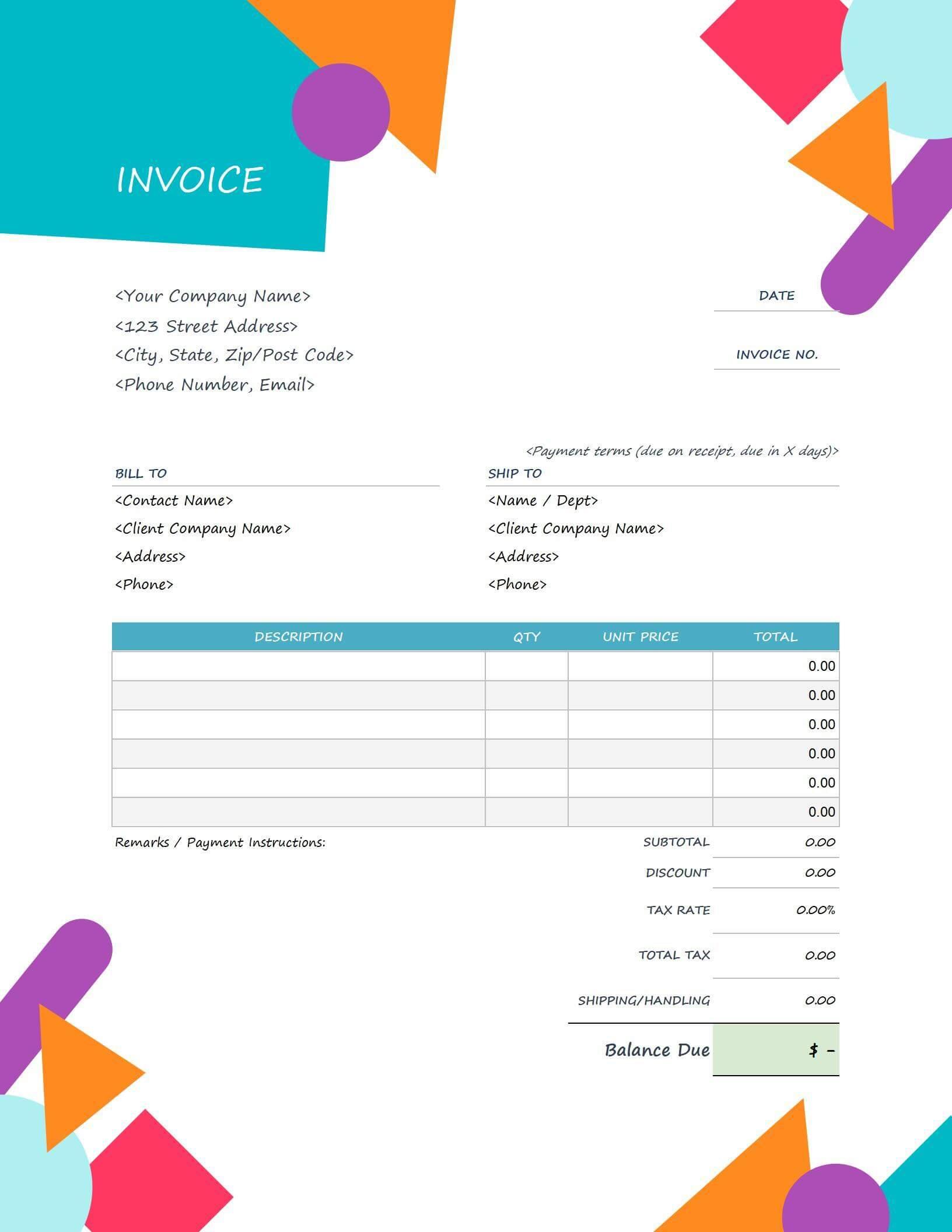
This one’s got cool geometric shapes that give it a creative, artsy vibe while staying functional. Perfect for eco-friendly or boutique plumbing businesses that want to show some personality.
4. Red Abstract Invoice
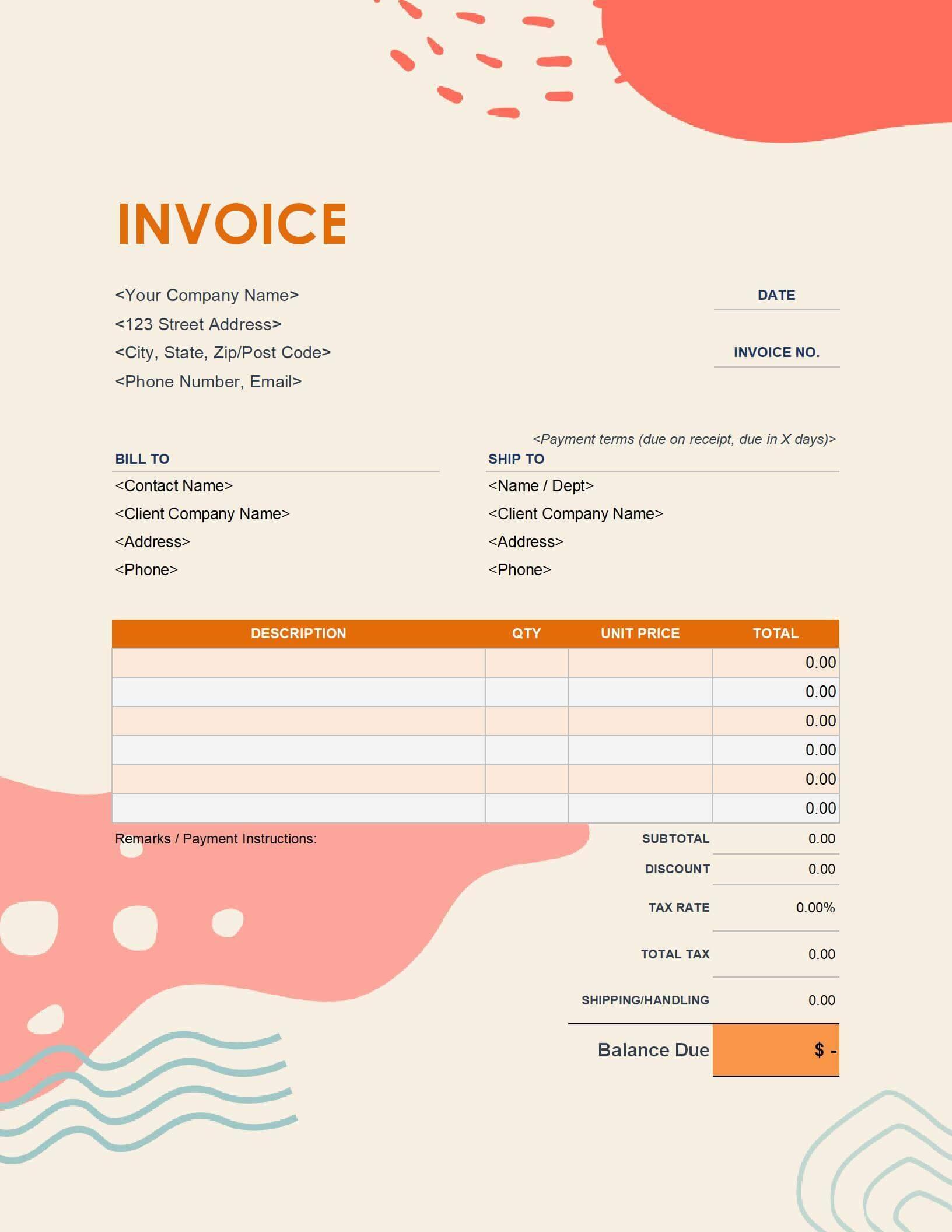
With bold red and abstract designs, this template’s all about making a statement. It’s awesome for commercial jobs where you want to show confidence. Just make sure your branding keeps the boldness in check.
5. Company Bill Invoice
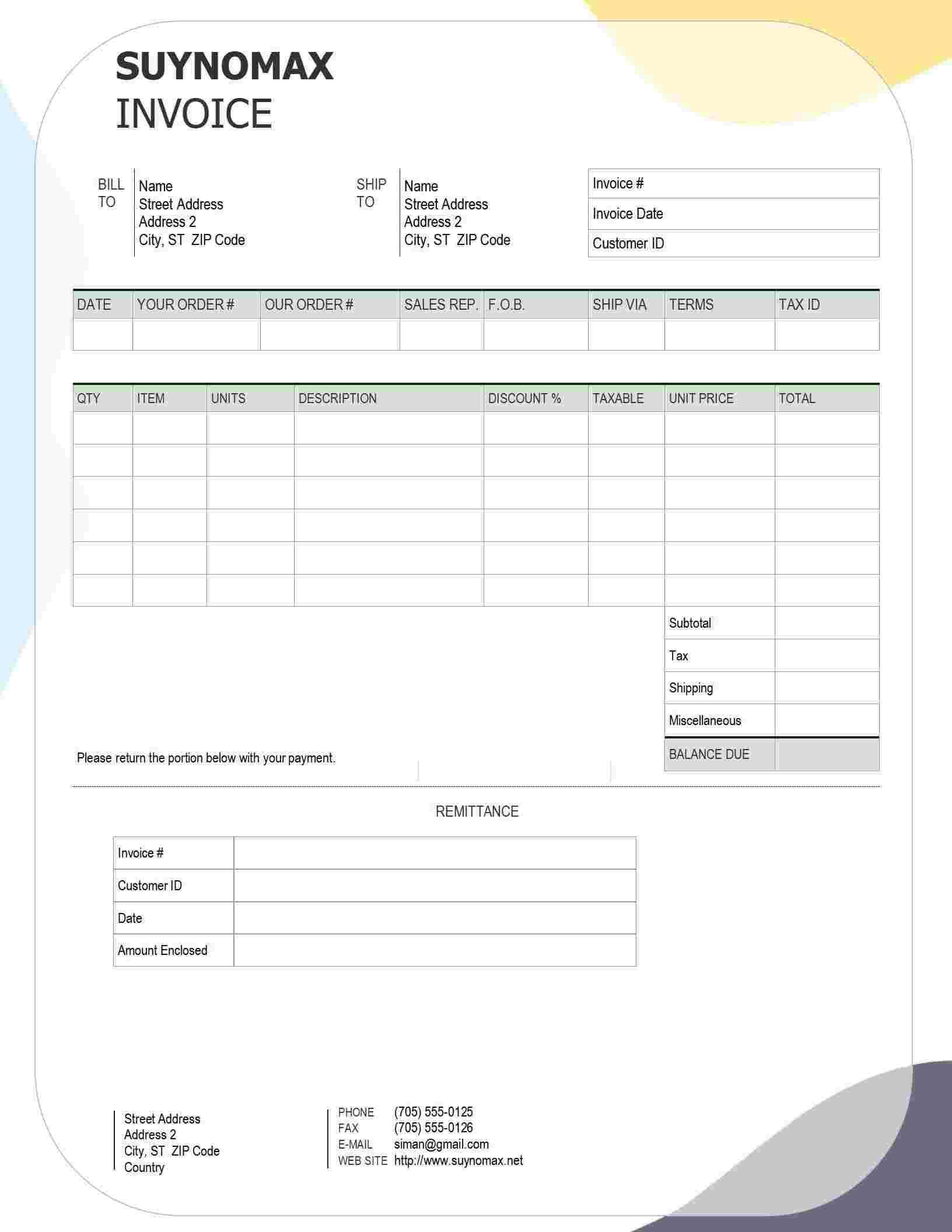
This is your no-frills, get-it-done template. Perfect for quick jobs like leak fixes or maintenance calls, it’s clean and organized so clients can see what they owe without squinting.
6. Invoice Simple Modern
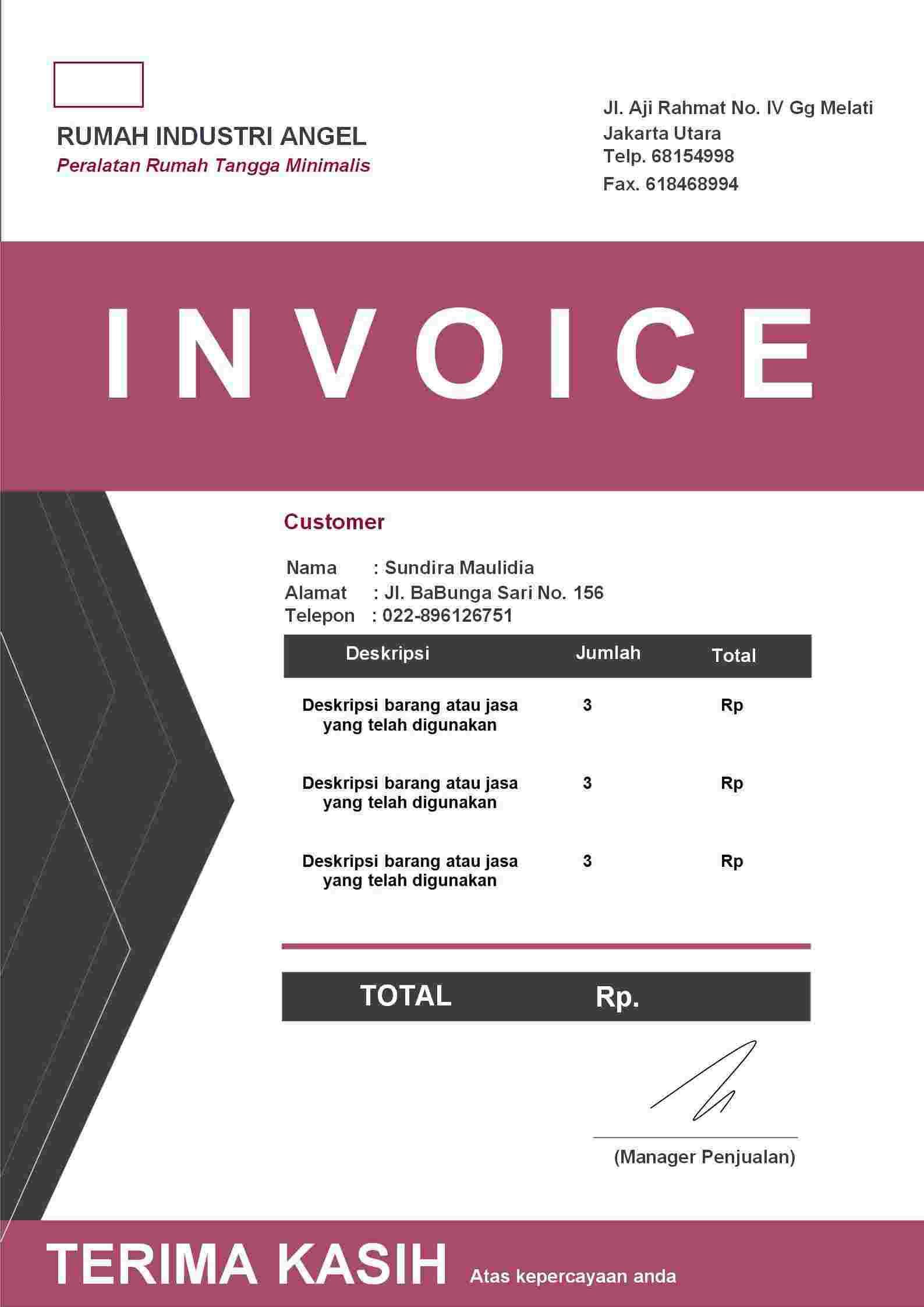
Sleek and modern, this template’s got clean lines that work for both home and business clients. Whether it’s a small fix or a big install, it looks polished without being stuffy.
7. Invoice Bentuk Minimalis
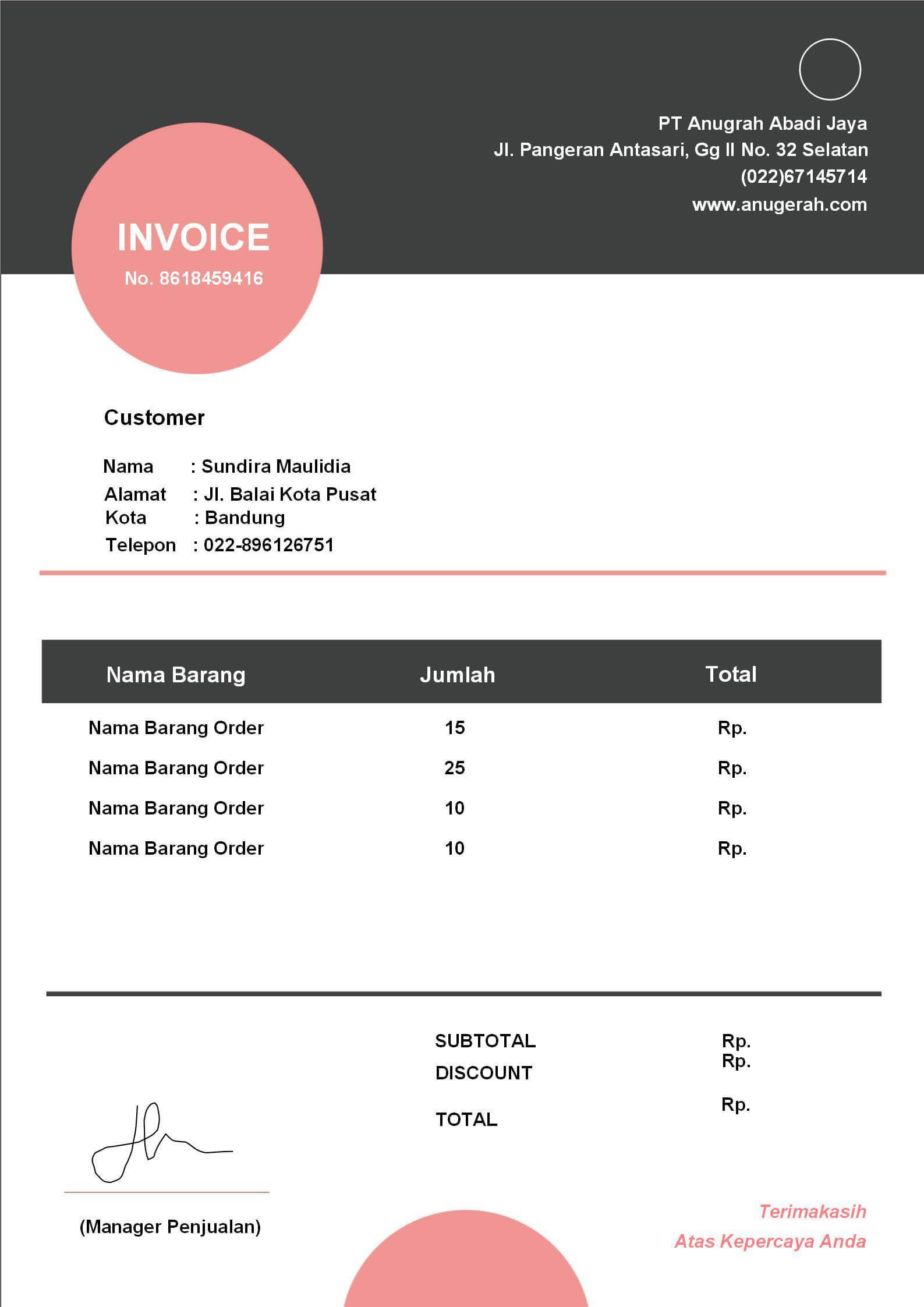
This minimalist template keeps things simple, letting your services shine. It’s perfect for straightforward jobs where you want a clean, pro invoice without extra fluff.
8. Invoice Garis Biru
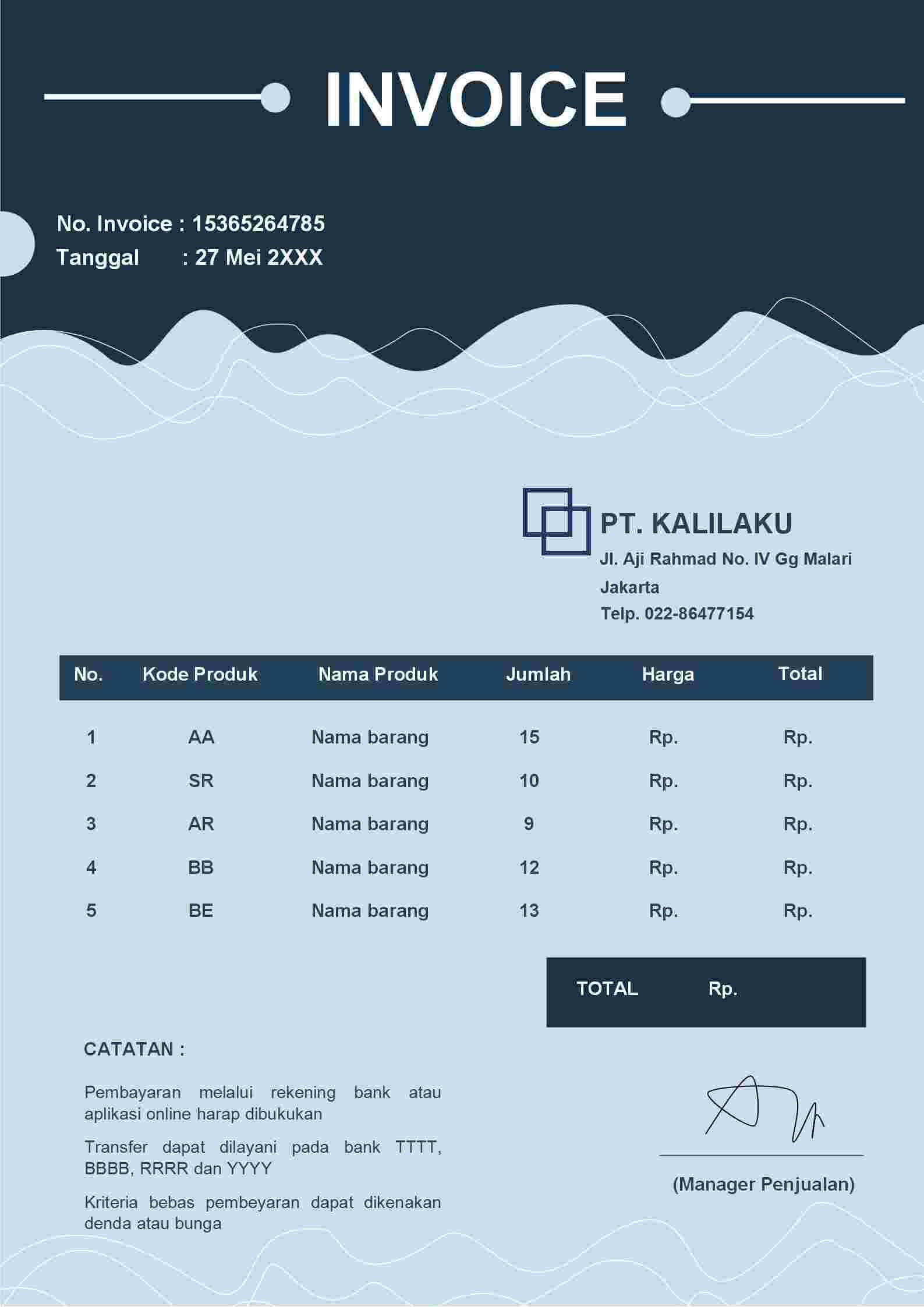
With subtle blue lines, this template adds a touch of style while staying organized. It’s great for multi-service jobs, like combining drain cleaning and pipe fixes, with space for detailed breakdowns.
9. Invoice Coklat Geometris
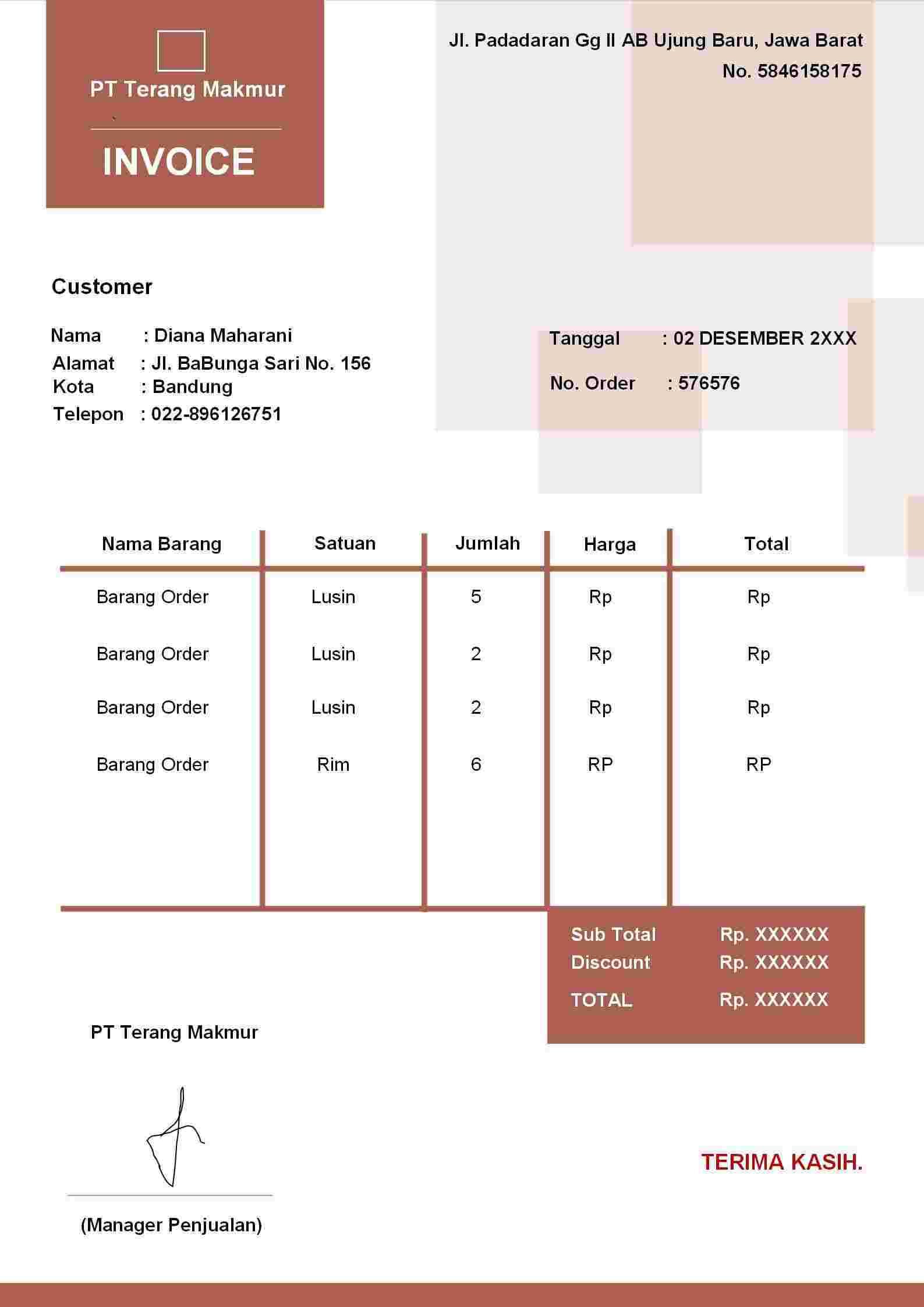
This one’s got a unique brown geometric design that’s pro but stands out. It’s awesome for eco-conscious or boutique plumbing businesses, with earthy tones that feel modern yet grounded.
10. Invoice Simpel Hijau Pastel
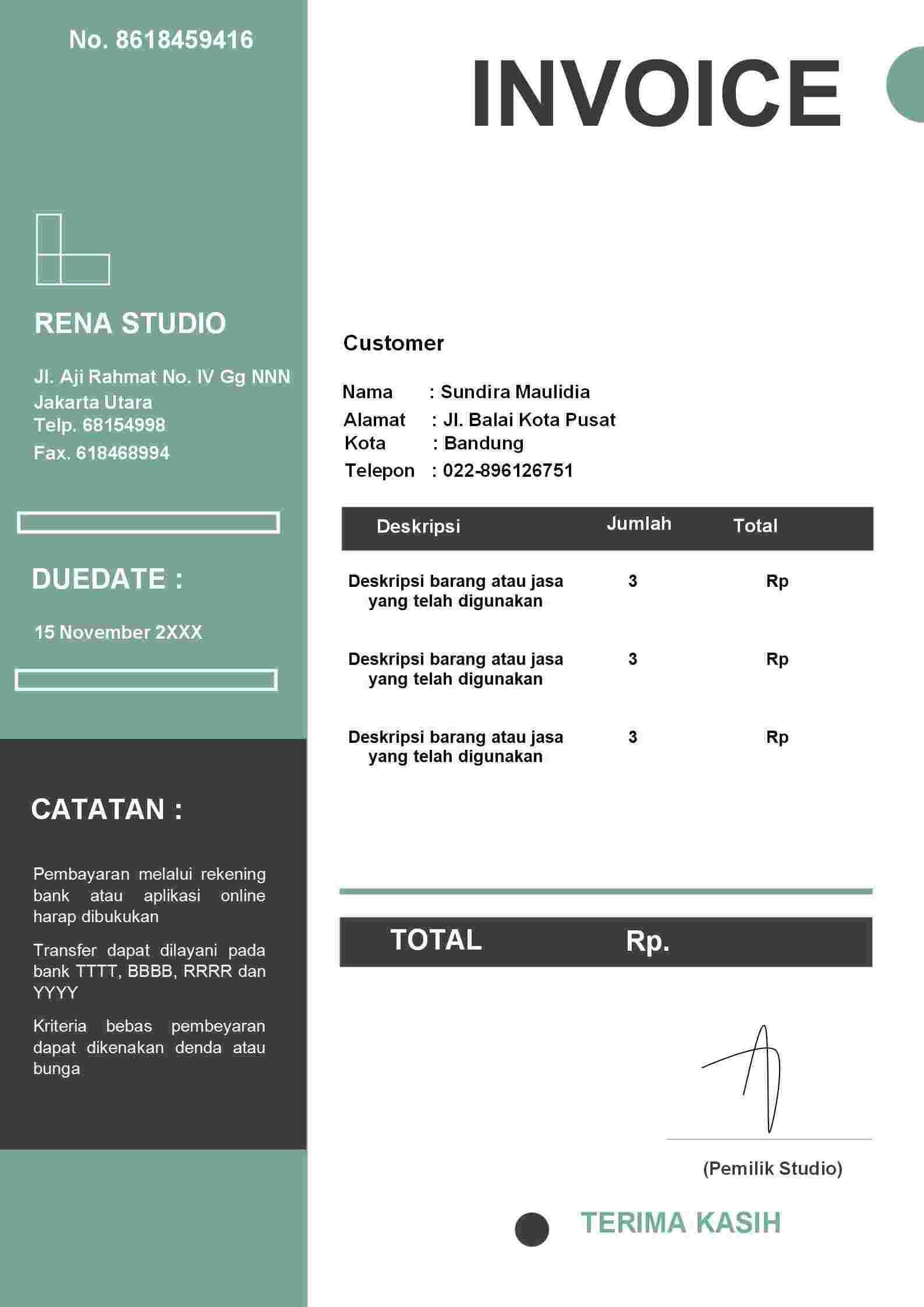
This pastel green template is soft, friendly, and still totally pro. It’s ideal for residential plumbers who want to seem approachable, especially for smaller jobs like bathroom fixes.
For small businesses or quick jobs, the Simple Pink Invoice and Invoice Simple Modern are your best buds, they’re clean and fast to edit. Want to make a splash? The Orange Modern Invoice or Red Abstract Invoice bring the wow, but you gotta make sure they vibe with your brand so they don’t feel too loud. For a creative edge, the Colour Shaps Invoice or Invoice Coklat Geometris add personality while keeping it pro. Pick what feels like you.
Create Professional Plumbing Invoices with Free Invoice Generator
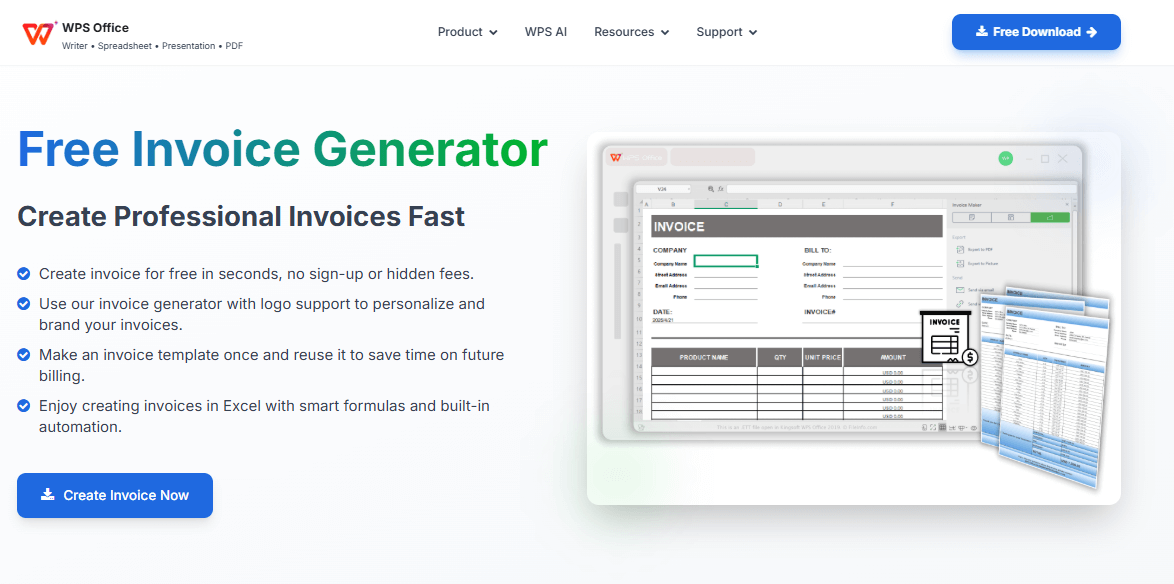
Templates are solid, but if you want invoicing to be a total breeze, the WPS Free Invoice Generator is your new best friend. Built into WPS Office, it’s like having a buddy who handles all the boring billing stuff so you can get back to fixing pipes.
How to Use WPS Free Invoice Generator
Step 1: Grab WPS Office
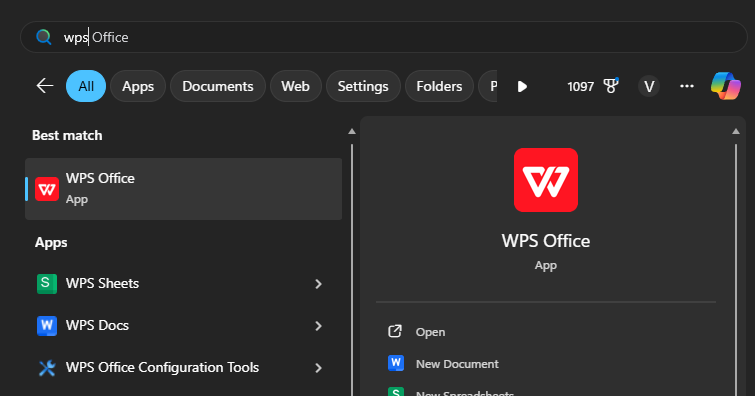
Head to wps.com and download WPS Office for free. It works on your computer or phone, so you can bill from the job site or your couch.
Step 2: Jump into the Invoice Generator
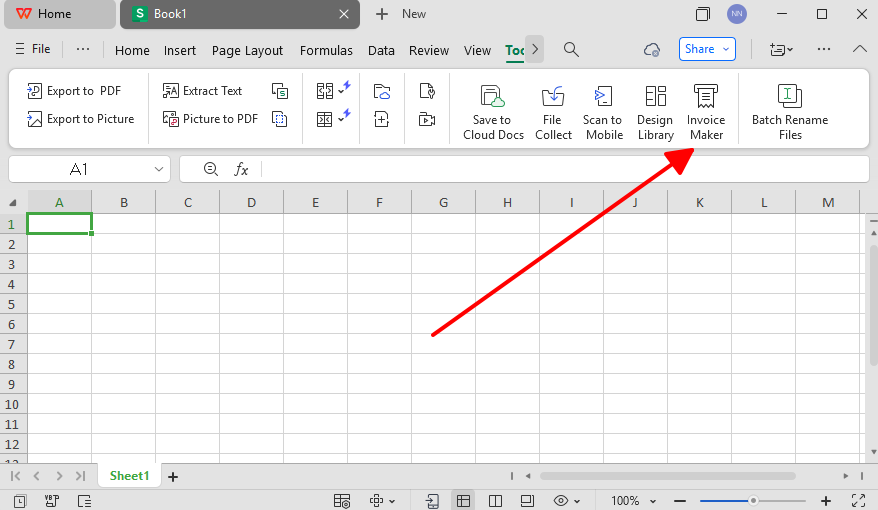
Open WPS Office, find the “Invoice Generator,” and pick a template or start from scratch.
Step 3: Tweak It to Fit
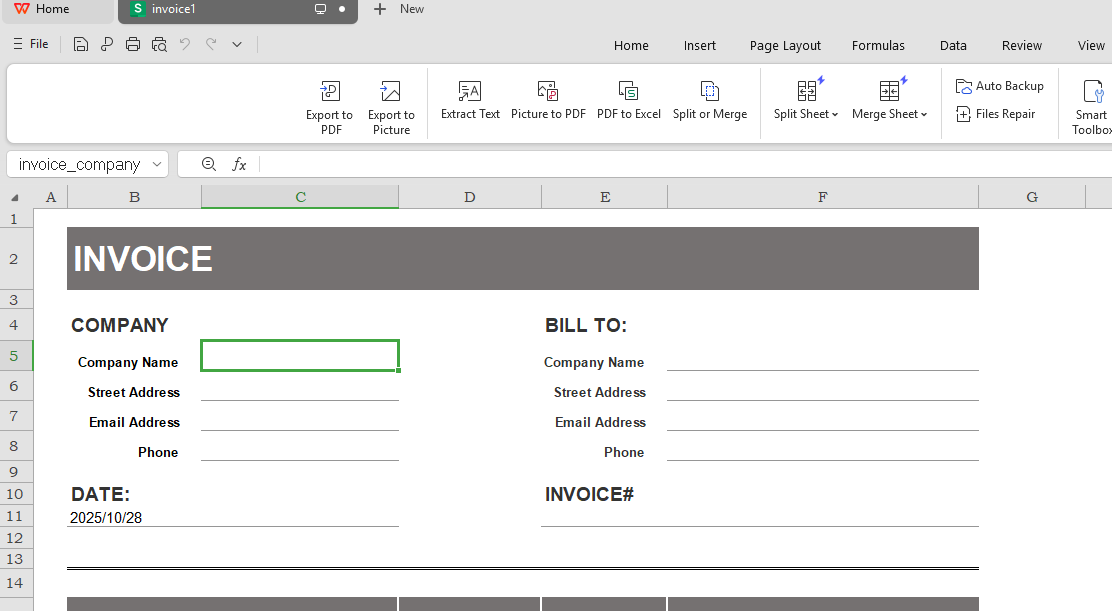
Add your logo, contact info, client details, and a breakdown of what you did. Toss in taxes or notes like “keep it on one page” for a clean look.
Step 4: Send It Off
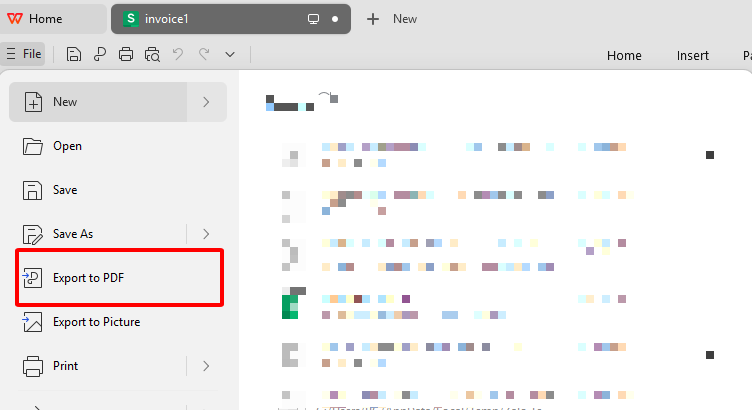
Save it as a PDF, print it, or fire it off to your client’s email. Boom, you’re done.
I used this for a messy job with tons of services and weird tax rates. The AI nailed the math, and the invoice looked so good the client paid me the next day. It’s way faster than my old pen-and-paper days, and I haven’t made a single math error since.
FAQs
Q1: How do I customize a plumbing invoice template?
Just toss in your logo, contact info, service details, pricing, and client info. Change colors or layout to match your brand if you want.
Q2: Is a digital invoice legally valid?
Yup, digital invoices are totally legit as long as they’ve got all the required info and follow local tax rules.
Q3: Should I include taxes on plumbing invoices?
Definitely, list taxes clearly with the rate and amount. Keeps things straight-up and avoids confusion.
Q4: Can I calculate totals automatically with WPS Free Invoice Generator?
You bet, it auto-calculates totals, taxes, and subtotals, saving time and cutting mistakes.
Q5: Do I need to install WPS to use the Free Invoice Generator?
Yeah, you need to download WPS Office to use the Invoice Generator and edit templates.

'%3e%3cpath%20d='M19.9911%204.11386V6.471H18.5894C18.0775%206.471%2017.7322%206.57814%2017.5536%206.79243C17.3751%207.00671%2017.2858%207.32814%2017.2858%207.75671V9.44421H19.9019L19.5536%2012.0871H17.2858V18.8639H14.5536V12.0871H12.2769V9.44421H14.5536V7.49779C14.5536%206.39064%2014.8632%205.53201%2015.4822%204.92189C16.1013%204.31177%2016.9257%204.00671%2017.9554%204.00671C18.8304%204.00671%2019.509%204.04243%2019.9911%204.11386Z'%20fill='%23333333'/%3e%3c/g%3e%3cdefs%3e%3cclipPath%20id='clip0_2938_8199'%3e%3crect%20width='16'%20height='16'%20fill='white'%20transform='translate(8%204.00671)'/%3e%3c/clipPath%3e%3c/defs%3e%3c/svg%3e)
'%3e%3cpath%20d='M17.5237%2010.7813L23.4811%204H22.0699L16.8949%209.88693L12.7648%204H8L14.2469%2012.9029L8%2020.0133H9.4112L14.8725%2013.7952L19.2352%2020.0133H24M9.92053%205.04213H12.0885L22.0688%2019.0224H19.9003'%20fill='%23333333'/%3e%3c/g%3e%3cdefs%3e%3cclipPath%20id='clip0_2938_8200'%3e%3crect%20width='16'%20height='16.0134'%20fill='white'%20transform='translate(8%204)'/%3e%3c/clipPath%3e%3c/defs%3e%3c/svg%3e)


