



'%3e%3cpath%20fill-rule='evenodd'%20clip-rule='evenodd'%20d='M21.4999%2010.9993C21.4999%205.20009%2016.7986%200.498901%2010.9993%200.498901C5.19994%200.498901%200.498657%205.20009%200.498657%2010.9993C0.498657%2016.2404%204.33858%2020.5844%209.35855%2021.3722V14.0346H6.69238V10.9993H9.35855V8.68594C9.35855%206.05427%2010.9262%204.60062%2013.3248%204.60062C14.4736%204.60062%2015.6753%204.80571%2015.6753%204.80571V7.38979H14.3512C13.0468%207.38979%2012.64%208.19921%2012.64%209.0296V10.9993H15.5523L15.0867%2014.0346H12.64V21.3722C17.66%2020.5844%2021.4999%2016.2404%2021.4999%2010.9993Z'%20fill='%231568EA'/%3e%3c/g%3e%3c/svg%3e)


'%3e%3cpath%20d='M2.42045%2022.1876H6.31818V12.7217L0.75%208.54553V20.5171C0.75%2021.4414%201.49892%2022.1876%202.42045%2022.1876Z'%20fill='%234285F4'/%3e%3cpath%20d='M19.682%2022.1876H23.5797C24.5041%2022.1876%2025.2502%2021.4387%2025.2502%2020.5171V8.54553L19.682%2012.7217'%20fill='%2334A853'/%3e%3cpath%20d='M19.682%205.48293V12.7216L25.2502%208.54543V6.31816C25.2502%204.25236%2022.8921%203.07469%2021.2411%204.31361'%20fill='%23FBBC04'/%3e%3cpath%20d='M6.31824%2012.7217V5.48303L13.0001%2010.4944L19.6819%205.48303V12.7217L13.0001%2017.733'%20fill='%23EA4335'/%3e%3cpath%20d='M0.75%206.31816V8.54543L6.31818%2012.7216V5.48293L4.75909%204.31361C3.10534%203.07469%200.75%204.25236%200.75%206.31816Z'%20fill='%23C5221F'/%3e%3c/g%3e%3cdefs%3e%3cclipPath%20id='clip0_2954_7305'%3e%3crect%20width='24.5'%20height='18.375'%20fill='white'%20transform='translate(0.75%203.8125)'/%3e%3c/clipPath%3e%3c/defs%3e%3c/svg%3e)


Quick answer: A Word document is an editable, formatted file—usually saved as .docx—used for essays, resumes, reports, and everyday office writing.
Key Characteristics of a Word Document
Editable — Change text, tables, graphics, and page layout anytime
Rich formatting — Fonts, colors, alignment, line spacing, and styles
Multi-element — Mix text, images, charts, tables, and fillable form fields
Share and print ready — Built for homework, submissions, and team review
Standard formats — Modern files use .docx; older files may use .doc
Common Word File Formats
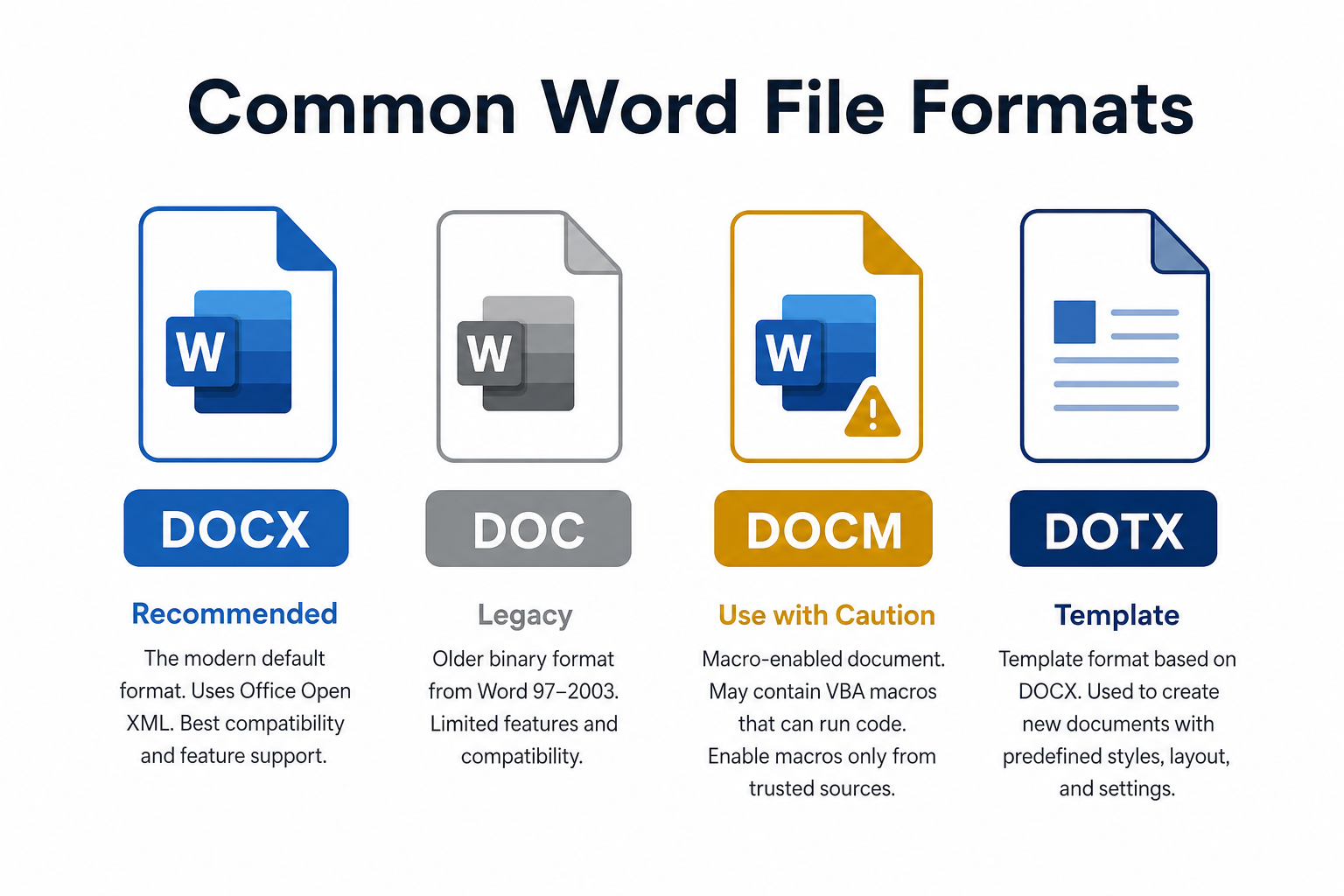
| Format | What it is | When you’ll see it |
|---|---|---|
| DOCX | Default modern Word format (after Word 2007) | New school and work files—use this by default |
| DOC | Older binary format (Word 97–2003) | Legacy archives and old templates |
| DOCM | Macro-enabled Word file (can run VBA code) | Only open if you trust the source |
| DOTX / DOTM | Word template formats | Reusable layouts, letterheads, and form templates |
DOCX is smaller, more stable, and supports today’s layout features. For new documents, save as DOCX unless someone specifically asks for another format.
What Content Can a Word Document Include?
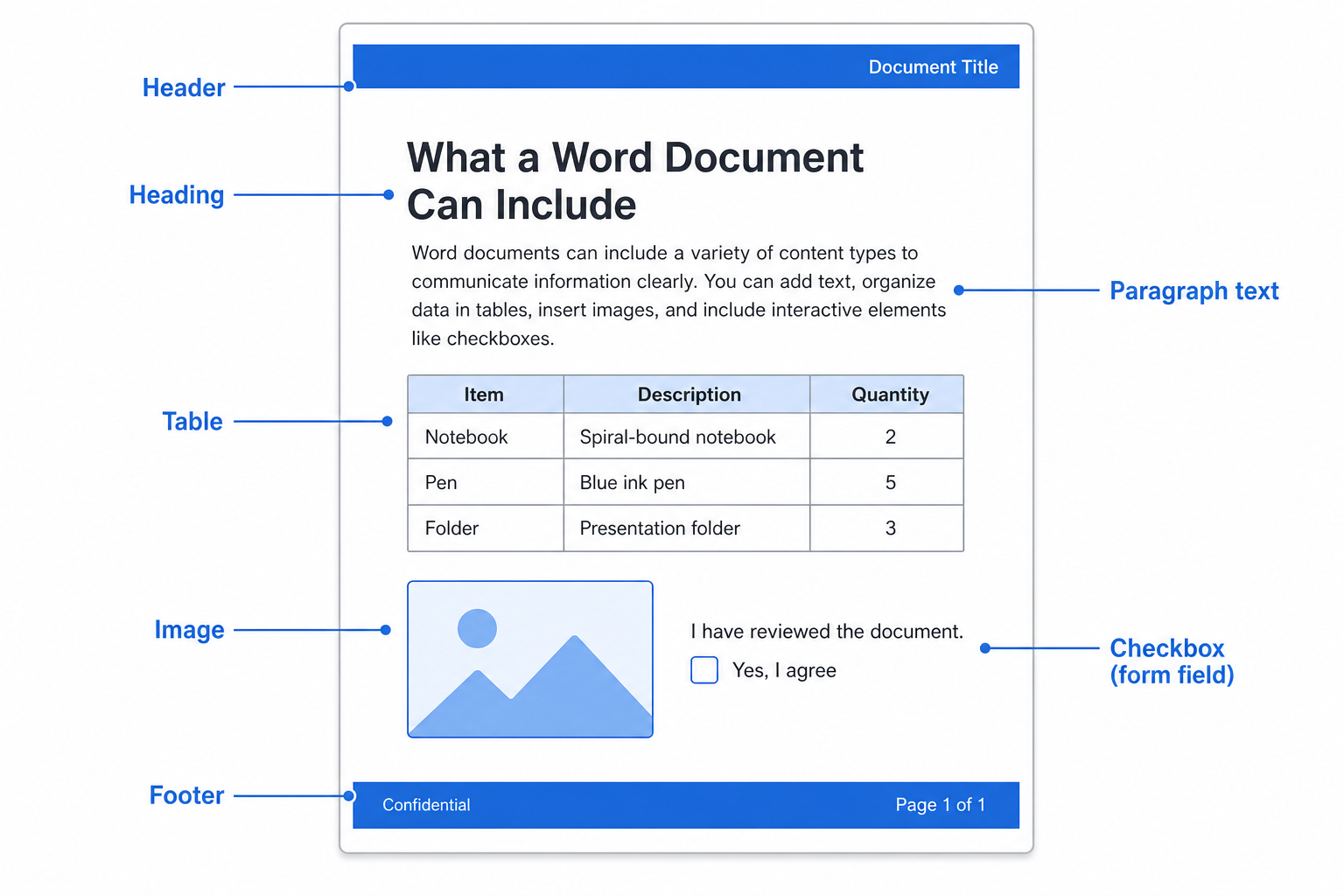
A Word file can hold much more than plain paragraphs:
Formatted text — Bold, italic, colors, font sizes, and paragraph spacing
Structure — Headings, page breaks, section breaks, headers, footers, and page numbers
Visuals — Pictures, shapes, icons, charts, and SmartArt
Lists and tables — Bullets, numbering, and multi-column tables
Collaboration — Comments, Track Changes, and review suggestions
Forms — Check boxes, fillable fields, and content controls
Common Use Cases
School — Essays, research reports, homework, and thesis drafts
Job search — Resumes, cover letters, and personal statements
Business — Agendas, announcements, policies, SOPs, and proposals
Team work — Shared drafts for review, edits, and comments
Word vs PDF vs Google Docs vs TXT
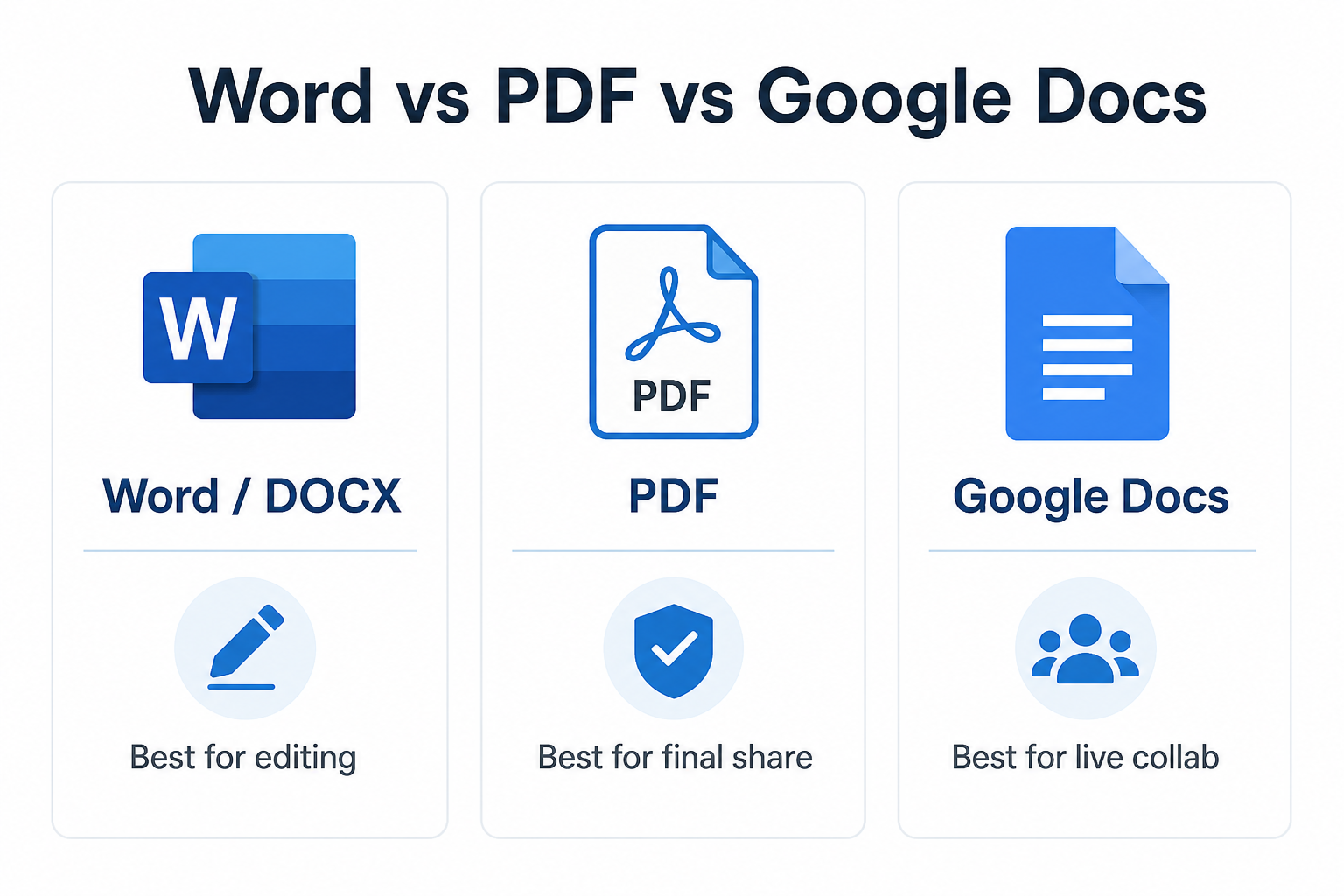
| Format / tool | Best for | Watch out for |
|---|---|---|
| Word (.docx) | Drafting, editing, and full layout control | Not ideal when you need a fixed final look for every device |
| Final sharing and printing with a locked layout | Harder to edit than Word | |
| Google Docs | Real-time online collaboration | Complex Word layouts, tables, and sections may shift after conversion |
| TXT | Simple notes with no formatting | No images, tables, or professional layout |
Simple rule: Write and revise in Word → export to PDF when the file is final.
A Free Alternative: Open and Edit Word Files with WPS Writer
You do not need paid Microsoft 365 to work with Word documents. WPS Writer opens and edits standard Word files and covers the everyday tools students and office users rely on.
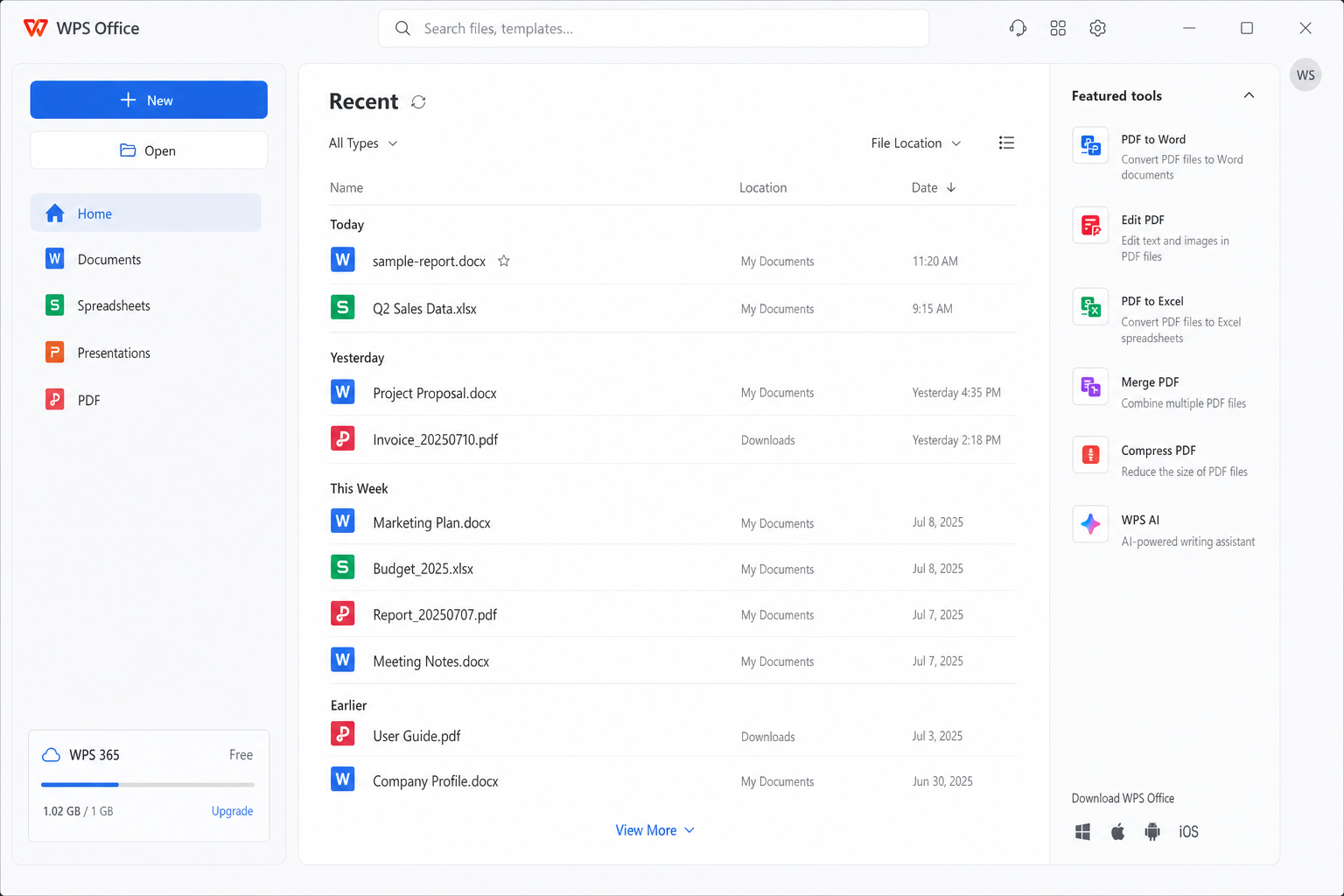
WPS Writer features a familiar, Microsoft Word-style toolbar layout. You can open any .docx file directly and edit text, headings, tables and formatting with the same tools you use in Word, with zero learning curve.
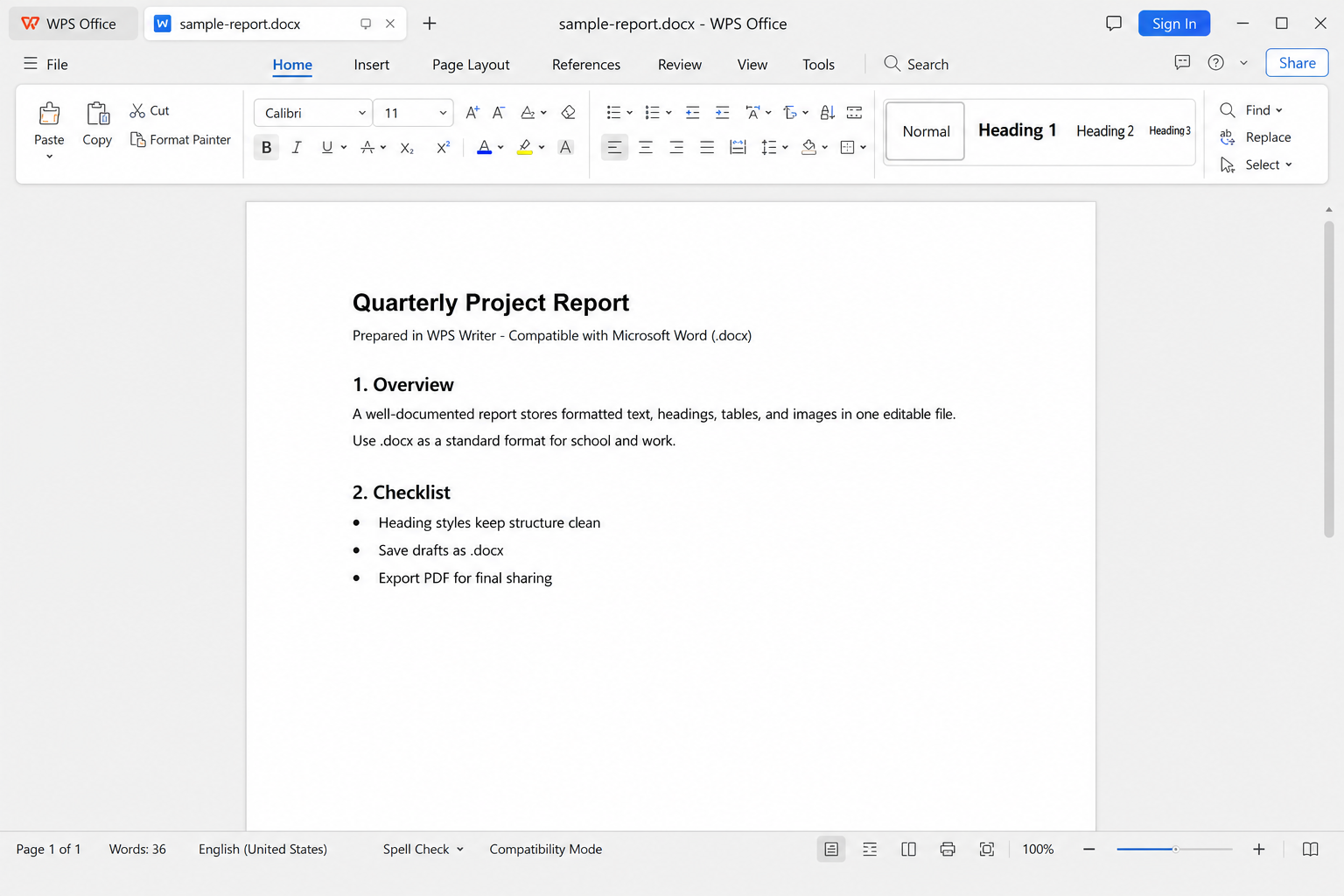
This full-format compatibility ensures your documents will display perfectly without layout errors when opened in Microsoft Word or other office software.
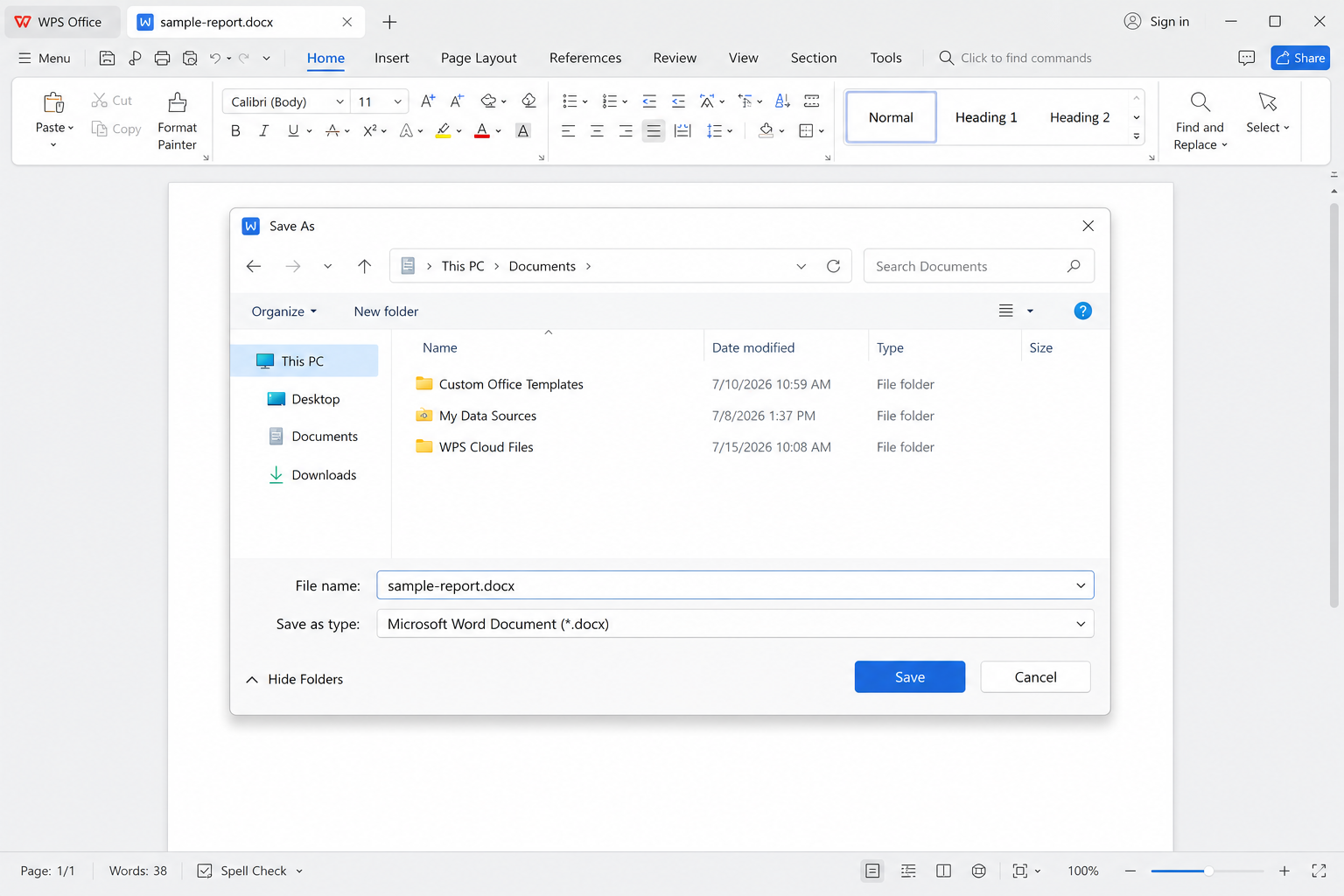
DOCX and DOC compatible — Open common Word formats with layouts, tables, charts, and form controls intact
Free core editing — Write, format, adjust layout, and customize documents without a paid Word subscription
Lightweight — Uses less storage and memory; opens smoothly on everyday PCs
All-in-one toolkit — Word editing plus PDF tools, templates, and related office utilities in one suite
Cross-platform — Windows, Mac, Android, and iOS, with sync across devices
Stable with complex files — Better at keeping advanced Word structure than many browser-only editors
Practical Tips for Clean Word Documents
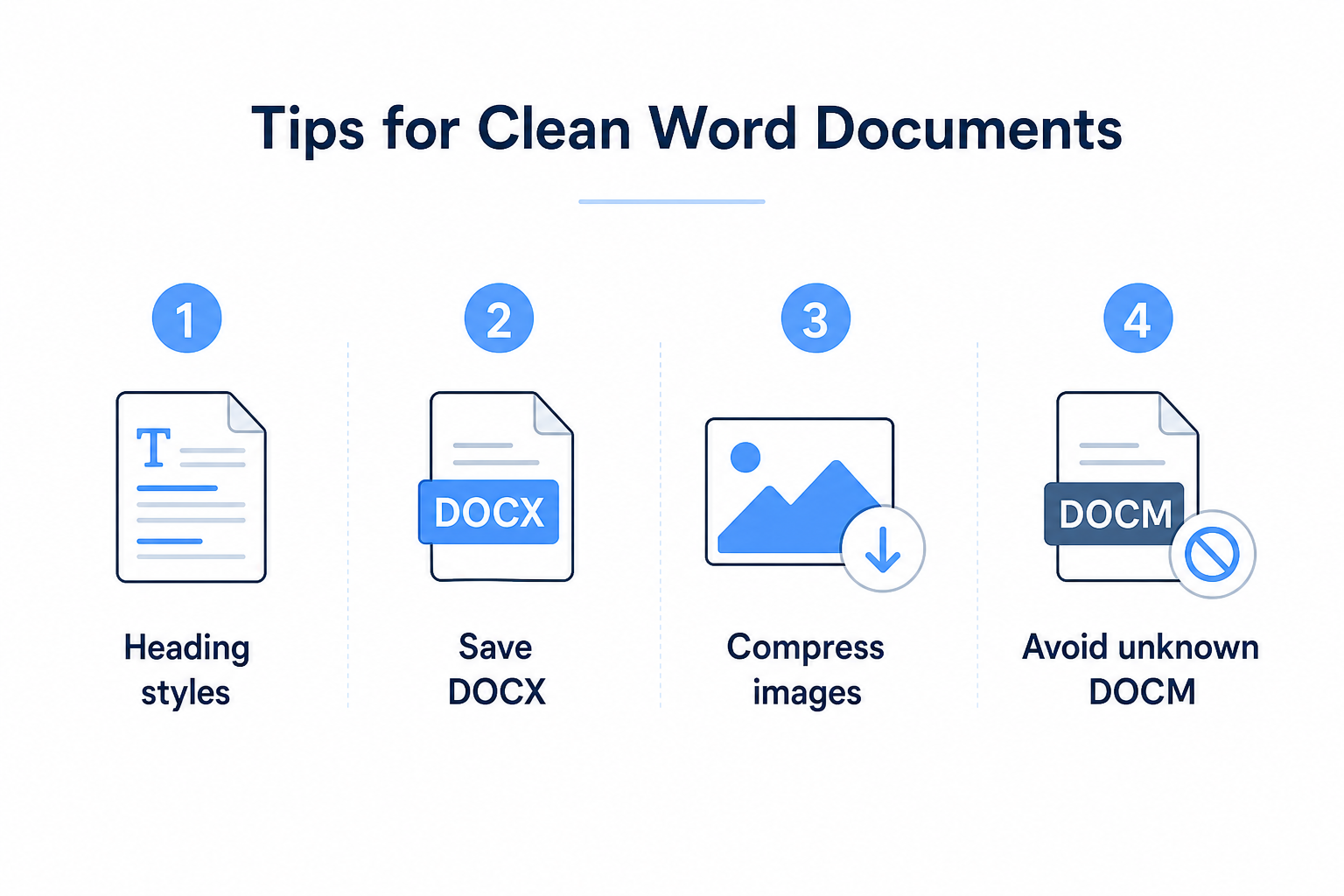
Use built-in Heading styles instead of manually bolding and resizing every title
Keep editable drafts as .docx; export PDF only for final delivery
Compress large images before inserting them to keep files small and fast
Do not open unfamiliar .docm files—macros can be a security risk
FAQ
What is a Word document used for?
It is the standard editable file for formal writing, formatting, and collaboration—at school and at work.
Which is better, DOC or DOCX?
DOCX. It is smaller, more stable, more compatible, and supports modern Word features. Save new files as DOCX.
Can I open Word files without Microsoft Word?
Yes. Options include WPS Writer, Google Docs, and LibreOffice. For free use with stronger layout fidelity, many people prefer WPS Writer.
Should I send files as Word or PDF?
Use Word while editing. Send PDF for final delivery so the layout stays fixed for everyone who opens it.
Conclusion
A Word document is the go-to formatted file for school and professional writing. It supports rich formatting, mixed media, and collaborative review—usually as a modern .docx file. If you want Word-compatible editing without a paid Microsoft Word subscription, WPS Writer is a practical free option for everyday document work.

'%3e%3cpath%20d='M19.9911%204.11386V6.471H18.5894C18.0775%206.471%2017.7322%206.57814%2017.5536%206.79243C17.3751%207.00671%2017.2858%207.32814%2017.2858%207.75671V9.44421H19.9019L19.5536%2012.0871H17.2858V18.8639H14.5536V12.0871H12.2769V9.44421H14.5536V7.49779C14.5536%206.39064%2014.8632%205.53201%2015.4822%204.92189C16.1013%204.31177%2016.9257%204.00671%2017.9554%204.00671C18.8304%204.00671%2019.509%204.04243%2019.9911%204.11386Z'%20fill='%23333333'/%3e%3c/g%3e%3cdefs%3e%3cclipPath%20id='clip0_2938_8199'%3e%3crect%20width='16'%20height='16'%20fill='white'%20transform='translate(8%204.00671)'/%3e%3c/clipPath%3e%3c/defs%3e%3c/svg%3e)
'%3e%3cpath%20d='M17.5237%2010.7813L23.4811%204H22.0699L16.8949%209.88693L12.7648%204H8L14.2469%2012.9029L8%2020.0133H9.4112L14.8725%2013.7952L19.2352%2020.0133H24M9.92053%205.04213H12.0885L22.0688%2019.0224H19.9003'%20fill='%23333333'/%3e%3c/g%3e%3cdefs%3e%3cclipPath%20id='clip0_2938_8200'%3e%3crect%20width='16'%20height='16.0134'%20fill='white'%20transform='translate(8%204)'/%3e%3c/clipPath%3e%3c/defs%3e%3c/svg%3e)


