JPG to PNG Converter

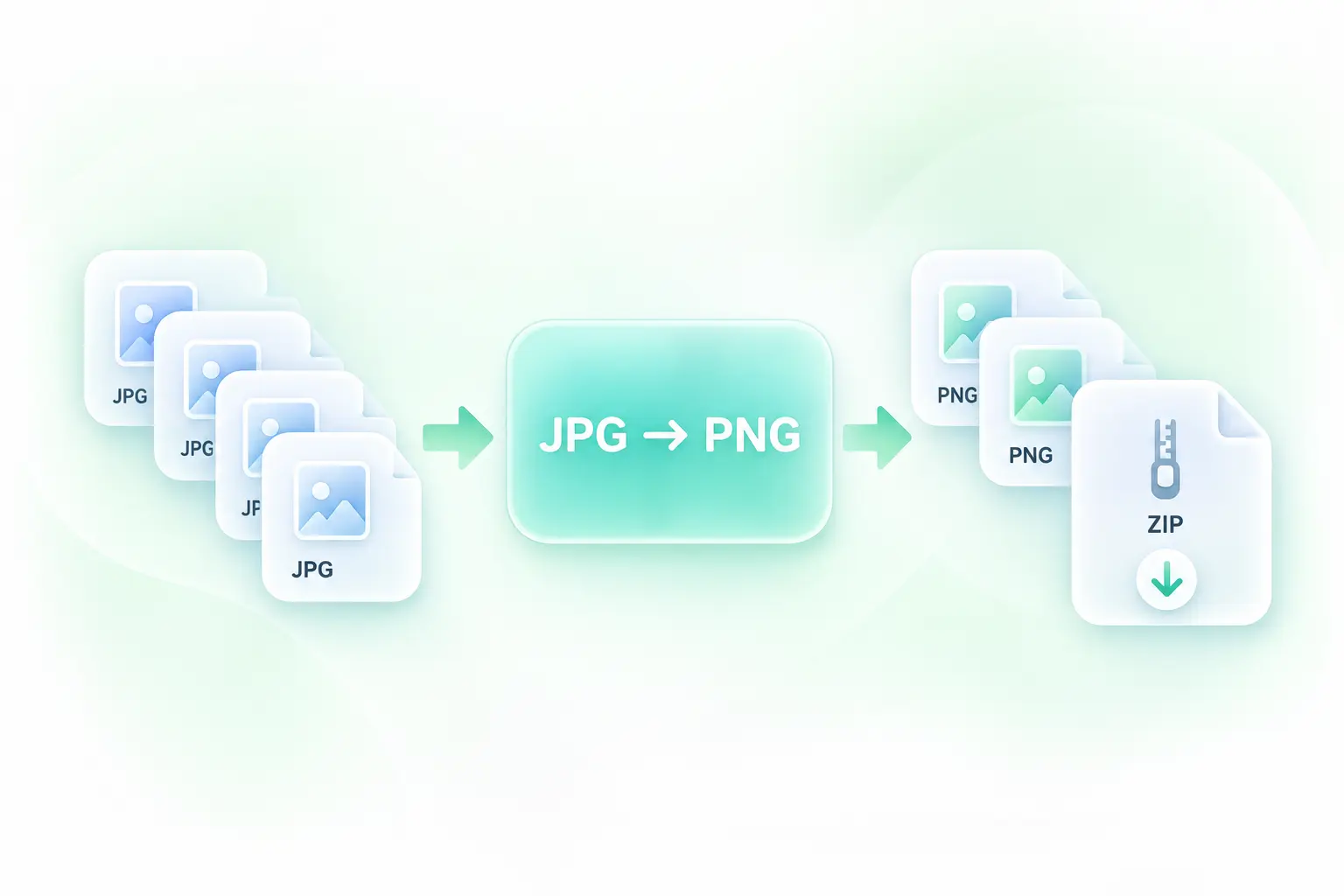
Convert JPG to PNG online with WPS for your next document, design, or image-editing task. Add JPG or JPEG images, review the converted files, and download your PNG results individually or together.

or drag and drop files here

JPG, up to 100 MB · max 20 files

Conversion options
0 files selected
0%
0% complete
Processing...
Converting JPG to PNG…

Preparing your files

Uploading images, correcting orientation, and encoding lossless PNG output.

0 files converted to PNG

Your PNG files are ready. PNG size changes are shown for each file.

Free to Use
No Sign-Up
No Ads
Any Browser
Free to Use
No Sign-Up
No Ads
Any Browser

How to Convert JPG to PNG in 3 Steps

  1. Step 1: Add JPG or JPEG images

    Upload your source images. Both .jpg and .jpeg files use JPEG image data and belong in the same conversion workflow.

  2. Step 2: Convert the files

    Select Convert to PNG and wait for the results. Review the images and any messages before exporting.

  3. Step 3: Save your PNG results

    Download individual files or use the ZIP option for the converted set. Keep your originals if you may need to compare them later.

Convert JPEG to PNG for Your Next Edit

Convert JPEG to PNG for Your Next Edit

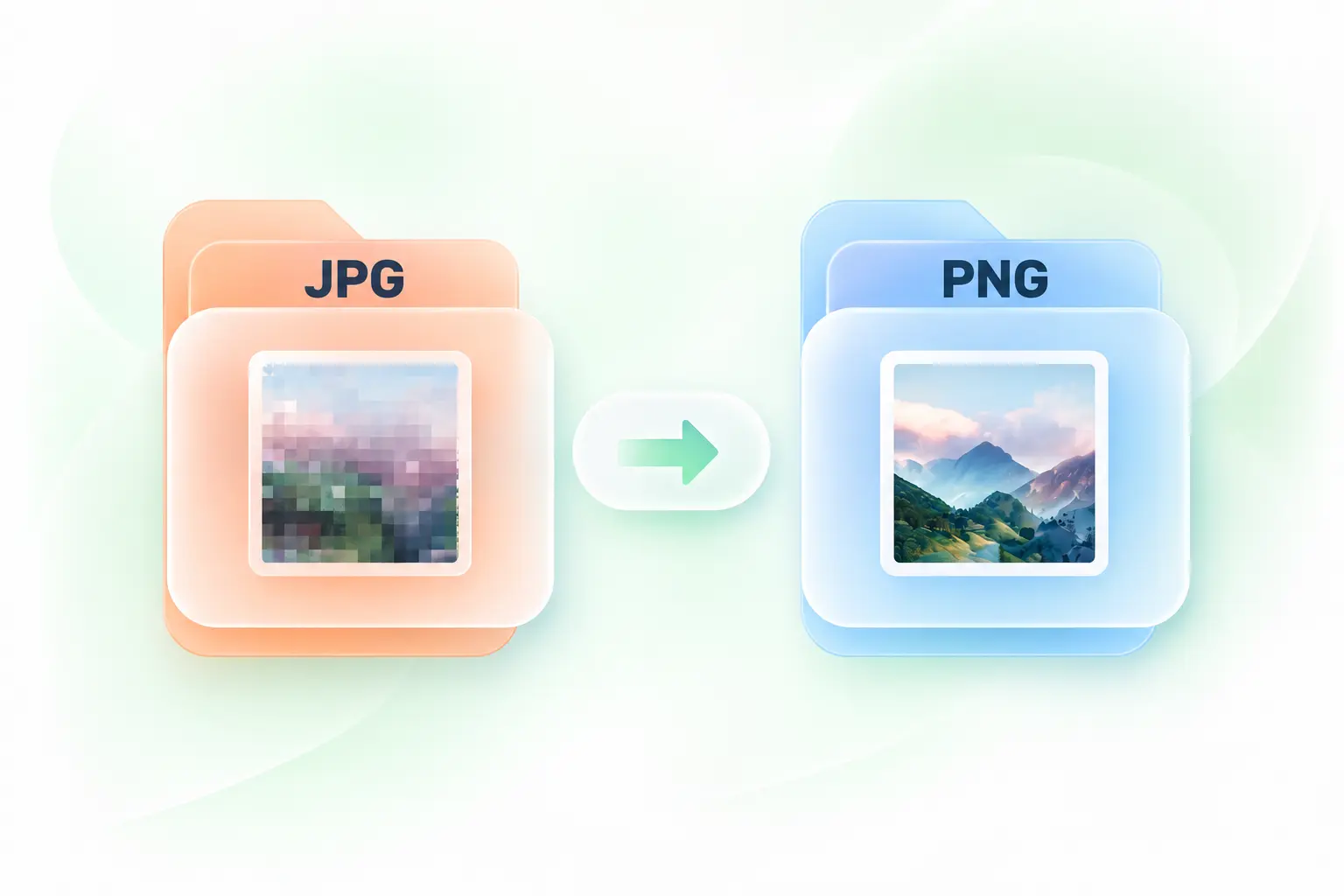
A workflow may require PNG even when your source is a JPEG. WPS’s JPG to PNG converter creates the required format, so you can continue with a PNG-based handoff. It does not recover detail already lost in the JPEG source.
Keep JPG Photos the Right Way Up

Keep JPG Photos the Right Way Up

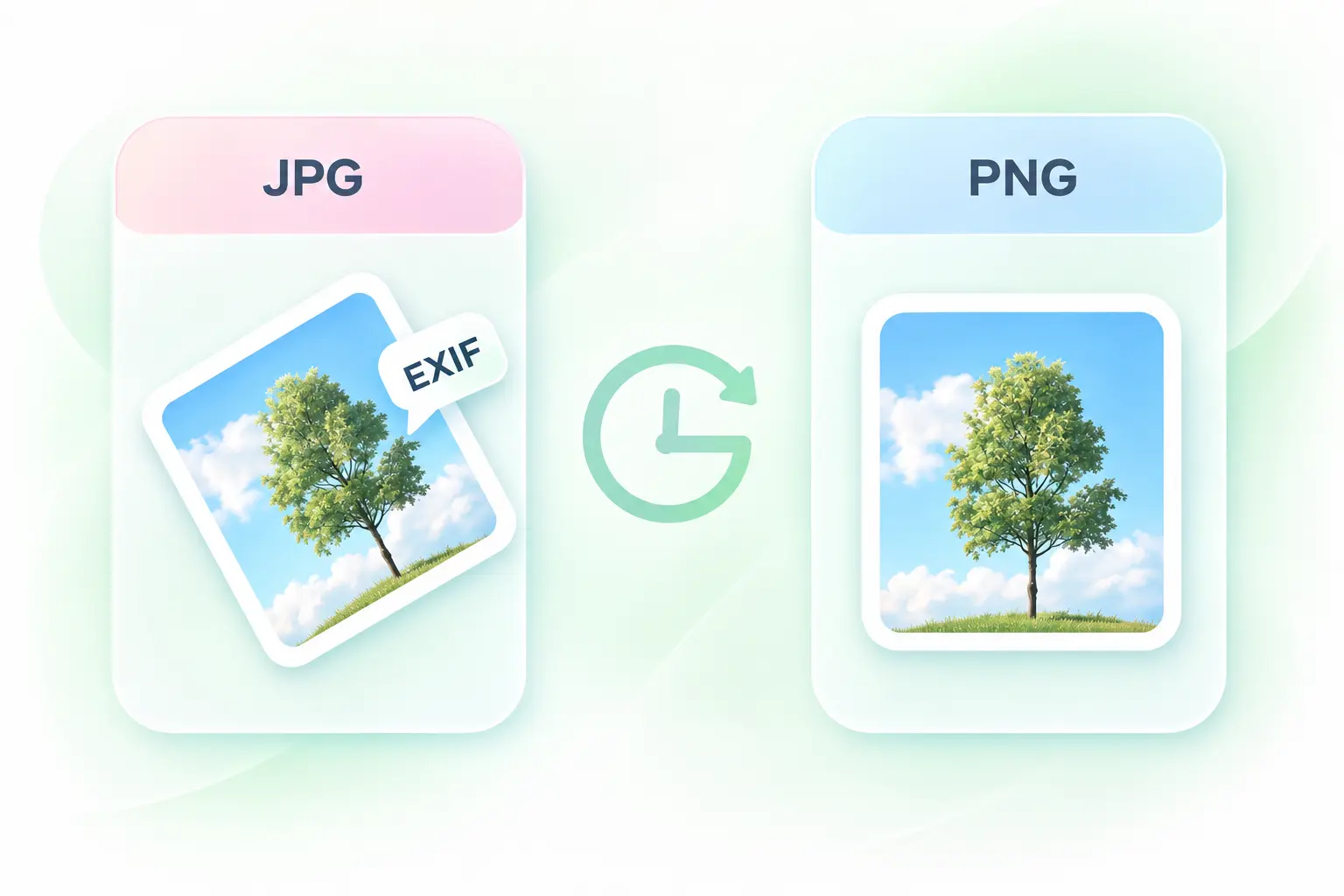
Phone and camera photos can rely on orientation metadata to display correctly. The converter applies EXIF orientation during conversion, helping you carry the intended orientation into the PNG copy. Check rotated images before inserting them into a document.

Convert CMYK Images to Screen-Ready PNGs

Convert CMYK Images to Screen-Ready PNGs

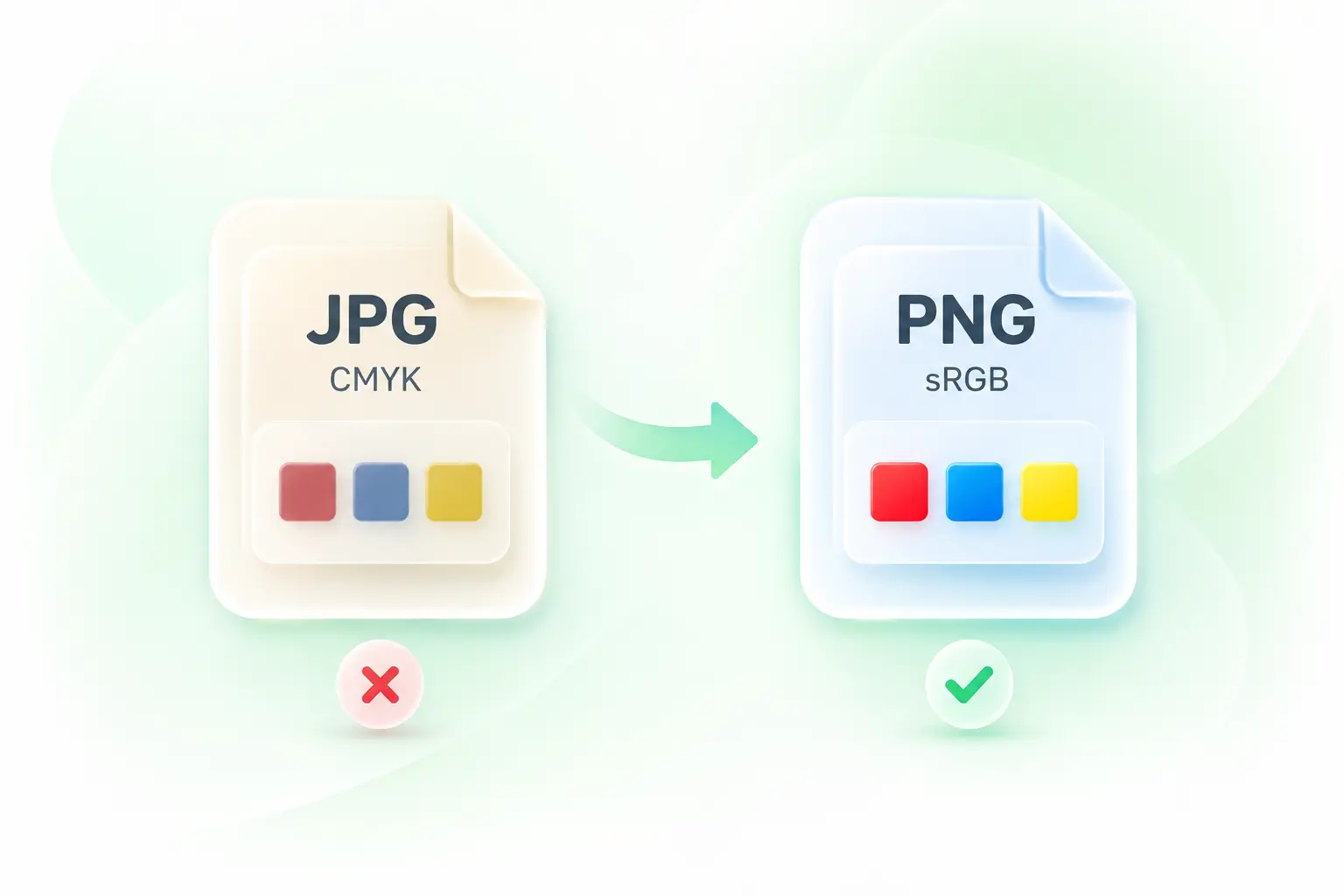
A print-oriented JPEG can use a different color space from a screen workflow. CMYK-to-sRGB conversion provides a screen-oriented PNG copy, so you have an output to review for digital use. It is not a guarantee of identical color on every display.

Batch Convert JPG to PNG in One Job

Batch Convert JPG to PNG in One Job

Converting a collection one image at a time adds repetitive steps. Batch conversion and ZIP download keep a set of JPEG to PNG results together, making it easier to save and organize a document or design handoff.

Why Users Choose Our JPG to PNG Converter

Simple conversions, correct image orientation, and batch processing for everyday PNG tasks.

Document images

Use the JPG to PNG converter for images requested in PNG format by a document workflow. Check the final crop, orientation, and displayed size before sharing.

Document images

Office teams and students

Design handoffs

Convert JPEG to PNG when a collaborator requests a PNG asset. Retain the source JPEG and avoid presenting the conversion as an increase in resolution.

Design handoffs

Designers and collaborators

Image collections

For JPG to PNG batch conversion, group related source images and save the output ZIP. Review each image before adding it to the final asset folder.

Image collections

Content teams

01

How do I convert JPG to PNG?

Upload your JPG or JPEG images, select Convert to PNG, and review the results. Save individual PNG files or download the converted collection as a ZIP.

02

Does converting JPG to PNG remove the background?

No. A format conversion does not identify and remove the background. PNG supports transparency, but a JPEG background remains part of the image unless you use a separate background-removal or editing workflow.

03

Can I convert JPG to PNG without losing quality?

PNG uses lossless compression for its saved pixels, but converting a JPEG does not restore information already discarded by JPEG compression. Color or orientation processing can also change the decoded image. Review the output.

04

Are JPG and JPEG different inputs?

The .jpg and .jpeg extensions both identify JPEG images. Use the same JPEG to PNG converter workflow for either extension.

05

Why is the PNG file larger than the JPG?

JPEG often compresses photographs more efficiently than PNG. A larger PNG is not proof of better detail; choose the format required by your next task and compare the actual output size.

06

Can I convert several images together?

Yes. Add multiple JPG or JPEG files, run the conversion, and use individual downloads or the ZIP option. Follow the current upload guidance shown in the tool.