
CSV Dropped Native DBF Export
Pain
Modern CSV builds often no longer include Save As dBase / FoxPro DBF, so ops teams scramble for workarounds.
WPS Solution
CSV to DBF — open the CSV file in WPS Spreadsheet, then Save As a standard .dbf table.
CSV · dBase · FoxPro · .csv → .dbf
Convert CSV data into standard dBase / FoxPro DBF files
Windows · macOS · Linux · iOS · Android
0 monthly active users
| A | B | C | D | |
|---|---|---|---|---|
| 1 | CUST_ID | NAME | CITY | AMOUNT |
| 2 | C-1001 | Jordan Lee | Austin | 1,280.00 |
| 3 | C-1002 | Priya Mehta | Seattle | 940.50 |
| 4 | C-1003 | Marcus Chen | Denver | 2,110.00 |
| 5 | C-1004 | Elena Ruiz | Miami | 675.25 |
WPS Spreadsheet · CSV to DBF conversion
Partners, ERP imports, and GIS tools often still need a classic .dbf table—not another CSV data. Newer Microsoft Excel frequently no longer ships native DBF export. WPS Spreadsheet opens your .csv locally and completes CSV to DBF with Save As—no online upload and no one-off converter install.
Pain
Modern CSV builds often no longer include Save As dBase / FoxPro DBF, so ops teams scramble for workarounds.
WPS Solution
CSV to DBF — open the CSV file in WPS Spreadsheet, then Save As a standard .dbf table.
Pain
Installing a separate DBF utility just to ship one table wastes time for finance, GIS, and ERP handoffs.
WPS Solution
One free suite — edit the sheet and export DBF inside Spreadsheet with the installer you already use.
Pain
Web “CSV to DBF” tools ask you to upload customer lists, inventory, or GIS attributes to a third-party site.
WPS Solution
Local conversion — CSV to DBF runs on your PC or Mac. No upload required.
Pain
Rushed exports can truncate field names, garble text, or drop dates when columns are not mapped to DBF rules.
WPS Solution
Map then export — tidy headers in the grid, then Save As DBF so numeric, text, and date fields stay intact.
Built Into WPS Spreadsheet
Stop hunting for a one-off converter. Open the CSV data, tidy columns in a spreadsheet grid, then Save As DBF on your device.
One installer · Writer + Spreadsheet + Presentation + PDF
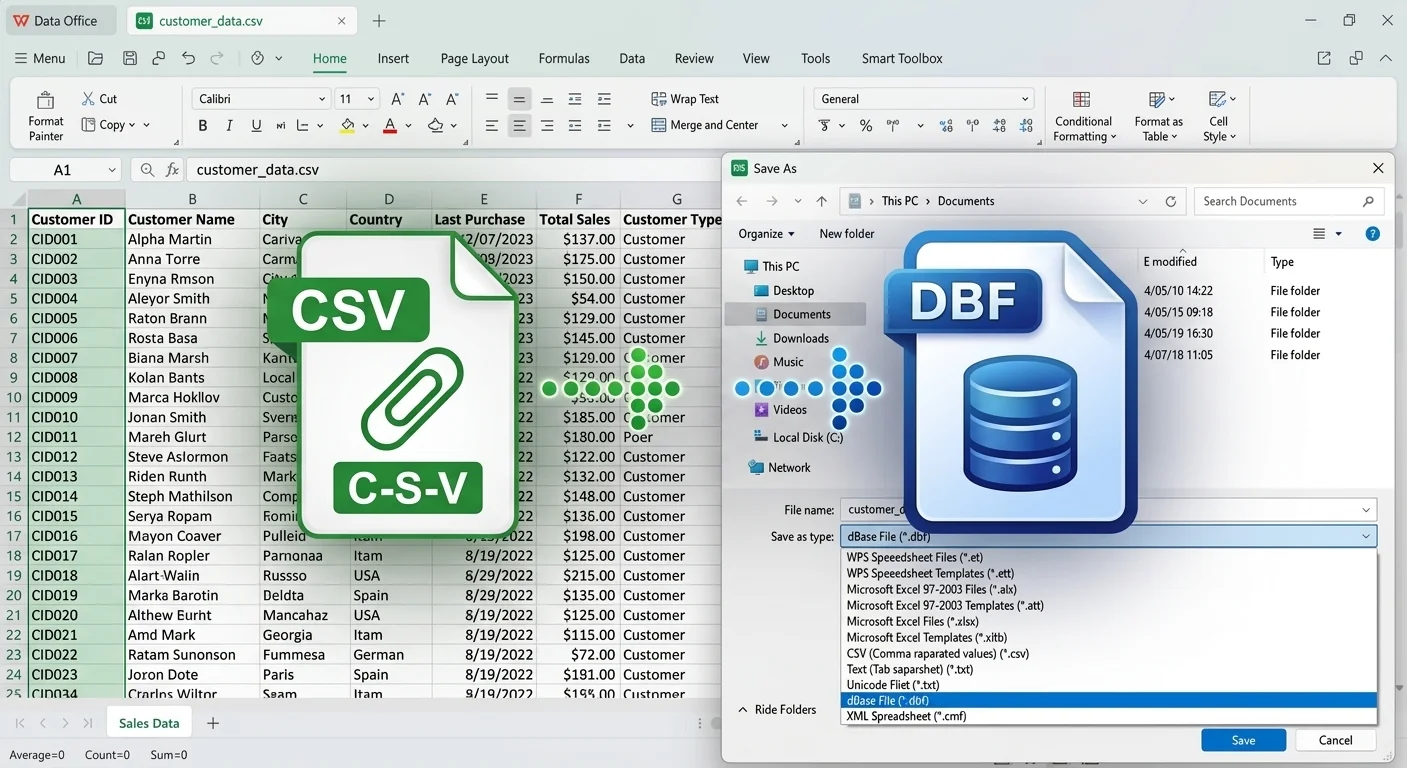
Open CSV and save as DBF in WPS
From a single comma-separated file to hundreds of thousands of records, WPS turns CSV into a clean dBase / FoxPro DBF—field types, character encoding, and batch export handled for you.
Skip third-party converters. WPS reads any .csv and saves it straight to a dBase III/IV or FoxPro .dbf that your database or GIS can open natively.
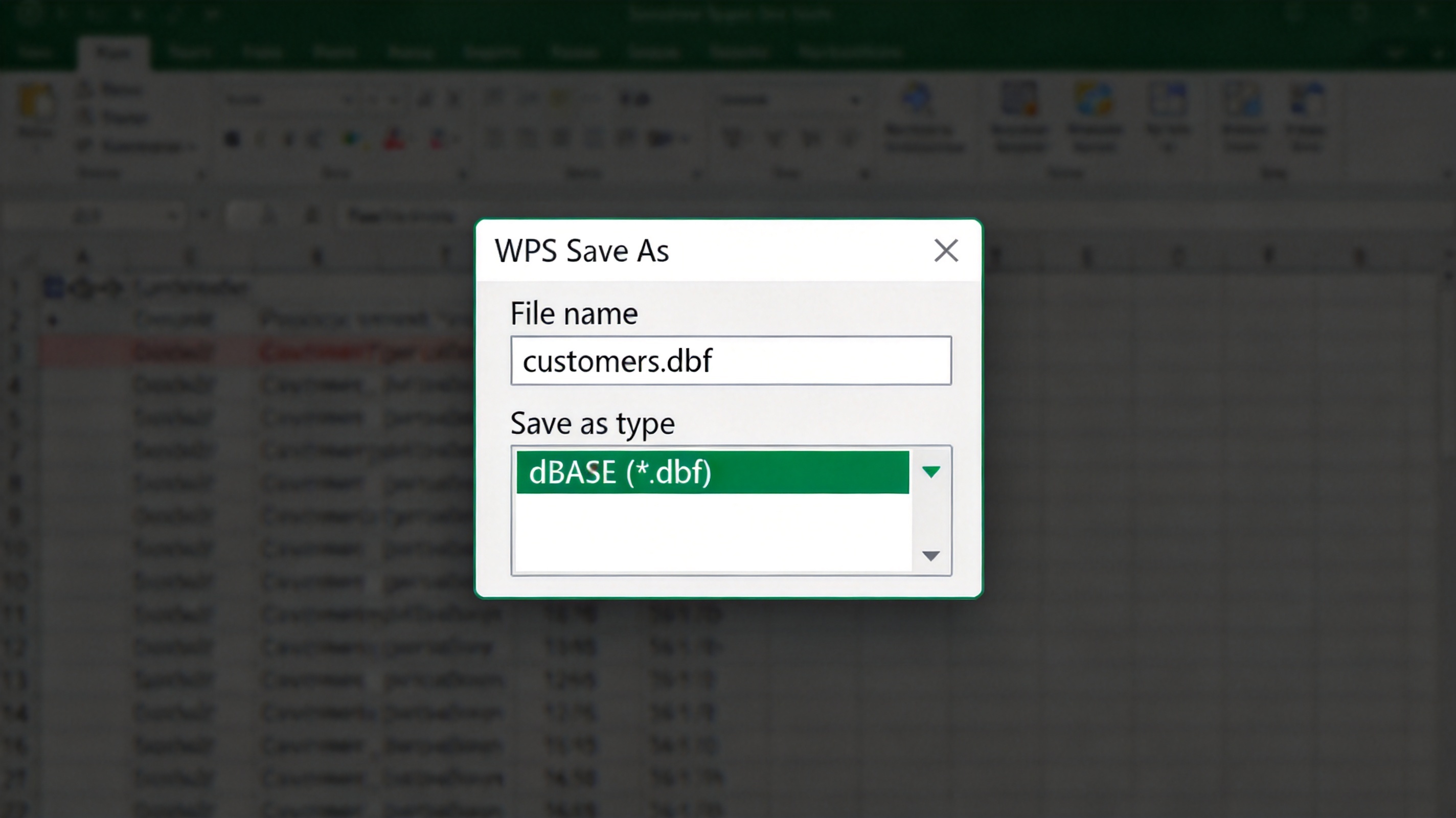
Save CSV as dBASE DBF file in WPS
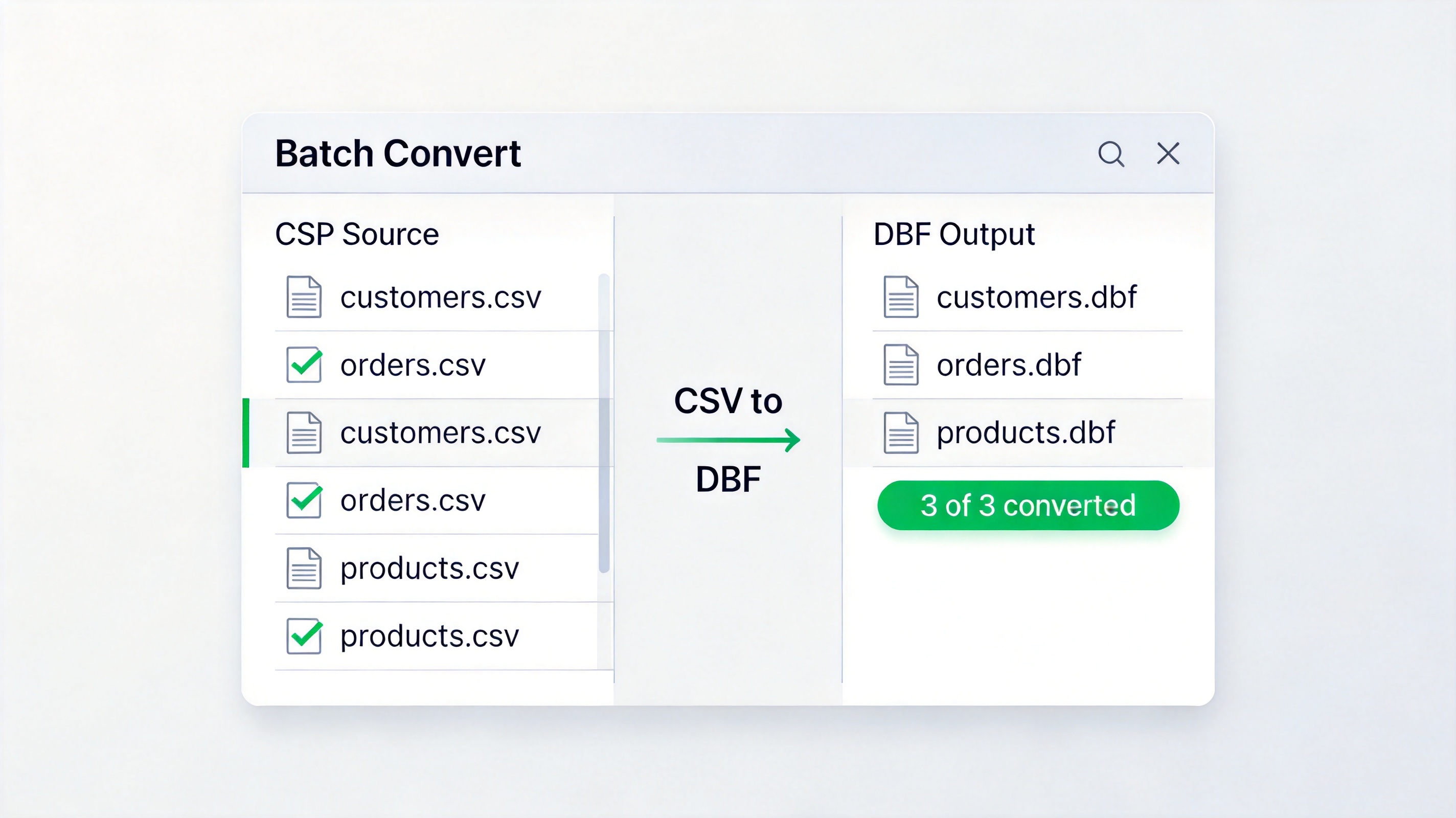
Batch convert CSV files to DBF format
Queue hundreds of CSV files and convert them to DBF on your own machine—no web upload, so customer lists, financials, and GIS attributes stay private.
Map every CSV column to a Character, Numeric, or Date field, set byte lengths, and choose GBK or ASCII—so records import cleanly, with no mojibake or silent truncation.
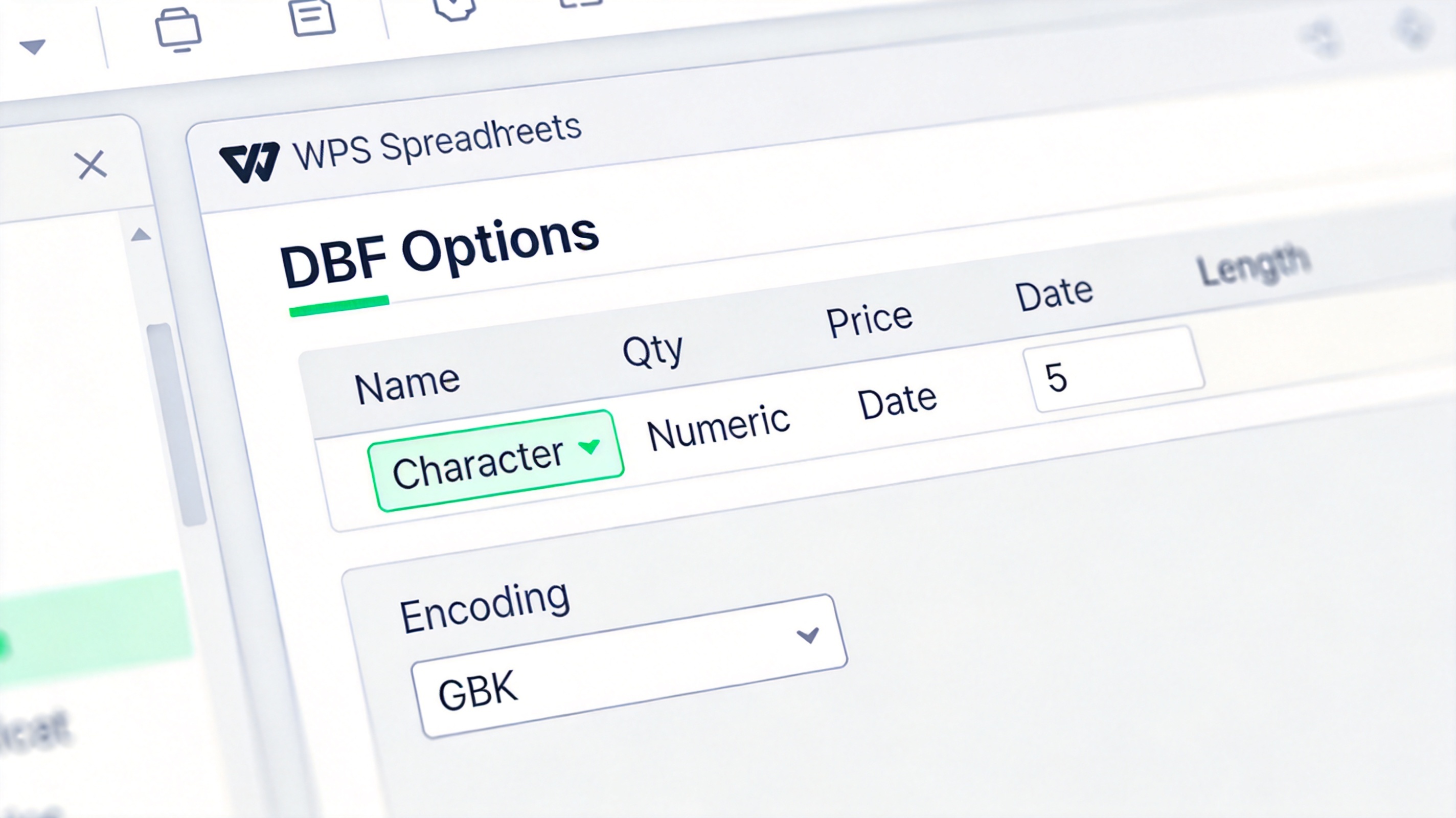
Set DBF field types and encoding options
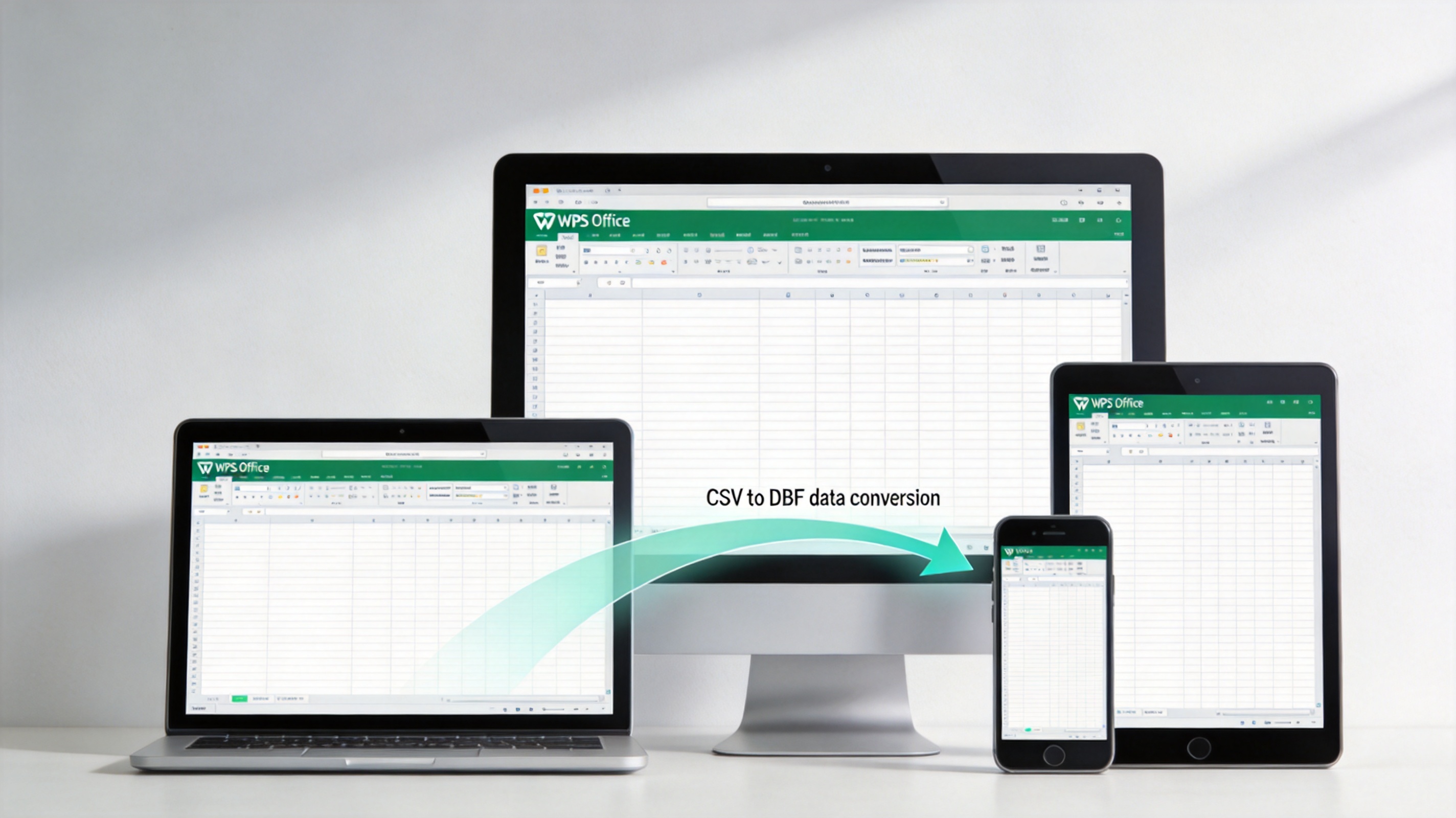
Use WPS Spreadsheets on desktop mobile tablet
Filter, sort, and tidy the CSV inside WPS first, then export to DBF in the same window—no separate converter app to install or pay for.
REAL USERS · WPS OFFICE
Ops and GIS teams use WPS Spreadsheet for CSV to DBF locally—Save As DBF when ERP or FoxPro still needs the classic table.
0
Users
5
Platforms
.DBF
Export
Windows · Mac · Linux · Android · iOS
"Modern CSV no longer exports DBF for our ERP. WPS opens the .csv locally and CSV to DBF via Save As just works."
Jordan K.
Operations Analyst
Install the free suite on Windows, Mac, Linux, iOS, or Android. CSV to DBF runs in WPS Spreadsheet—no separate DBF converter.
Choose File → Open and select your .csv file. Clean headers, filter rows, and confirm column types before export.
Choose File → Save As and pick dBase File (*.dbf) (or FoxPro DBF). Save under a new name, then re-open the .dbf to confirm the conversion.
Quick answers about converting CSV data to dBase DBF with WPS Spreadsheet.
Download WPS Office free and convert CSV to DBF locally—open the CSV file, tidy columns, and Save As DBF without an online converter or Microsoft Excel DBF export.
One installer · Writer + Spreadsheet + Presentation + PDF
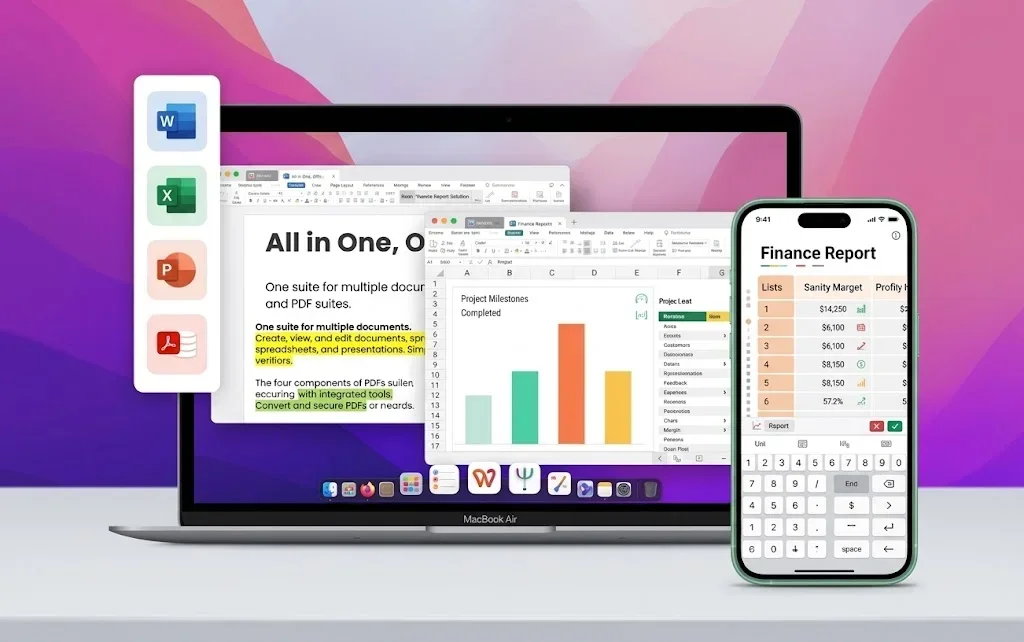
WPS Office suite on laptop and phone