Truly usable free conversion
Convert everyday workbooks without the usual free-download traps—page caps, giant watermarks, or forced activation after a short trial.
Convert spreadsheets to PDF on your PC with WPS Office—a free desktop path that avoids watermark traps and shady converter installs. Already have Excel? Start with Save As / Print to PDF; download WPS when you need offline tools, batch export, or no Microsoft license.
Official download · Windows, Mac, Linux, Android, iOS
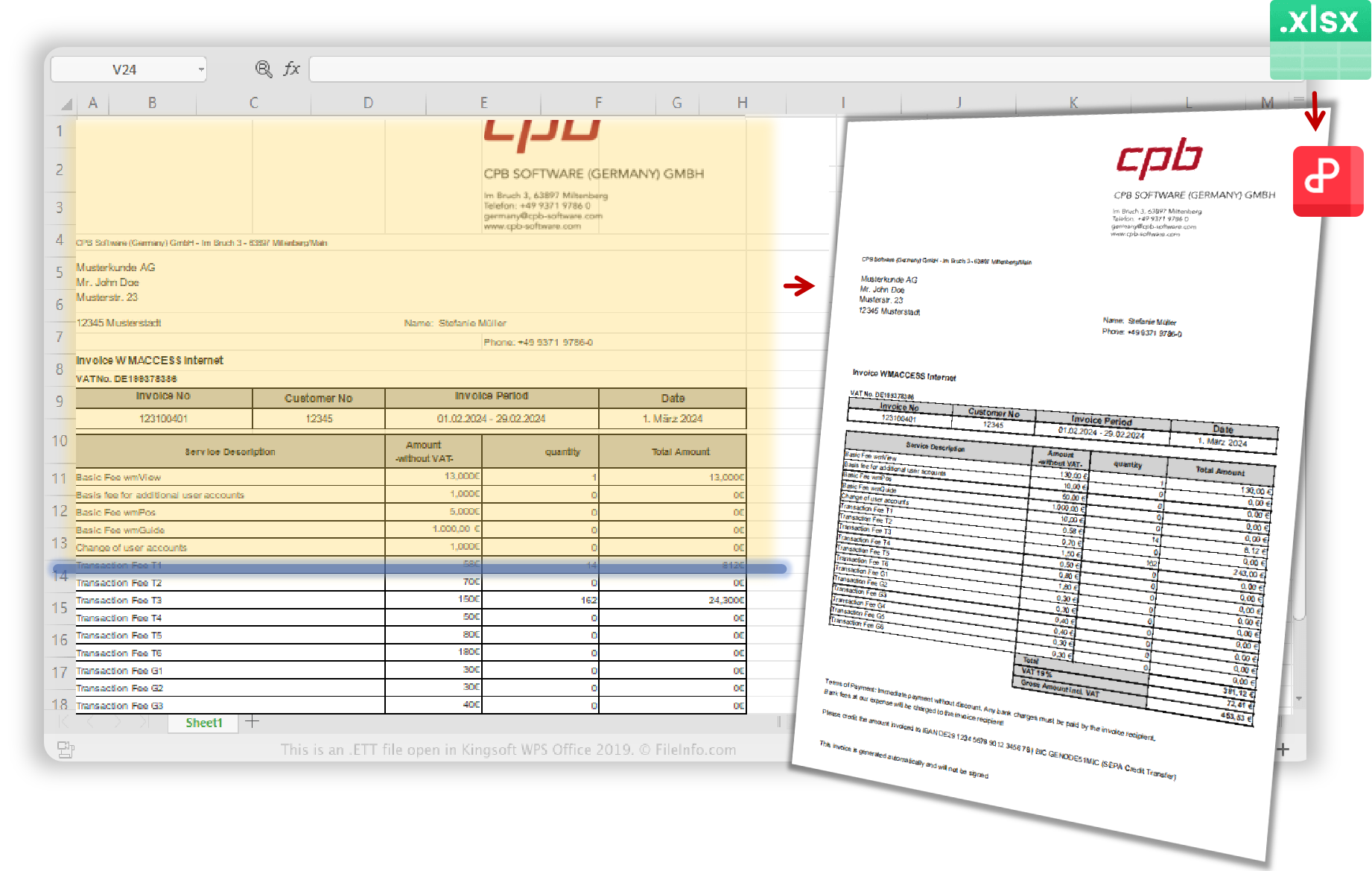
WPS Excel to PDF converter software interface
What you get with WPS
Skip watermark limits, keep files on your PC, protect wide-table layout, and finish stacks of reports without one-by-one busywork.
Convert everyday workbooks without the usual free-download traps—page caps, giant watermarks, or forced activation after a short trial.
Payroll and finance sheets belong on your machine—not on an unknown upload site that promises “free convert.”
Stop PDFs that chop columns mid-page or spill every worksheet when you only needed Sheet1.
Month-end shouldn’t mean clicking Save As twenty times for nearly identical workbooks.
Many people search for excel to pdf converter software free download because they assume a special installer is required. Often it isn’t.
Offline Excel to PDF on desktop
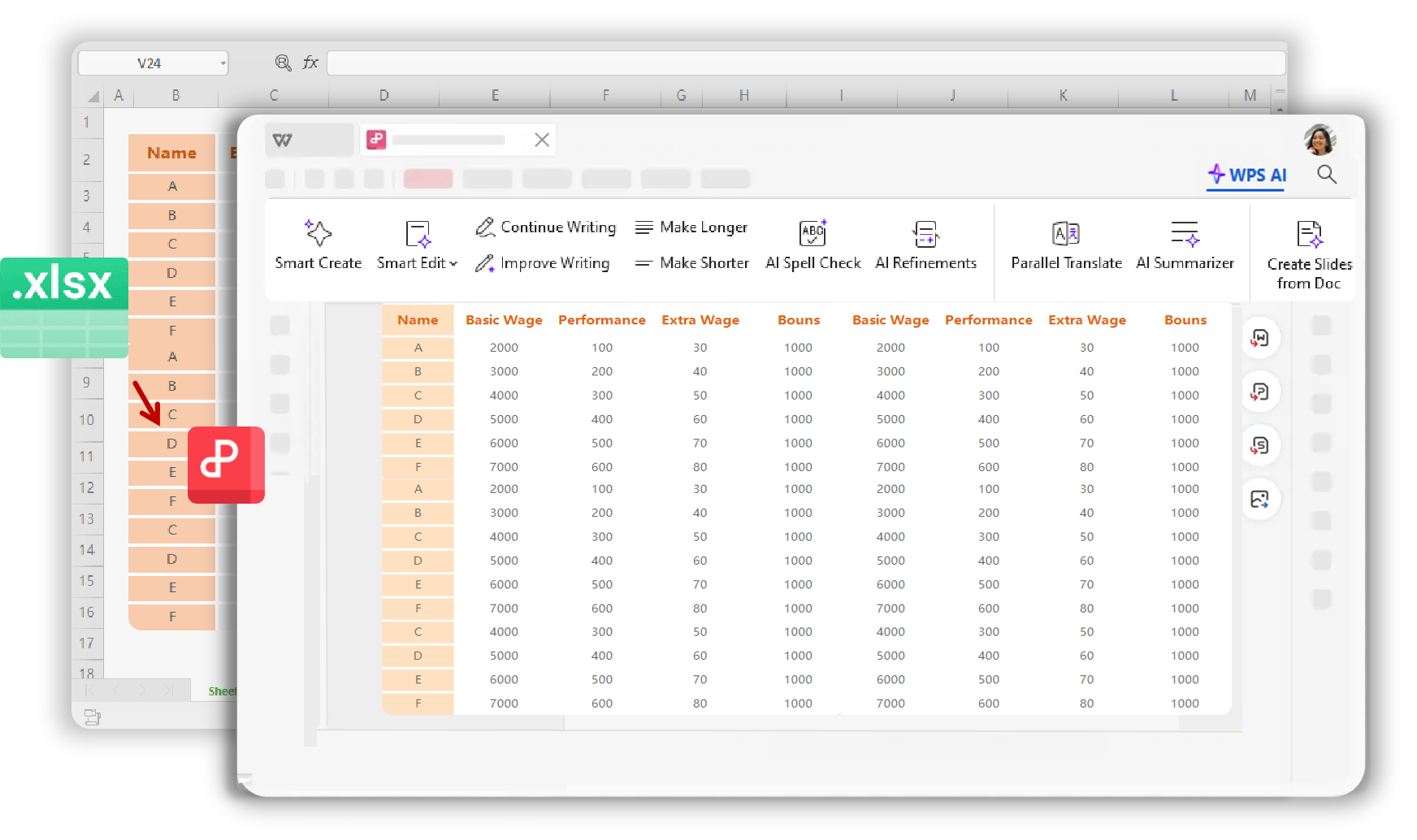
After Excel becomes PDF, keep editing, converting, and sharing without jumping between installers.
Focused conversion for modern Excel workbooks with layout control.
Learn moreConvert across office formats when your workflow isn’t only Excel.
Learn moreBrowser option for non-sensitive files when you don’t want to install.
Learn more
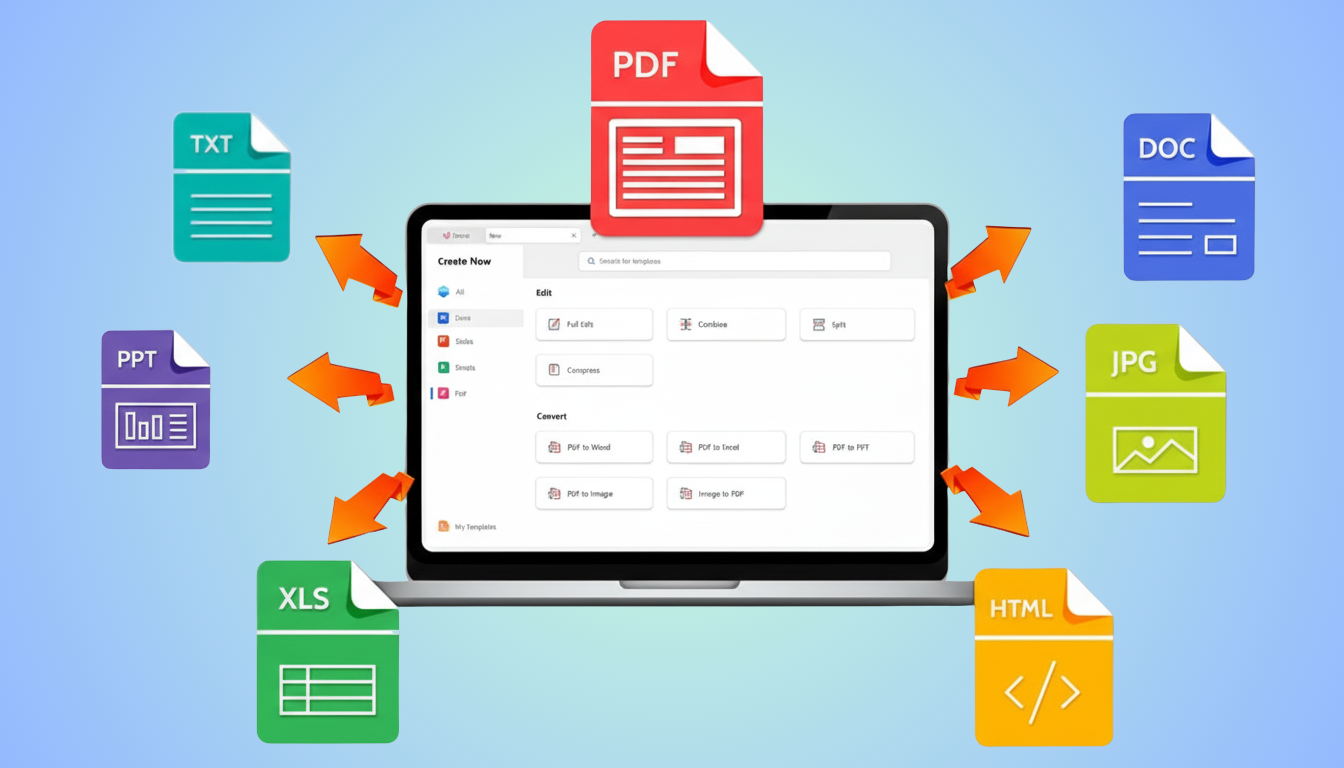
WPS PDF converter suite overview
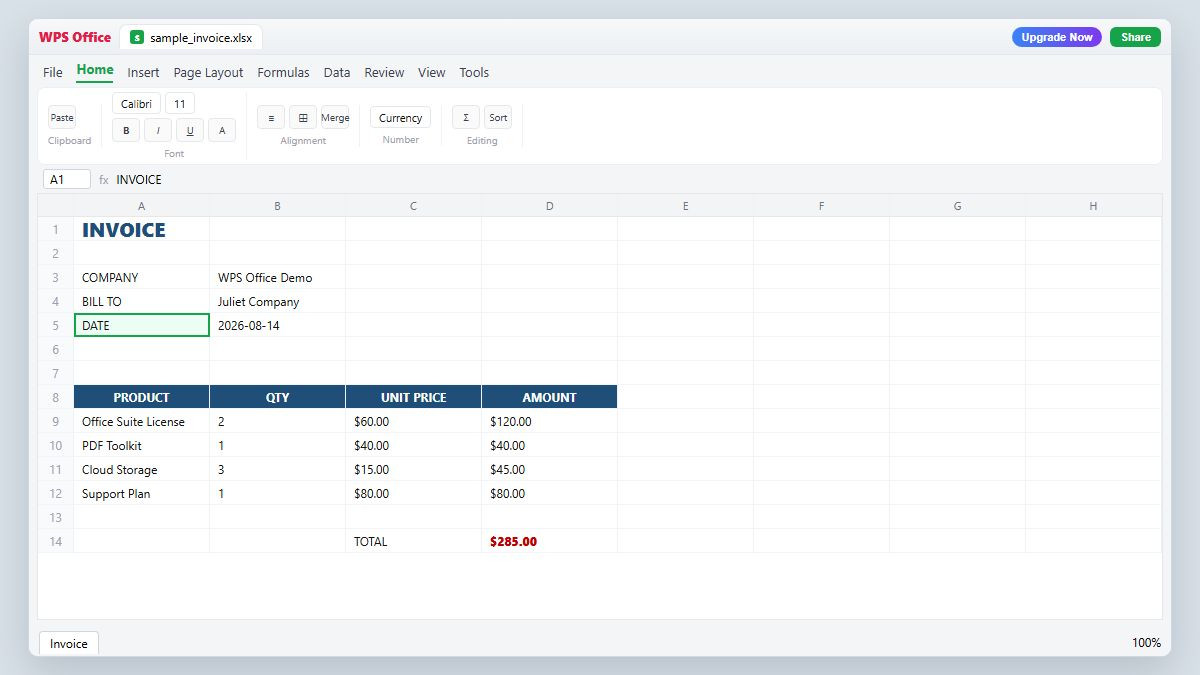
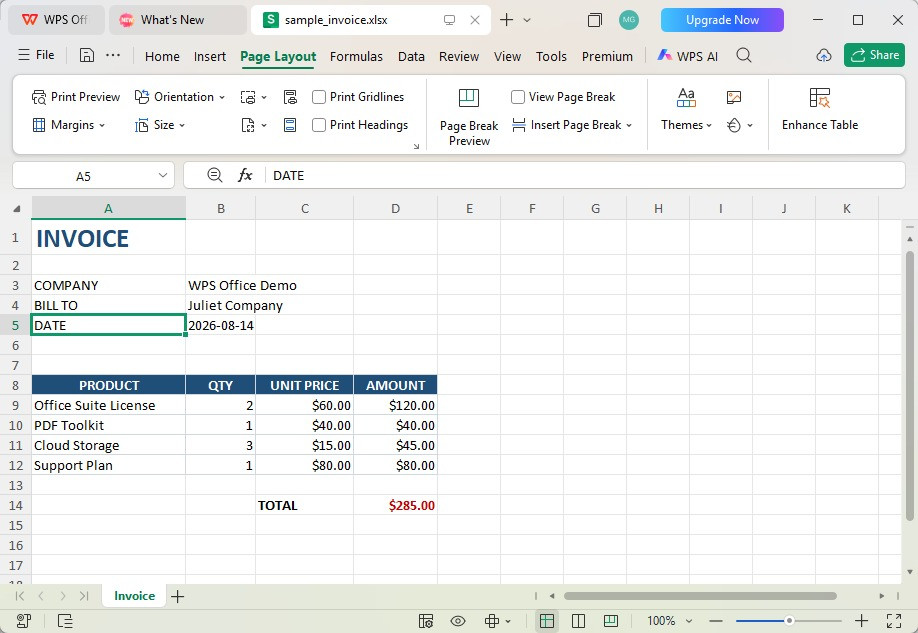
Follow these real WPS screenshots from the desktop app: open the workbook, set Page Layout, choose File → Export to PDF, then preview and export on your PC.
Download WPS Office, open Spreadsheets, and load your .xls or .xlsx workbook—no Microsoft Excel license required.
Open the Page Layout tab. Adjust Orientation, Margins, and Size before export so wide sheets are not cut off in the PDF.
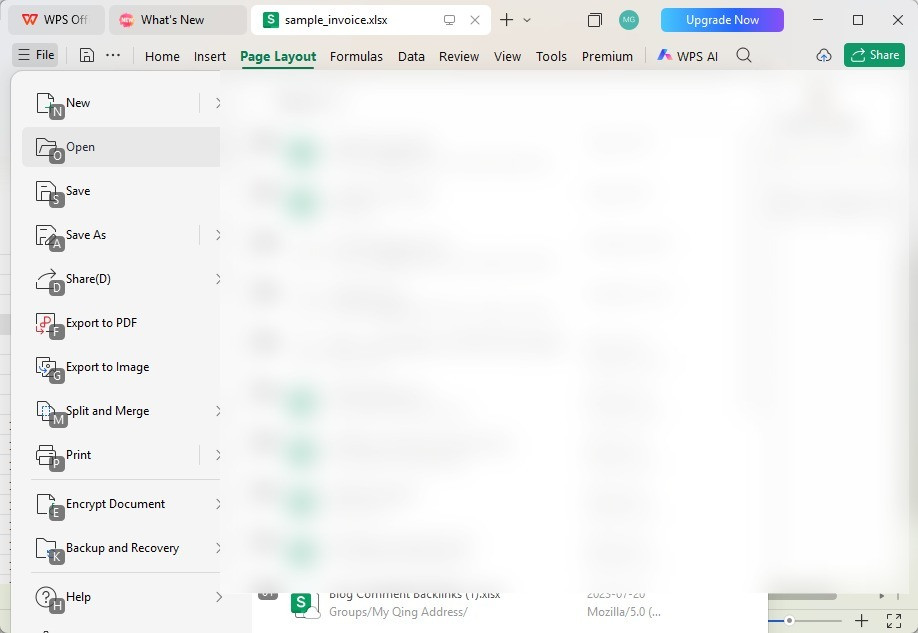
Open File and choose Export to PDF (or press Alt+F, then F). This starts the built-in Excel-to-PDF exporter.
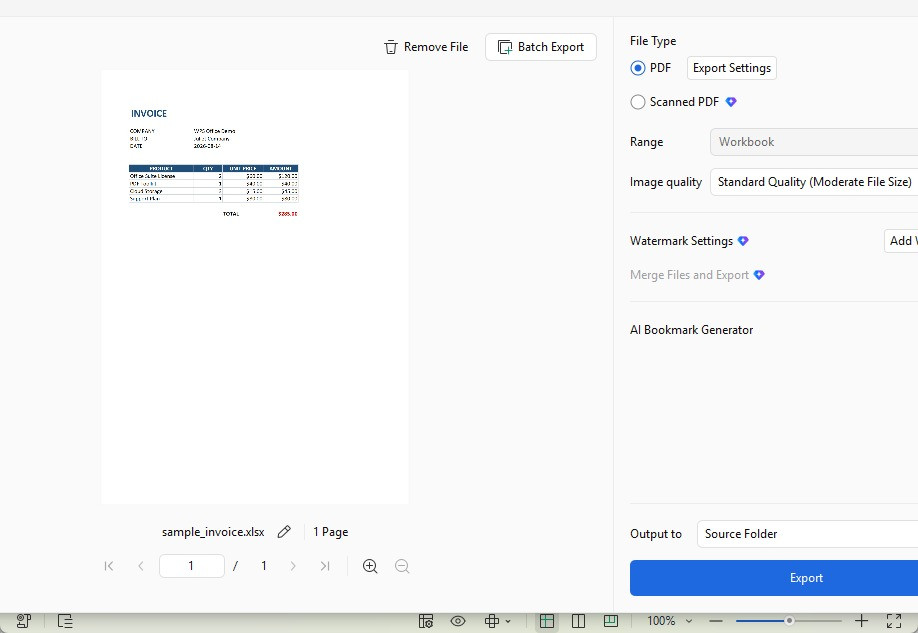
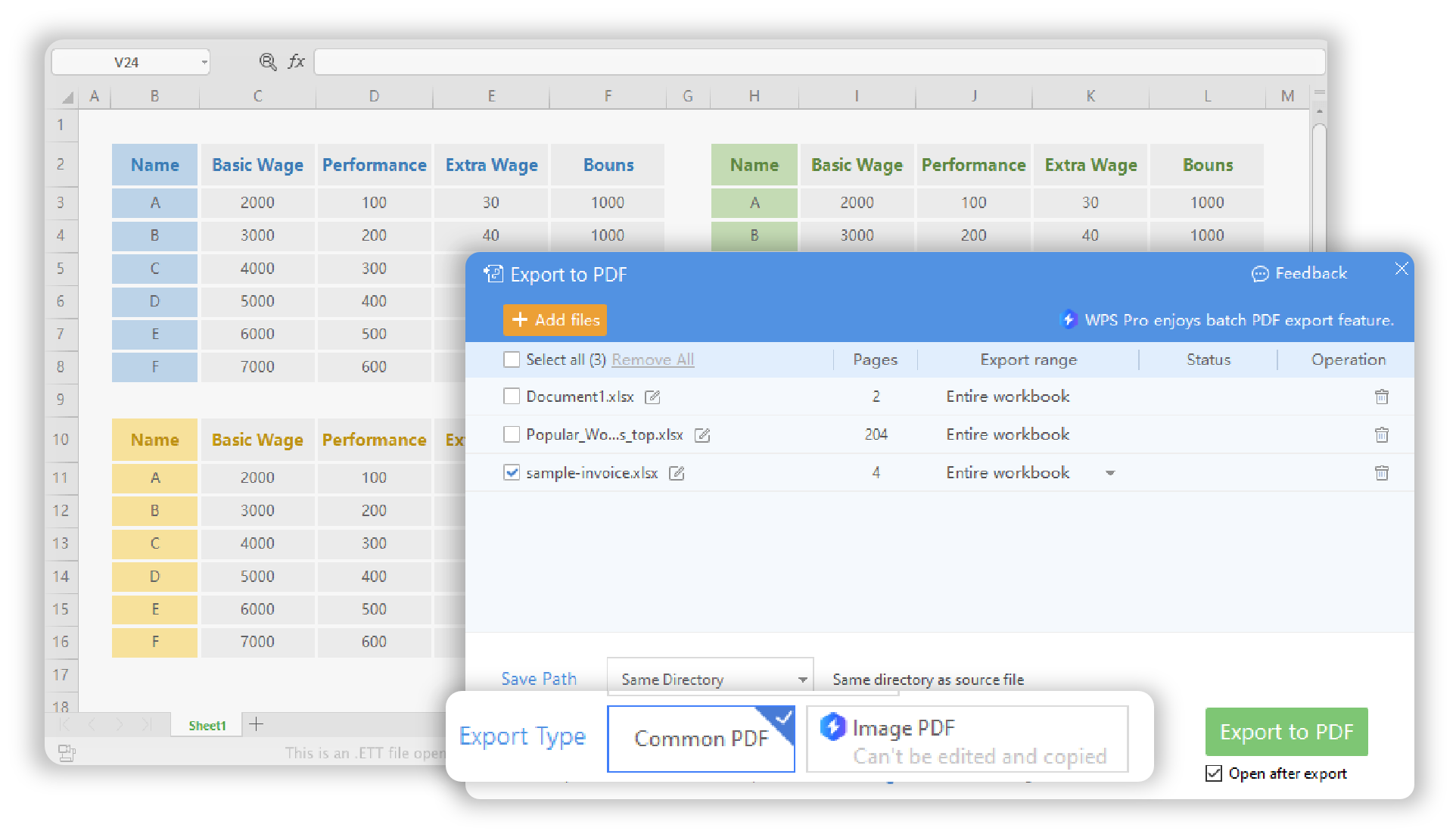
Check the preview, set Range (Workbook or sheet), choose Output to Source Folder, then click Export. Use Batch Export when you have multiple Excel files.
Clear answers on free export, safety, formatting, and when software is actually needed.
Convert XLS/XLSX to PDF offline, keep sensitive sheets local, and avoid watermarked “free” converters. Start with Excel’s built-in export when you already have it—download WPS when you need a complete free suite.
Get started on Windows, Mac, Android, or iOS via the official WPS Office download page.
WPS Excel to PDF on multiple devices
REAL USERS · WPS OFFICE
Trusted When Free Downloads Feel Risky
Teams convert spreadsheets to PDF for sharing—without gambling on watermarked trials or unknown installers.
“I stopped downloading random Excel-to-PDF converters. WPS exports clean PDFs offline—and wide finance sheets finally fit.”