
Laggy Windows Photos
Pain
The built-in Photos app spins, then loads ads, cloud, and extra chrome before you even see the picture.
WPS Solution
Photo reader for PC — open folders fast, arrow through shots, stay on the image.
Skip the laggy Photos app. This free photo reader for PC opens JPG, PNG, GIF, and HEIC in a light viewer, then lets you crop, enhance, or drop pictures into Word, PPT, and PDF—one installer, no extra picture viewer download for Windows 10.

Classic Windows Photo Viewer is hidden. The new Photos app feels heavy. WPS Photos is the lightweight picture viewer that also finishes the office job.
Pain
The built-in Photos app spins, then loads ads, cloud, and extra chrome before you even see the picture.
WPS Solution
Photo reader for PC — open folders fast, arrow through shots, stay on the image.
Pain
Windows 10 hid Photo Viewer. Registry hacks just to restore a simple slideshow feel risky.
WPS Solution
Picture viewer download for Windows 10 — install WPS, no registry edits.
Pain
iPhone photos land as HEIC and Windows shows a blank thumbnail until you hunt codecs.
WPS Solution
HEIC + JPG + PNG + WEBP — view iPhone shots, then compress or convert in the same suite.
Pain
You view in one app, crop in another, then paste into Word or PDF and lose quality.
WPS Solution
View → edit → insert — one photo reader download, then drop into Writer, PPT, or PDF.
Photo Reader Download
One lightweight installer gives you a picture viewer download for Windows 10 plus Writer, Spreadsheet, Presentation, and PDF—view pictures locally, then finish the document in the same suite.
Lightweight Installer (< 50MB) · 100% Safe & Secure
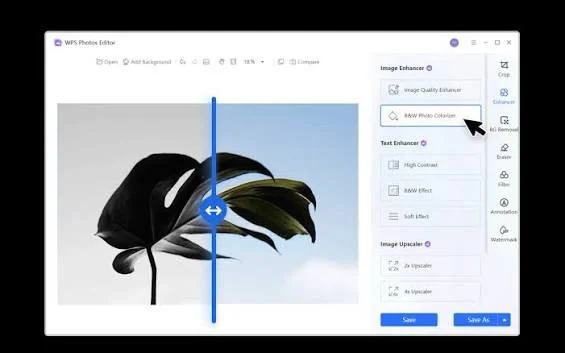
Everything you need inside WPS Office Photo Reader for PC—fast viewing, wide formats, on-the-fly AI edits, and a direct path into Word, PPT, and OCR.
Opens instantly without lag. Enjoy a clean, distraction-free reader built for smooth zooming and effortless browsing through high-res or long images.
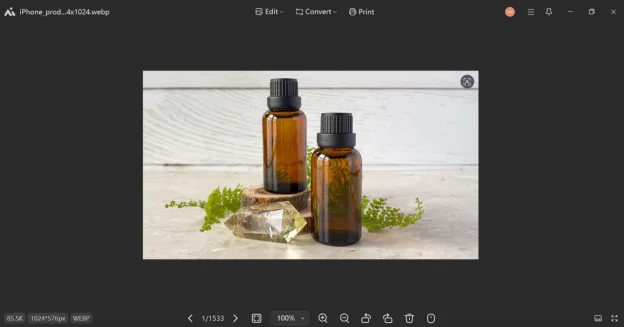
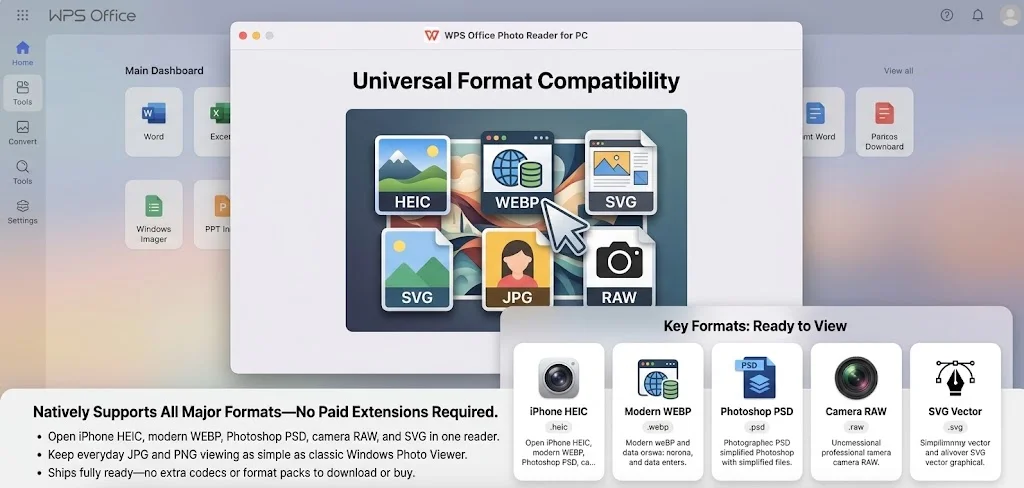
Natively supports HEIC, WEBP, PSD, RAW, SVG, and traditional formats like JPG and PNG—no extra codec extensions or paid downloads required.
Fix images on the fly. Features one-click AI background removal, image resolution enhancer, smart magic eraser, and rich annotation tools.
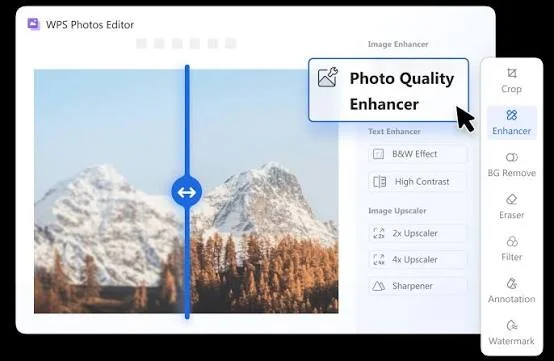
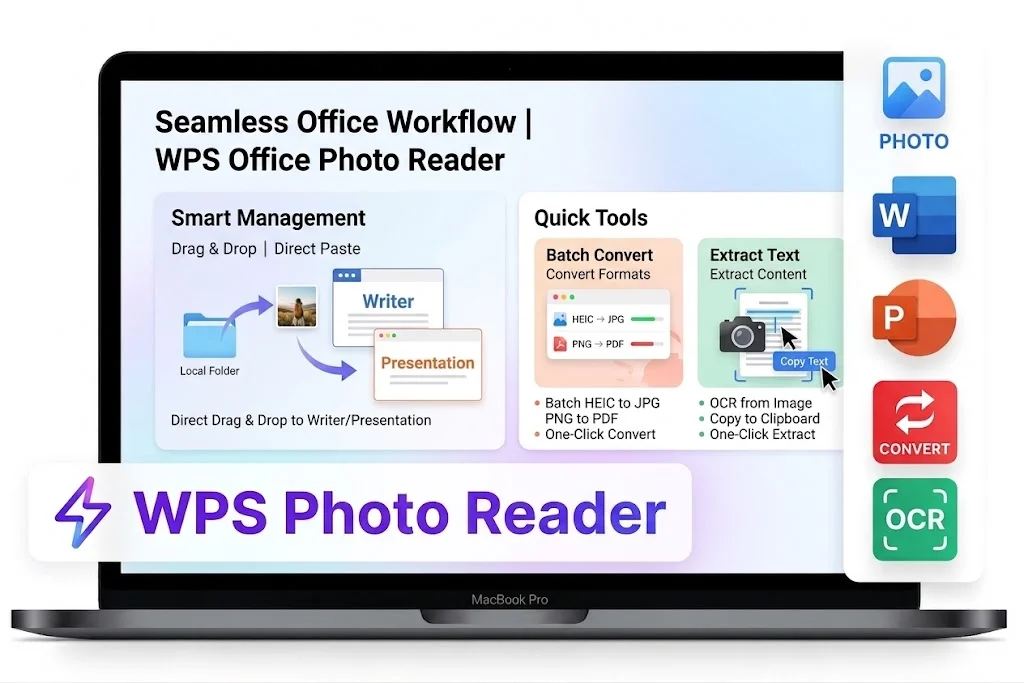
Designed for productivity. Drag and drop directly into Word or PPT, convert formats in batches, and extract text via OCR with a single click.
After you view pictures on your PC, drop them into real WPS album, travel, and wedding templates—then export PPT or Word without leaving the suite.
Need a photo reader download that also builds albums? Install WPS Office and open any template above.
Free DownloadREAL USERS · WPS OFFICE
Install WPS Office and get a picture viewer download for Windows 10 plus the office tools you already needed for reports and albums.
0
Global MAU
Win 10
Picture Viewer
4-in-1
Office Suite
Free to start · Compatible with Windows, Mac, iOS, Android & Linux
"Windows Photos felt like waiting in line. WPS Photos opens the folder, I arrow through shots, then drop the keepers into a report."
Jordan L.
Windows 10 user
From photo reader download to a picture on screen — a simple path to use WPS Office Photo Reader for PC on Windows 10.
Install the free photo reader download on Windows 10, Windows 11, or Mac. WPS Photos is included in the same installer—no second app store listing.
Right-click a JPG, PNG, GIF, HEIC, or WEBP file and choose Open with WPS Photos, or browse the folder from WPS Office.
Zoom, rotate, crop, or enhance, then save or insert the picture into Writer, Presentation, or PDF without switching apps.
Download WPS Office free and replace the slow Photos app with a photo reader for PC that also edits, compresses, and inserts pictures into Word, PPT, and PDF.
One installer · Writer + Spreadsheet + Presentation + PDF + Photos


