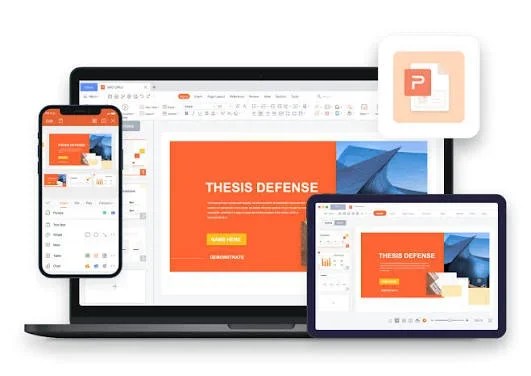
Subscription lock
Pain
Microsoft 365 expires and the deck opens as read-only. You cannot fix a typo before the meeting.
WPS Solution
A free PowerPoint editor in WPS Presentation—open, edit, and save PPTX without a paid license.
Open Microsoft decks, rewrite slides, and keep layouts intact. The WPS Office PowerPoint editor gives you AI polish, templates, and presenter tools—without a paid Office subscription.

Subscriptions, broken layouts, and browser-only tools slow slide work. WPS keeps the file on your device and the design on the slide.
Pain
Microsoft 365 expires and the deck opens as read-only. You cannot fix a typo before the meeting.
WPS Solution
A free PowerPoint editor in WPS Presentation—open, edit, and save PPTX without a paid license.
Pain
Web-only tools shift fonts, crop charts, and drop animations when you import a client template.
WPS Solution
Native .ppt / .pptx round-trip so master slides, charts, and transitions stay where you left them.
Pain
Online editors ask you to send confidential pitches to a third-party server just to change a number.
WPS Solution
Desktop editing runs locally. Cloud share is optional when you want co-edit later.
Pain
You have the content, but building 12 on-brand slides from a white canvas eats the afternoon.
WPS Solution
Start from a template or ask WPS AI to draft slides, then refine copy, charts, and speaker notes.
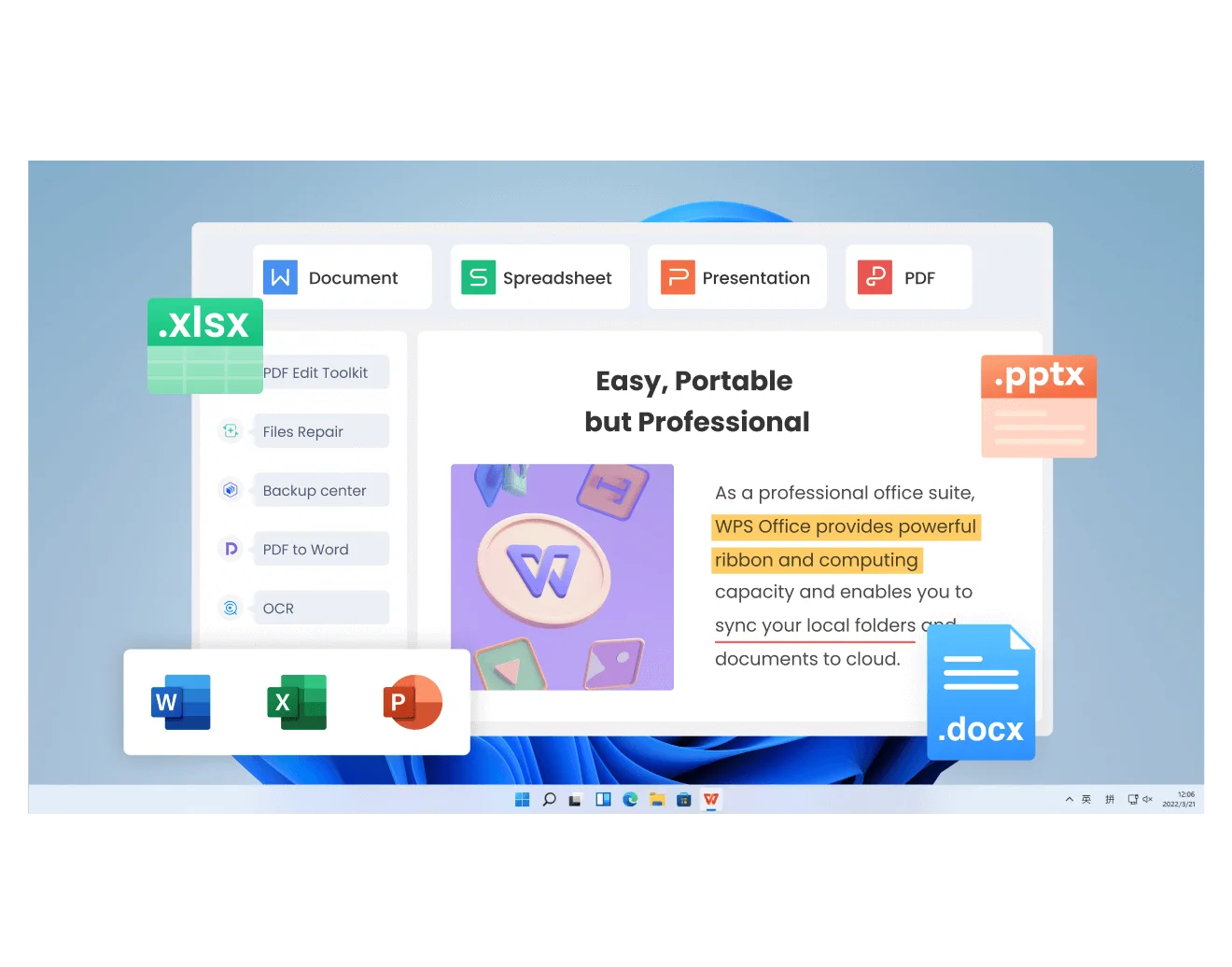
Install one suite and edit slides the same way you already know—then keep going in Writer, Spreadsheet, and PDF.
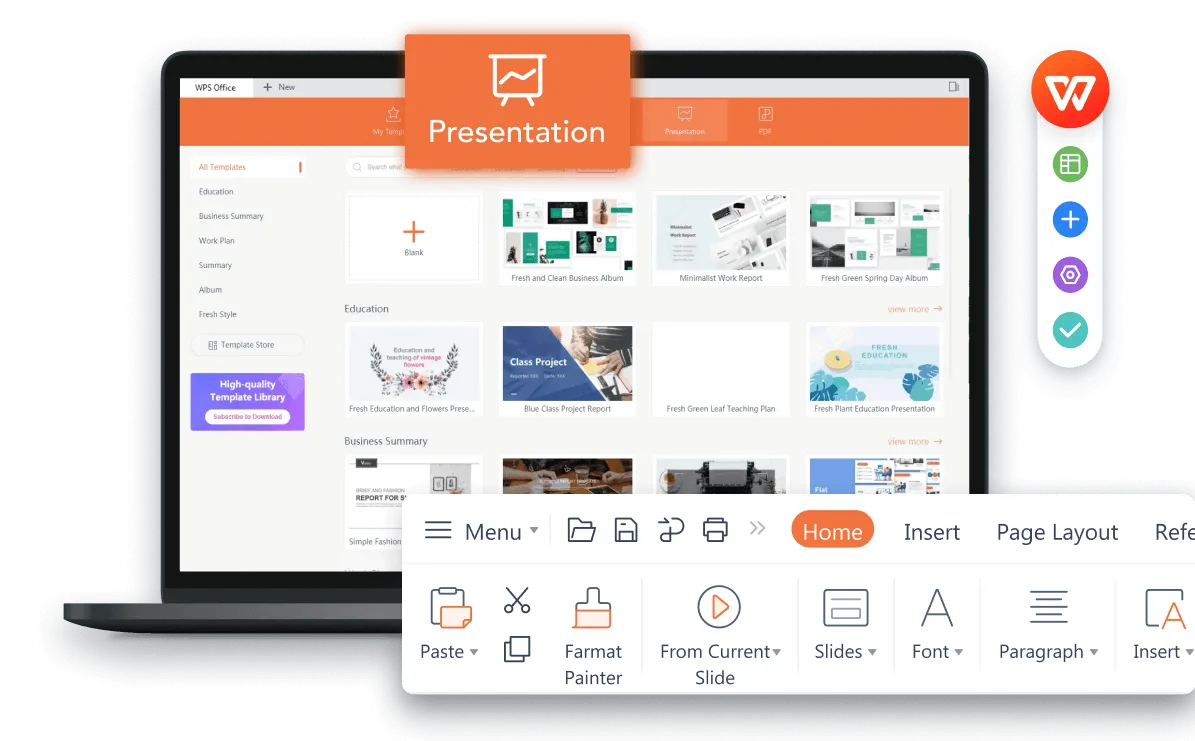
Everything you need to build, polish, and deliver slides inside the WPS Office PowerPoint editor.
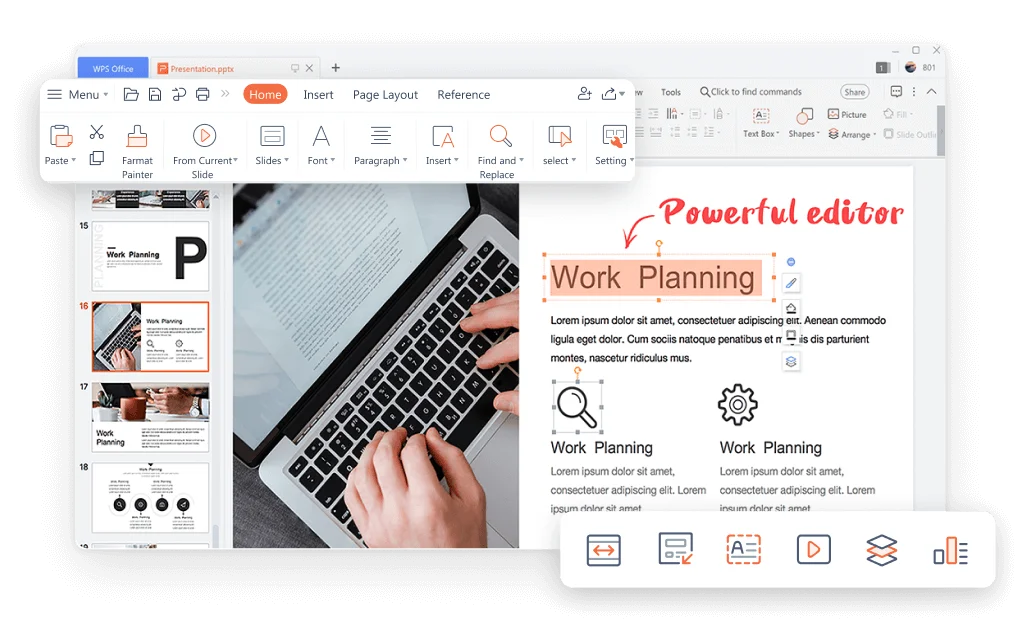
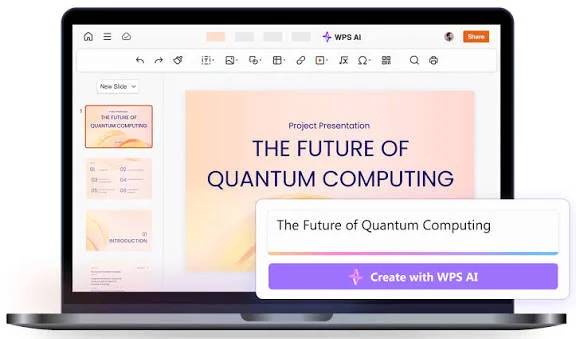
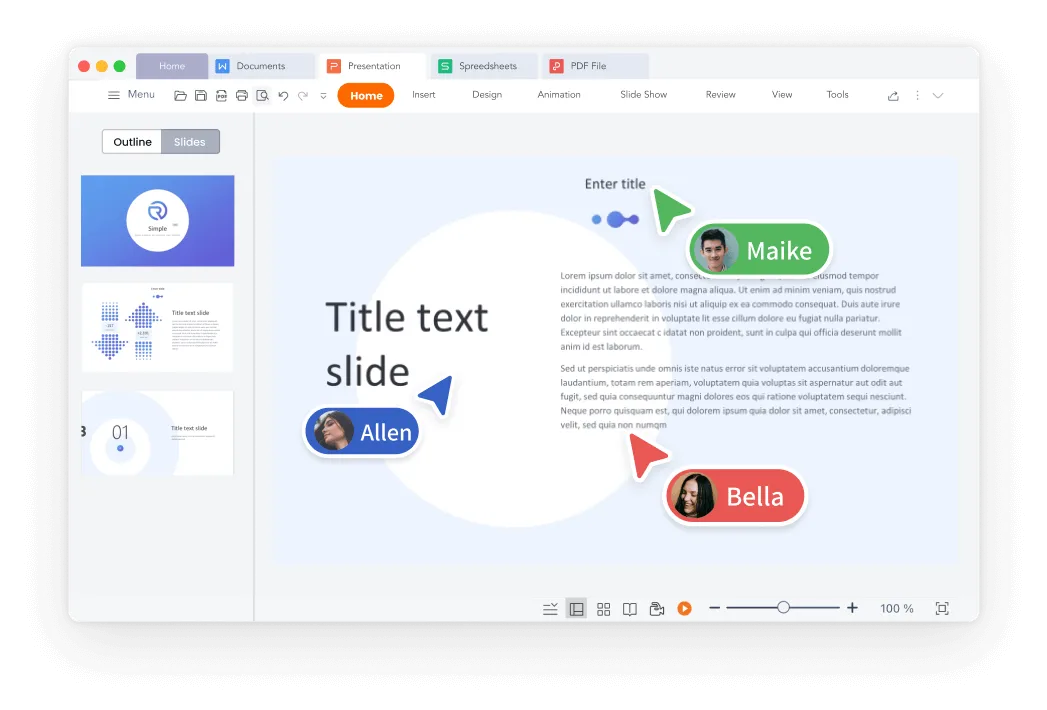
Open a real WPS template in the PowerPoint editor—business decks, marketing pitches, HR onboarding, and infographics.
 Use Template
PPTX
Use Template
PPTX
 Use Template
PPTX
Use Template
PPTX
 Use Template
PPTX
Use Template
PPTX
 Use Template
PPTX
Use Template
PPTX
 Use Template
PPTX
Use Template
PPTX
 Use Template
PPTX
Use Template
PPTX
 Use Template
PPTX
Use Template
PPTX
 Use Template
PPTX
Use Template
PPTX
 Use Template
PPTX
Use Template
PPTX
 Use Template
PPTX
Use Template
PPTX
 Use Template
PPTX
Use Template
PPTX
 Use Template
PPTX
Use Template
PPTX
Edit any template in the WPS Office PowerPoint editor
Free DownloadREAL USERS · WPS OFFICE
Students, analysts, and ops teams edit PPTX in WPS because compatibility and price both have to work on deadline.
0
Monthly users
4.8
App Store avg
.pptx
Round-trip ready
Windows · Mac · Linux · iOS · Android
"Switched from PowerPoint and never looked back. The AI features save me hours every week on presentations. Slide design, animations, templates — everything just works."
Maria Chen
Financial Analyst · G2
Install WPS Office on Windows, Mac, Linux, iOS, or Android. Launch WPS Presentation—that is the PowerPoint editor.
File → Open an existing Microsoft deck, or start from a blank slide or a WPS PPT template. Layouts, fonts, and charts stay in place.
Rewrite text, add animations, or ask WPS AI to tighten copy. Save as PPTX, export PDF, or start the slideshow.
Download WPS Office free and edit PPT or PPTX on your desktop—then finish the job with AI, templates, and PDF export.
One installer · Writer + Spreadsheet + Presentation + PDF